rez.nuxx.net
March 9, 2006
Well, it looks like my colo provider suffered some sort of power failure, causing rez.nuxx.net to reboot. It’s back up now…
Well, it looks like my colo provider suffered some sort of power failure, causing rez.nuxx.net to reboot. It’s back up now…
Well, I think I got the Illustrator problem described here fixed.
I took a bit of a brute force approach to the problem. To fix it, I did the following:
– Export the whole image at 1000dpi to a PNG.
– Open the PNG in Photoshop.
– See how many pixels off the image is.
– Adjust the part which was ‘off’ by an appropriate many thousandths of an inch in Illustrator.
I’m pretty certain it’s now fixed… When exporting the image at both 300 and 600 dpi, a ‘bump’ is no longer visible.
Hopefully this version, v1.2 (photo gallery retired), will be the final one. Once I’m certain of this I’ll convert it to the format which Maverick likes, which is basically certain parts set to particular colors from a rather restrictive palette.
Hmm. Yeah. Go-home time soon.
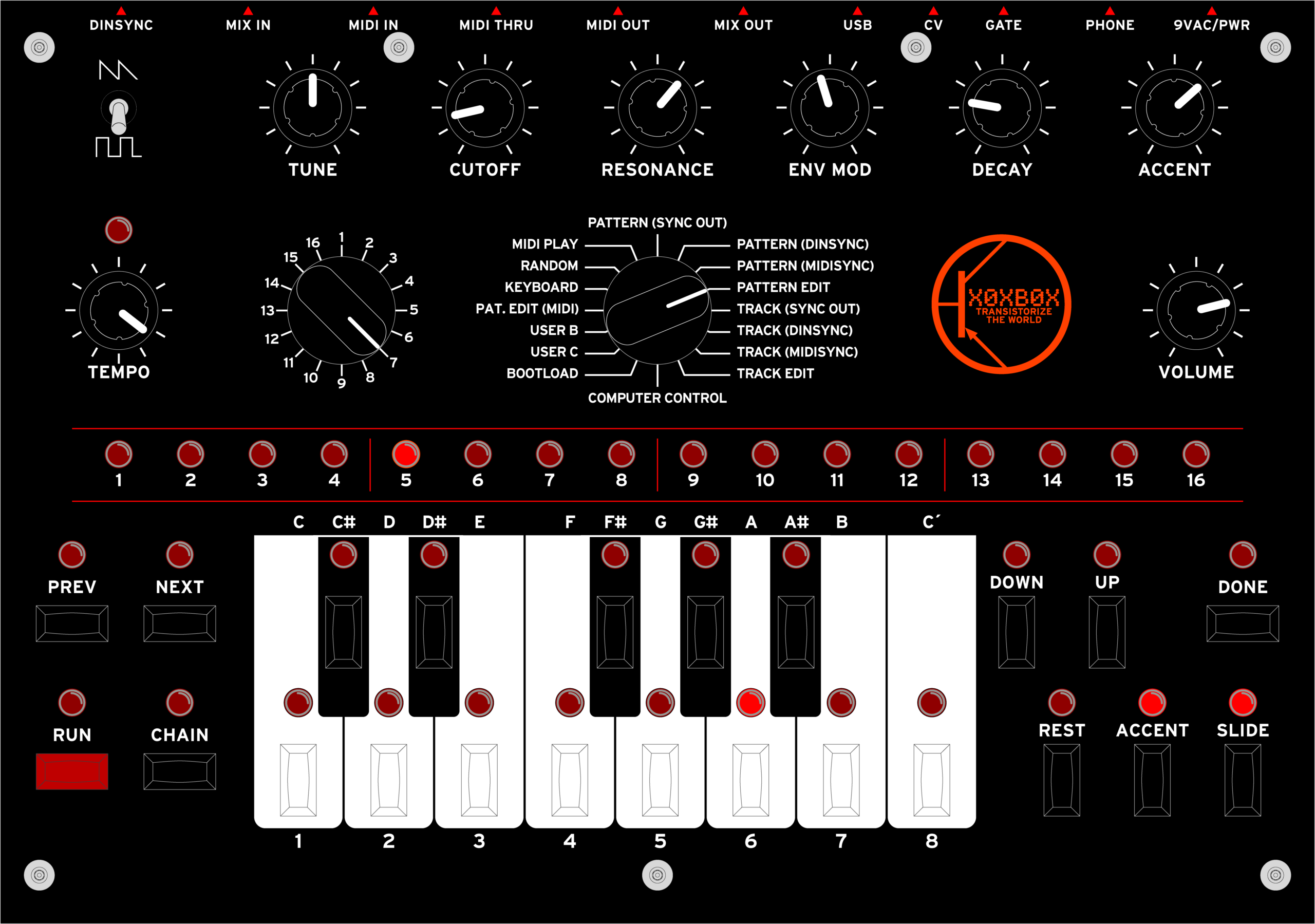
Yep, there’s v1.1. I cleaned up the keys a little, removed the center detent marks, and changed the logo.
GUR. I just realized that I’ve got some screwed up Illustrator problem…
Could someone help me with this? I’ve got screenshots explaining what I’m seeing, and why I think I shouldn’t be seeing it:
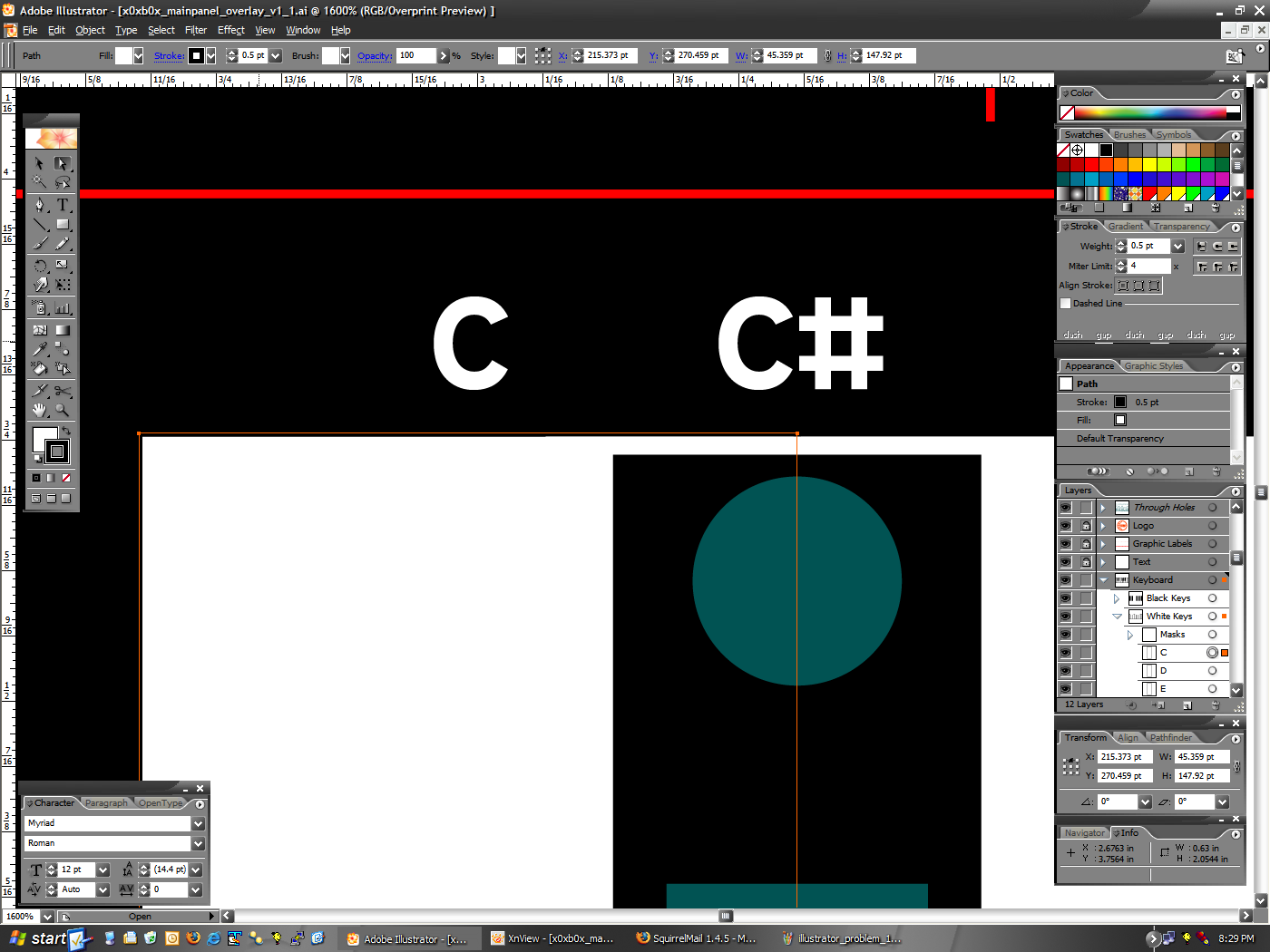
First, as you can see here, the white box I use to mask the key spacing line above the black keys appears to extend up a bit higher than it should.
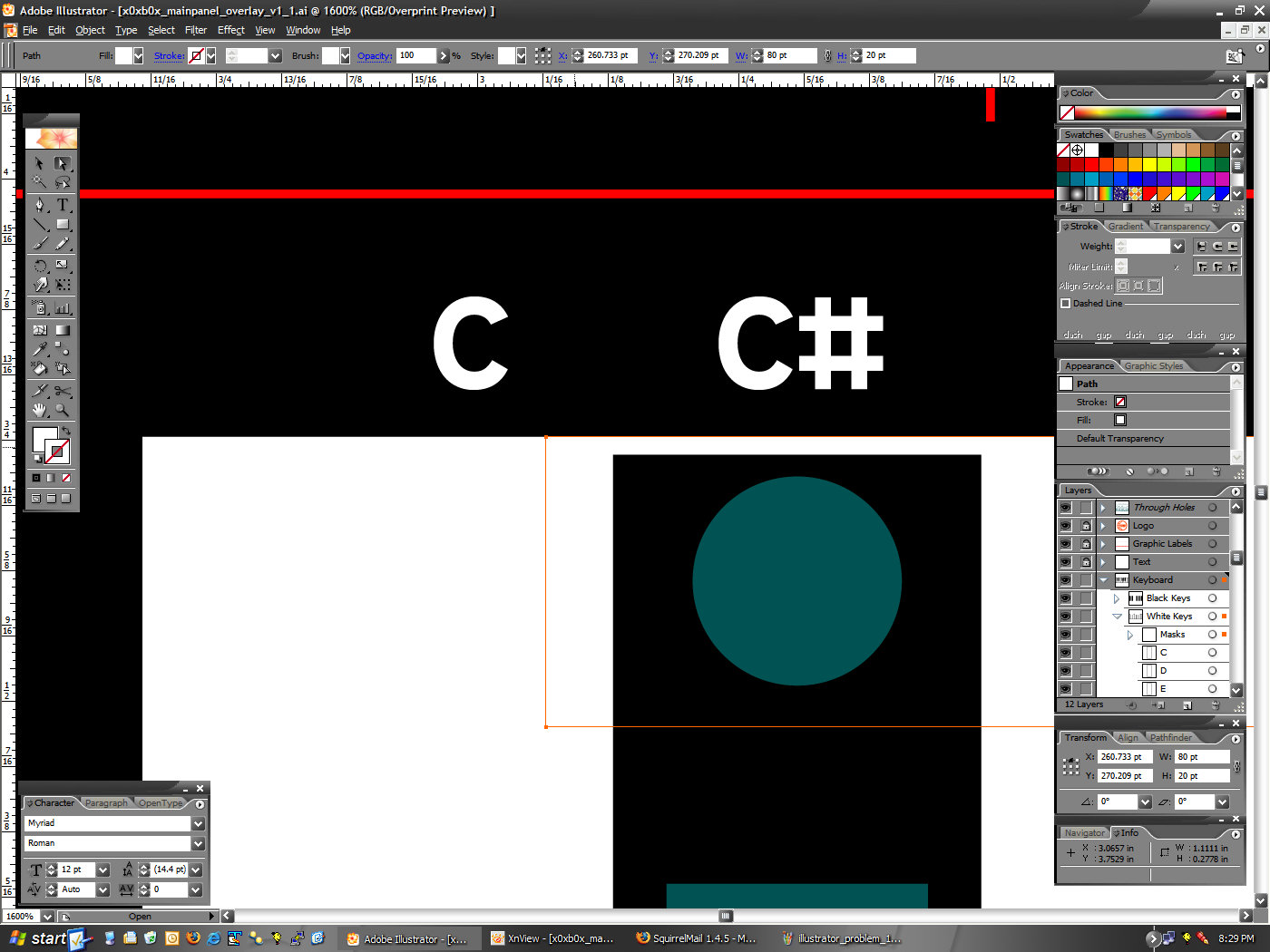
However, if you look at these two screenshots (1 · 2) you can see the following:
– The white key (selected in image 1) has a .5pt border, set so that it is centered on the outside edge. It’s top edge is at Y:270.459pt.
– The white box I’m using to mask the lines (selected in image 2) has no border, and it’s top edge is set to Y:270.209pt.
As you could see, the white box has it’s top edge set .25pt lower than the white key, which should be the width of the bottom half of the border line. Yet it appears as it does here, with a bump sticking up.
So, can anyone tell me what I’m doing wrong? The math is right, and it should work, but it just doesn’t seem to be happening. Thank you very much. :)

Well, there’s my first stab at a logo redesign for my new x0xb0x panel. I’m pretty happy with it… The only concern will be if the text at the bottom (the TRANSISTORIZE YOUR WORLD) stuff scales well and will be readable after printing. I think it will…
Anyway, yeah. One more thing on the panel to polish this evening, and it should be ready to go to the printers. As soon as I’ve decided on a print process, that is.
UPDATE: I changed the text at the bottom to be a big larger. It fills out the panel a lot better, and I think it’ll print better. As this whole logo will only be 70 points high, I think the slightly more obvious text is better.
Why do I like placing orders with Digi-Key?
Because I placed my order this afternoon at 1:21pm, and I received a shipped notification with tracking number at 2:34pm.
:)
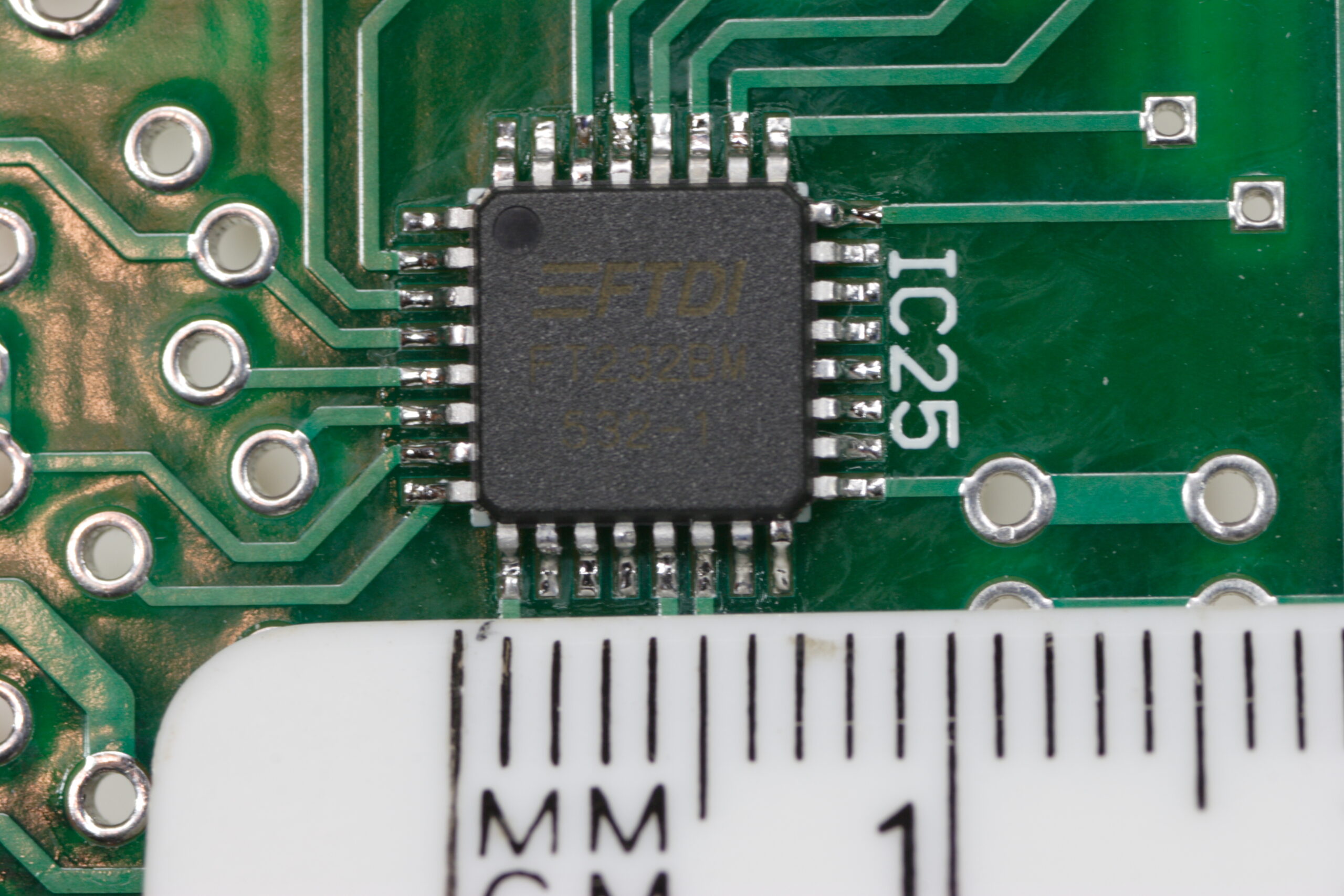
Well, this is the first photo I’ve posted from work on my x0xb0x (photo gallery retired).
In short, it’s coming along nicely, but I just simply don’t feel like writing a lot. Here’s some links for photos, if you’re interested in how it’s going:
· Main x0xb0x Gallery (photo gallery retired)
· 600dpi scans of the PCBs (photo gallery retired)
· The piles of parts for the x0xb0x. Well, all except the seven missing ones. Whoops! (They are on their way…) (photo gallery retired)
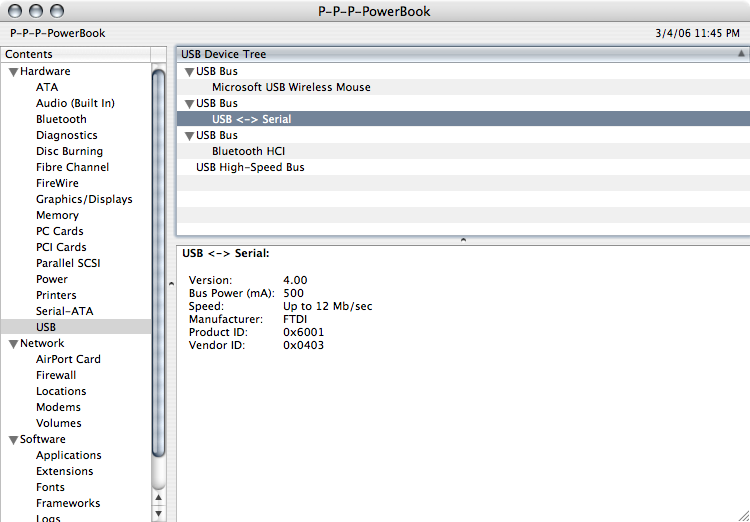
· The USB controller actually working!
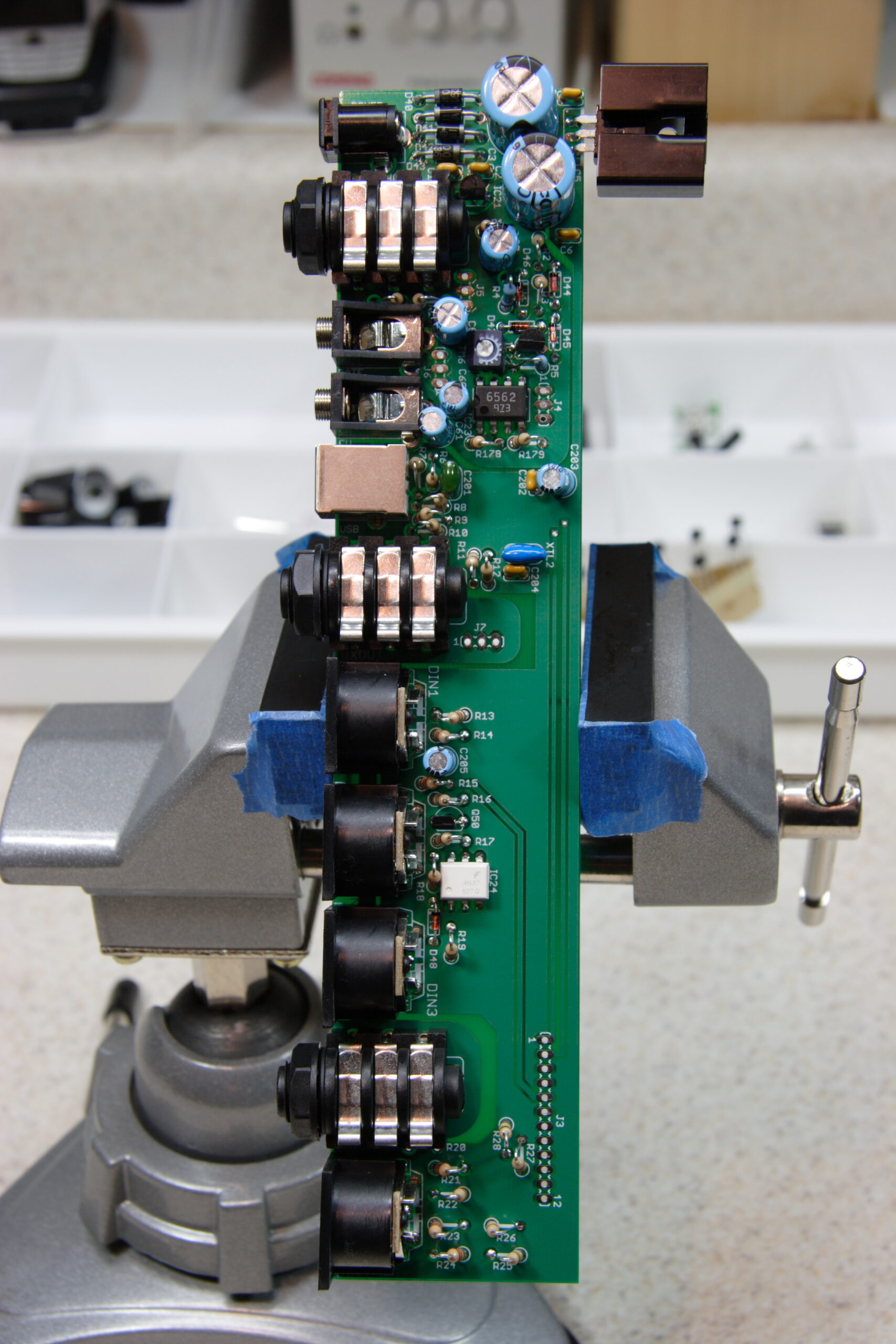
· The completed (except for one resistor) I/O board.
Uhm… That’s all.
Oh, one thing to note… Except for testing the power supply and the USB stuff, this is all kinda untested. :\ I don’t have my new DMM yet, nor do I have a benchtop power supply. Nor all the parts. So, I can’t see how it’s working out yet…
Tomorrow (today?) I have to order the new LEDs, a few other parts, and find a power supply. In the mean time I might just assemble the rest of it… I think my soldering skills are decent, so hopefully I won’t screw it up too much.
Oh, and I also wish there was an easier way to remove flux. A toothbrush + isopropyl works well, but then there’s a thin residue of flux on the whole board. I may just have to wash the whole of the boards down with isopropyl again once it’s all done. Ah well, at least it’ll look nice.
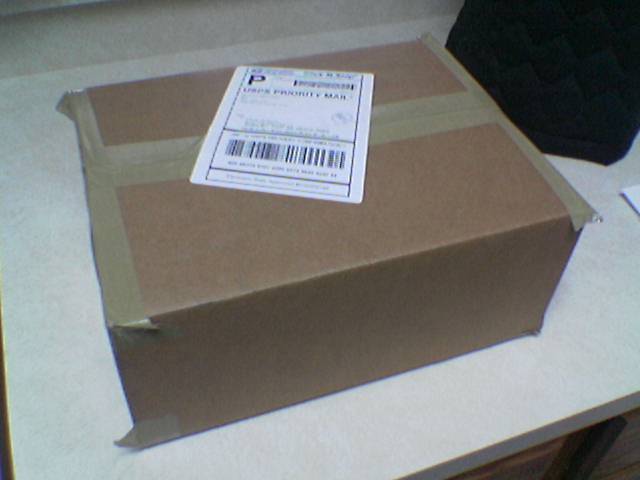
I feel like I’m 10, and it’s just after dinner on Christmas Eve. :D
Oh, today I also picked up a Bialetti Mokka Express so I can make real, home-style Italian coffee. Mmm…
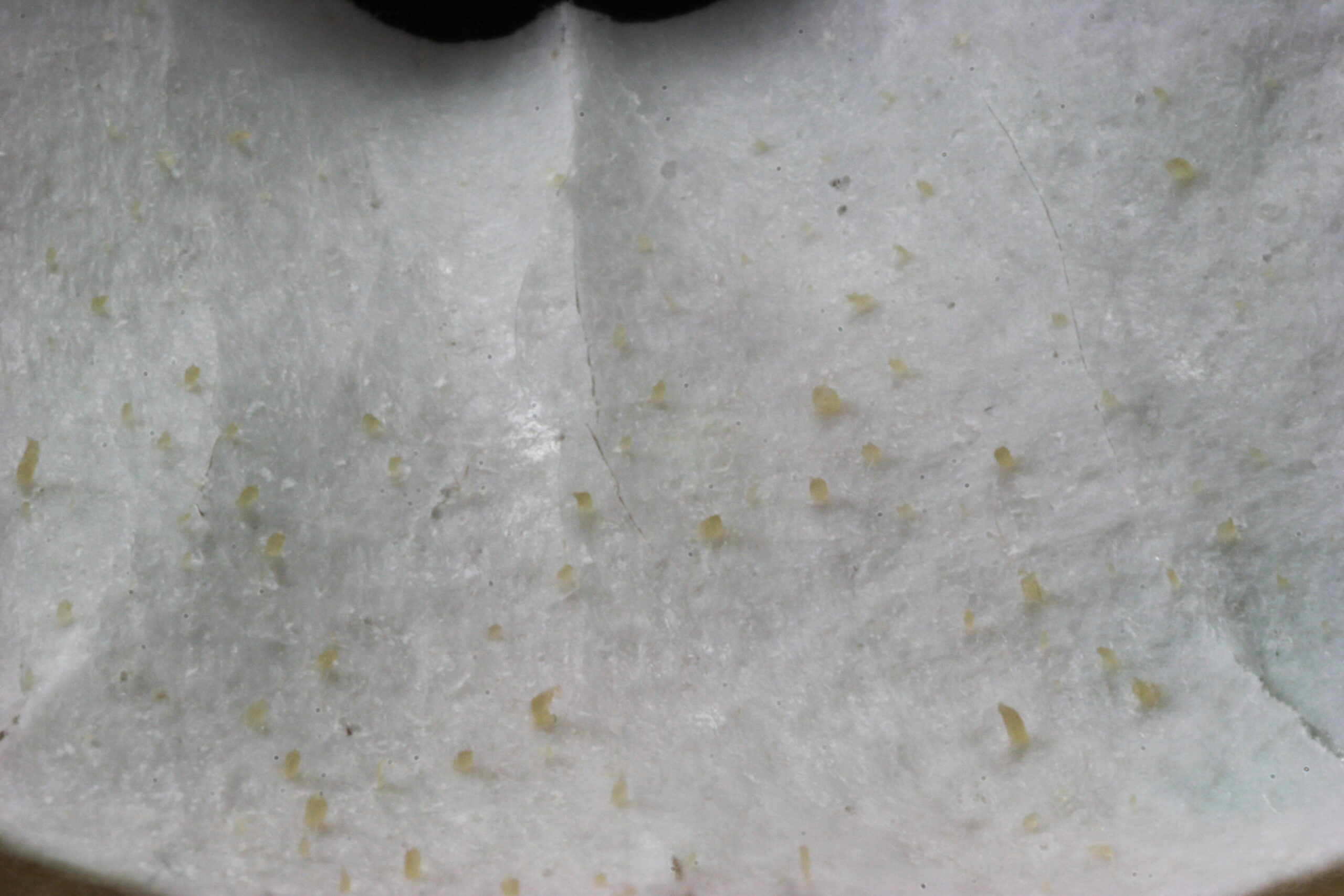
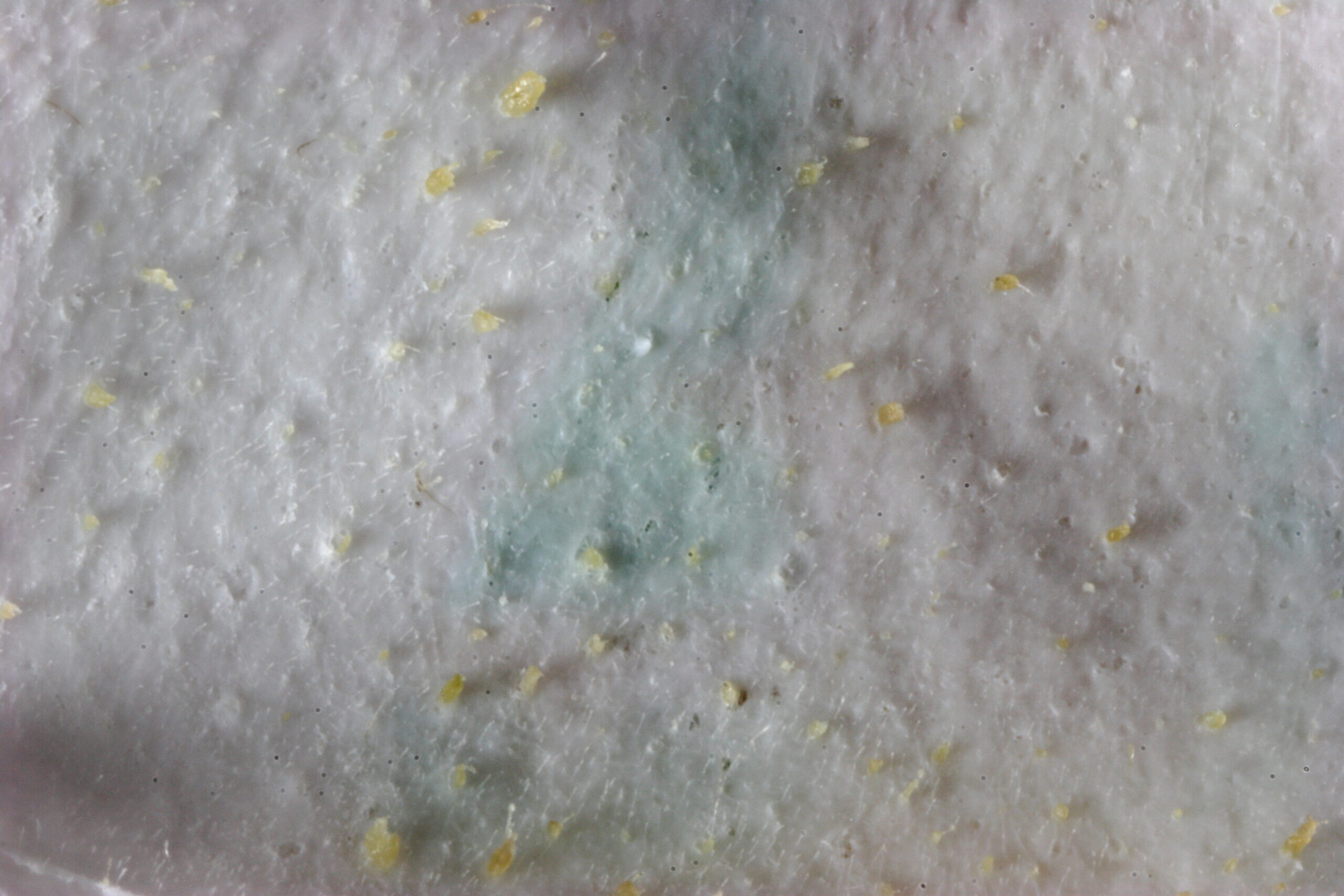
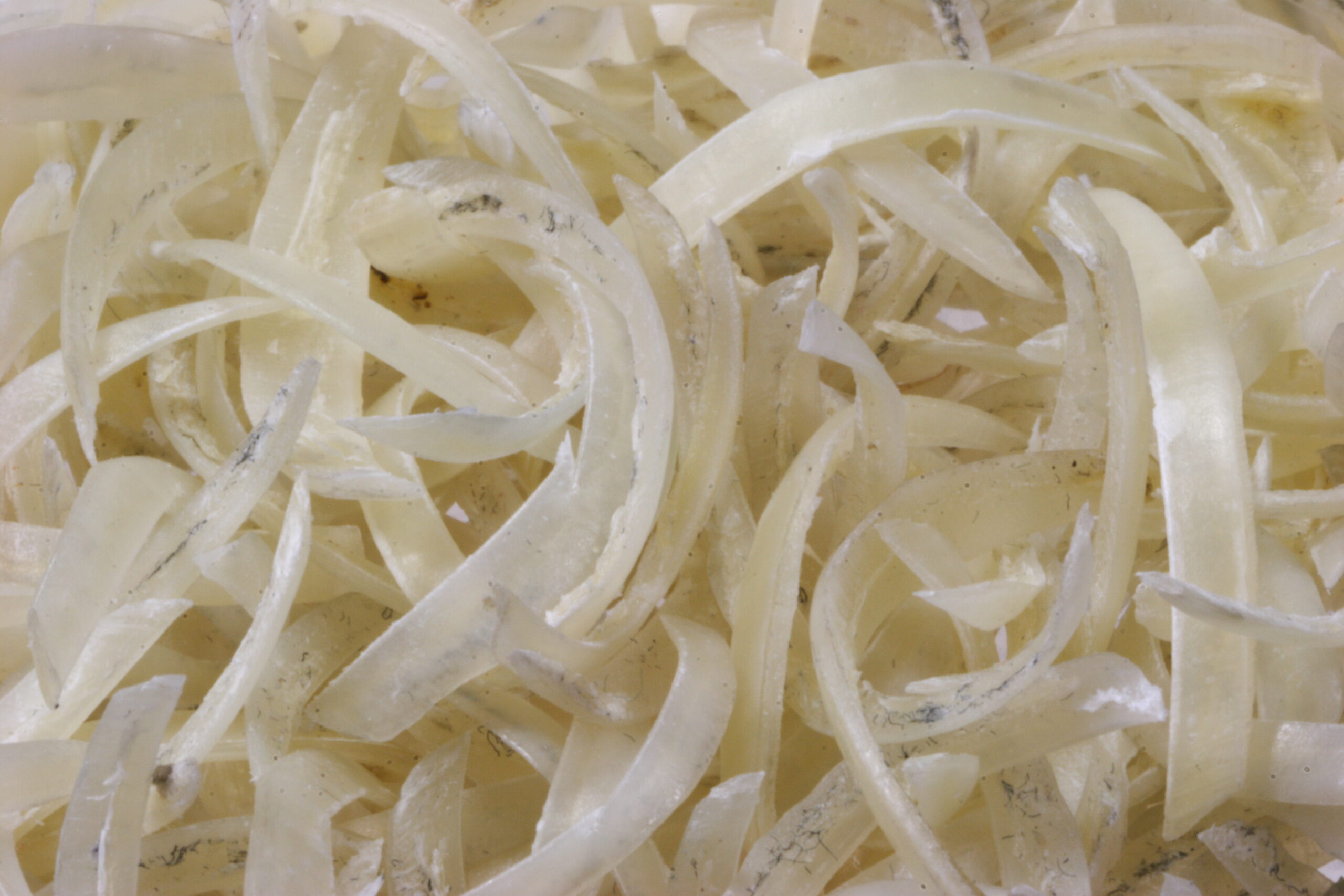
A contest for you: Guess what this is a photo of, and reply.
So, have you guessed what that is? Here is another, different angle, photo of the same item… See if you can get it without looking at the caption first, though. Yes, both of these were somewhat hard to capture as the object is curved in all three visible dimensions.
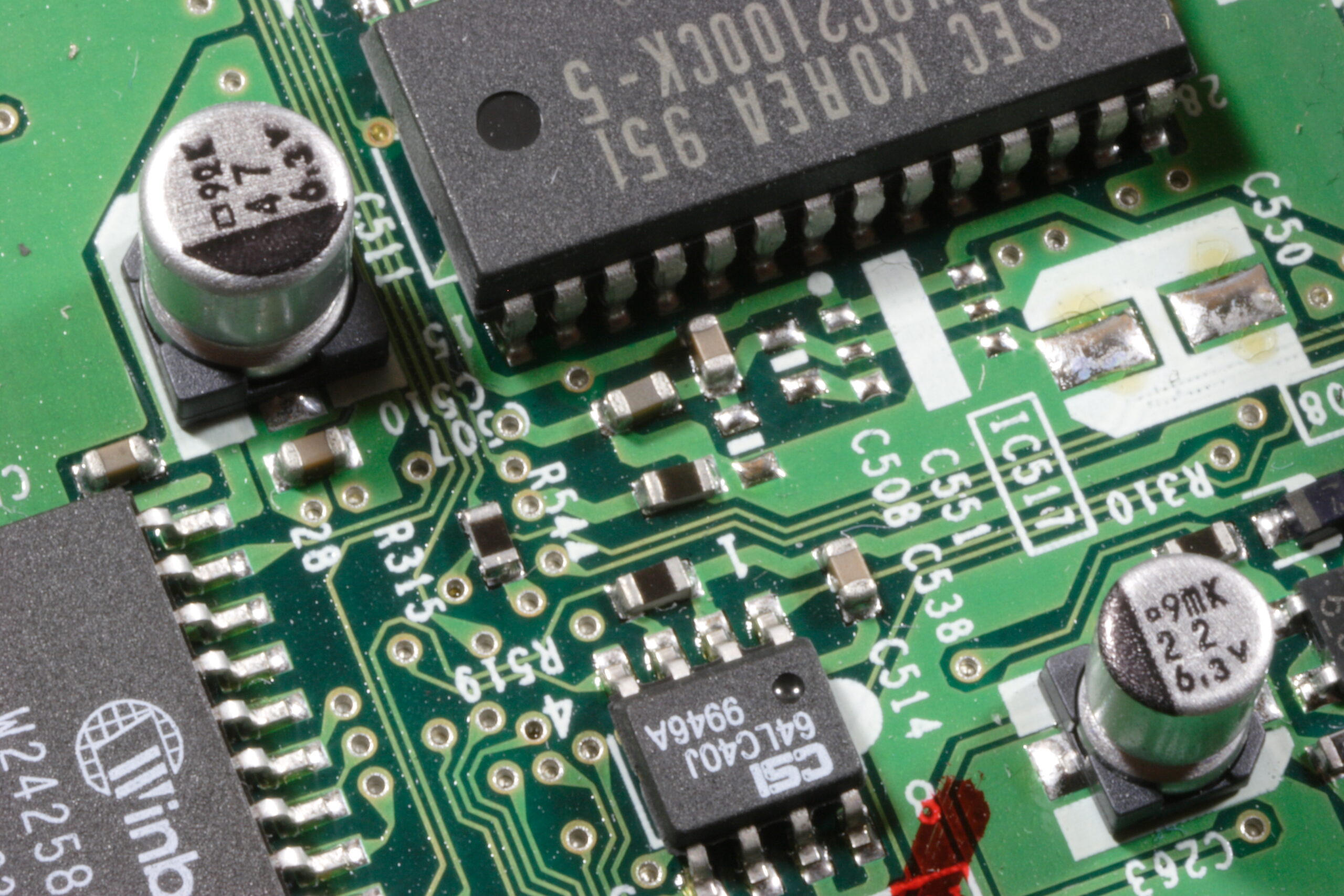
If you want some other macro photos taken tonight to look at, this is a close-up of part of the controller out of an old 2x CD-R. And this one here is… Well… I’ll let it be a surprise, too.
[This is cross posted from here.]
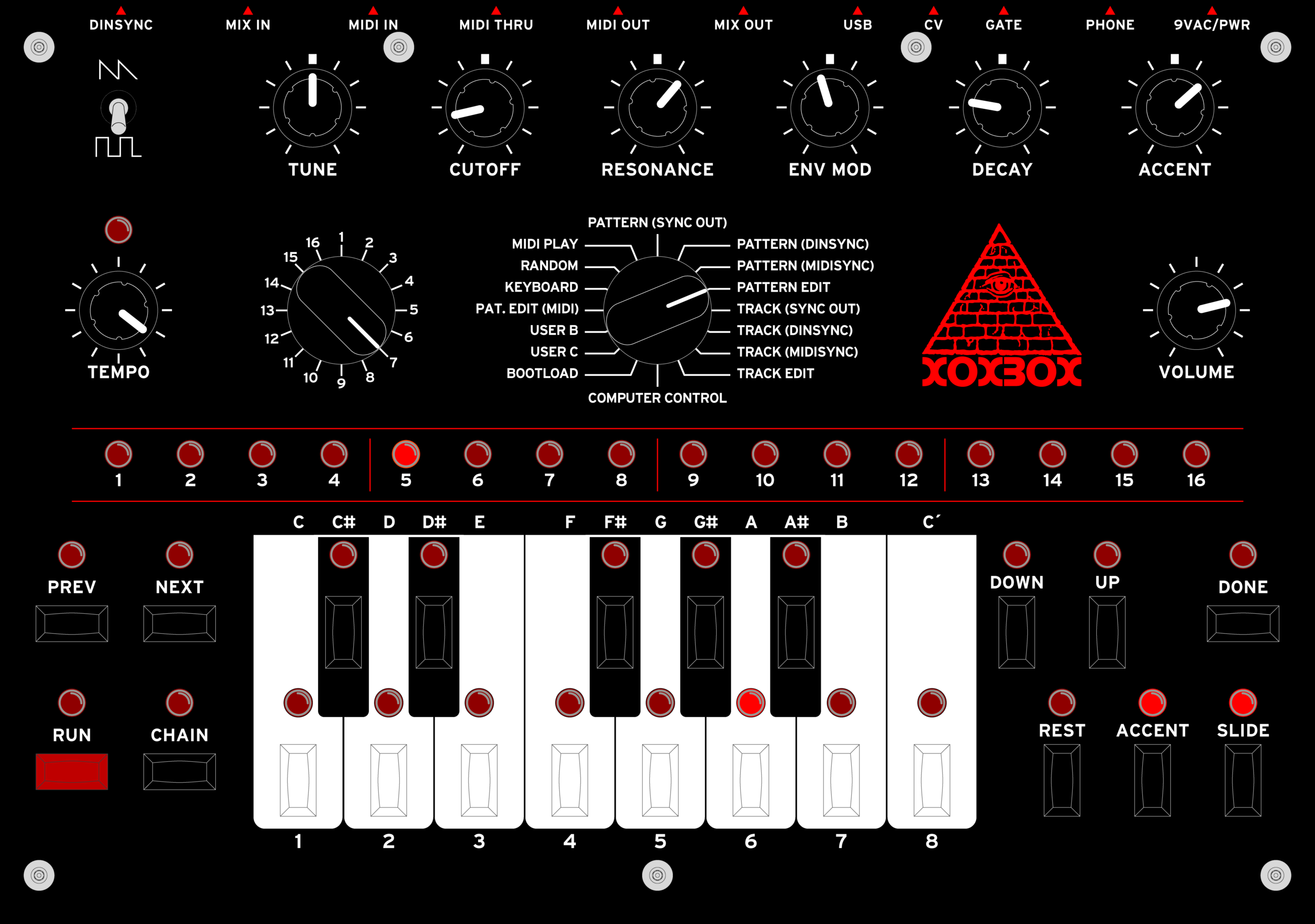
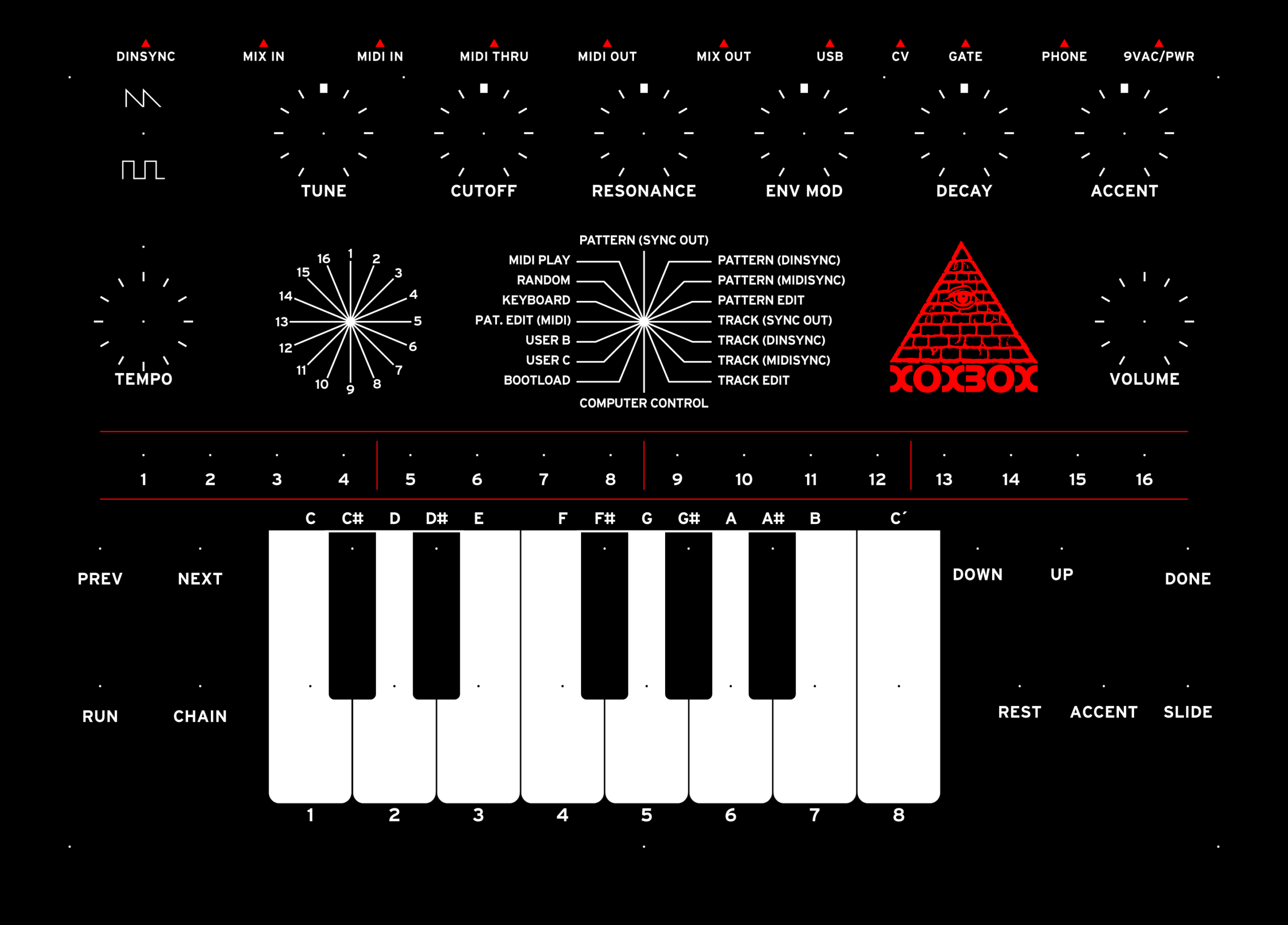
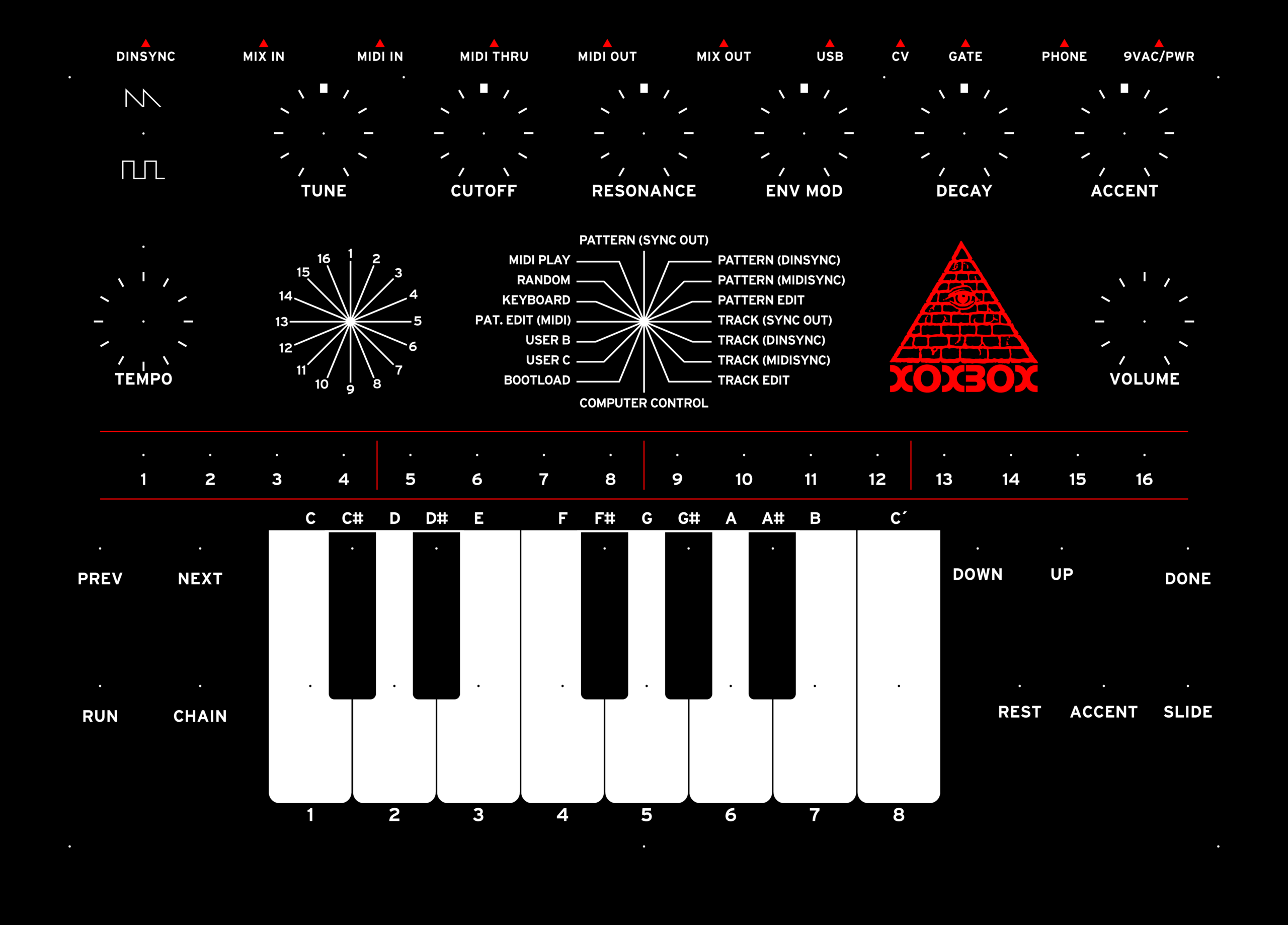
Pictured up above is v1.0 of my x0xb0x main panel (600dpi version here).
I am going to be having ten of these panel overlays printed, and I will be making eight available to others who have made x0xb0xes as well. I’m not completely certain of the cost yet, but it should be around US$30 – US$40 each for a heavy plastic (5mil Lexan) label with all holes (bolt, switch, button, knob, and LED) cut out.
Current I’m waiting on a second set of samples from the printer to decide exactly which printing process I wish to go with, then I’ll be able to give a more solid price. As soon as I have a solid, final price and the order is placed, I’ll let people know then I’ll be able to accept payment for the labels.
With regards to cost, note that I’m not making a profit on these. The price I charge will be for the printing of the panel, shipping (to me, then out to you), and PayPal fees. I’m not interested in profiting here, just getting my panel design printed up for myself and others at a reasonable price. The per-piece price is going to be a bit high because of both the high printing quality low count of pieces made.
Or, conversely, if you wish to try printing the panel yourself or redesigning it, I’ve got the following files available for your use:
Printable:
– v1.0 @ 300dpi w/ bleed
– v1.0 @ 600dpi w/ bleedDesign:
– Adobe Illustrator CS file I put together for designing panels. (This will be very useful if you wish to design a panel overlay for yourself.)
All of the three aforementioned files plus a 600dpi version of the image up top are available in a bundle: x0xb0x_mainpanel_overlay_v1.0.zip
The Illustrator file requires two fonts, Interstate Bold and Stop. These are not provided in the bundle. The text is placed in the file both as laid-out text and outlines, though, so if you aren’t modifying the current text they won’t be needed.
Additionally, I should note that the all-seeing eye logo was appropriated (and modified) without permission from the side of a box of Steve Jackson Games‘s Illuminati: New World Order. I’m not sure of the legality of this, but hopefully it’s not a problem as no one is profiting from these panels and it’s of very limited use.
So, that’s it. If you are interested in a panel, please reply to this thread saying that you are definitely interested purchasing one. The first 8 replies will get the first 8 panels.
And yes, I’ll be certain to post a photograph of final, printed panel before I even begin accepting payment for them.
-Steve
Hmm, I think I need to build a kit to monitor my heartbeat and plot it on the scope. That’d be nifty.