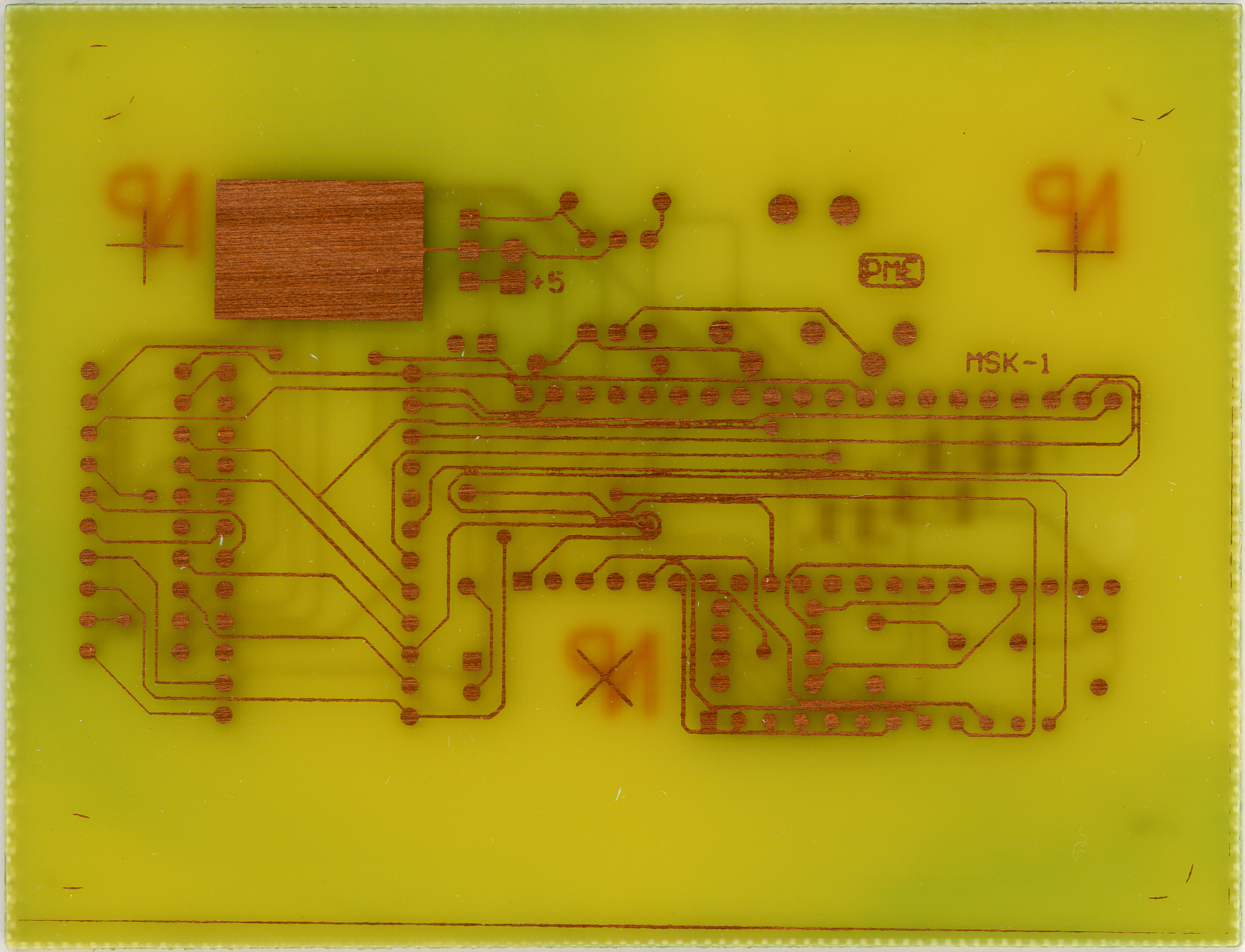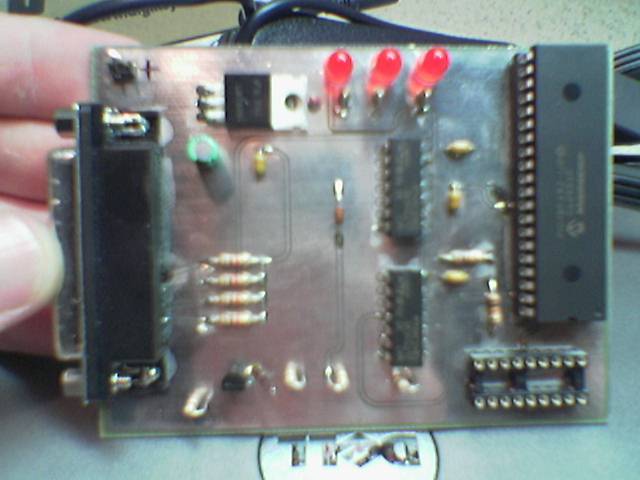
Casio SK-1 MIDI Modification PCB and my opened SK-1.
(Click for more…)
Well, I’ve started the Casio SK-1 MIDI Modification project (photo gallery retired). That is, the one which will add a MIDI input to my SK-1. Since the SK-1 has a rudimentary sampler and the nifty ‘human voice’ patch, along with the fun-to-play-with ‘synthesizing’ section (must remember to read up on this), it could be nice to trigger it remotely.
I’d imagine such a thing would also be useful to anyone with a bent or modified SK-1 (or SK-5, for that matter) too, since those are more likely to be used in a stage-type environment where remotely triggering with patterns would be useful.
Anyway, after making the PCB (and here) on Friday I went ahead and opened up the SK-1 to see how much room I’ll have to work with. While in there I also decided to strip the top panel and give it and all keys and buttons a good cleaning. It actually came apart fairly easily.
I did run into two problems, though. First, the PCB I made had couple small gaps in some traces where I had inadvertently scratched the photoresist before etching, but those were easily fixed with a wee bit of solder. Secondly, those spots in the tin plating are because I put the board in the plating bath before its precipitate had finished re-dissolving, and I think places where solid chemical sat against the board, those marks were left. Fortunately no pads are affected.
Now I’m just waiting for the set of solid carbide drill bits from eBay which I’ll be using to drill the part holes and vias in the PCB. Oh, and my order from Digi-Key for all the components I didn’t already have. I actually ordered enough parts for two of the adapters. Maybe I’ll etch a second board and make one to sell, if I find someone who wants one.
I received the pre-programmed 2732A ROM from Paul Messick yesterday, so I now have the software (yes, 20 year old software!) for running everything. Hopefully by next weekend I’ll have the rest of the needed parts and I can get going on finishing it all up.
One thing I forgot to order from Digi-Key was an Atmel AVR Butterfly so I could play with programming the ATmega169. It’s only $20, so it makes for a good experiment, even if I don’t end up using the controllers in anything. Ah well, one project at a time.
That reminds me… I also ordered some 20Ω wire-wound pots from Mouser (along with a breadboard and other unrelated stuffs) to wire in series with the Bourns 10-turn pots I had previously installed in my Elenco XP-720K (photo gallery retired). While the 10-turns are quite precise, I was having a difficult time nailing thousandths of a volt precision. It was possible, but took some very careful nudging of the knobs.
So, figuring that I have 2KΩ 10-turn pots, one full turn is about 200Ω. That means that the 20Ω ones should add about 10x the resolution, allowing me to hit whatever voltage I want. (I say ‘about’ because a ‘full turn’ is only 300° on a single turn pot whereas it is 360° on the 10-turn ones.) I’m still not completely certain where I will mount them, but for now I think they will probably be fit one above each other between the two current pots with the top one being for the left pot, etc.
Hmm, yeah. That was a lot of babbling about electronics. Don’t worry, I’m done.