nuxx.net
Making, baking, and (un-)breaking things in Southeast Michigan.

Category making things

HMLiberator

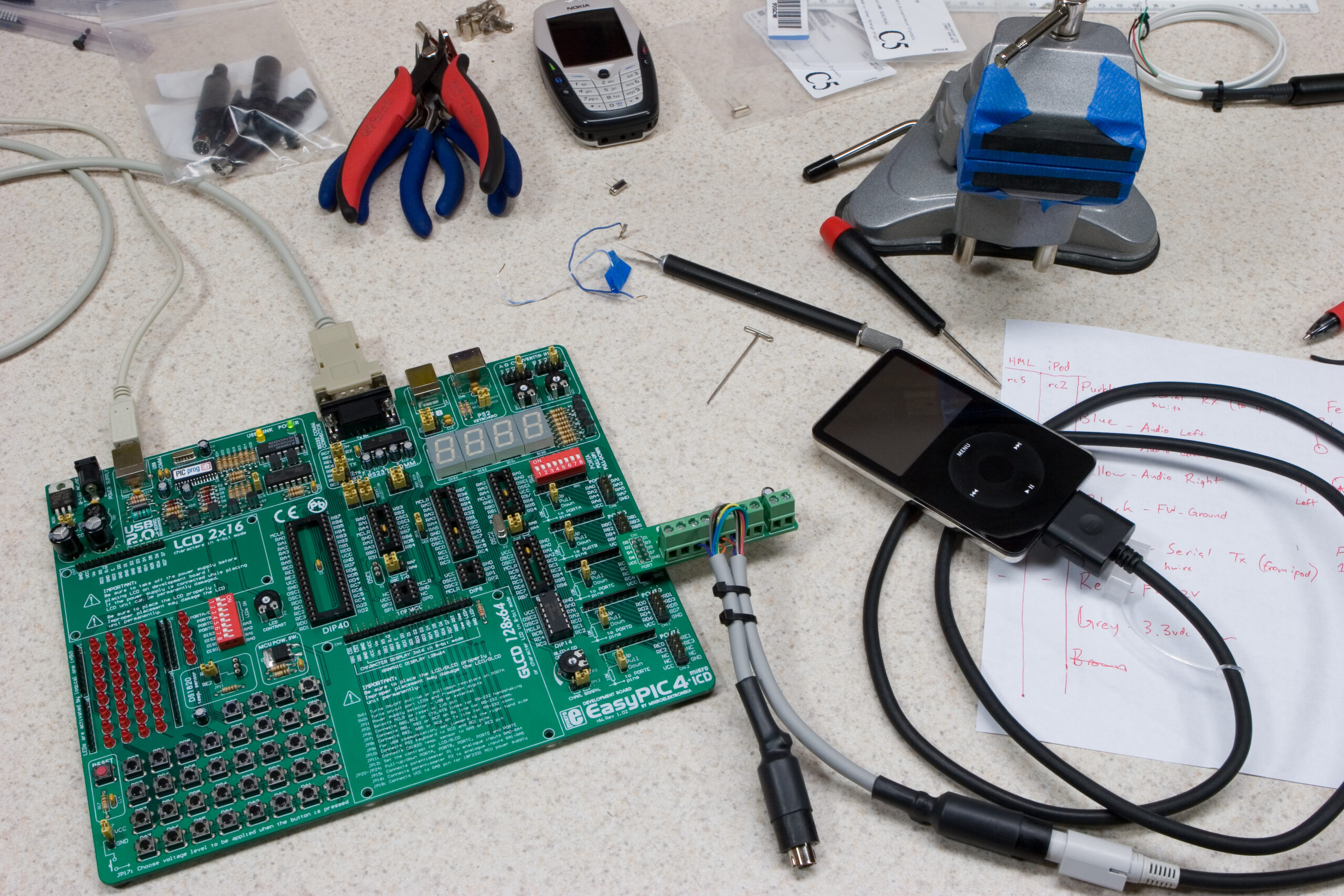
Hmm, the software for the HMLiberator is (almost) working. It seems to respond as I hoped five out of six times. The next time it just seems to not do what I want. I’m not sure how to debug it, though, as I can’t really trigger an interrupt with the device in hardware debug mode.

This might take some thinking.

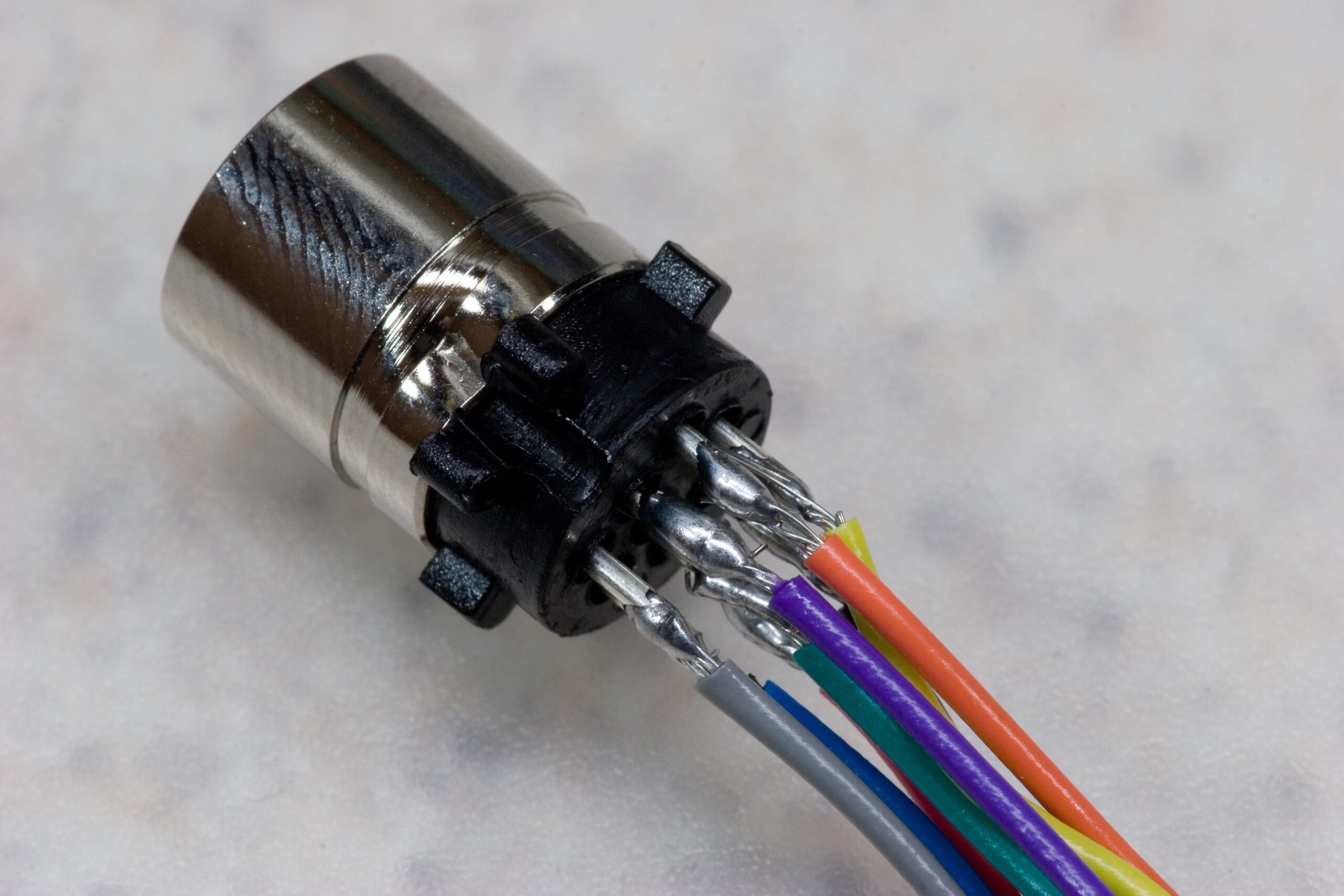
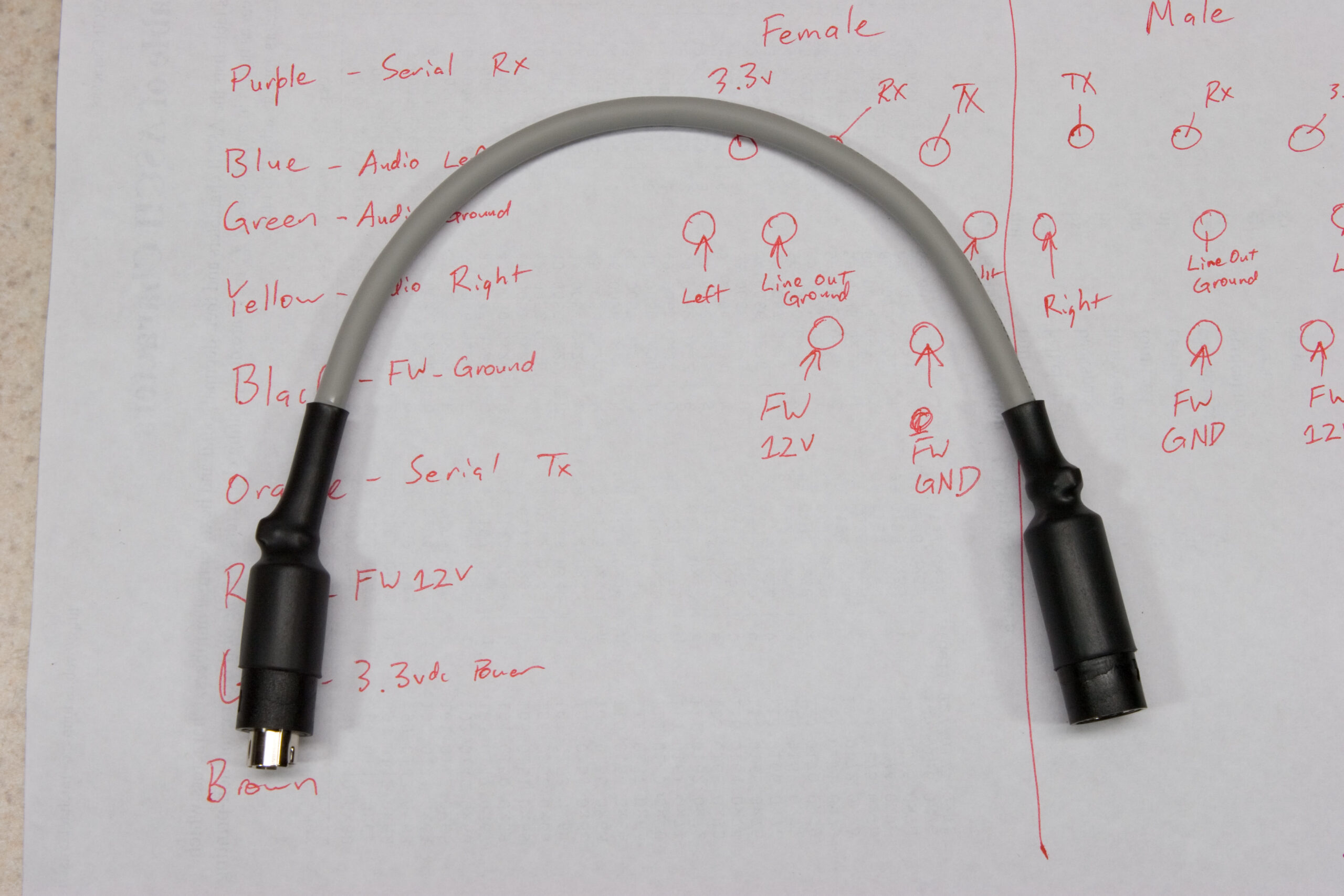
That said, it’s time to go home and build the appropriate cable so I can actually sling it in between an iPod and the HML itself for once.

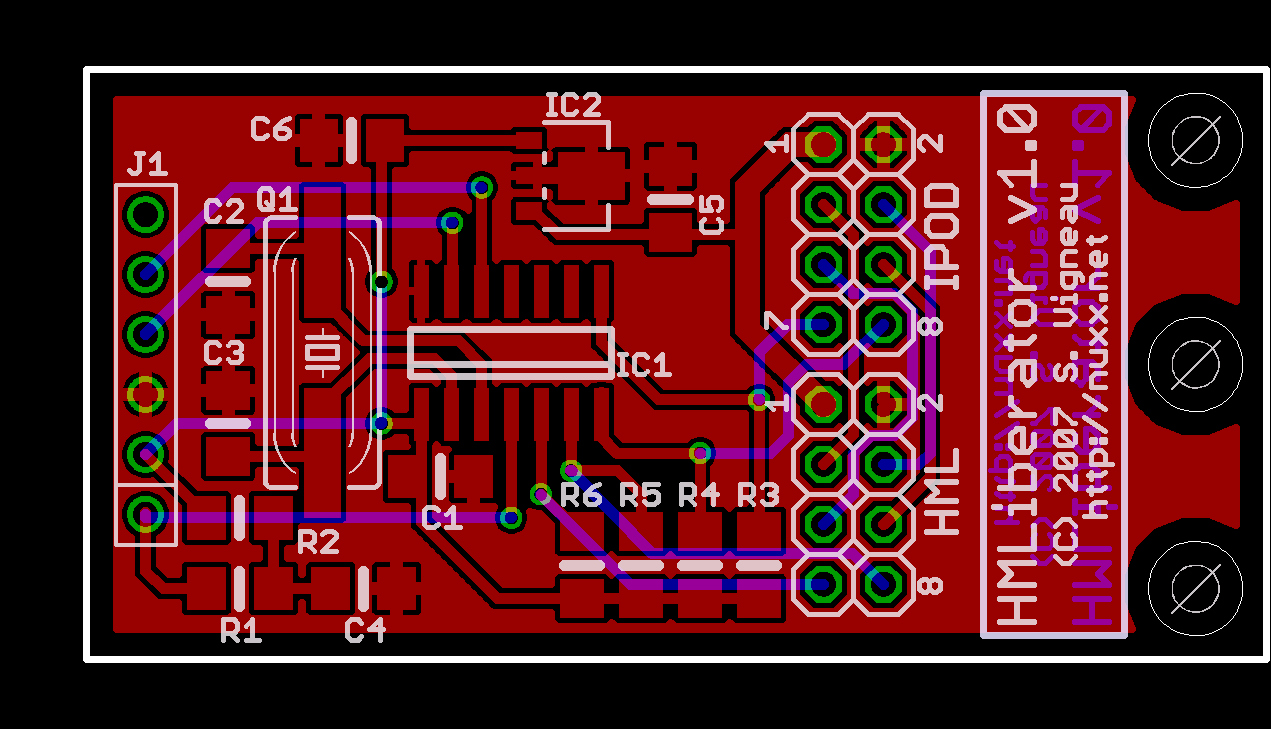
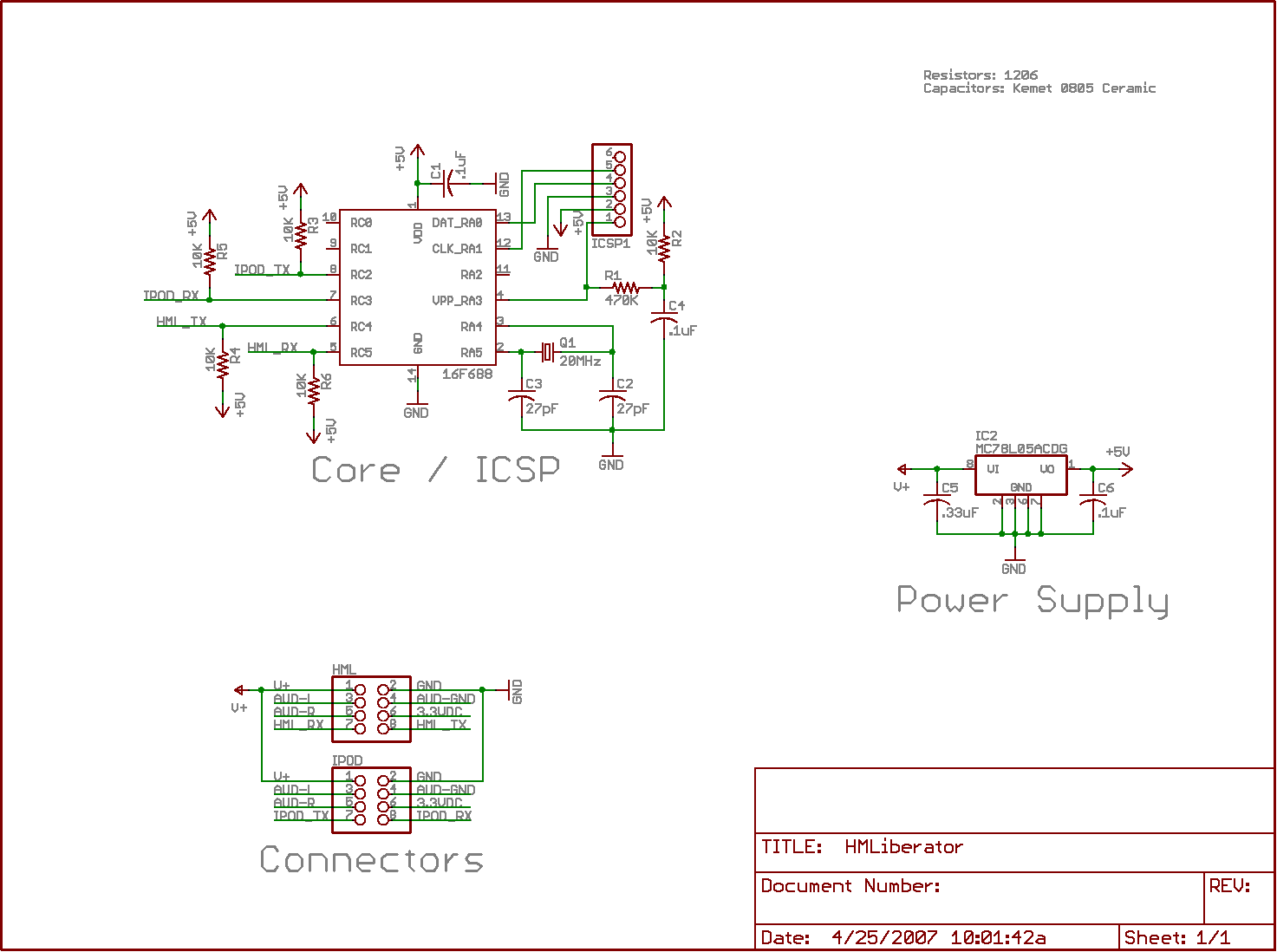
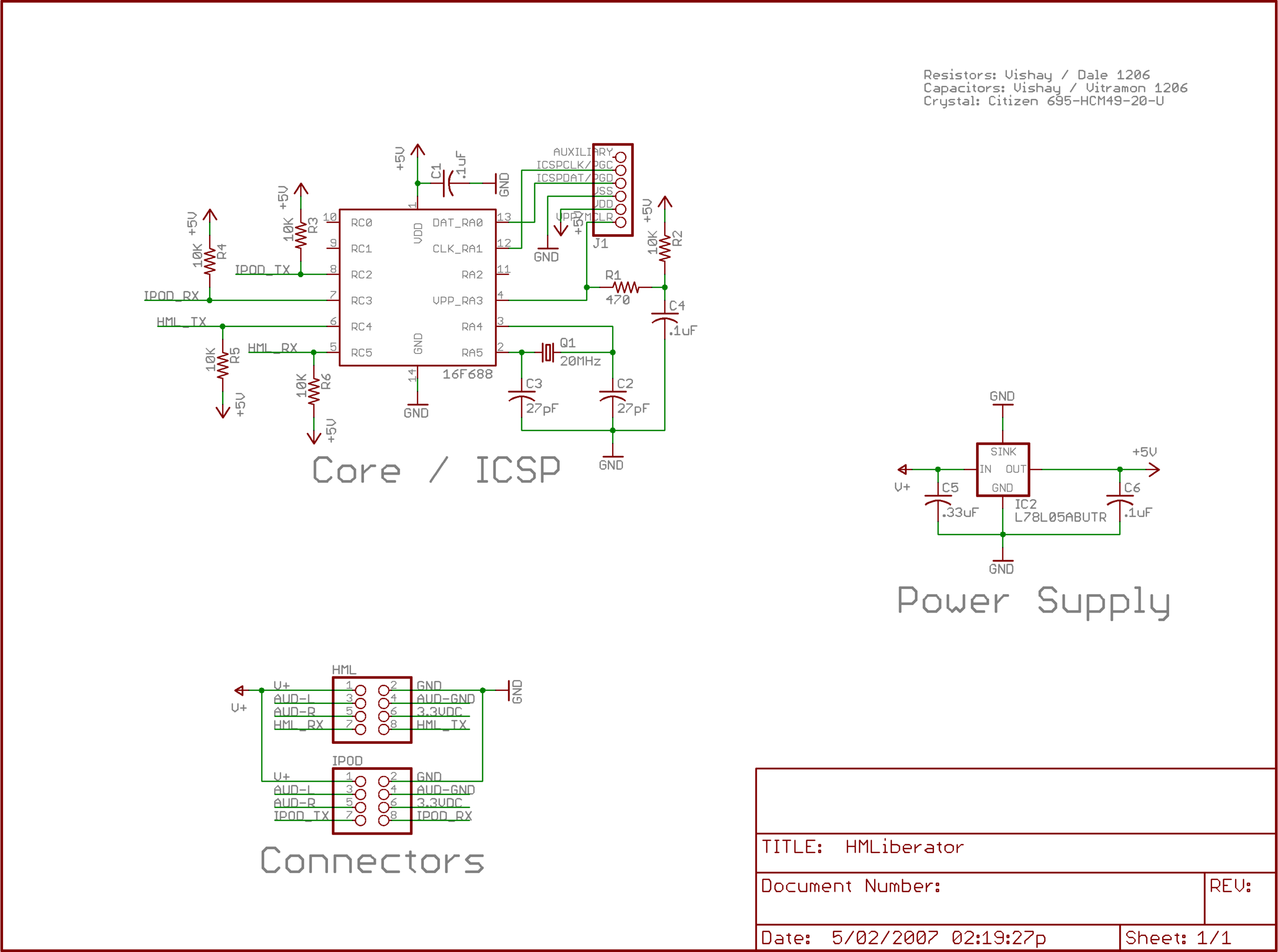
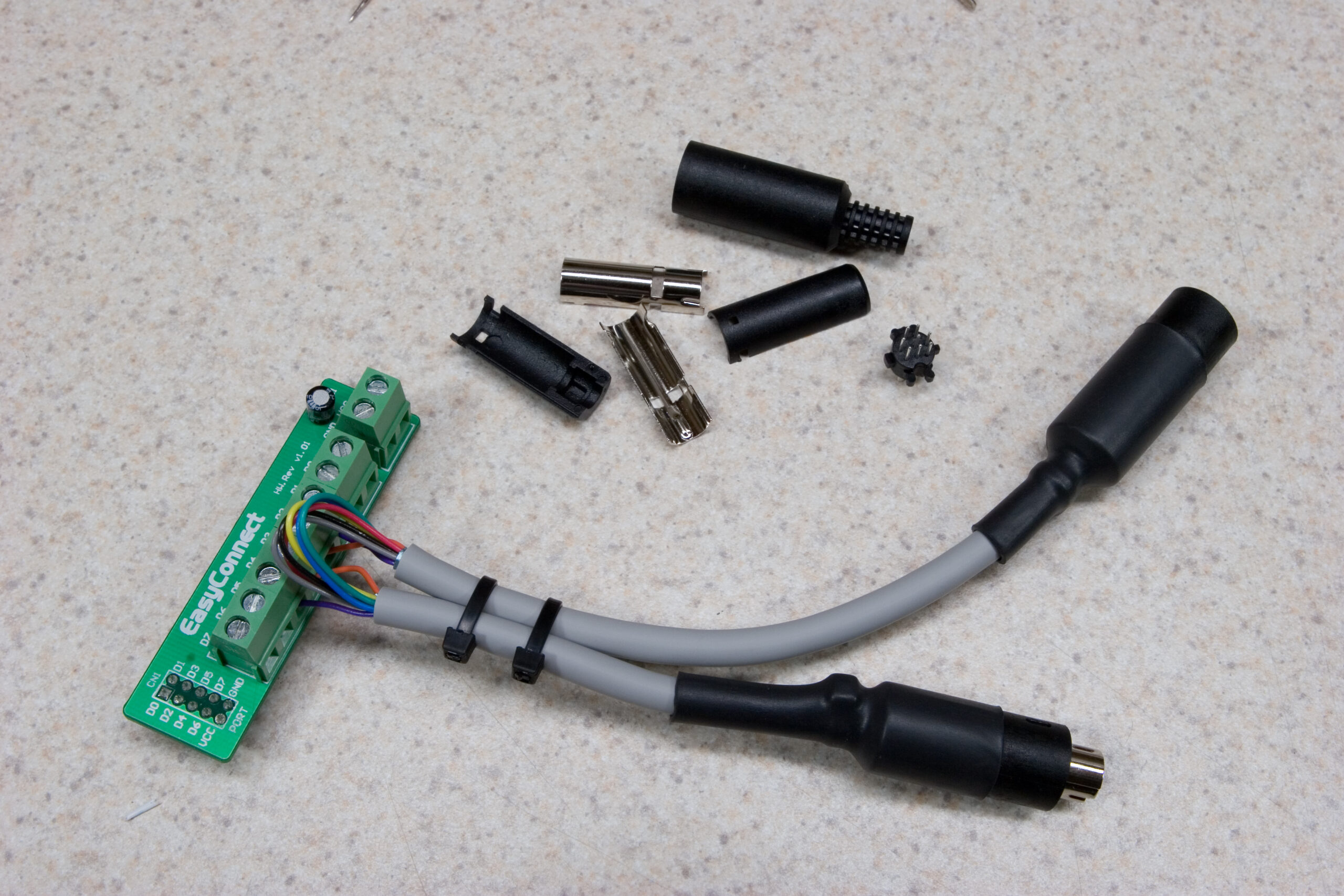
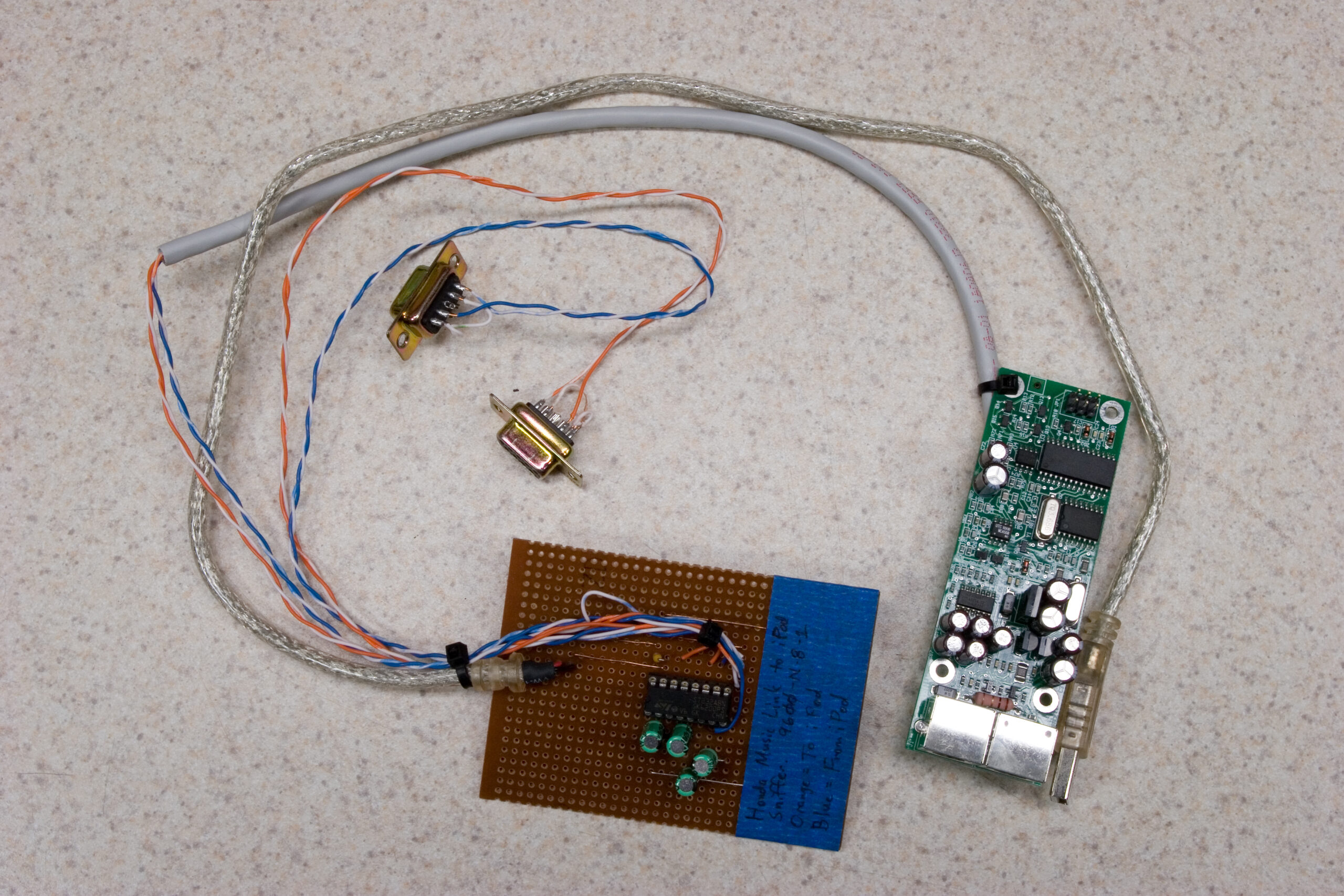
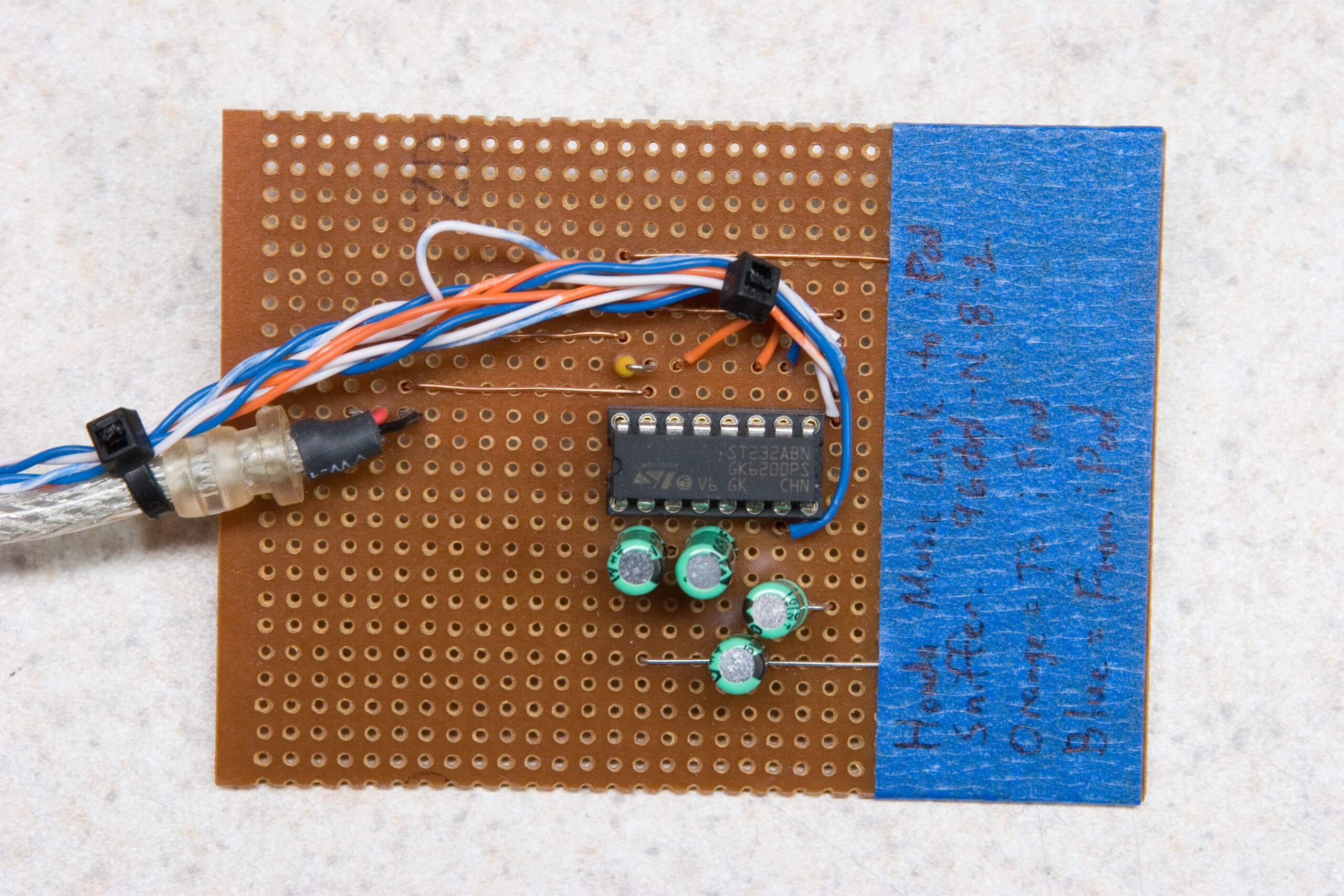
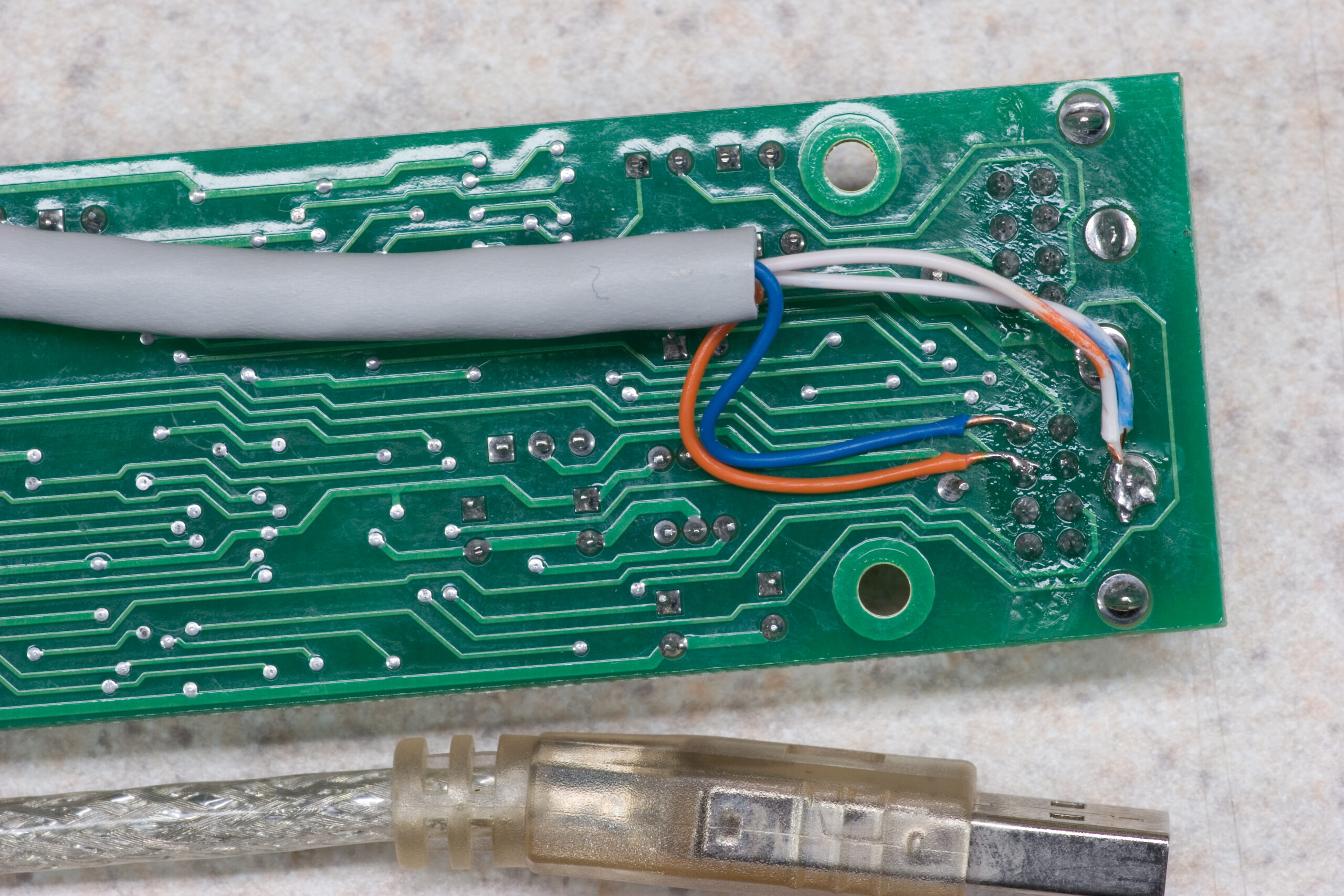
The HMLiberator is the PIC-based device I’ve been cobbling together to sit between the iPod and the Honda Music Link, translating the Mode 4 remote commands into Mode 2 commands. This will allow the user to keep using the controls on the face of the iPod, while the HML thinks it has one locked down and under its control.

electronicsmaking thingsmoved from livejournal

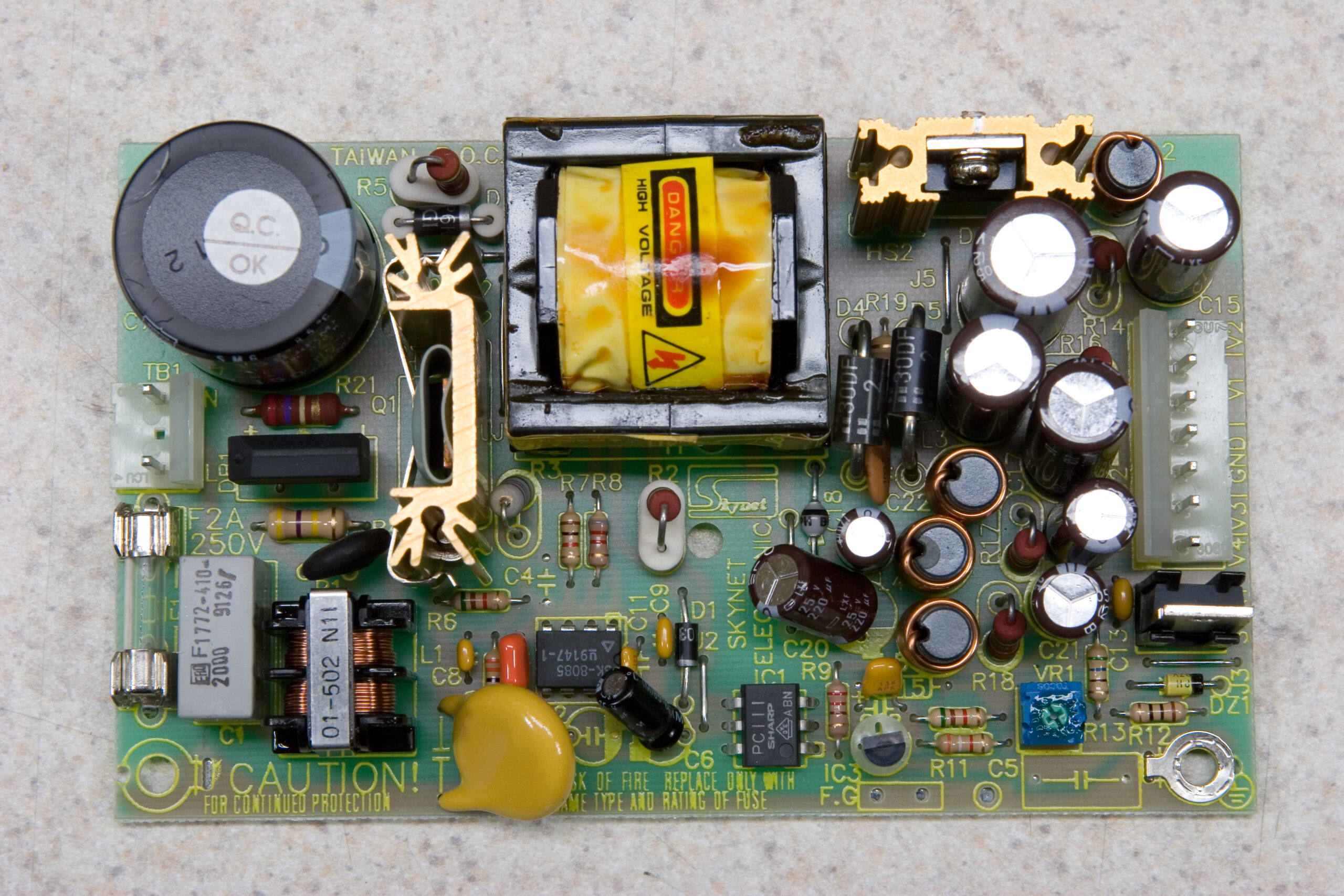
Skynet SNP-9F40Skynet SNP-9F40

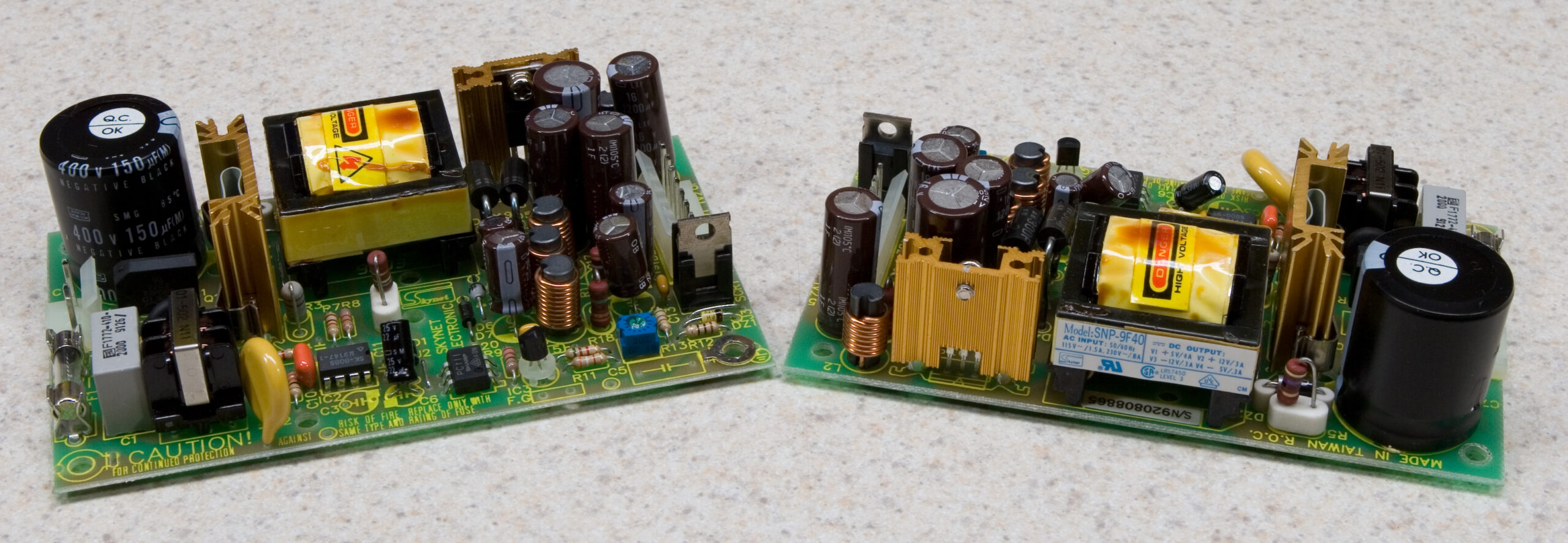
Oh, tonight I also threw out an old (unused) SCSI disk enclosure I had in the basement. I figured that the power supply in it might be useful, so I opened it up. To my surprise I found two of the power supplies pictured above. (Side by side photos of the two here.)

That there is a Skynet SNP-9F40 (PDF), and it’ll take (according to that PDF) 90~264VAC as input, and spit out +5VDC (4A), +12VDC(3A), -5VDC(0.3A), and -12VDC(0.3A). I’m thinking this could be quite handy for both some of the music stuffs I’ve been working on (maybe even the 9090), or just as a benchtop supply. (I’ll probably mount one of them in an enclosure with terminals and a switch on it or something.)

There was also a filtered IEC-type mains input on there which I grabbed, some PC-type Molex power connector harnesses designed for connecting the power supplies to drives, brass stand-offs, and plastic clip-type spacers, all of which which may come in handy. All in all, a good salvage.

electronicsmaking thingsmoved from livejournal

It works.

When this…

sendCommand(mode2, 0)
sendCommand(playButton, 0)
sendCommand(relButton, 0)

Which supposedly sends these commands…

const mode2 as byte[5] = (0x03,0x00,0x01,0x02,0xFA) 'Simple iPod Remote
const playButton as byte[5] = (0x03,0x02,0x00,0x01,0xFA) 'Play Button
const relButton as byte[5] = (0x03,0x02,0x00,0x00,0xFB) 'Release Button

Gives me this in the serial console…

Received: 0xFF 0x55 0x03 0x00 0x01 0x02 0xFA 0xFF 0x55 0x03 0x02 0x00 0x01 0xFA
Received: 0xFF 0x55 0x03 0x02 0x00 0x00 0xFB

…I know it’s time to go home.

And yes, as suggested earlier I just went ahead pre-calculated the checksums. I also just bundled the packet lengths in there too, and I read that first bit to determine how many bits have to be sent so that packets of arbitrary length may be sent simply by defining them as a constant.

It’s sending back to the PC properly, but not to the iPod. I think that’s because of some weirdness with the pins I chose to use. It worked fine on the PIC16F88, but for some reason that thing cooked this morning. (It now reports itself as some 12F part, likely indicating that some of the bits which indicate the part type have failed.)

Now to get the part running from the internal oscillator instead of a crystal and responding to commands from the serial port. (Both of these should be fairly easy.)

After that I can start building the list of responses I want sent to the Honda Music Link (initial by-hand decoding of a sample conversation between my iPod and the HML can be seen here). Then once that’s all set it’s time to plug it into the car and hope things work as designed. If that works it’s time to design the PCB and see about producing a dozen or so.

Thanks very much and for directing me to pointers, structures (even though I didn’t use structures) and the unknown-to-me mikroBasic manual.

electronicsmaking thingsmoved from livejournal

8 Conductor Stranded Cable

Would any of you happen to have any eight-conductor stranded cable, preferably shielded?

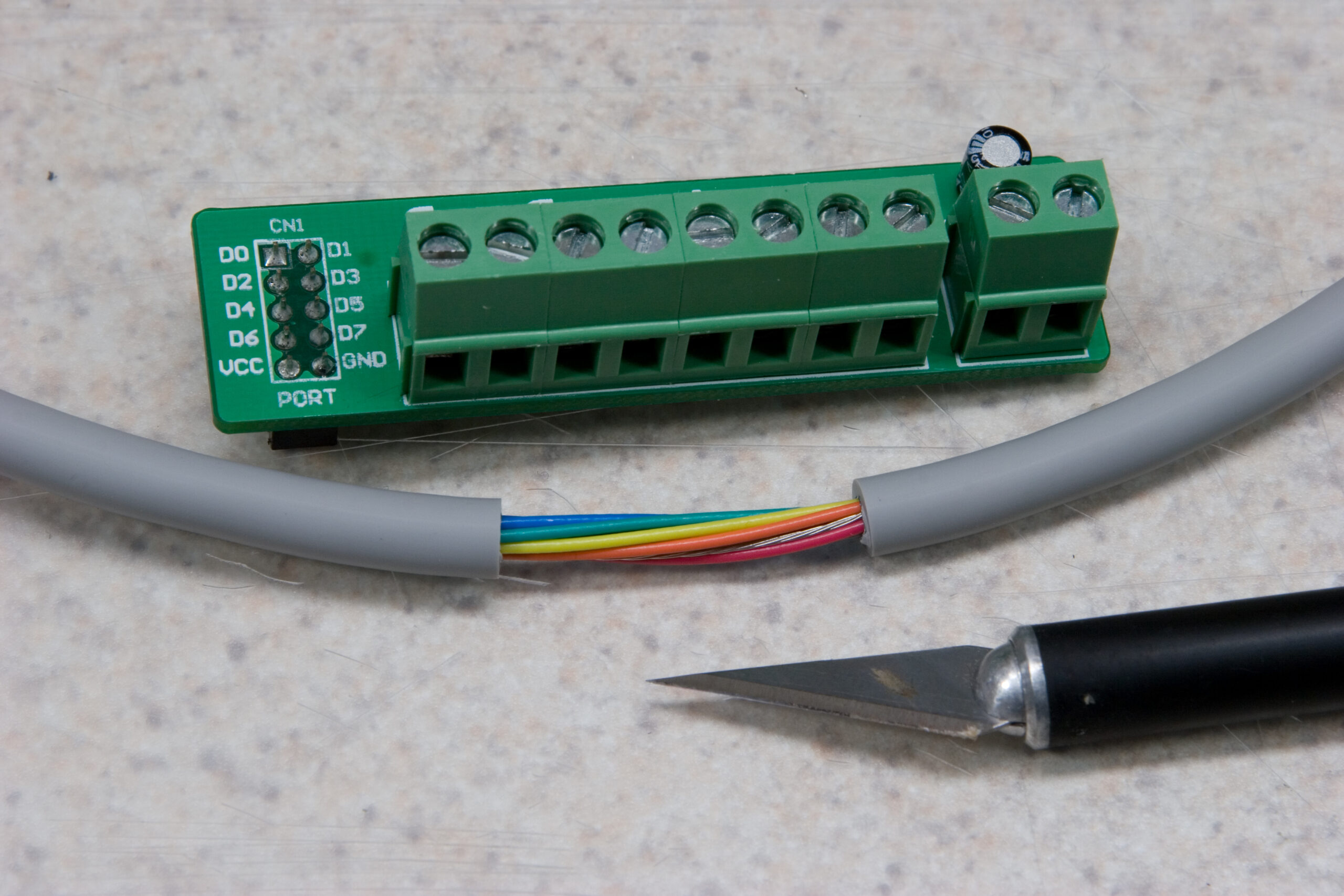
I need to make some cables for part of the Honda Music Link stuff I’m working on, and I’m having difficulty finding this sort of cable in quantities less than 500′ or 1000′ rolls. I only need maybe… 20′ or so, at most. Even 10′ would be usable for my prototype stuffs.

Thanks!

electronicsmaking thingsmoved from livejournal

Silly iPod Remote

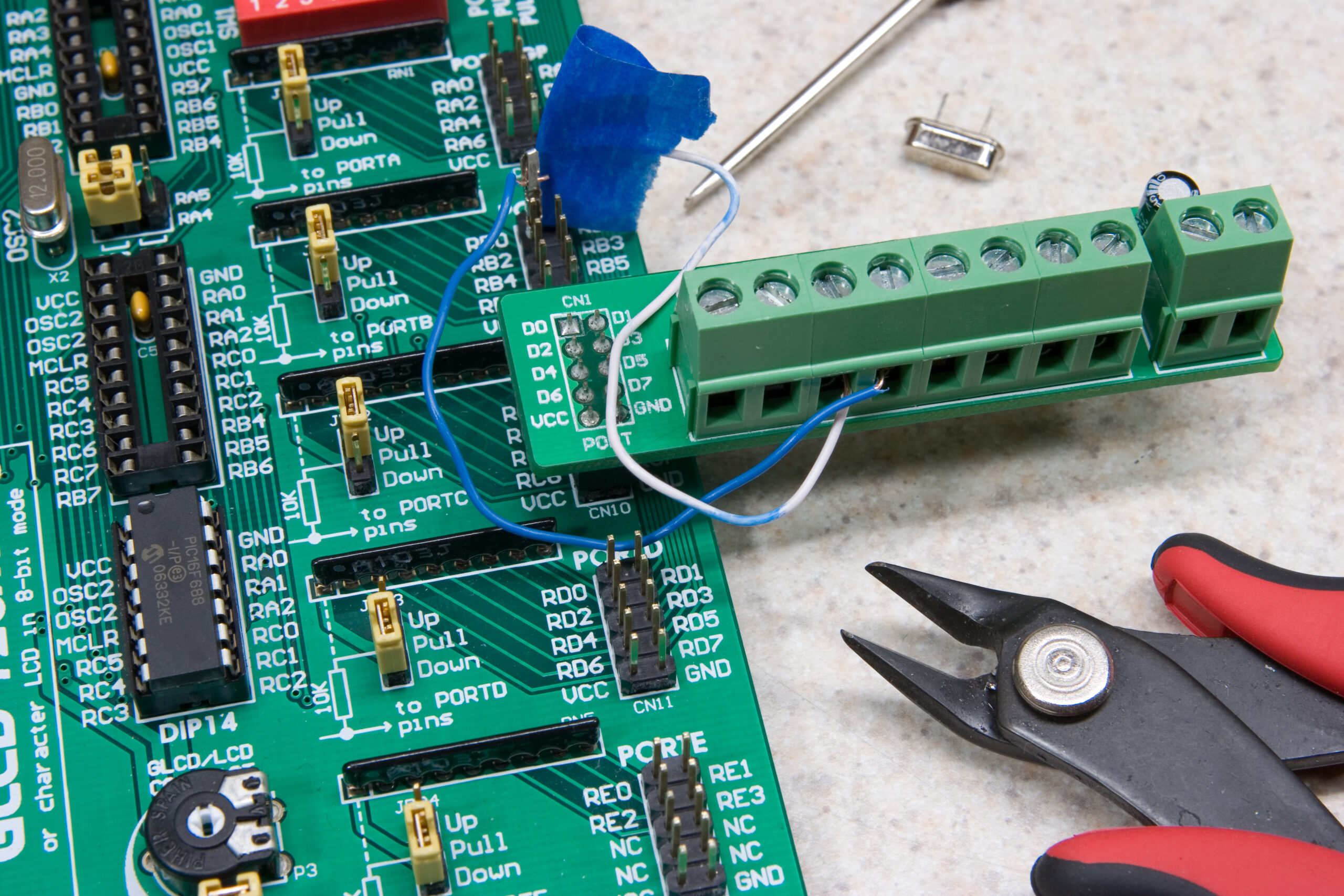
If things go as I hope, the following will take an iPod with it’s serial RX line connected to RB0 and skip it forward one track when the tactile switch RA0 on my dev board is pressed:

program ipod_next_track_test

dim buttonstate as byte

Soft_Uart_Init(PORTB, 1, 0, 9600, 0)

main:
while true
  if Button(PORTA, 0, 1, 1) then
    buttonstate = 255
  end if
  if buttonstate and Button(PORTA, 0, 1, 0) then
    Soft_Uart_Write(0xFF 0x55 0x03 0x02 0x00 0x08 0xF3)
    buttonstate = 0
  end if
wend

I just have to make an appropriate cable and I can test it. (The one I had made broke.)

Now, if that works I can get to work on making the EUSART on the chip respond to the Honda Music Link with enough intelligence to make it think that an iPod is present.

Then, if that works I can get to work on making some of the commands received from the HML act as the aforementioned button press, and I’ll have negated the function crappyness of the HML.

After that point I can make up a cheesy little PCB for the circuit and a PIC16F688 (the smallest PIC I could find with an EUSART) to sit permanently in the car. It shouldn’t need much more than the PIC, a crystal (because I’m not sure the mikroElektonika stuff can set the frequency on the internal oscillator), either a LM78L05 or small switching regulator, headers for the DIN connector cables, and a couple of caps. If I’m bored enough I might even make it my first SMT board.

automotiveelectronicsmaking thingsmoved from livejournal

TV Stand Ideas

So, I purchased an LCD TV earlier today via Costco’s website. (This one, if you are curious.)

Well, I need a stand for it. I think I’m going to make one, using a spare part from my desk. Due to a somewhat complicated story I have a spare right hand side desk surface from this shelf. I think I’m going to use it to make the LCD TV stand, but I’m not certain how to make the base.

First off, I think I want the base to be around 20″ off of the ground, so there should be room for a shelf in the middle. I’m thinking I’ll make the base out of black iron pipe, with a shelf supported with tees in the center. The shelf will probably be a random piece of melamine-covered stuffs from Home Depot / Lowes, fastened to the black iron pipe with some manner of pipe clamp.

Or, I could use multiple sets of flanges between some large, flat boards.

I was also thinking of large round PVC uprights, notched, with the shelves set into that.

Hmm. Any better ideas?

acquired thingsmaking thingsmoved from livejournal

NES 72-Pin Edge Connector Replacement

NES Internal Screw Removal

NES Internal Screw Removal

After acquiring some replacement NES 72-pin edge connectors to fix NES’ for both replika and I, I decided to take step-by-step photos of the replacement and write up a tutorial on it. So, I give you my NES 72-Pin Edge Connector Replacement Tutorial.

This is actually really easy to do, fixes the blinking-gray-screen problem which plagues almost every front-load NES (you know, the problem which were supposedly resolved by blowing on the connector in the cartridges), and can be done with just a screwdriver and replacement connector. There is no soldering or electrical repair skill needed for this.

Also, please Digg this story.

electronicsgamesmaking thingsmoved from livejournal

Atari 1050 is looking up!

Atari 1050 drive PCB with most of the electrolytic caps removed.

Atari 1050 drive PCB with most of the electrolytic caps removed.

Well, it appears that I’ve got the problem with the Atari 1050 sorted out. It seems that some of the 47μF caps (C42, C43, C69, C70) were bad, causing the shorts. I’ve also removed all of the other electrolytic caps and will be ordering replacements from Mouser tomorrow. (The board had looked like this before.)

I did make one pretty substantial mistake and inadvertently lift a trace on the top of the board when removing one larger caps. The hole really didn’t seem through-plated and the leg of the capacitor didn’t let go from it, and I peeled it right back. Thankfully it should be very easy to jump around with a 2″ piece of wire, so when I put it back in place I’ll do that.

Hopefully by the end of the week I’ll be able to properly image old 800XL floppies. Yay!

electronicsmaking thingsmoved from livejournal

Atari 800XL Composite Video Cable

Atari 800XL and TV

Atari 800XL and my TV

Thanks to this page about the Atari 800XL’s monitor connection output I was able to cobble together a composite video output cable for my parents old Atari 800XL. Thankfully the monitor connection is a standard DIN5 connector, so it was made by sacrificing a spare MIDI cable and an old red / white RCA cable pair.

After the SIO2PC adapter arrives and I’m able to either fix my Atari 1050 floppy drive or borrow one from someone I’ll begin imaging the whole box of floppies leftover from my youth. This will be done using Ape and ProSystem to copy all the old disks to images so they can be archived. Then they can either be run under emulation, or directly on the 800XL with the PC pretending to be the floppy drive (via the SIO2PC).

I should probably also consider doing something with the tape drive as well. Maybe pulling data / games off of that or something… Hmm…

electronicsmaking thingsmoved from livejournal