nuxx.net
Making, baking, and (un-)breaking things in Southeast Michigan.

DVD Players

To go along with the new TV I’ve been wanting to get a new DVD player. See, my old Sony DVP-S550D from the late 90s doesn’t support 480p output, won’t play burned discs reliably, is single-region, and has a nasty problem of occasionally losing sync between audio and video.

On Monday I picked up a Toshiba SD-K770 from Costco for $39.99, and yesterday a Philips DVP5140 for $49.99 from Target. With both players at their default settings, alternately run through the same component input on the TV (set to Pro mode with brightness turned down slightly) here’s what I found:

Toshiba SD-K770

· Remote contains all needed controls, but is small and cramped. Somewhat hard to use without looking.
· Colors appear a bit less saturated than the Philips DVP5140.
· Remote feels very laggy.
· Cannot (currently) be made multi-region.

Philips DVP5140

· Remote is better designed, but is lacking buttons like ANGLE.
· More saturated colors. Not sure if this is correct or not yet.
· Easily made multi-region. (Go to the Preferences page in Setup, enter 138931 on the remote, then pick the new region.)
· Less noisy drive mechanism than the SD-K770.
· Faster remote response than the SD-K770.
· Image pixelates when paused, making test patterns a bit hard to observe. Patterns appear very smooth when playing.
· Display area shifted vertically much more than the Toshiba, almost cropping at the edge of the safe area. (1, 2)

Photographs of the display, showing the same test patterns and some menu stills from a Family Guy Season 3 DVD can be found here (photo gallery retired). These were made by setting up the camera, picking some screens, and photographing them on aperture priority. The players were both using the same input with the same settings on the TV.

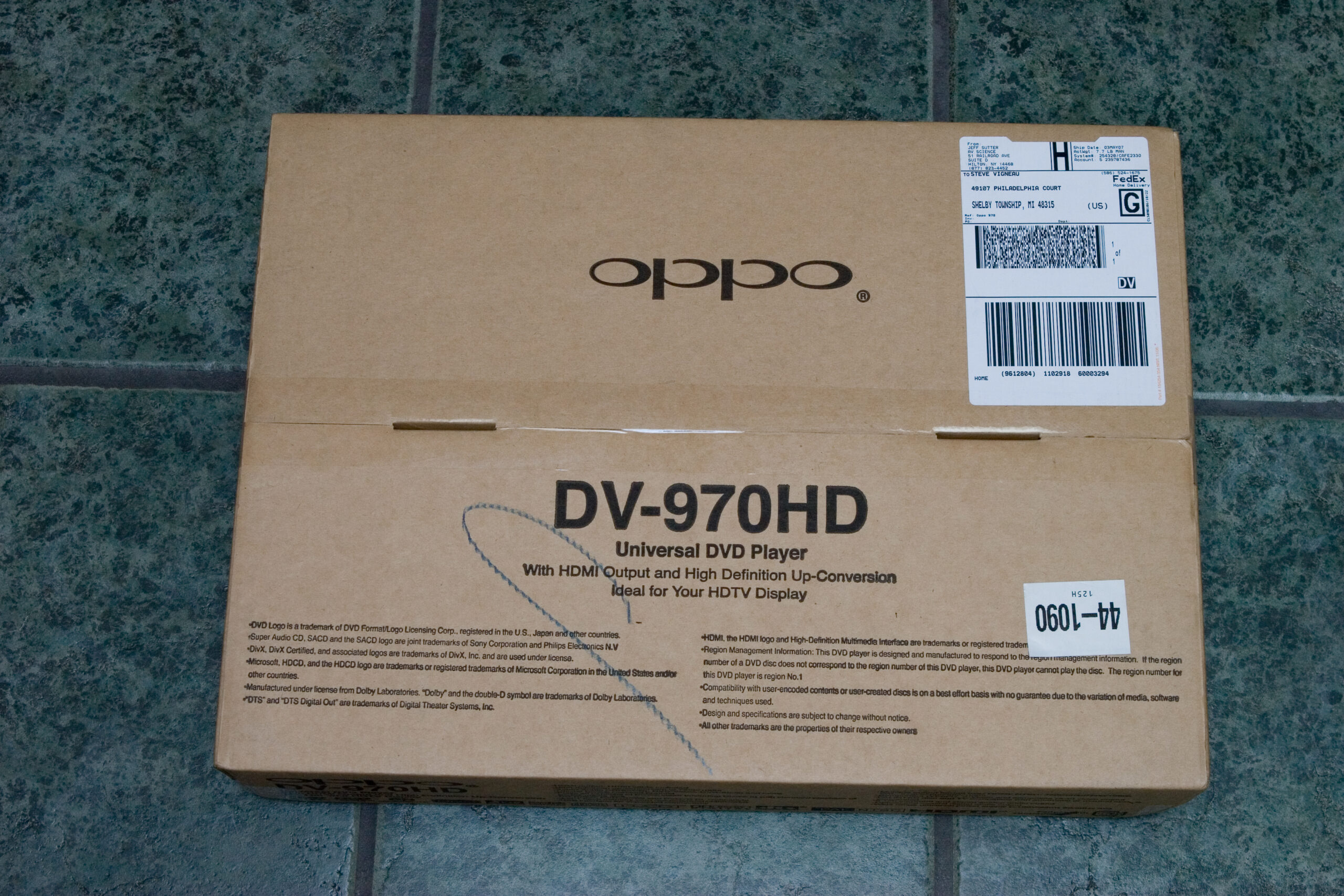
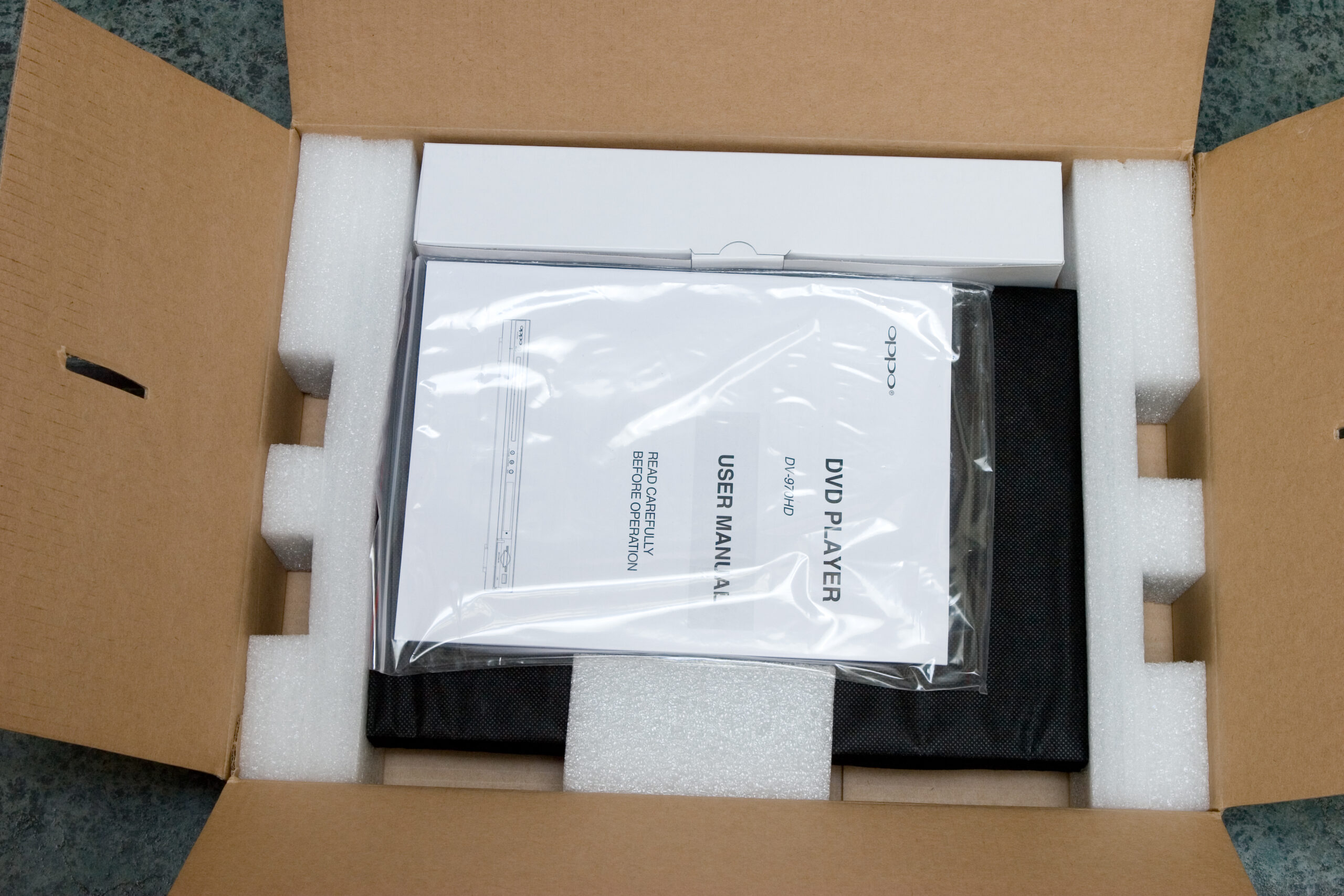
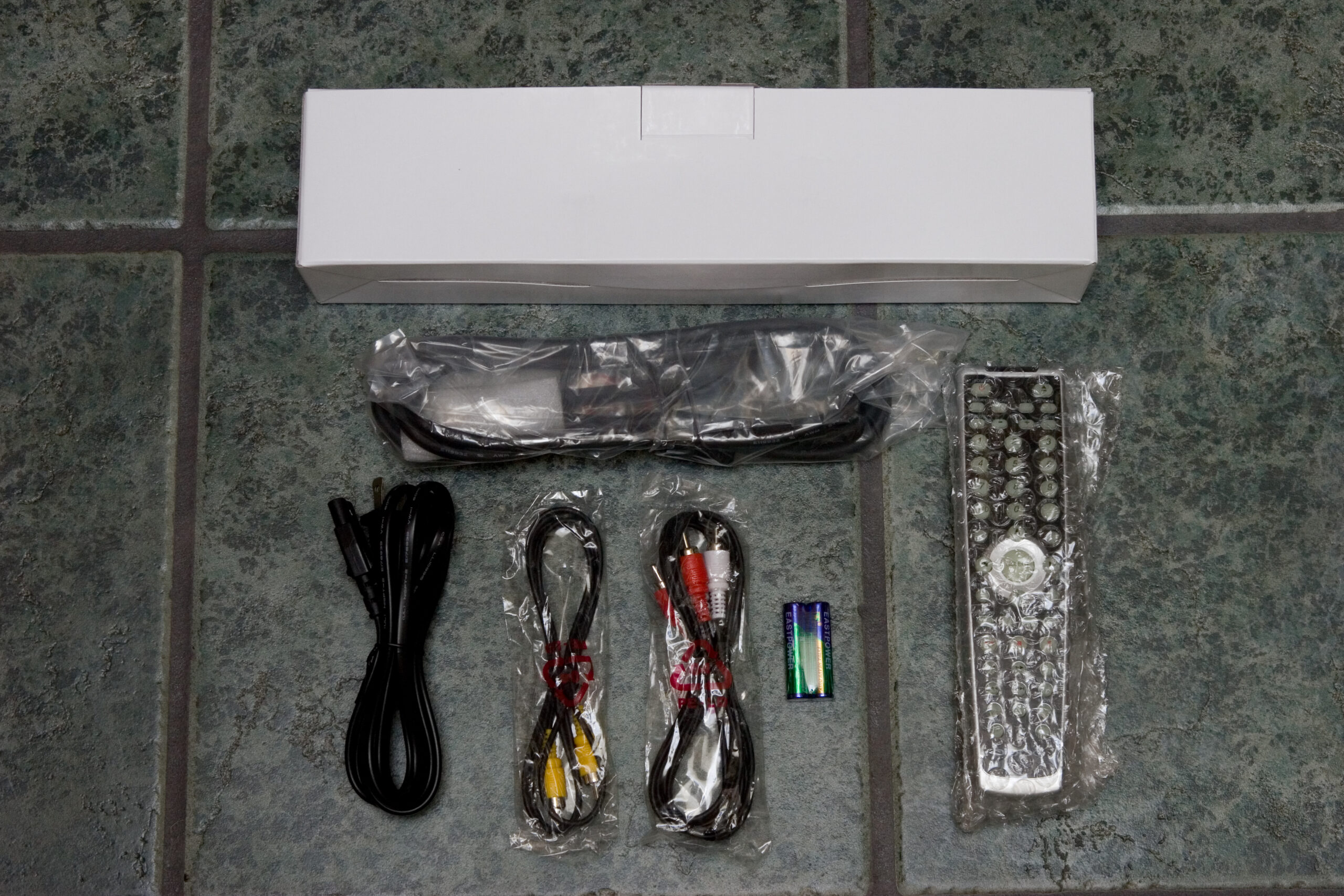
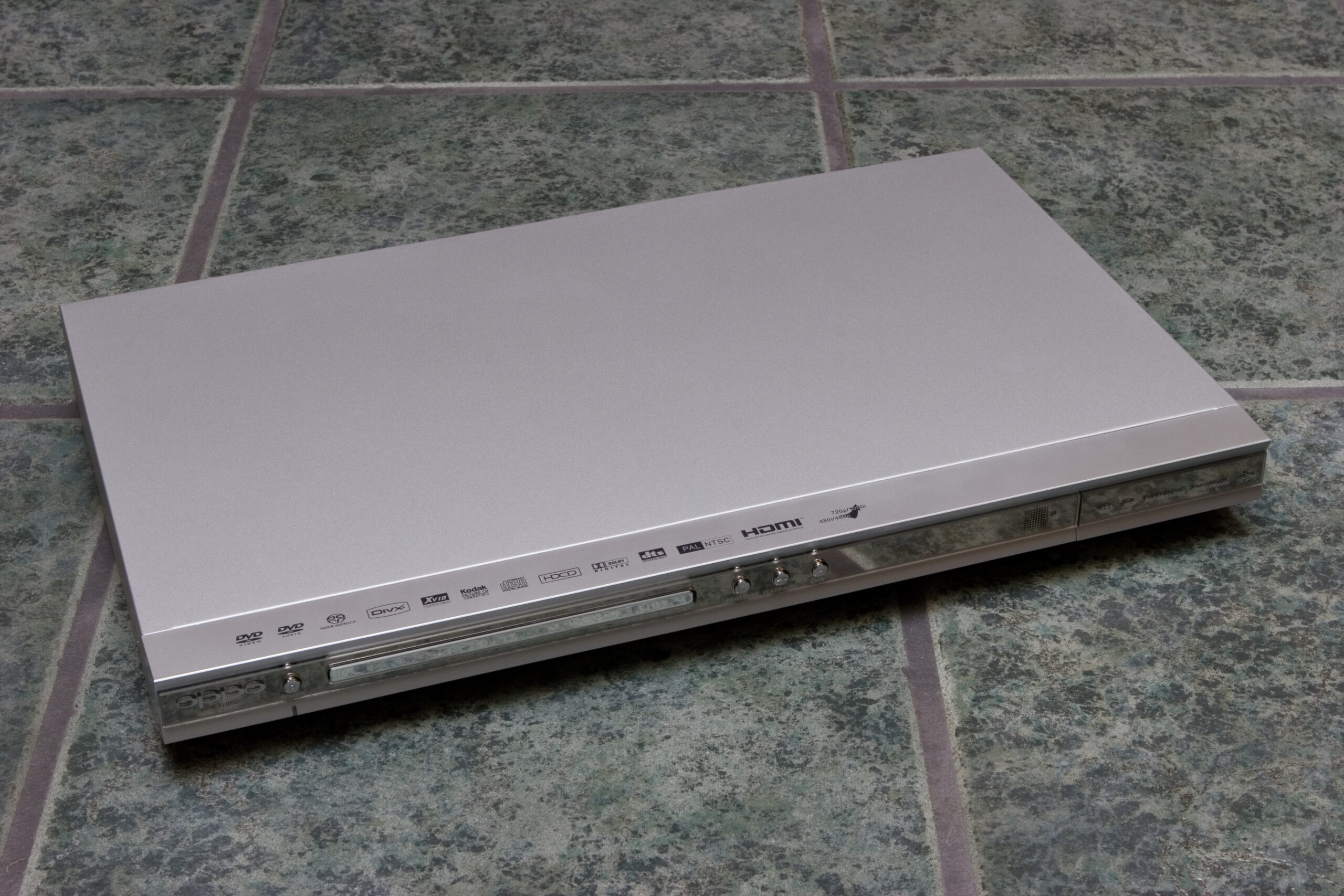
At this point I’m almost wondering if I should return both players and just order an OPPO DV-970HD. At $149.99 (shipped) it is 3x the cost of the Philips, but it seems to have a lot of things going for it:

· Like the SD-K770 and DVP5148 it is also a DivX certified player.
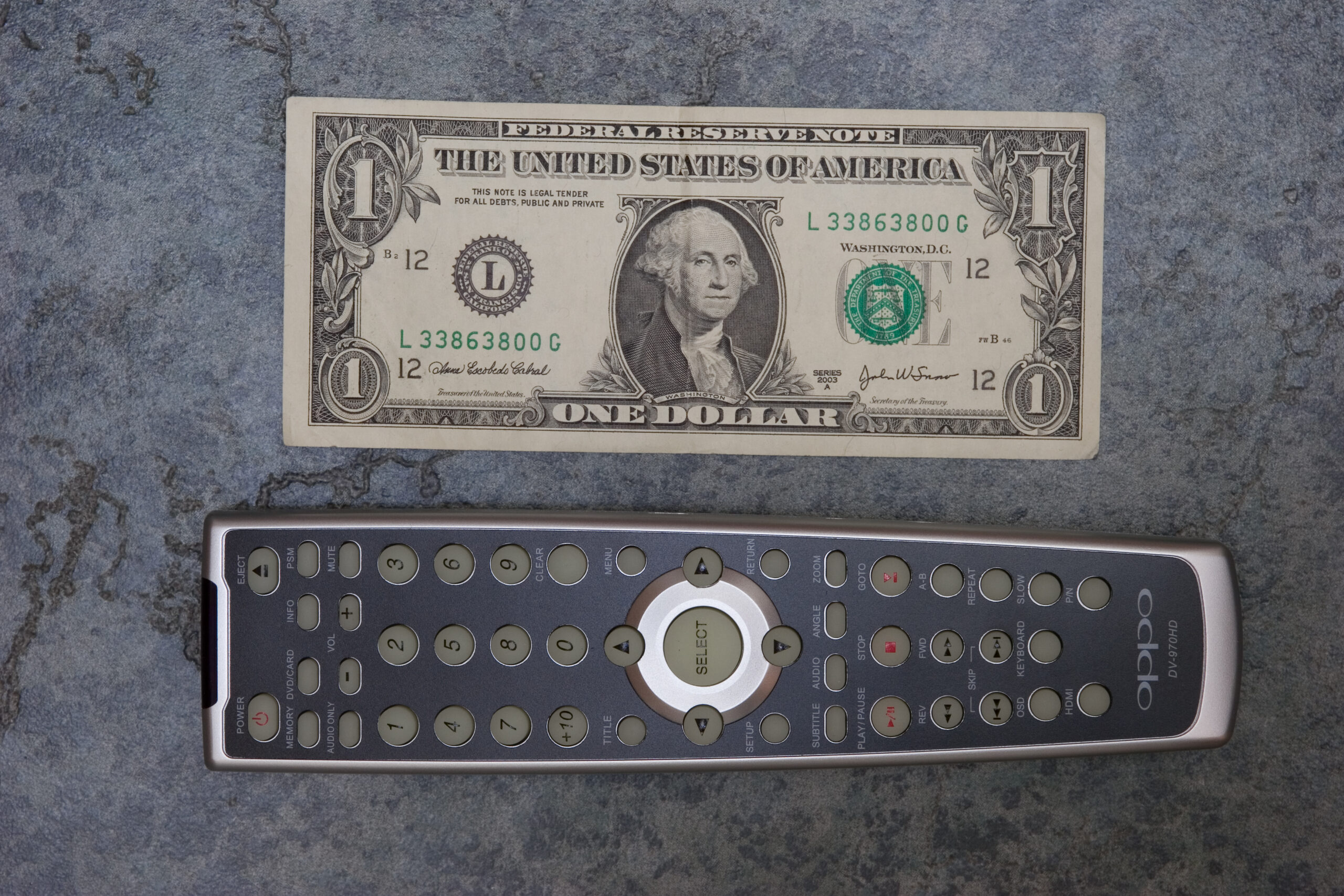
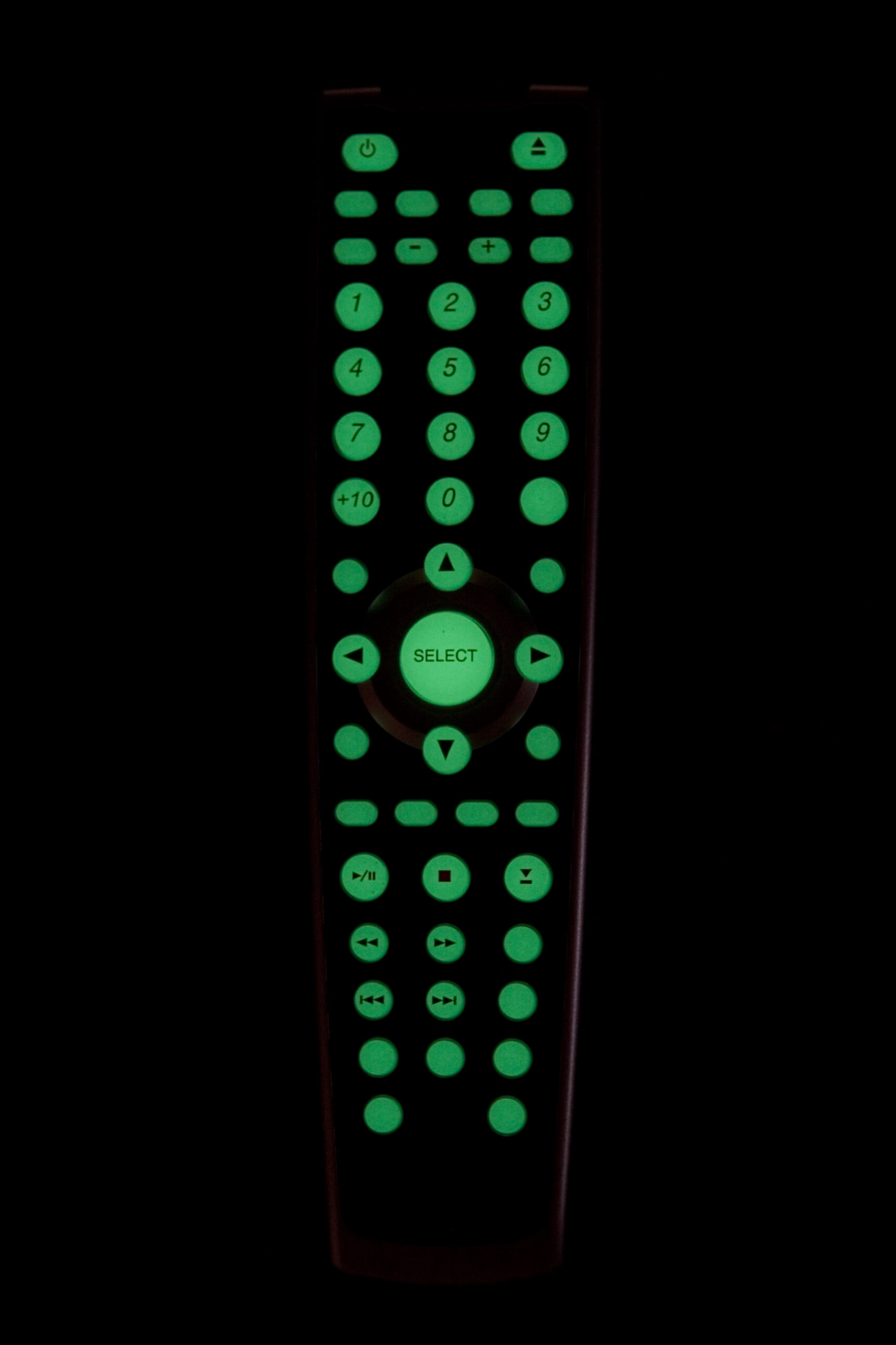
· The remote appears to be far better designed and more along the lines of what I’d expect in a DVD player remote.
· The DV-970HD can also play DivX (and such) files from USB 1.1 mass storage devices or flash cards.
· Easily made multi-region. (Enter 9210 on remote while in Setup menu and select region.)
· It gets very good reviews, especially for a player of it’s price.
· Company support appears to be very good, with regular firmware updates posted to their site.
· Plays SACDs, but audio output must come from HDMI or 5-channel out due to stupid DRM.

That all said, I don’t have access to a DV-970HD to look at how things fit on the display, nor how it looks color-wise, but it has been receiving very good reviews from quite a few places. A big part of me is thinking that I should just spend the extra, get the OPPO and go with that.

I don’t have plans to regularly upgrade any home theater stuff, so this would probably be worthwhile. Especially if it lasts as long as my previous player. (The previous player still works, but the lack of 480p and the sync problem is pretty bothersome now.)

This can be resolved by stopping the player and pressing play again. The disc restarts at the stopped point, but audio and video are in sync.

acquired thingsmoved from livejournal

HMLiberator Update

So, some more information on the HMLiberator. For one, I’ve started writing the actual project page over on nuxx.net about the device itself. It can be seen here: HMLiberator

I’ve progressed quite far on the software, and if the changes I made today work, it will now also be able to send regular updates (every 500ms) if Polling Mode is enabled on the iPod (command: 0x00 0x26, response 0x00 0x27), all while continuing to process other things.

I still need to make it maintain internal state regarding current track playing, ensure that play/pause/stopped states are properly maintained, and a few other things. But, for now, I’m happy with the progress. I’m also glad to finally get some documentation about it online, even if it’s a bit scant.

electronicsmaking thingsmoved from livejournal

Aux Input Device

As a simple aux input device, the HMLiberator works as designed. However, because of the 500K resistor in the headshell (as opposed to a 1M in my adapter) the iPod doesn’t pause when the vehicle is turned off.

Implementing the next/previous track stuff is going to be a chore, because the Honda Music Link is a lot smarter than I thought. It expects certain replies, and it expects those replies to be more consistent than I expected. Therefore, I might have to write a little iPod emulator thing which keeps consistent state, sends appropriate replies, etc.

Basically: Uggh.

automotiveelectronicsmoved from livejournal

Laserdisc

Does anyone local have any Laserdiscs they could bring by? Danielle dumpster-picked a player for me last year and I’d like to try it out.

I guess I could try an audio CD, but that doesn’t ensure that all the video circuitry is working…

acquired thingsmoved from livejournal

Sony KD-34XBR970

New TV in my basement.Sony KD-34XBR970 in my basement.
(Click for more…)

Earlier this month I purchased and then cancelled the order on a reasonably prices (but still $1k) LCD television, which I was going to purchase so that I could give my grandparents my TV.

Well, fast forward to Friday when Danielle and I were visiting with my grandparents (and my parents, and sister, and brother-in-law, and two doggies) at my parents house, and my grandparents were asking what I’d recommend for them to get as a replacement for their television as theirs is dying. I promised them that I would call on either Saturday or Sunday and let them know what I thought would be a good choice, how to purchase it, etc.

When Danielle and I headed into Circuit City I happened across the Sony KD-34XBR970, a rather nice 34″ CRT HDTV, which Circuit City had at the very discounted price of US$599. After some thinking and figuring things out, I ended up paying for the TV at the Great Lakes Crossing store and having pickup set up for the store near Lakeside. We also went over to Best Buy, where I was able to purchase a rather nice, and perfectly sized stand for it for US$149. Sure, that’s a lot more than I like to spend on a stand, but I actually like how it looks (especially in conjunction with the other stuffs) and it fits the TV very nicely.

I’m also really happy with the image on it. DVDs, even with my eight or nine year old Sony S-550D player, look really great. Hooking it directly to a Comcast cable line picks up a bunch digital channels, including Discovery HD, some HD PBS stuff, HD ‘normal’ TV, and a whole bunch of music stations. The Wii looks great, and I’ll check out some of the other things tomorrow.

Strangely, standard definition TV looks a bit… well… it’s obvious that it’s SDTV. Sort of like watching TV programming expanded to full size on a television monitor. Full 1080i HDTV (yes, this does it) is pretty damn incredible. It’s just really, really nice.

So, I have to say that I’m quite happy with this. I don’t feel iffy about it like I did with the potential LCD purchase, and sitting in my basement it really does look great. The biggest flaws I can find with it are the lack of a CableCARD slot and it’s size, but as I’m no longer planning on moving nor wanting cable beyond the basics, neither really matters to me.

It also still needs to be calibrated, and I need to figure out why there is a faint vertical line running along the left edge of a SD non-zoomed image, but that shouldn’t be a problem. For now I’ll rest. There was already lots of lifting done, with getting the new TV, getting it into the basement, moving the old one out, and all those sorts of things.

(And yes, I know the color on these photos is completely crap. That’s what happens when it’s under GE Reveal off-temperature incandescent bulbs and a bit of correction is added. It’d be really hard to get this all right… Although I should try one day…)

acquired thingsfamilymoved from livejournal

It works!

Working on the HMLiberator

Oh, and as mentioned in the previous post, it works. Well, mostly. I had the Honda Music Link passing audio from the iPod and communicating with the HMLiberator, but then I ran into a bit of a snag. In the byte I was keying off of for a response (the checksum of the packets) I’ve run into a collision, so I now need to come up with a better way to selectively respond to commands from the HML.

I think I’ll try matching off of the actual command itself. This might not be too difficult, but either tomorrow or maybe over the weekend I’ll try and flesh out a good way to do that.

For now, though, I’m just happy that it’s proven to be possible to do what I want. :D

electronicsmaking thingsmoved from livejournal

Serial Port Monitoring Software

Well, for one, I got the Honda Music Link passing audio. Yes, it’s working. However, not in all modes… and I came across a case where the data I was keying off of — the checksum of the packets — has a collision. So I need to find a different way to do it all.

That said, I need some help. Can any of you point me to software which will open a serial port, listen to data, and allow me to send things in hex? Eltima Serial Port Monitor works great, but the trial has expired and the software is $70! That’s… a lot for just hobby uses.

Thank you. :)

computerselectronicsmoved from livejournal

HMLiberator Works! (Mostly…)

Parts on my workbench.The EasyPIC4, iPod, Honda Music Link iPod Cable, and serial breakout cable,
all connected and ready for testing.
(Click for more photos of HMLiberator development.)

Well, it pretty much works. By “pretty much” I mean that the Honda Music Link talks to it, the HMLiberator replies, and things seem okay. I’m stuck at one point, where the Honda Music Link (HML) asks the iPod (really, the HMLiberator) for information about the two playlists it reports containing, and the HML doesn’t seem to like the answer. I think I screwed up at least one of the packets, so I’ll look into that tomorrow and do a bit more testing. The good news is that it all generally works and right now the problem is software related.

I’ll try and fix it tomorrow.

I uploaded a few more photos, which I’ll just mention here:

· Inside of one of the MiniDIN 8 connectors, with fingerprints for scale.
· Completed straight-through cable, to be split open for serial data testing.
· Cut open data cable, ready to tap into the serial TX and RX lines.
· Completed serial RX/TX tap, except I forgot to connect the ground line. Whoops! It works when grounded through the sniffer, though.
· My Honda Music Link sniffer. A level shifter, strip board, and some DB9 connectors.
· Detail of the top of the HML sniffer.
· Showing where the HML sniffer taps into the serial TX and RX lines which the HML uses to talk to an iPod.

This part is probably even less interesting to most people, so I’ll hide it behind a cut:

Click to see…

electronicsmaking thingsmoved from livejournal

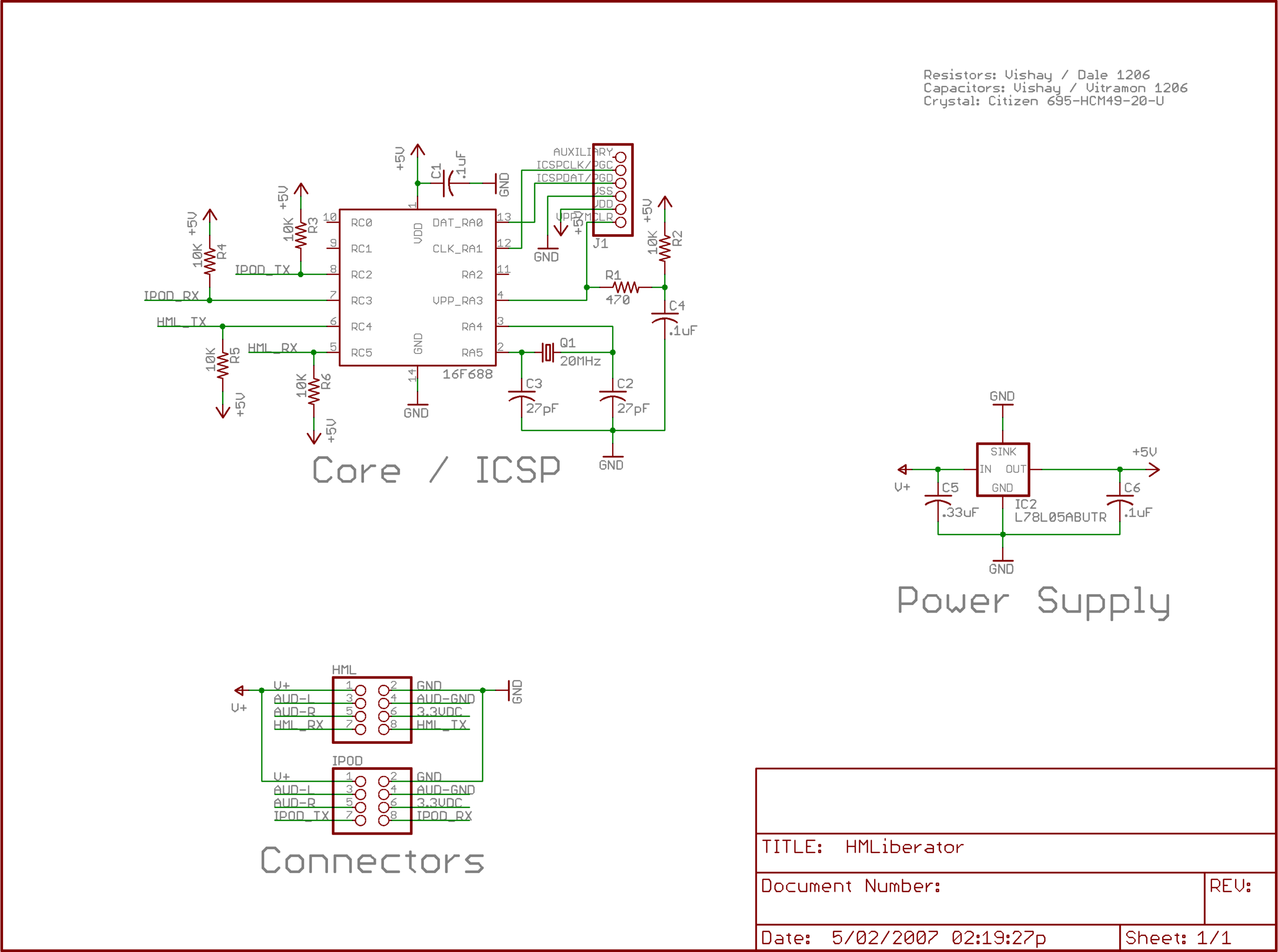
HMLiberator First Draft


HMLiberator Schematic First Draft
(Click for 150dpi version.)

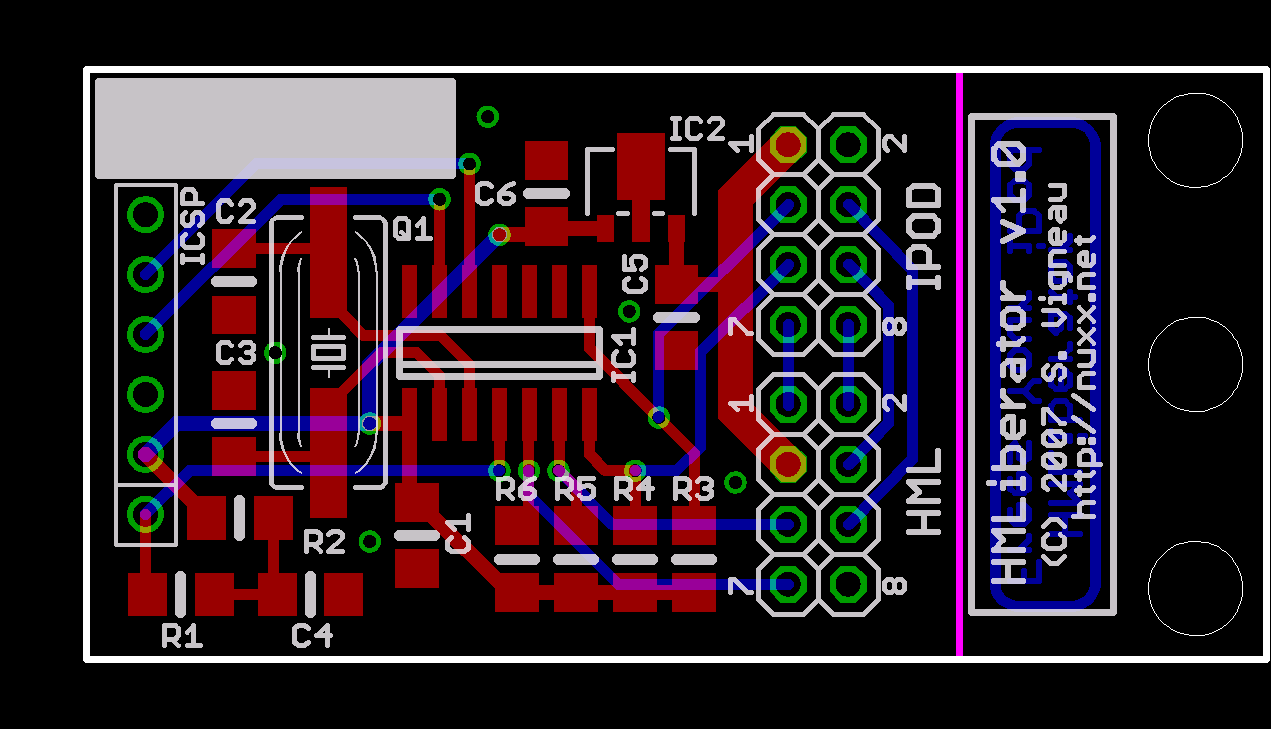
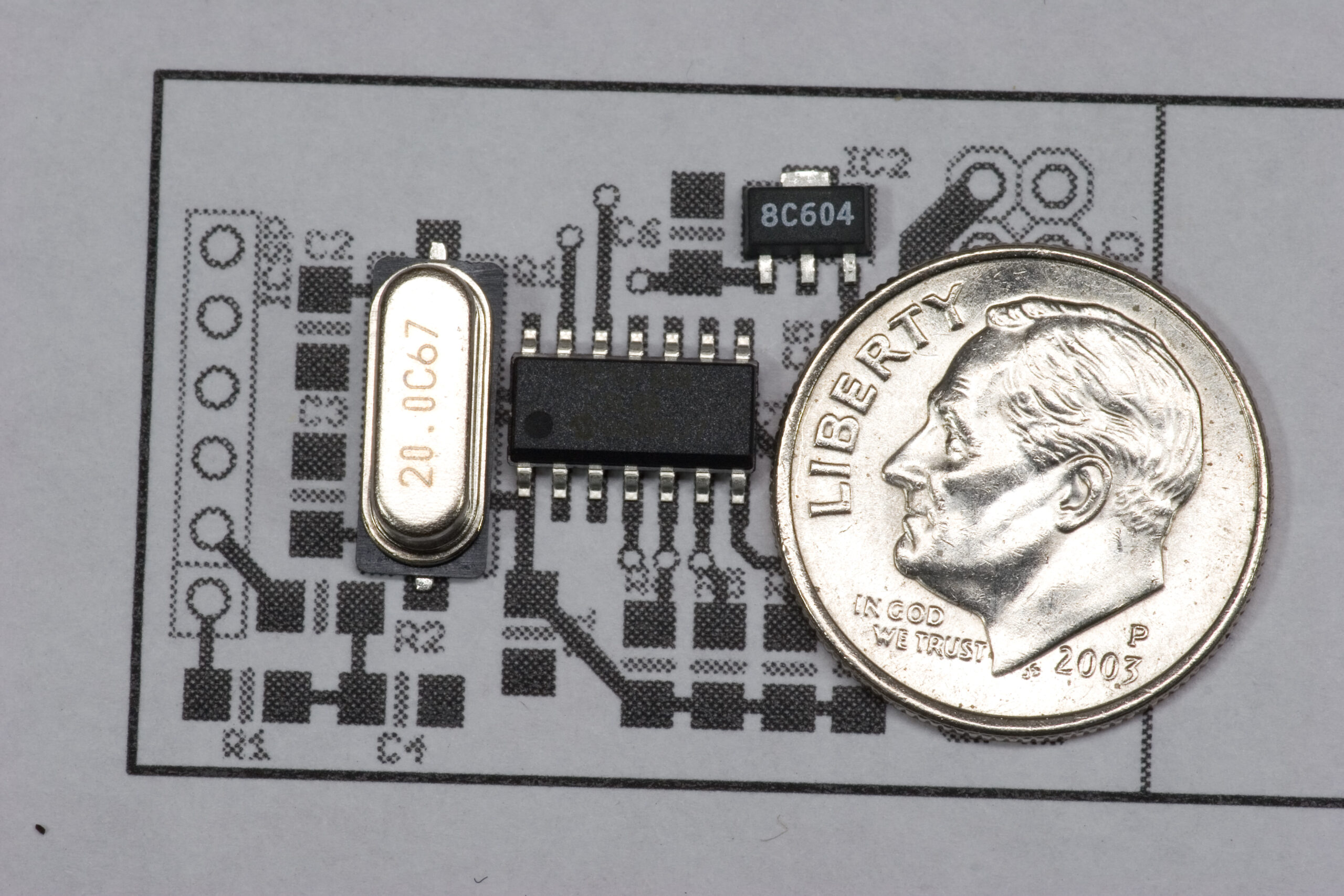
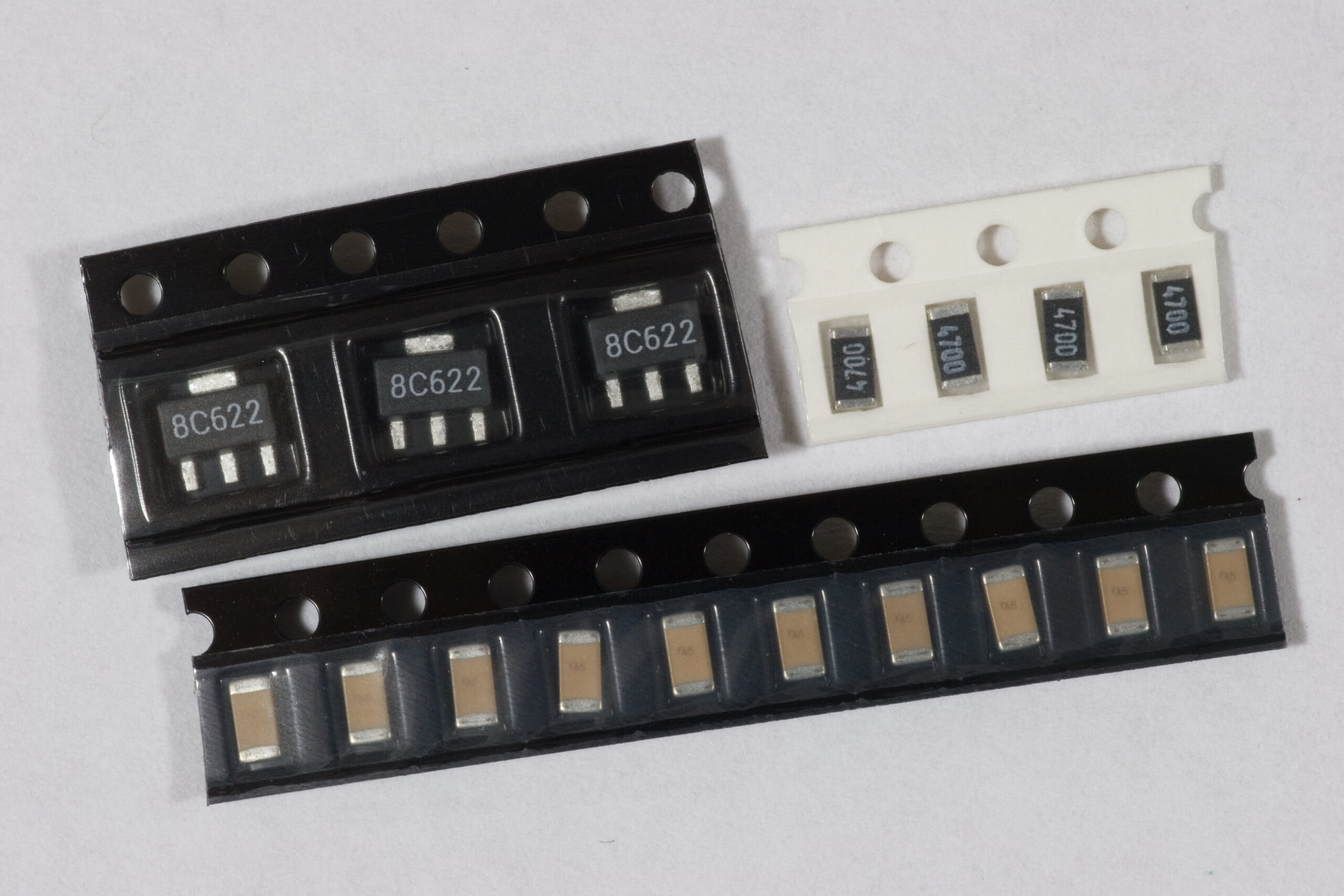
Well, there’s that. I think that’s the appropriate first draft of the schematic for the HMLiberator. All parts are SMT, including the SOT-8 voltage regulator and crystal. I’m still not sure how the cables running to the Honda Music Link and iPod will be terminated, but for now I’m thinking that the wires will simply be soldered into the board, then the body of the cable strapped down to the board for strain relief.

The whole board is intended to be considerably smaller than the Honda Music Link itself, capable of being strapped to the HML and sort-of piggyback on it. It will likely be cased in simple shrink-tubing, as being all SMT and low profile this shouldn’t be difficult to do at all.

The ICSP connector will be a right-angle .100″ connector on the dev board, and just holes on the production ones (if I do any production runs). I figure the right angle connector can be set in the holes and held in place during programming, and any purchaser who has the means to flash it themselves likely has the means to add the ICSP connector itself.

Now, to fix the FIFO problem and lay out the board. (Hopefully I’ll get both done by the end of the week.)

Oh, and if any of you can see any problems with that design, please let me know.

electronicsmaking thingsmoved from livejournal

PIC16F688

EasyPIC4 w/ PIC16F688EasyPIC4 w/ PIC16F688 at 12MHz with
rigged connection from hardware UART to on-board level shifter.

After some jiggery to get the PIC16F688 sample I received today talking to the built-in level shifter on the EasyPIC4 I had no problem getting the basic software for the HMLiberator running and responding to commands. It’s currently running at 12MHz, but as soon as I get some 20MHz crystals it’ll run there. This will give a baud rate just about 0.16% skewed from the specified 9600 baud rate, and I think that’s close enough.

I still have one problem to sort out before I try plugging it into the car, and that’s with the receive FIFO. With it set at the default of 40 bytes I can get five commands sent and responded to, and then the sixth just fails. As I was testing with a seven-byte command (and 7×5 = 35, just below 40), I think I’m hitting point where the FIFO wraps around (or something — I don’t understand it well enough yet). The incoming commands are of varying size, so I’m not really sure how to work around this yet.

At least I know where the problem lies. Once that is sorted (or whatever) I’ll plug the thing into the car and see what it does. If that goes well, which I expect it will after some basic software changes, I’ll finish up the v1.0 circuit / board design and order a run of boards and make up a first batch of five or so.

electronicsmaking thingsmoved from livejournal