nuxx.net
Making, baking, and (un-)breaking things in Southeast Michigan.

Category computers

PowerMac G5

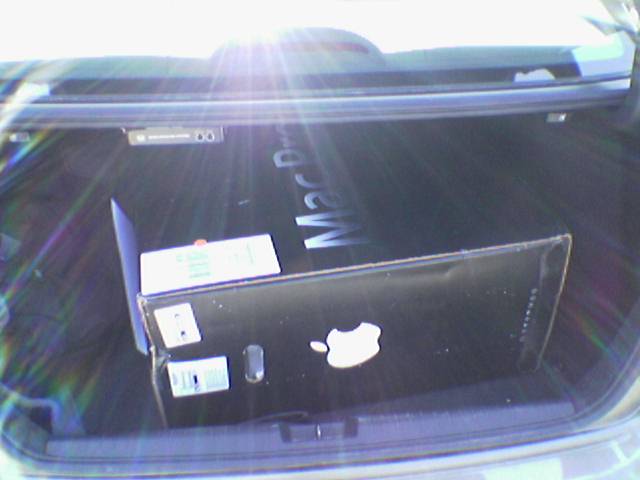
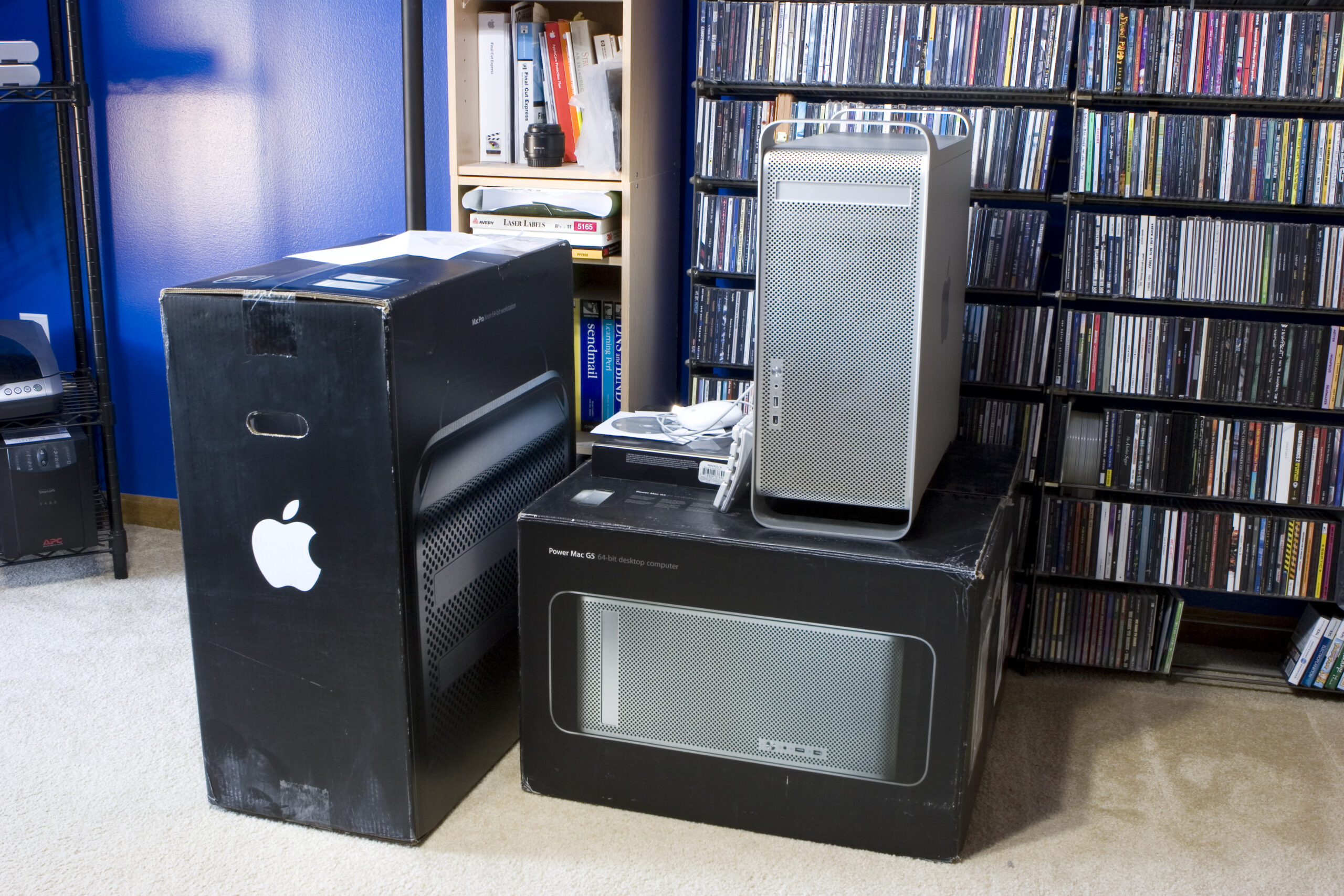
Well, thanks to the help of a friend I now have a Mac Pro on the way to me at a rather nice price. I’ve also ordered the extra RAM it needs to fit my needs. In the end it’ll be a quad core Xeon 2.66 GHz box with 3GB of RAM, 1x250GB and 4x320GB hard disks (two internal, two external for backups), and all my old peripherals.

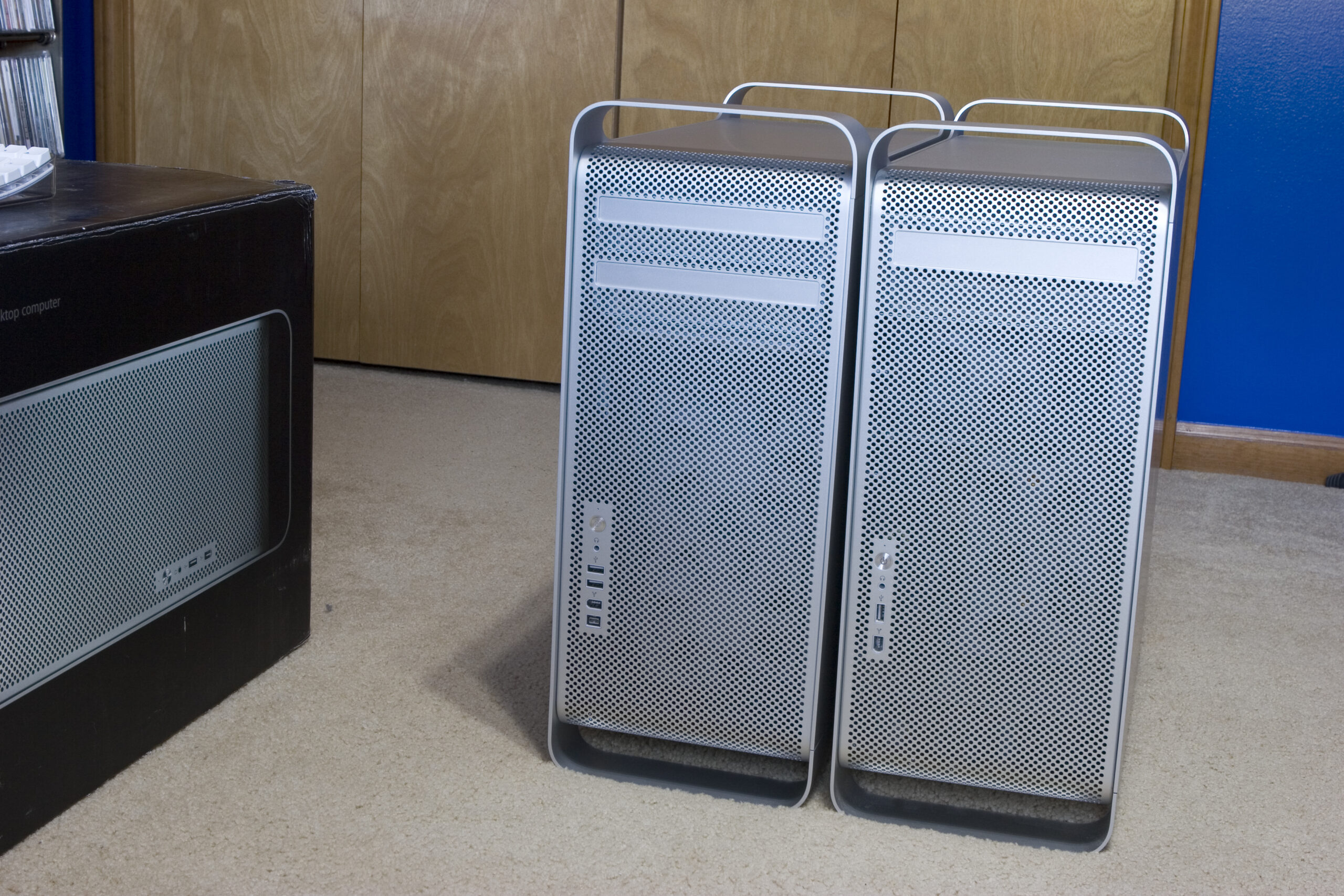
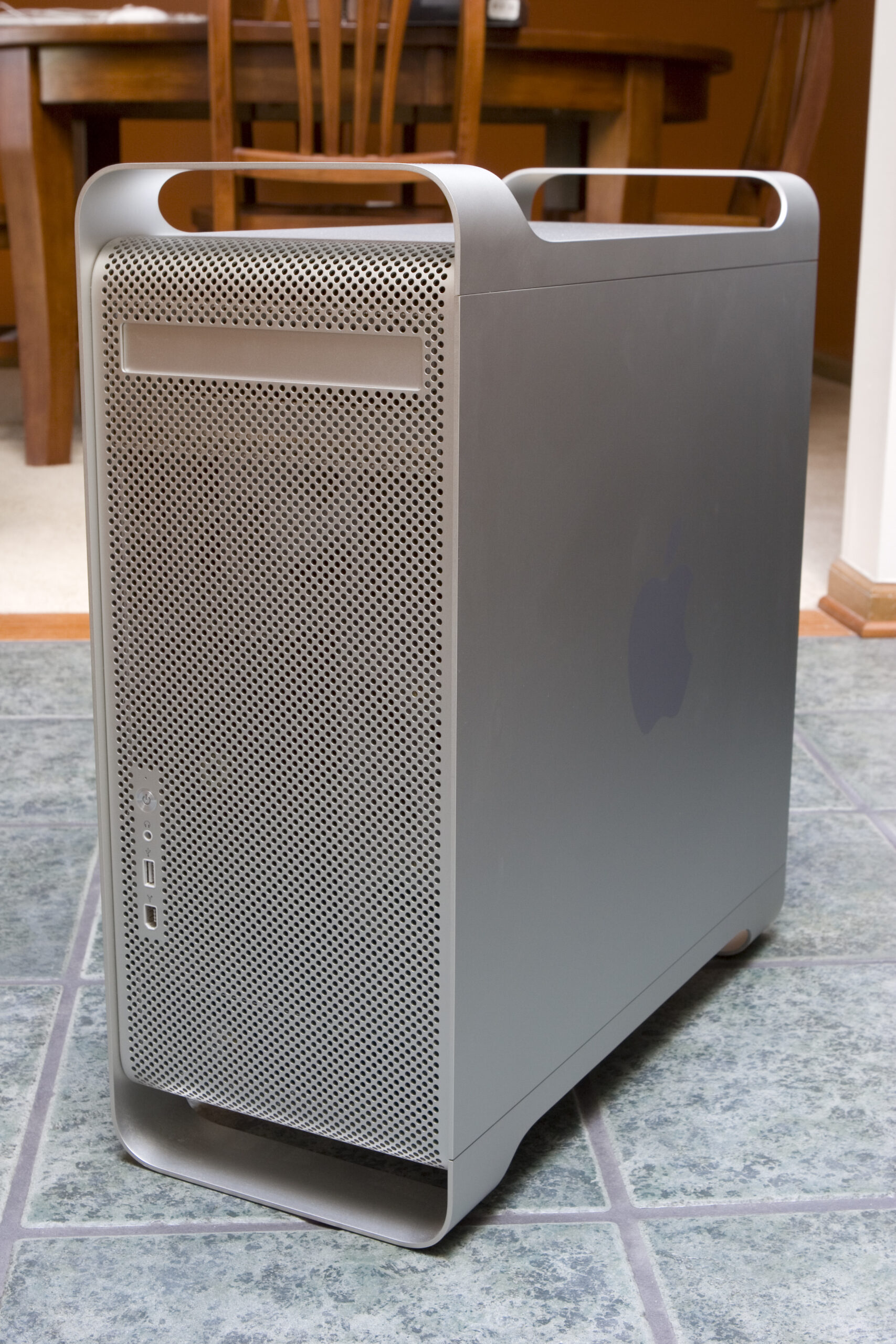
That said, I’m now selling my Power Mac G5. If any of you are interested, I’ll give you first crack at it. I’m asking US$1500, and it is as follows:

Dual 2.0 GHz PowerMac G5 (PowerPC)
3.5GB RAM
2x 160GB Hard Disk
DVD Writer (SuperDrive)
All Original Software (Yes, I can ensure that Classic is on it.)
OS X 10.4 (Legal, Licensed, Boxed Retail Copy which I had purchased separately)
All original packaging, accessories, and cabling.
Apple Mighty Mouse

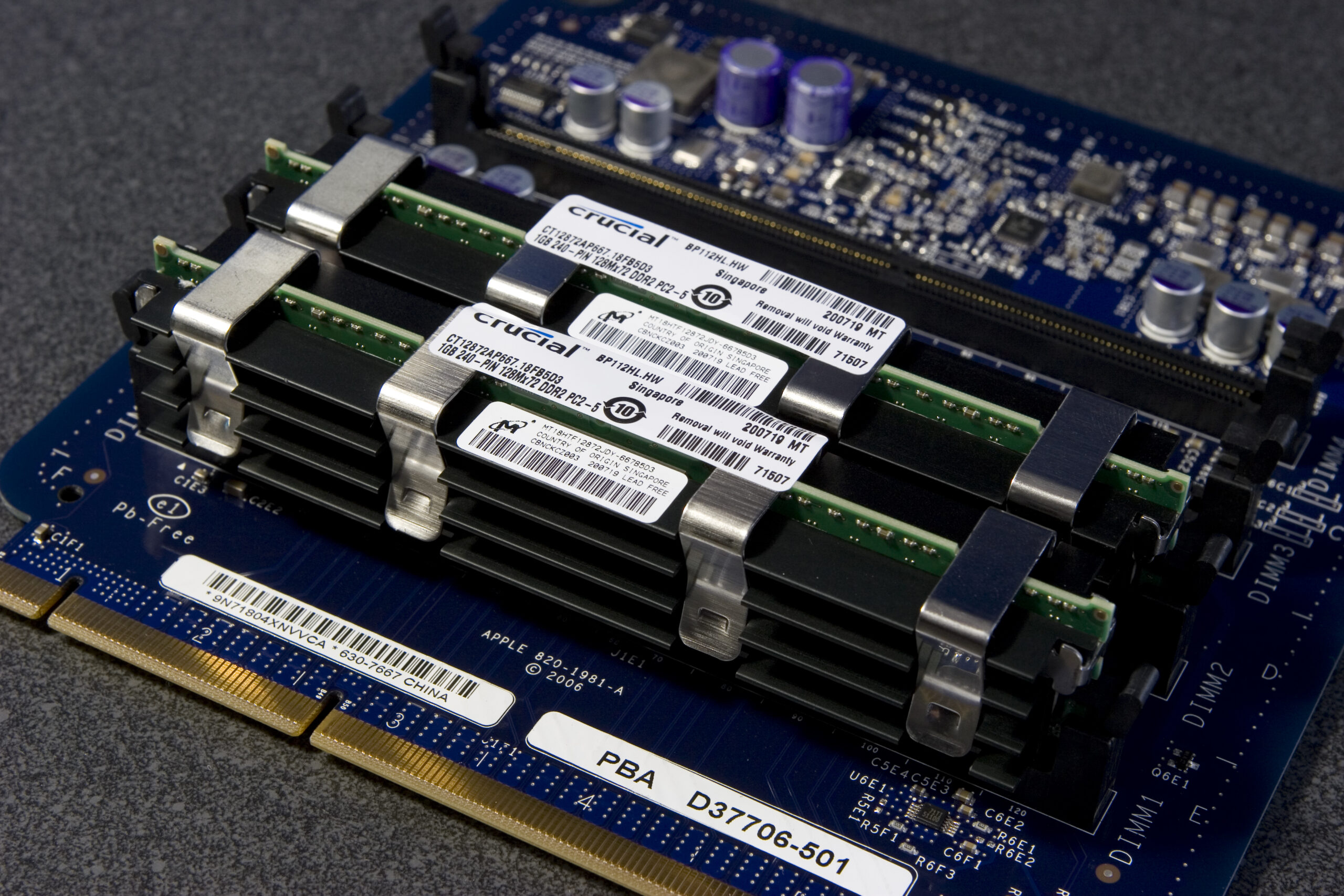
It’s been real well cared for, hasn’t left the air conditioned / non-smoking room it’s been housed in since I got it, and hasn’t ever had any problems. All but 512MB of the RAM was purchased from Crucial and is under their lifetime warranty.

I will ship it anywhere in the world, but please remember that the Power Mac G5s are mighty heavy. The case is beautiful, but it’s also a large hunk of solid aluminum.

This machine makes for a great photo / video editing workstation and is probably a bit overpowered for normal desktop use. Lightroom, Photoshop, Illustrator, all of those run great on it.

Oh, and it will run OS X 10.5 which is slated to be released this year — buying this machine isn’t a dead end of any sort.

acquired thingscomputersmoved from livejournal

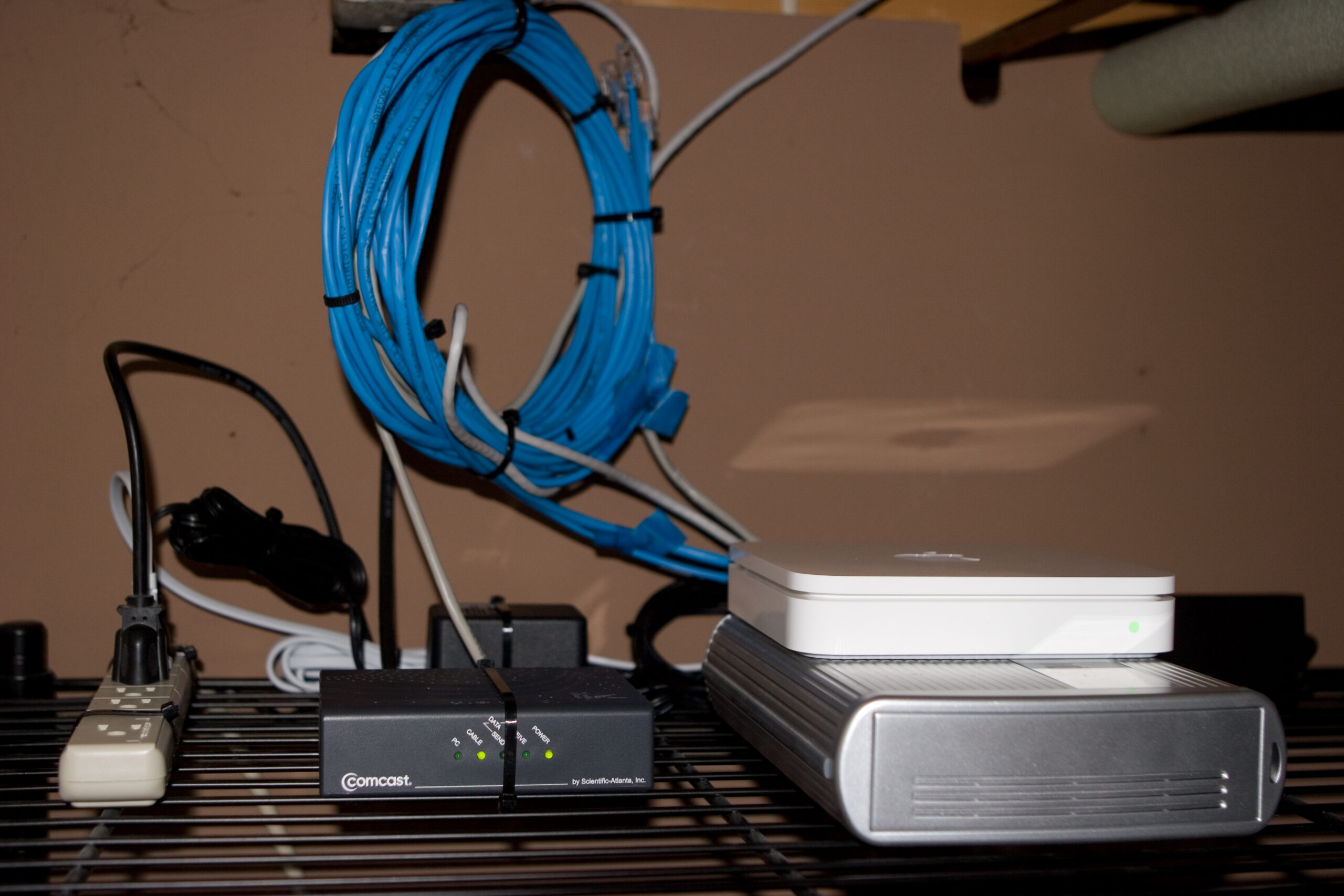
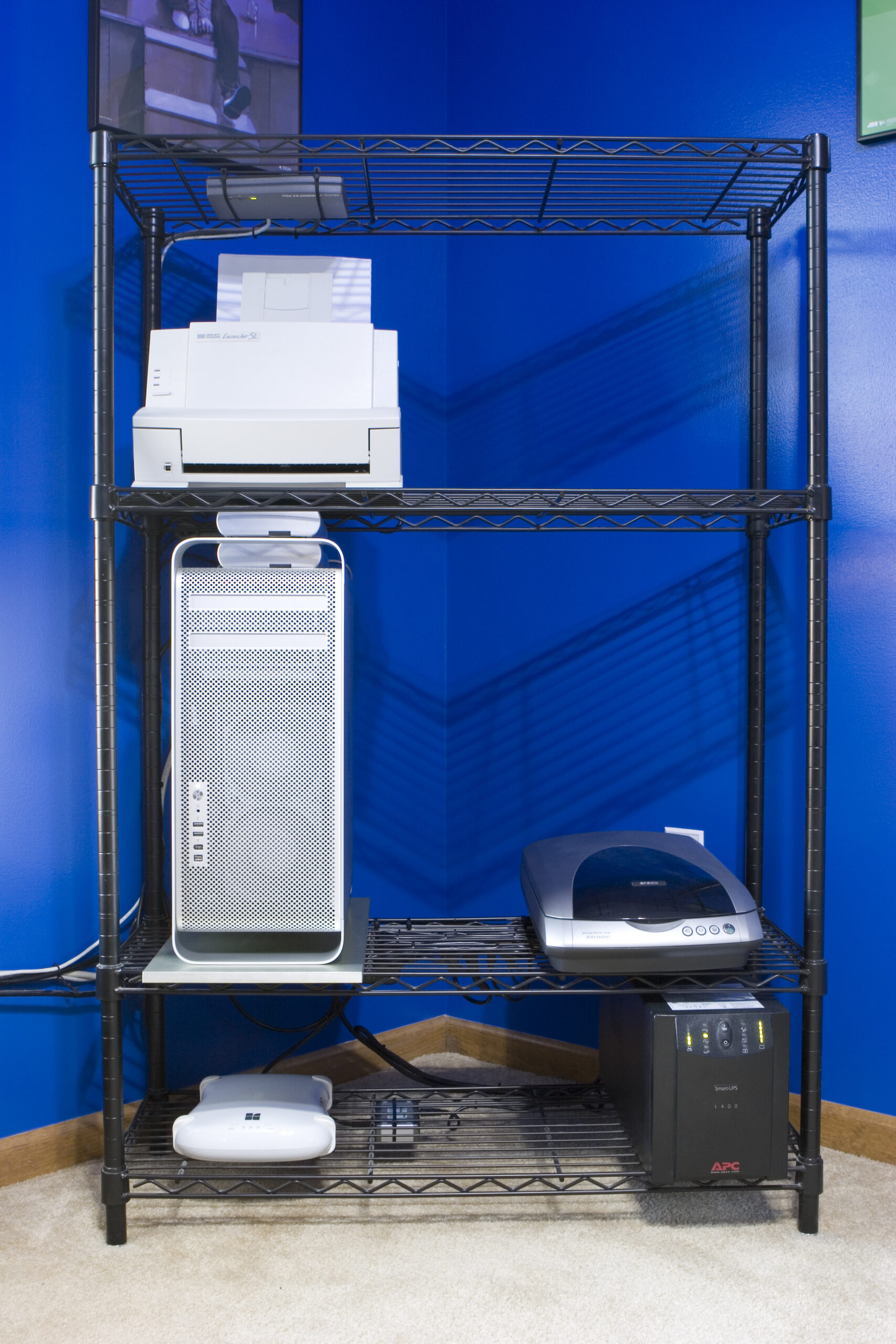
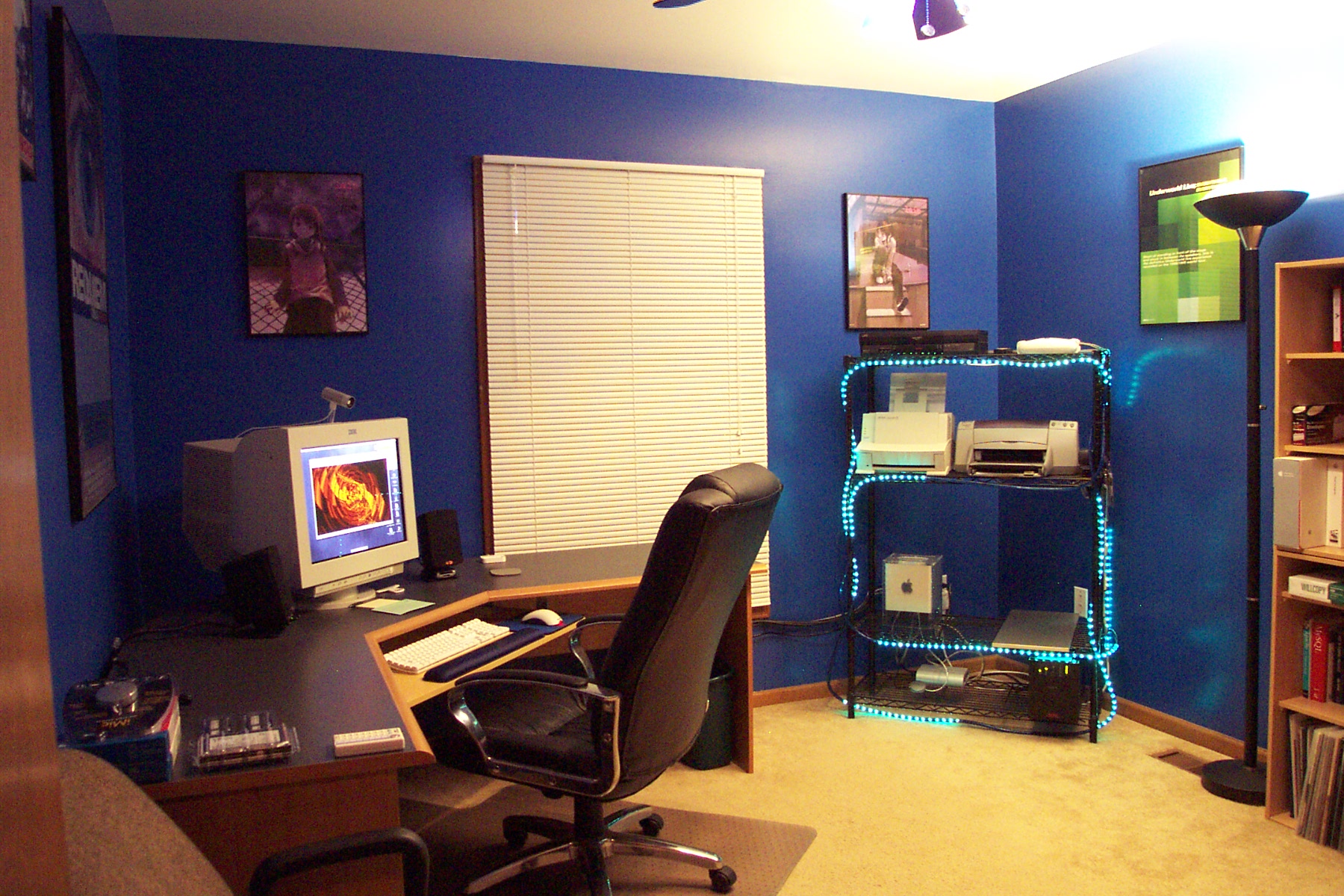
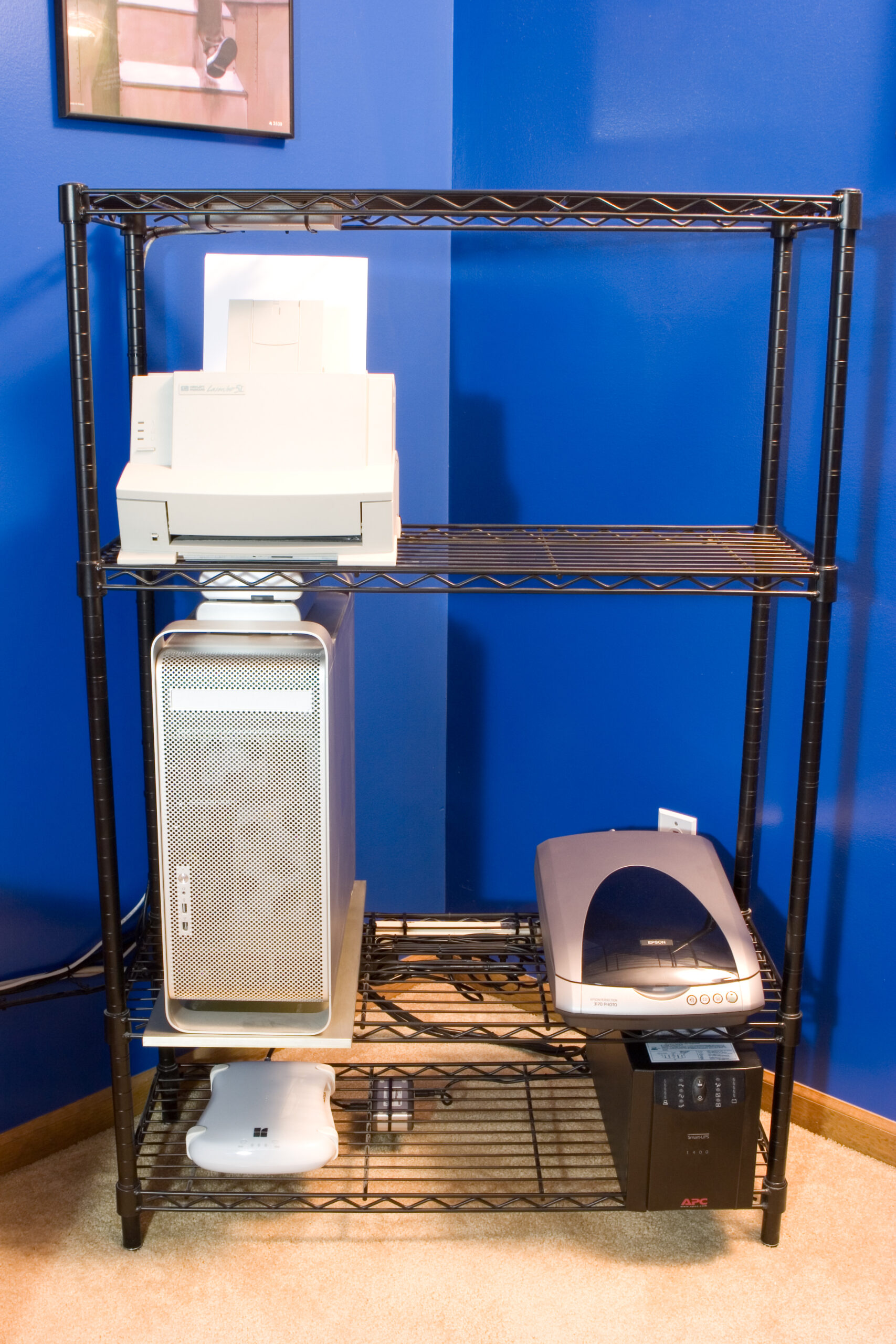
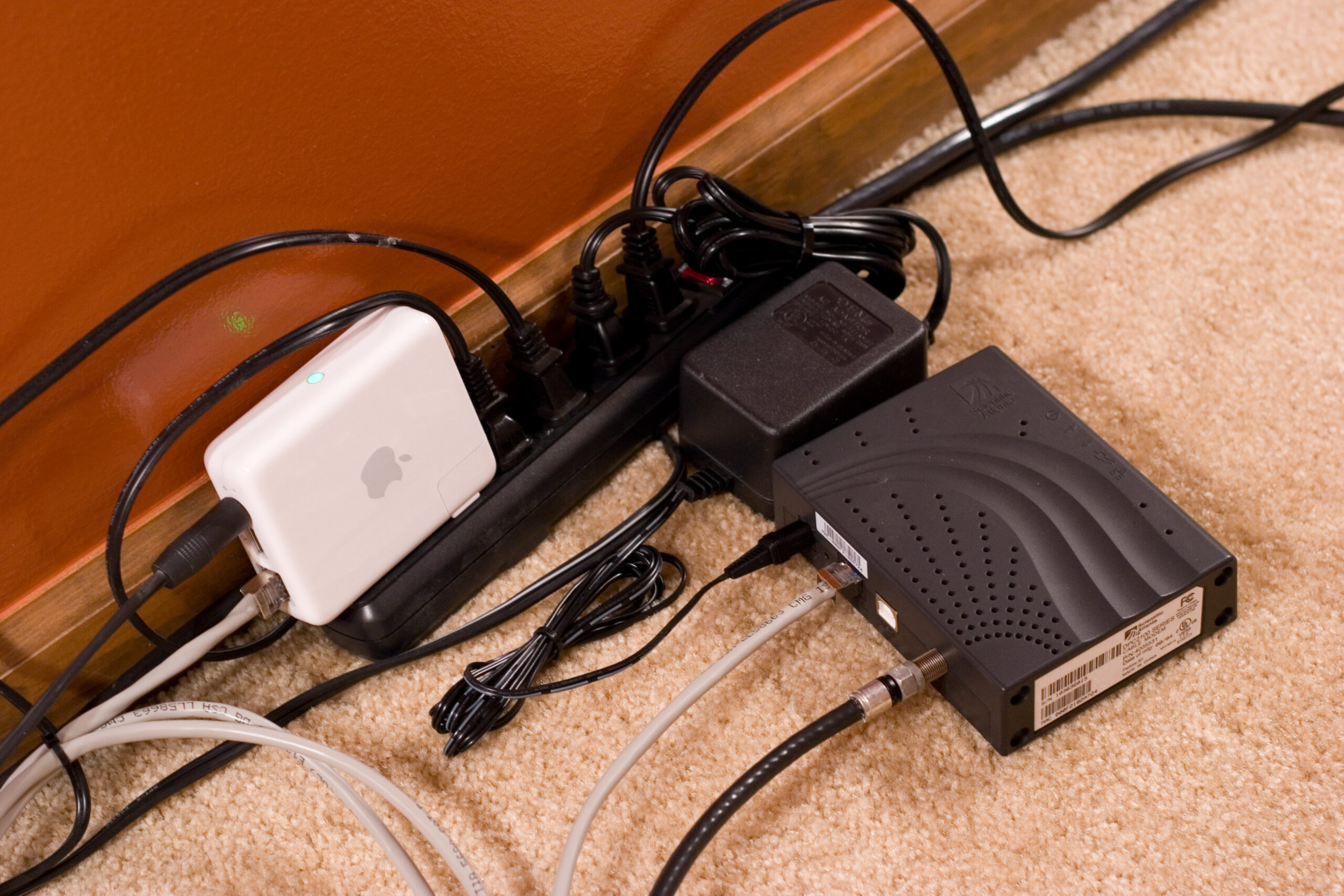
Airport Extreme makes for working internets.

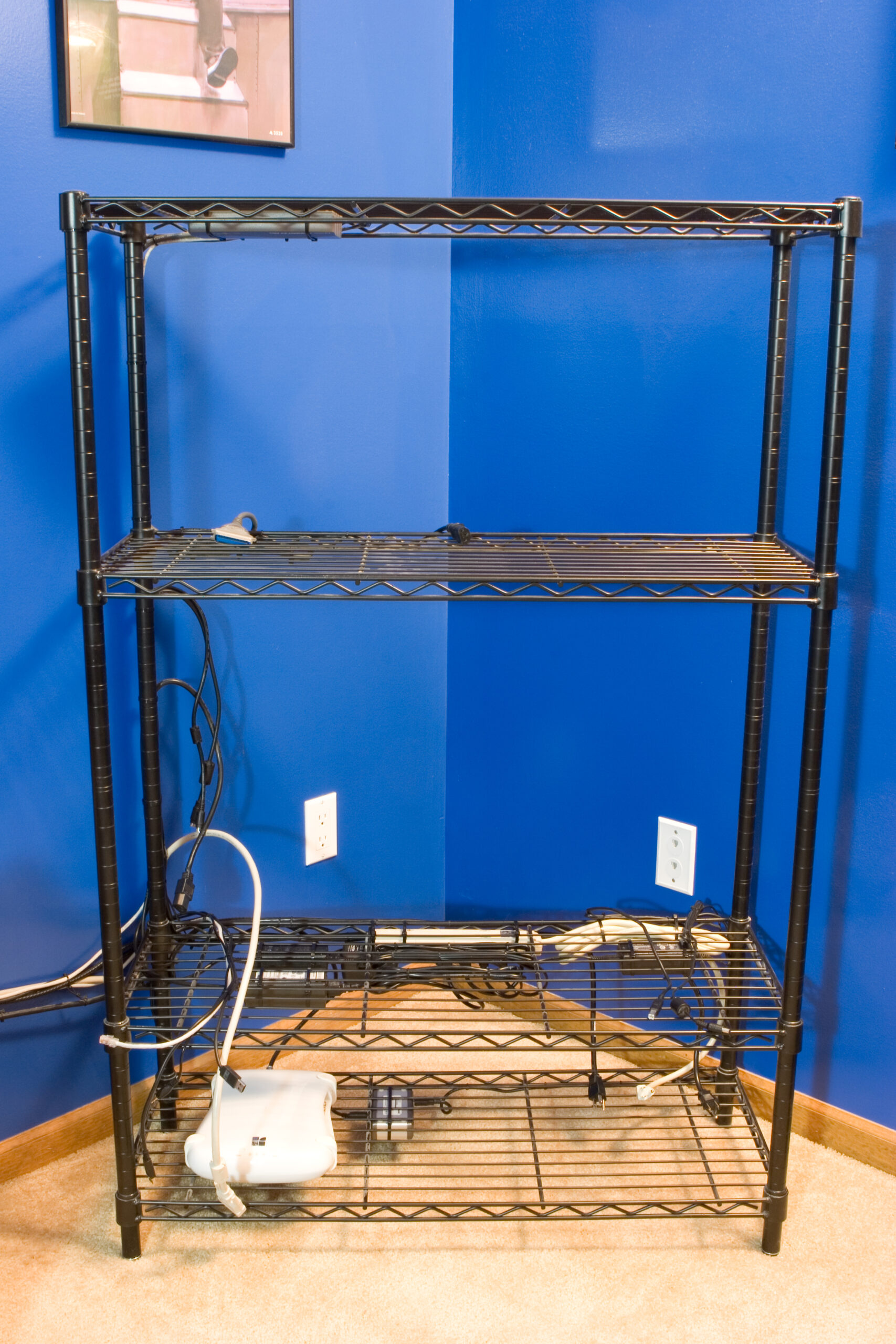
My new-ish network setup.

While the Airport Express + Cable Modem beneath the couch setup I put together back in January was working well for a while, within the last two weeks or so it’s started to become especially problematic. Last night I put a call into Comcast because the connection seemed to be dying fairly regularly. And by regularly, I mean many times per day. Eventually yesterday came around and I couldn’t really get it to come back at all.

After I had a case submitted and an appointment scheduled for next Saturday I did a bit more digging and found the actual problem: neither of my Apple Airport Expresses would link any more. I had this problem with one of them a while back, but I’d sort of forgotten about it. Now the other one was refusing to link.

Thinking that it was an autonegotiation problem I flipped it to 100/Full and that fixed the problem for about six hours. After that the PC light on the cable modem once again went out (indicating no link), would no longer light after many reboots / resets of each device. I then brought out my laptop and found that there were no problems linking to there. I tried a few other devices and the cable modem could link with them as well. Then I knew the problem was the Airport Expresses.

Since I don’t currently own a device which has AppleCare they are both out of warranty. With the Somerset Apple Store being closed I had to either pay full price (I normally get Student Discount), wait a week for shipping, or drive out to the Apple Store in 12 Oaks Mall. Fortunately today found me leaving work early to run down to the RenCen to pick some things up, and with me downtown at 2:15pm, I figured it wouldn’t be too far out of the way to swing by Novi on the way home.

While I hit a few slow bits of traffic (I-94 between I-75 and I-96), most of it moved surprisingly well. I-696 was horribly backed up going westbound, but not where I was going.

Anyway, long story short, things are working much better now. The shared hard disk thing is interesting (mounts HFS+ and FAT32, at the very least, but partitions can’t be edited), the built-in switch has allowed me to use my JetDirect, wired network on the G5 (hopefully Mac Pro soon), and provide a link for the workbench. I’ve had no dropped connections at all, and the Airport Expresses are all set up as clients of the main base station (no WPA) to save on bandwidth, and music can stream out as desired.

around the housecomputersmoved from livejournal

Twitter

Also, since ceasing to use Twitter I have not missed it. At all. In fact, I forgot about its existence until I saw an article about it a few hours ago.

I’m glad it’s gone. It’s irritating.

UPDATE: Also, something else I don’t miss is Apple’s Safari. I switched to Firefox 2.something on my Mac a while ago, and it’s really quite nice. Even though the spell checker isn’t consistent with the rest of the OS, widgets look odd, and QuickTime doesn’t play well with it, it’s still a great improvement.

computersmoved from livejournal

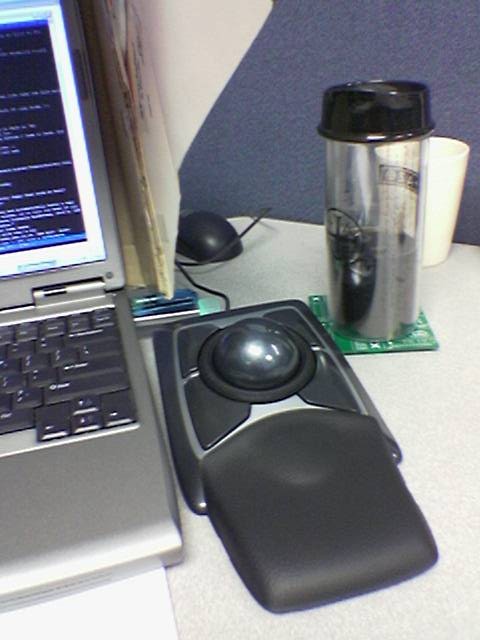
Kensington Expert Mouse

Kensington Expert Mouse at my desk.Kensington Expert Mouse on my desk at work.

Yesterday while at CompUSA to see if there were any interesting / good prices on items I wanted (as part of their 50% – 70% off everything going-out-of-business sale) I came across a Kensington Expert Mouse for US$50. I’ve been wanting to try one of these for a few years now, but it’s high $100 price put me off. Well, at that price I couldn’t pass it up, so I purchased one.

That said, I’m not sure I like it. I think it’s the tilted-back position it naturally rests in, and maybe a combination of the sensitivity I need to set it at in order to feel natural, but after an hour or so of use the back of my hand begins to ache.

Also, installation of its drivers appears to have somehow disabled the Alp touchpad driver for my laptop. Part of this driver compensates for unintended brushes of the touchpad, so they aren’t turned into inadvertent mouse clicks. The software also allows one to assign the buttons to send combinations of keyboard presses, but I can’t seem to make it send things like Windows-D (Show Desktop) on Windows XP, or any of the Dashboard or Expose keys on OS X.

Beyond the thing mentioned above (which may be resolvable with some repositioning, acceleration adjustment, and noodling with drivers / software, I’ve taken to it pretty quickly. It doesn’t seem to work so well when doing PCB CAD.

I think that after a few days of trying it I’ll decide if I’m going to keep it or not. As these regularly sell on eBay for prices around (if not higher than) what I paid for it, selling it will just be a hassle and a financial wash. No money lost, really.

Now, to try and fix the Alps driver problem. That’ll be a real big issue for me if I can’t get it working, as my hands regularly pass right over the touchpad whenever I’m typing.

UPDATE: Reinstalling the Alps driver and rebooting has restored it’s functionality. Judicious playing with the acceleration profiles for both slow and fast movement of the trackball has helped make it easier to position things. Now, to give it a day or so of use.
acquired thingscomputersmoved from livejournal

Serial Port Monitoring Software

Well, for one, I got the Honda Music Link passing audio. Yes, it’s working. However, not in all modes… and I came across a case where the data I was keying off of — the checksum of the packets — has a collision. So I need to find a different way to do it all.

That said, I need some help. Can any of you point me to software which will open a serial port, listen to data, and allow me to send things in hex? Eltima Serial Port Monitor works great, but the trial has expired and the software is $70! That’s… a lot for just hobby uses.

Thank you. :)

computerselectronicsmoved from livejournal

Basic Help, Please.

I’m having some problems with a subroutine in the small program I’ve been working on mikroBasic for the Honda Music Link stuffs I’ve been doing.

Could any of you help me?

To start, here’s a copy of the program in a text file: hml_mikrobasic_help.txt

Here’s the project itself, zipped up: hml_mikrobasic_help.zip

The IDE / compiler itself, mikroBasic, is available here.

(I’m just using the demo version, and the limit is only on code size, so feel free to install it. I don’t come anywhere near the code limit, and when one does it’s rather obvious, as the compiler just refuses to compile it.

The problem I’m having is with sendCommand(), and specifically the variable iPodCommand, which is the first one passed to it. What I expect to happen is that whatever is passed as the first argument to sendCommand() will be set and available within the procedure. Instead, I seem to be getting something else.

As the program is currently listed, I would expect the output sendCommand(powerOn, 0) to be 0xFF 0x55 0x04 0x00 0x00 0x00 0x04 0xF8. However, the output I receive is 0xFF 0x55 0x02 0xFE 0xB9 0x47.

The expected packet is broken down as follows:

0xFF – Header 1
0x55 – Header 2
0x04 – Data Length
0x00 – Data 1
0x00 – Data 2
0x00 – Data 3
0x04 – Data 4
0x08 – Checksum (0x100 – Data Length – All Data Packets)

The received packet breaks down this way:

0xFF – Expected Header 1
0x55 – Expected Header 2
0x02 – Length appropriate if the constant referenced by iPodCommand were two bites in length.
0xFE – Data 1 (Not sure where this comes from.)
0xB9 – Data 2 (This one neither…)
0x47 – Checksum, calculated properly off of unexpected Data bytes.

When I run things through the hardware debugger I’m not seeing the variable iPodCommand as an array, and I’m not sure why or how (it just shows a value of 0xDF). That, though, and it’s not working as expected, is leading me to believe that I’m doing something wrong in setting up sendCommand().

So, could any of you please help me? I just don’t know what I’m doing wrong.

Thanks!

computerselectronicsmoved from livejournal

Archiving Atari 800XL Floppy Disks

I took some time today to write up information about archiving Atari 800XL floppy disks. This is as simple as copying them from an Atari 1050 to images on a PC using some special hardware and software, but I hadn’t found any this-is-what-I-did writeups, so I figured I’d do one.

After I’ve had time to sort through the images, carve out personal data, and come up with a template for the pages about the disks, I’ll make them available to others.

For now, though, feel free to read the article in its current, mostly-unedited form: http://nuxx.net/wiki_archive/A/Atari_800XL_Disk_Archiving

computerselectronicsmoved from livejournal

Atari Disk Images

Ahh. 49 disks, 81 sides (some disks only have data on a single side), two unreadable sides, and 7,466,256 bytes later I now have images of all the disks available to me on my parents’ Atari 800XL.

Now to do a bit more cataloging, sort out what contains personal data, and find a good way to post them. That bit may come another day. ;)

computerselectronicsmoved from livejournal

Atari Floppy Images

Imaging Atari floppies.

Imaging Atari floppies.

I’ve spent most of today thus far imaging floppy disks using my work laptop, an Atari 1050, an Atari 800XL (as a SIO power injector), a Universal SIO2PC Interface, and ProSystem.

I still haven’t figured out exactly how I’m going to archive and distribute them, but it’ll probably involve serially numbered disks, a page (or pages) on nuxx.net, a listing of files on each disk, bad sectors in each image, and an optical scan of each disk. There will also be scans of the different varieties of Tyvek and paper sleeves, including logos of the computer stores advertised on them.

Doing this will be a good bit of work, but then (at least) the disks will be archived.

computerselectronicsmoved from livejournal

Windows XP Restore Points

Windows XP’s restore points have saved me loads of time in troubleshooting problems with my Dad’s computer. Rolled the thing back to when I last had it and it’s fine… I’m thinking the problem is with an old version of Printmaster Deluxe which my Dad installed. (It is old enough that it didn’t show in Add / Remove Programs.)

I’m thinking that it overwrote some Windows files somehow, and Windows File Protection, for some reason, didn’t do its thing. That somehow messed up the machine, it started running slow, etc. I’ll test this tomorrow (or whenever I return the machine) by setting a restore point, installing the questionable app, inspecting things, then rolling back to the previous point if needed.

computersmoved from livejournal