nuxx.net
Making, baking, and (un-)breaking things in Southeast Michigan.

Category computers

500 Days

c0nsumer@rowla:~> uptime
 5:23PM  up 500 days, 5:14, 8 users, load averages: 0.19, 0.28, 0.26
c0nsumer@rowla:~>

Today marks over 500 days of uptime for rowla.nuxx.net.

Also, work is horribly busy lately. I guess that’s what I get for attempting to move into Engineering.

computersmoved from livejournalwork

Compact Flash in the Trashwall

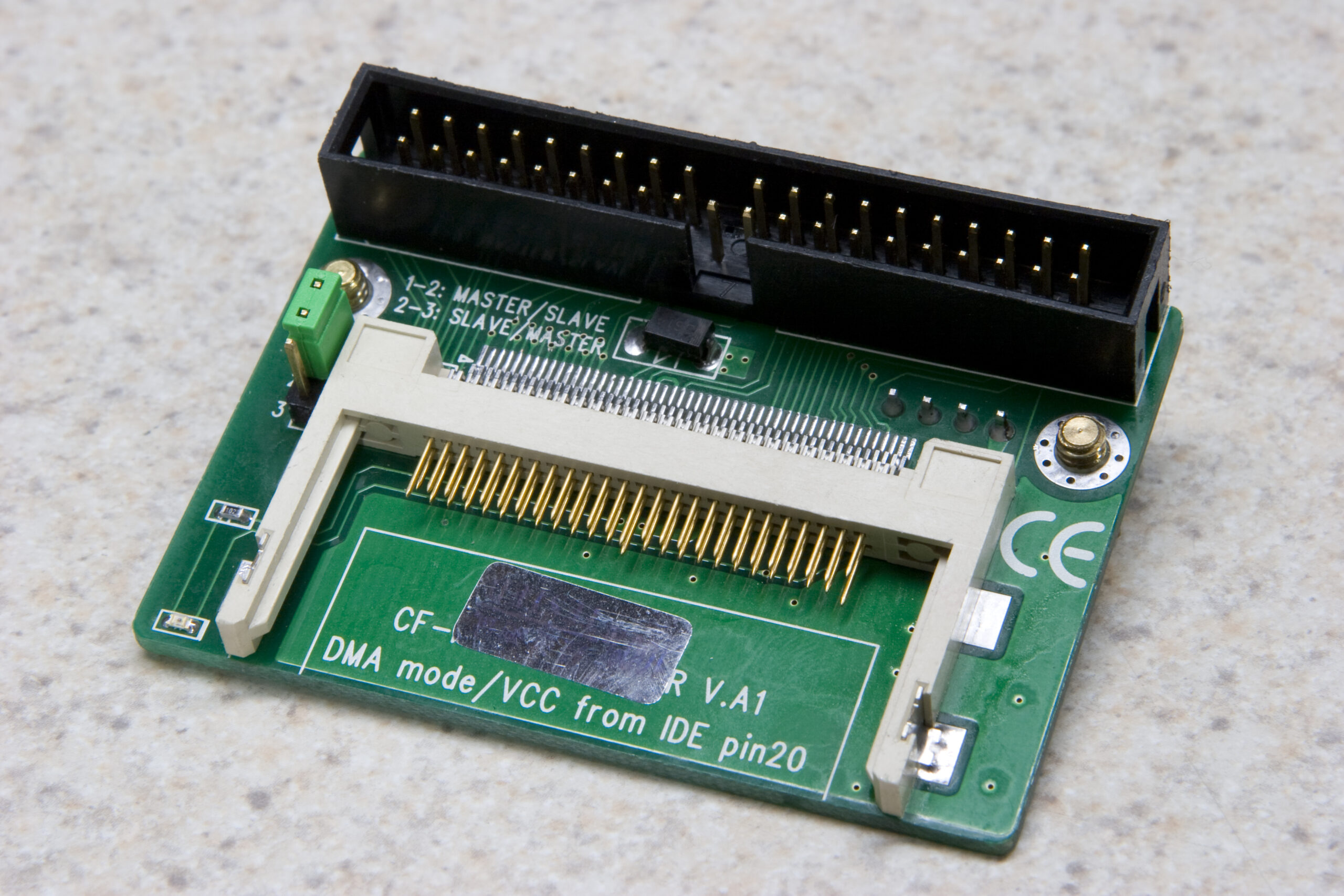
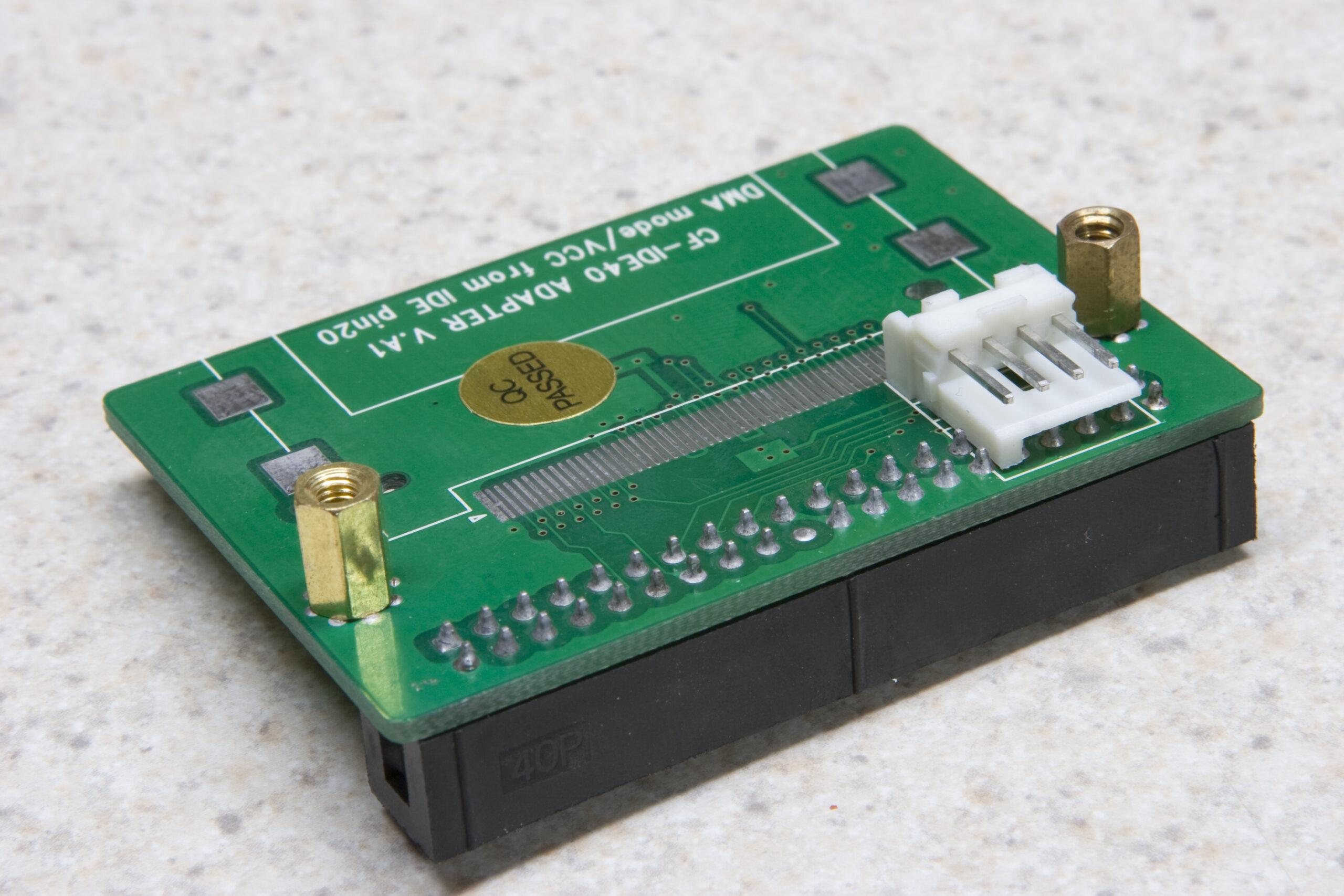
So, I won this eBay auction for some Compact Flash to IDE adapters. As you can see in the image, those adapters are supposed to plug right into a 40-pin ATA port. In the Trashwall I was hoping to plug one of these right into the main board and use it for booting the OS from a compact flash card.

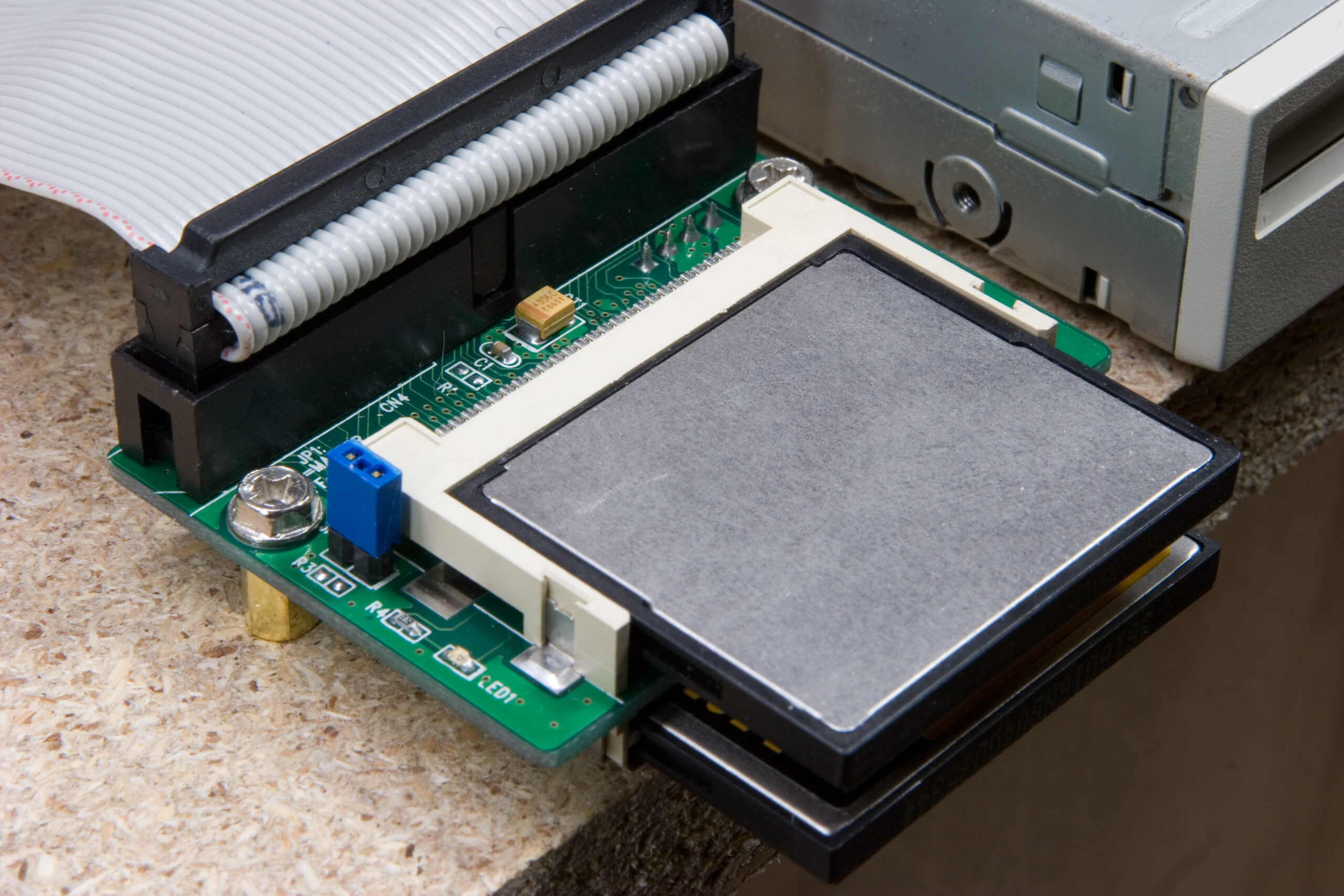
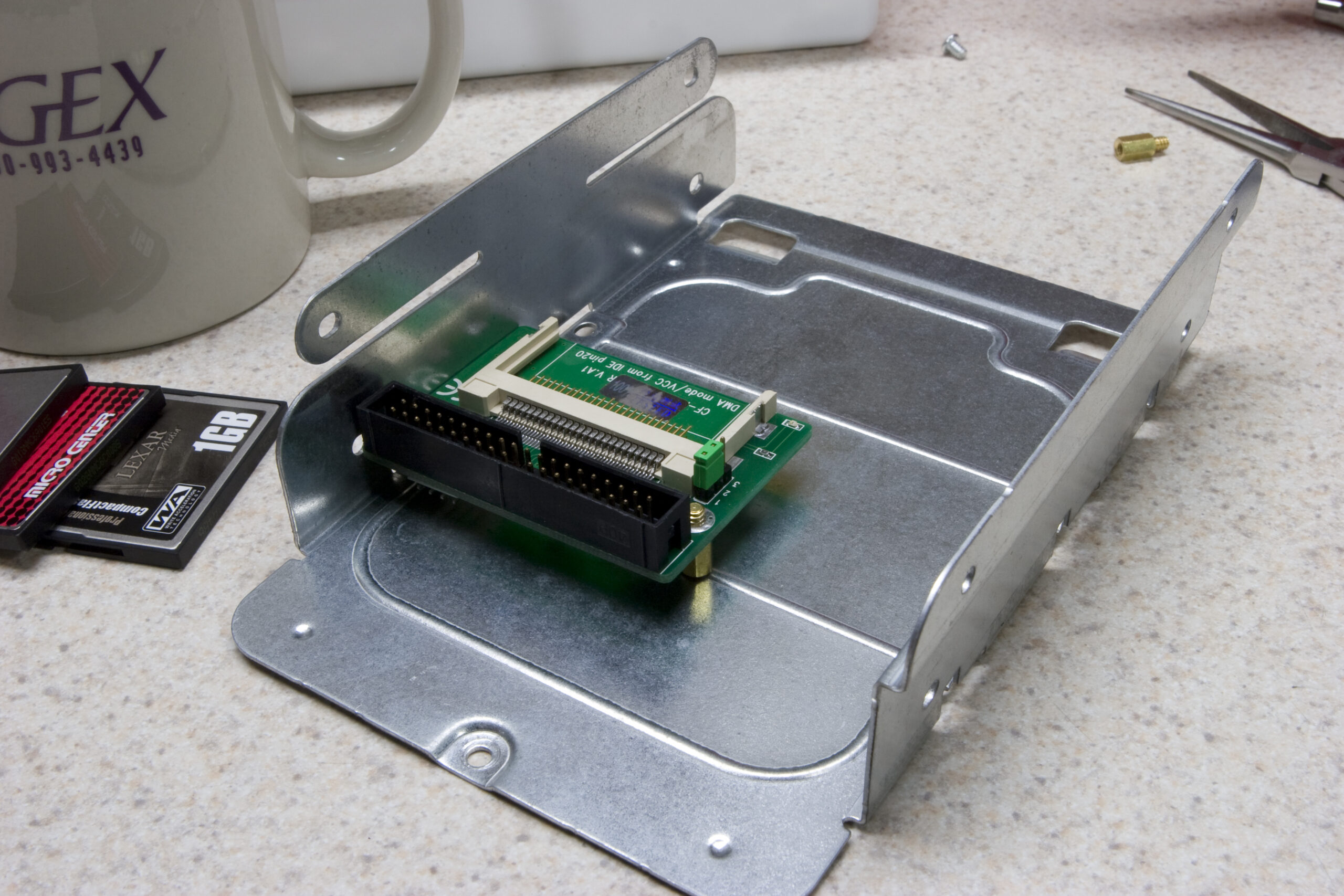
Unfortunately, the seller instead sent me a normal end-of-cable mount adapter, similar to the one used in my MAME Cabinet, except without the second slot. At least it was the newer version which supports DMA transfers, which was one of the big things I wanted.

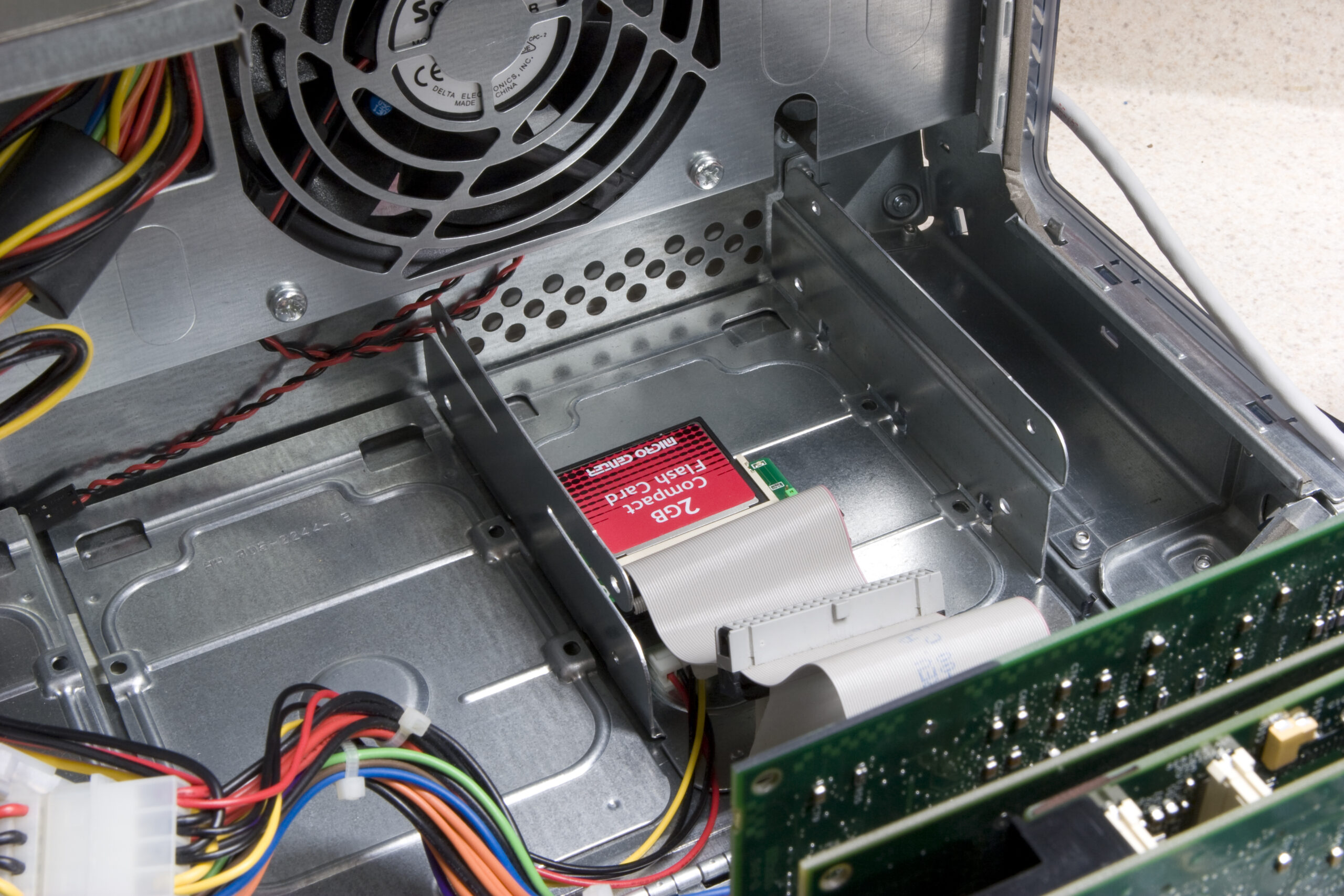
This evening I took the adapter, screwed some old motherboard standoffs into it, then screwed it into one of the Power Mac G4 AGP’s drive trays. Despite being something other than what I wanted to use, it has worked out pretty well.

It turns out that the two fastest (specification) cards I have are my Sandisk Ultra II 2GB and the el-cheapo Micro Center-branded 2GB card, which are both DMA Mode 2 devices. While this isn’t too slow, it’s not as nice as what I’d get if I were to shove one of the newer Transcend 133x as did with his IBM z50. But, being cheap and trying to keep with the spirit of the Trashwall, I’ll use the spare, leftover Micro Center card.

Now, I just need to install OpenBSD on it again, fit it in the rack, and get it integrated into the network here. Hopefully I can do that tomorrow. For now, beer and relaxing.

computersmaking thingsmoved from livejournal

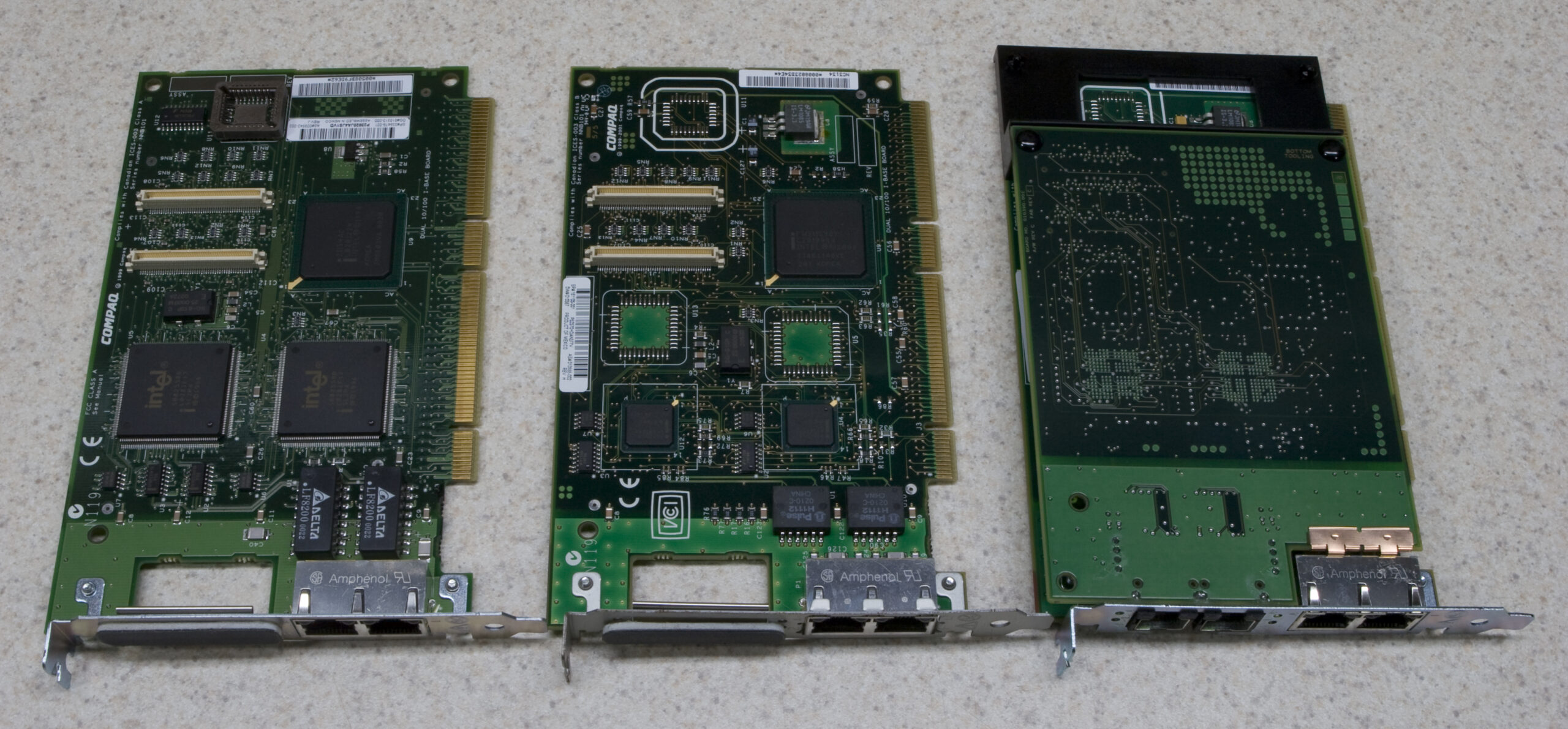
NC3134/NC3135

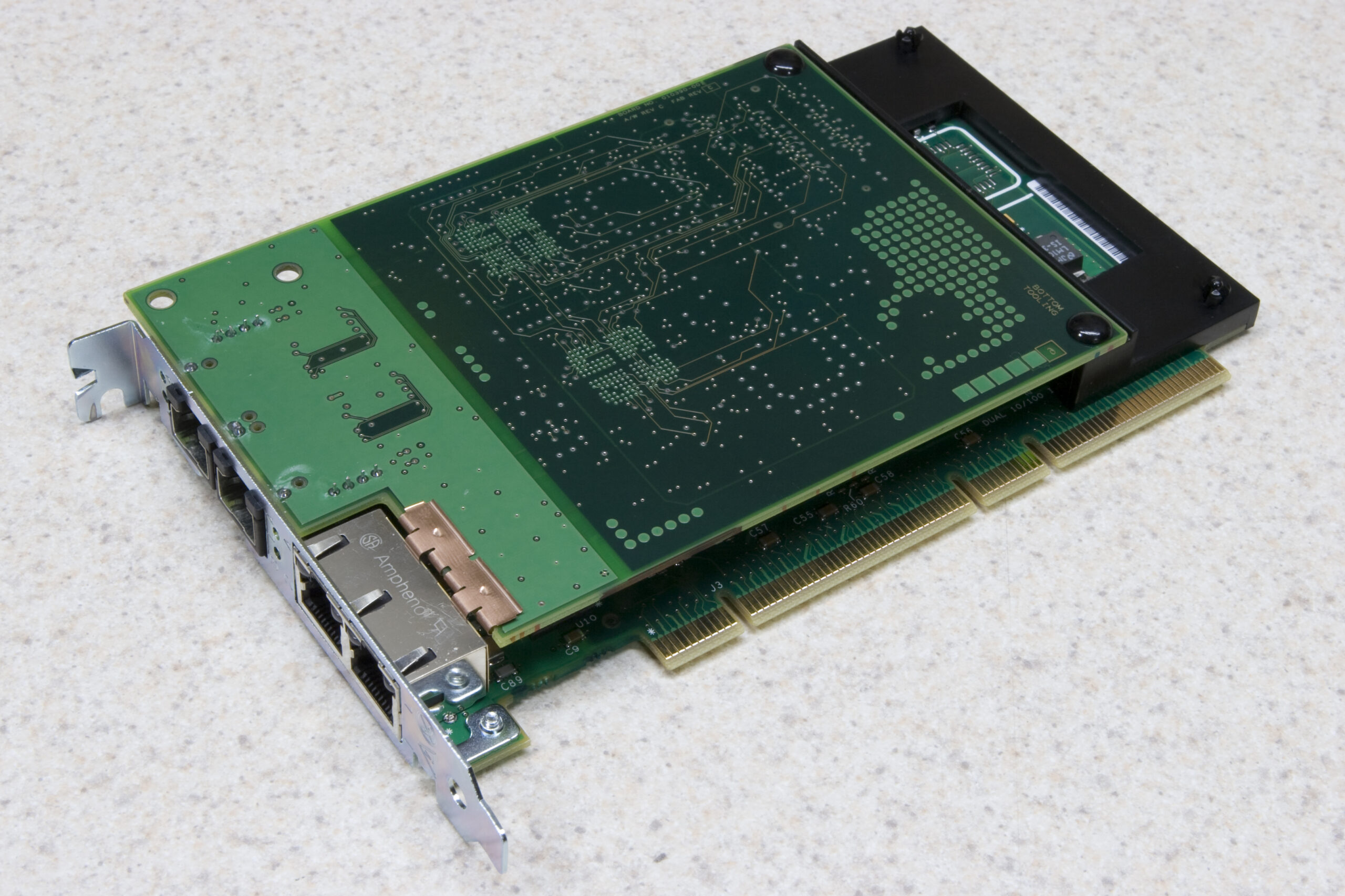
Compaq NC3134 / NC3135

The NC3134/NC3135 set purchased via eBay for the Trashwall arrived today. It’s in such good shape (likely new, as described) that it threatens the Trashwall idea. Thankfully it clearly wasn’t wanted by someone so they let it go for cheap…

Now…

# ifconfig | cut -f1 | sed '/^$/d' | cut -f1 -d":" | paste - - - 
lo0     fxp0    fxp1
fxp2    fxp3    fxp4
fxp5    fxp6    fxp7
gem0    enc0    bridge0
#

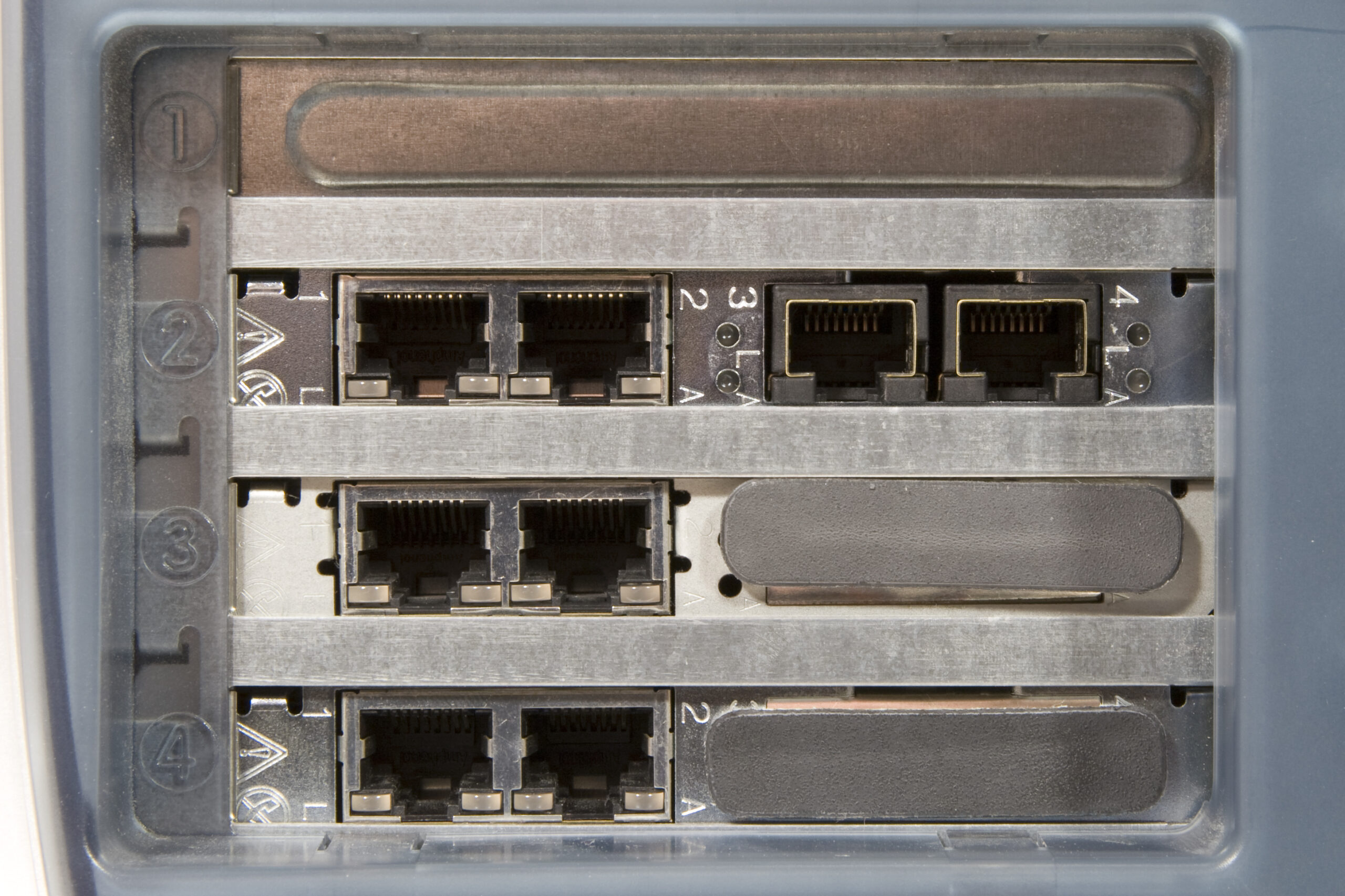
That’s a lot of network.

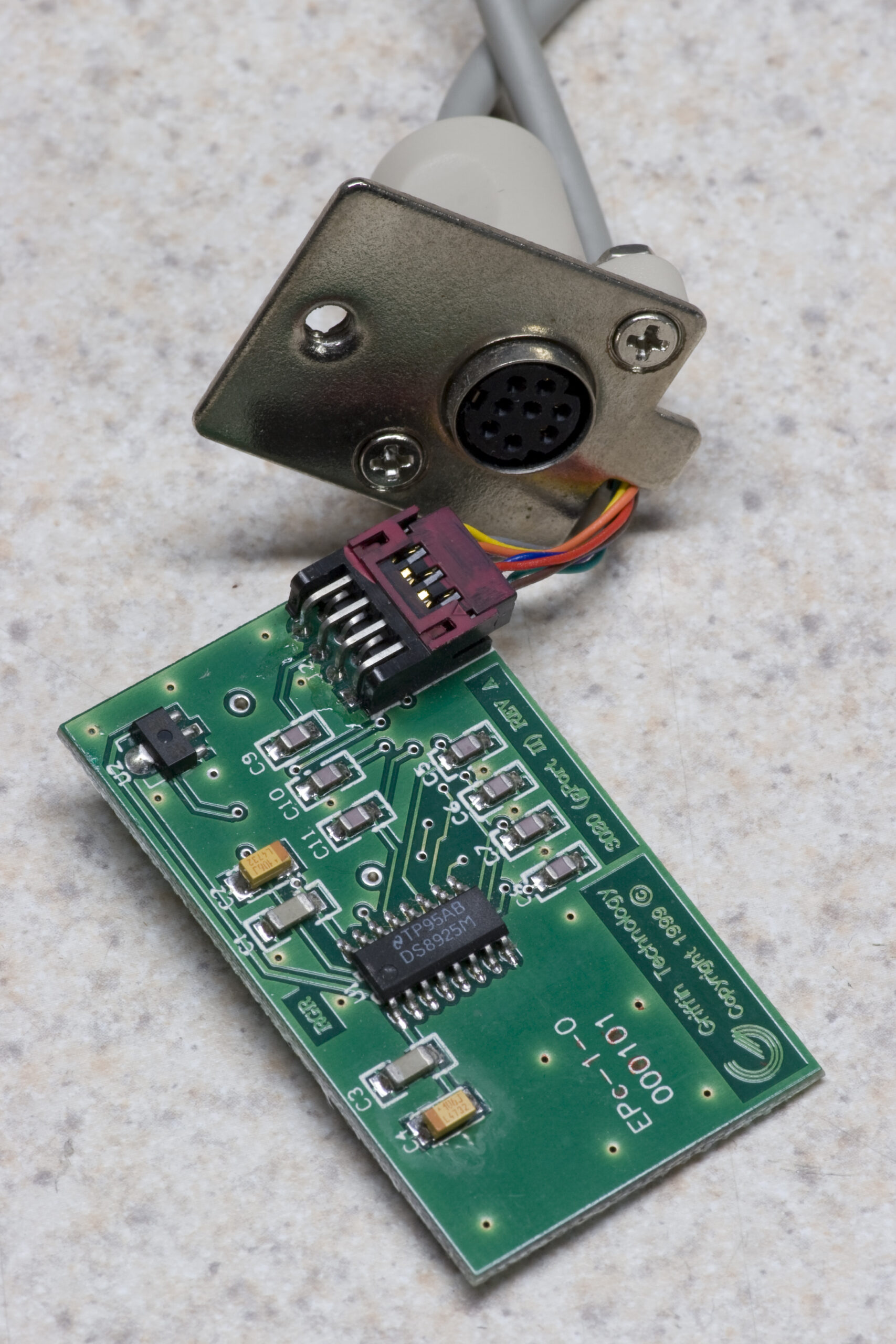
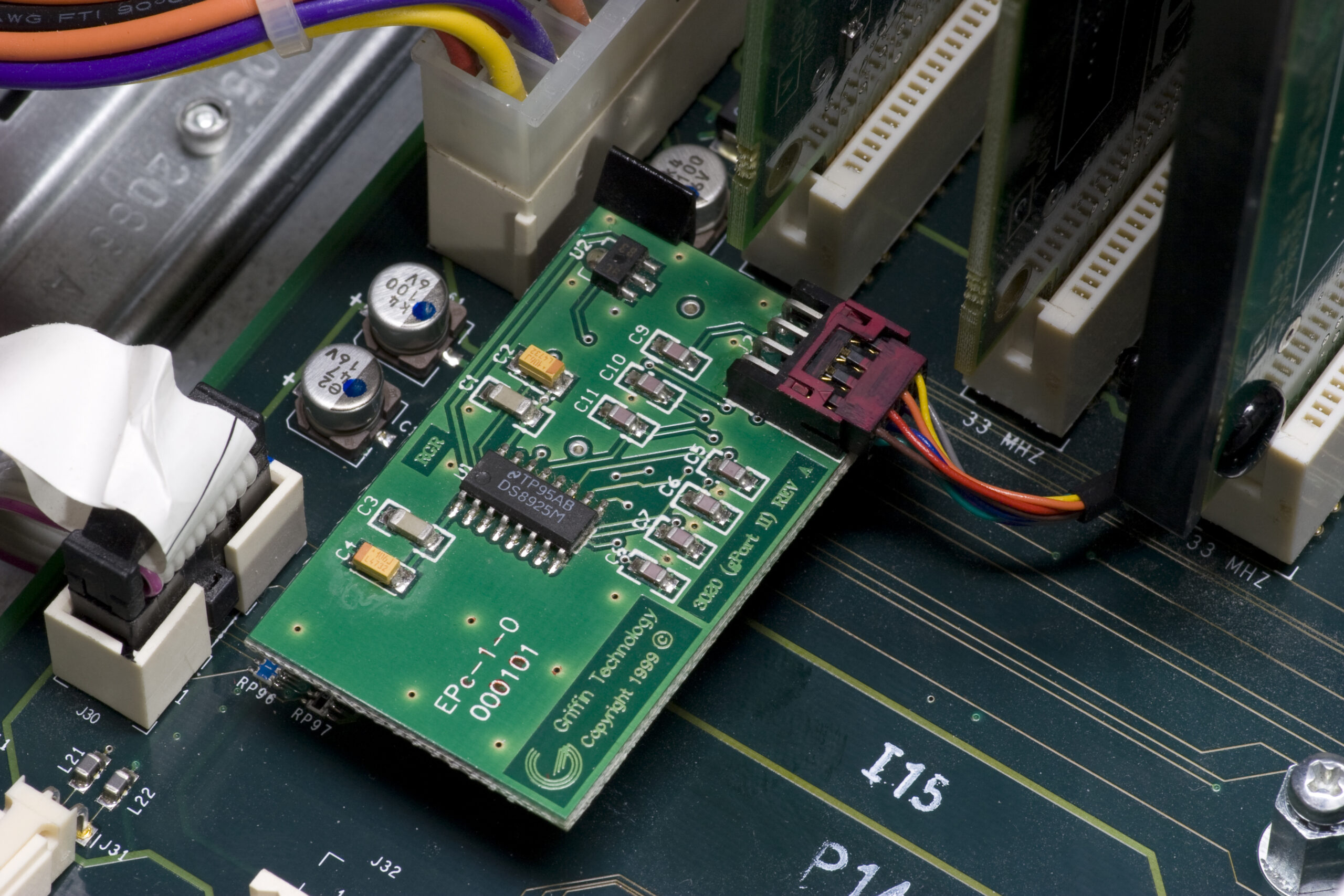
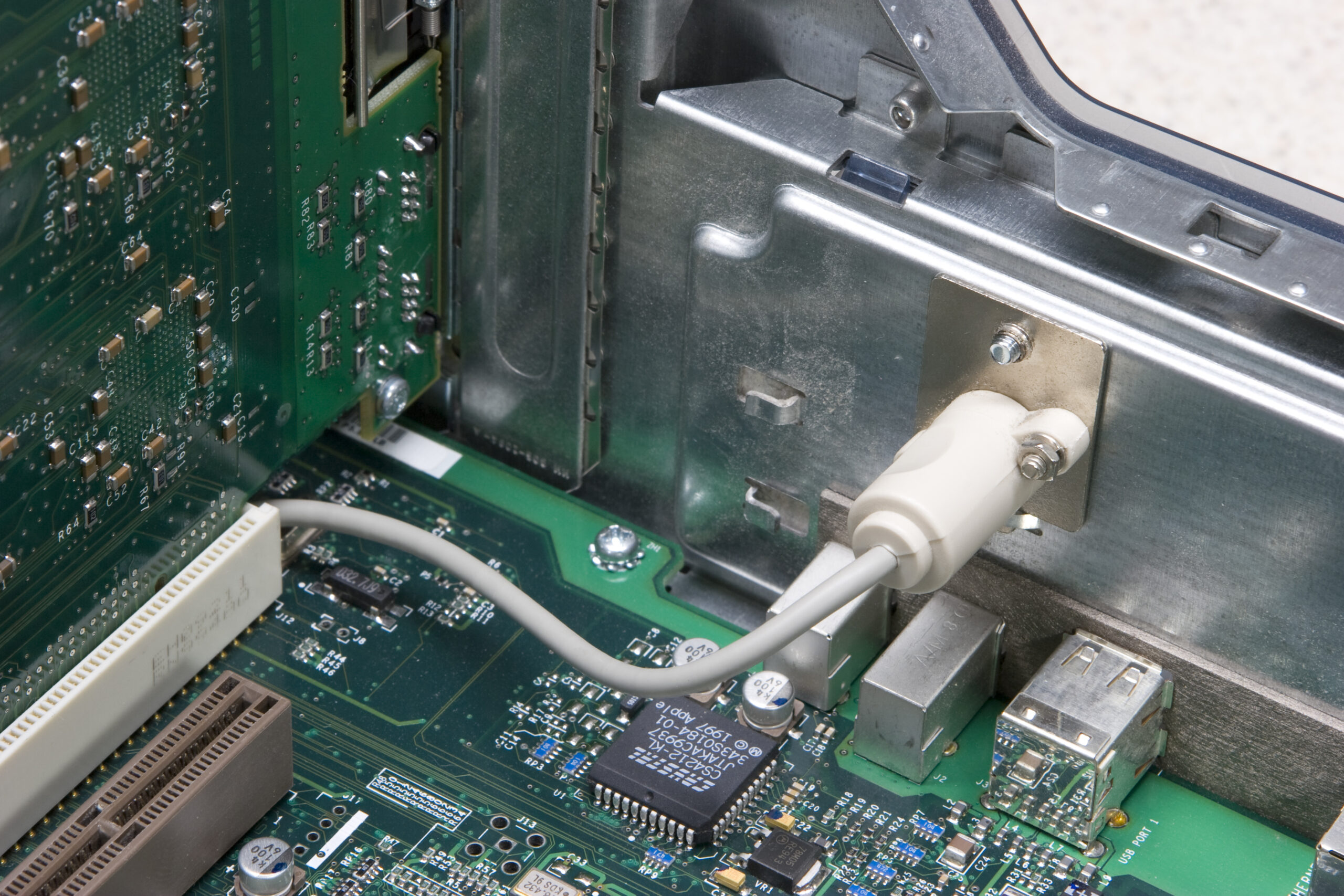
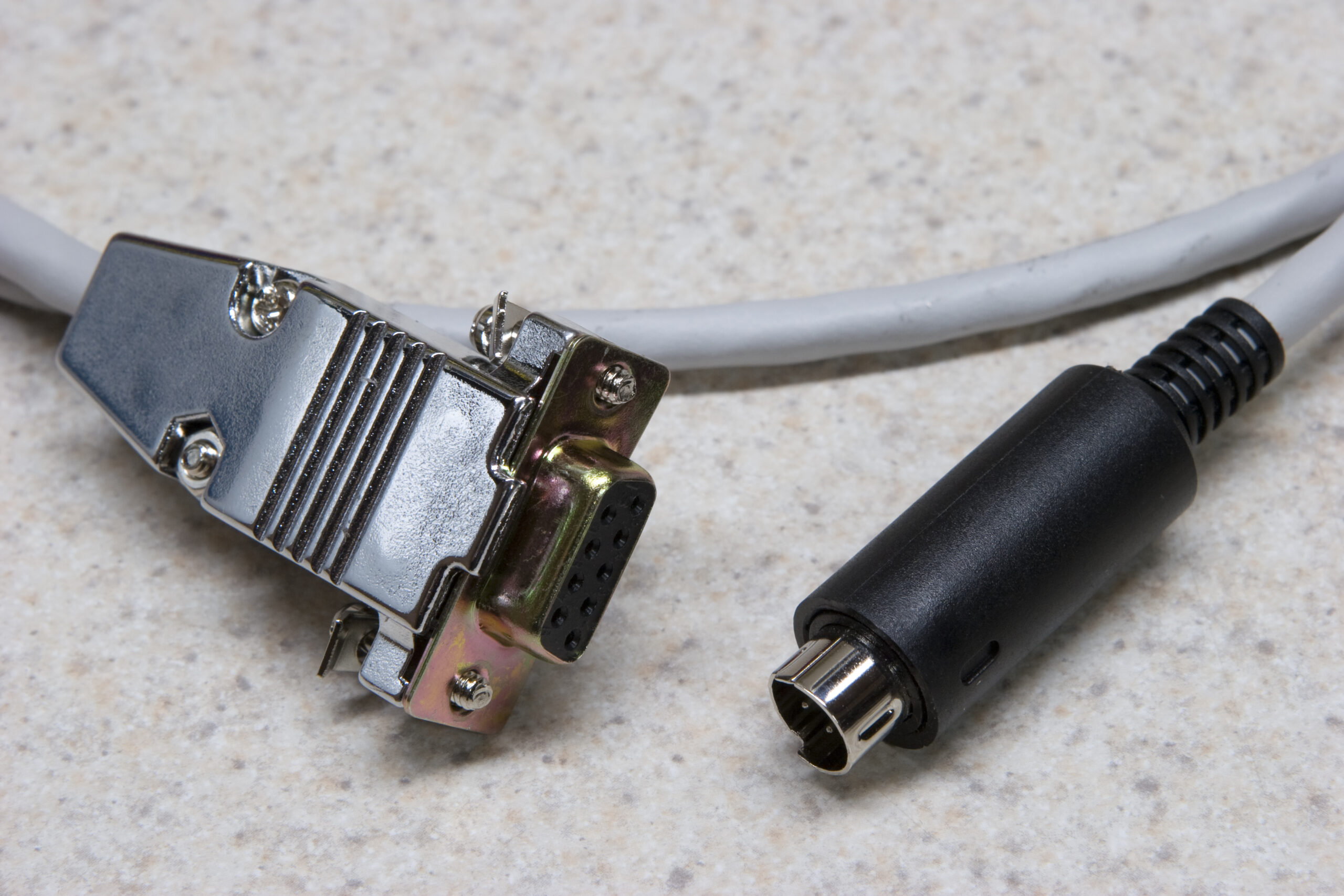
I also took a few photos of the various bits (photo gallery retired), including the G4Port (1, 2, 3), all the ports on the back of the case, all the NICs in the case, the console cable, and a few other things (photo gallery retired).

Many of these photos were integrated into the main Trashwall article, and now I just have to wait for the CF reader so I can finish putting it all together.

acquired thingscomputersmoved from livejournal

TiVo Go Boom

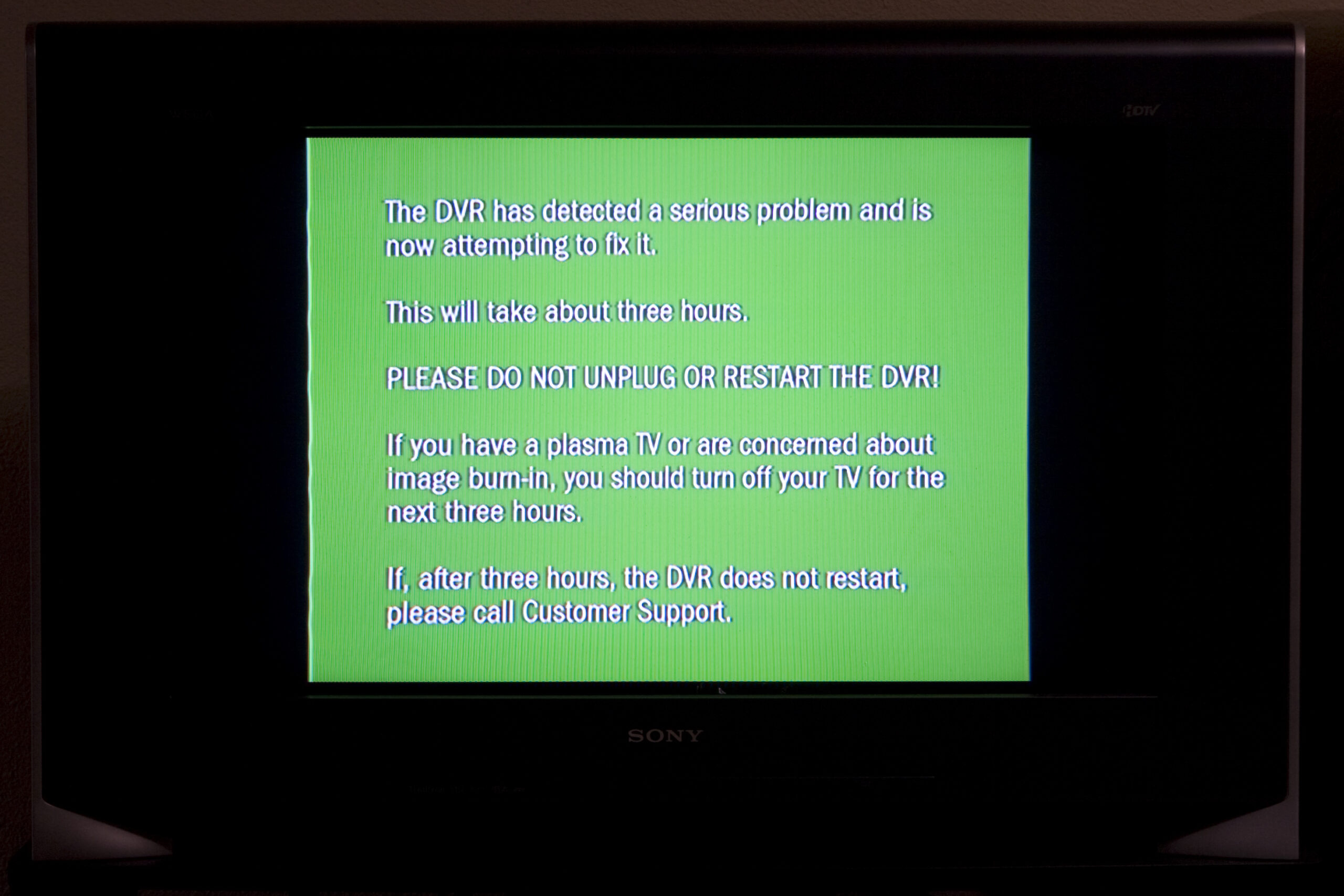
When I went to use my TiVo for some audiovisual entertainment while eating dinner, I’d found that it was stuck at the starting up screen. It was stuck here for a while, so I pulled the power cord and put it back in. After not very long I received the error shown above.

I then proceeded to watch a bunch of broadcast TV (some thing about Viet Nam on THC, I think) while eating. After finishing eating, the TiVo seems to have fixed itself. This is probably good, because I was so unhappy with the advertising and such on TV that I was about to go sort out grabbing torrents via RSS feeds. (No, I don’t know how to do this.)

At least it’s working… for now…

computersmoved from livejournal

Apple AirPort

Do any of you happen to have an old Apple AirPort card you’d like to sell (or give) me? I’m looking for the old PCMCIA one with the white label which was used in older iBooks, Power Mac G3s and G4s, and other machines like that.

I want to use it in the Trashwall to provide an open, public access point.

Thanks!

(A similar Orinoco card will work too, provided it can fit inside the Power Mac G4 AGP and use the internal antennas.)

acquired thingscomputersmoved from livejournal

OpenBSD Serial Console

Serial consoles are cool, and OpenBSD on a machine with Open Firmware makes it easy.

First, I came across these directions for making Mac to PC (MiniDIN 8 to DB9) null modem cables and made one out of a spare connector from the Honda Music Link work, some CAT5, a new female DB9, and a old DB9 shell.

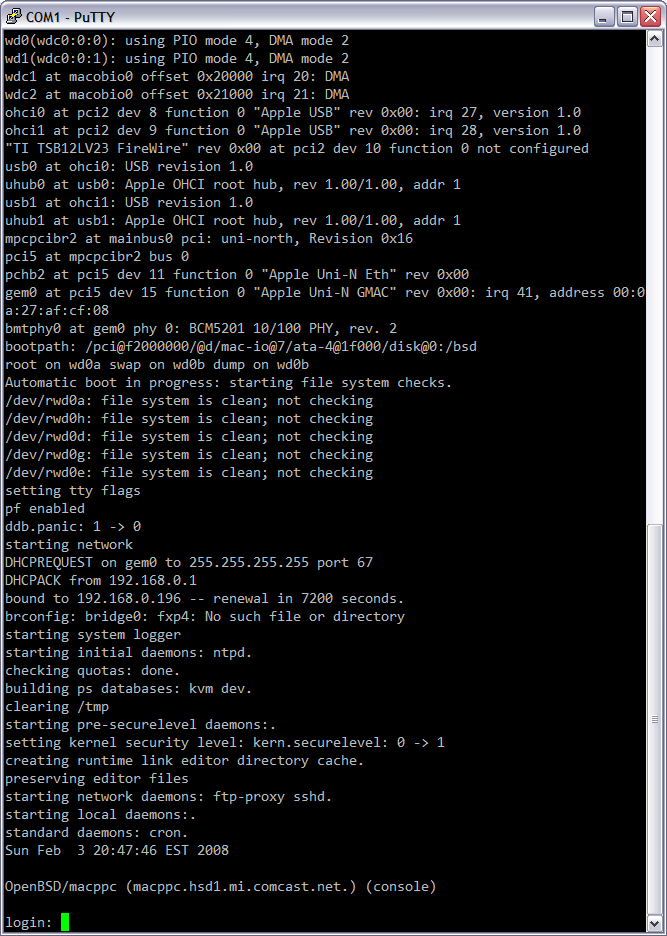
After hooking this up and starting PuTTY as VT220 on COM1 at 57600 I booted into OF and ran the following commands:

setenv input-device scca
setenv output-device scca
reset-all

After this the box rebooted, the monitor stayed blank, and the OpenBSD bootloader showed up on the serial terminal. One of the many nice things about OpenBSD macppc is that it’s bootloader and kernel boot messages automatically go to the output to the OF console. All I had to do was ensure that this line was in /etc/ttys and the first serial port becomes a real console:

console "/usr/libexec/getty std.57600" vt220 on secure # for serial

Oh, and in case you’re wondering how I got a serial port on the G4 AGP I’ve been fooling with: I picked up an old Griffin G4Port on eBay. This is a drop-in replacement for the modem which provides an old MiniDIN 8 Apple-type serial port on the back panel.

I’m going to write up a lot more about this box on my main site after it’s up and running.
computersmaking thingsmoved from livejournal

VMware and Promiscuity

VMware Fusion Prompting For Authentication
(Click for full resolution…)

This is nice to see. When an OS running under VMware Fusion tries to take a nic into promiscuous mode, this warning is presented. I like that.

computersmoved from livejournal

OpenBSD 4.2 (macppc) on Powermac G4 AGP

Shiny serif console font on OpenBSD 4.2 (macppc).
(Click for bigger…)

OpenBSD 4.2 (macppc) on the console (framebuffer) on a Powermac G4 AGP has a nice, shiny, traditional UNIX-y hardware (think Sun) serif font. Normally I don’t like serif fonts, but for some reason I really like this.

Of course, the Open Firmware stuff is still a nice, small monospaced font, and the bootloader is dark grey text on a light grey screen in the same font as OF.

Hopefully once I have this box installed I’ll have a serial port to be used as the console, and the video card will be removed, but I still have to wait for the G4Port to be delivered. It replaces the modem and provides a mini DIN 9 Apple-style serial port. I’ll be replacing the mini DIN 9 cable / connector with a DB9 which will be fitted in place of the modem port on the back of the chassis. This will be wired crossed over so that a straight-through cable will provide a console.

Oh, and tonight I was able to confirm that the bridge works as I want. So, in the end I’ll have:

gem0: public interface
fxp0fxp7: bridge0, acting as a switch

fxp0 will also have an IP and be the gateway / DNS / whatever for the internal network.

fxp7 may be used as a span port for troubleshooting, but I’m not sure of this yet.

computersmoved from livejournal