Simplifying the network…
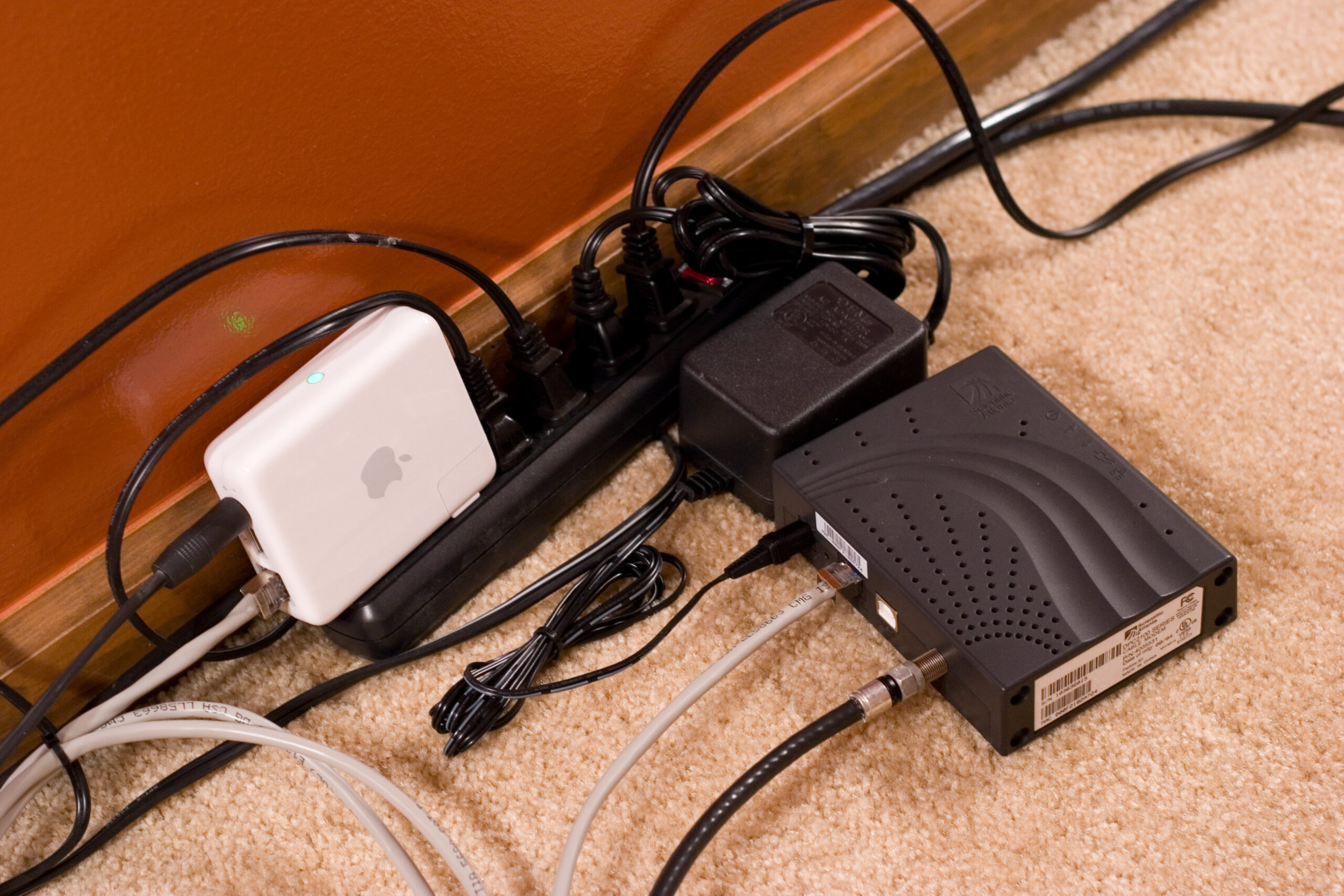
Cable Modem and Airport Express behind / beneath a couch.
So, tonight I took a big step and drastically simplified my network here at home. After moving the cable modem to the living room (photo gallery retired) and hanging it off of an Airport Express I’ve been able to turn off the entire rack of equipment in my basement. It’s really, really quiet down there. As part of this I’ve moved my entire house to wireless, with the exception of the TiVo and PlayStation 2, which hang off of a switch connected to the basement Airport Express. (I originally had one in each of these locations so they can play music through both stereos.)
Everything is bridged together nicely with WDS, which Apple makes exceedingly easy to do. (Set up the master AP, turn on the client / repeater ones, and it’ll script the setup on all of them.)

My >3 year old G5 (photo gallery retired) is happily using the connection and both my work laptop and the DS (photo gallery retired) see it just fine. I’ve also moved all backup receiving to an external disk hanging off of the G5. A few more external disks are likely to find there way here soon, just so I can back everything up to some sort of removable / different media.
It’s now strangely quiet in the basement, and I need to figure out what I’ll do with the rack down there. I might trash some of the machines, as they aren’t especially useful anymore. Maybe I’ll use it to store some of the project stuff I’ve been working on. Maybe photography and music equipment, or something like that…
I find it a bit weird to be cutting my home network down so far, but I really think that it’s the smartest thing from a power consumption and simplicity perspective. Also, fewer machines to support means fewer things to go wrong, and that’s a good thing.
Very cool, it’s always nice to feel more organized and simplified. :)