nuxx.net
Making, baking, and (un-)breaking things in Southeast Michigan.

Aperture v1.1

Just so everyone knows, Apple has released Aperture v1.1 and dropped the price to US$299 (US$149 for students). Everyone who purchased it before at the higher price is eligable for a US$200 e-coupon. (US$100 if EDU was purchased.)

With the educational price being so much lower, I think it’s time that I pick it up. Canon’s DPP is nice, but Aperture seems ideal. Also, Canon has told me that they currently have no information on when a Universal Binary version of DPP will become available.

Hmm, now, do I buy a 4GB memory card (about US$230) for the upcoming UK trip, or do I buy a 2GB and a copy of Aperture? I think Aperture + the 2GB is a better idea…

acquired thingscomputersmoved from livejournal

Casio SK-1 MIDI Adapter


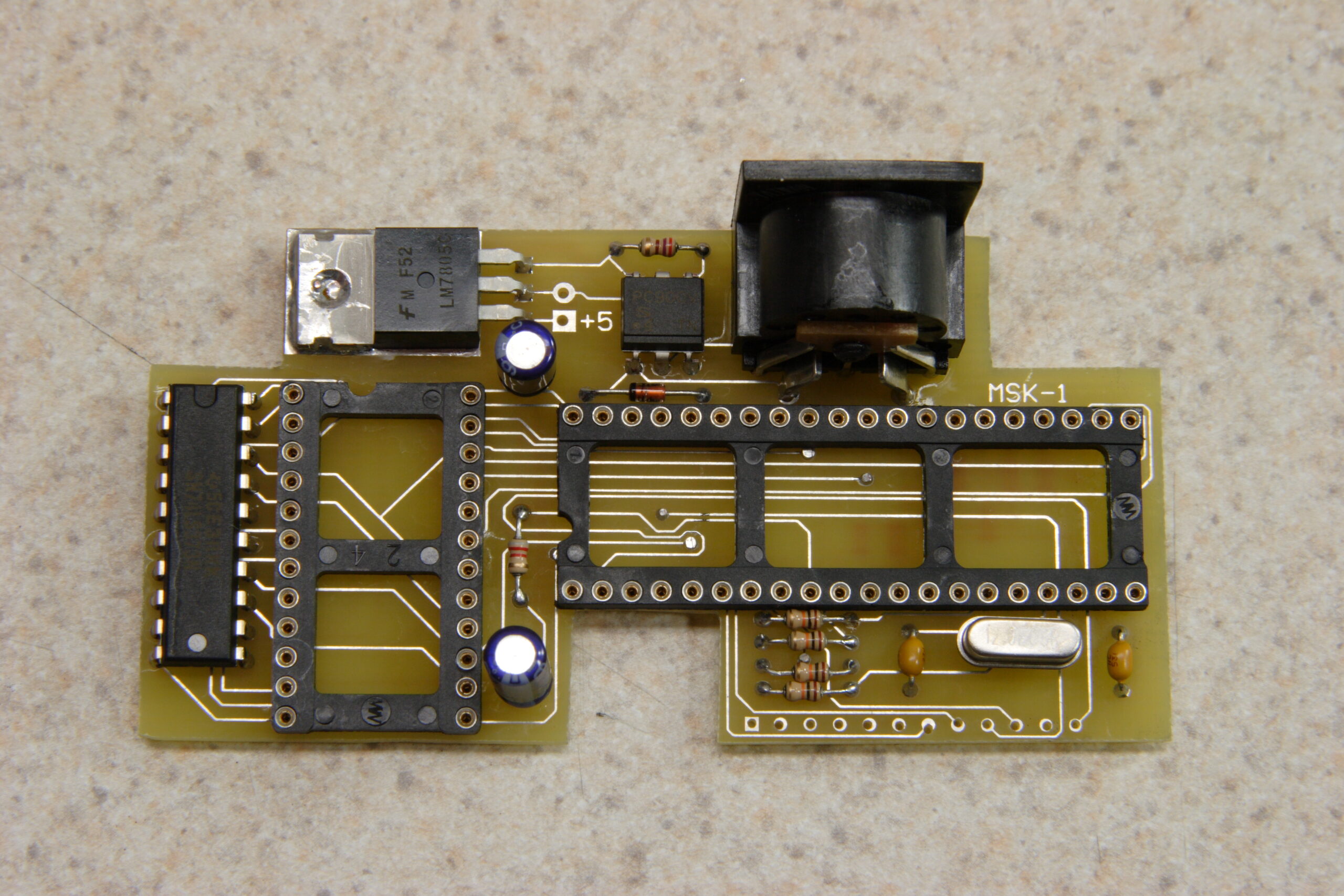
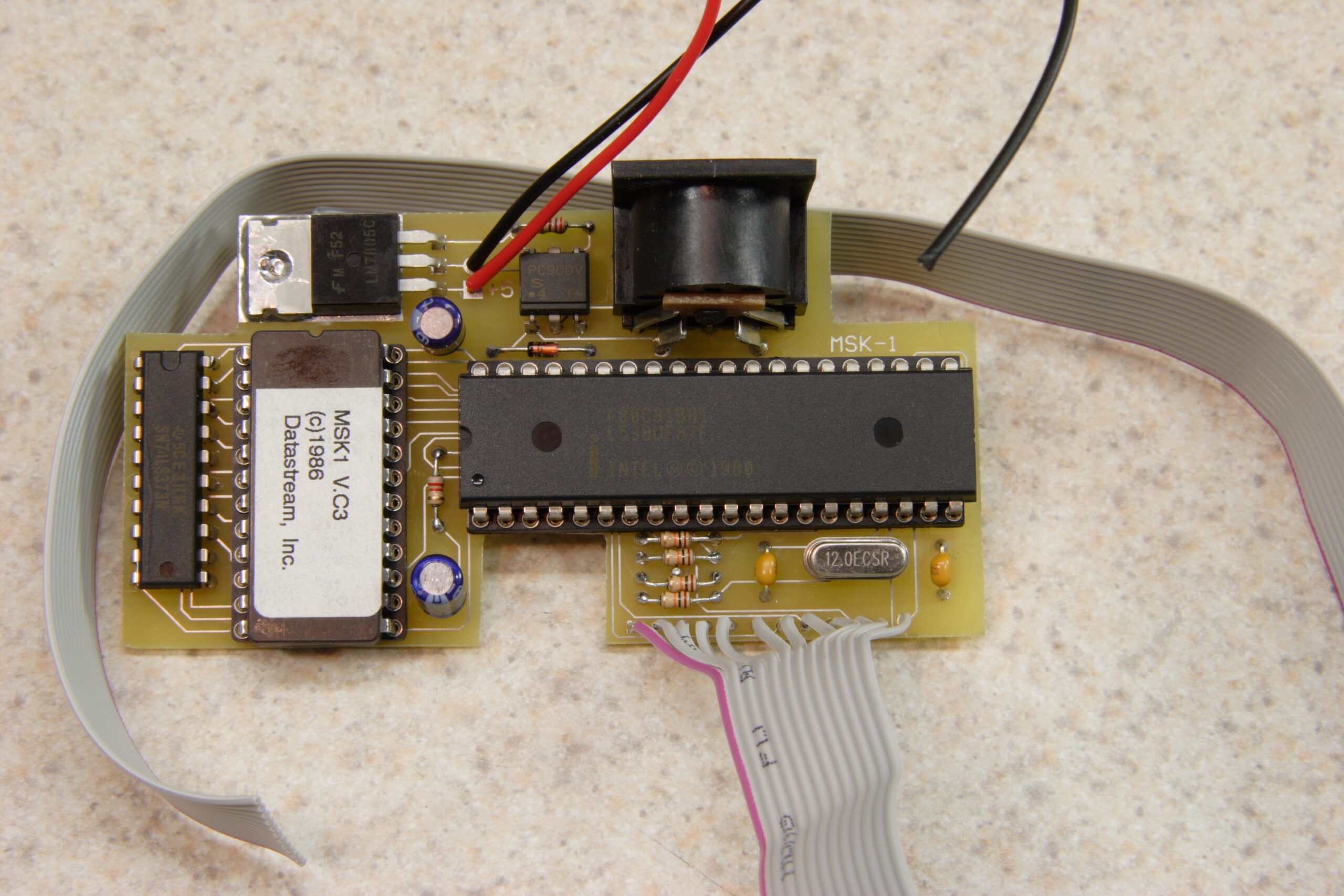
Completed Casio SK-1 MIDI Adapter
(Click for full res.)

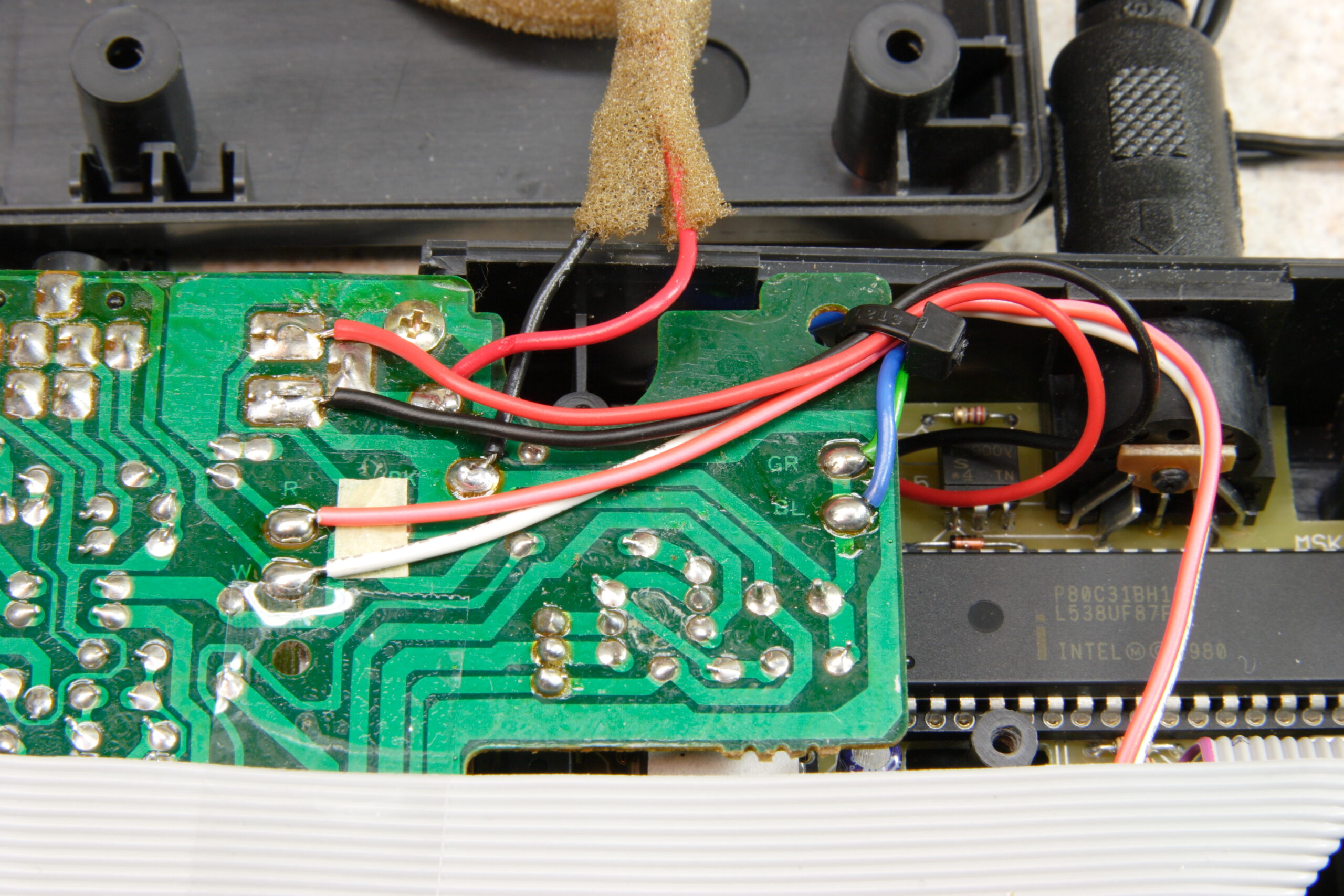
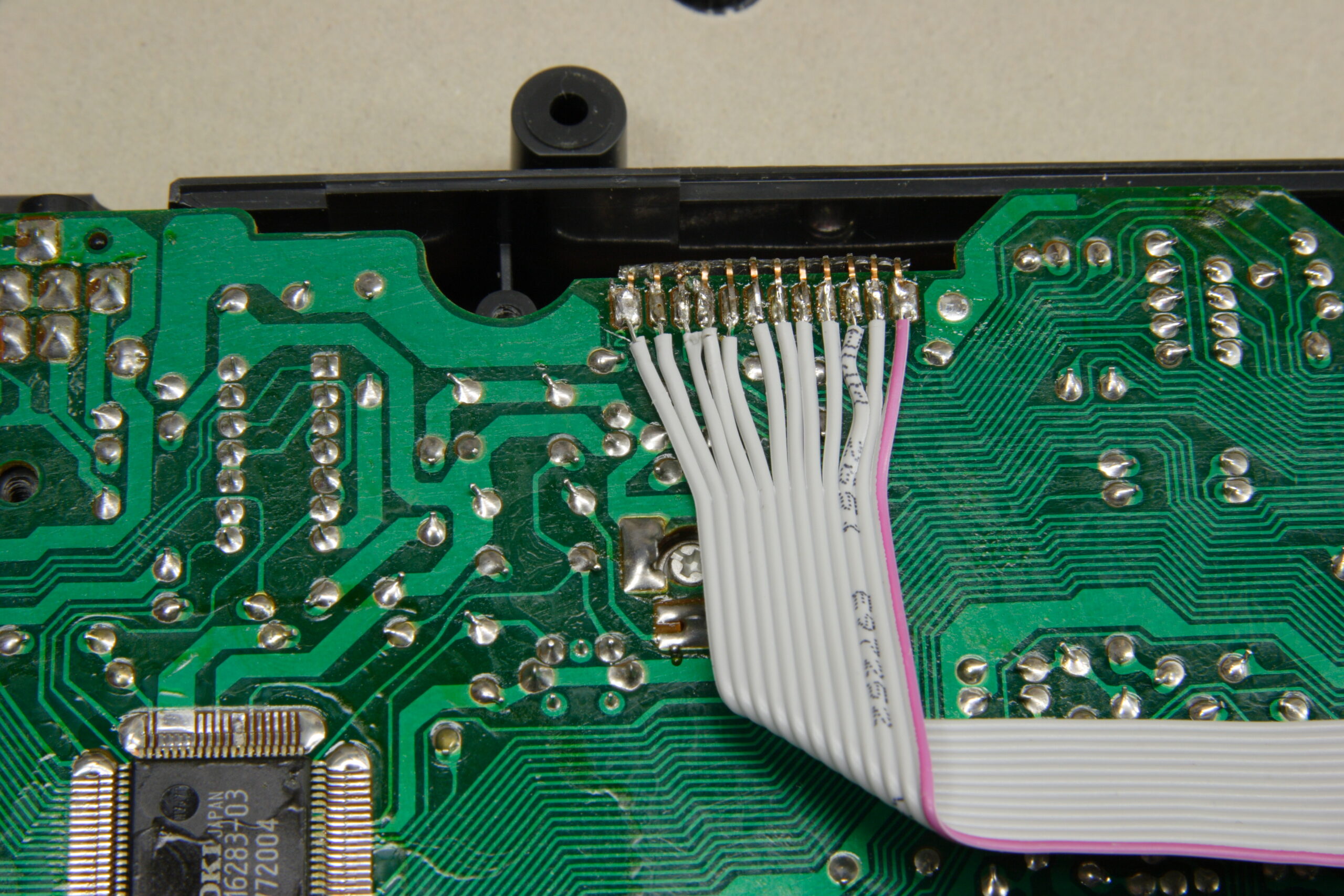
On the up side, I completed the PCB for the Casio SK-1 MIDI adapter that I’ve been working on. On the down side, it doesn’t work. After reassembling the SK-1 after cleaning it, everything seemed to work great. Then, after I hooked up power, fitted the PCB into the enclosure (without gluing it yet), and attached the ribbon cable to the SK-1’s keyboard connections, the SK-1 just makes a humming / buzzing sound. I think the problem is likely some part I missed soldering on top of the board or something. Or possibly a bad PCB-side connection on the ribbon cable.

When making one’s own double-sided PCB, the holes aren’t plated on the inside with metal, so one has to solder parts on both the top and the bottom of the PCB. It was a bit of a hassle to solder things on both sides, but I thought I it taken care of in most places. Maybe I’m wrong, though… Ah well, tonight (or sometime this weekend) I’ll remove the PCB, remove the power lines and ribbon cables, and double-check everything against the schematic.

Here’s some of the pictures from my work on this last night:

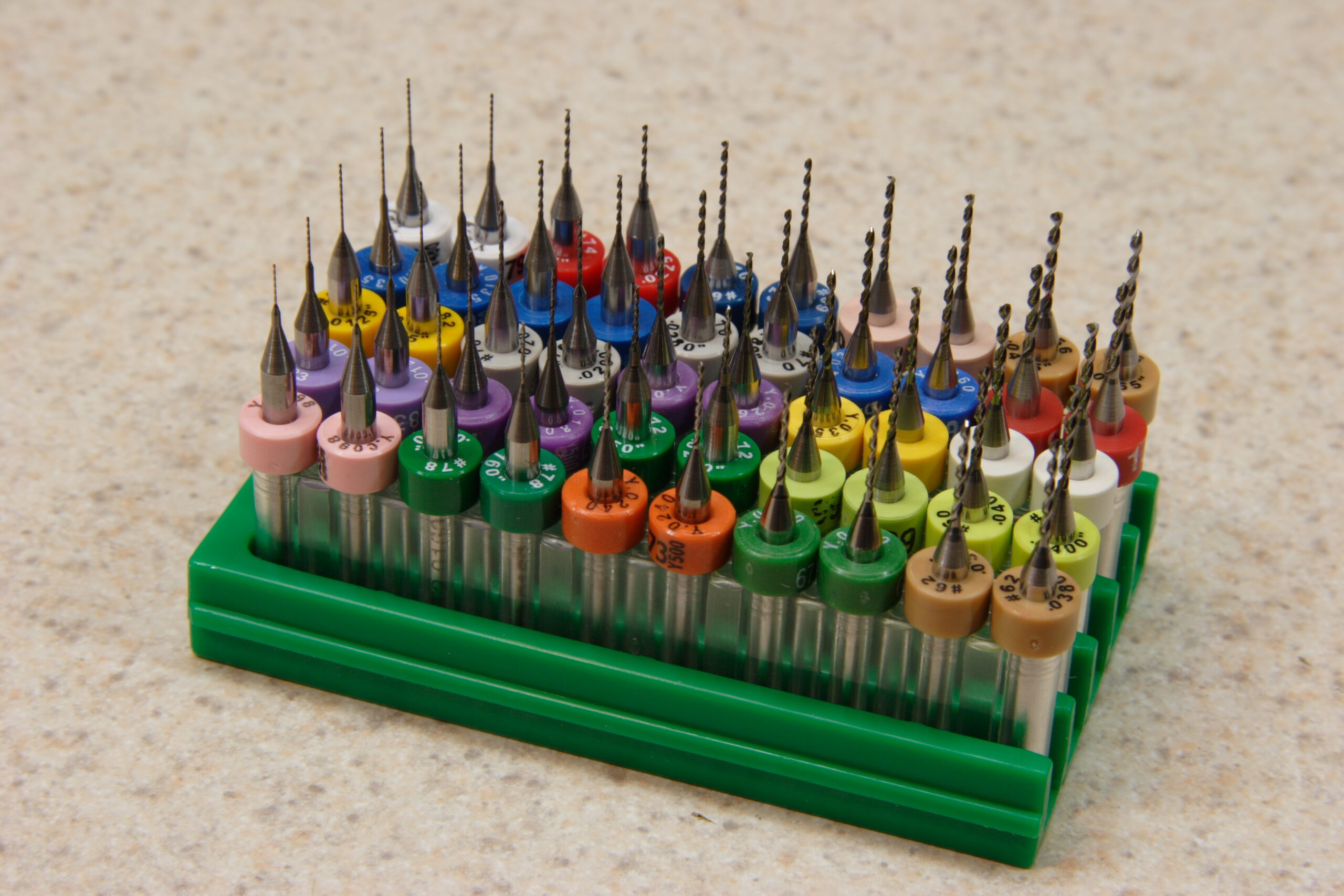
· Resharpened PCB drill bits, acquired from eBay. They are really, really small. The shafts on those bits is 1/8″.
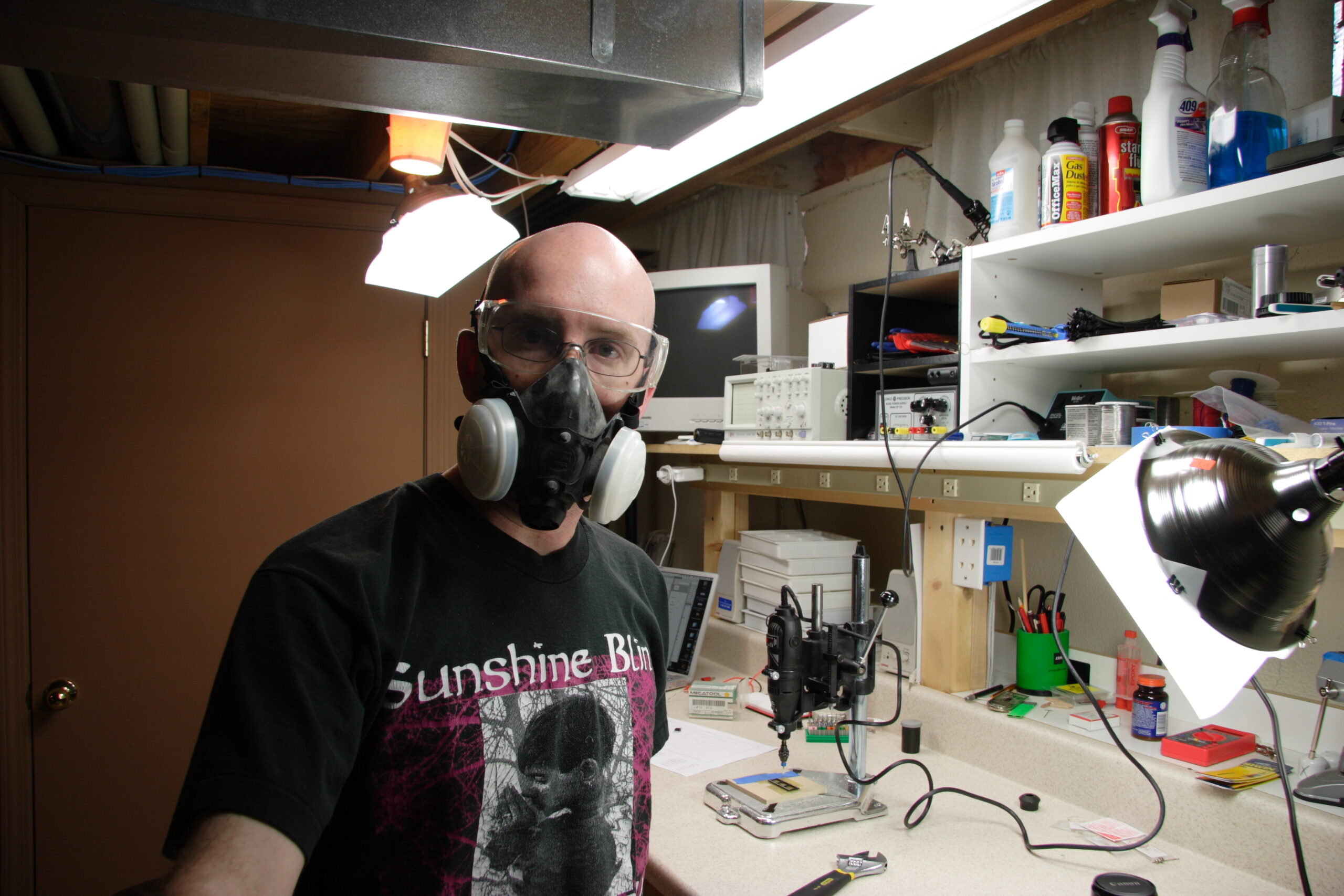
· A very unshaved me, wearing a respirator and safety glasses. Both are needed as drilling and cutting PCBs makes lots of fiberglass / epoxy dust.
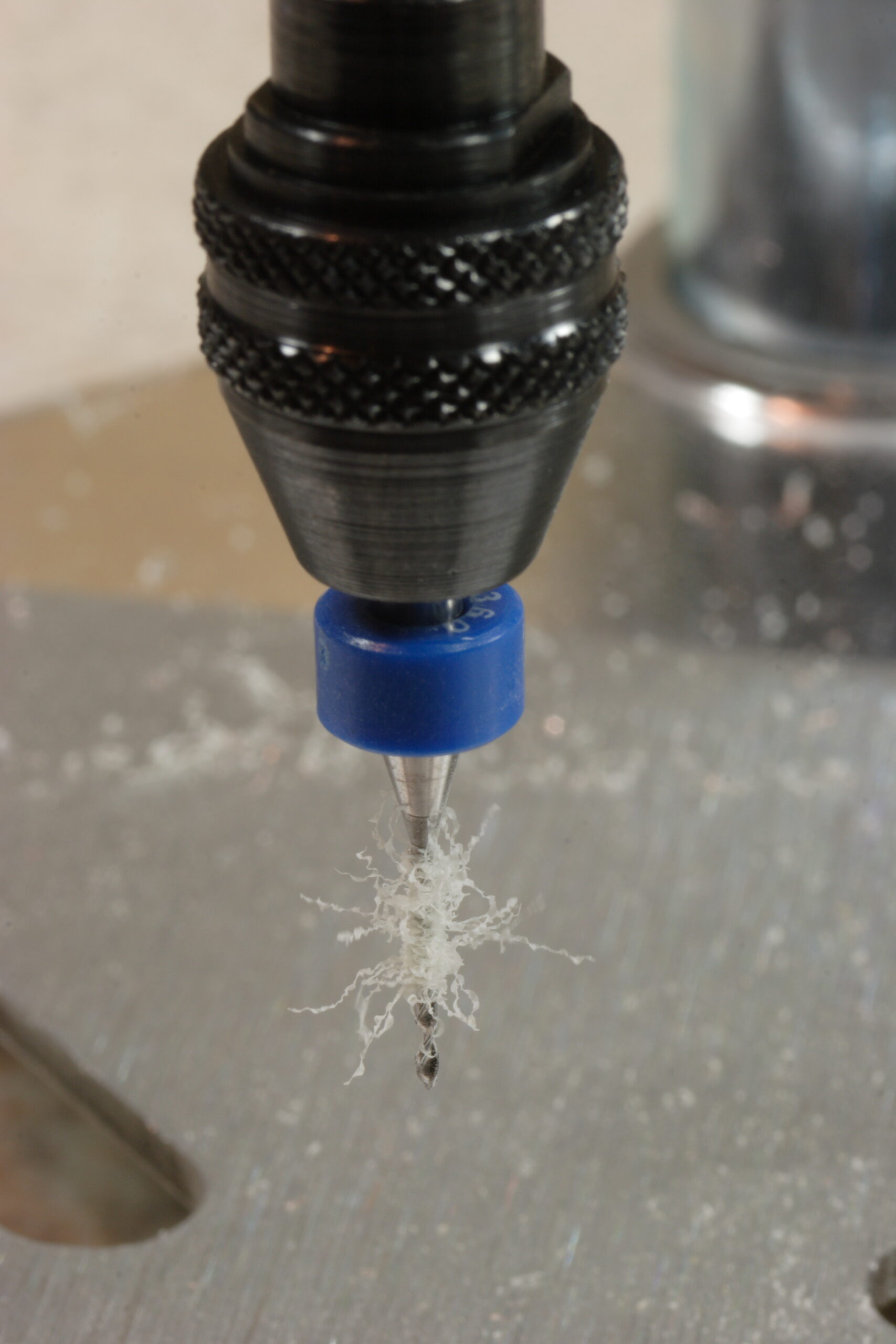
· One of the bits (26 mil, I think) in the chuck of my Dremel.
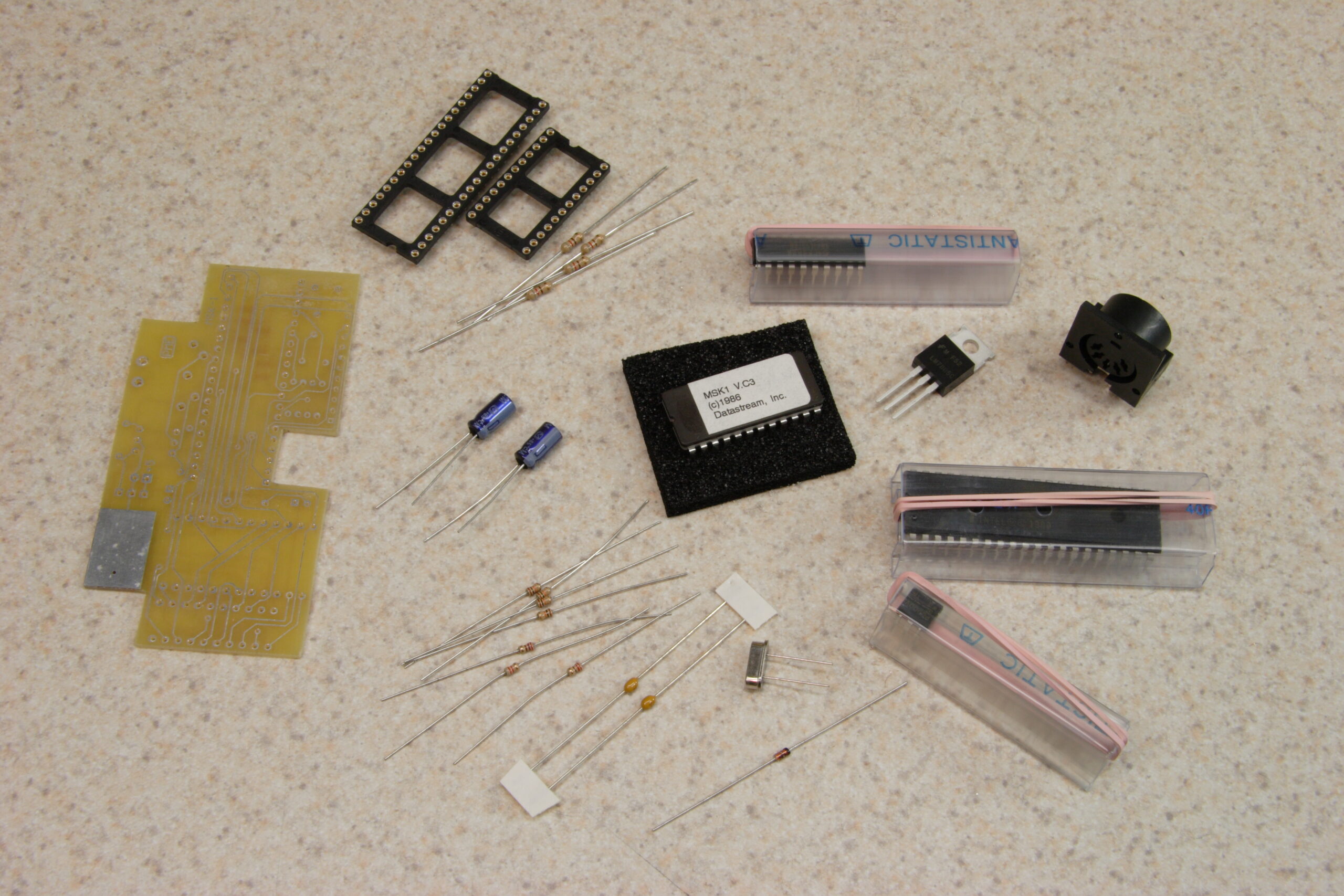
· The pile of parts needed for assembling the adapter, including some spare resistors sacrificed for their leads, which were needed to solder vias.
· All vias soldered, and jumper A placed to turn off wrapping of notes from outside the keyboard’s normal range.
· All parts (except for microcontroller, ROM, and wiring) attached to the board.
· Completed board, with power wires and ribbon cable.
· Ribbon cable attached to Casio SK-1’s keyboard connection.
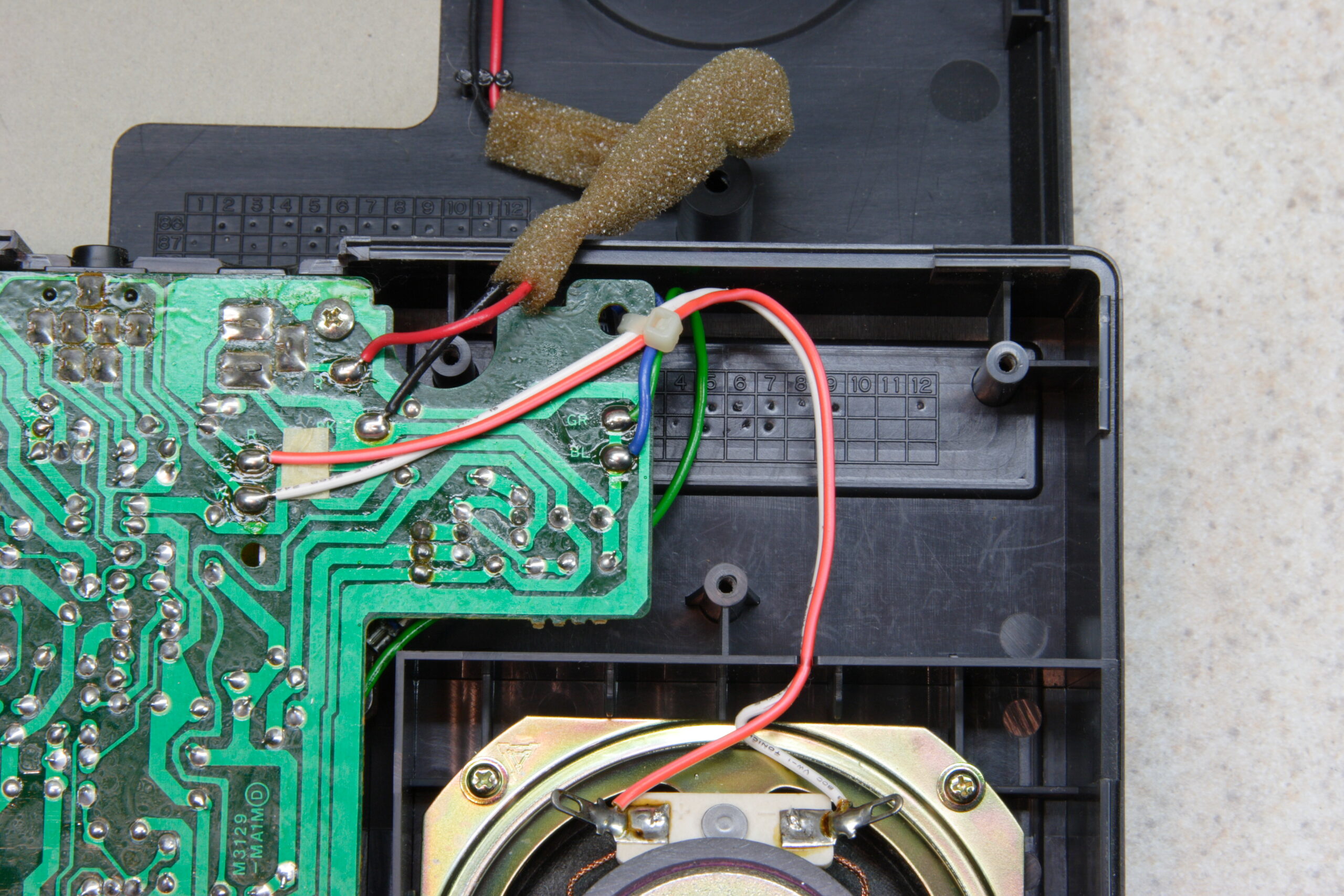
· Power wires attached to the external power jack and the PCB fitted next to the speaker.

So, that’s that. I’ve still got more to go with regards to fixing everything. I know it’s getting power… I just don’t know what else it is doing yet. By the time I had the board installed it was nearly 11pm and I’d been working on everything for about 4.5 hours. I needed a break. Hopefully things will progress further tonight / this weekend. At least I don’t work until Monday or so.

electronicsmaking thingsmoved from livejournal

Sequencer Project

Hrm. It seems that I may need the $400 version of CadSoft Eagle to lay out a PCB of the size I need. The free version can only do 100mm x 80mm boards, and the $200 version can only do 160mm x 100mm.

This is disappointing. I guess I should figure out if there is another way I can do it.

computerselectronicsmoved from livejournal

Power Supply Woes

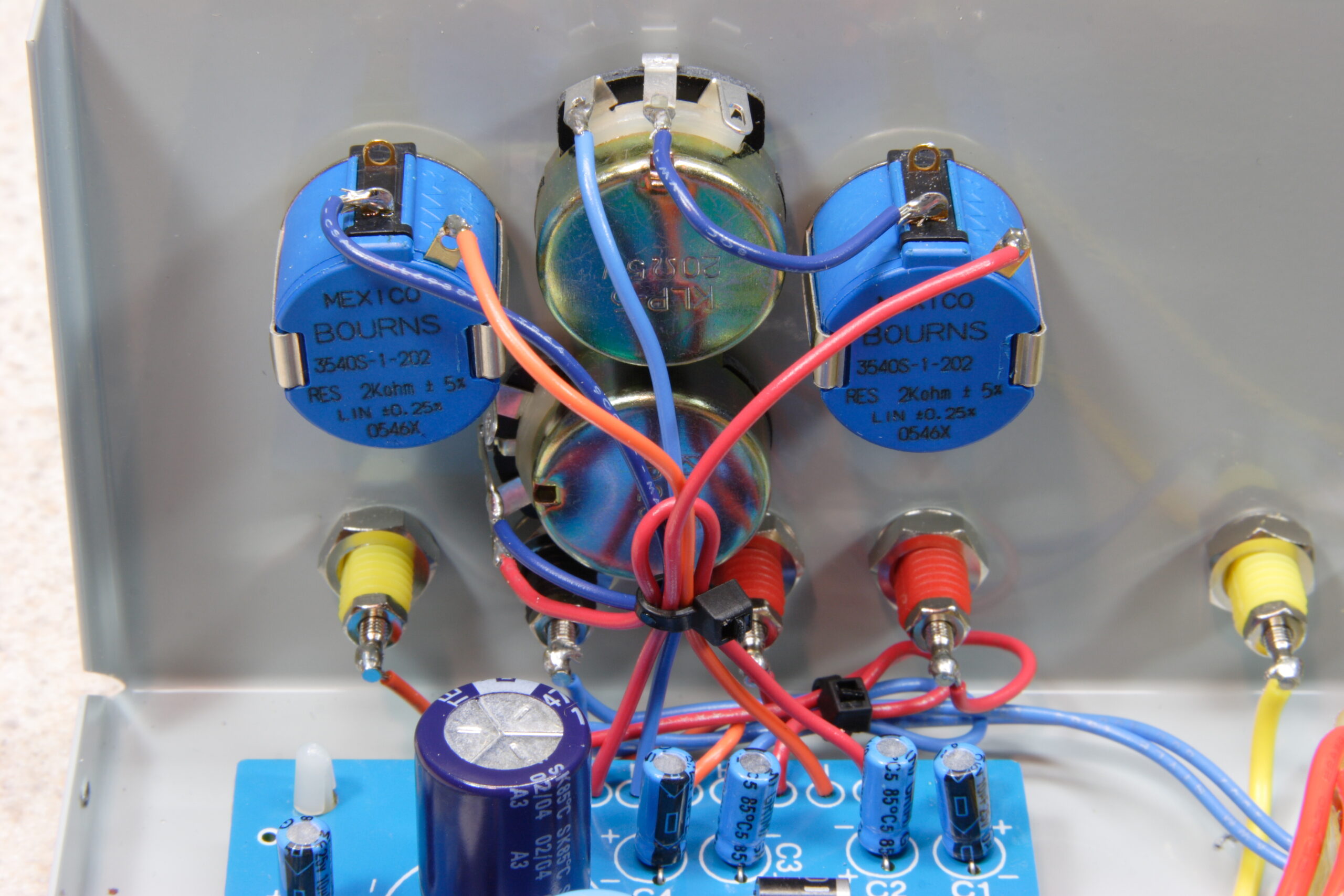
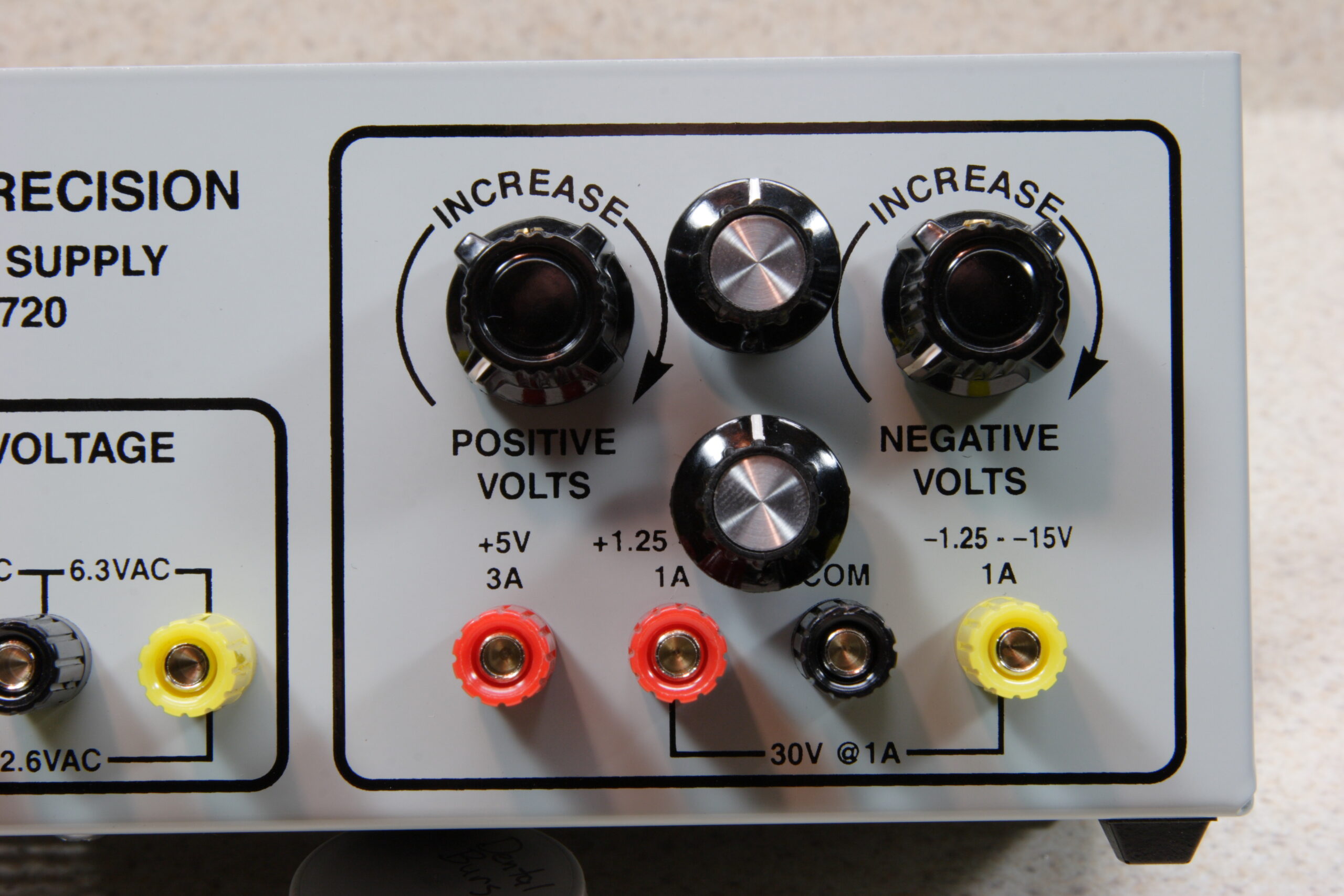
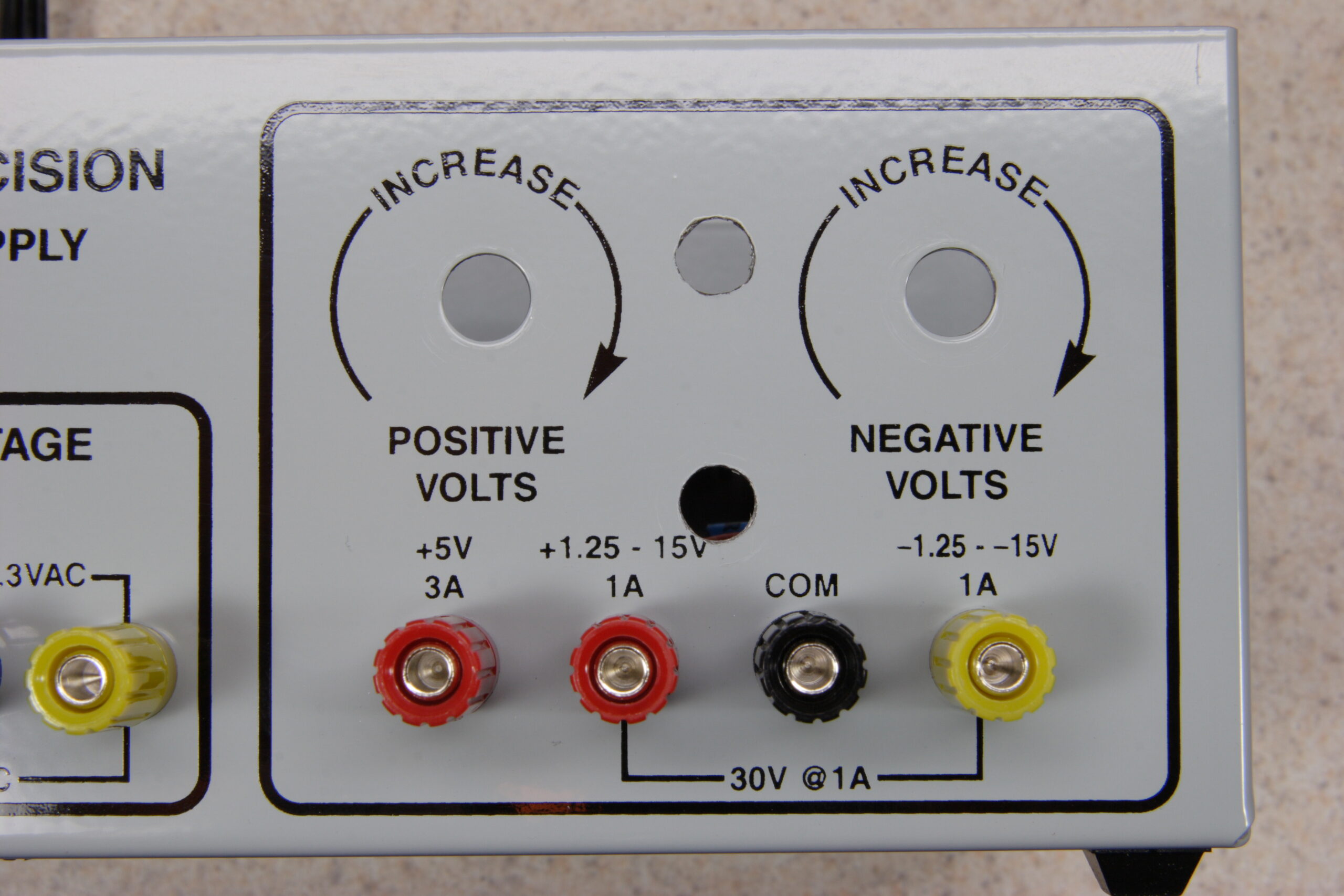
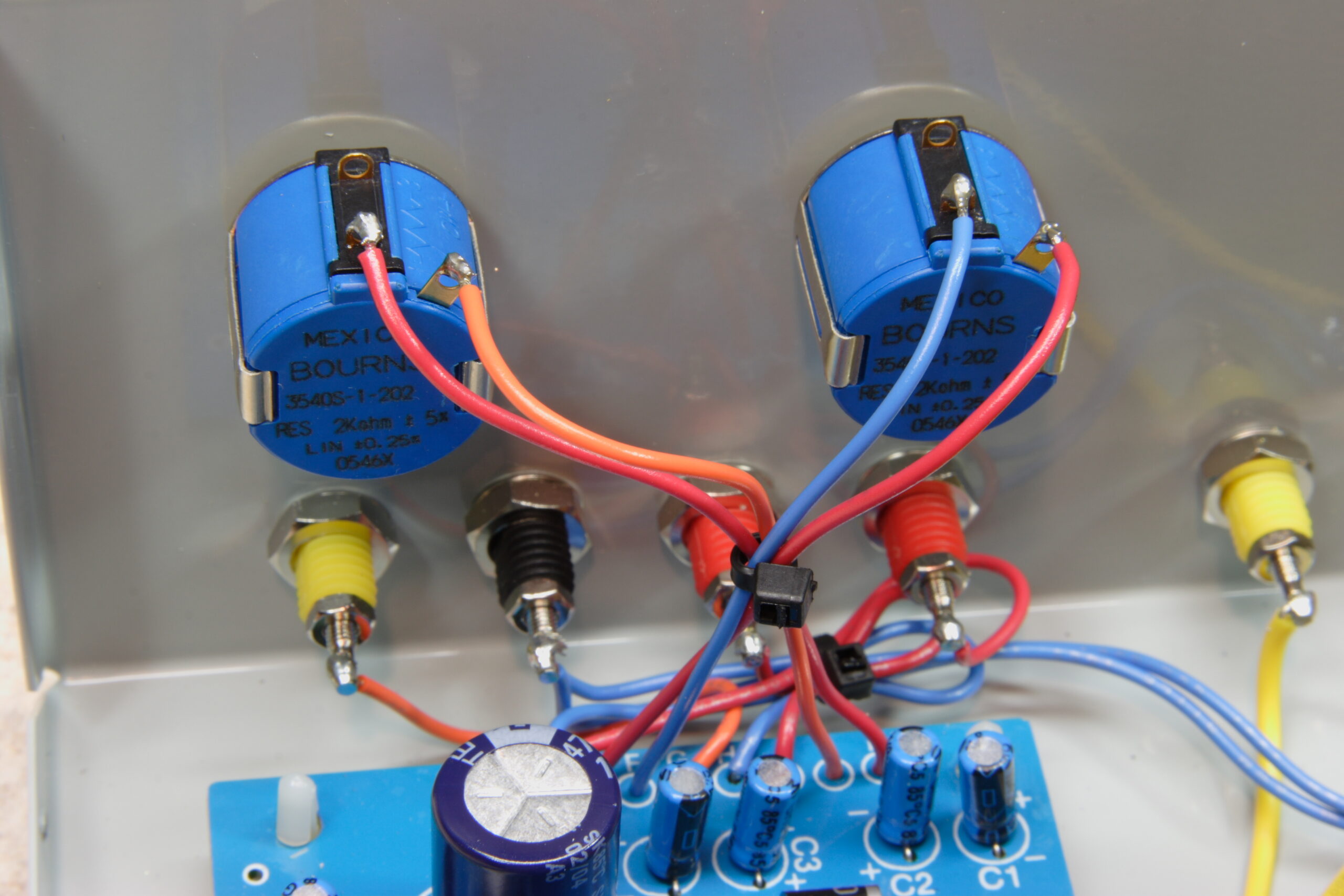
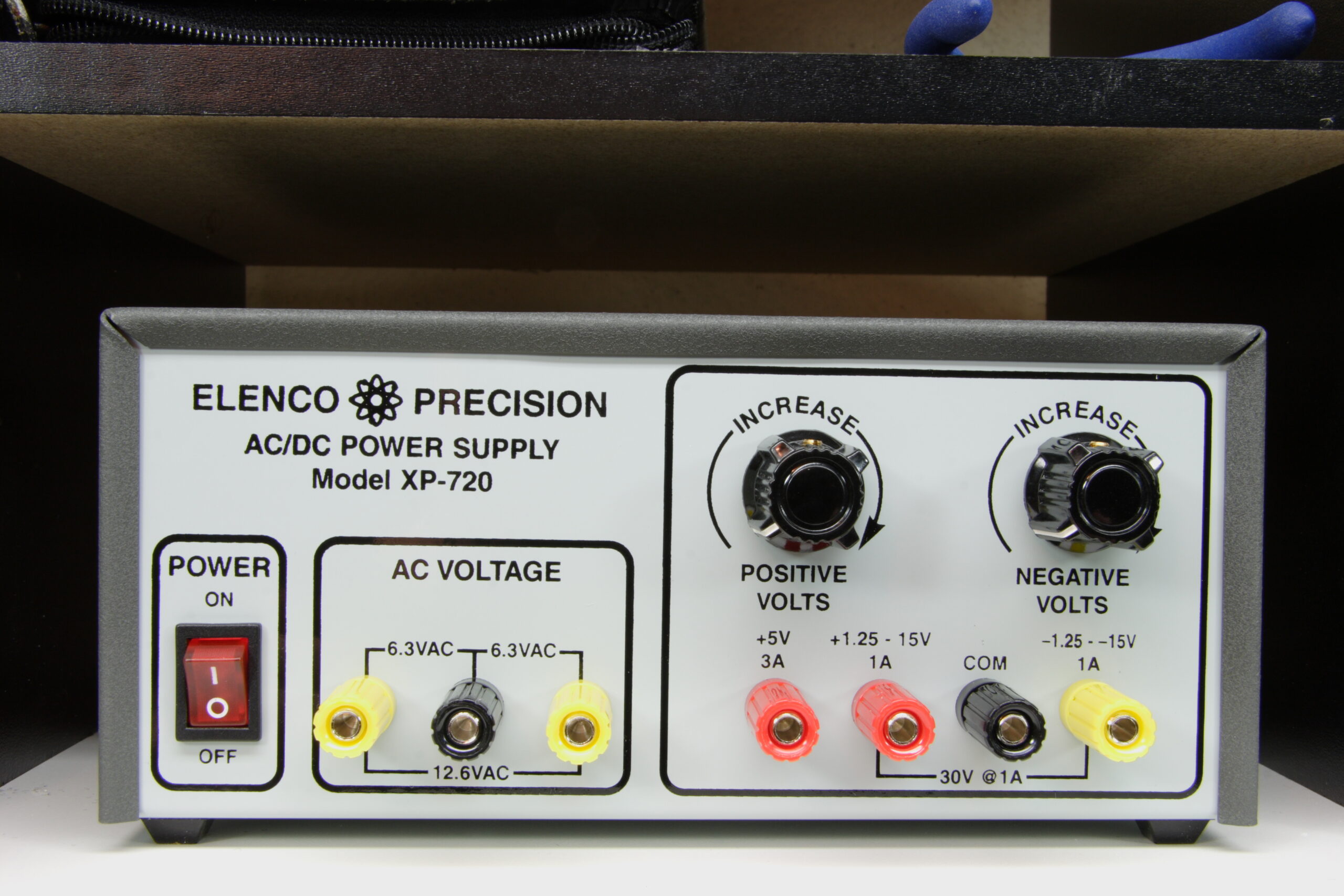
Hmm, so yesterday I added two more pots (2Ω, wired in series with the other ones) as a fine tune adjustment on my Elenco XP-720K (photo gallery retired). Despite being a bit unattractive it was working great, until I went to use it today. I turned it on, off, then back on, and the fuse blew. It’s just a small 1A fuse, so maybe the shock of bouncing it around for a bit caused it to go, but it still worries me a bit.

I don’t know what could have caused this, except for something being shorted out. But I had simple banana plug leads between it and my meter (to set it to exact 5.000VDC) and nothing else. I guess I’ll go get some more 1A fuses, stick a new one in, and wait and see if the problem comes up again. I’m hoping it was just a cheap fuse and thermal / mechanical stress on the fuse itself. Hmm, I guess it did get shaken around quite a bit while I was drilling out the extra holes in the front panel. The steel is really hard, so it took a bit of work.

electronicsmaking thingsmoved from livejournal

Casio SK-1 MIDI Modification


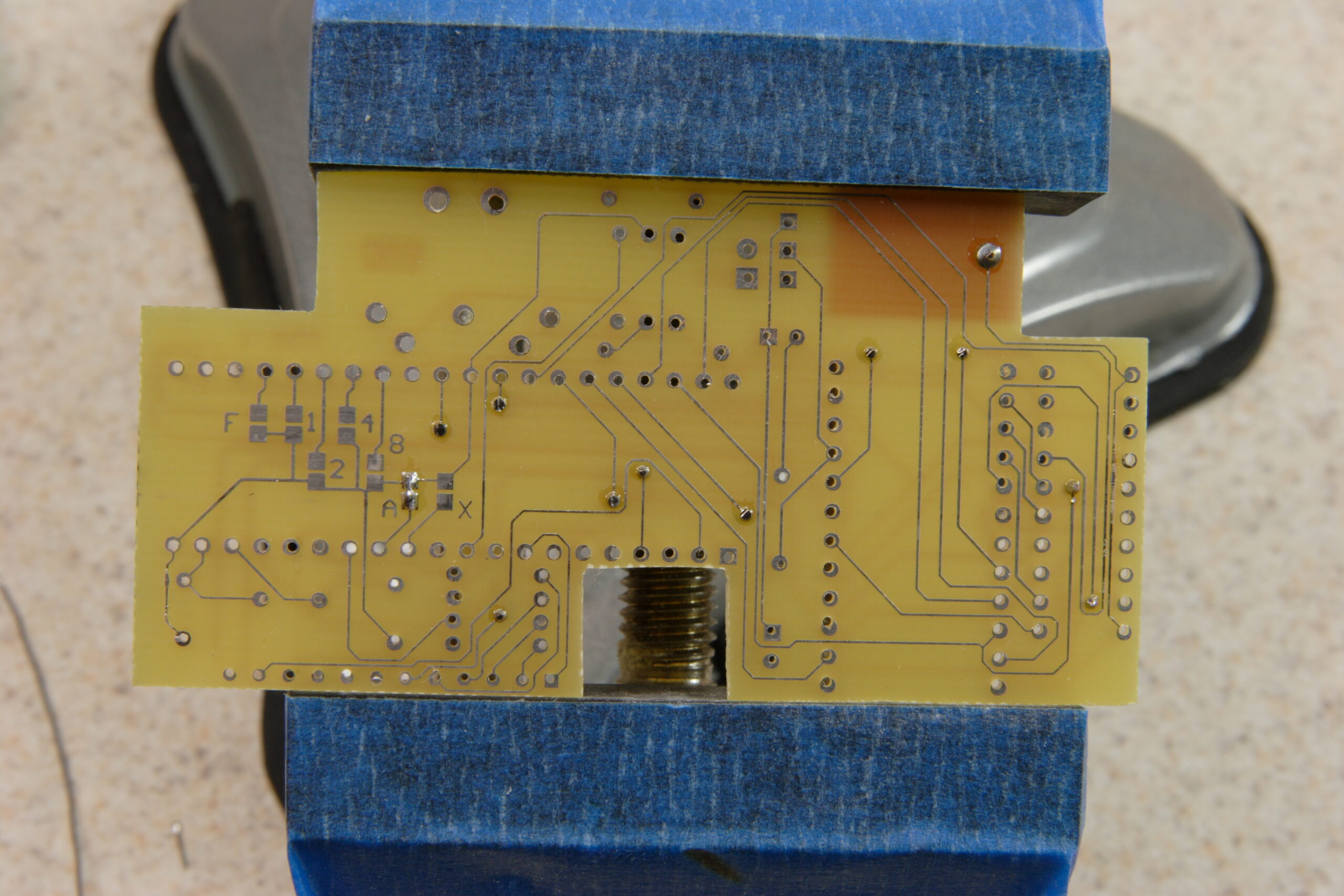
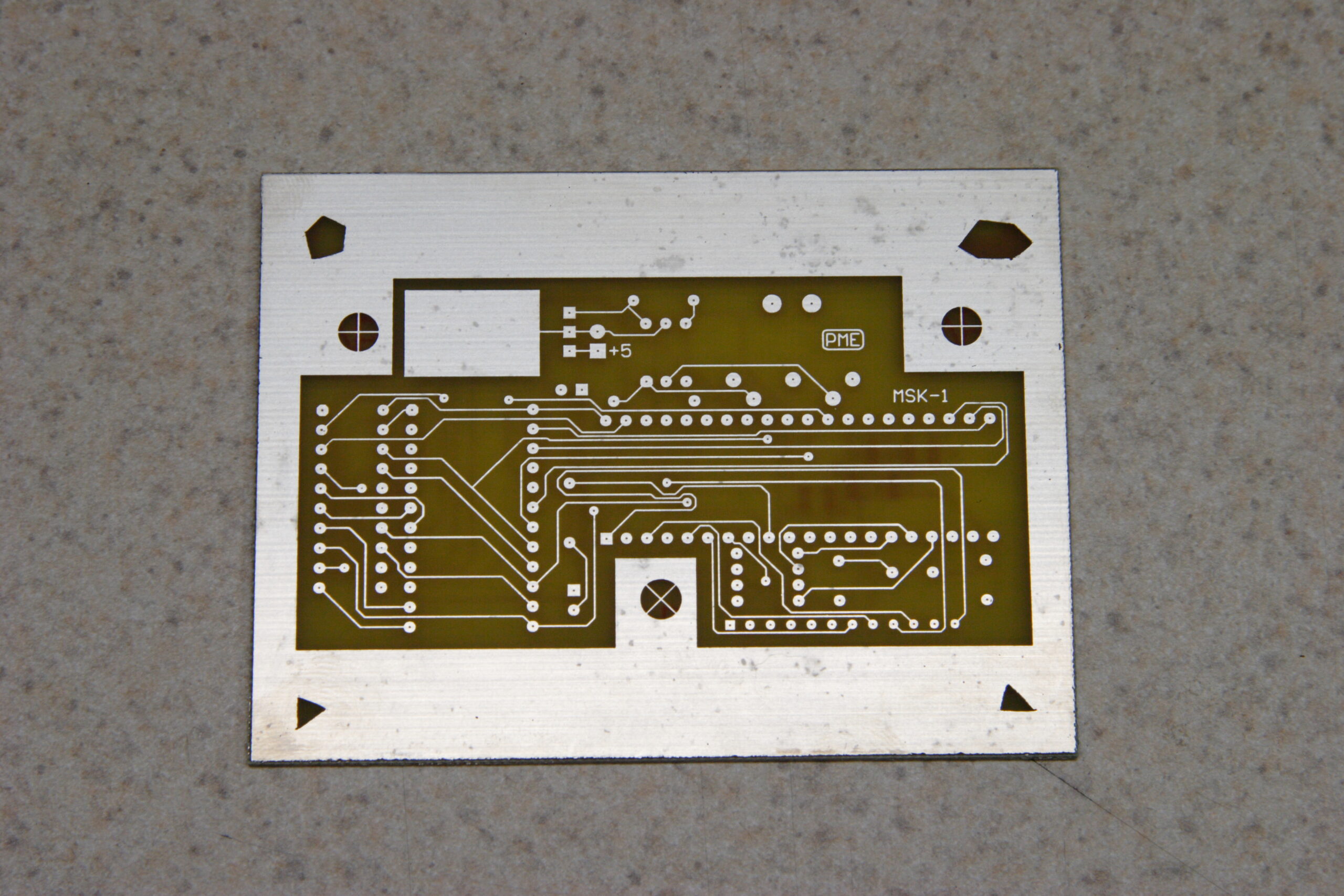
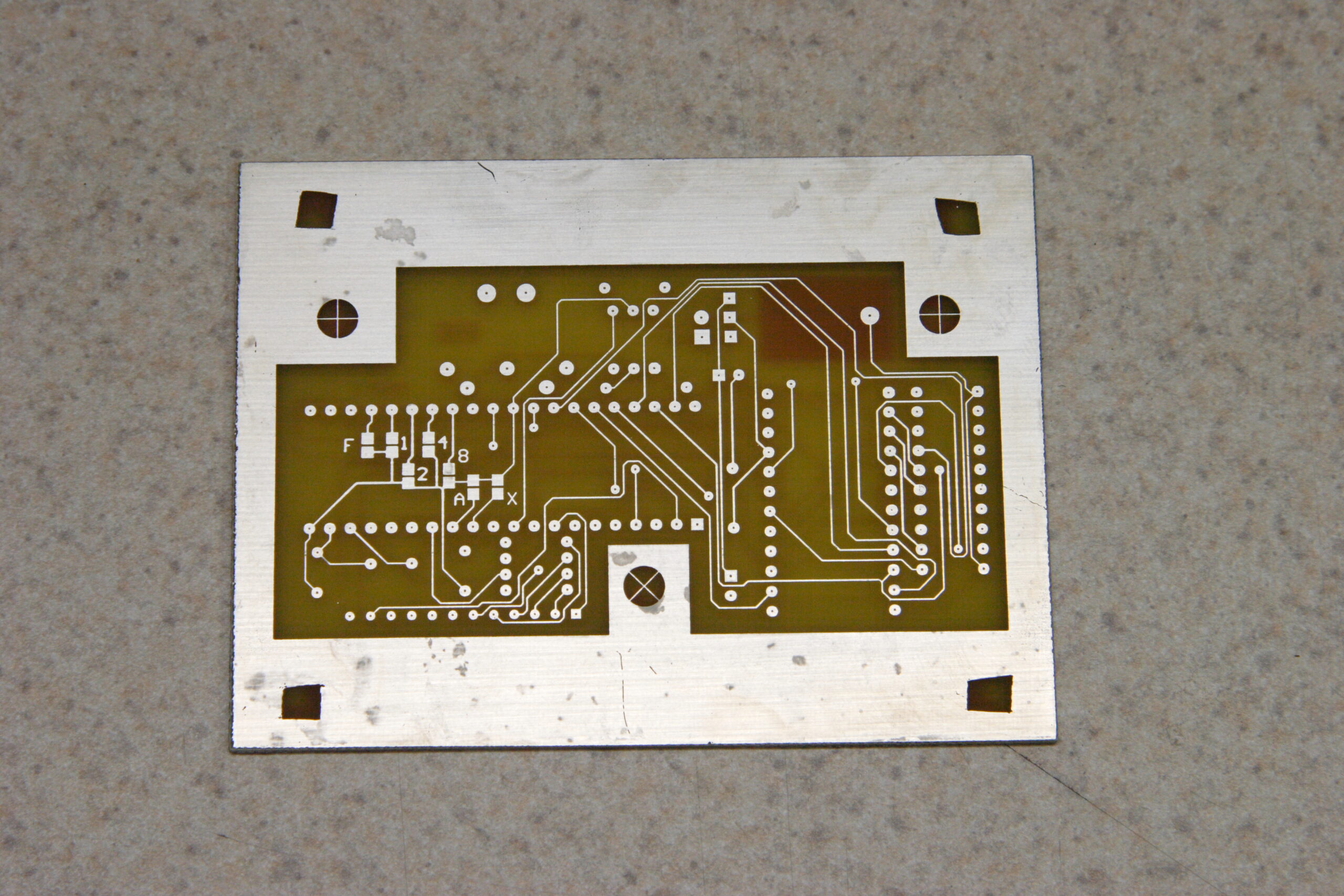
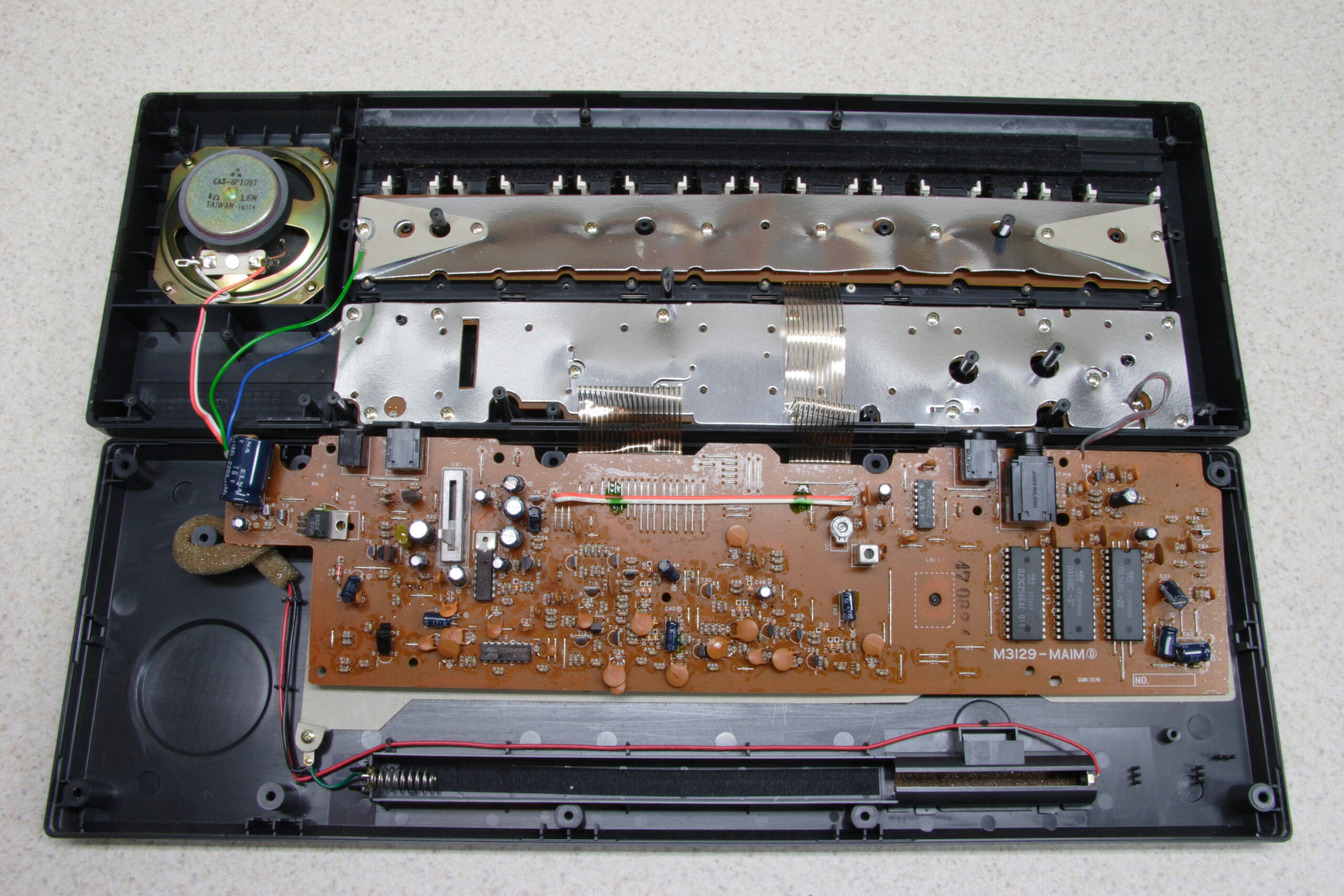
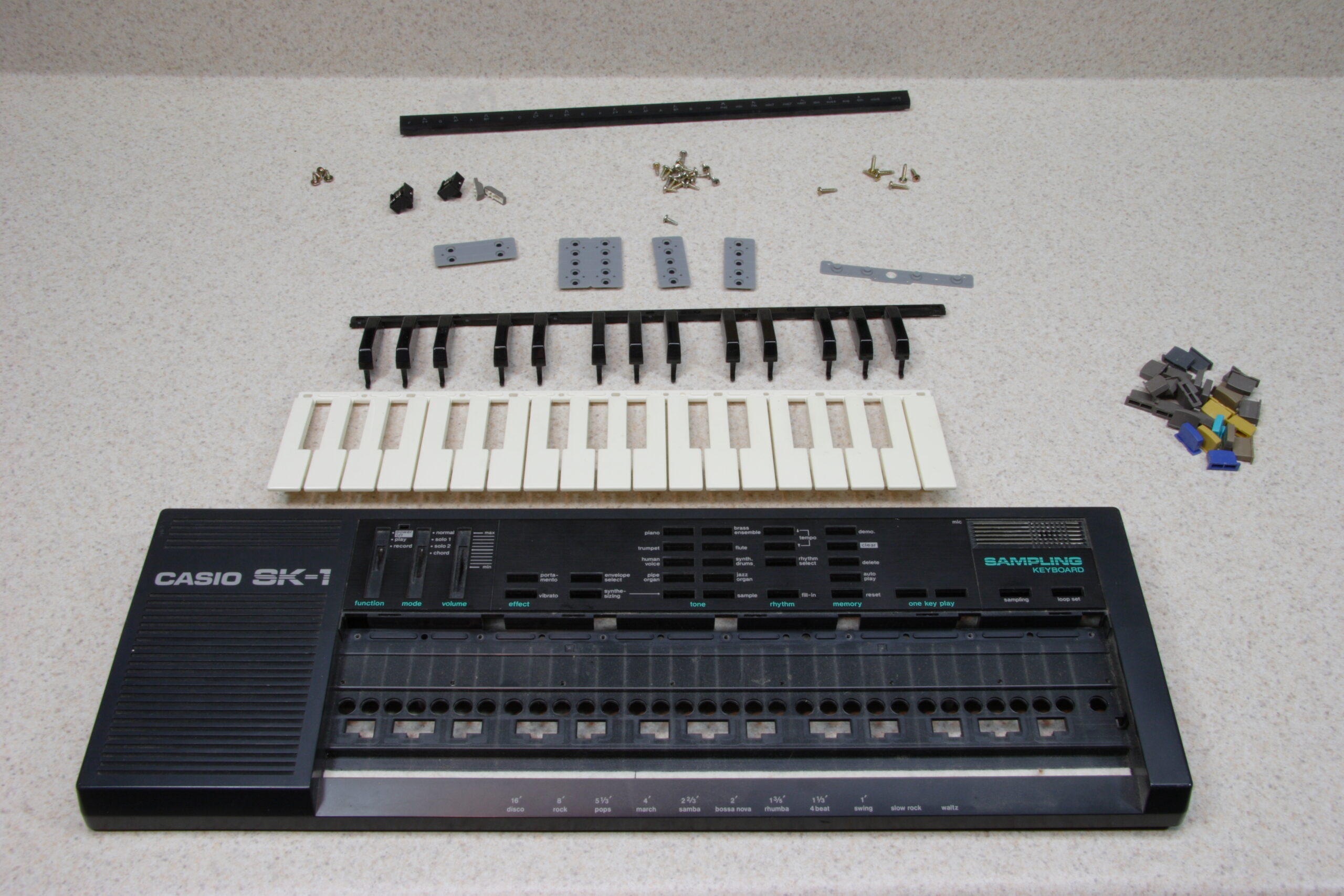
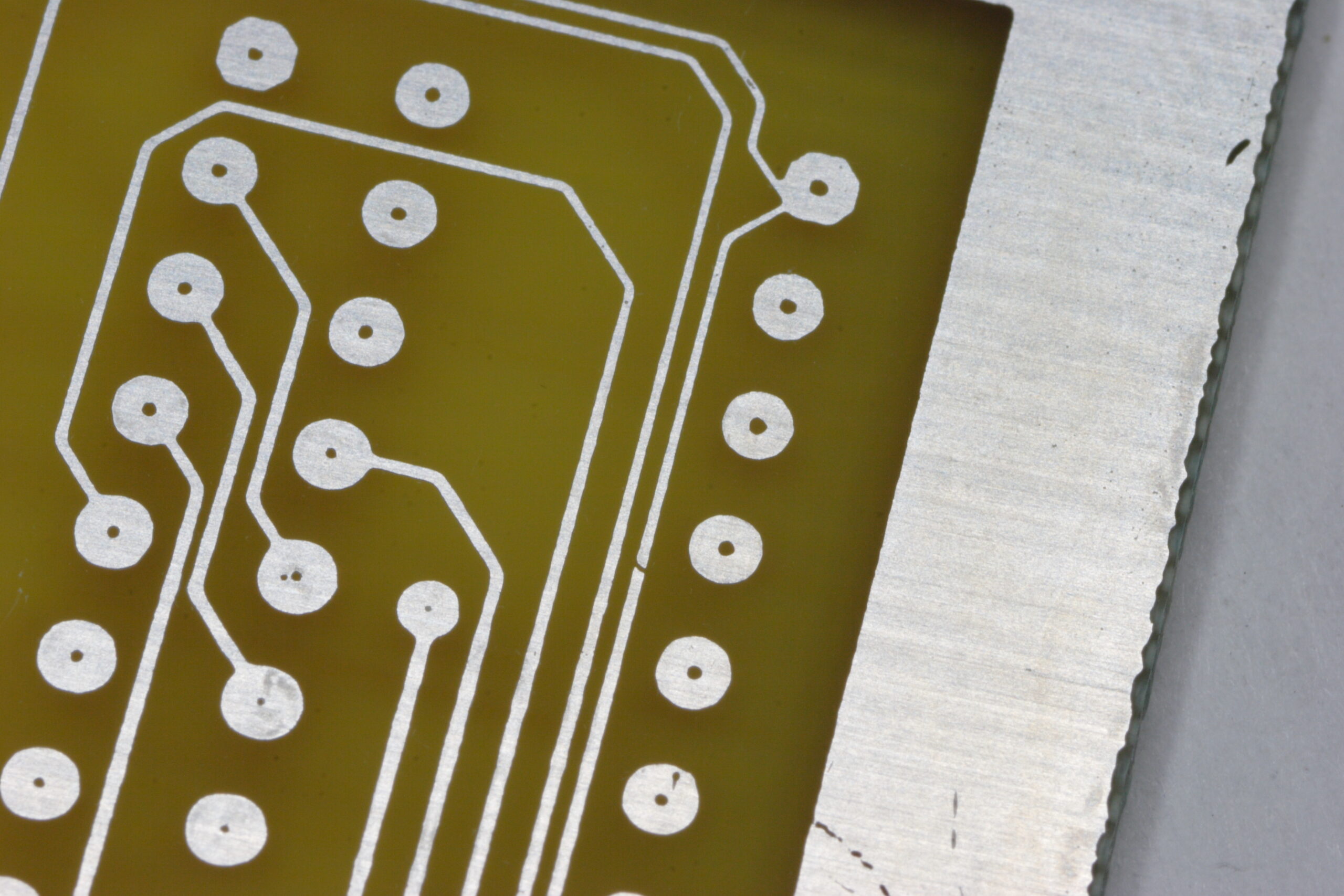
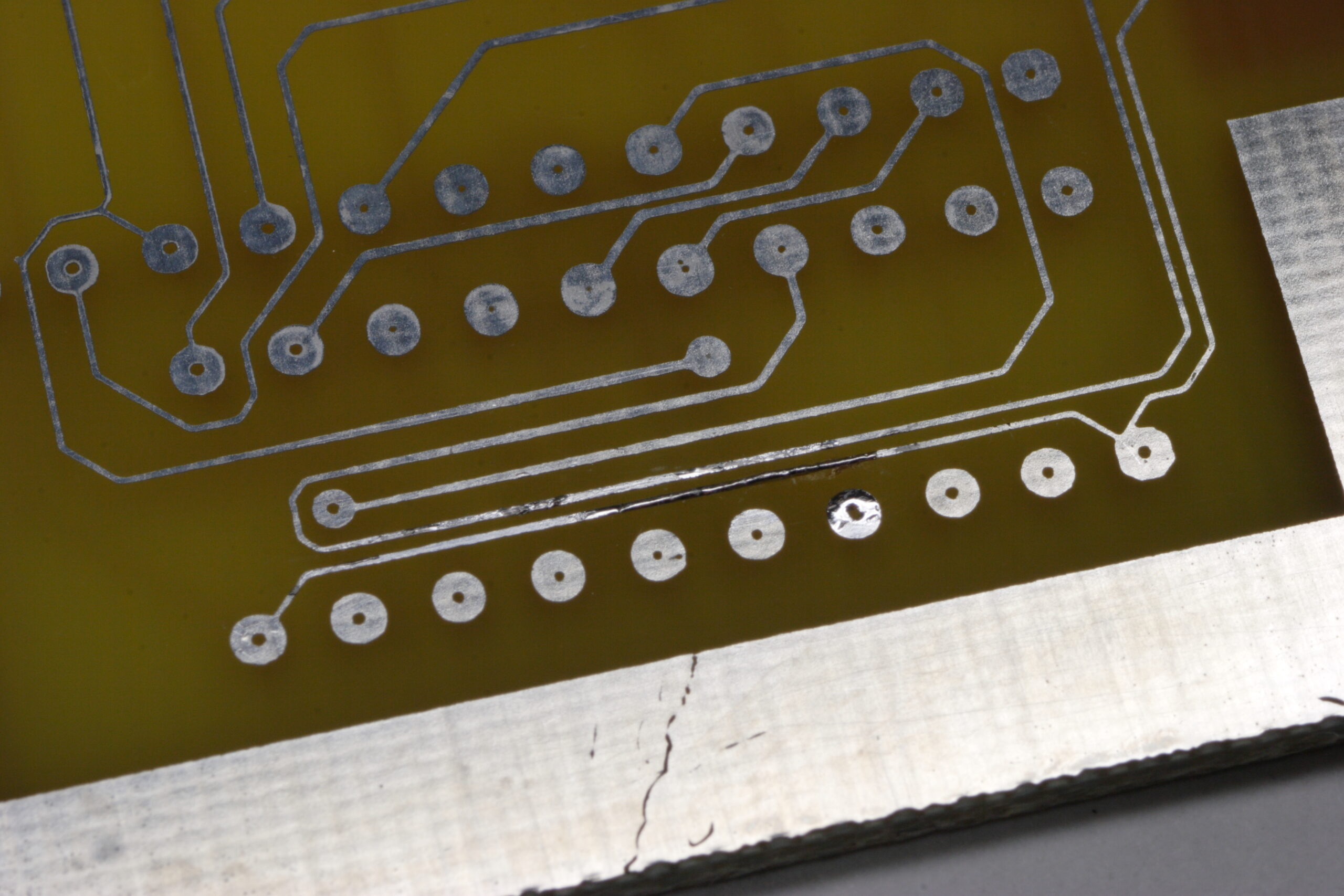
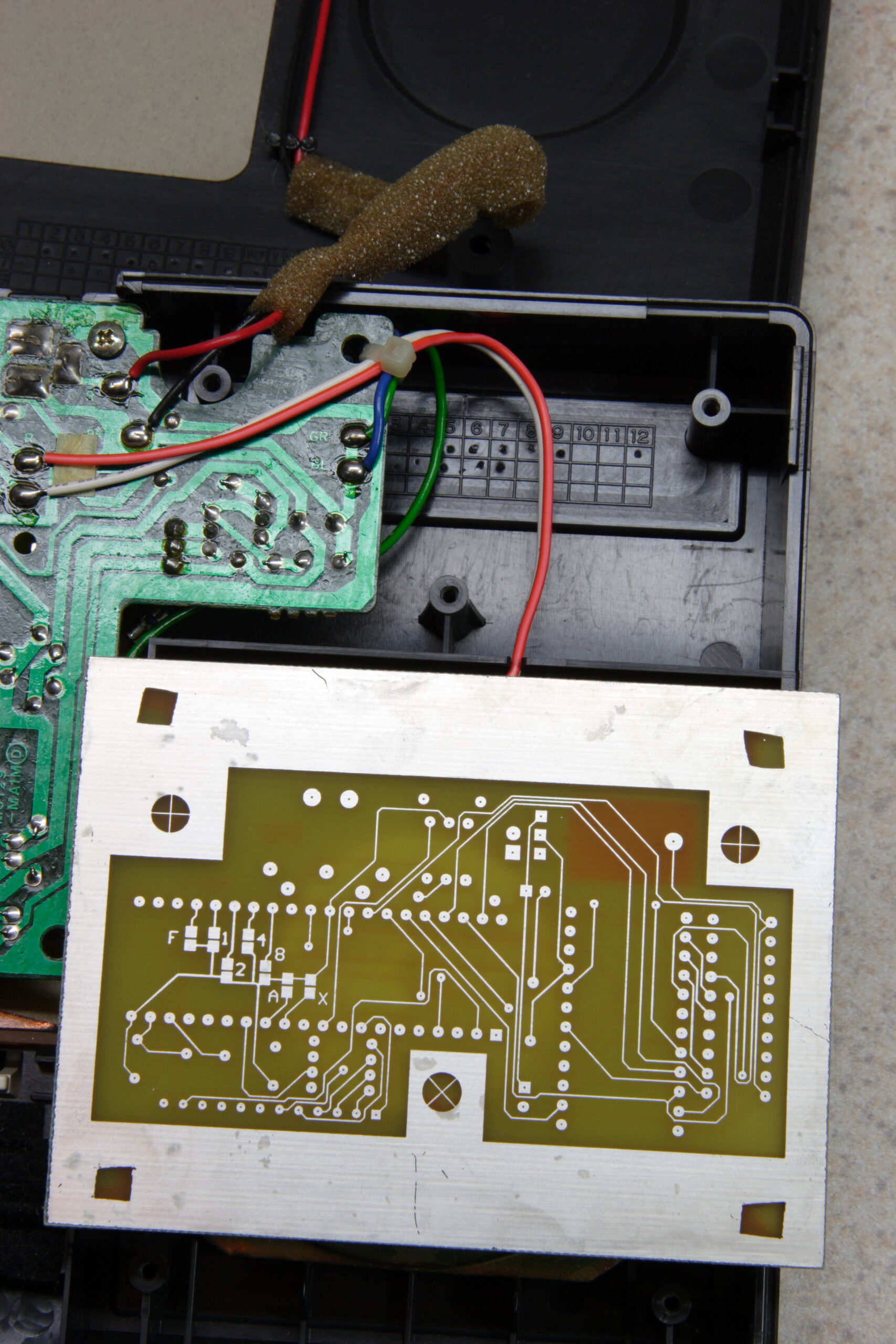
Casio SK-1 MIDI Modification PCB and my opened SK-1.
(Click for more…)

Well, I’ve started the Casio SK-1 MIDI Modification project (photo gallery retired). That is, the one which will add a MIDI input to my SK-1. Since the SK-1 has a rudimentary sampler and the nifty ‘human voice’ patch, along with the fun-to-play-with ‘synthesizing’ section (must remember to read up on this), it could be nice to trigger it remotely.

I’d imagine such a thing would also be useful to anyone with a bent or modified SK-1 (or SK-5, for that matter) too, since those are more likely to be used in a stage-type environment where remotely triggering with patterns would be useful.

Anyway, after making the PCB (and here) on Friday I went ahead and opened up the SK-1 to see how much room I’ll have to work with. While in there I also decided to strip the top panel and give it and all keys and buttons a good cleaning. It actually came apart fairly easily.

I did run into two problems, though. First, the PCB I made had couple small gaps in some traces where I had inadvertently scratched the photoresist before etching, but those were easily fixed with a wee bit of solder. Secondly, those spots in the tin plating are because I put the board in the plating bath before its precipitate had finished re-dissolving, and I think places where solid chemical sat against the board, those marks were left. Fortunately no pads are affected.

Now I’m just waiting for the set of solid carbide drill bits from eBay which I’ll be using to drill the part holes and vias in the PCB. Oh, and my order from Digi-Key for all the components I didn’t already have. I actually ordered enough parts for two of the adapters. Maybe I’ll etch a second board and make one to sell, if I find someone who wants one.

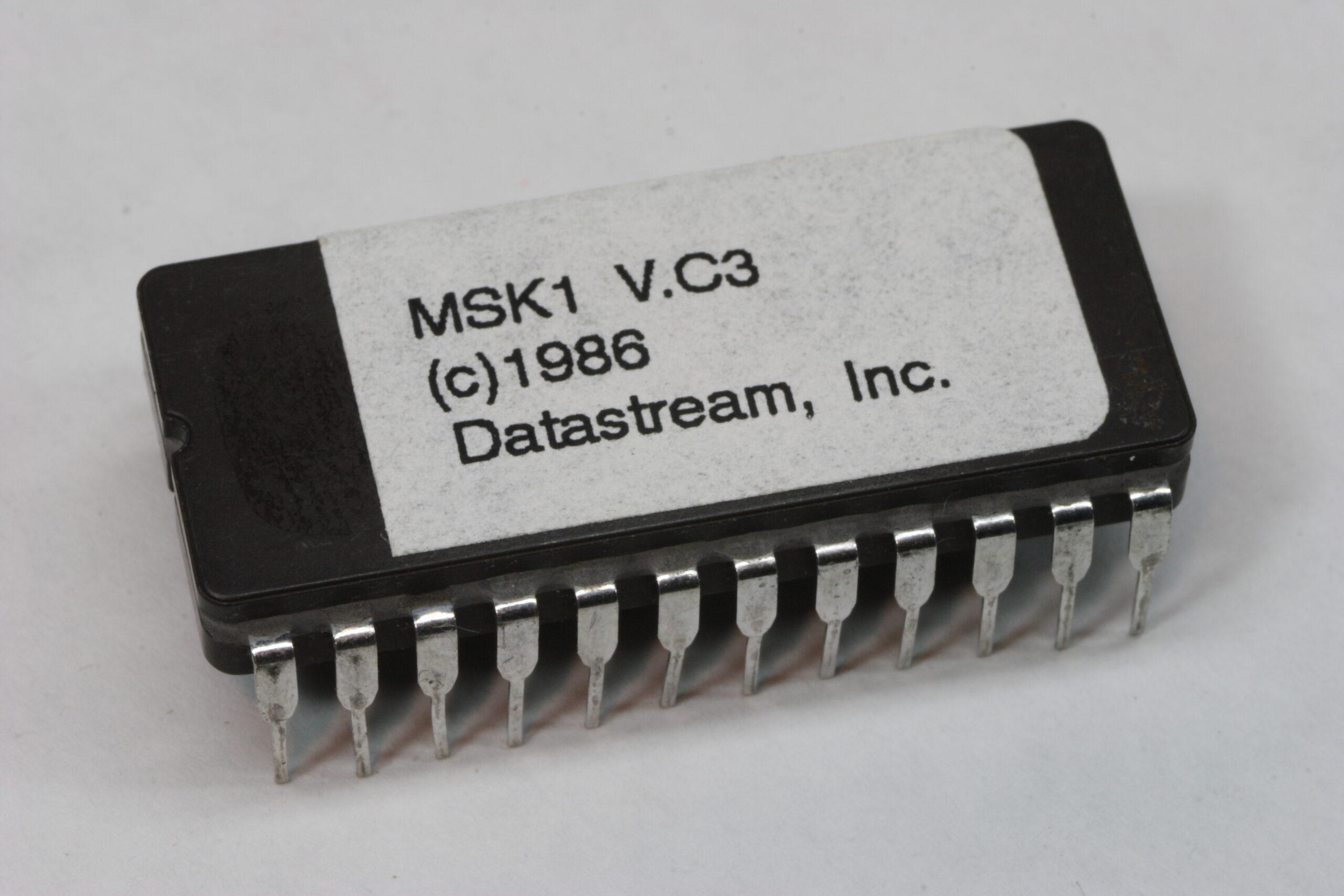
I received the pre-programmed 2732A ROM from Paul Messick yesterday, so I now have the software (yes, 20 year old software!) for running everything. Hopefully by next weekend I’ll have the rest of the needed parts and I can get going on finishing it all up.

One thing I forgot to order from Digi-Key was an Atmel AVR Butterfly so I could play with programming the ATmega169. It’s only $20, so it makes for a good experiment, even if I don’t end up using the controllers in anything. Ah well, one project at a time.

That reminds me… I also ordered some 20Ω wire-wound pots from Mouser (along with a breadboard and other unrelated stuffs) to wire in series with the Bourns 10-turn pots I had previously installed in my Elenco XP-720K (photo gallery retired). While the 10-turns are quite precise, I was having a difficult time nailing thousandths of a volt precision. It was possible, but took some very careful nudging of the knobs.

So, figuring that I have 2KΩ 10-turn pots, one full turn is about 200Ω. That means that the 20Ω ones should add about 10x the resolution, allowing me to hit whatever voltage I want. (I say ‘about’ because a ‘full turn’ is only 300° on a single turn pot whereas it is 360° on the 10-turn ones.) I’m still not completely certain where I will mount them, but for now I think they will probably be fit one above each other between the two current pots with the top one being for the left pot, etc.

Hmm, yeah. That was a lot of babbling about electronics. Don’t worry, I’m done.
electronicsmaking thingsmoved from livejournal

x0x 231 — Complete

[This is cross-posted from here because I am too tired / whatever to write a new post for here right now.]

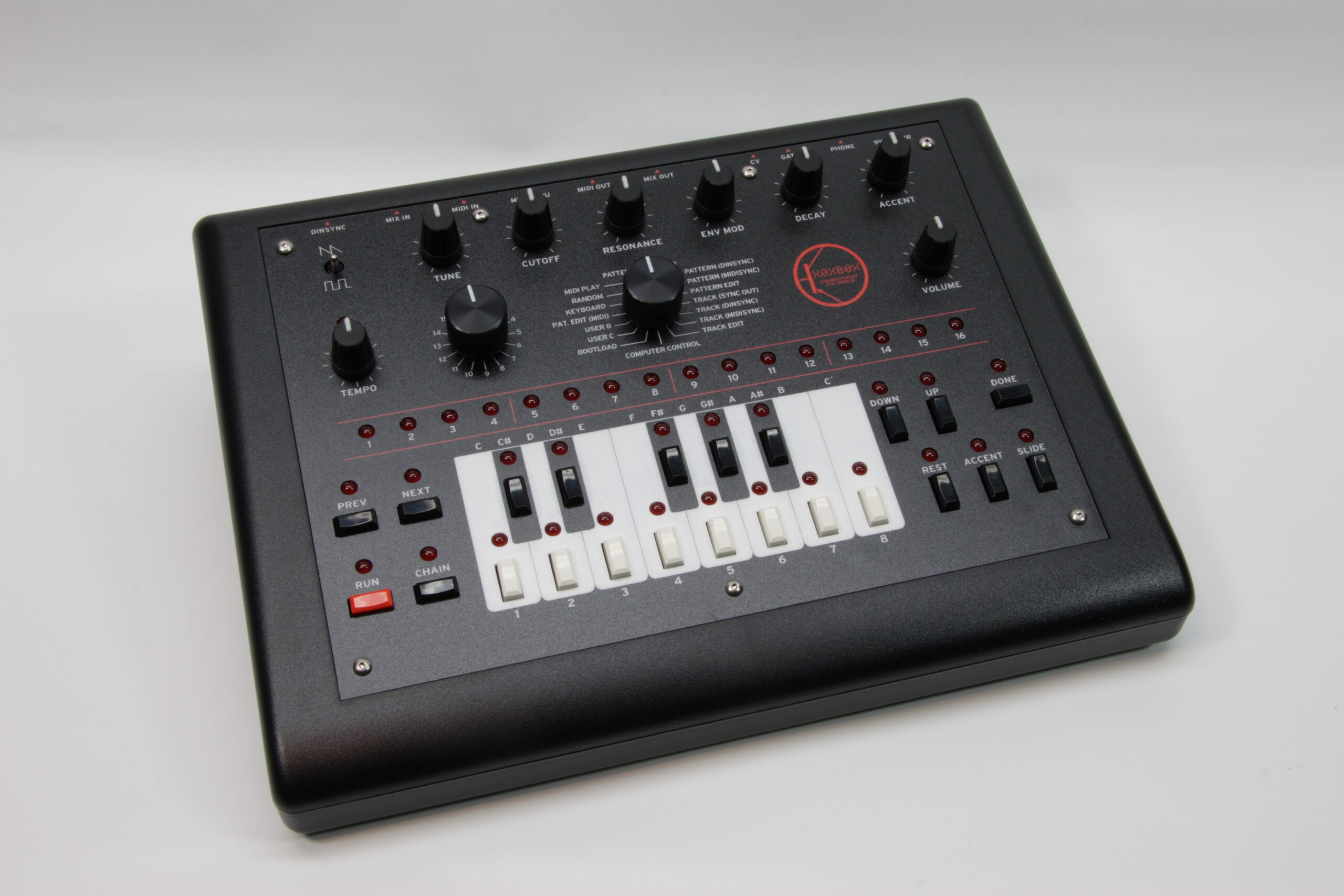
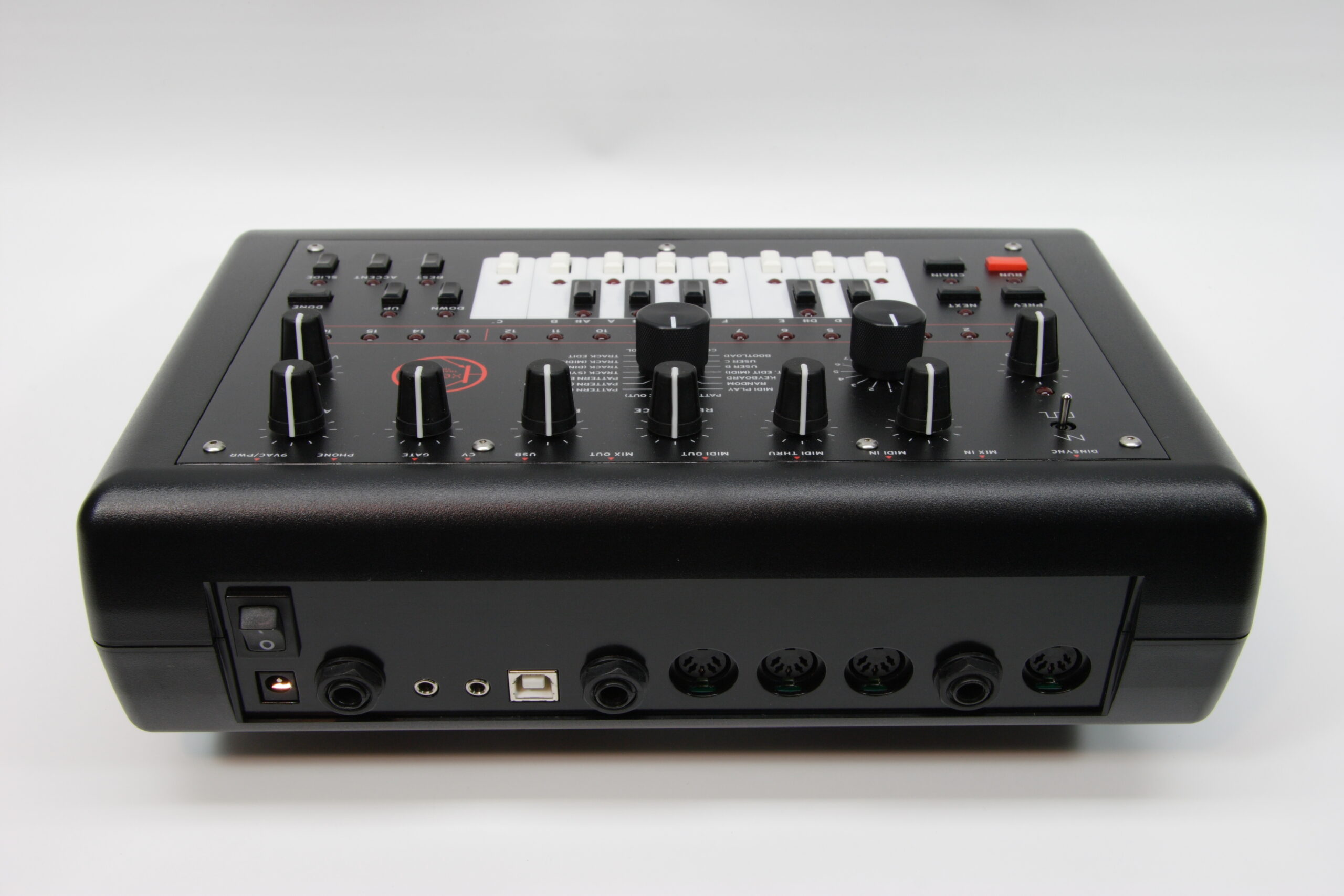
x0x 231, my x0xb0x, is complete. After a fair bit of work and a lot of waiting (mostly for the new artwork to be printed) it’s done.

If you would like to see photos of various phases of my x0xb0x building — including stuff relating to the new artwork — please head on over to my x0xb0x photo gallery (photo gallery retired) and have a look around.

As you can see, I made some new artwork for my x0xb0x. I ordered a few extra pieces, and most of them have been reserved by others, but if you’d like one, email or private message me. I have three pieces left, and as I am making no profit on them, I will not be placing a second order.

The cost for one of the panel overlays is US$41 and includes US Postal Service Priority Mail within the US, and one of the red keycaps you see above.

As far as the rest of my x0xb0x goes, if you’d like to make your x0xb0x like mine, you also need to do the following things:

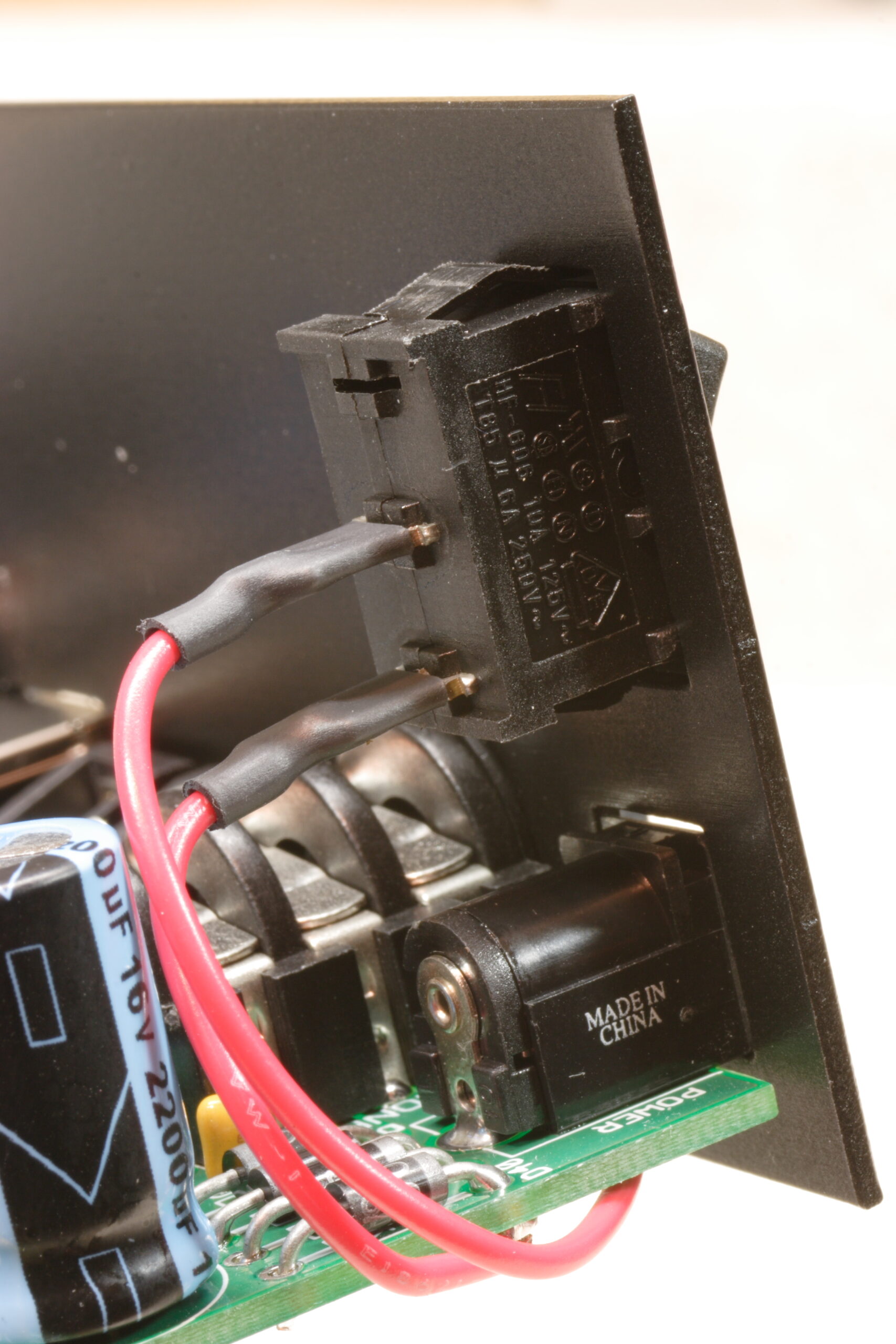
– Add a power switch.
– Replace R1 with a 200 ohm resistor to make the PS a bit more noisy.
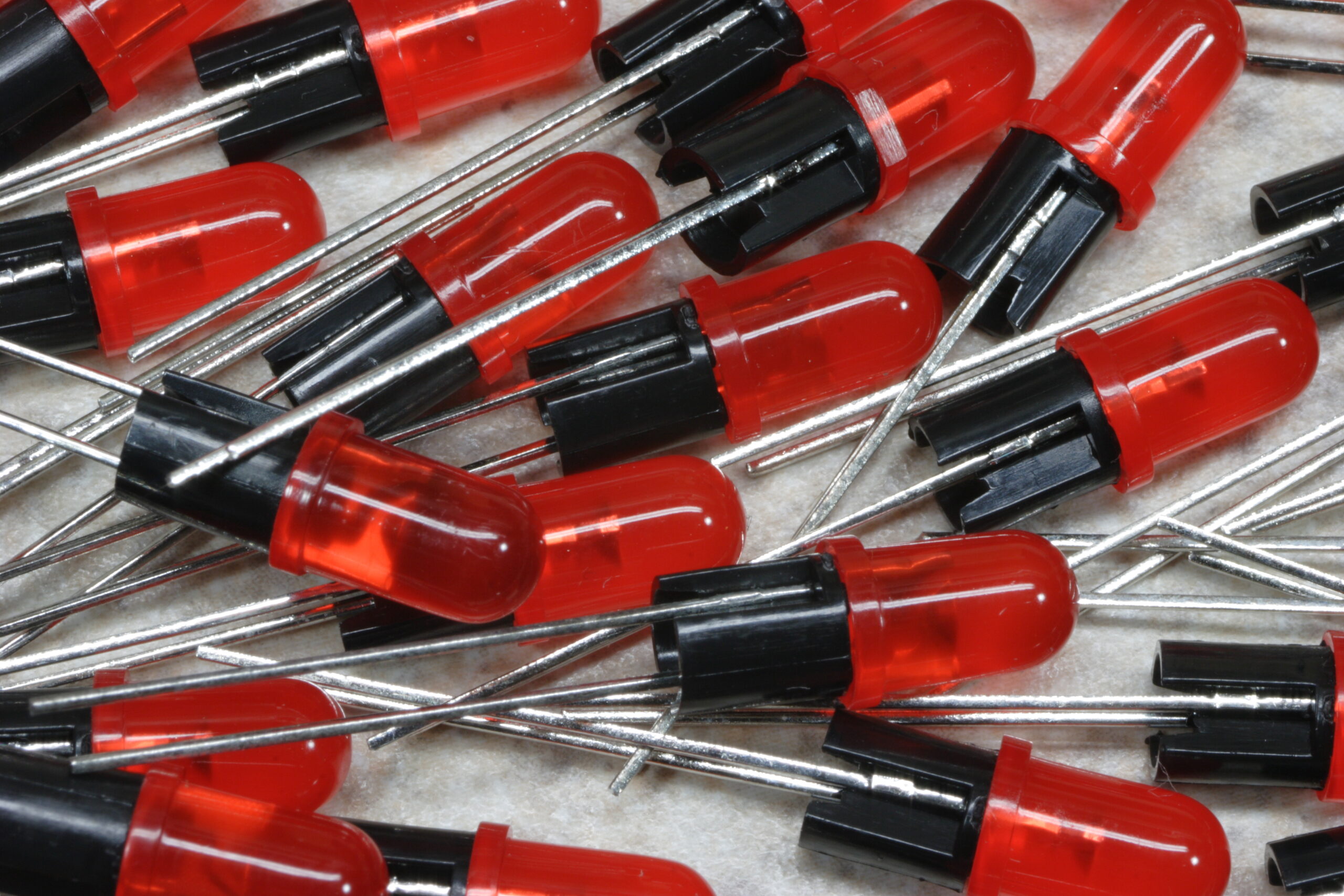
– Replace all LEDs with red diffuse ones. (Digi-Key Part 67-1105-ND)
– Replace all the resistors tied to the LEDs with 820 ohm ones (Mouser Part 291-820-RC)
– Paint the rear panel black.
– Design a new overlay for the front panel and use a red keycap for the RUN key. (As if this one wasn’t obvious…)
– Replace all ‘important’ transistors with ones with ‘high beta’ ones as follows: Q10: 338, Q9: 338, Q8: 349, Q36 & Q38: 335, Q27: 337, Q33: 331, Q1 & Q2 & Q31: 327
– Replace the rotary switch knobs with knurled matte black aluminum ones. (Digi-Key Part 226-4090-ND)

And… That’s all I can remember for now.

I must say, though, I’m glad it’s done.

-Steve

electronicsmaking thingsmoved from livejournal