OpenBSD Serial Console
Serial consoles are cool, and OpenBSD on a machine with Open Firmware makes it easy.
First, I came across these directions for making Mac to PC (MiniDIN 8 to DB9) null modem cables and made one out of a spare connector from the Honda Music Link work, some CAT5, a new female DB9, and a old DB9 shell.
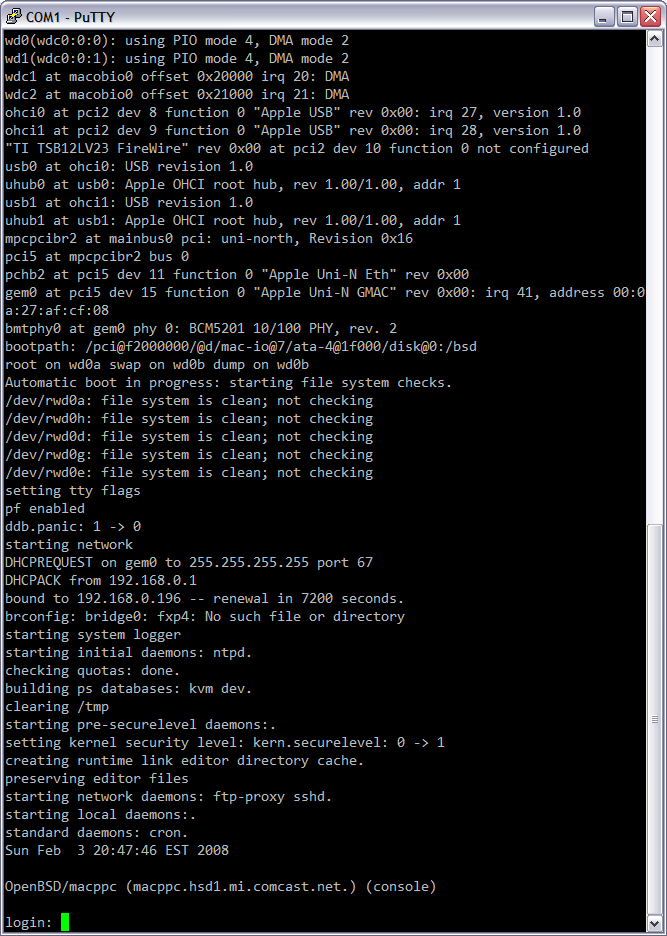
After hooking this up and starting PuTTY as VT220 on COM1 at 57600 I booted into OF and ran the following commands:
setenv input-device scca
setenv output-device scca
reset-all
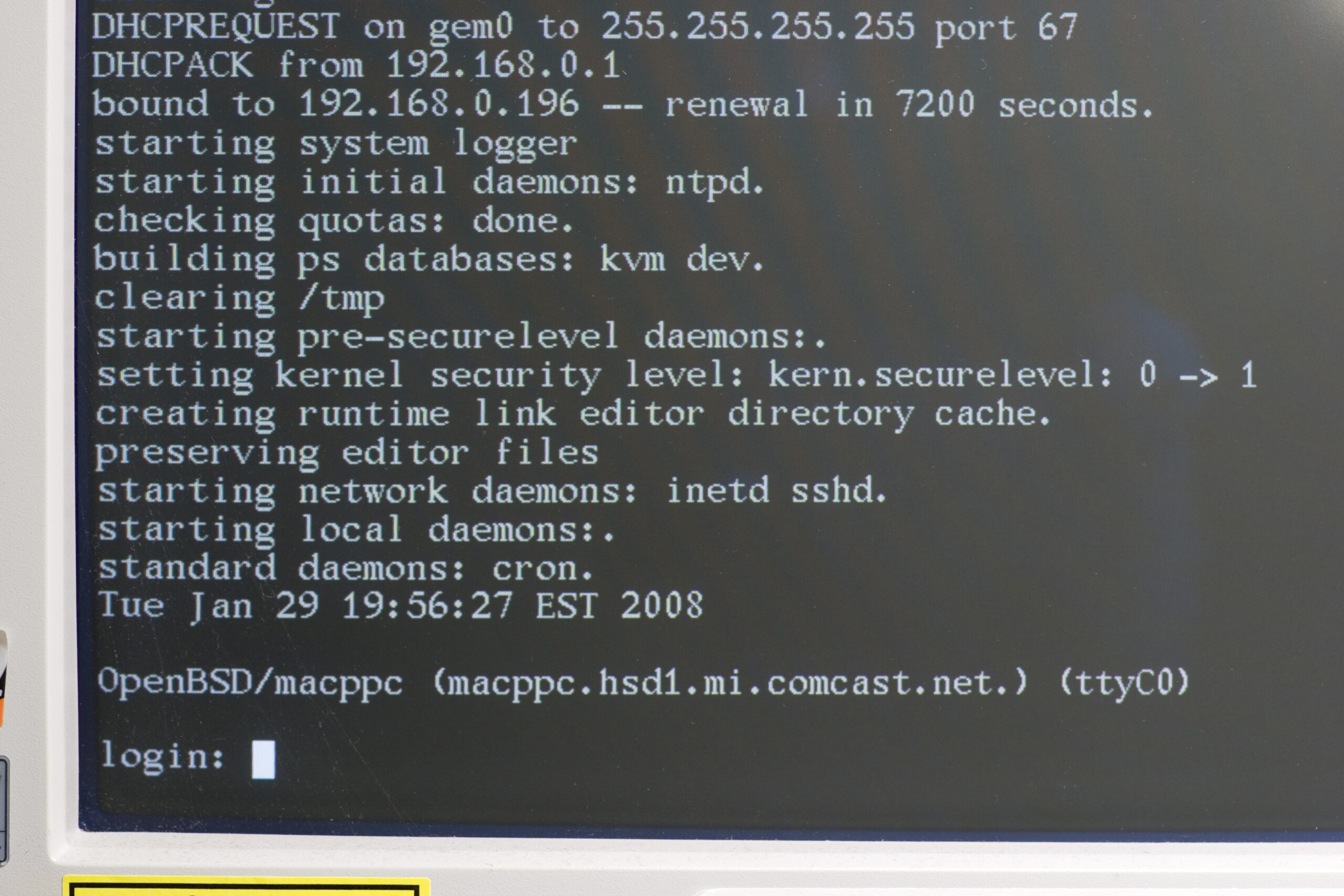
After this the box rebooted, the monitor stayed blank, and the OpenBSD bootloader showed up on the serial terminal. One of the many nice things about OpenBSD macppc is that it’s bootloader and kernel boot messages automatically go to the output to the OF console. All I had to do was ensure that this line was in /etc/ttys and the first serial port becomes a real console:
console "/usr/libexec/getty std.57600" vt220 on secure # for serial
Oh, and in case you’re wondering how I got a serial port on the G4 AGP I’ve been fooling with: I picked up an old Griffin G4Port on eBay. This is a drop-in replacement for the modem which provides an old MiniDIN 8 Apple-type serial port on the back panel.
I’m going to write up a lot more about this box on my main site after it’s up and running.