nuxx.net
Making, baking, and (un-)breaking things in Southeast Michigan.

Category moved from livejournal

Car Audio Tuning Help?

If anyone who reads this and knows a bit about audio stuffs (and maybe car audio stuffs) can offer some help with this, I’d greatly appreciate it:

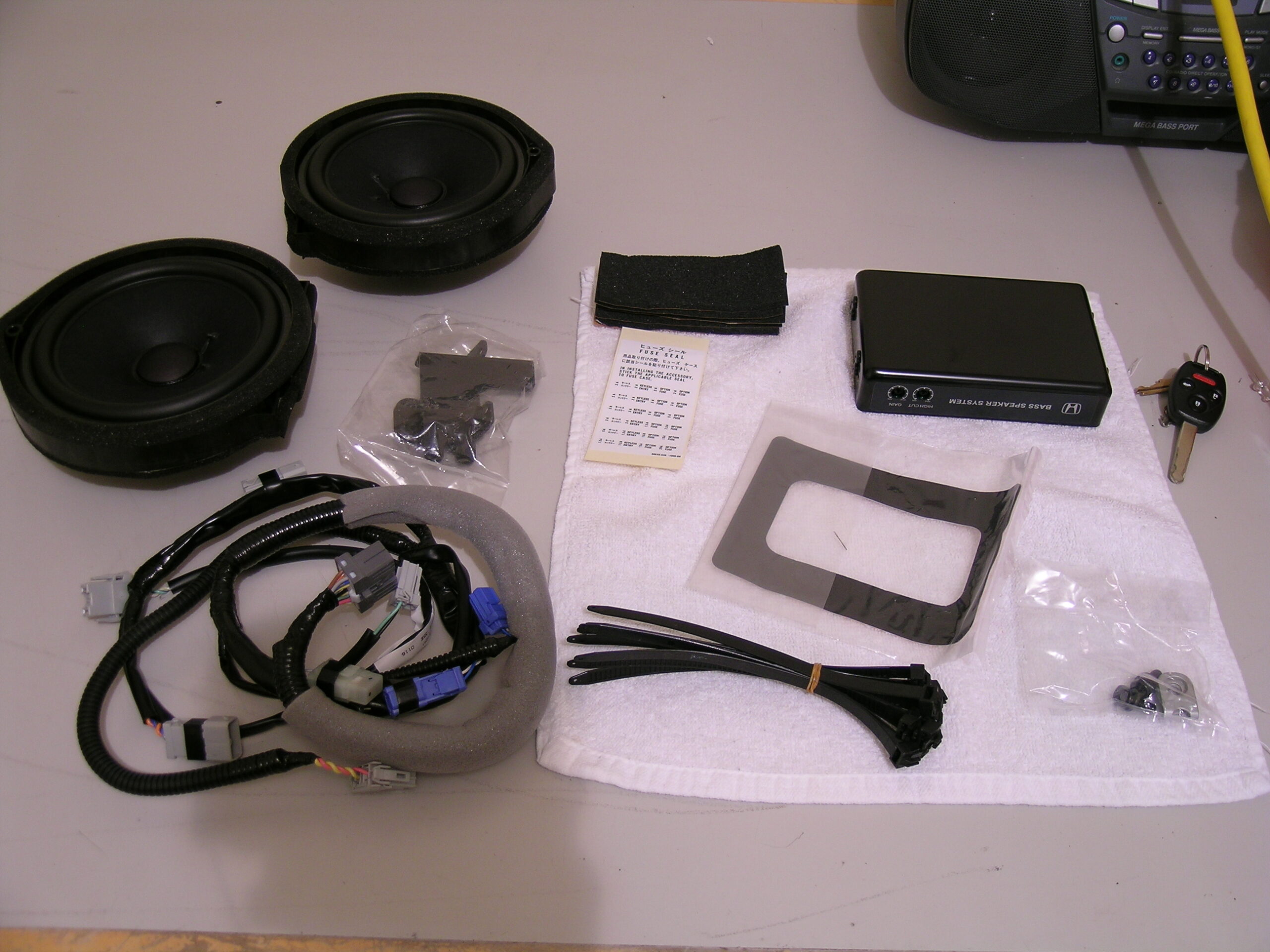
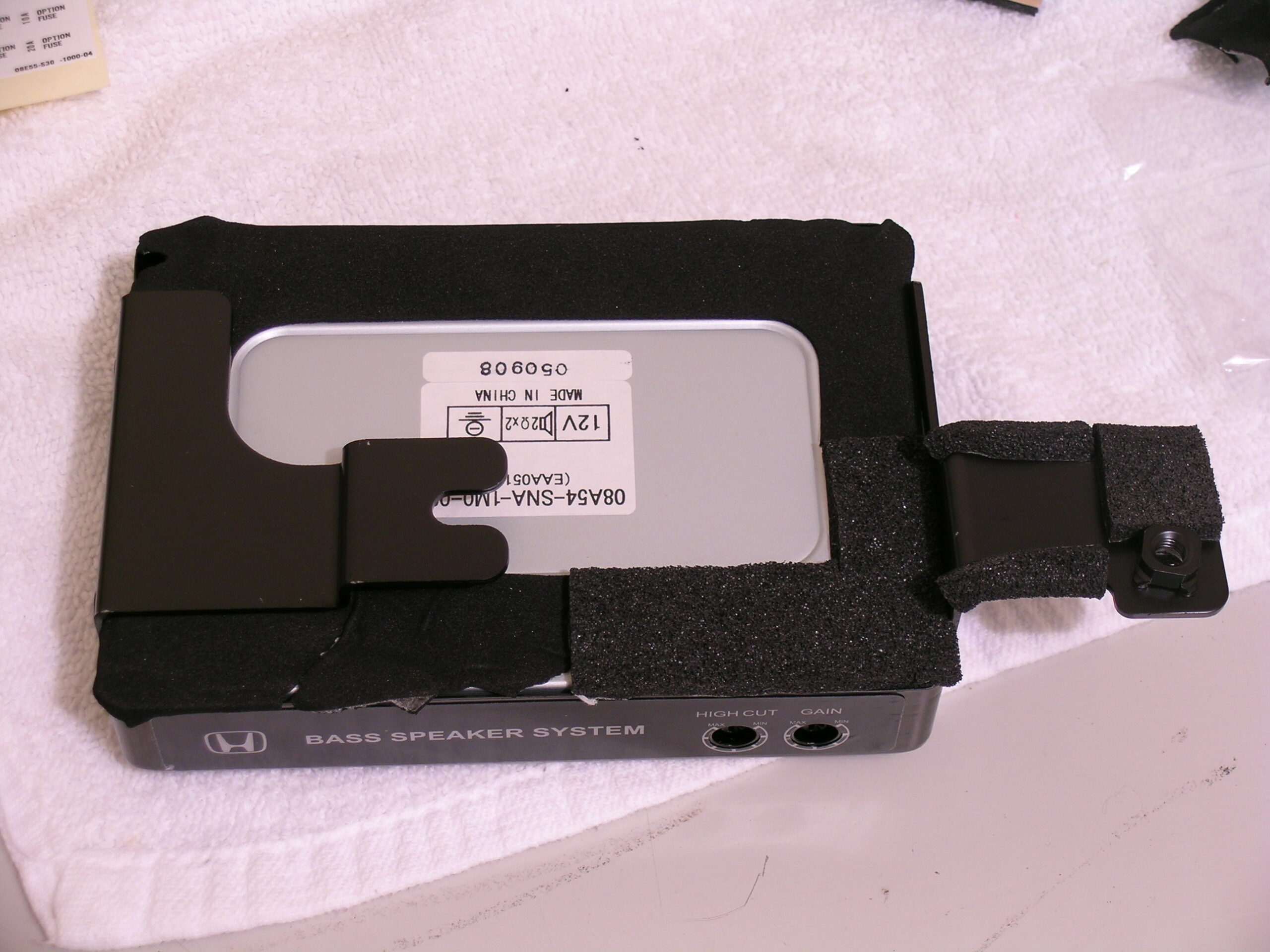
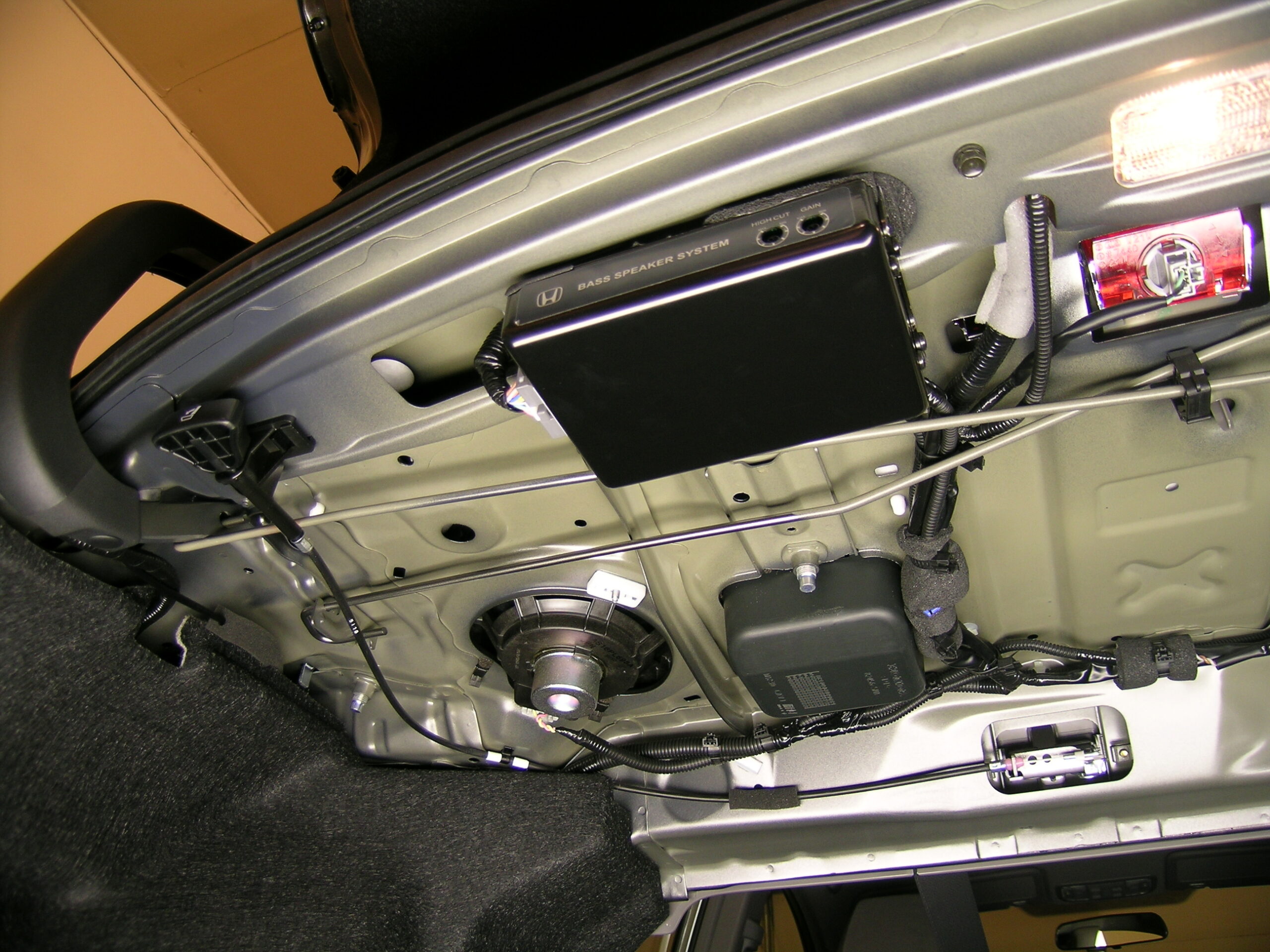
As I mentioned here, I installed two new speakers and an amp / crossover which are part of the Honda accessory known as the Bass System Kit. The instructions for installation stated that one should set both the cut and gain settings to ‘the nine-o’clock position’ for my model car. I’ve found that the gain setting seems a bit high, and turning that down seems to have evened out the bass, but I can’t help but think the cut (crossover) setting just isn’t quite right. It almost seems as if too much mid-range audio is still going to those particular speakers.

What I’m asking is if anyone can give me some tips as to setting the cut (crossover) and gain settings for the amp. Currently I’m going with listening to different things while driving around, listening for any distortion or points which simply sound like they have too much bass then adjusting audio. This is kinda inefficient, though.

Without acquiring a scope, high quality mic, and signal generator (or test CD), how can I best set this up? Tuning car audio is one thing I have very little experience doing, and Google results seem to explain the settings more than explain how to do a good job tuning them.

Thanks!

automotivemoved from livejournal

Car Stuffs


Honda Bass System Kit — Installed
(Click for more…)

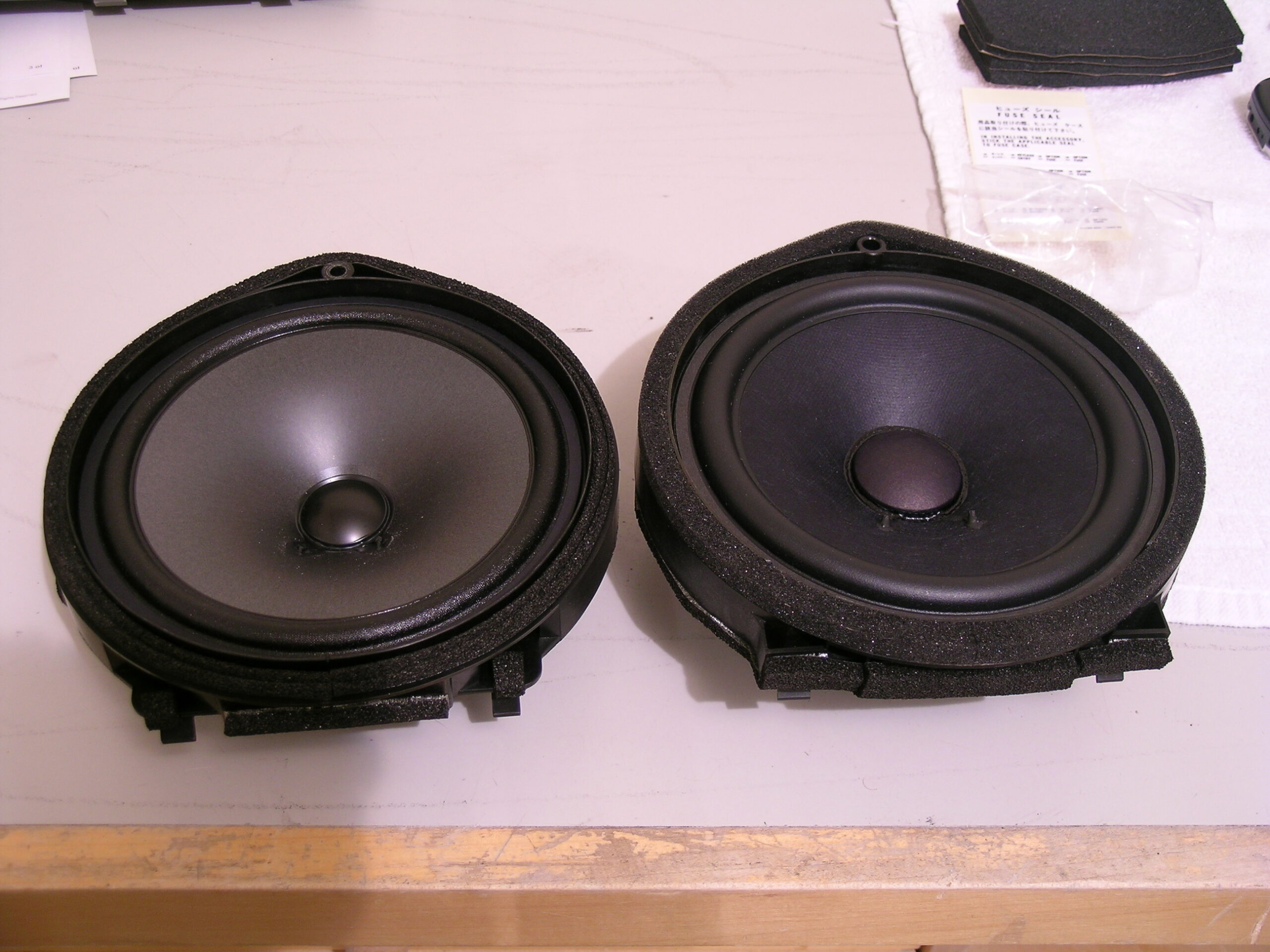
Well, despite not having found any reviews about it, I ordered the Honda Bass System Kit back on the 25th when I found out that my new car was about in. Well, I have to say, it is a bit of a pain to install, but worth it. I still need to do a bit more tweaking, but it seems to fill out the bottom end nicely, making the factory audio system quite acceptable.

The only problem I had was that I thoroughly screwed up a gasket-like part and stuck it on the wrong side of the amp. I pulled it off cleanly, but I (stupidly) allowed it to fold over on itself, making a mess of the padding when I stuck it back on. I had some spare self-adheasive foam left (a spare EPT sealer) so I used that to fill the gap.

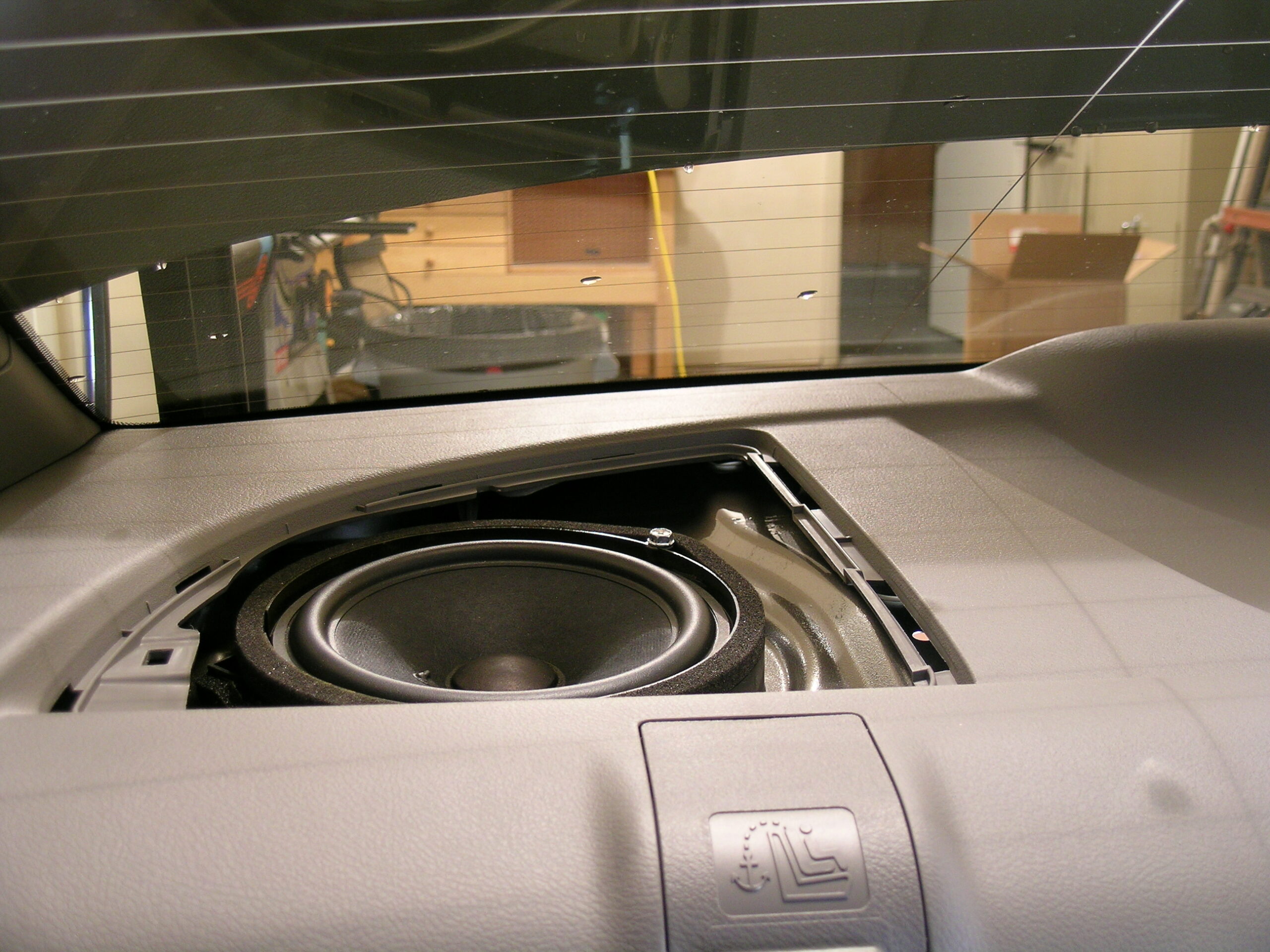
Other than that, the install went pretty well, including replacing the factory Honda speakers in the rear deck. All in all, I’m pretty happy with this kit. Now I just have to wait for the iPod connection kit to come out and (hopefully) things will be all set.

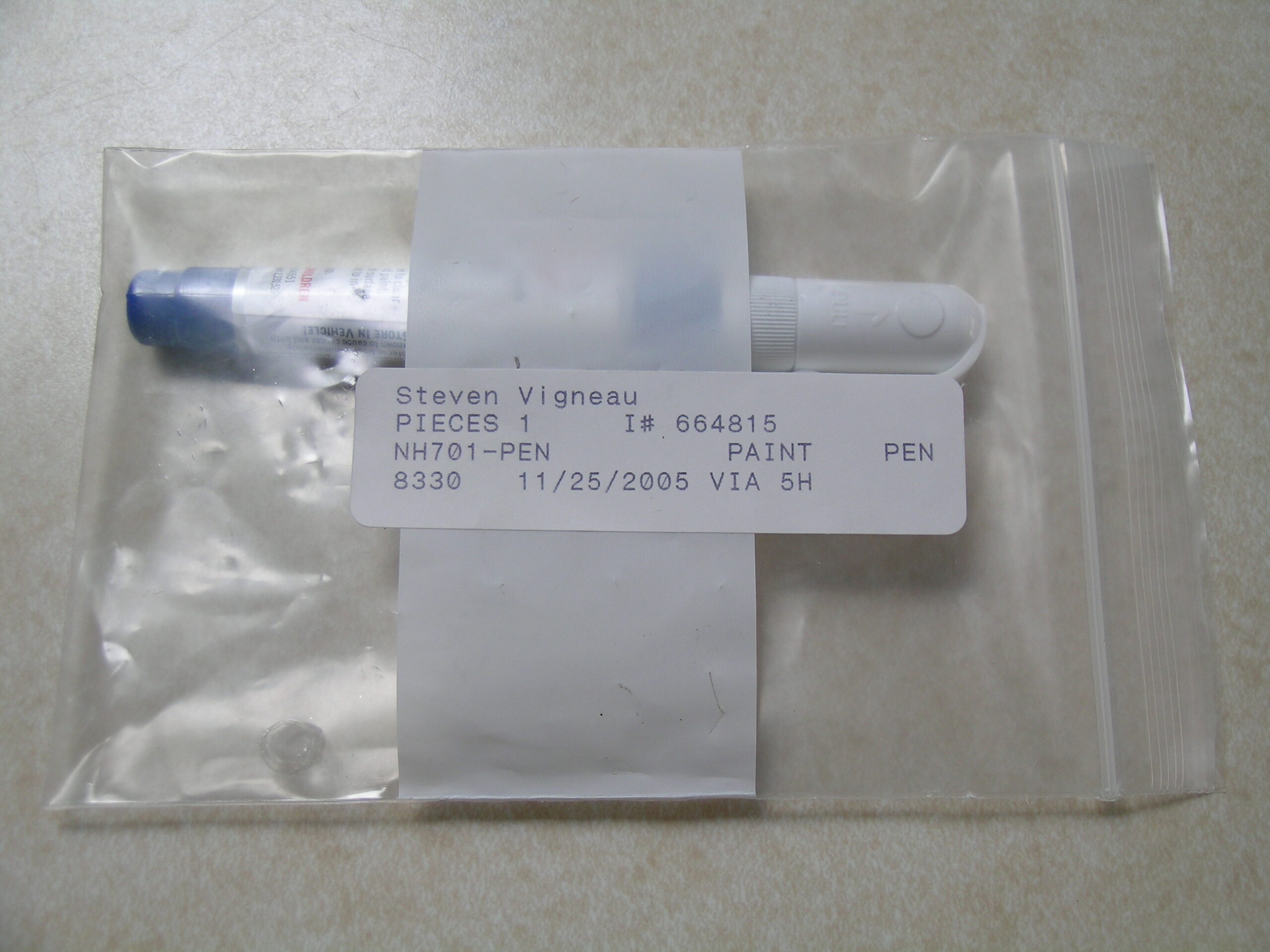
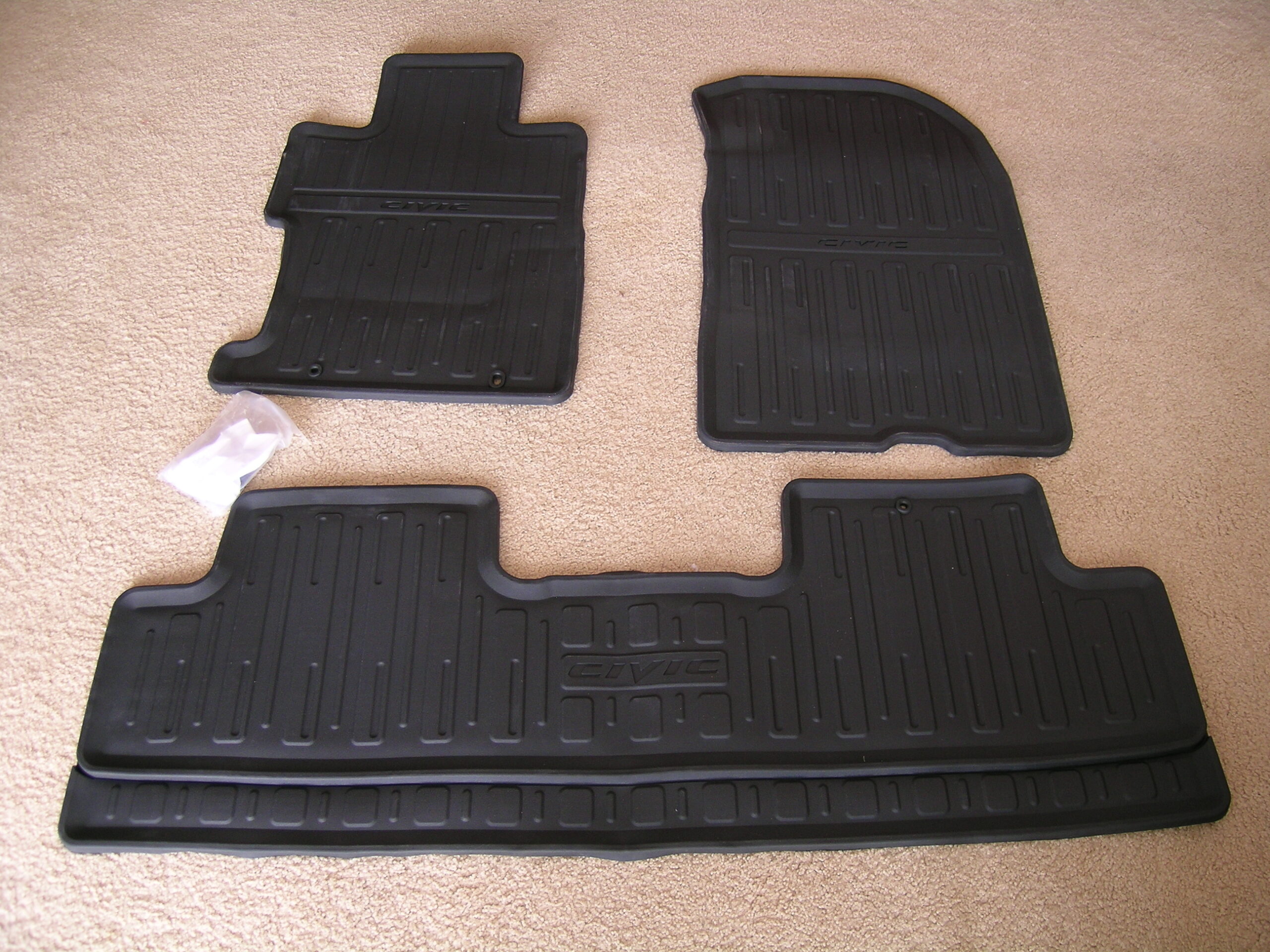
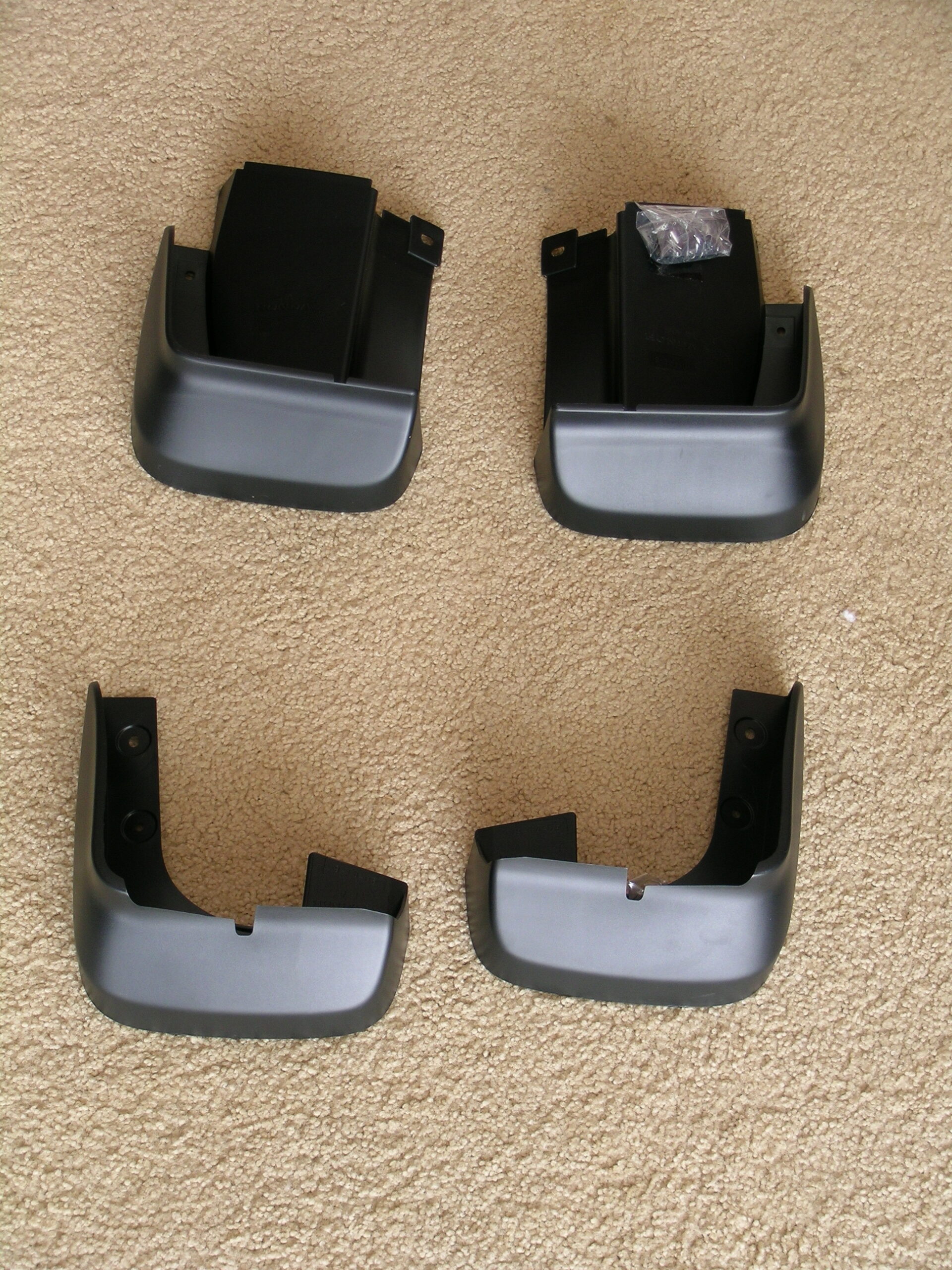
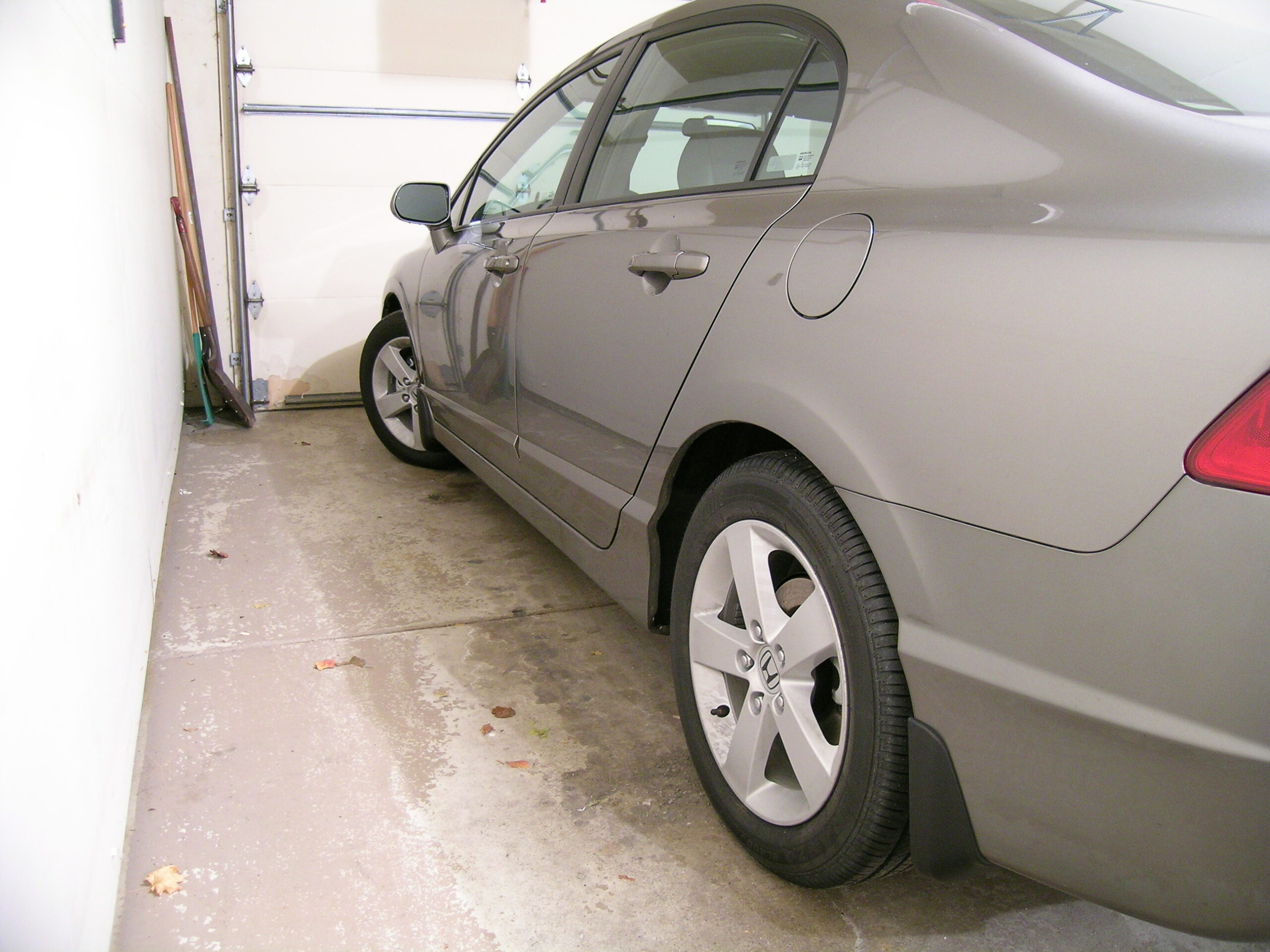
In addition to the Honda Bass System Kit I also ordered a touch-up paint pen, all-season floor mats, and splash guards. I’m hoping that the splash guards will help cut down the frequency of road tar and such getting thrown up on the body, and hopefully the all-season floor mats will keep the interior a bit nicer. I also got those installed today. The splash guards were a bit of a pain to install due to how close I had to work to the tire, but they came out pretty well. Although I am being a bit silly and worrying about how they’ll affect the aerodynamics of the vehicle on the whole.

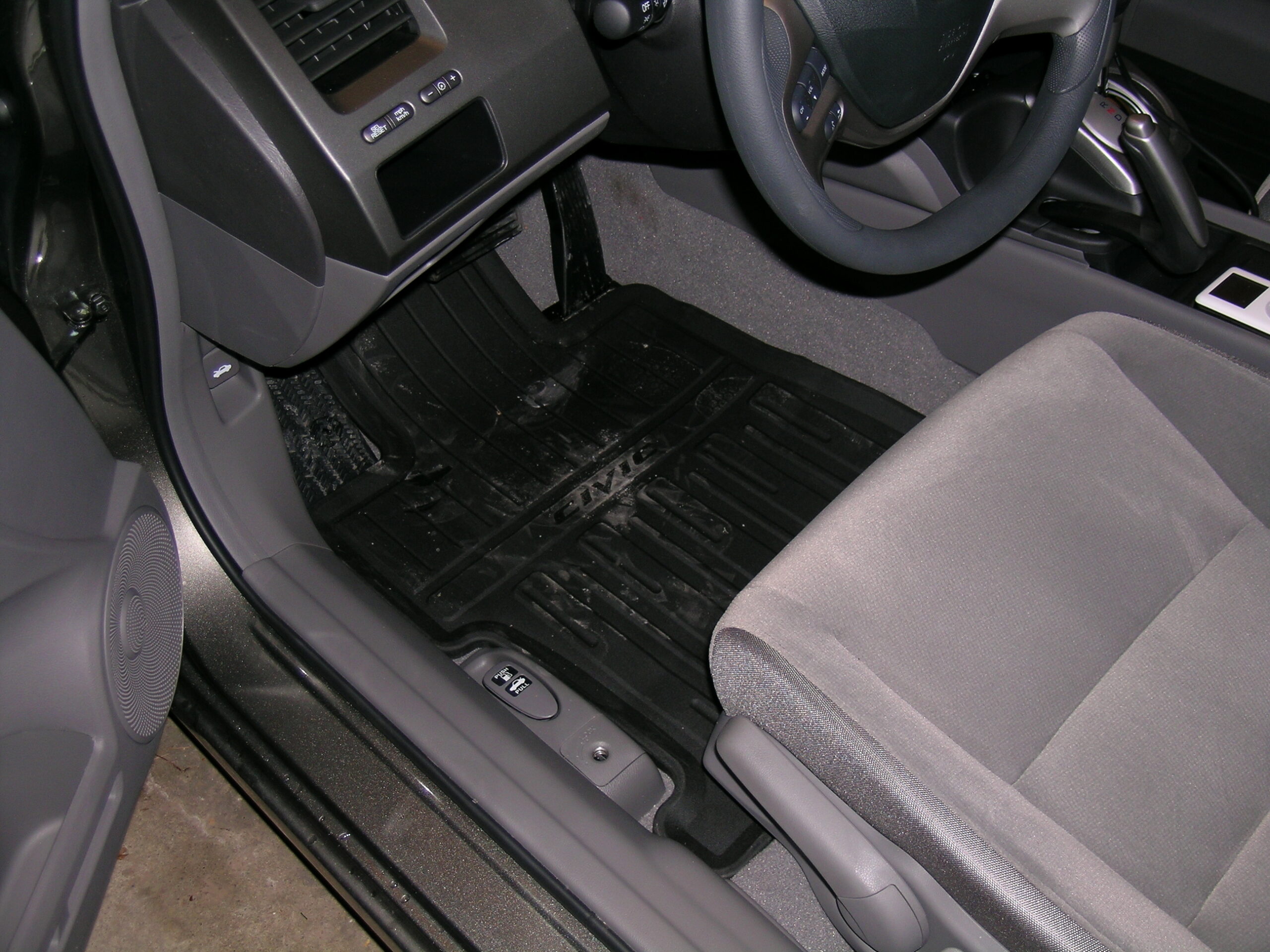
The floor mats were literally a drop-in replacement for the carpeted ones. Even the plastic hooks which I was supposed to install on the driver’s side to keep the mat from sliding up under the pedals wasn’t needed, as there was already a pair there used to retain the normal floor mats. They even match the inside of the vehicle pretty well and give it a nice grounded feel.

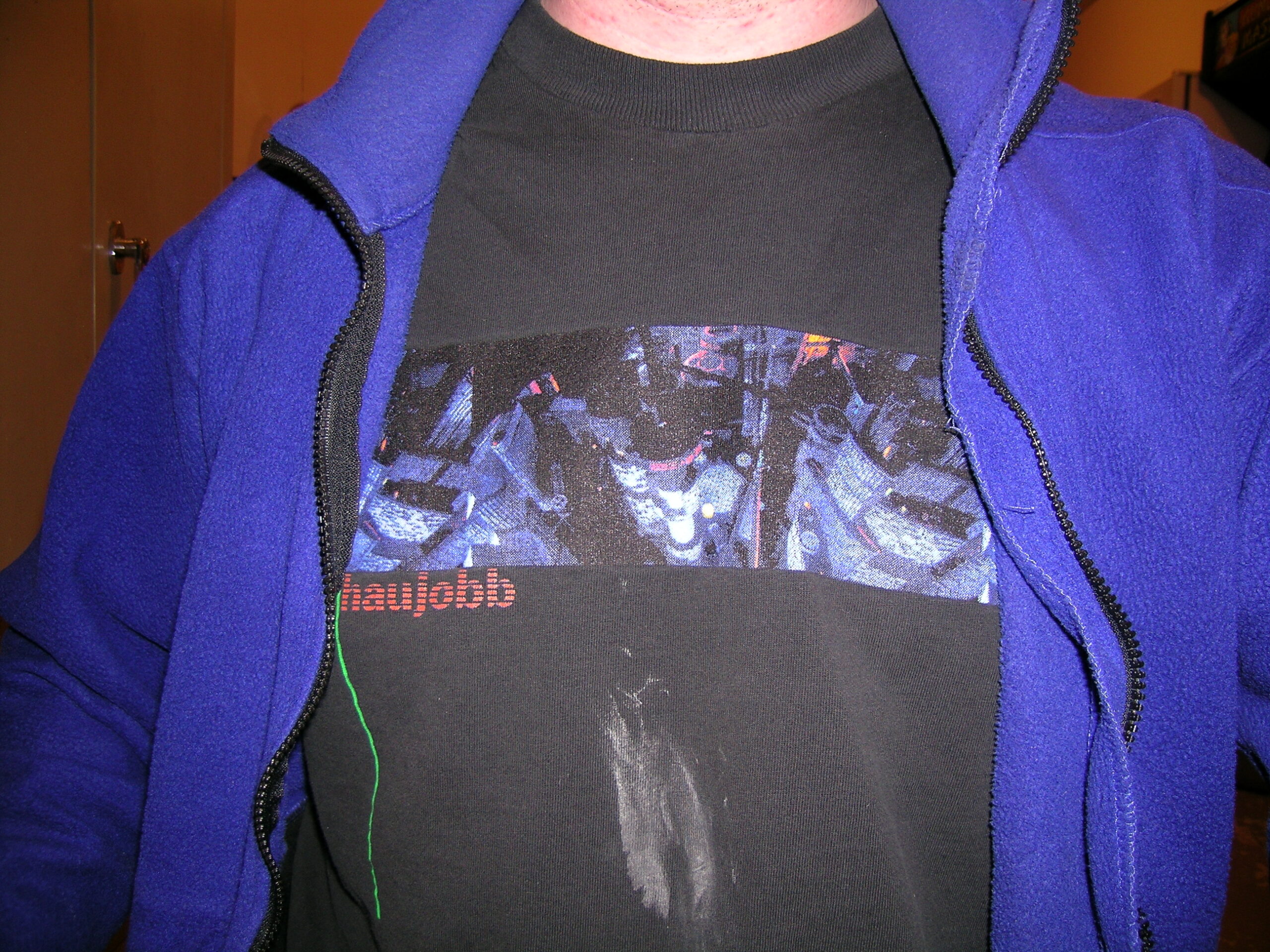
There was one casualty of the work today, though: My Haujobb t-shirt. I should have known better than to wear it while working on a car, but I guess it is getting pretty old already. See, part of installing the splash guards requires one to use a paste wax behind where the parts will be installed. Well, I got some paste wax, and due to a poorly designed package, I ended up opening the main part of the container and subsequently dropping it against my shirt when I was just simply trying to remove the top cover. (The wax container is of this design and I was trying to remove the yellow part, but the whole thing opened.)

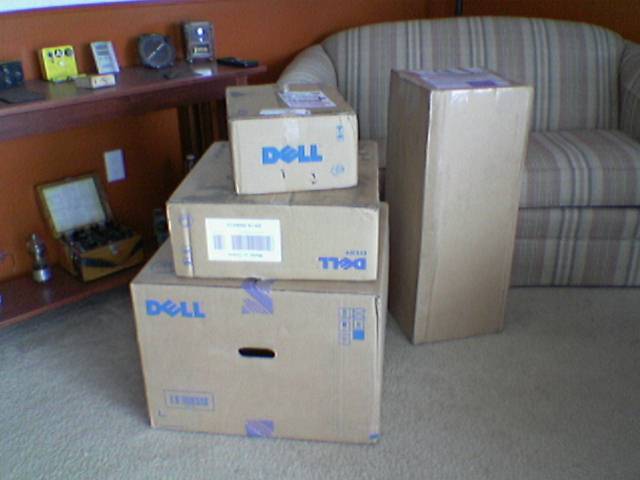
Along with the H and A Accessories order I received three large Dell boxes containing a computer which I let someone have delivered to my house. (I won’t say who it is for, because the recipient could be reading this. Maybe it’s you!) I tested out this computer and it works out great. There will likely be a post about it tomorrow, because it is the first BTX (Balanced Technology Extended) (Warning: PDF) machine I have been able to poke around. I must say, I’m pretty impressed. It’s nice and quiet, and the layout inside makes for much better airflow. More on that later.

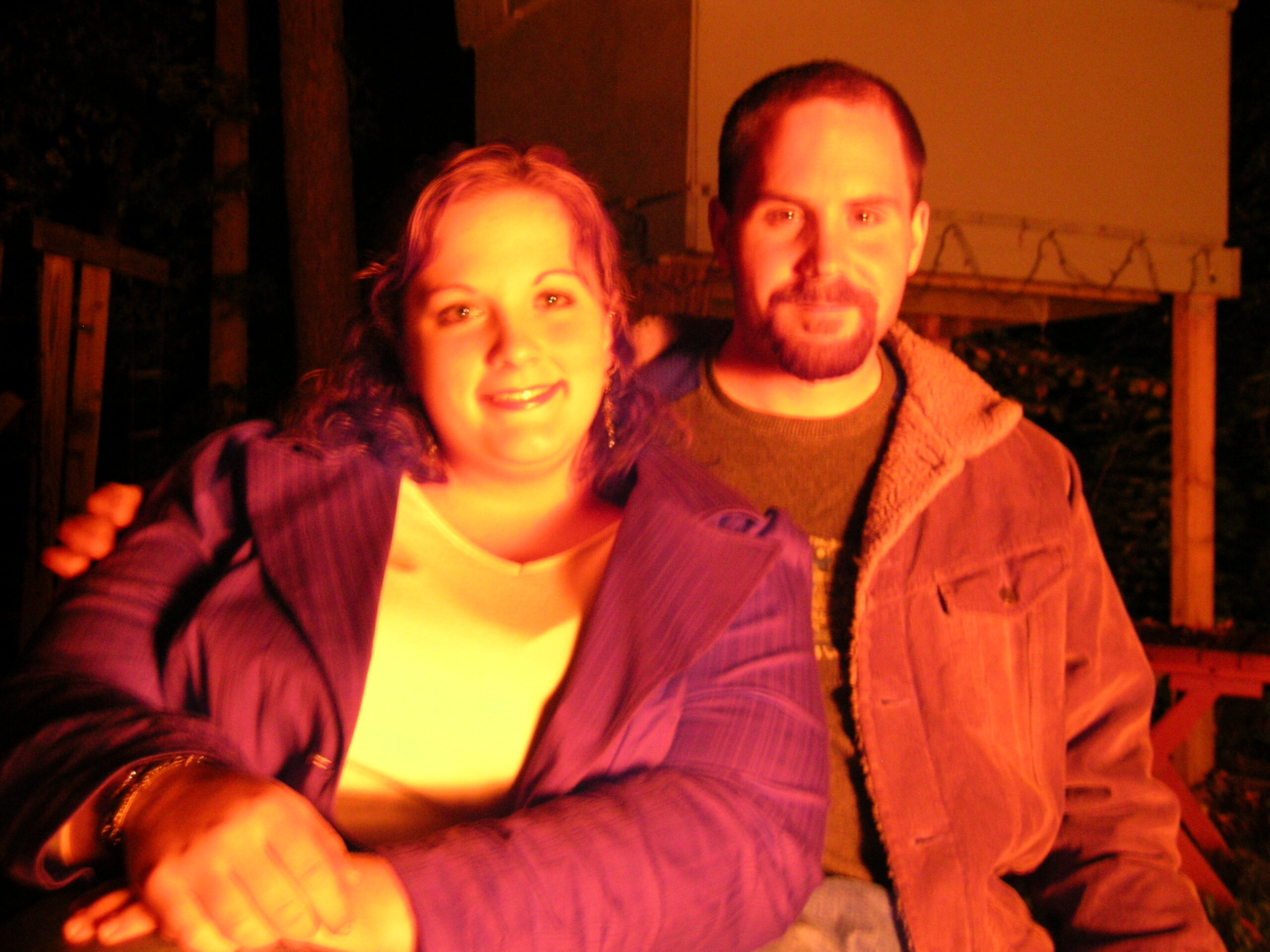
Also, right as I was finishing everything up, and his girlfriend Angie (photo here) stopped by to hang out. It was really nice to see them again and sit around and talk and visit and whatnot.

Well, now I think I’ll look into going to bed. I had today off of work (acquired an extra day for coming into work the day after Thanksgiving) but tomorrow is back to normal. Goodnight. :)

Oh, I forgot one other thing… Today I received my electrical bill (DTE Energy) for the month of November and it was only $29.55. That’s really low, in my opinion. I don’t know if it was the two weeks I was gone or the new fridge, but I’m really happy about that. I guess next month I’ll find out what made the difference. I’d expect a $50 – $60 bill, and if it’s any less, I’ll be really happy. $10/less per month will really make the new fridge worth it. Woo!
acquired thingsautomotivemoved from livejournal

Dell 2005FPW


Click for more…

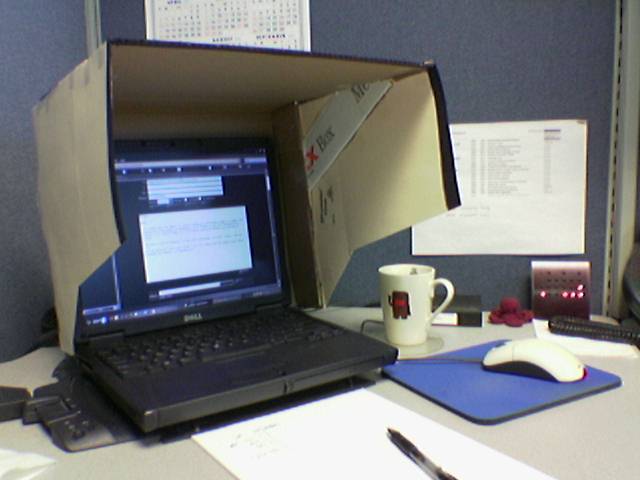
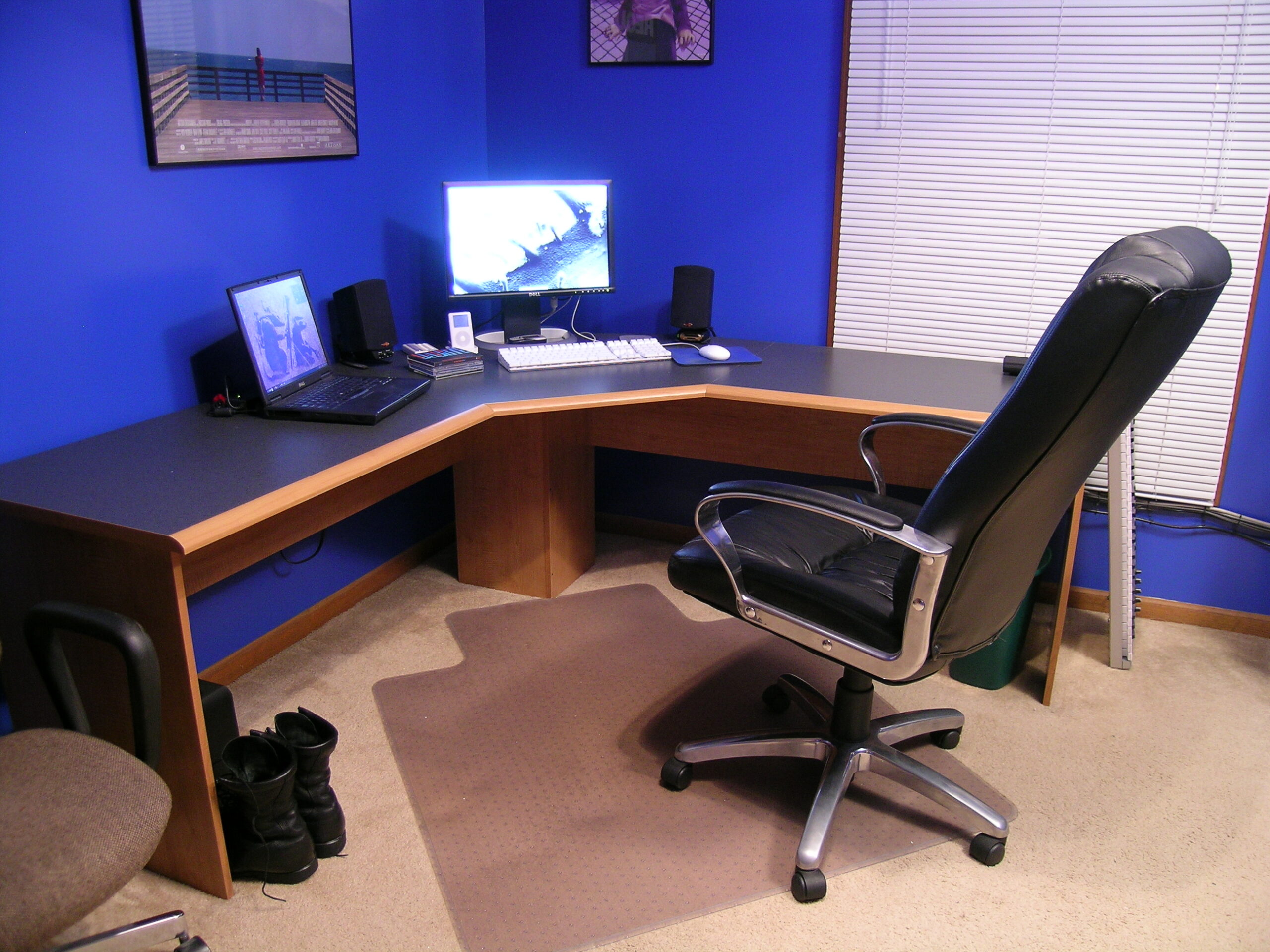
On Friday I came home from work and rather unexpectedly found the box containing my new monitor, a Dell 2005FPW, sitting on the front porch. This wasn’t supposed to be delivered until Monday, and it had a light dusting of snow on it, so I brought it inside to warm up. I let the monitor sit until today (well, Saturday) and after getting home from visiting and in Ann Arbor I decided to go set things up. So, the photo you see up above is the result of tonight’s efforts to get a new monitor set up on my desk. I have to say it went pretty well… The area remains nice and clean, and with the removal of the keyboard drawer and pushing everything back towards the wall, I can type a lot more comfortably, too It’s quite similar to my desk setup at work. I like it lots.

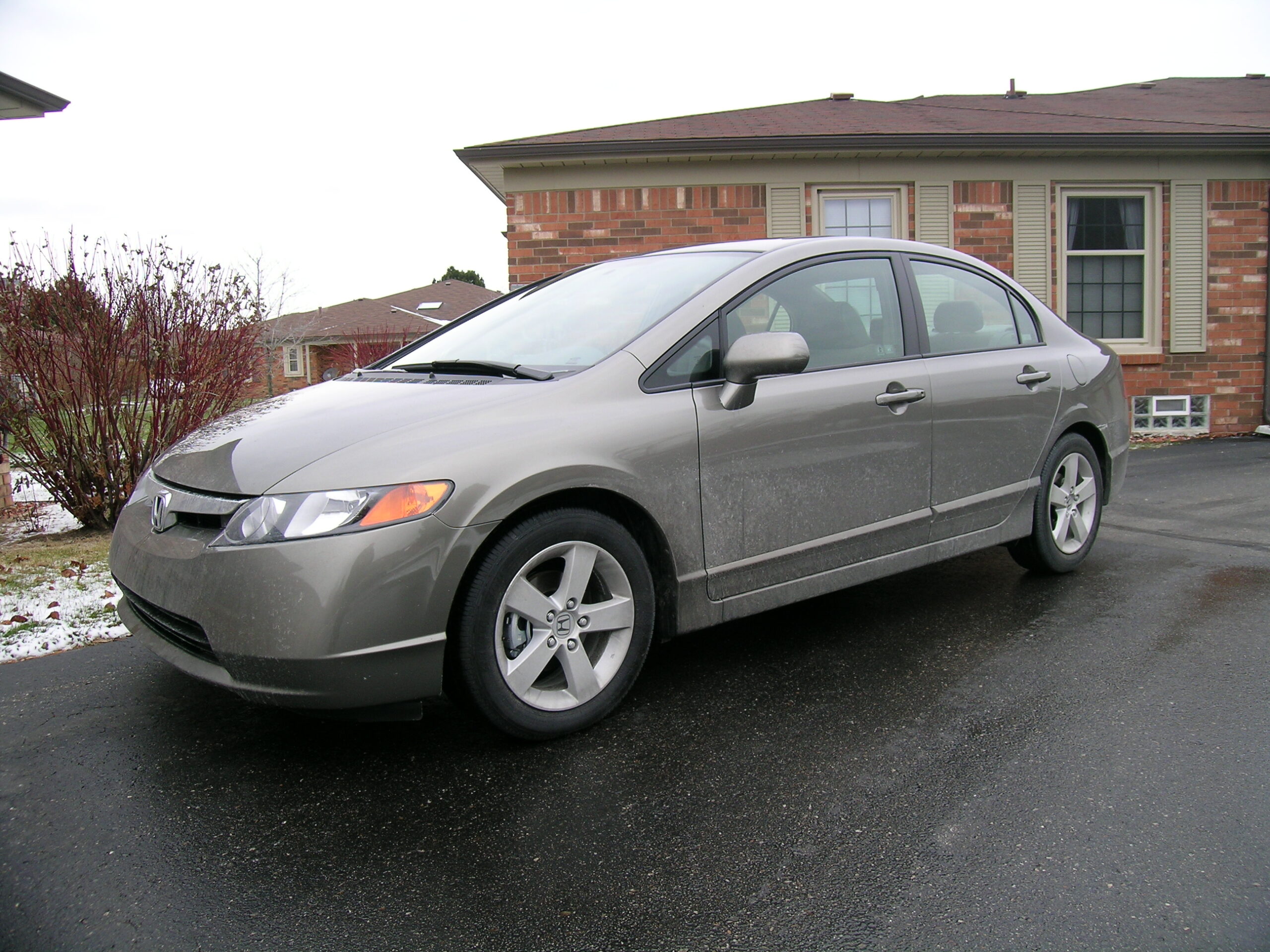
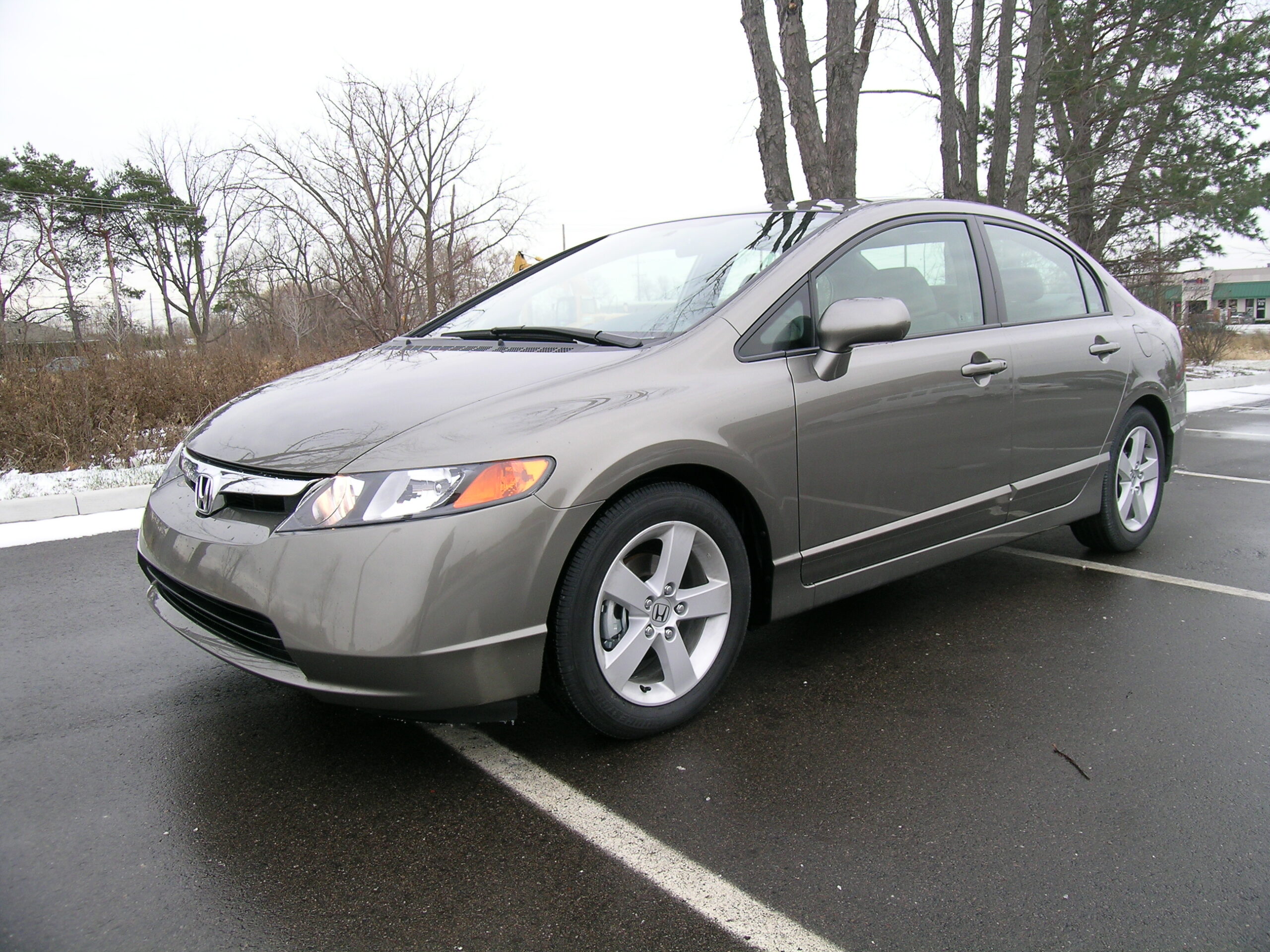
Today while out and about I also purchased my first tank of gas for the new car and got a first car wash. I’ll get a better handle on this number after a few more tanks and a bit more mixed driving, too. I also grabbed some photos of the car outdoors and in the daylight (photo gallery retired), both in an unwashed state and after getting it all cleaned up.

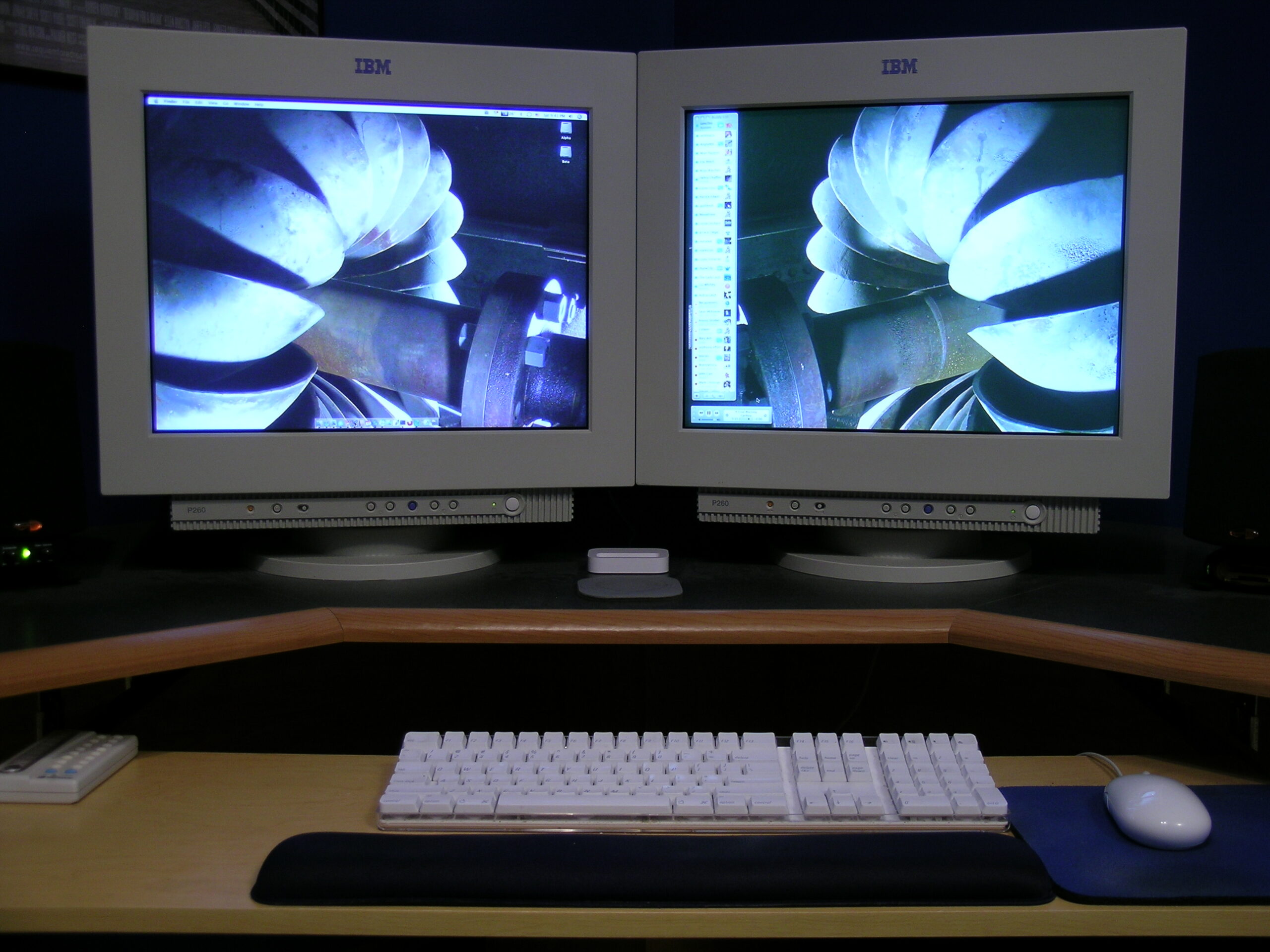
Oh, one last thing? Those two monitors that I want to sell? They can be seen in this photo and are a pair of IBM P260 displays with perfectly flat (vertically and horizontally) Sony tubes. They are really, really nice, and after doing a bit of research into market price, I’m going to ask for US$200 for the pair. So, if you want them, let me know and I can bring them to you or whatever. They work quite well. Also, please note that the color is off in the photo I linked to because I figured the white balance based on the room and the lights currently in there, not on the displays. So they will naturally look a bit off. But, yeah. $200. Not bad at all.

Hrm, now I think I’ll go start thinking about bed. It’s getting late.

acquired thingsautomotivecomputersmoved from livejournal

Uggh! DVI!!!!

Well, I got my new monitor today. For some reason Dell has chosen to put a DVI-D connector on the monitor, not a full DVI-I. (See Wikipedia’s DVI entry for more info) on their monitor, meaning that I have four extra pins to contend with. Uggh! Why couldn’t Dell just use the DVI-I connector and ignore the analog bits?

I think my best route is to simply break the four extra pins off of the cable. They aren’t needed, anyway.

UPDATE: Fuck. After removing the four extra pins from the DVI-I cable, I have realized that the wide, flat pin on a DVI-I connector is wider than the one on a DVI-D cable. Uggh. So now I need to order a 15′ DVI-D cable in order to use my new monitor properly. Poo.

UPDATE 2: Ahh, it’s working now. I just needed to operate on the cable. Woo! Better than waiting a few days for a new one.
acquired thingscomputersmoved from livejournal

UK and Washington DC Trip


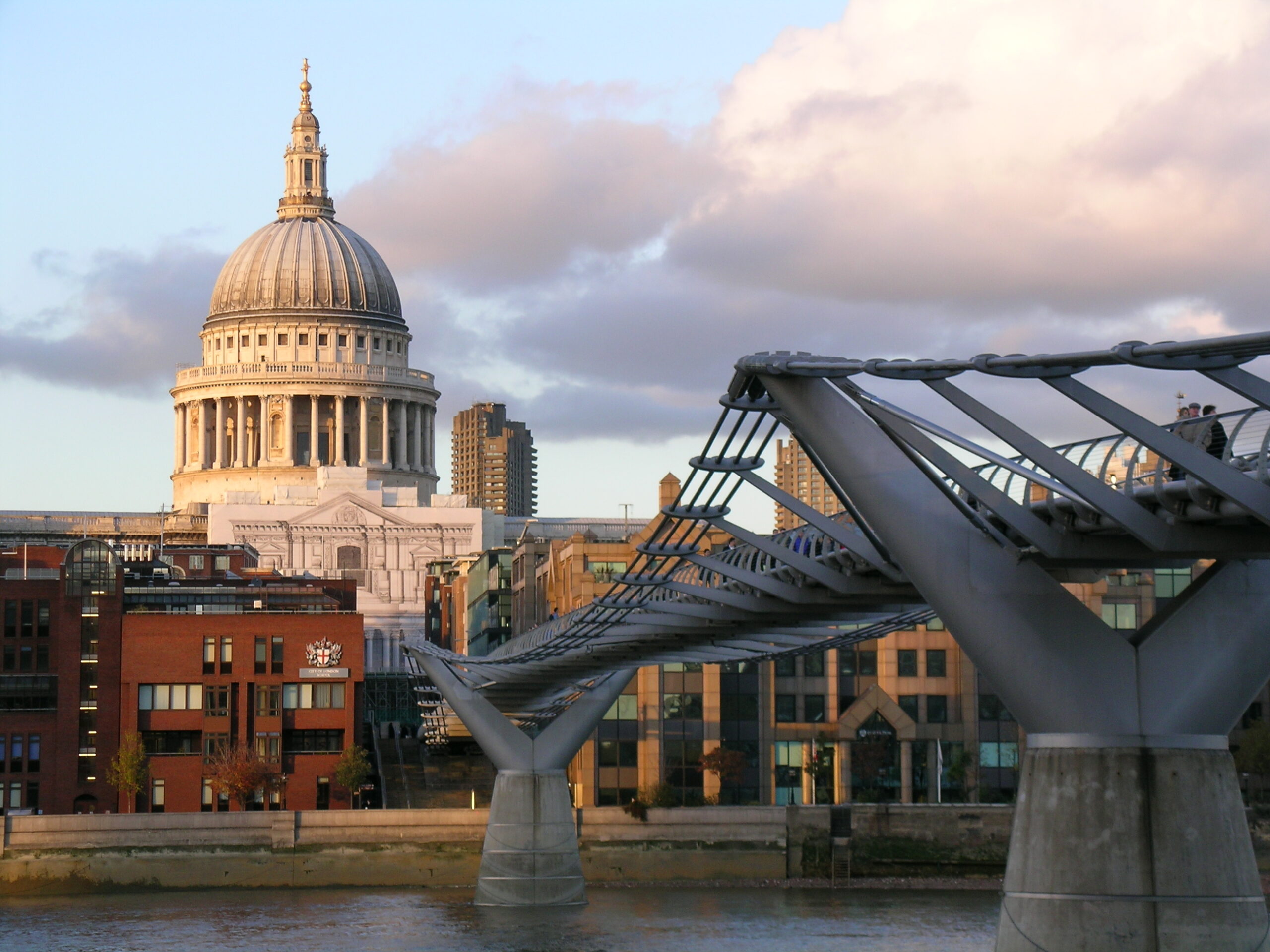
Looking along the Millenium Brige across the Thames
towards St. Paul’s Cathedral.

I’ve suddenly realized that I hadn’t made anything more than a two small posts mentioning that I had photo galleries of my UK trip up. Well, I’m going to make a bit bigger one here, tagging the photo galleries themselves and some specific images.

I’m not going to mention a ton of different images here, only the more notable ones. If you want to see lots of detail, please take a look at the main album from this trip itself (photo gallery retired).

Anyway, here goes:

UK and Washington DC Area (November 2005) (Album) (photo gallery retired):

London (Album) (photo gallery retired):

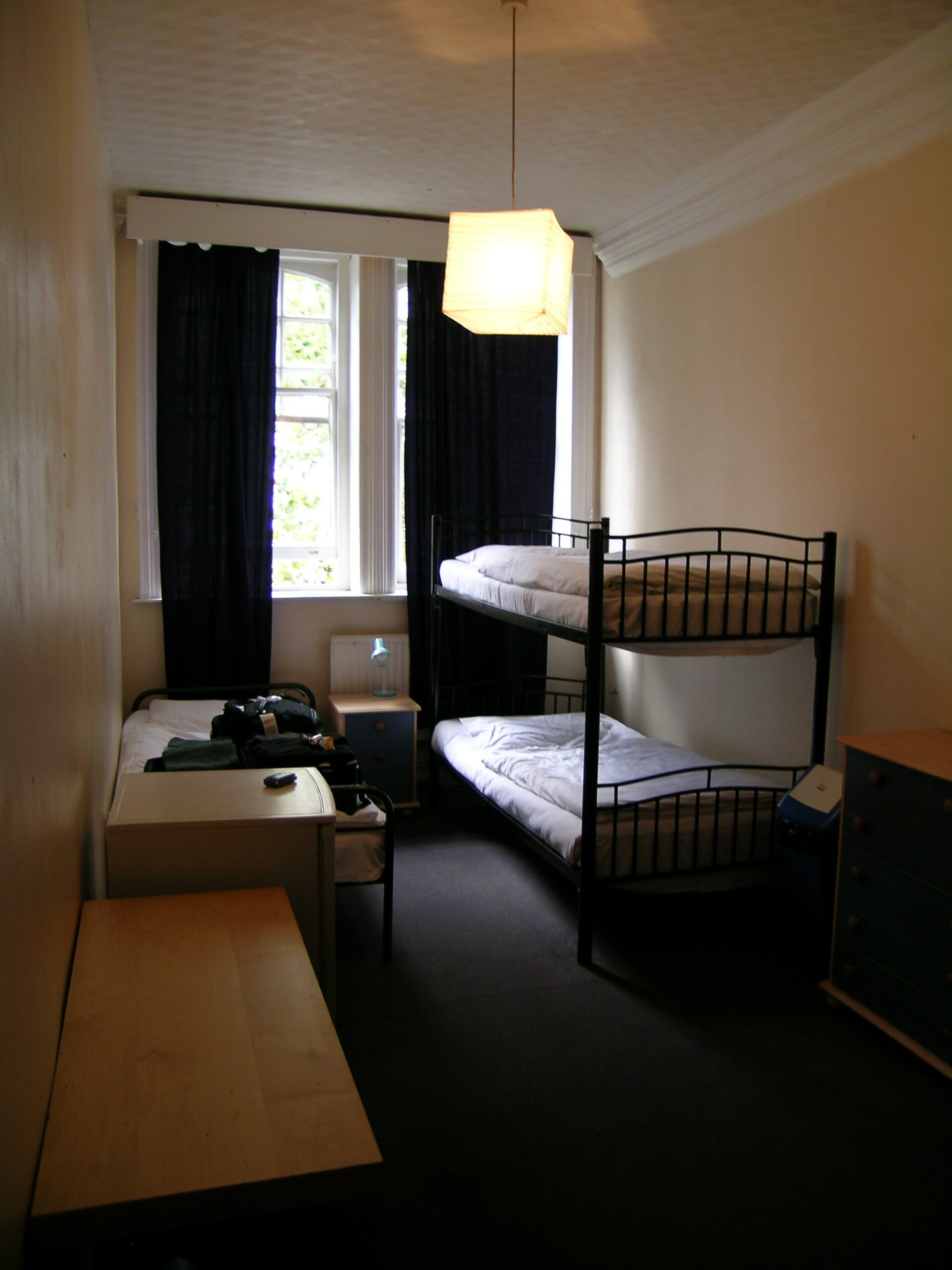
· My room at the Albert Hotel (hostel).
· Nifty stencil graffiti found along the Thames.
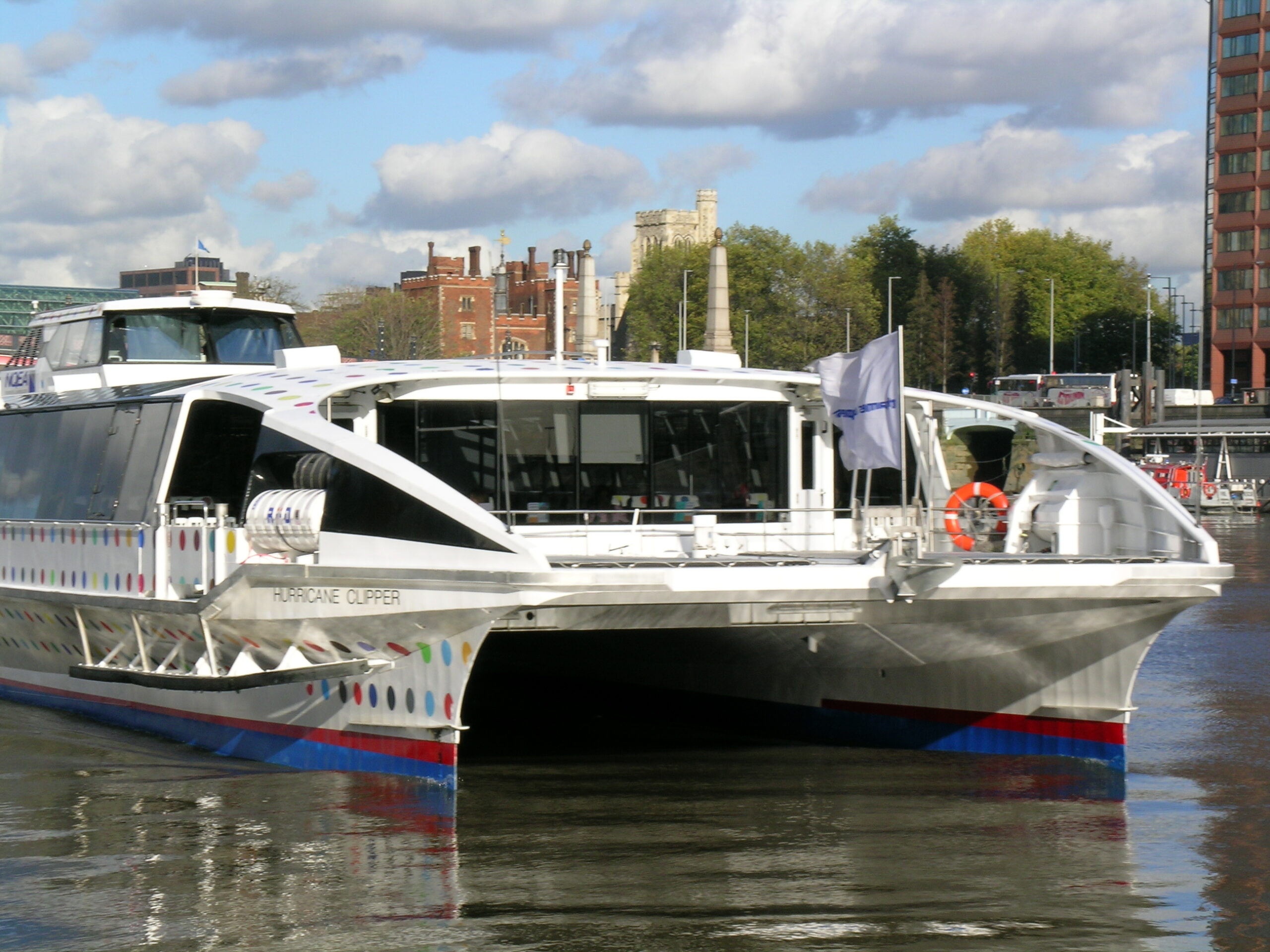
· The boat I took from the Tate: Britian to the Tate: Modern.
· Rachel Whitread’s ‘Embankment’ in the Tate Modern.
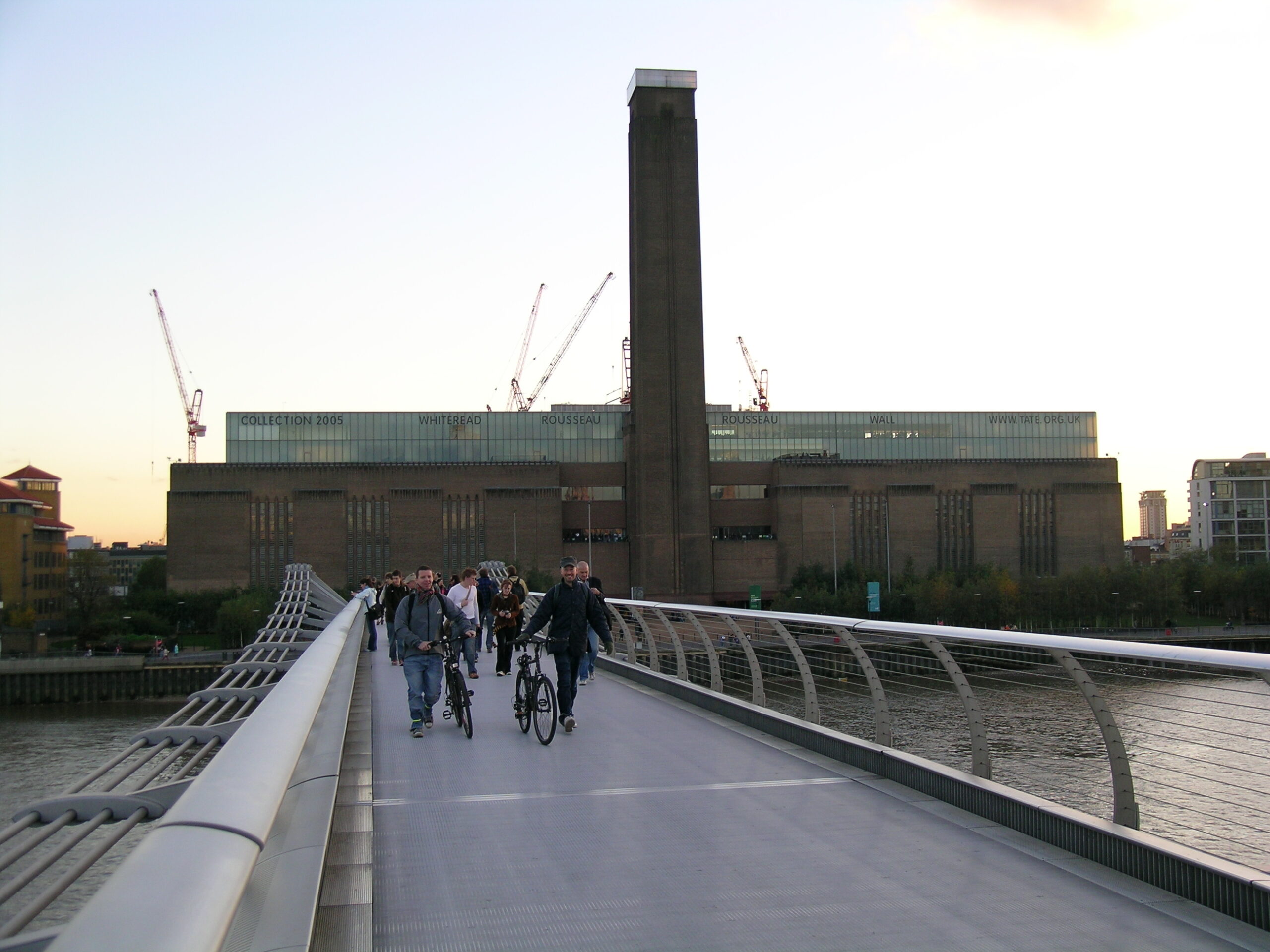
· Tate Modern from the Millenium Bridge.
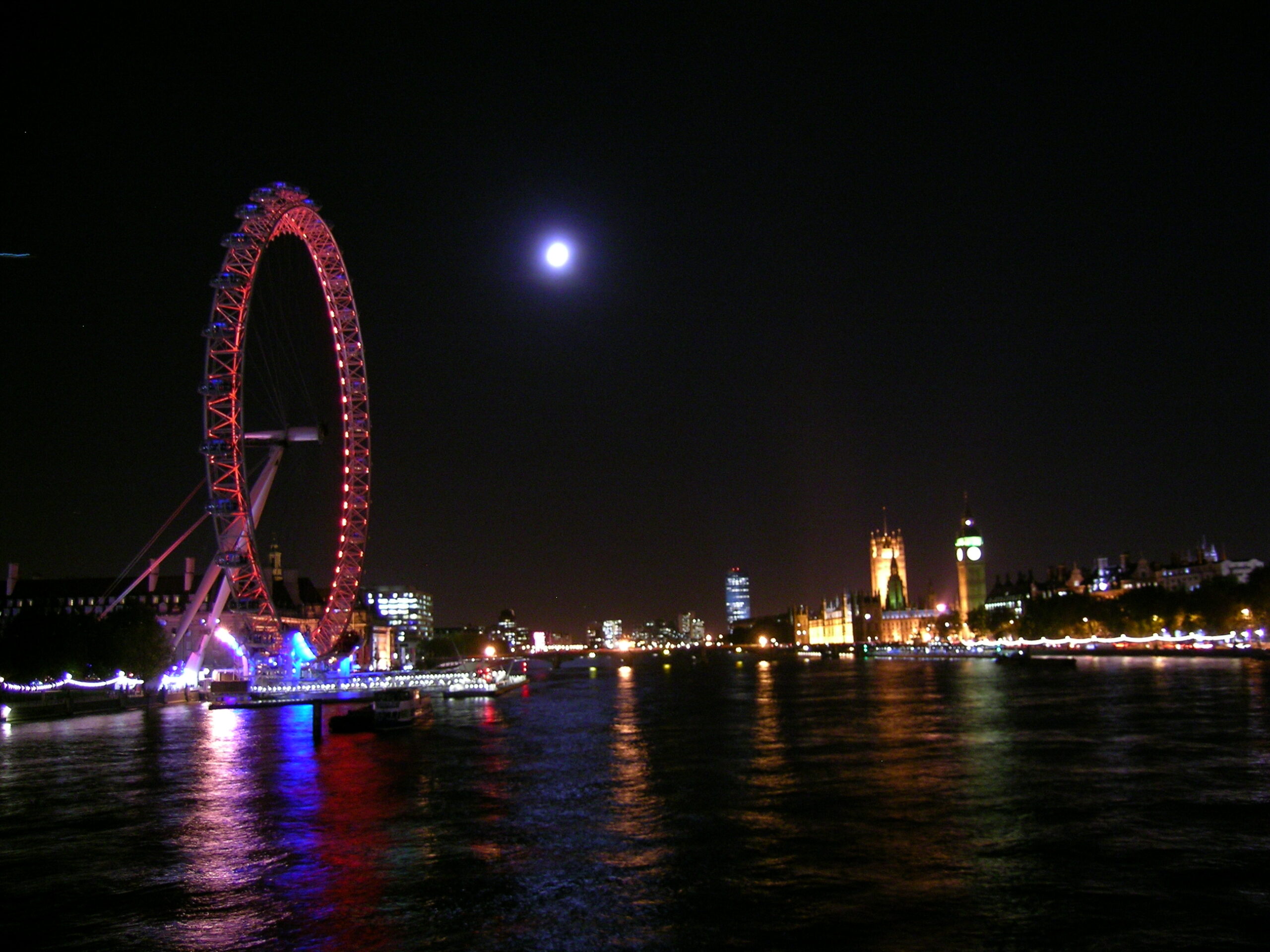
· The London Eye and the Houses of Parliment as seen at night from the Hungerford Bridge.
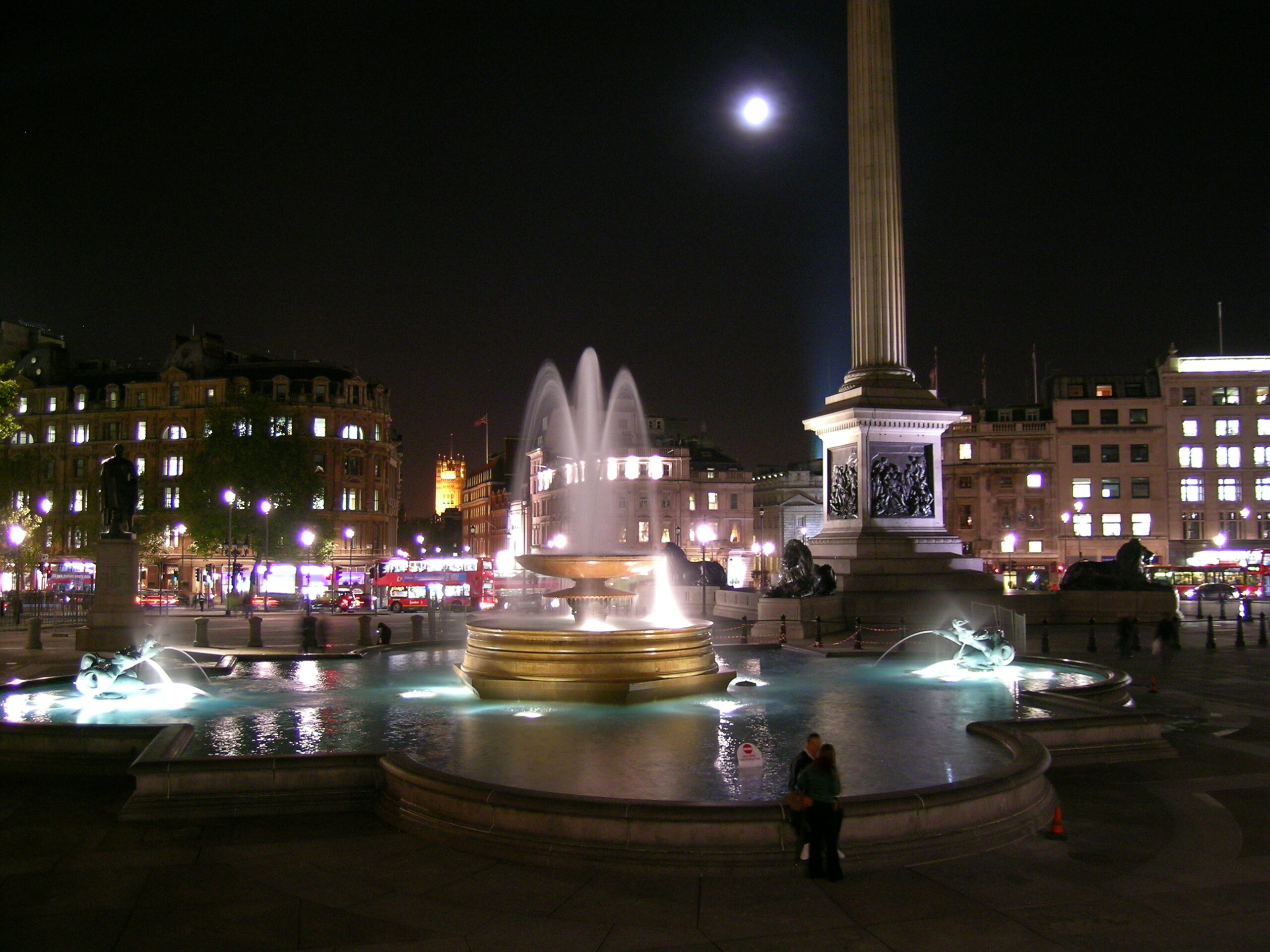
· Tralfargar Square at night.
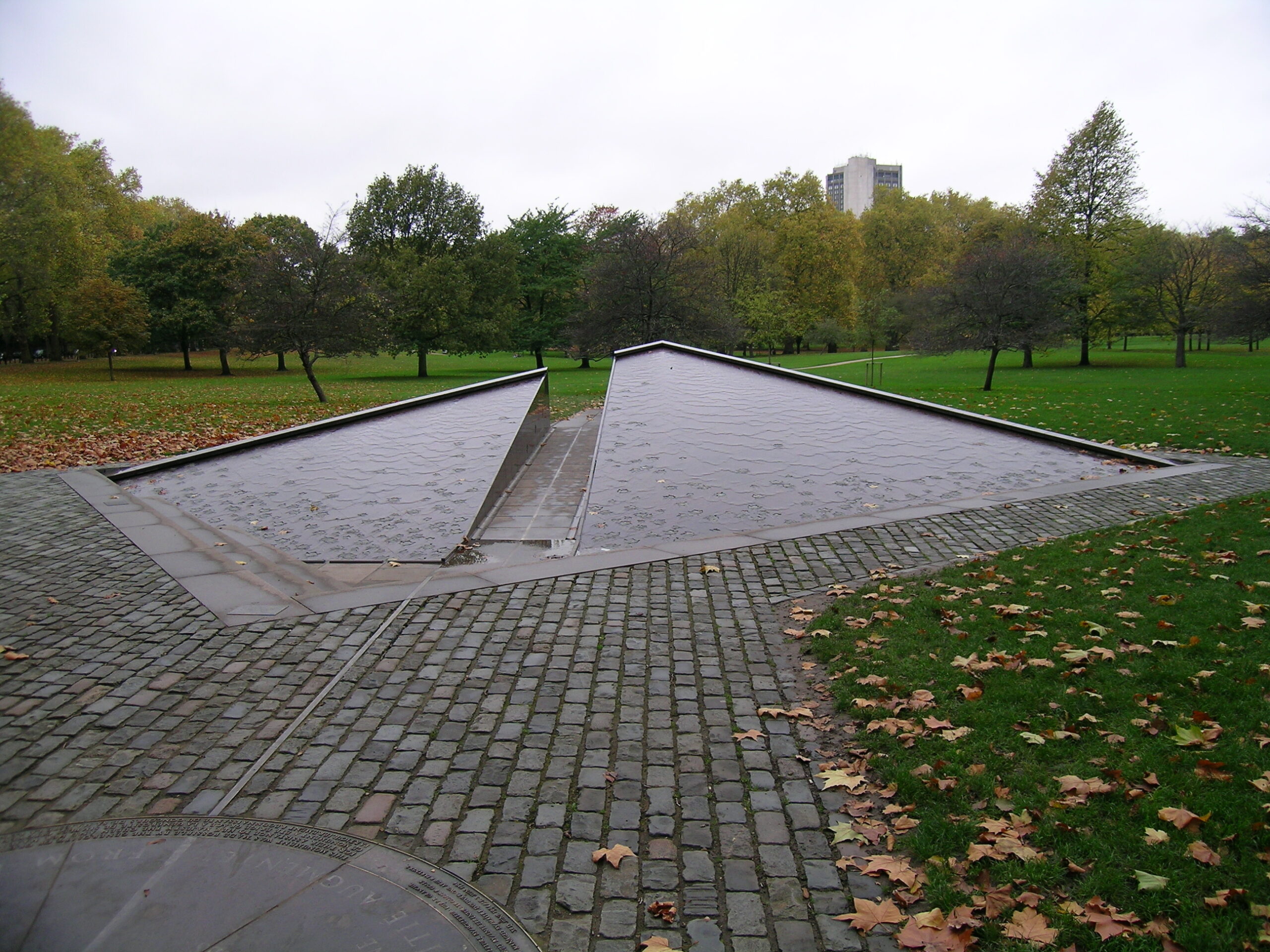
· The Canadian War Memorial.
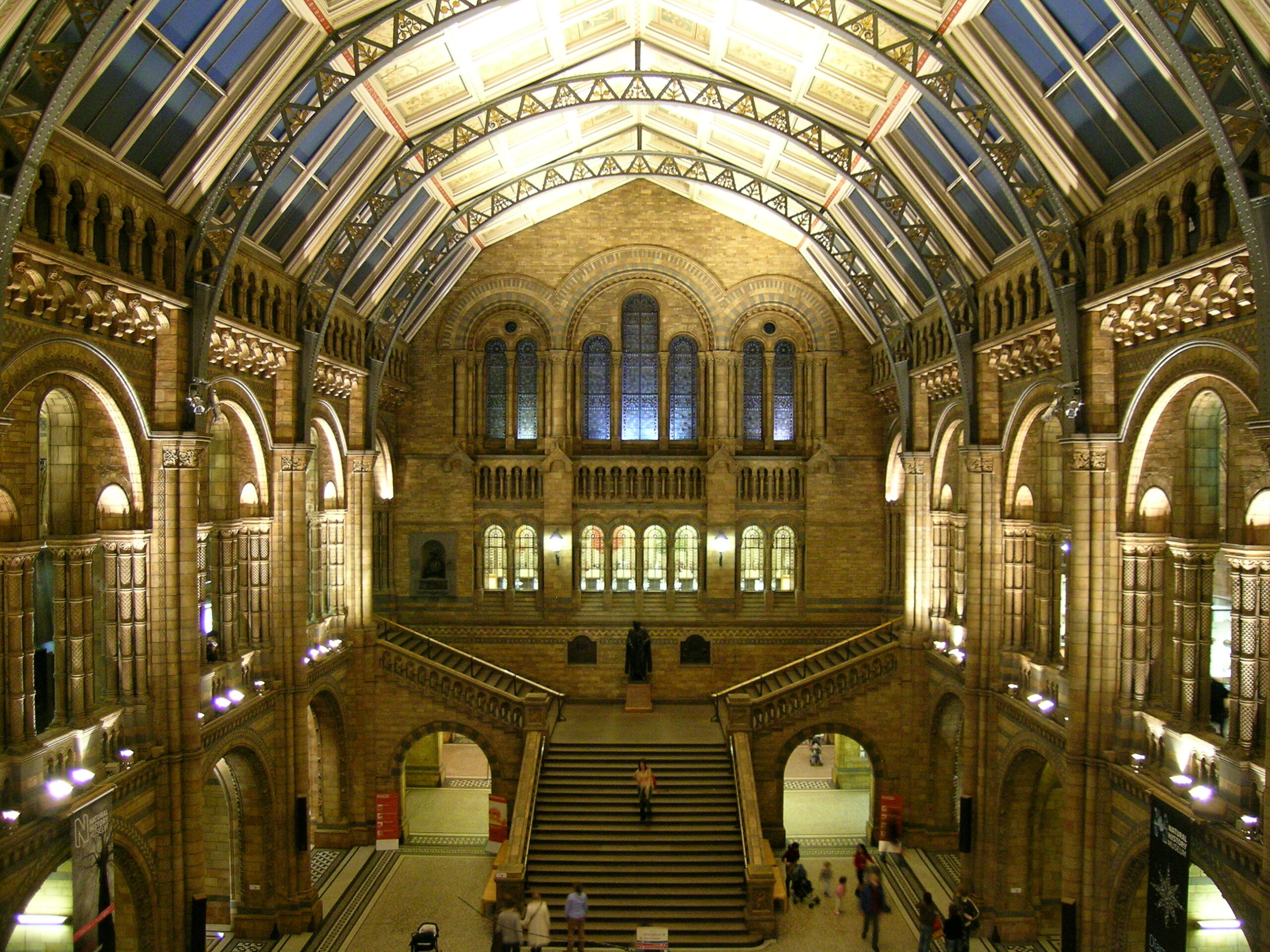
· Inside of the Natural History Museum.
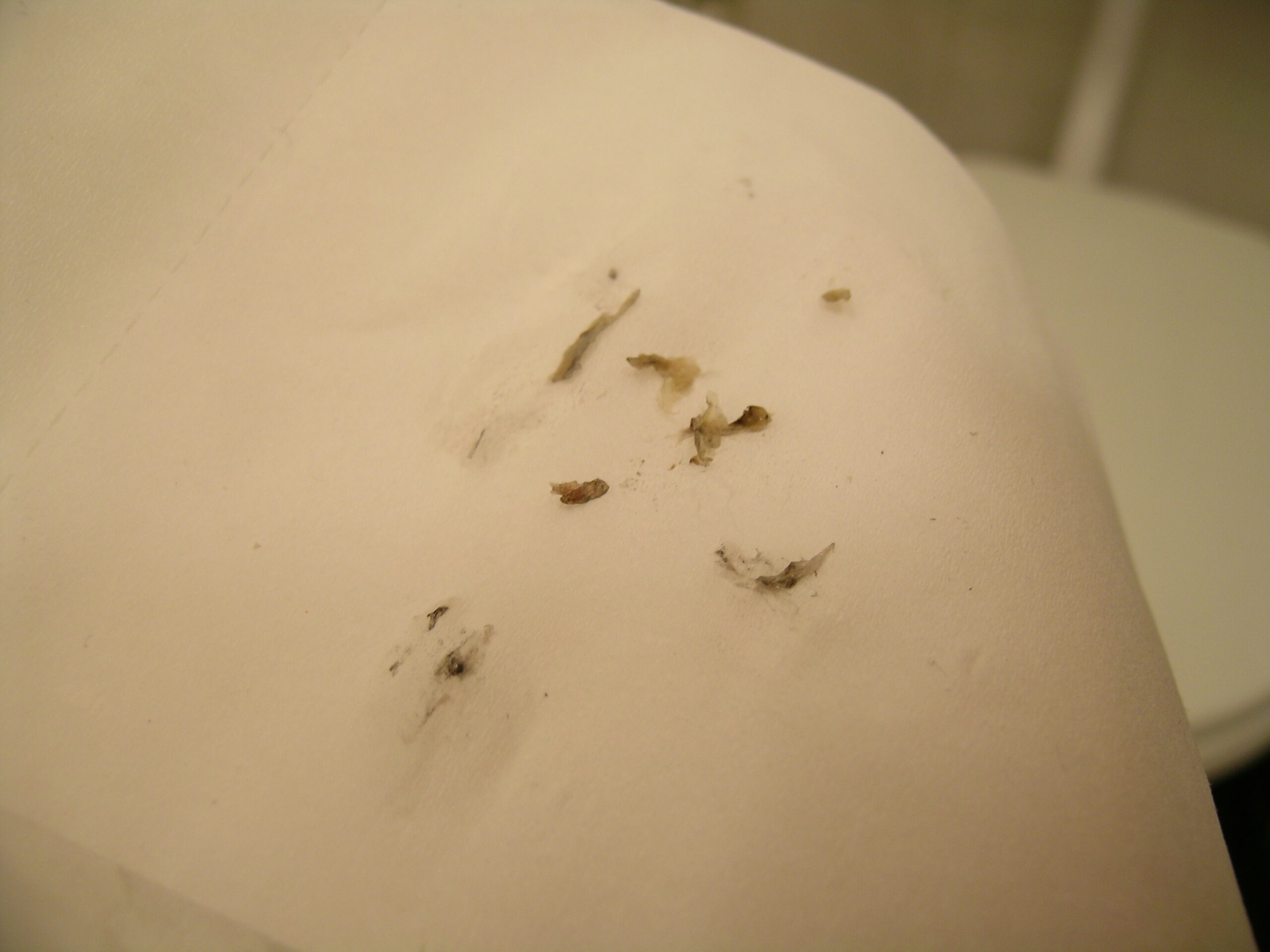
· A rather graphic example of how dirty the air can be in London.

Scotland (Album) (photo gallery retired):

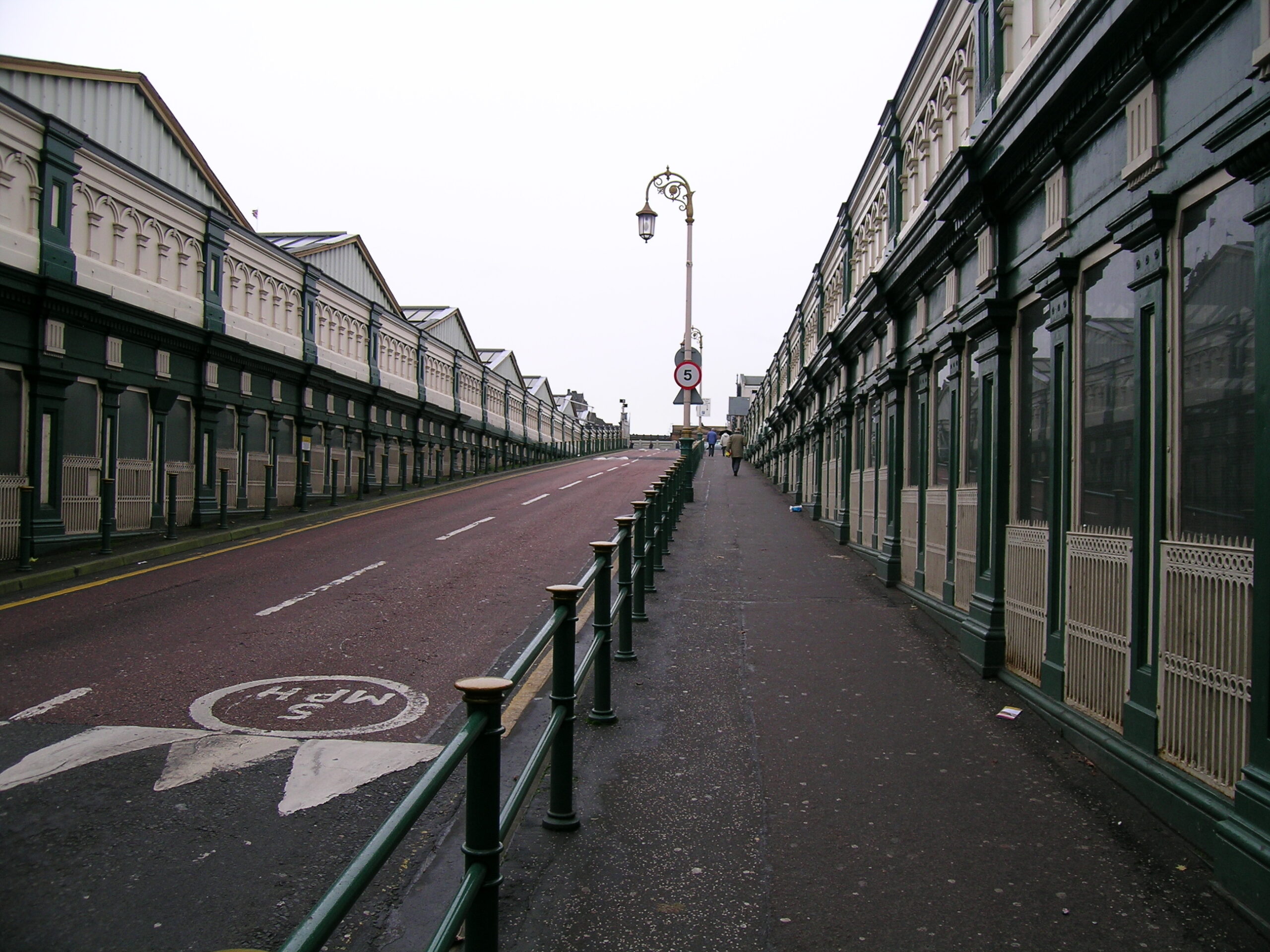
· The road leading out of Waverley Station in Edinburgh.
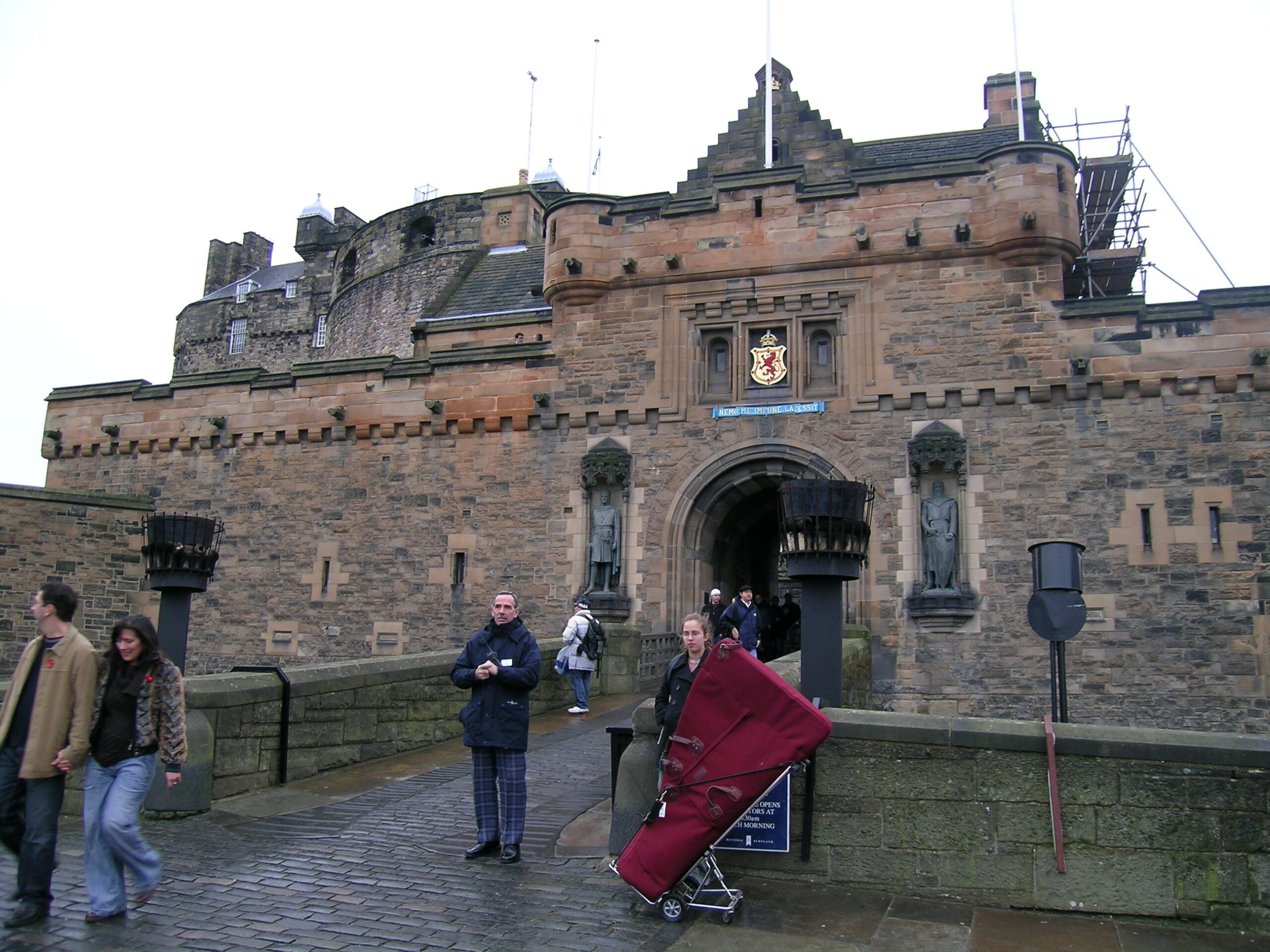
· Walking into Edinburgh Castle.
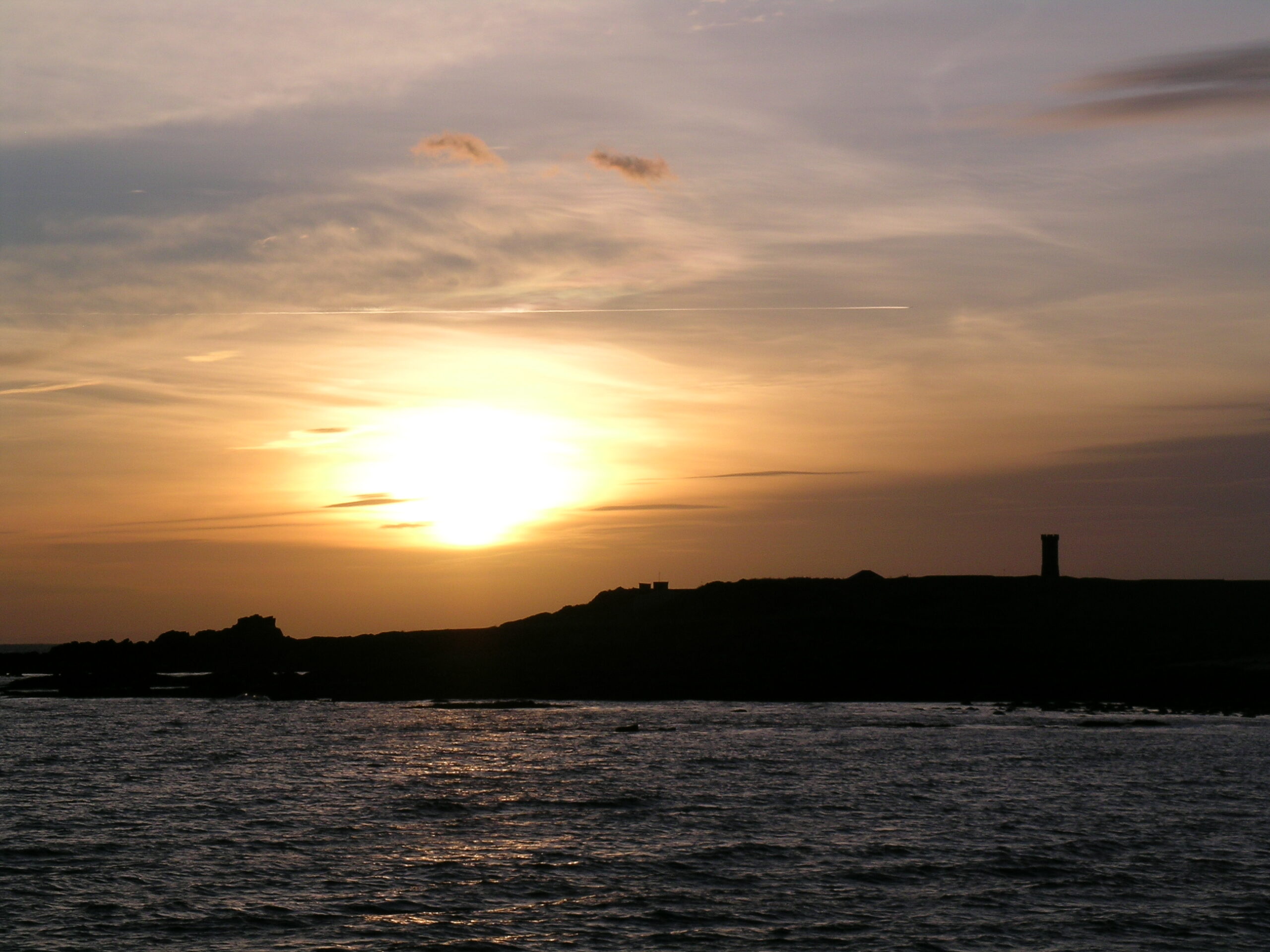
· Sunset in Anstruther.
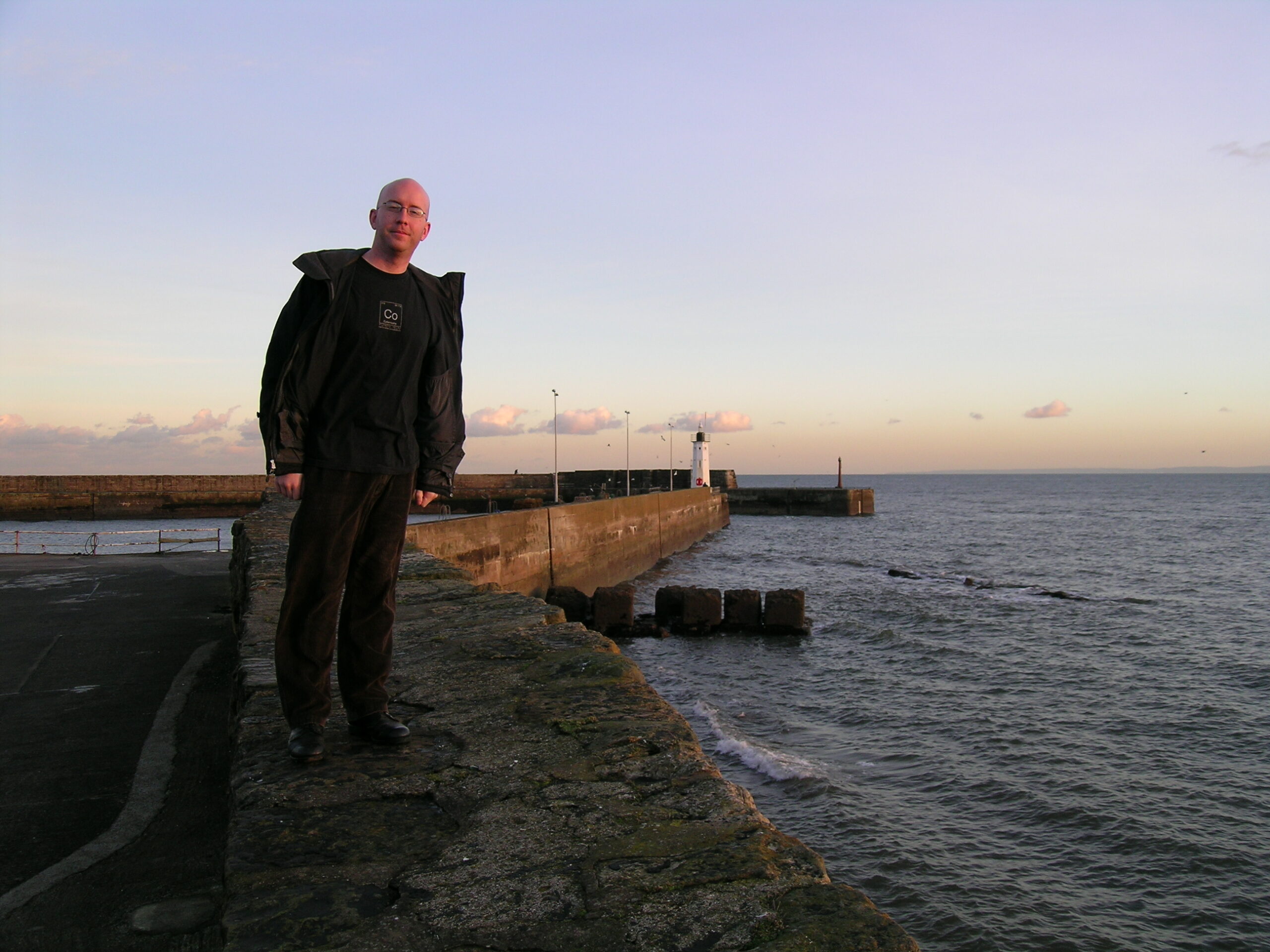
· Me, standing on a sea wall in Anstruther, along the North Sea.
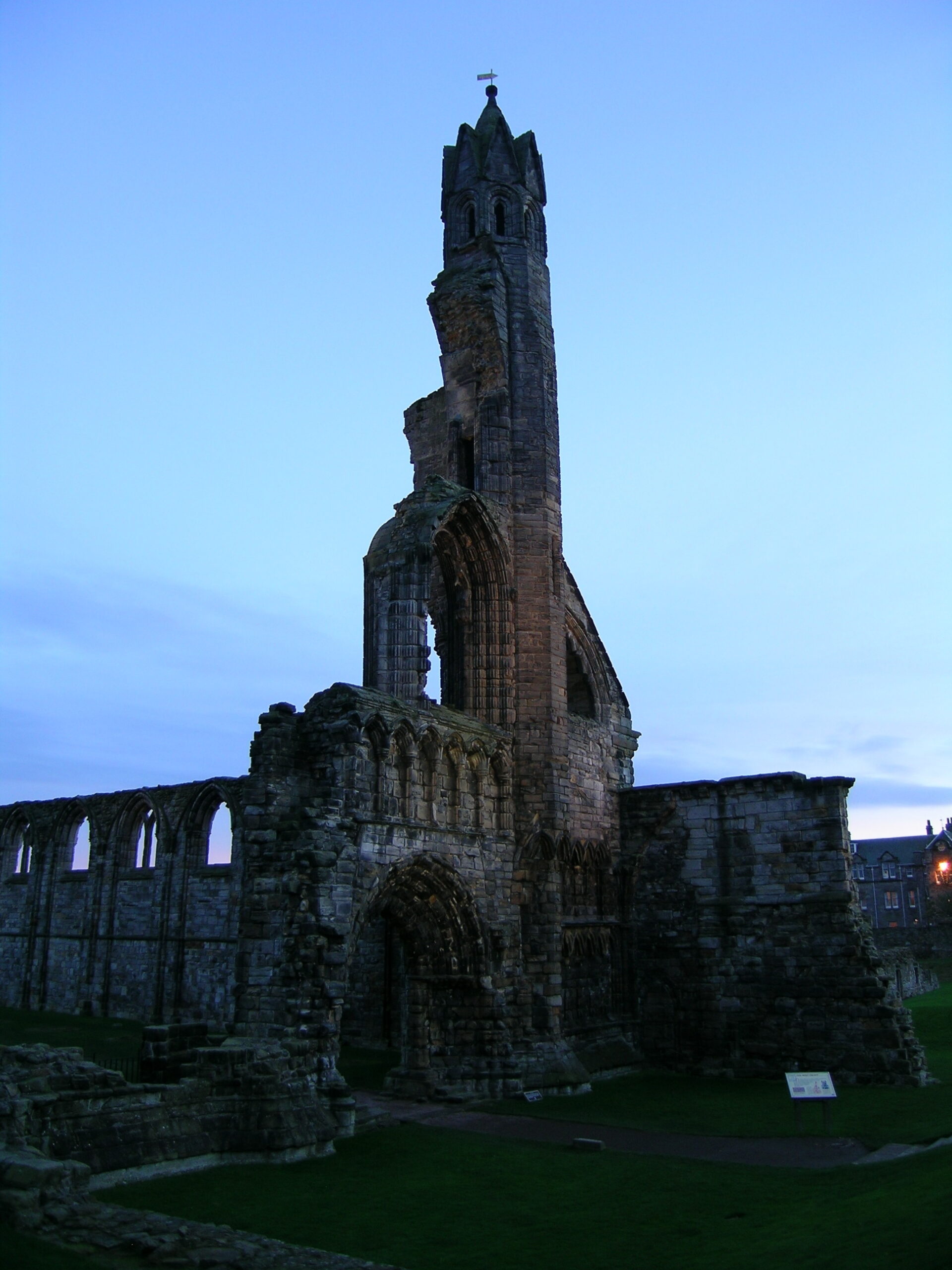
· Some of the ruins of St. Andrews Cathedral.
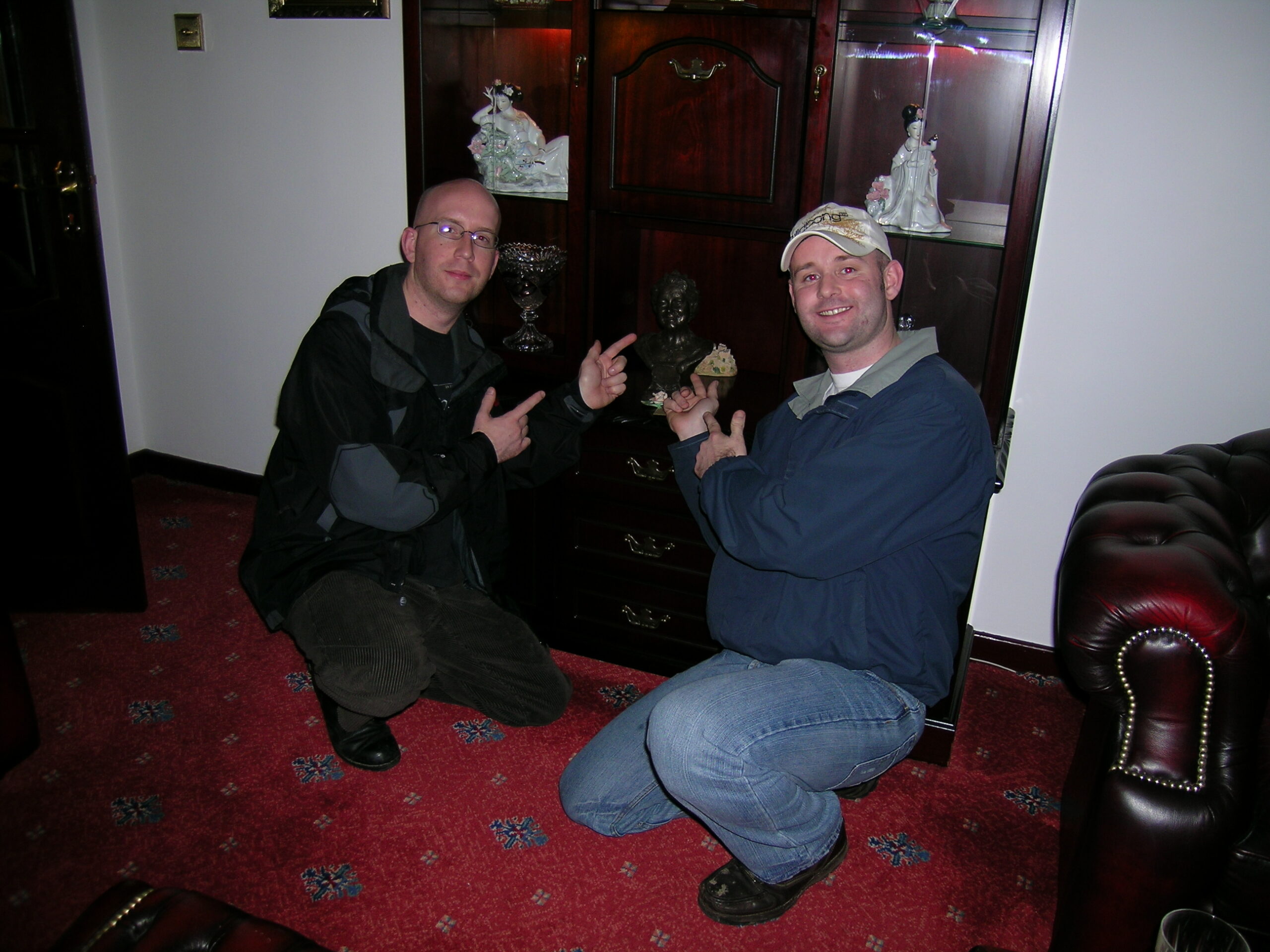
· John (the person I stayed with in Scotland) and I pointing at a bust of Mary, Queen of Scots in his parents living room.

Wales (Album) (photo gallery retired):

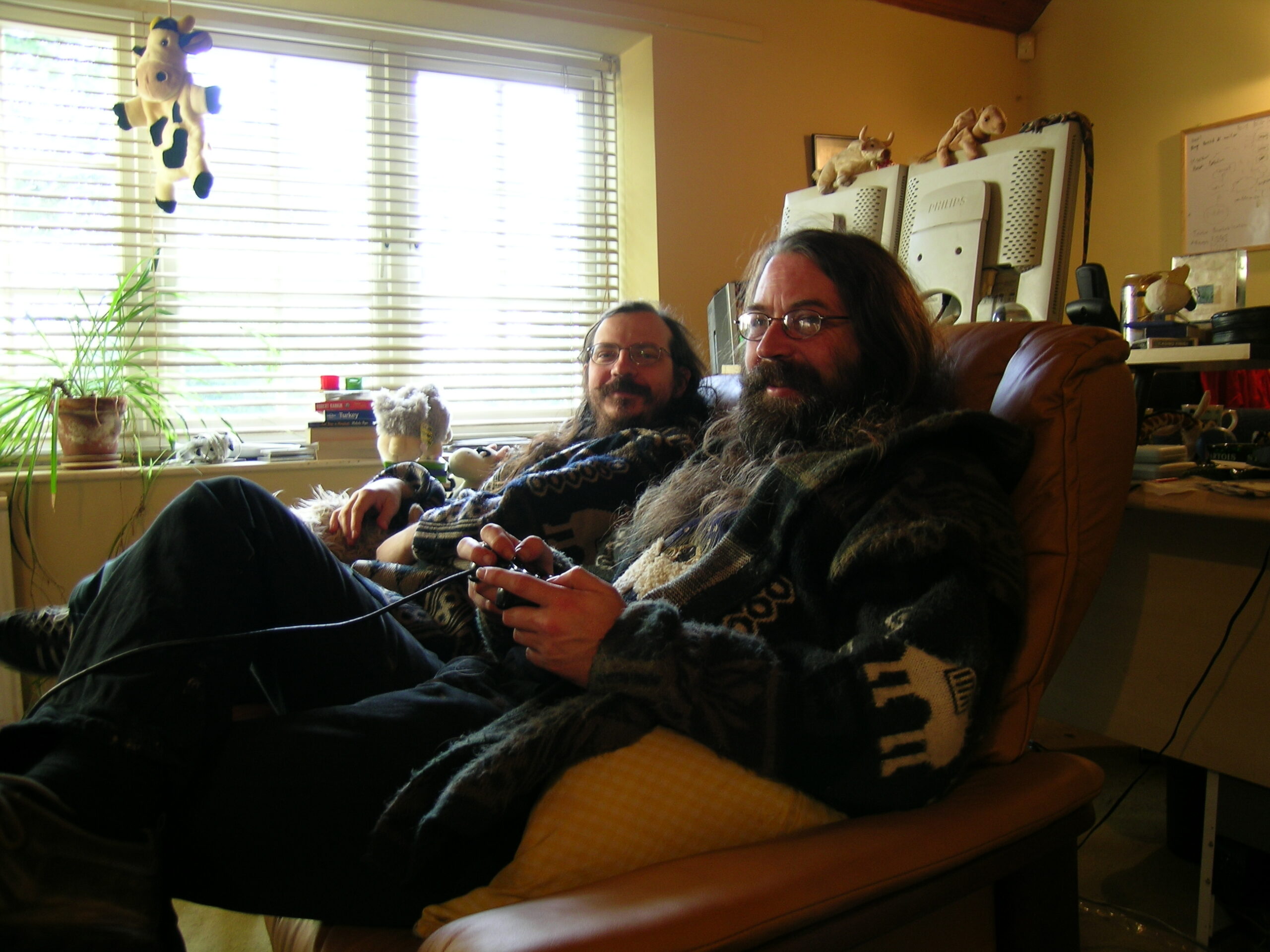
· Robin and Giles.
· Robin and I.
· Giles and Yak as we played some We Love Katamari.
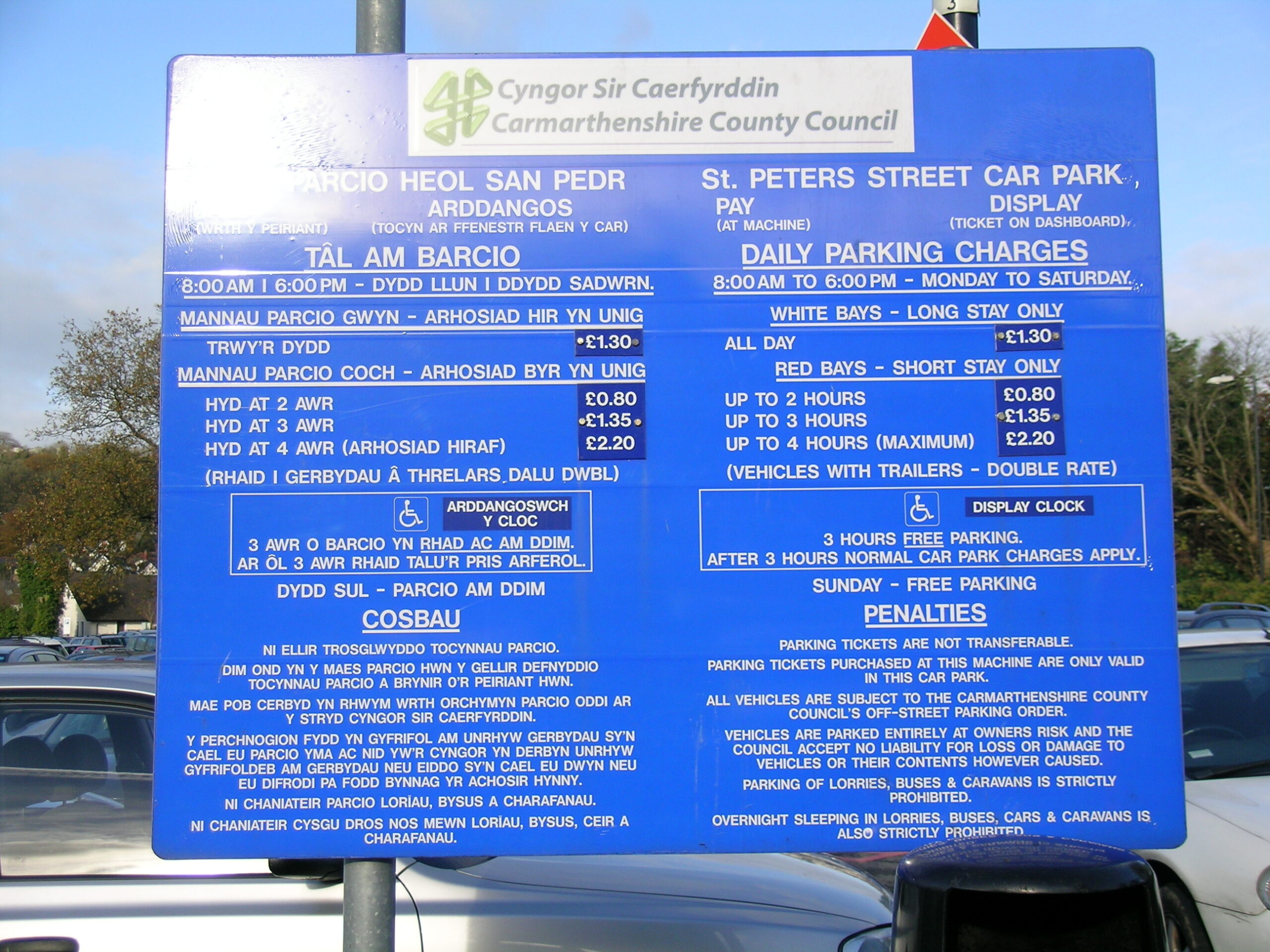
· The bilingual (Welsh & English) sign at the St. Peters Car Park in Carmarthenshine, Wales.
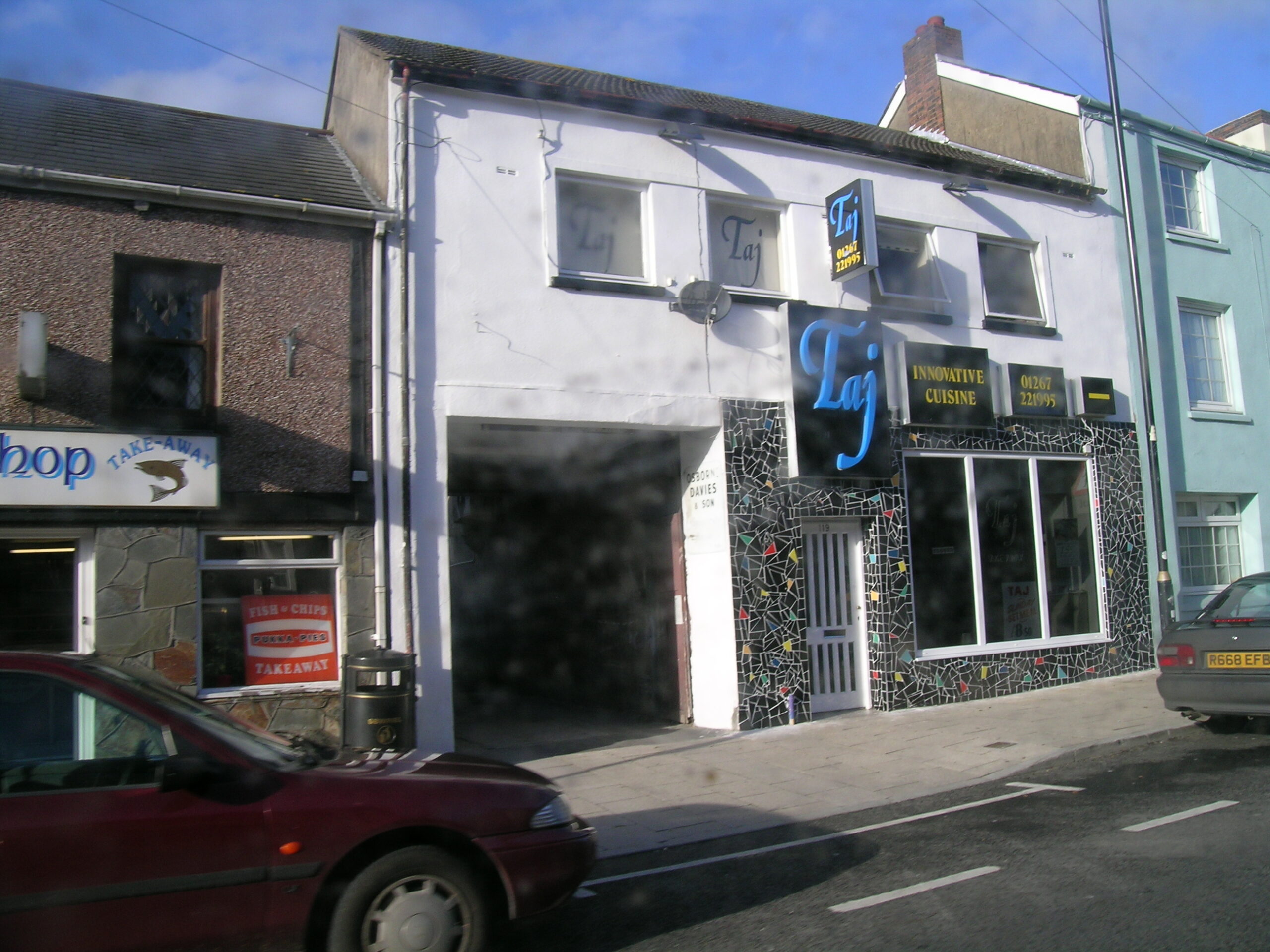
· Taj, the wonderful curry house in Carmarthen.
· Me standing with Giles and Yak in the really nice pub right near their house.

Washington DC (Album) (photo gallery retired):

Smithsonian National Air and Space Museum (Album) (photo gallery retired):

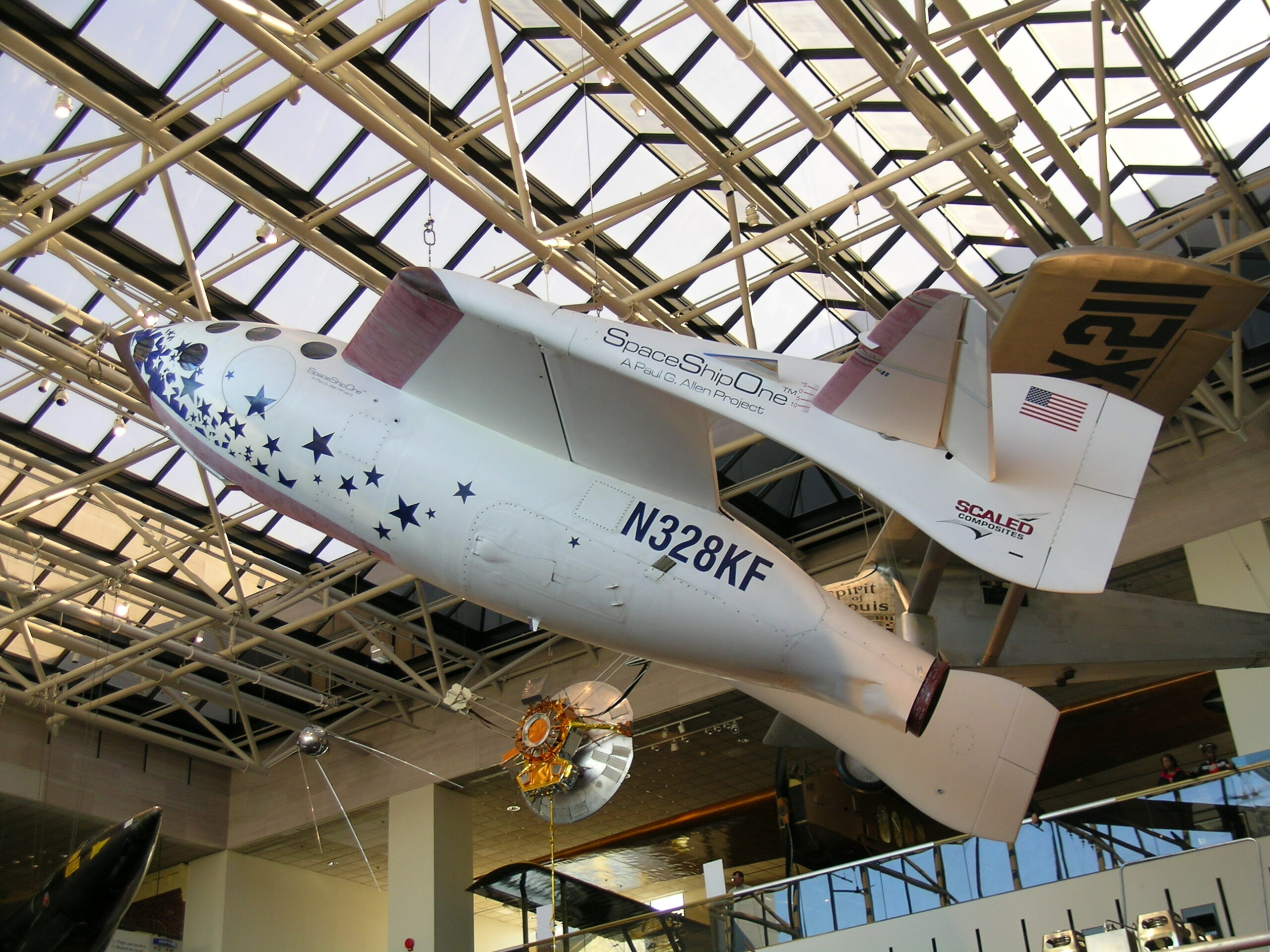
· SpaceShipOne!

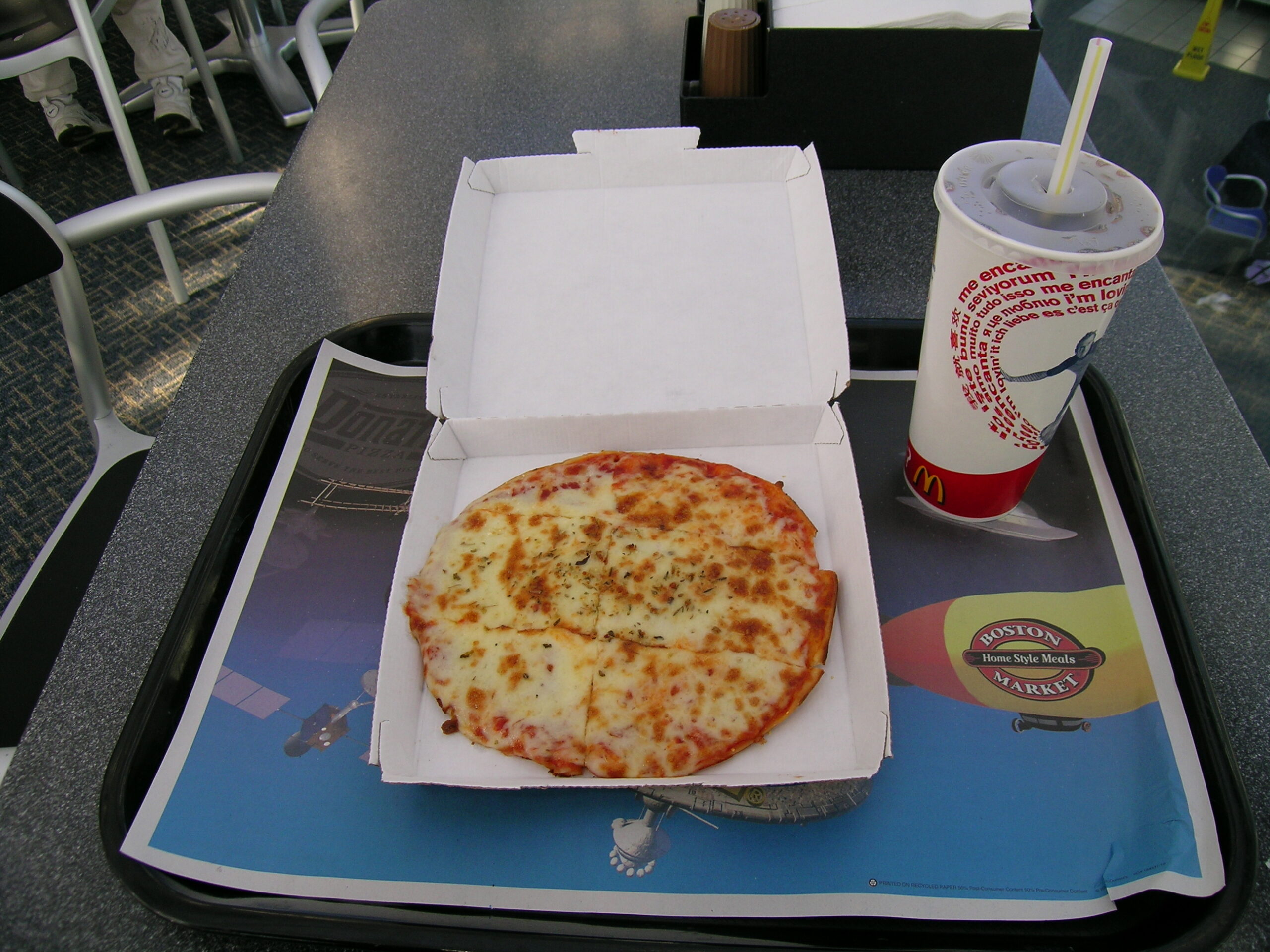
· The crappy pizza I got at the McDonalds at the Museum.
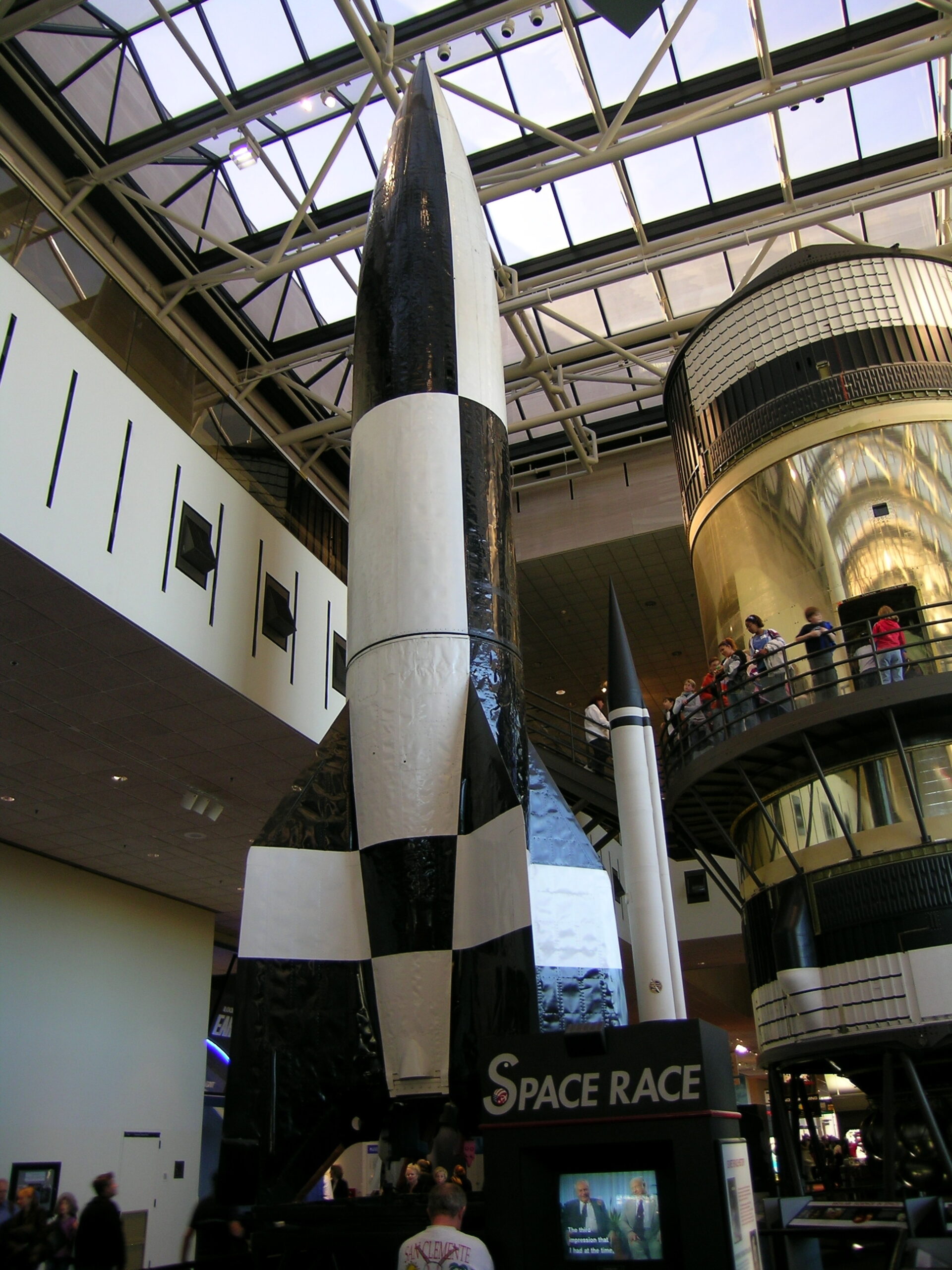
· A German V2.
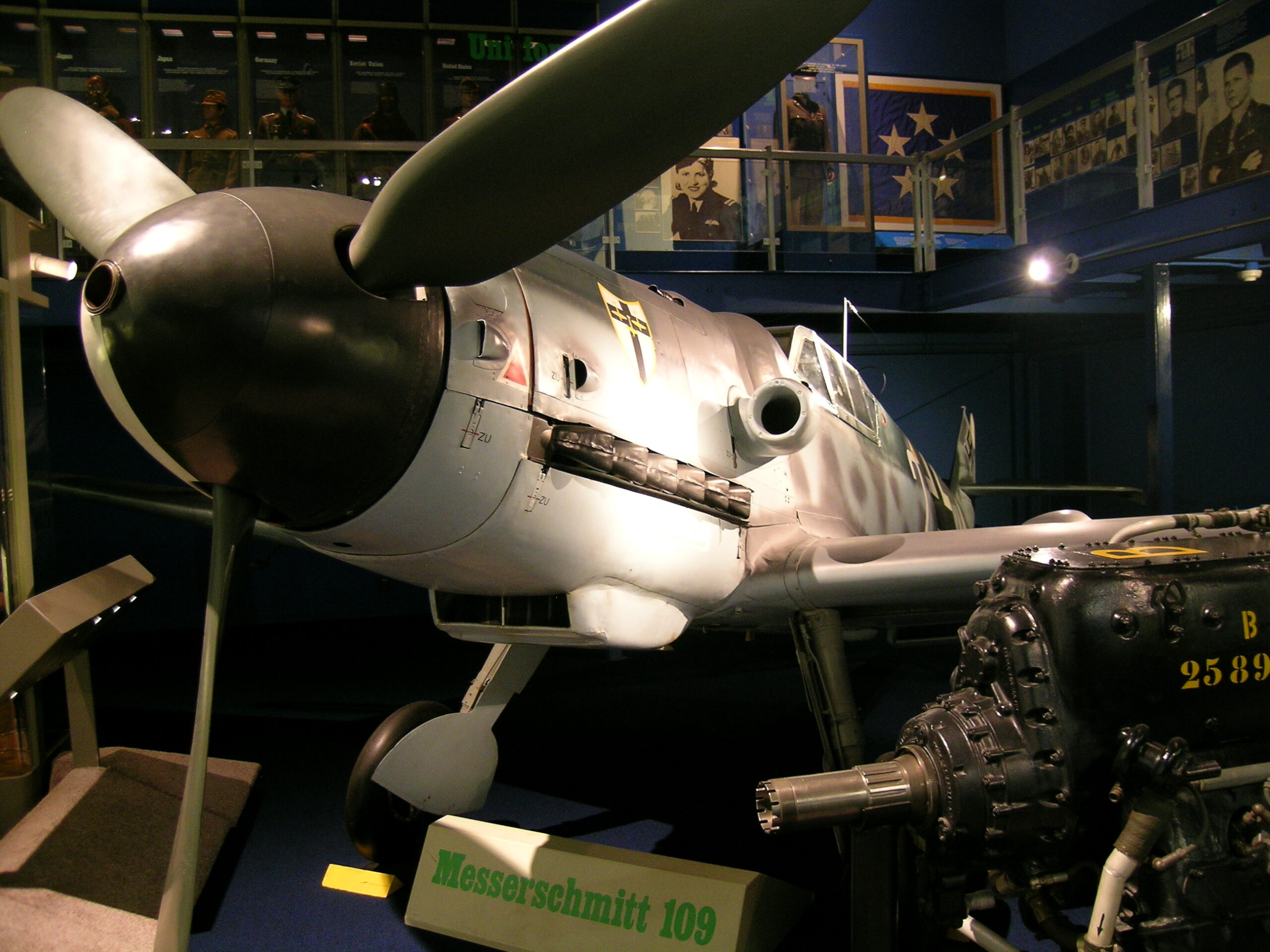
· Messerschmitt 109.
· Chuck Yeager’s Bell X-1.
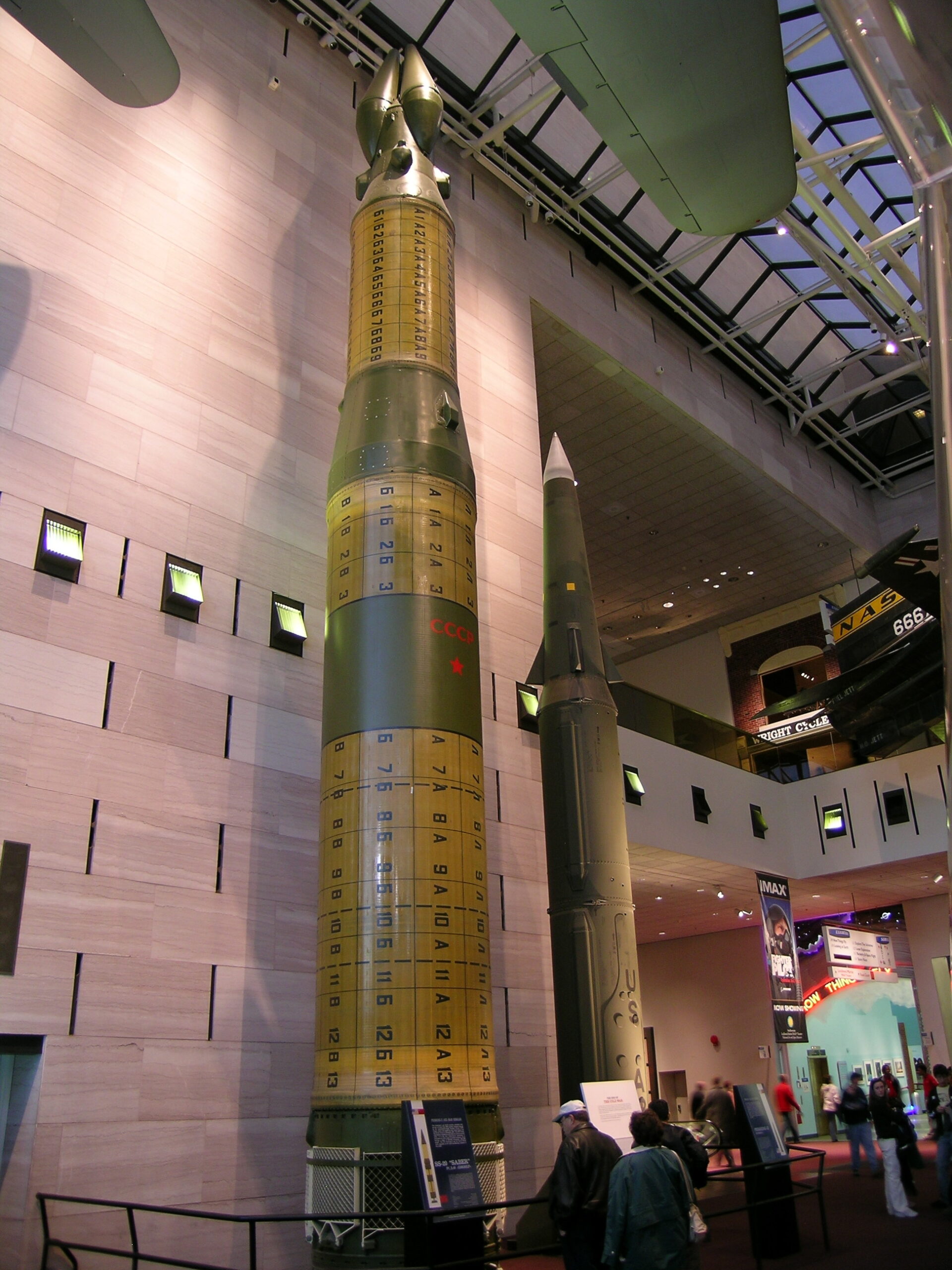
· An SS-20 and a Pershing-II.

Steven F. Udvar-Hazy Center (Album):

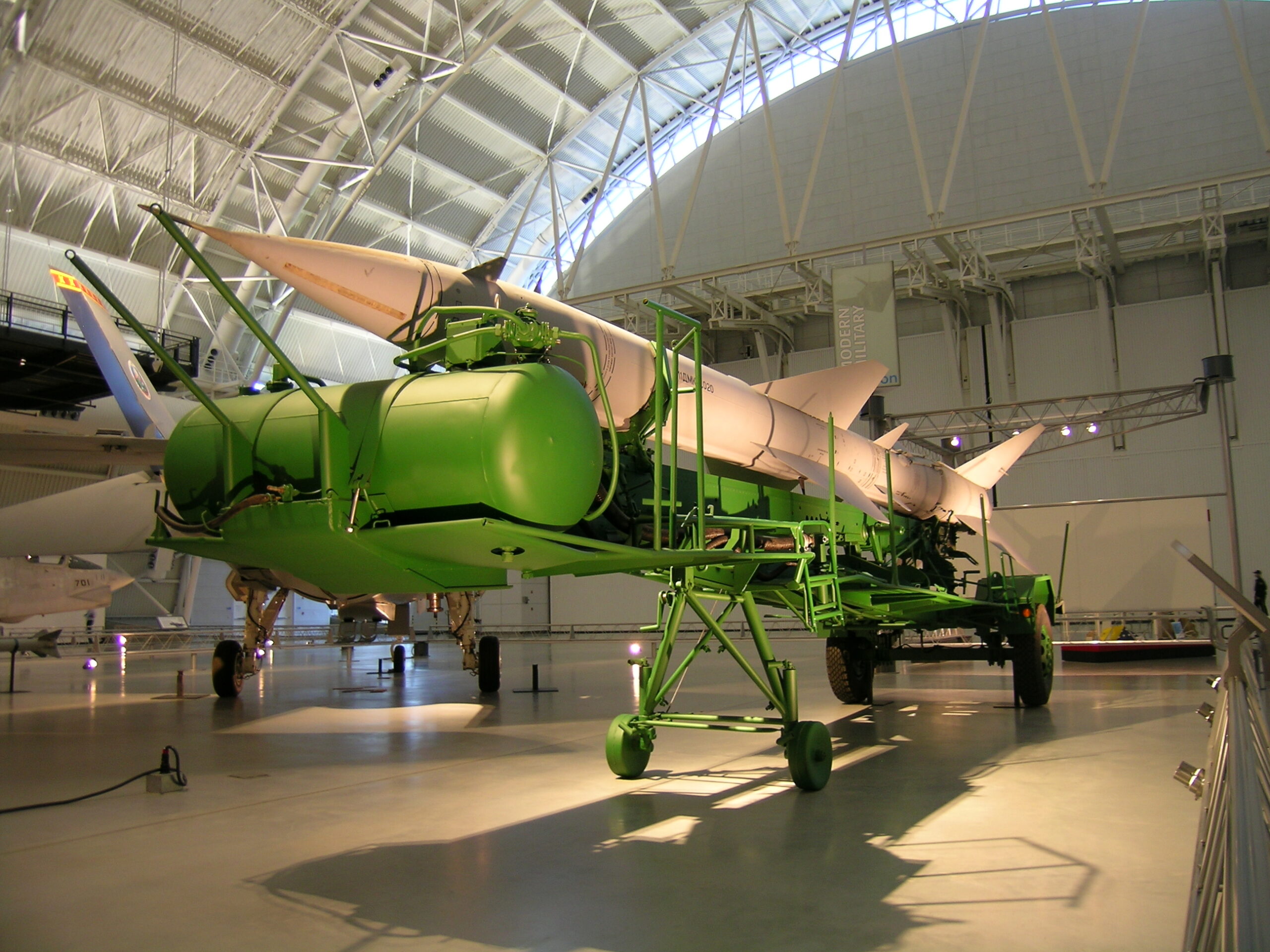
· Russian-made SA-2 marked for export.
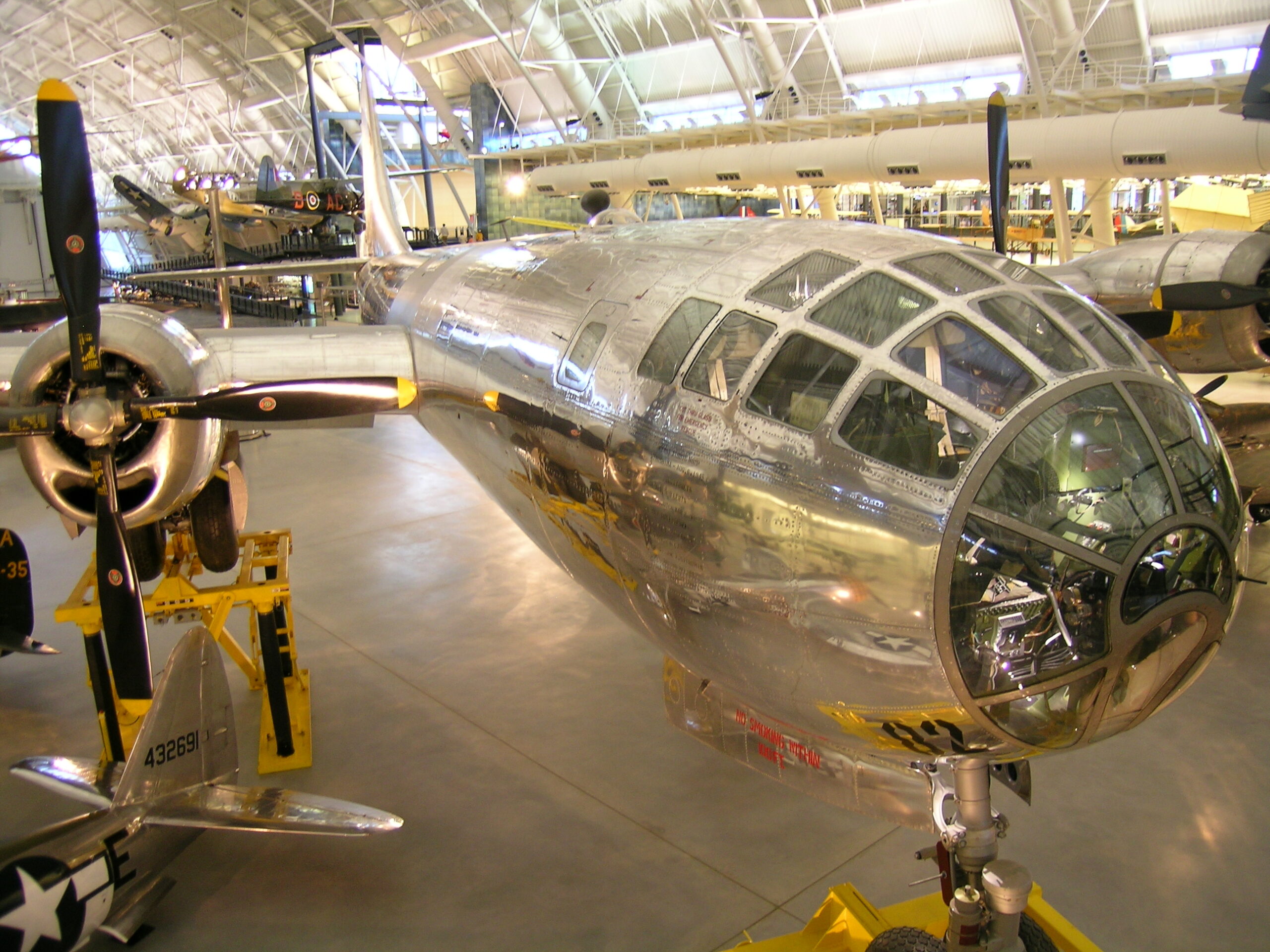
· The Enola Gay.
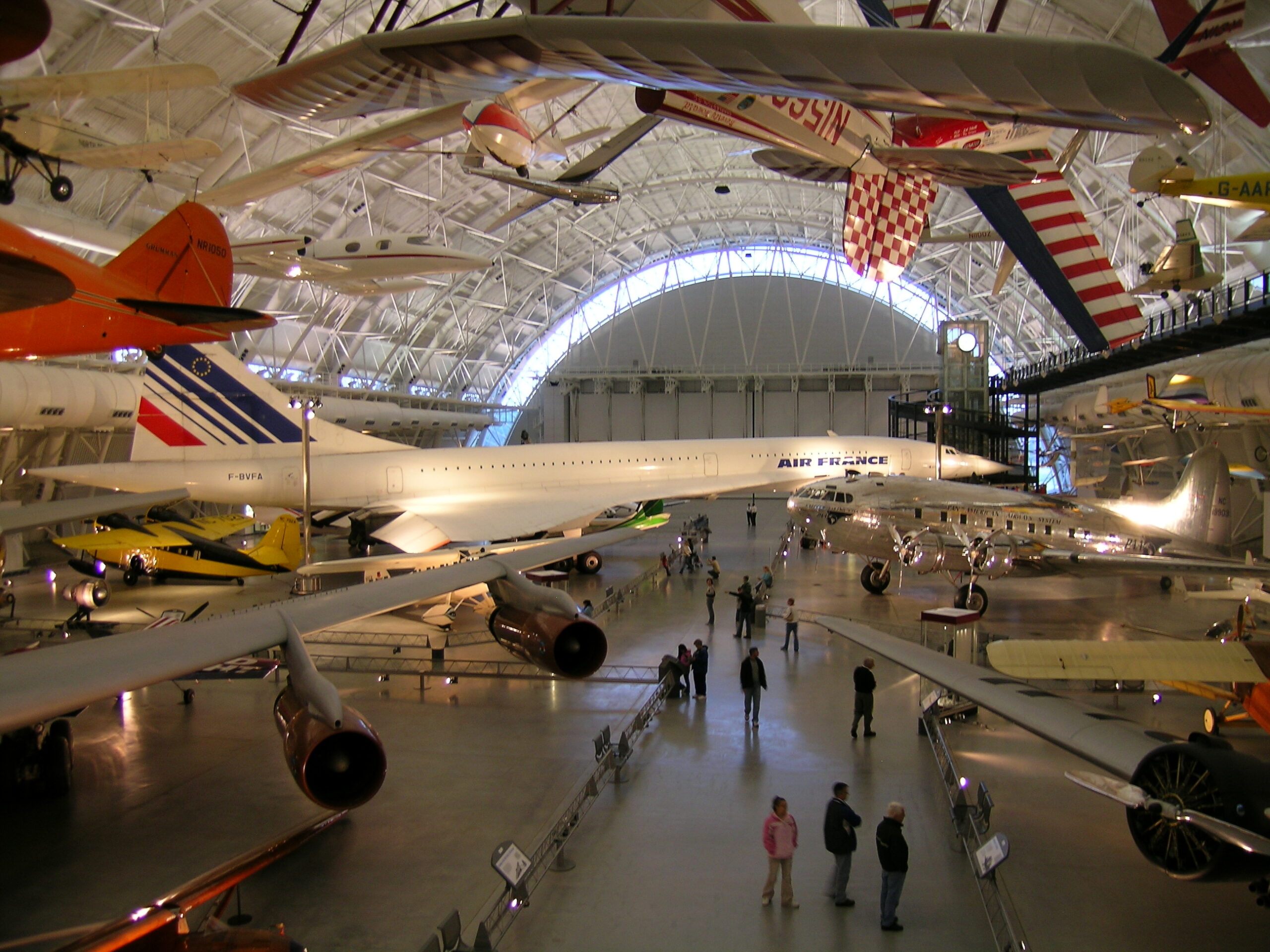
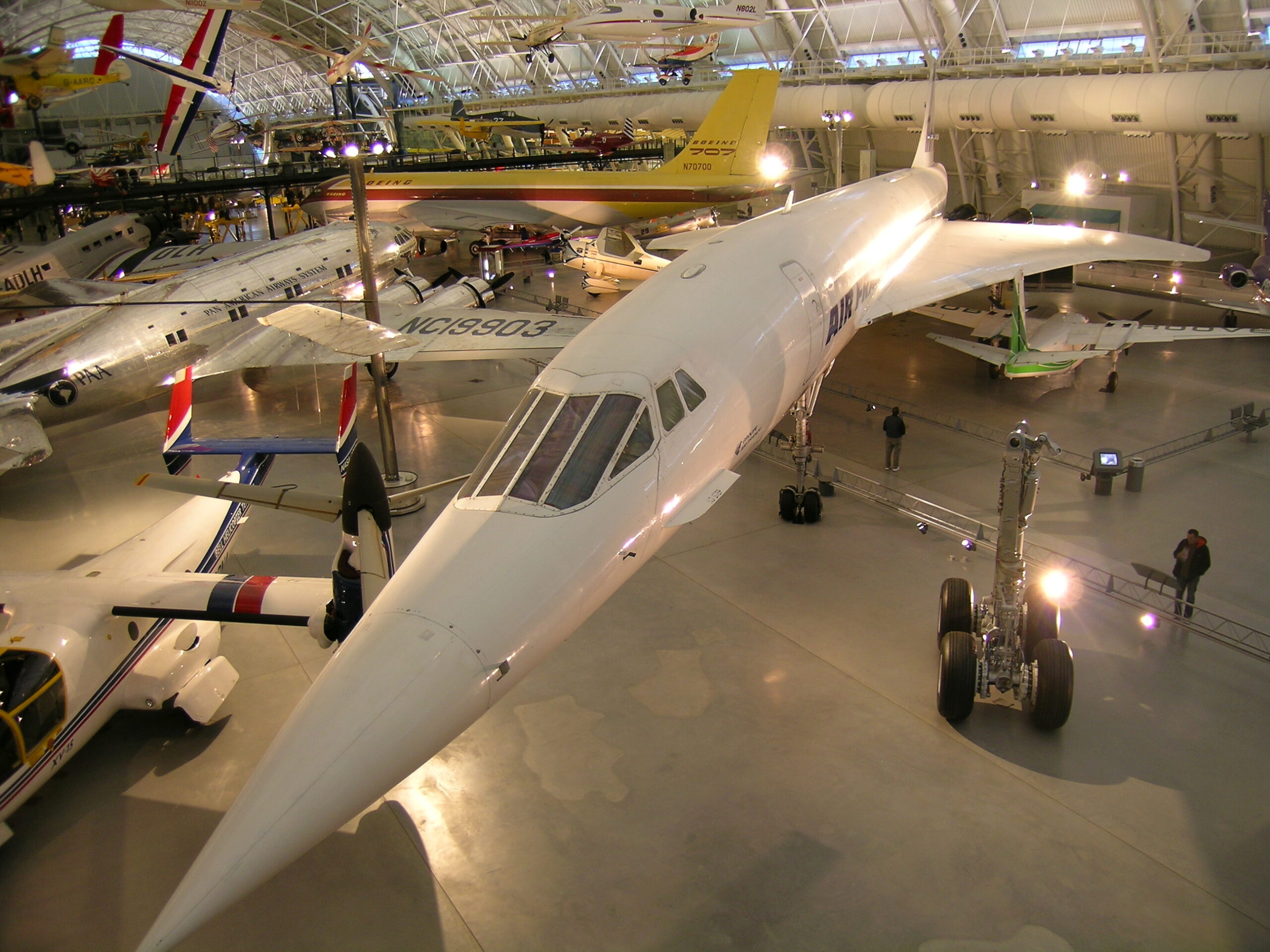
· A Concorde.
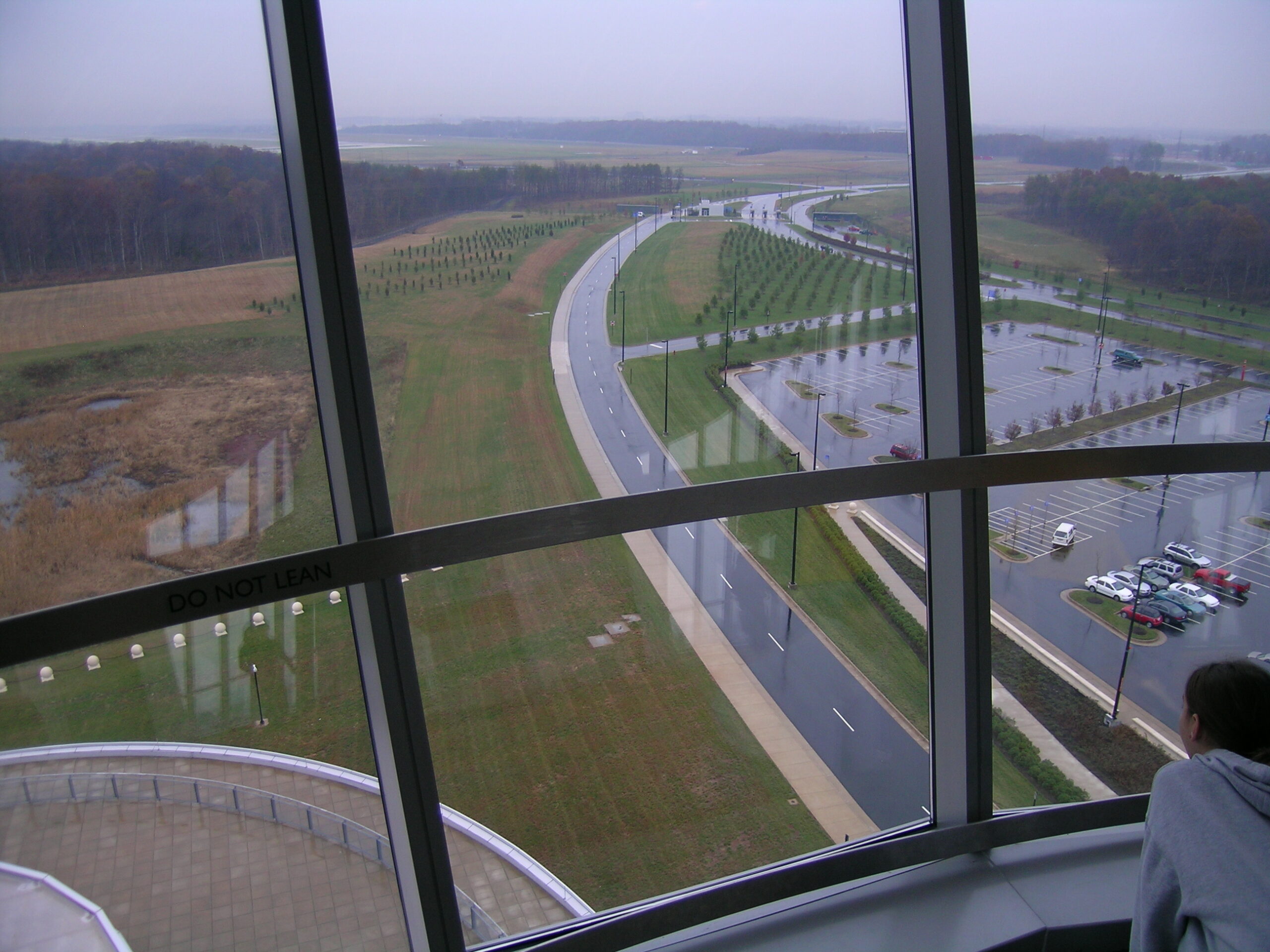
· Looking out of the Observation Tower.
· MiG-17 Fishbed.
· The Steven F. Udvar-Hazy Center is huge.
· Another view of a Concorde.
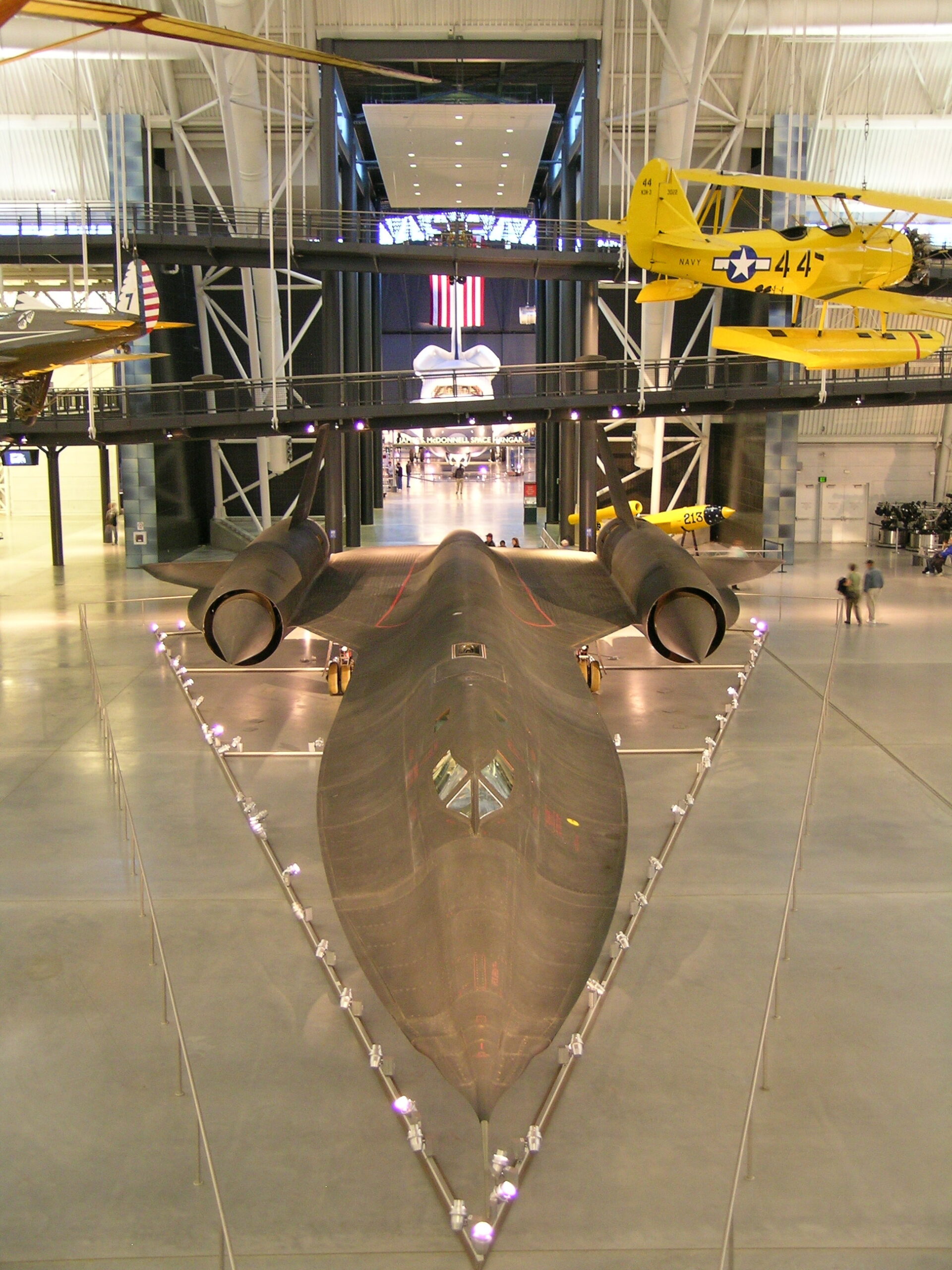
· The SR-71A seen from above, with the Space Shuttle Enterprise in the distance.

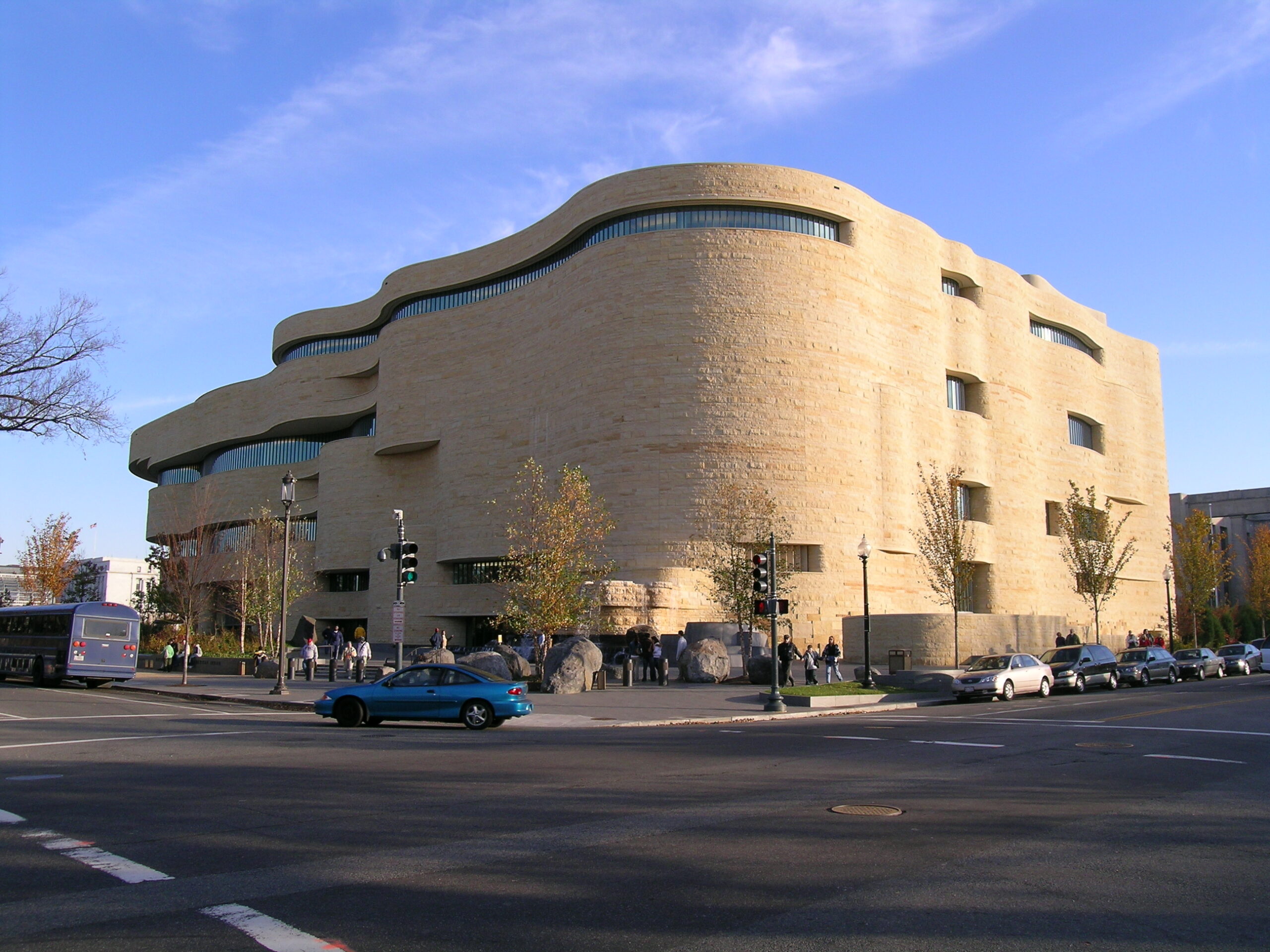
· Outside of the National Museum of the American Indian.
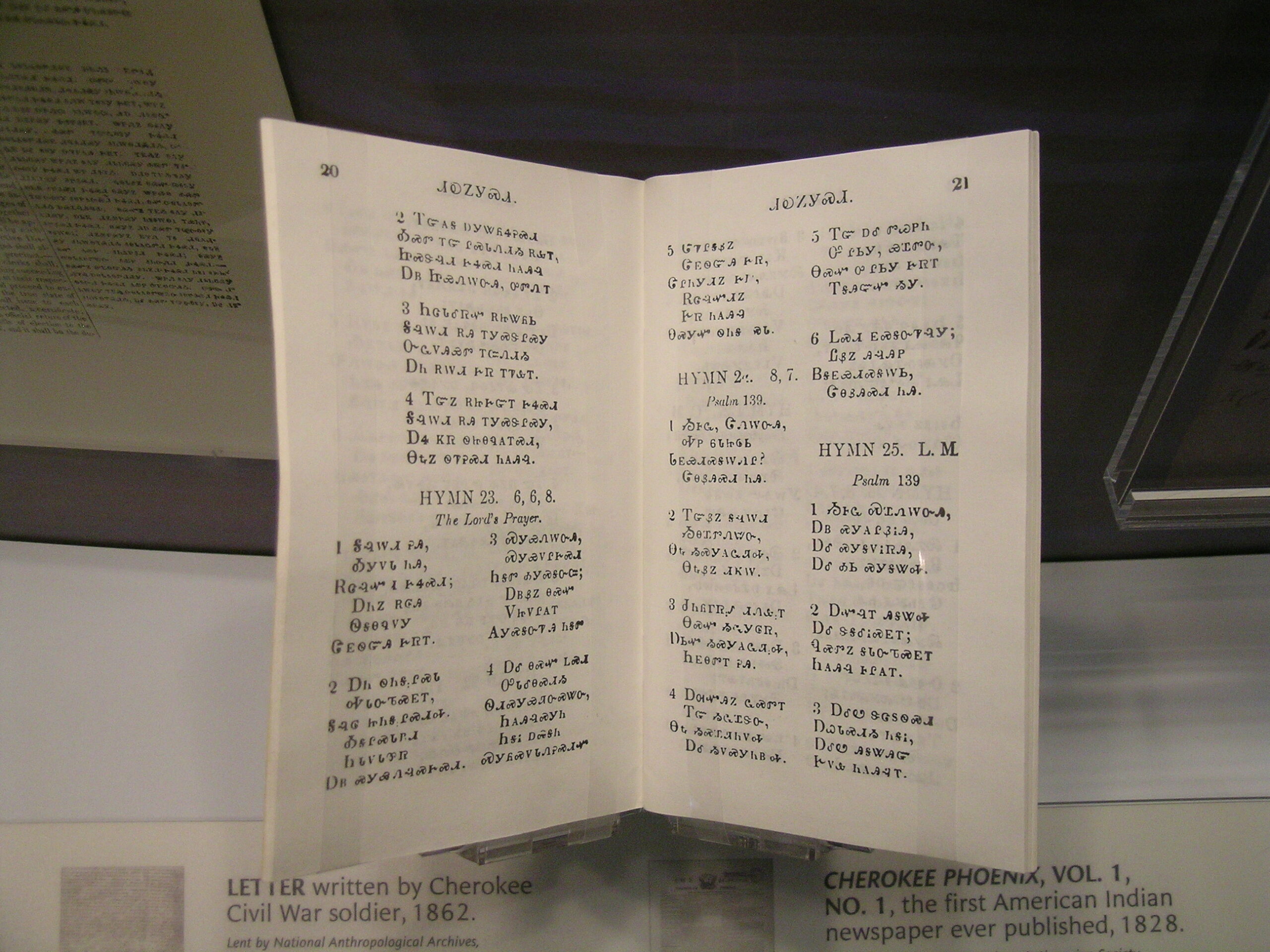
· A hymnal written in Cherokee.
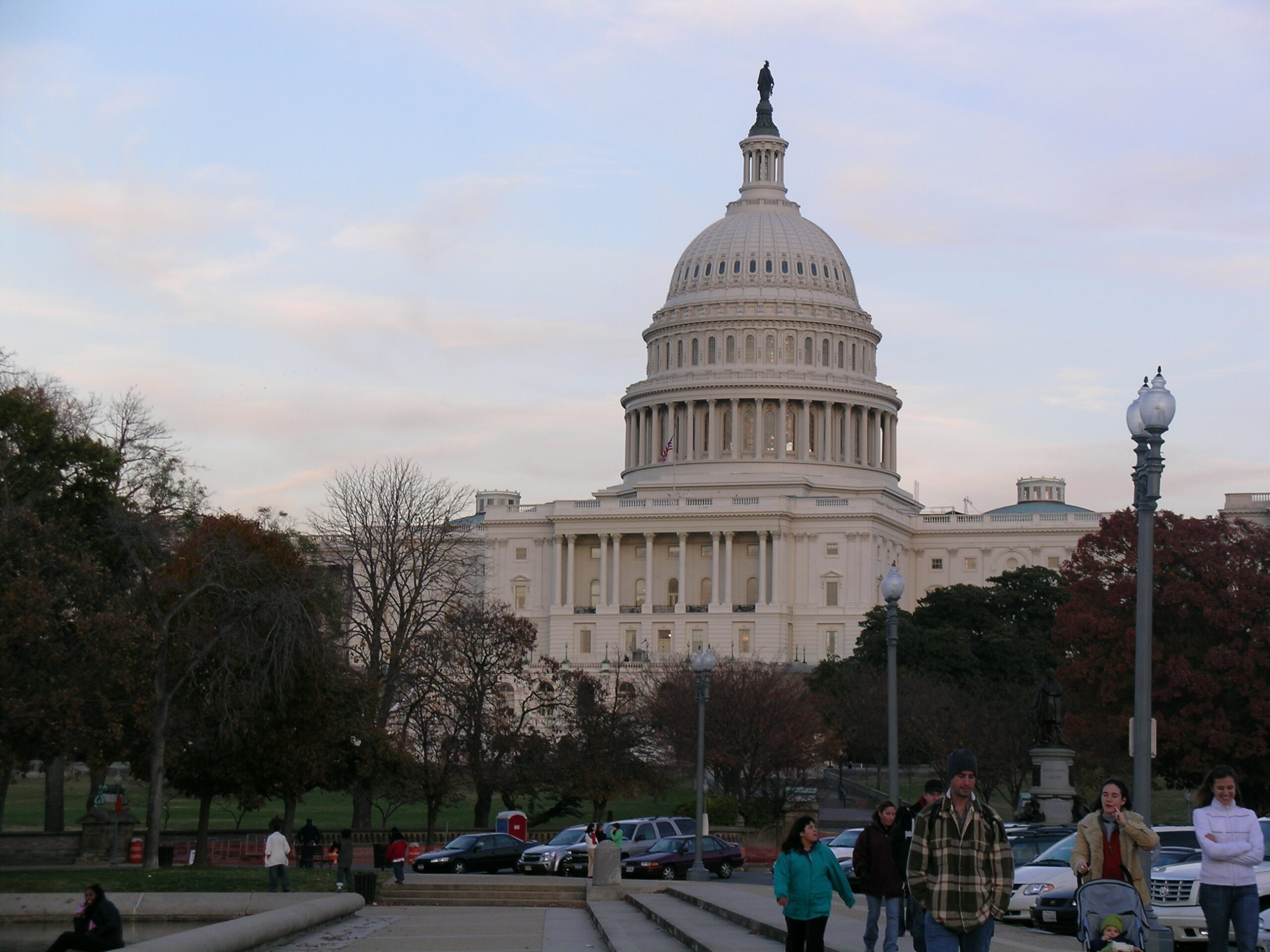
· The US Capitol from near the Botanical Gardens.
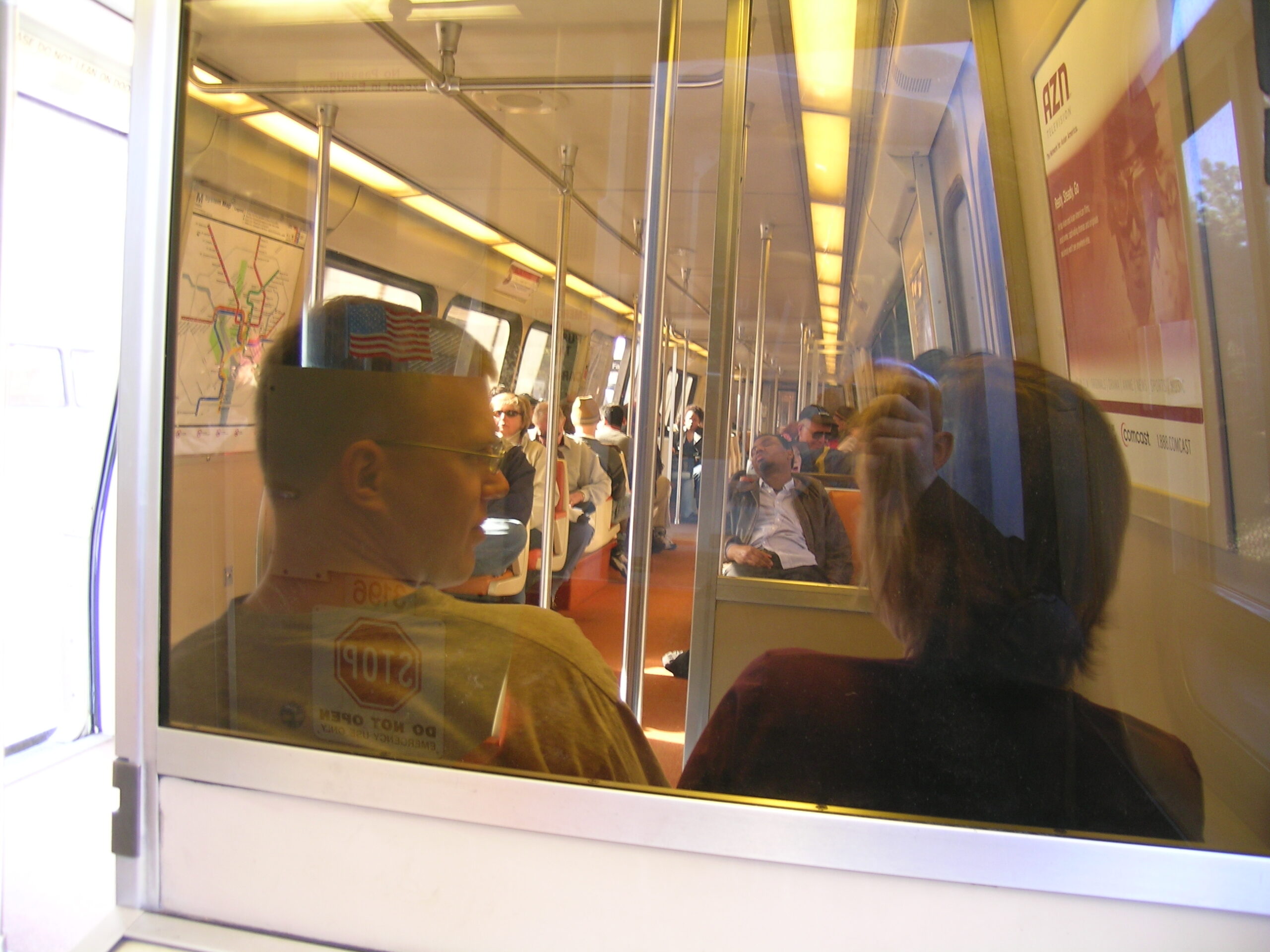
· Inside of one of the Metro trains.
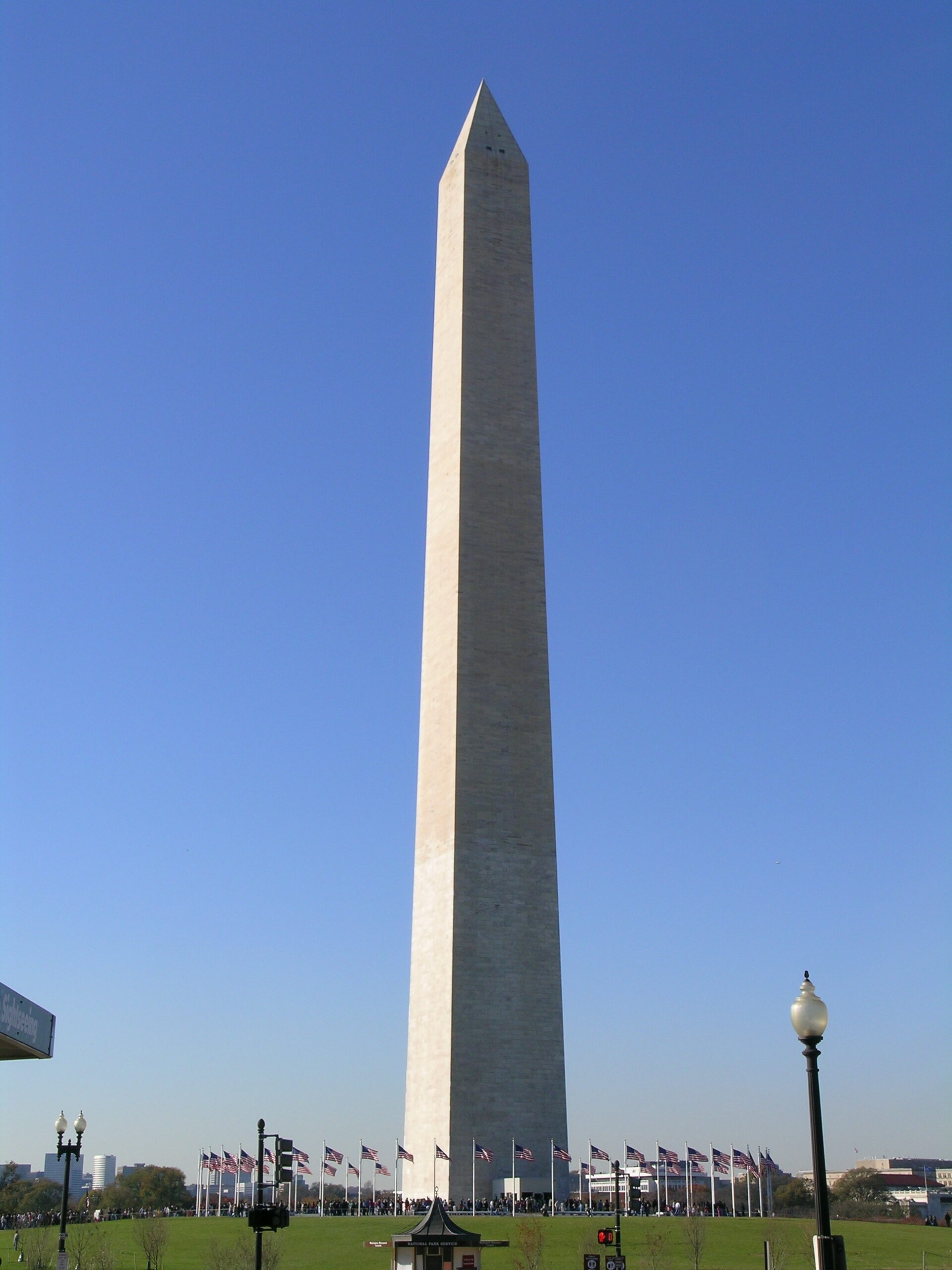
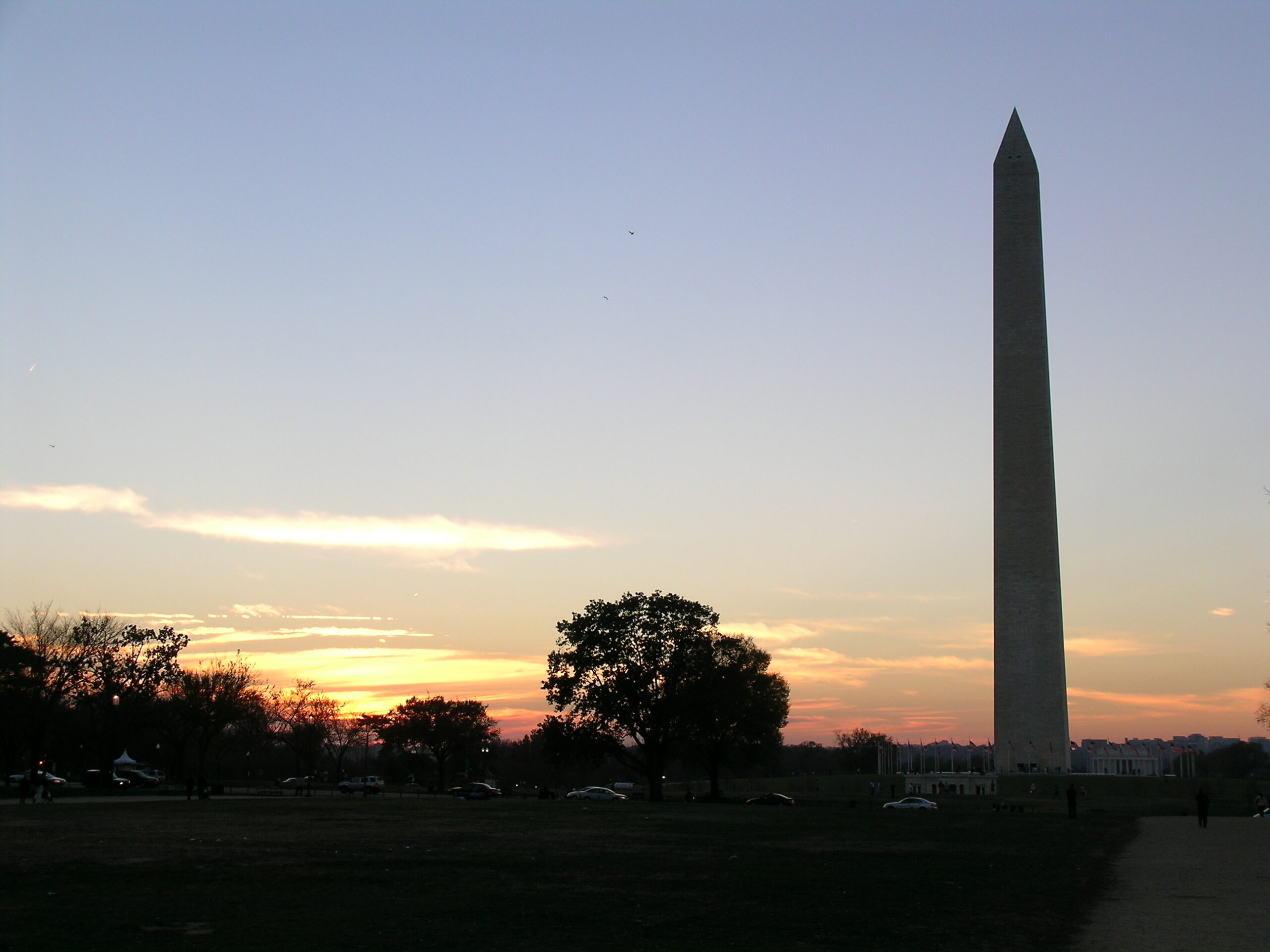
· The Washington Monument.
· The Atlantic side of the World War II Memorial.
· The Three Service Men statue, part of The Vietnam Veterens Memorial.
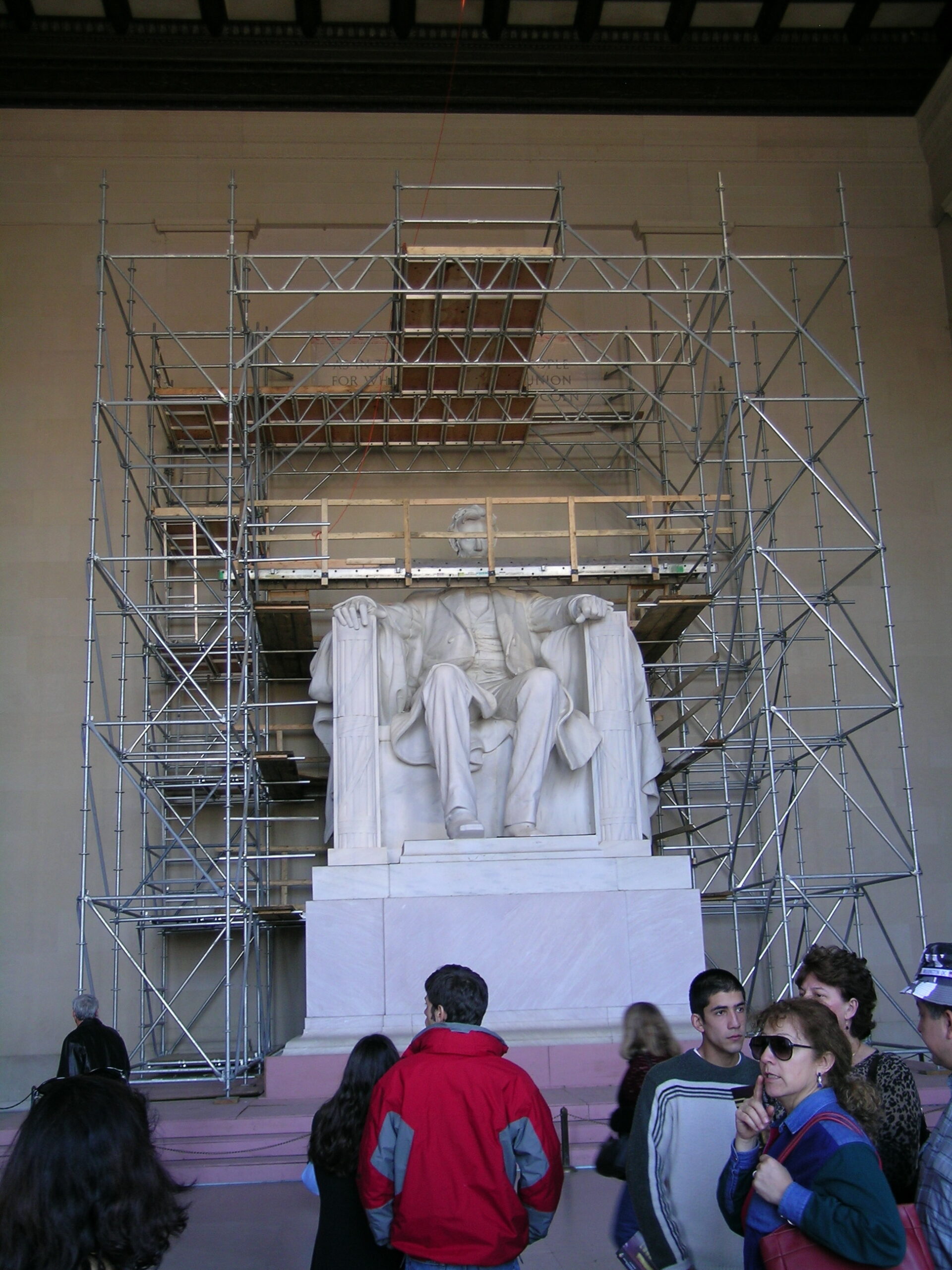
· The Abraham Lincoln statue in the Lincoln Memorial is being worked on.
· Part of the Korean War Veterens Memorial.
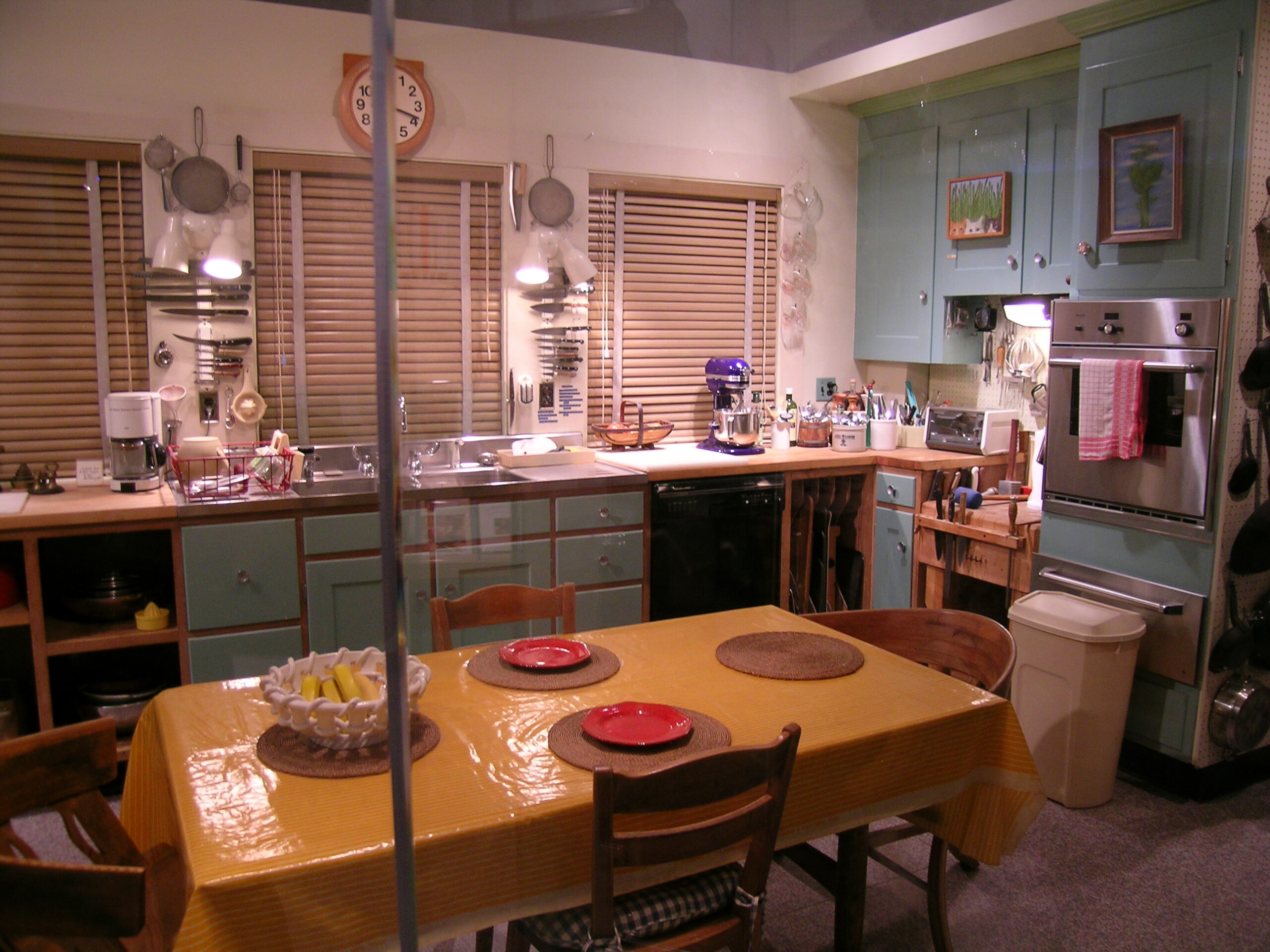
· Julia Child’s Kitchen!
· Sunset behind the Washington Monument.
· These guys were drumming on the street.
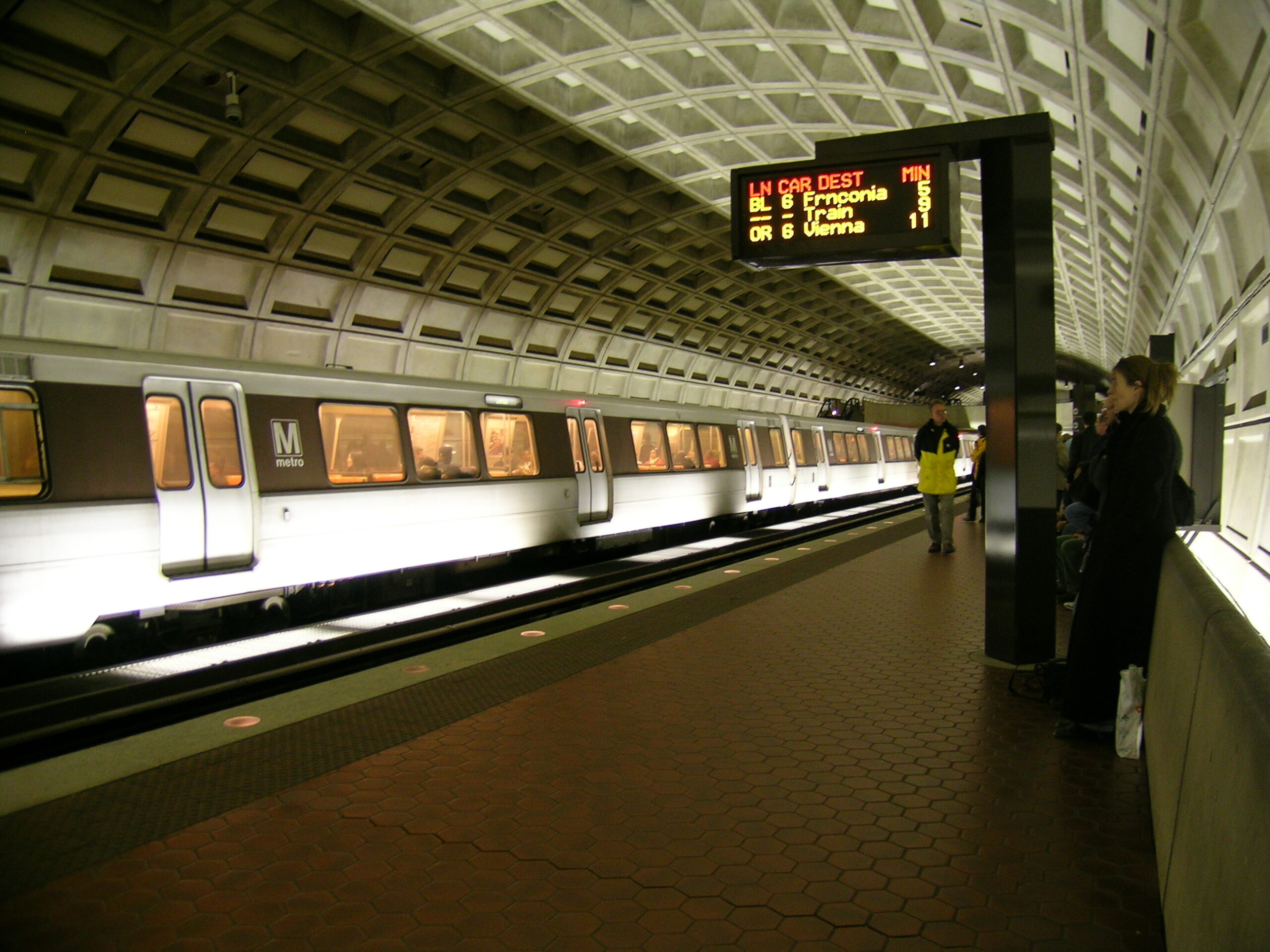
· One of the Metro stations as I waited for my train.

In Transit (Album) (photo gallery retired):

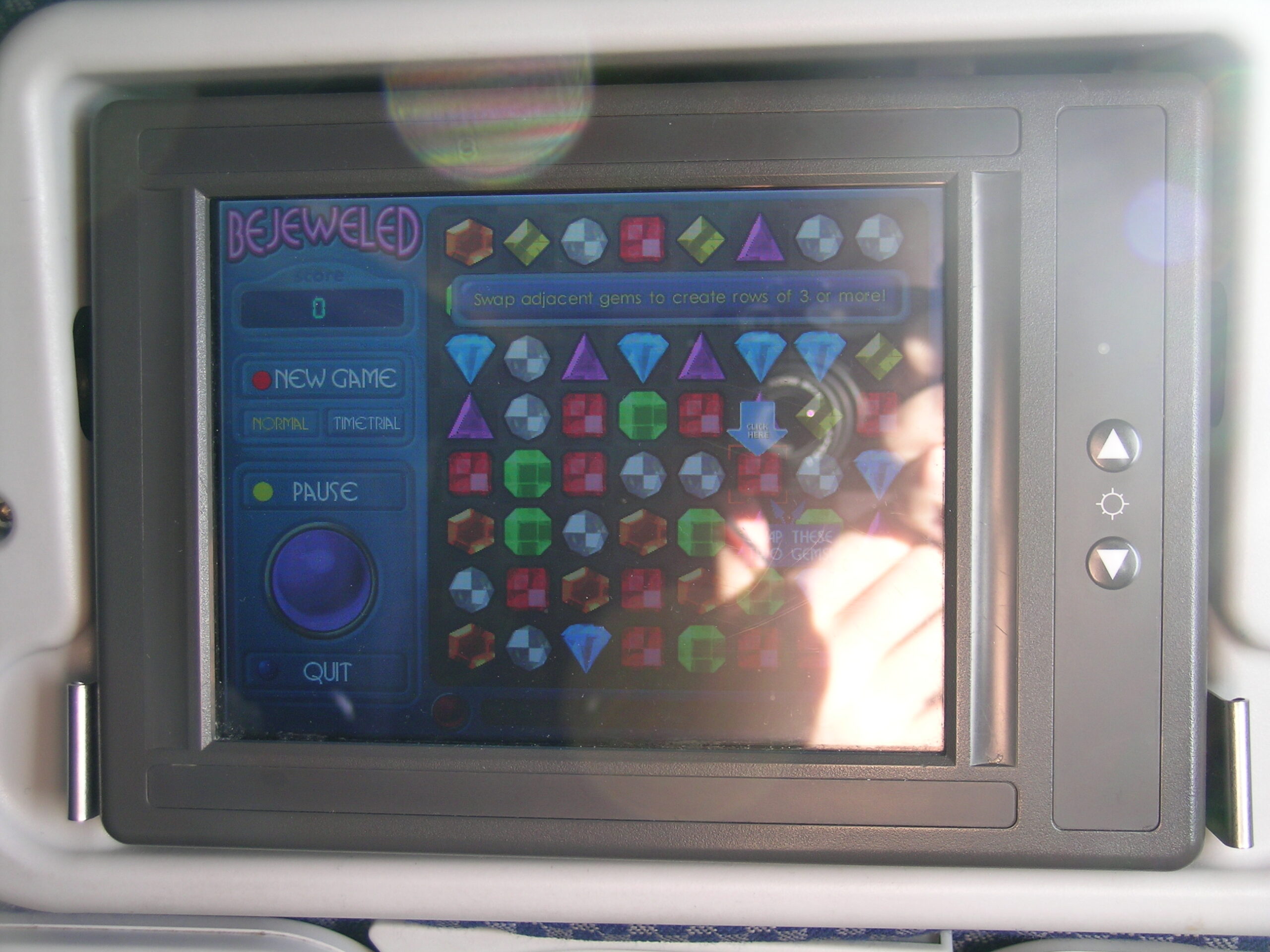
· The A330 I flew to and from London has a nice game / video on demand / info screen in the back of each seat.
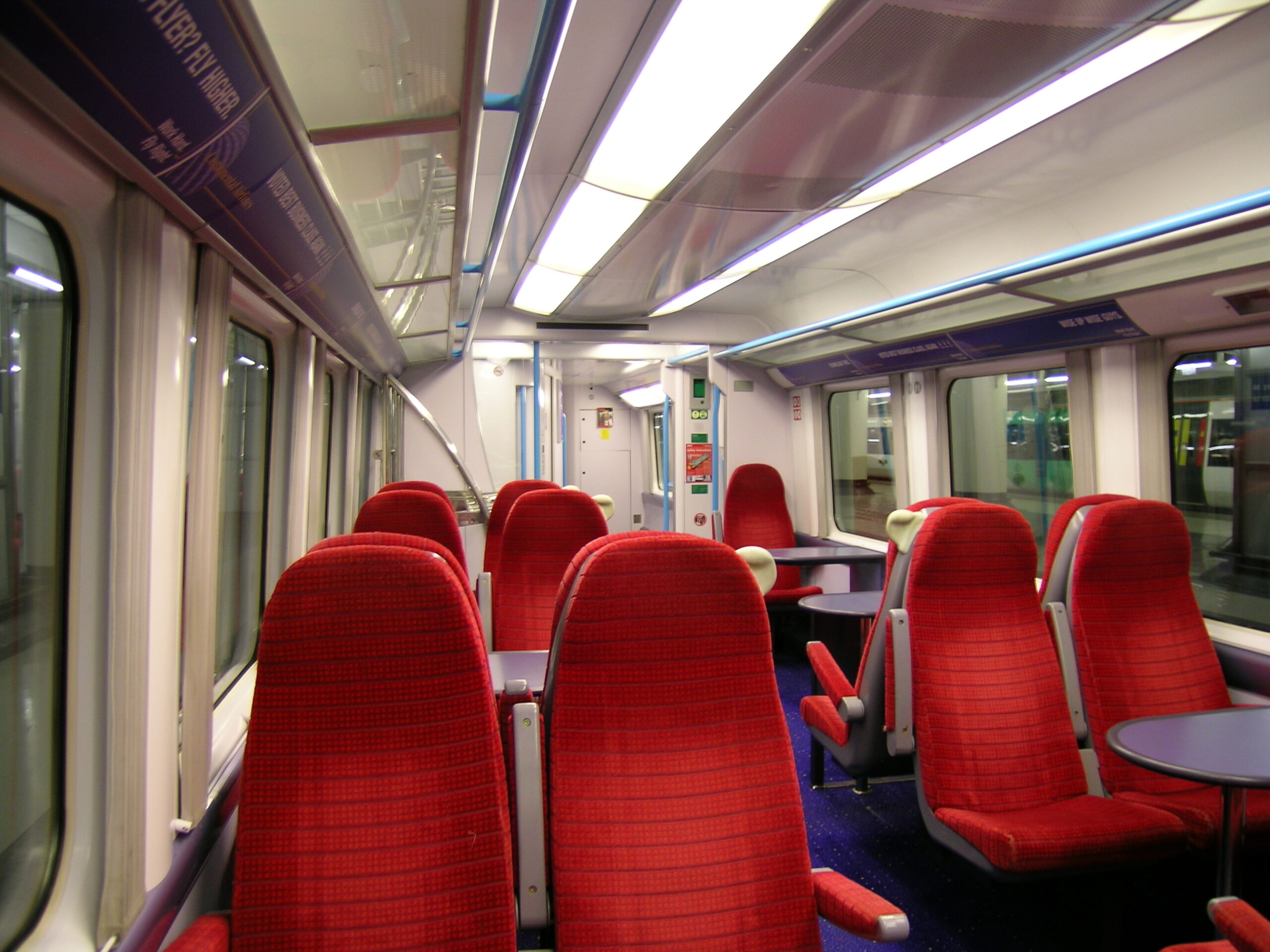
· The Gatwick Express is a nice way to get from Gatwick (LWG) to Victoria Station.
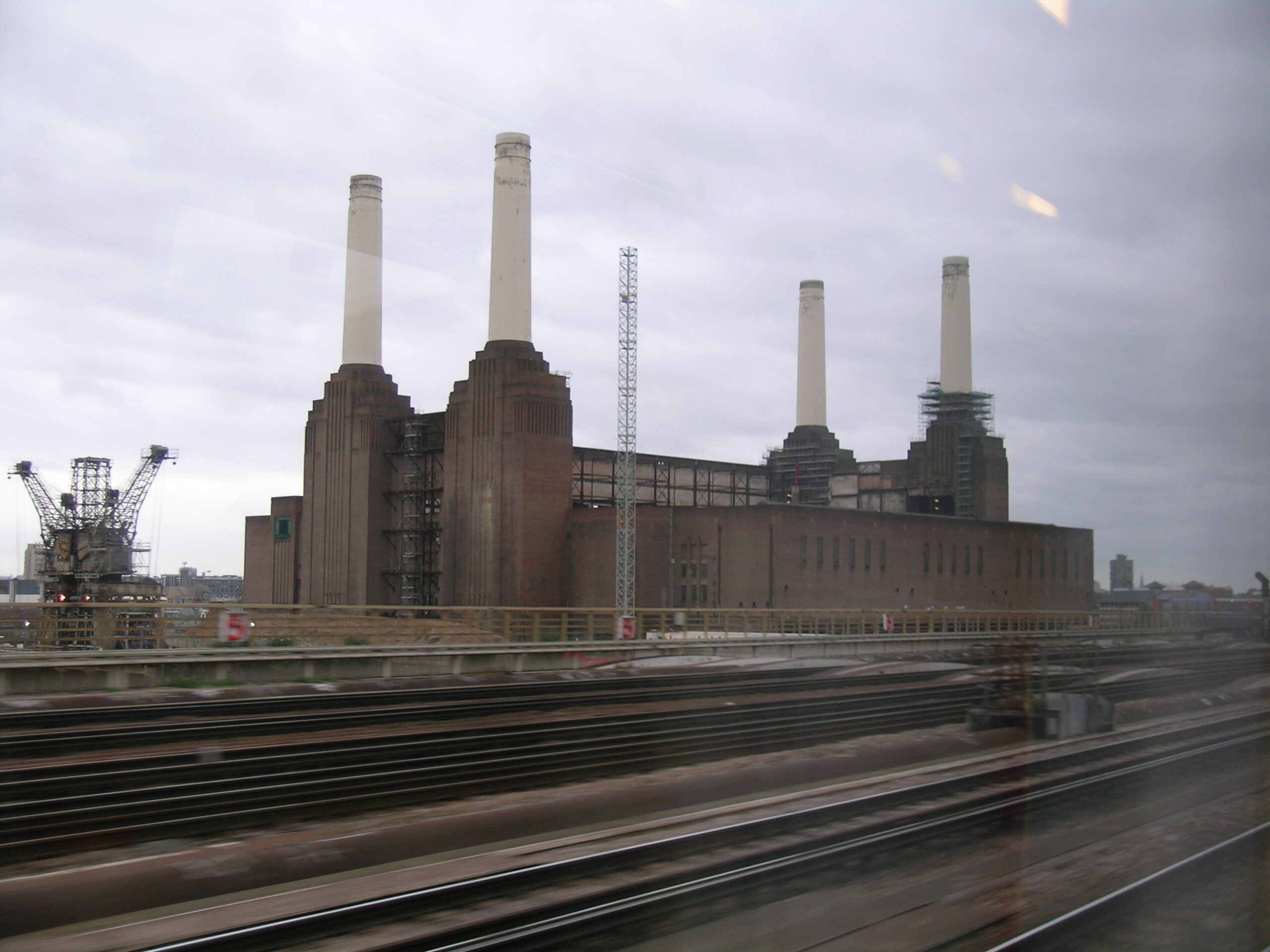
· The rather famous power plant, as seen from the Gatwick Express.
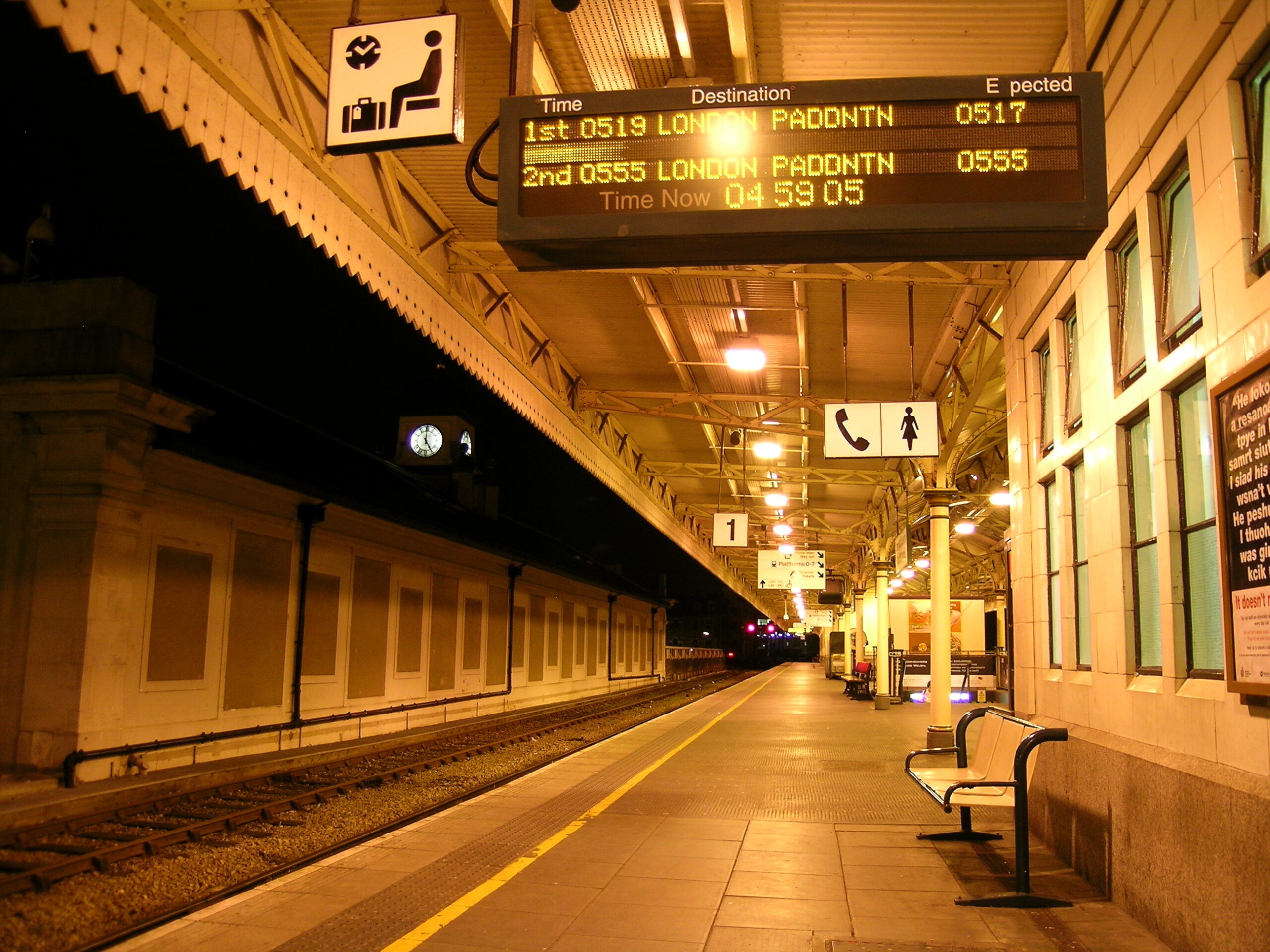
· Train Platform 1 in Cardiff, at 4:55am.
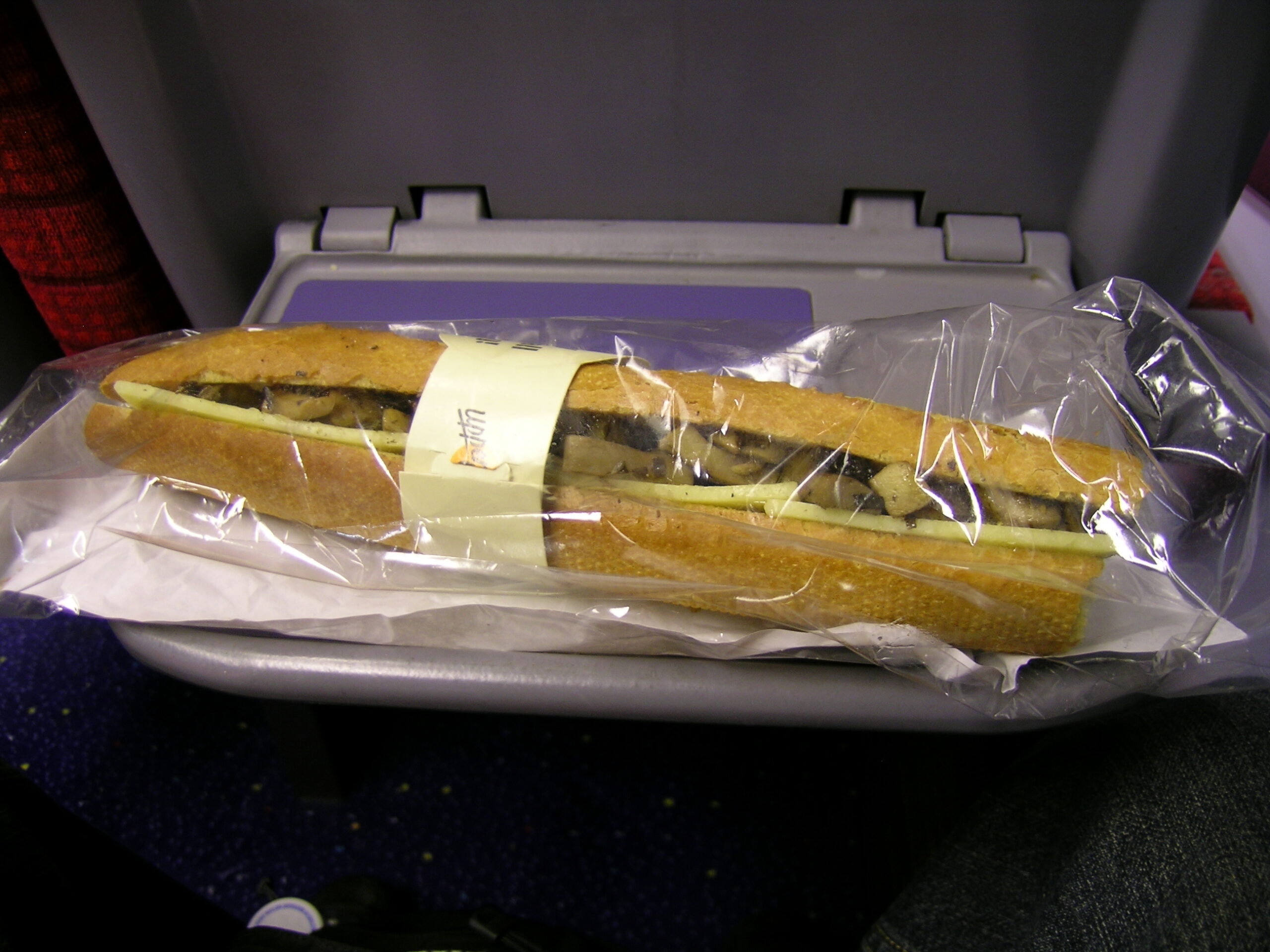
· A mushroom and cheddar baguette which I ate when en route from Victoria Station to Gatwick Airport (LGW).
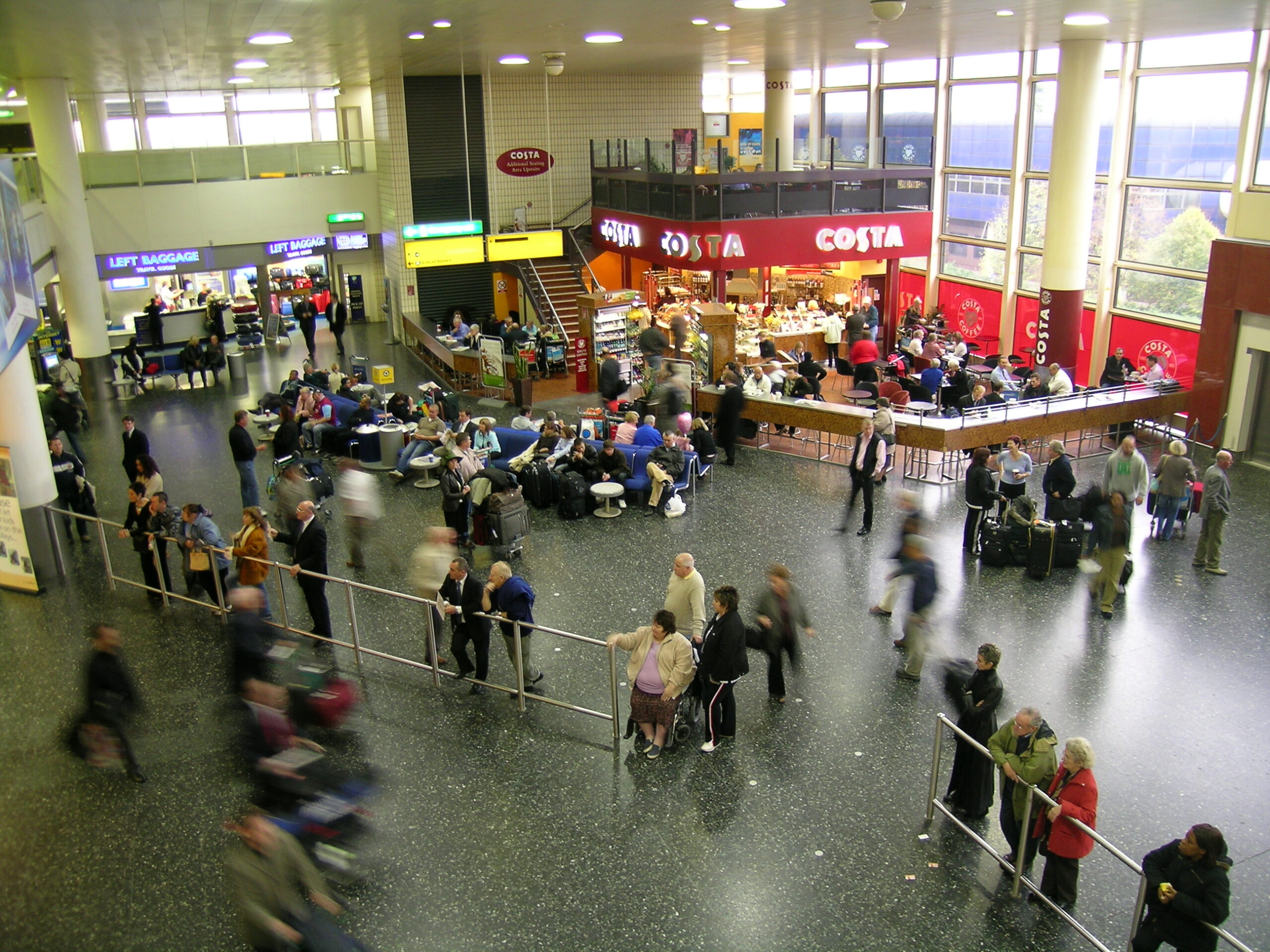
· Just outside the international arrivals area at Gatwick Airport (LGW).
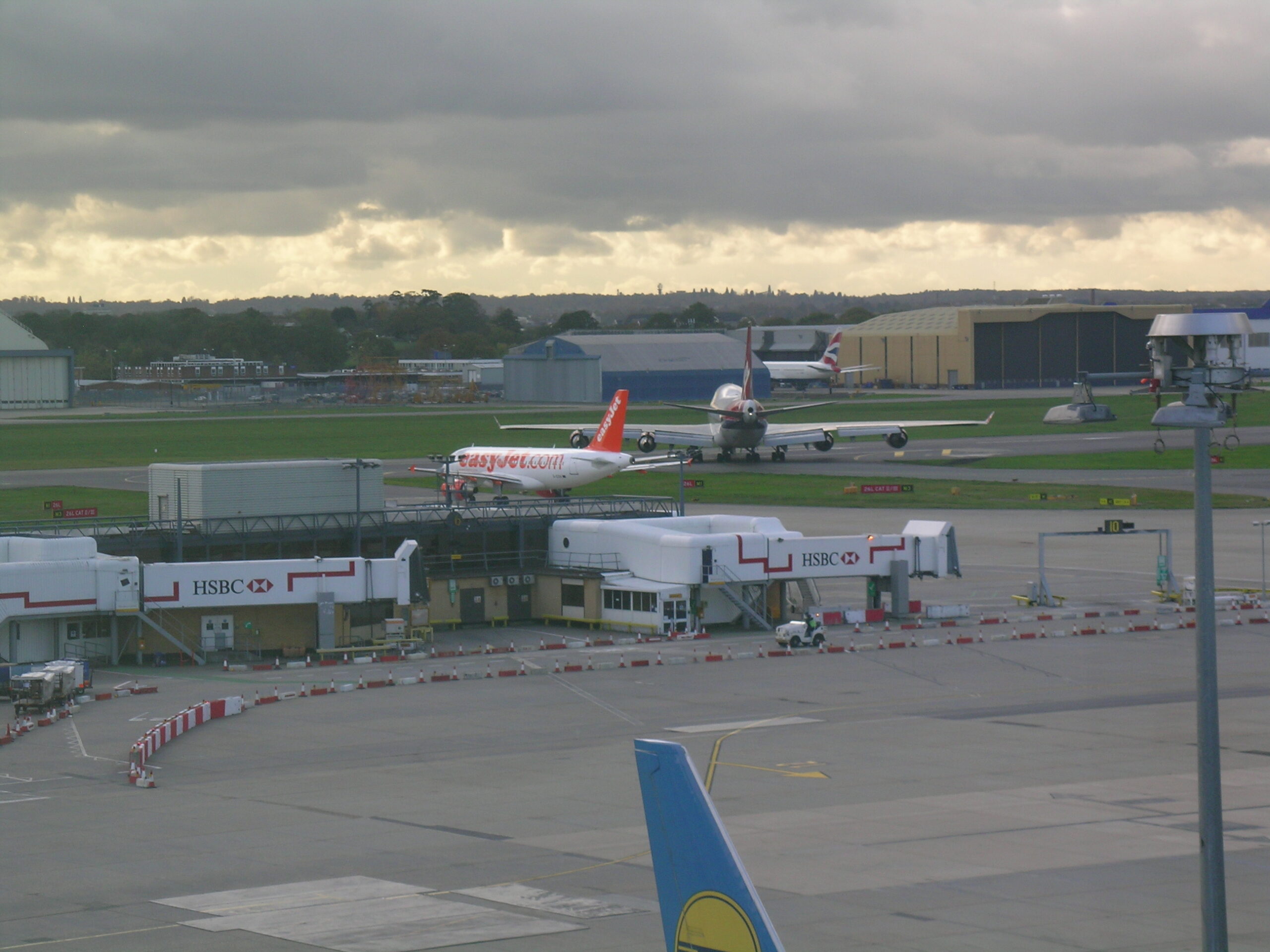
· Most of Gatwick Airport (LWG) looks like a shopping mall.
· I flew in an aircraft like this from Gatwick (LGW) to Edinburgh (EDI).
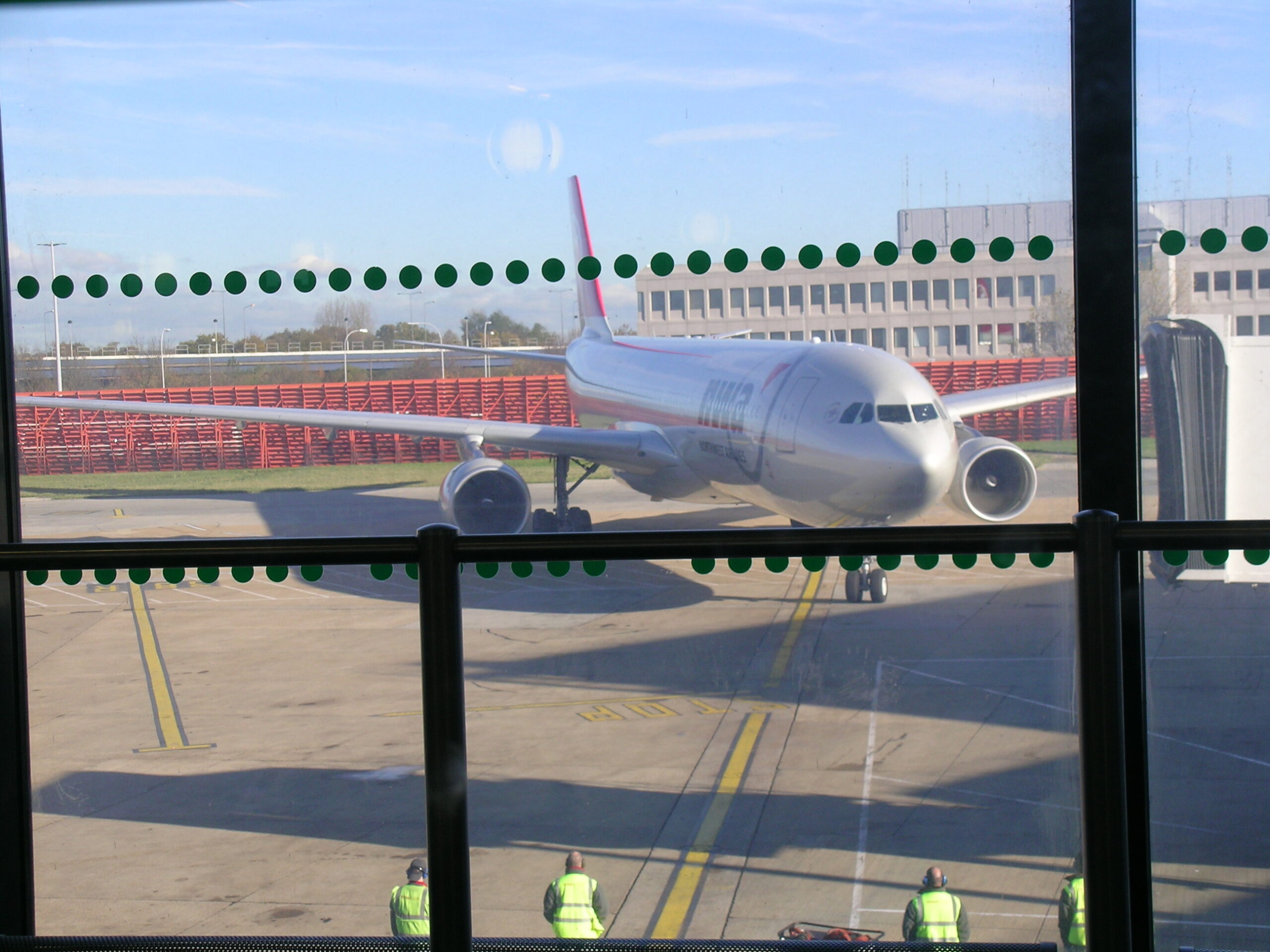
· The A330 I flew in back to Detroit.
· My tasty vegetarian meal on the LGW to DTW flight.
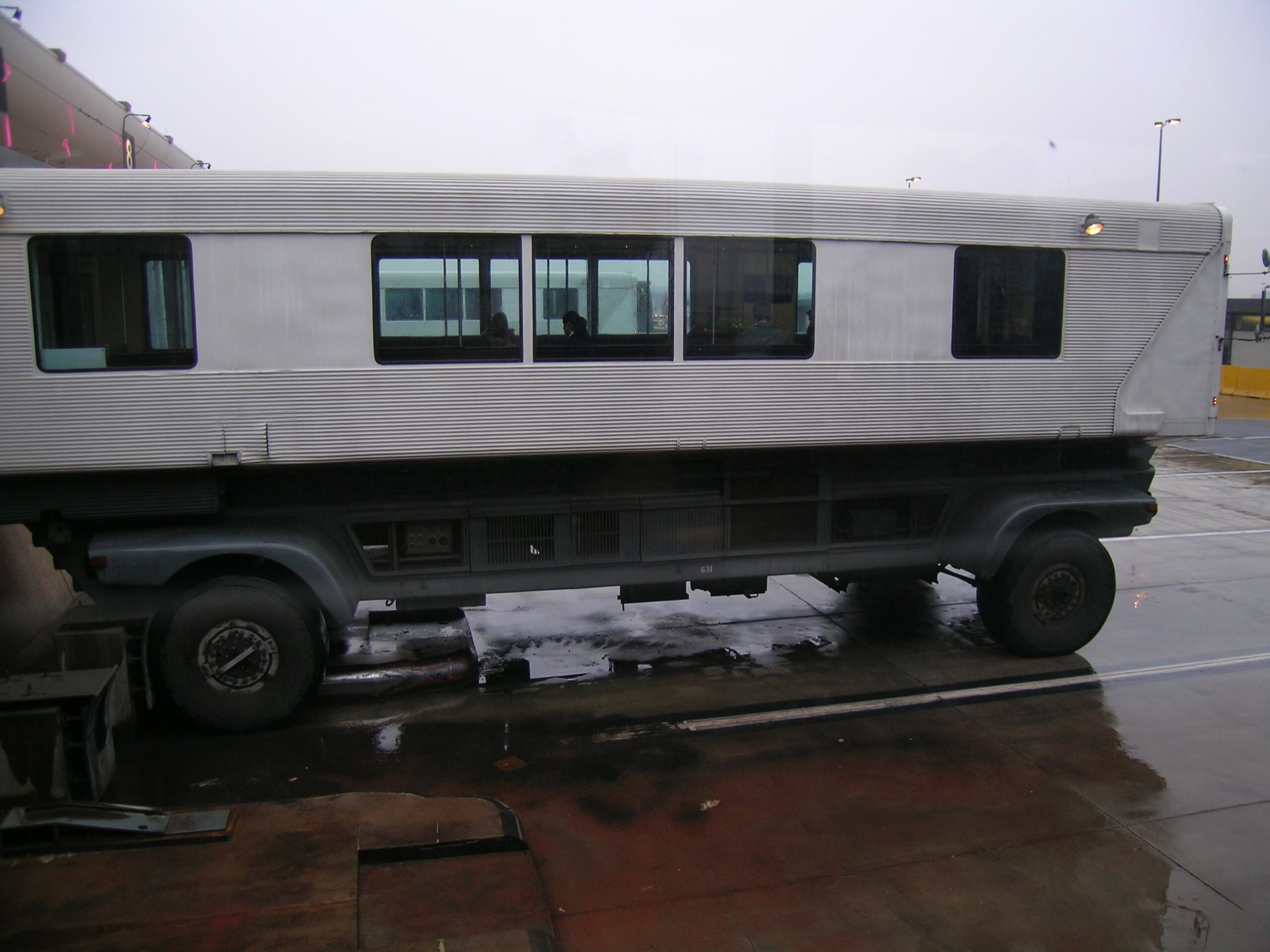
· The interesting mobile passanger lounges at Dulles Airport (IAD).

Travel Documents (Album) (photo gallery retired):

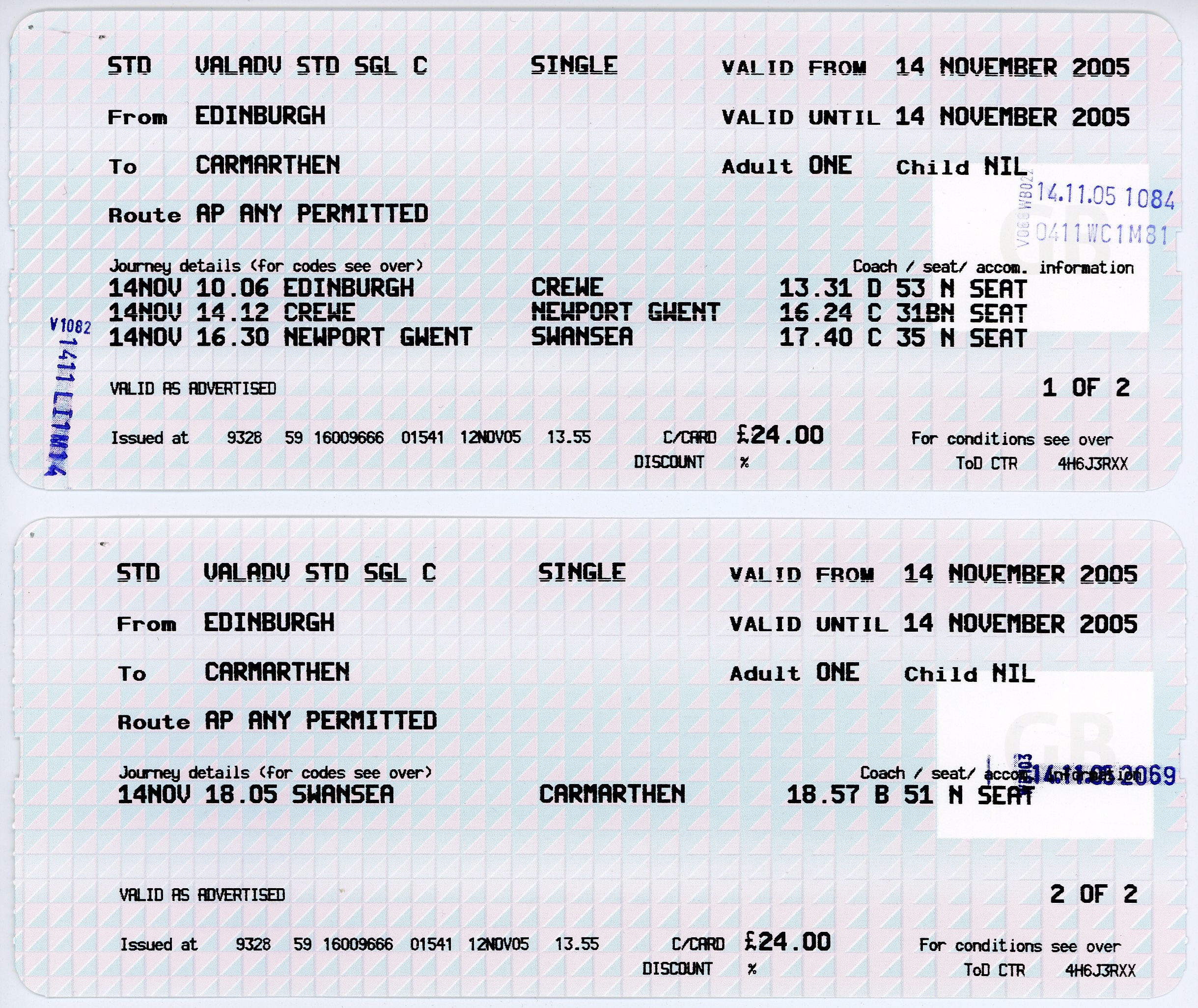
· My lengthy train ticket from Edinburgh Waverley to Carmarthen.
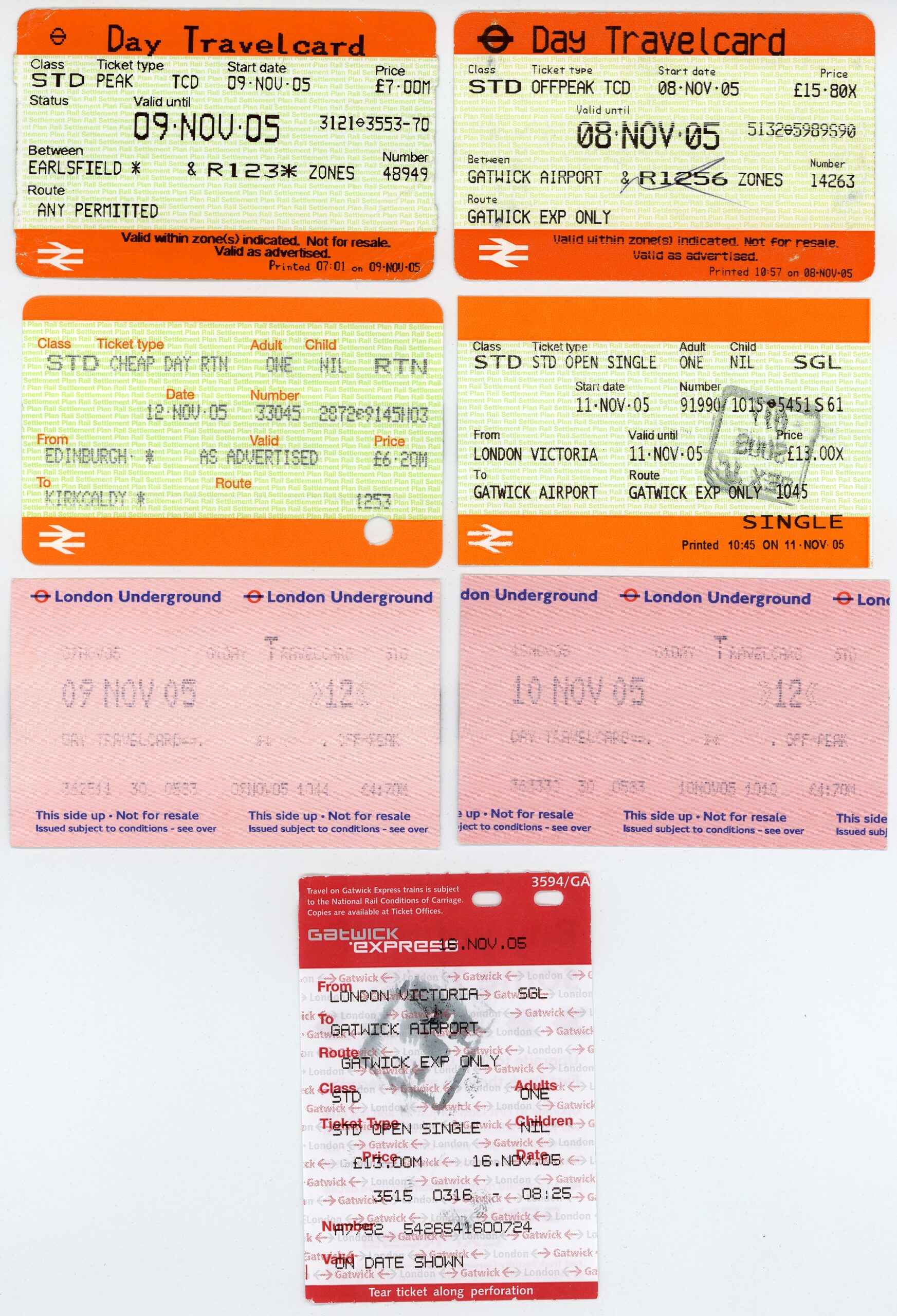
· Passes for the London Underground and the Gatwick Express.
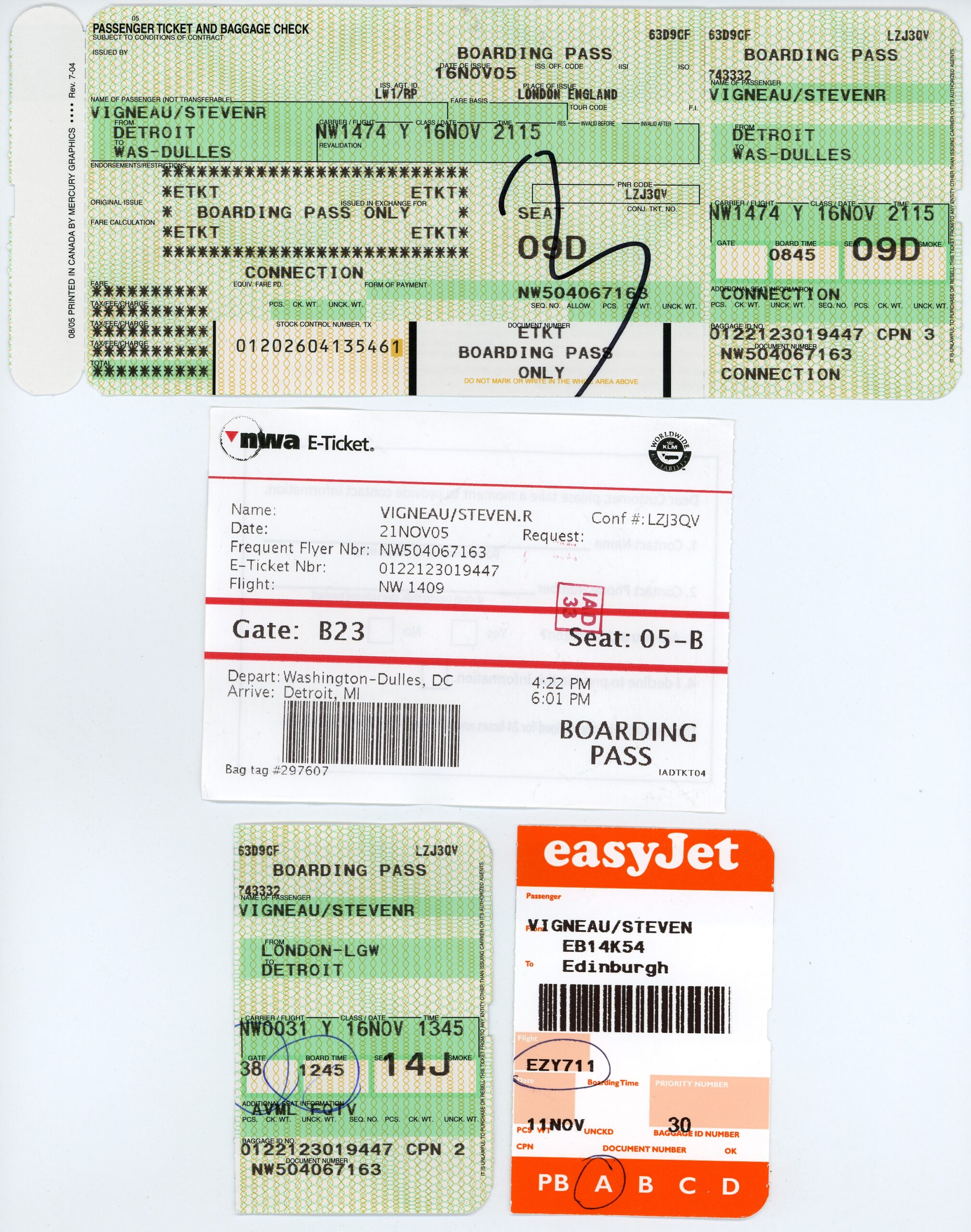
· Various boarding passes.
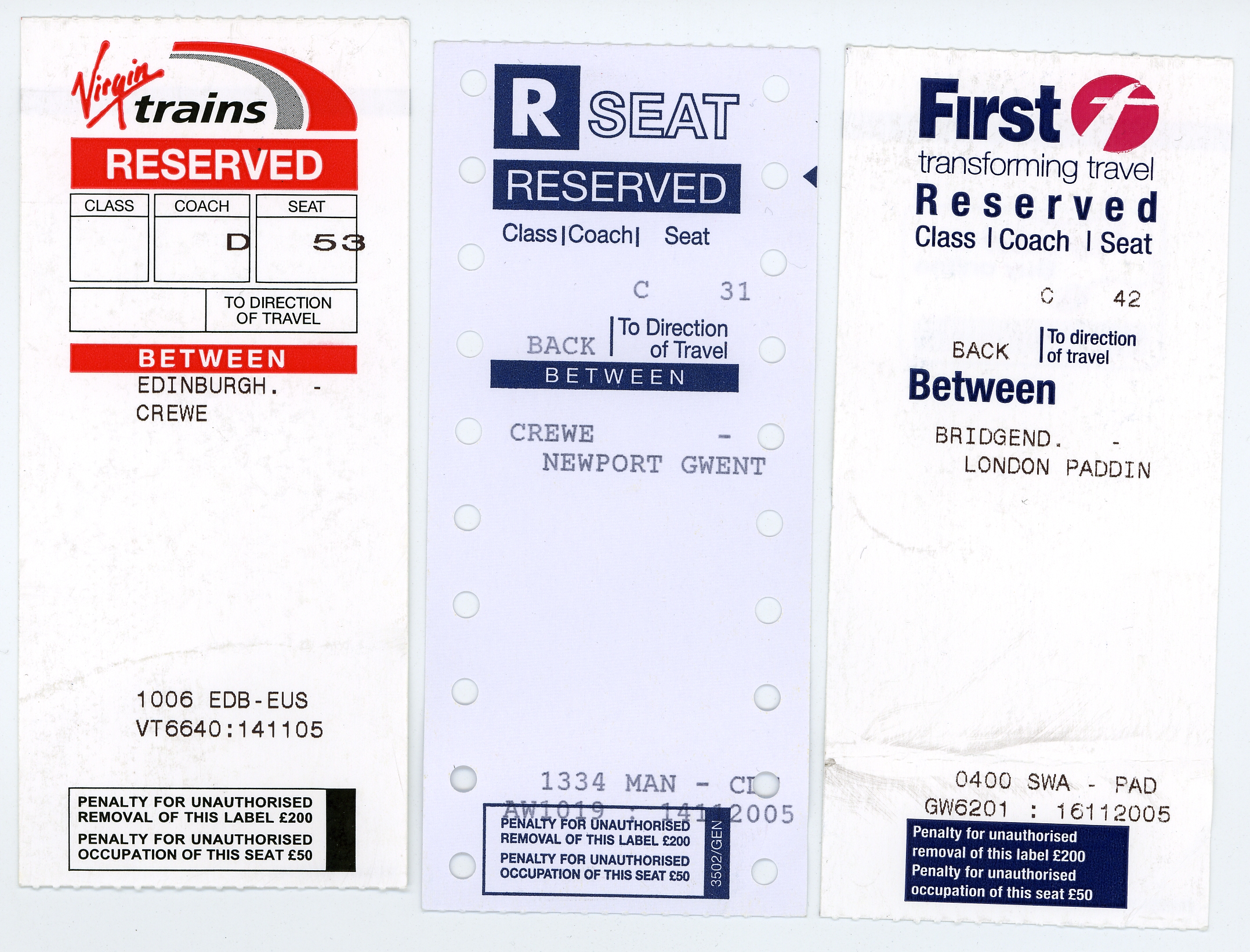
· Tags from seat reservations on various trains.

So, yeah. Lots of pictures… Hopefully you’ll find them interesting.

Oh! Also be sure to check out this video of the guys drumming on plastic buckets and a shopping cart along The Mall in Washington DC. It’s really quite nifty. (H.264, so QT7 is required.)

moved from livejournaltravel

New Car Troubles

Both last night and this morning I ran into an interesting problem with my new car: I couldn’t get the key out of the ignition. Whatever part of the ignition causes the key to lock into place was preventing it from being turned back to position 0, or off. Both times I had to start the car, put it into gear, then back out before I could get it out again.

Hrm. :\

I need to keep my eye on this in case it happens again.

automotivemoved from livejournal

Whee!


Click for more…

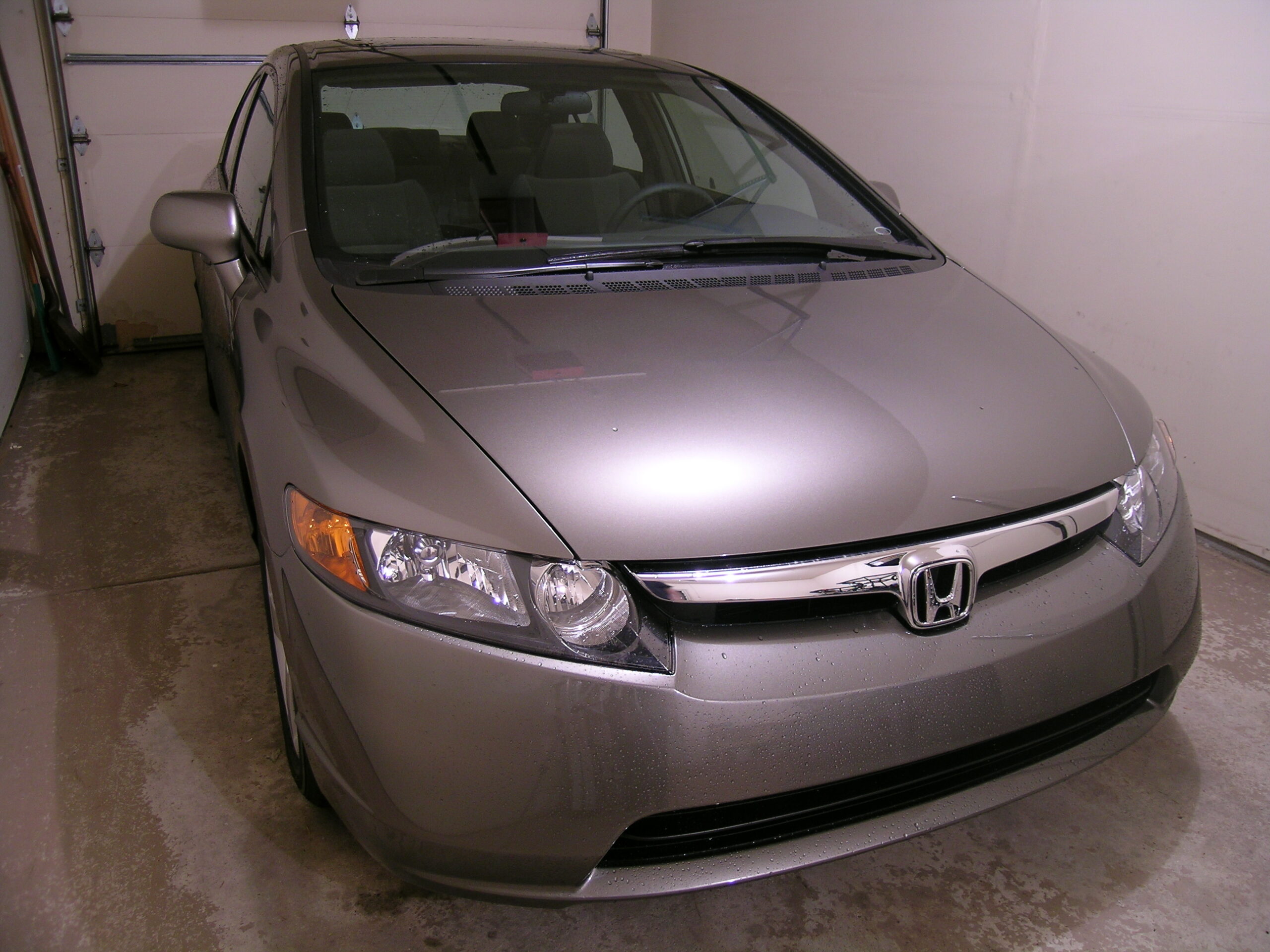
Yes, this is a bit of bragging: I finally got the new car today. And, thus far, I rather like it. The in-dash navigation system / audio / whatever thing is quite nice to use. I don’t understand all the voice commands yet, but it seems good thus far. I just need to finish reading the manuals.

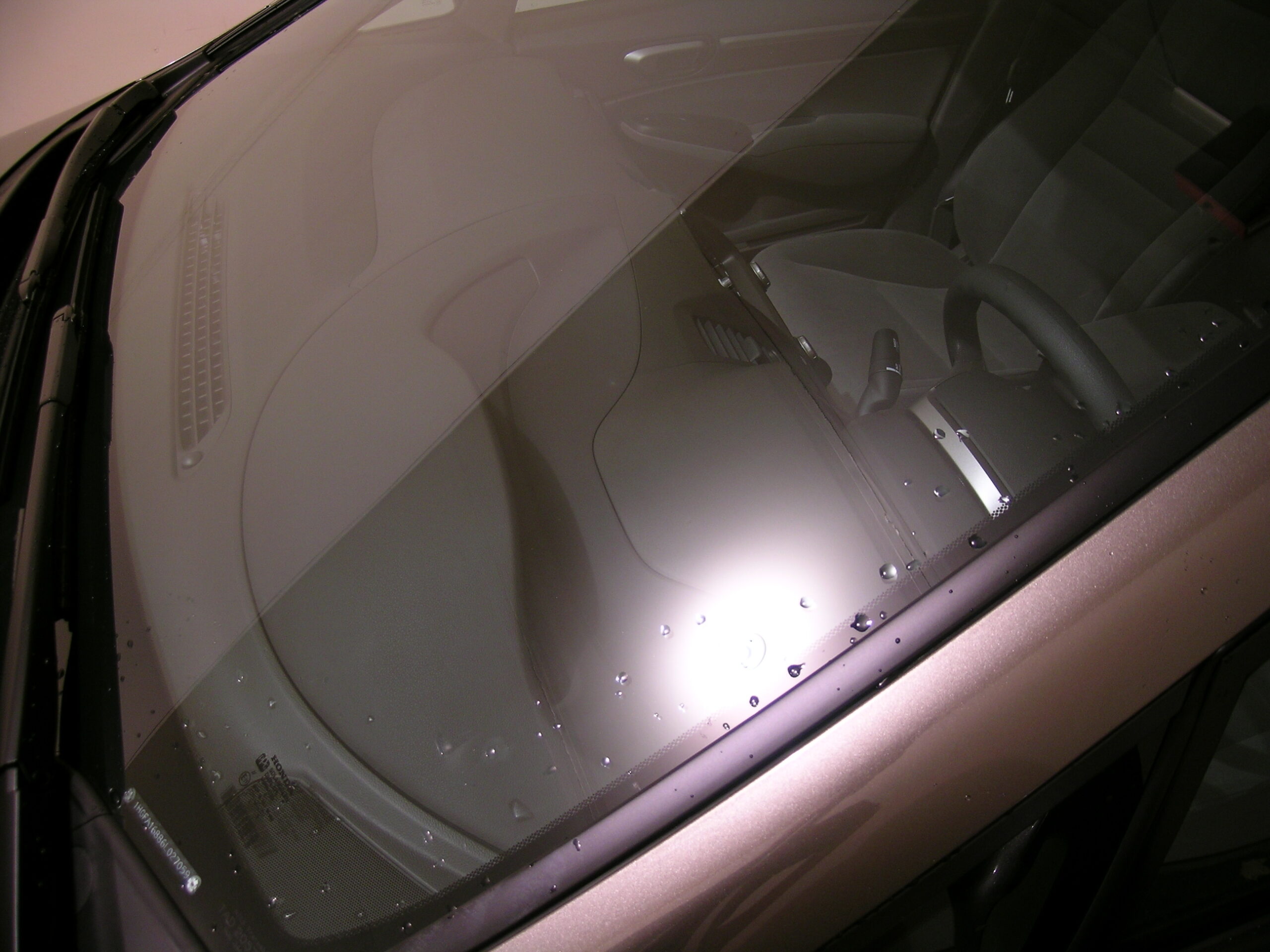
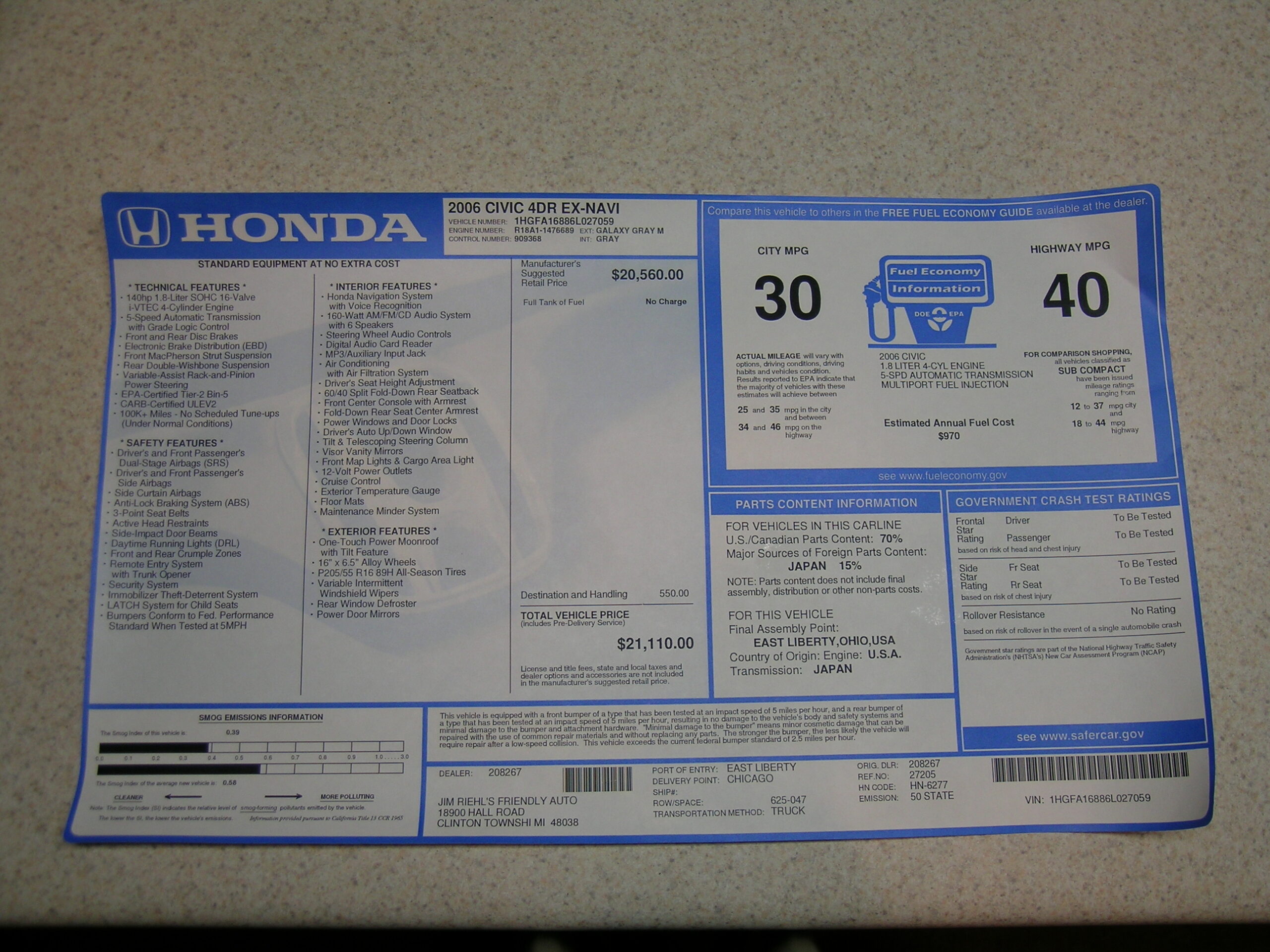
It is raining tonight so I was only able to grab a few photos in the garage (along with a few of the documentation for archival purposes). All of those are available here (photo gallery retired).

I think they are all decent to glance at, but some of the better ones are here:
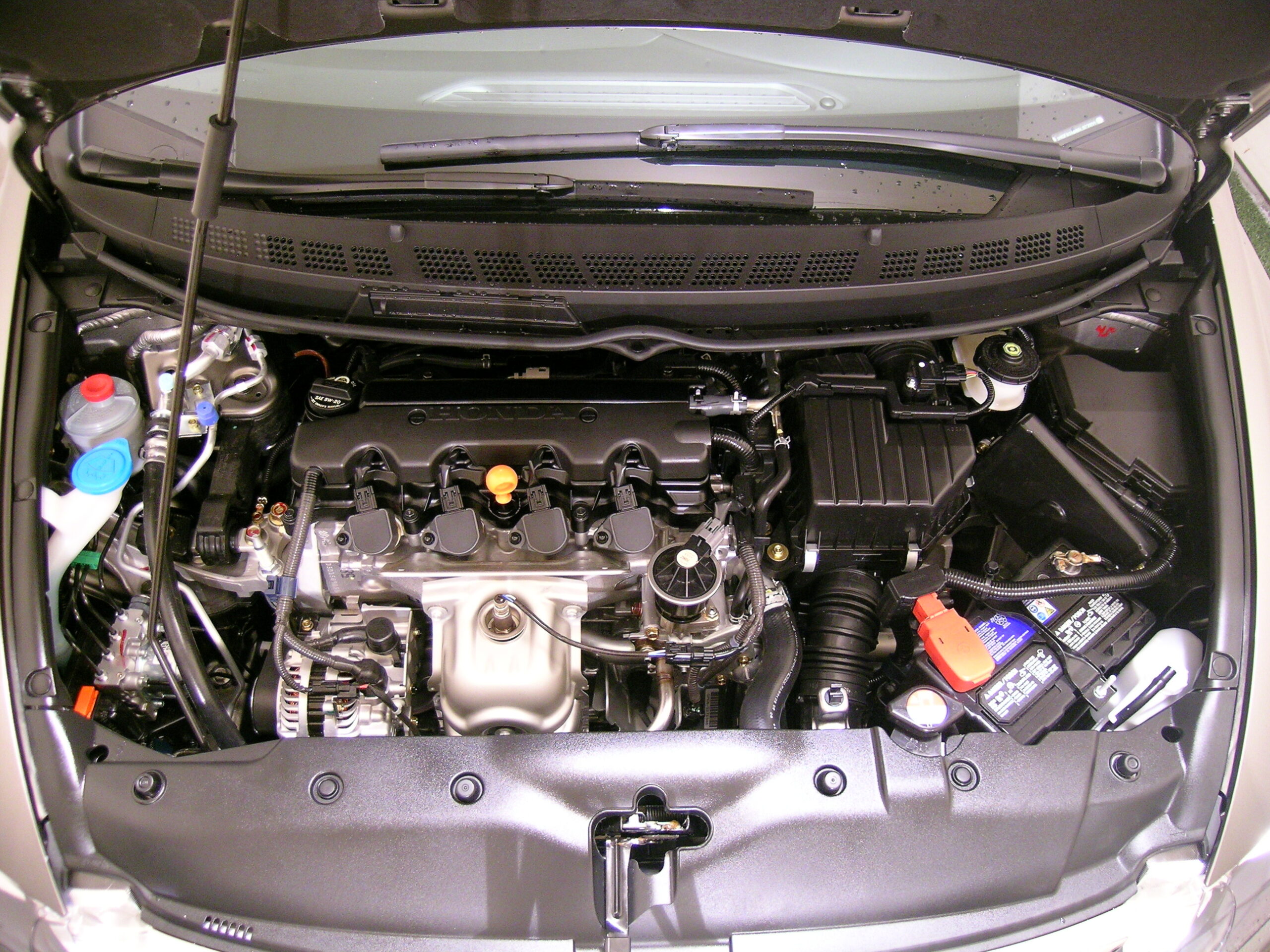
· 2006 Civic EX Engine Compartment.
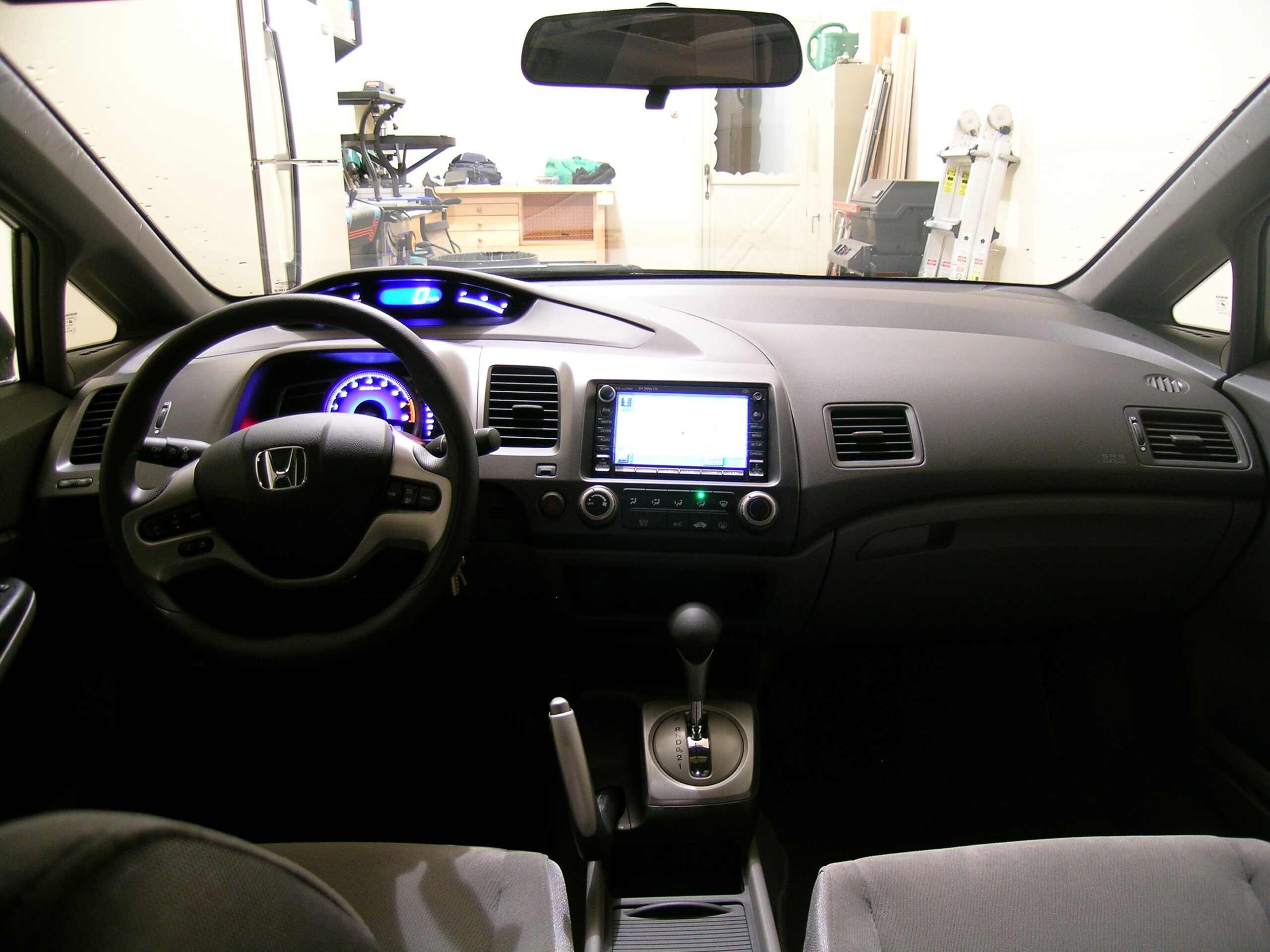
· 2006 Civic EX w/ Nav Dashboard as seen from the back seat.
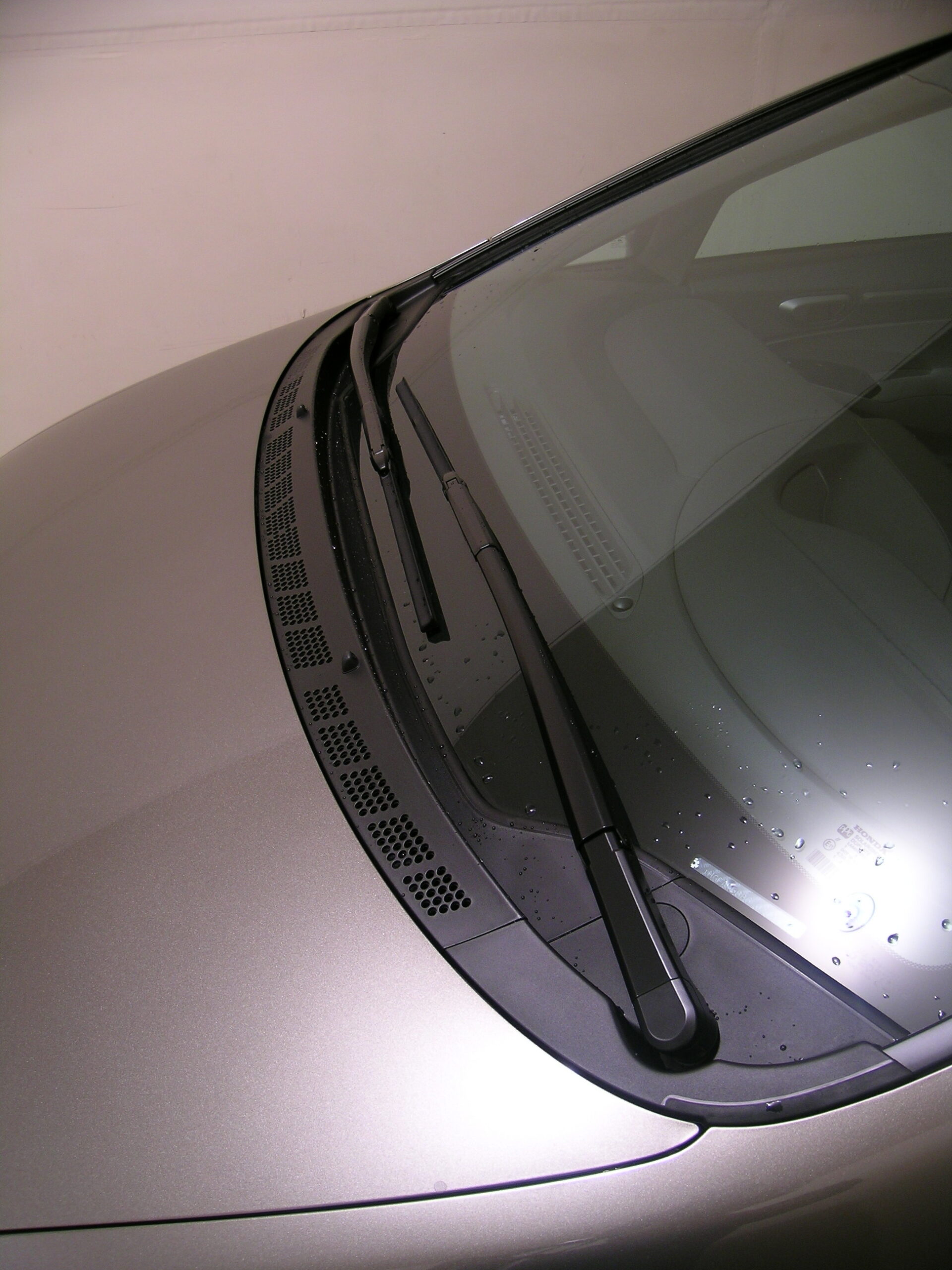
· The wiper blades are really long and move in an interesting pattern.
· The speedometer sits a long ways back from the rest of the instrument cluster.
· 30 / 40 MPG!
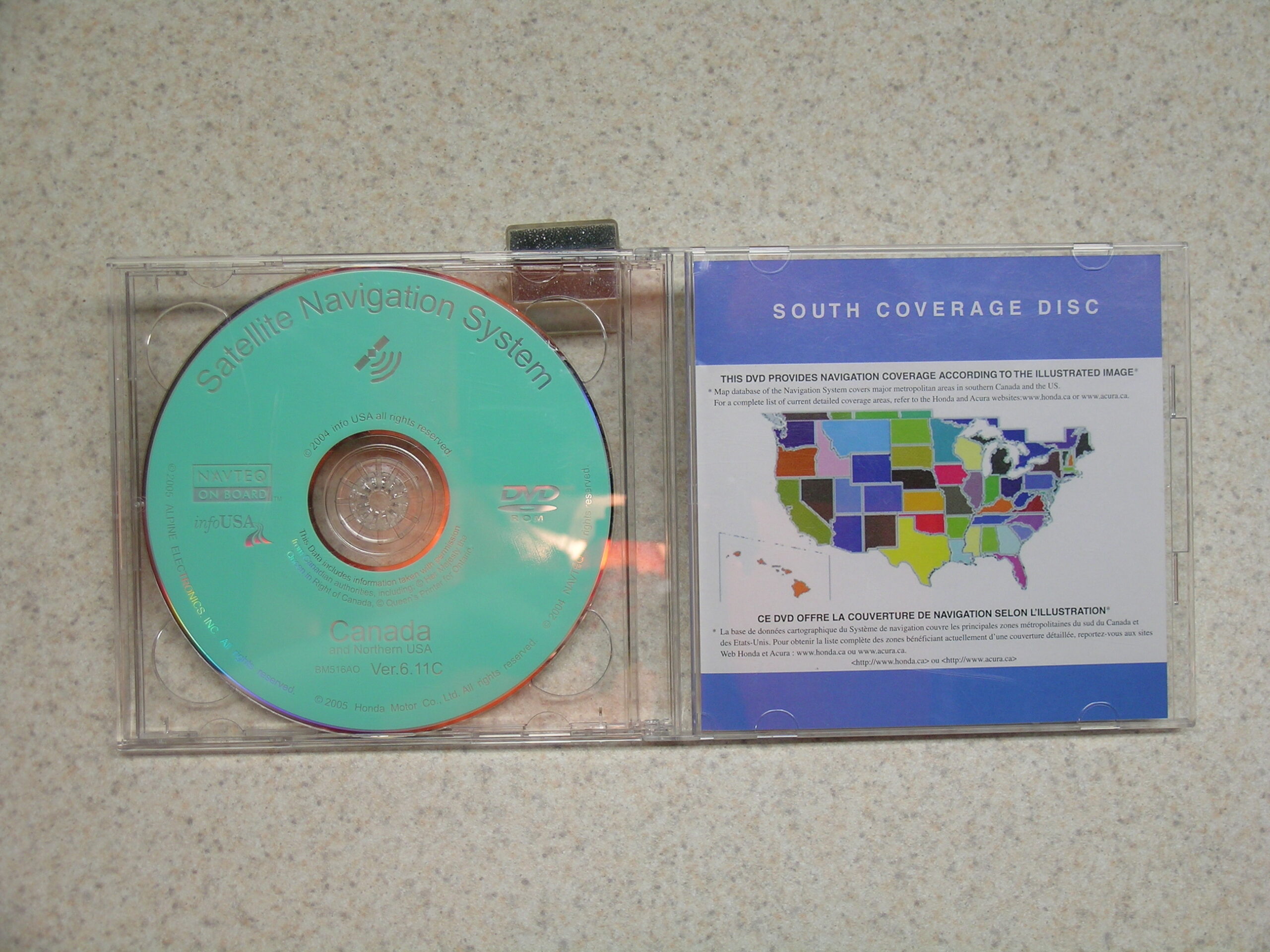
· The Honda Navigation System comes with DVDs for both Canada and the US.
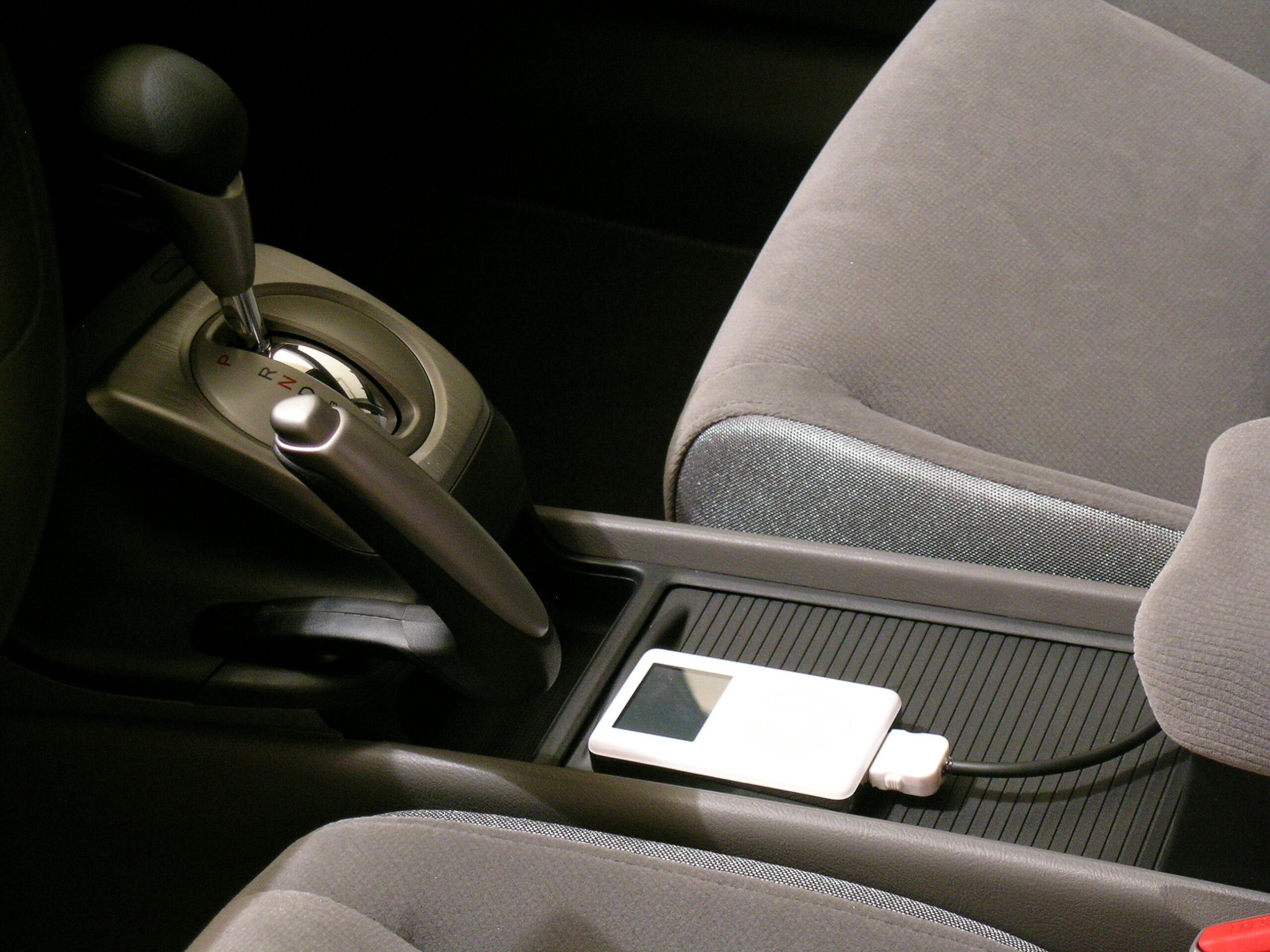
· My iPod is already kinda connected. (There is a stuff holder space in the front of the dash which almost perfectly holds the iPod adapter I made and is located directly below the power and aux in connectors.)

So, yeah. This seems pretty nifty thus far. :)

acquired thingsautomotivemoved from livejournal

Honda Music Link iPod Adapter

Well well… Looks like I may end up getting one of these instead of the adapter I was thinking of making. I wonder how well it’ll work. Hmm.

Honda and Apple Offer iPod Music Link Accessory
TORRANCE 09/07/2005 —

American Honda announced today its new Honda Music Link iPod(R) adaptor in conjunction with Apple. This Genuine Honda accessory was developed to enable Honda drivers to utilize their iPod directly through the audio system in the all-new, redesigned, 2006 Honda Civic.

Honda Music Link enables consumers with iPods to select their music by artist, album, genre and play list through the Honda Civic’s standard controls on the audio system head unit. In addition, this system is the first of its kind to offer synthesized audio voice feedback when searching through the iPod music library with the vehicle’s audio system controls.

“We are very excited to partner with Apple and offer the Music Link accessory to our Honda consumers,” said Stony Furutani, manager of Honda Accessory Marketing. “The new 2006 Civic features the newest in many technologies, which are further expanded through the addition of the Music Link iPod system.

The Honda Music Link adaptor provides outstanding sound quality while charging the iPod at the same time by a cable conveniently located in the glove compartment. The adapter will be available starting this December exclusively for purchase and installation at Honda dealers. Suggested retail pricing for the Honda Music Link will be approximately $250 plus dealer installation. Honda Music link is backed by a full Honda factory warranty. Consumers should check with Honda dealers for specific restrictions.

Apple’s iPod units are available in the U.S. through the Apple Store(R) at www.apple.com and at selected retailers.

# # #

For more information or downloadable high-resolution images of the Civic and other Honda vehicles, please visit www.hondanews.com. Consumer information is available at www.hondacars.com.

Wow, and this article at Ars Technicia says that it’ll offer voice recognition for browsing. Damn.

acquired thingsautomotivemoved from livejournal

Phase 1: Done


Click for more…

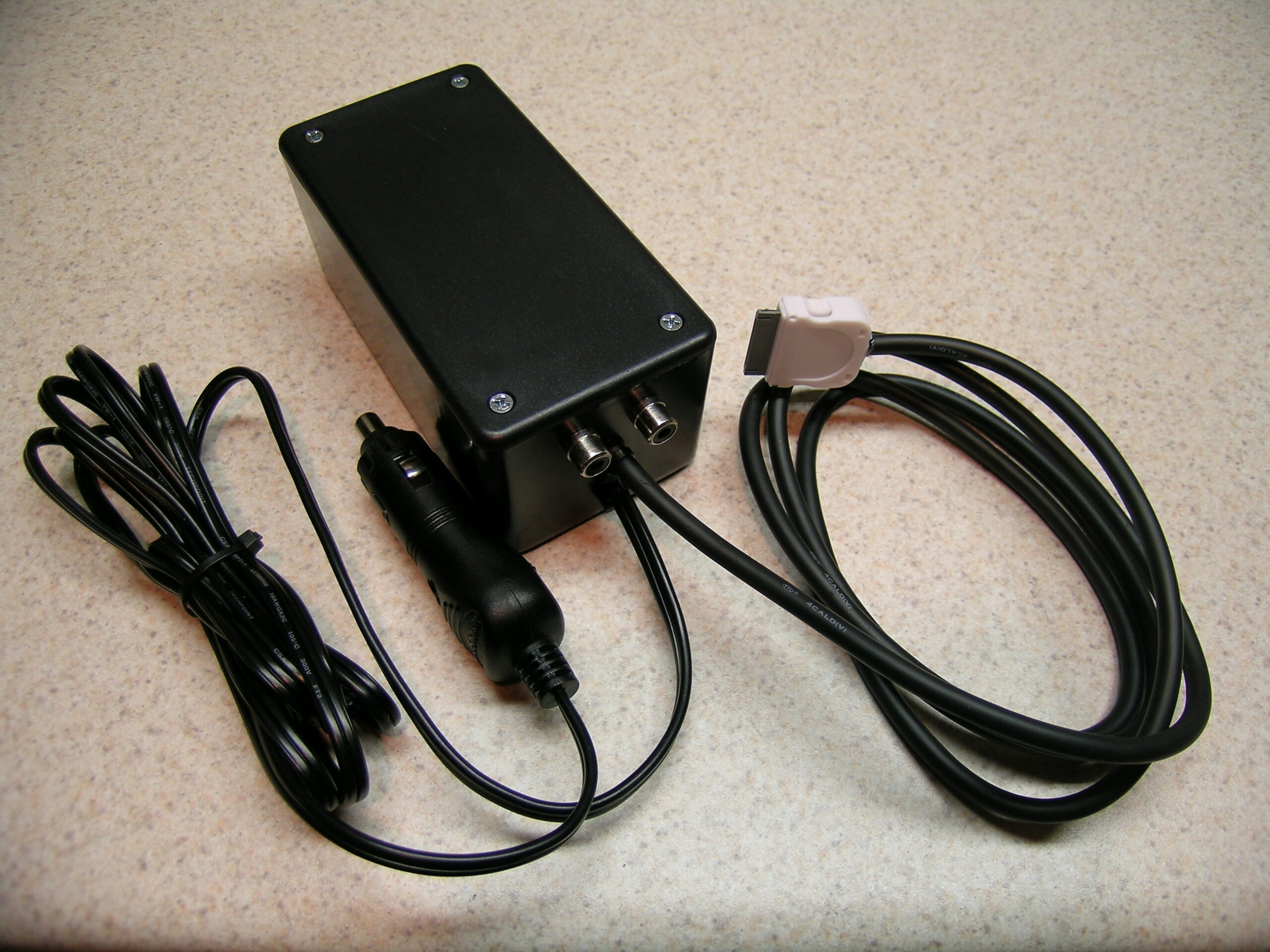
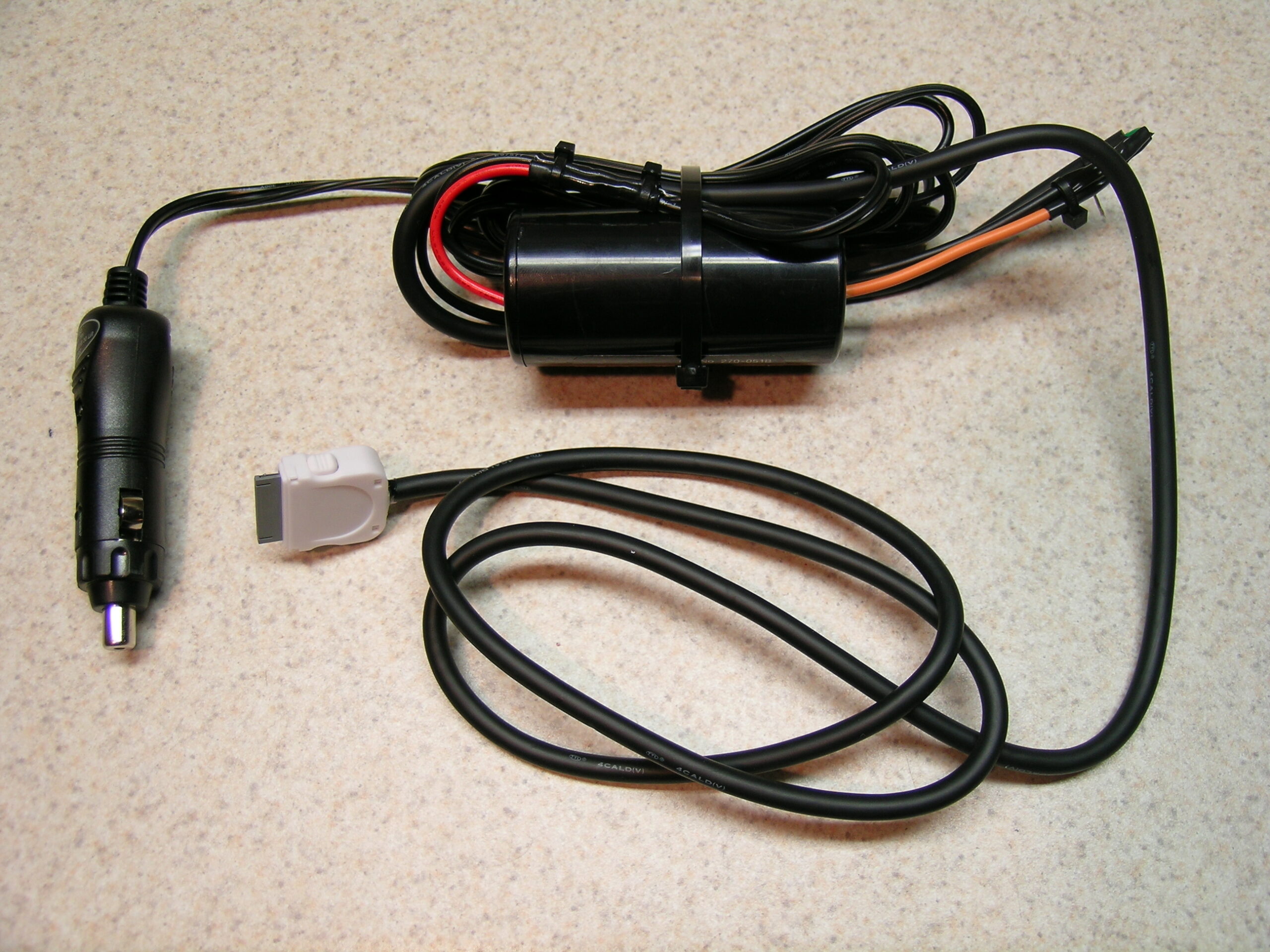
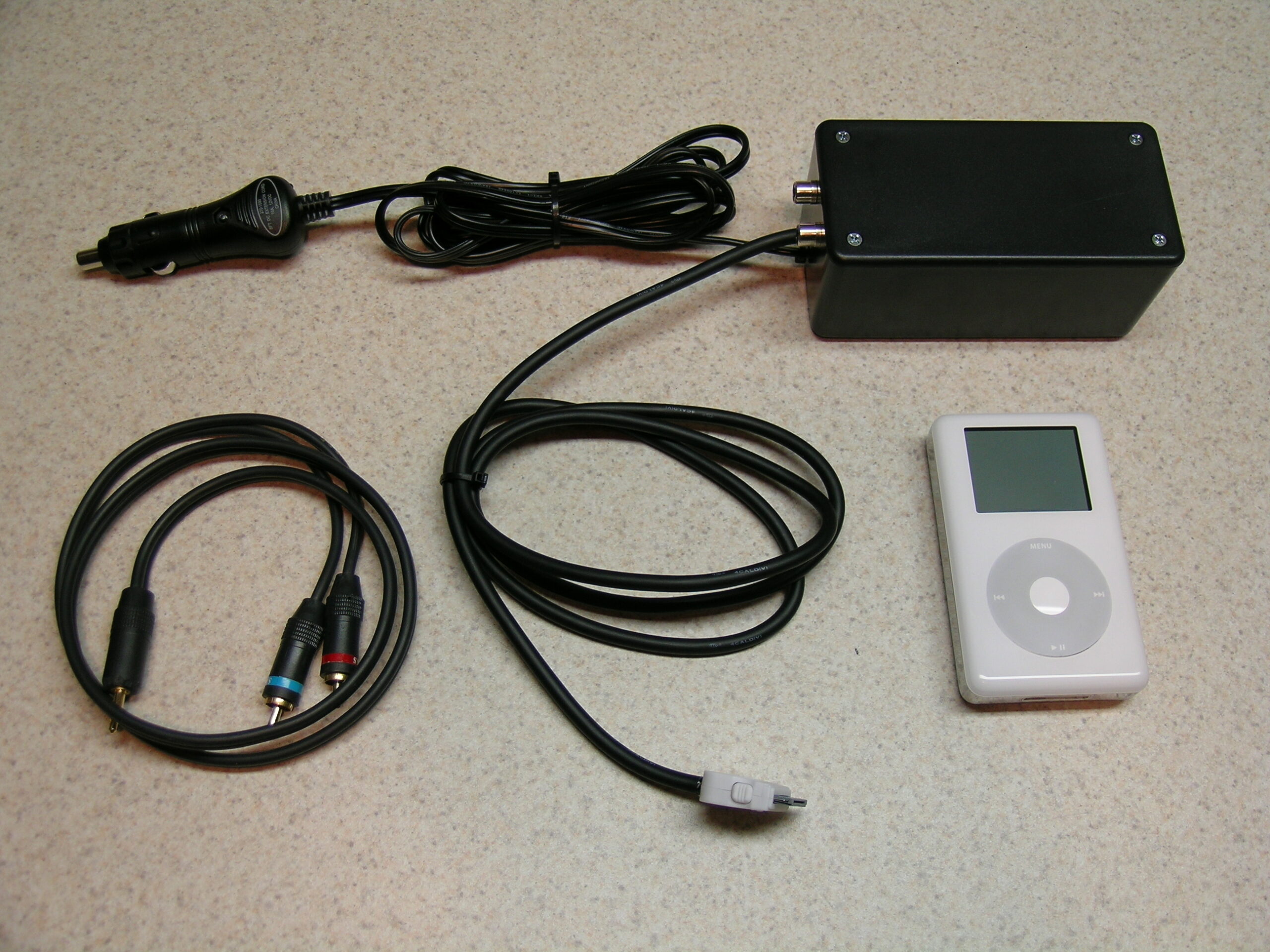
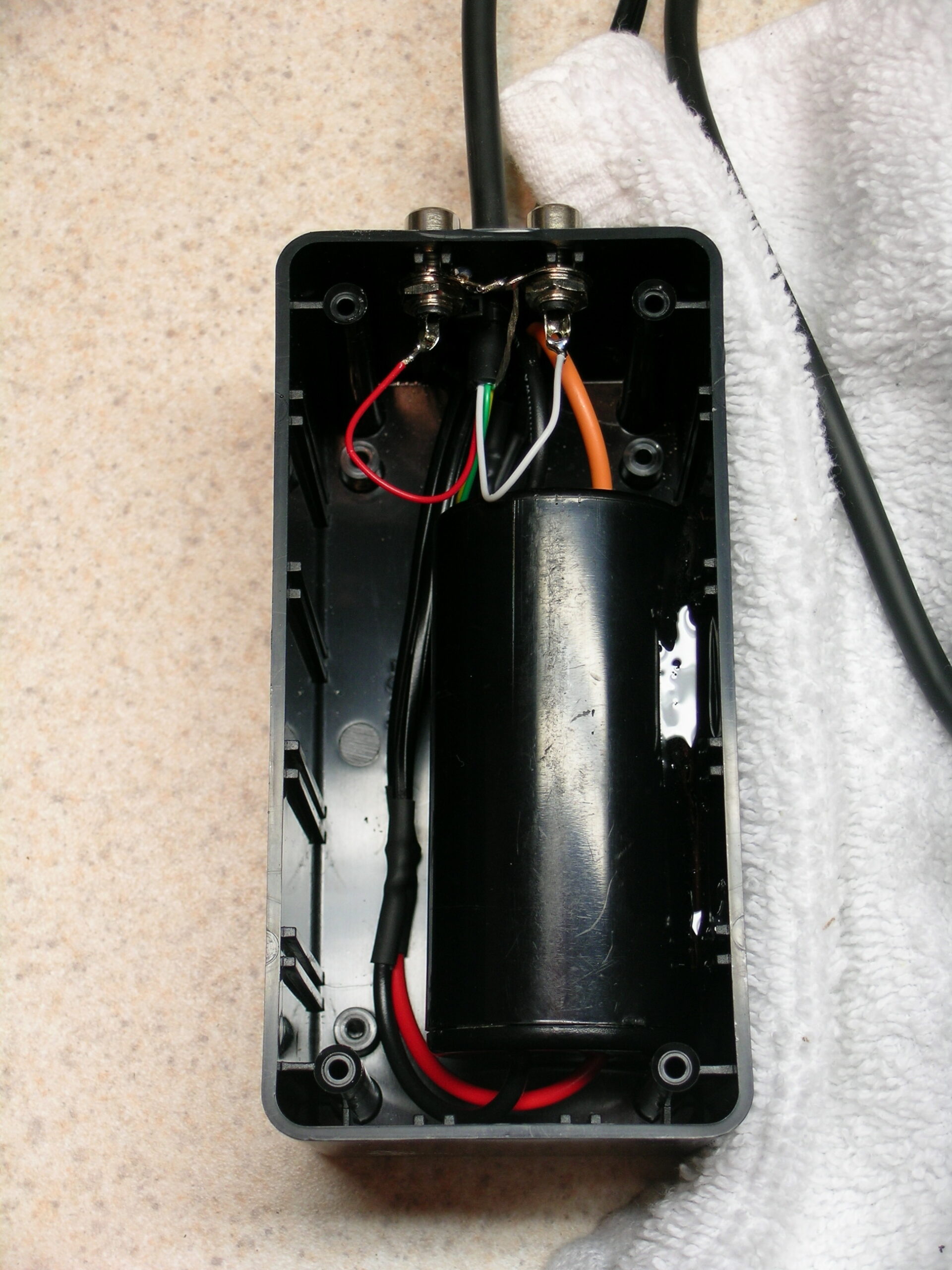
Ahh, phase one of the project to ‘properly’ connect an iPod to a 2006 Honda Civic is done. In short, I built this box and the cable running to the iPod. The box contains a filter to (hopefully) cut down on car engine noise and the break-out to provide the audio signal as two RCA connectors.

Inside of the shell of the iPod connector itself is a 1MΩ resistor which signals to the iPod that it has a car adapter connected so it should pause the iPod when power is disconnected, as this would typically happen when the car is shut off.

For now I’ll use this bundle of hardware to connect the iPod to the new car. It’ll power/charge the iPod, pause it when things are disconnected, and provide audio into the ‘aux in’ connector.

The next phase of the project is to wire the box (or perhaps just the iPod cable) into the car itself, either via factory-compatible connectors or straight hard wiring. My goal is to have the iPod powered from a keyed, filtered accessory line and the line-out to run straight into wherever the aux in connects to. I also want the iPod nicely mounted in a good location, within arm’s reach, and easy to navigate while driving. That kind of fitting (along with the factory-type connectors) I can’t do until I have the vehicle.

But, yeah. At least this much is done.

automotiveelectronicsmaking thingsmoved from livejournal

It Works


Click for more…

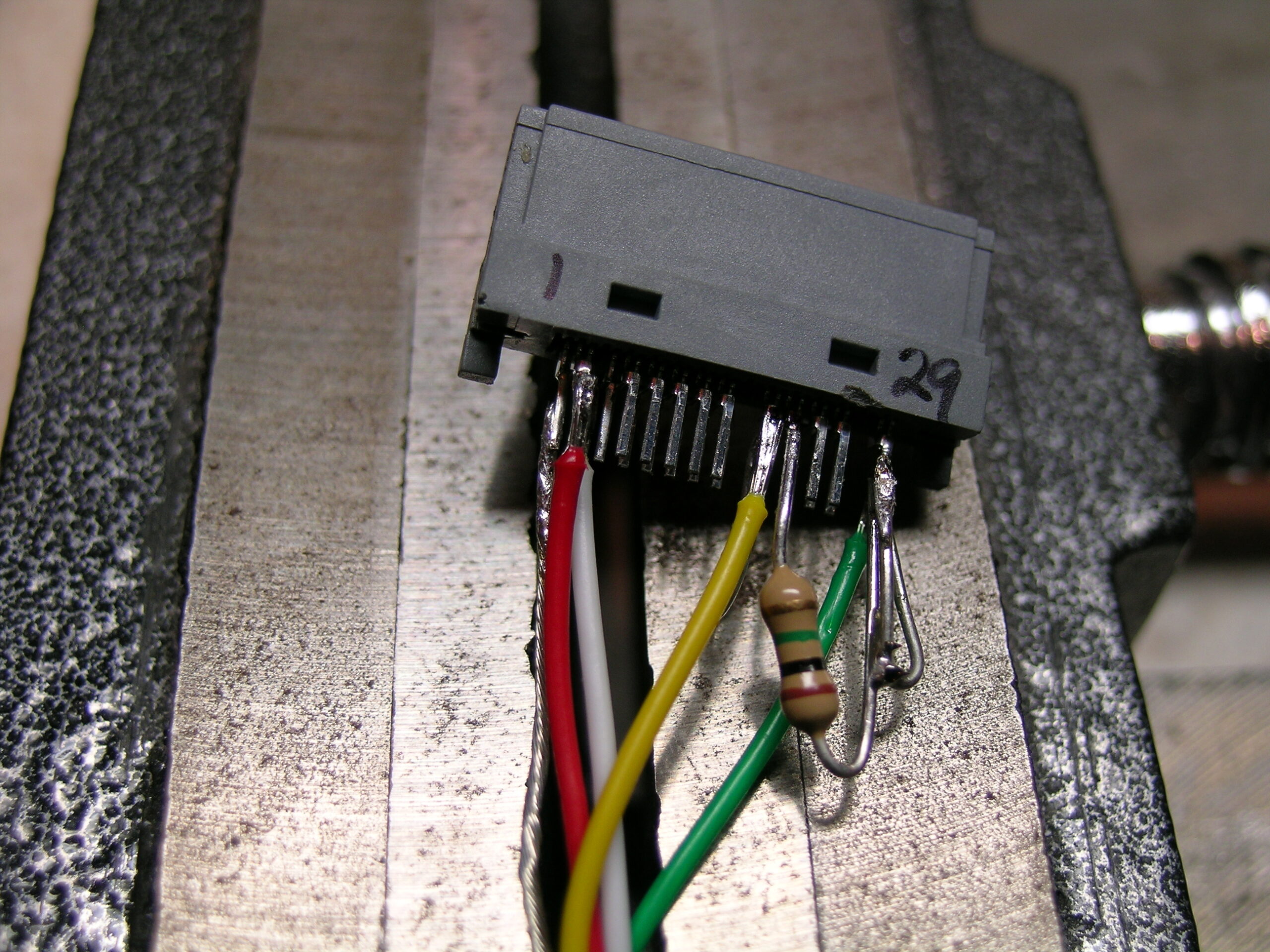
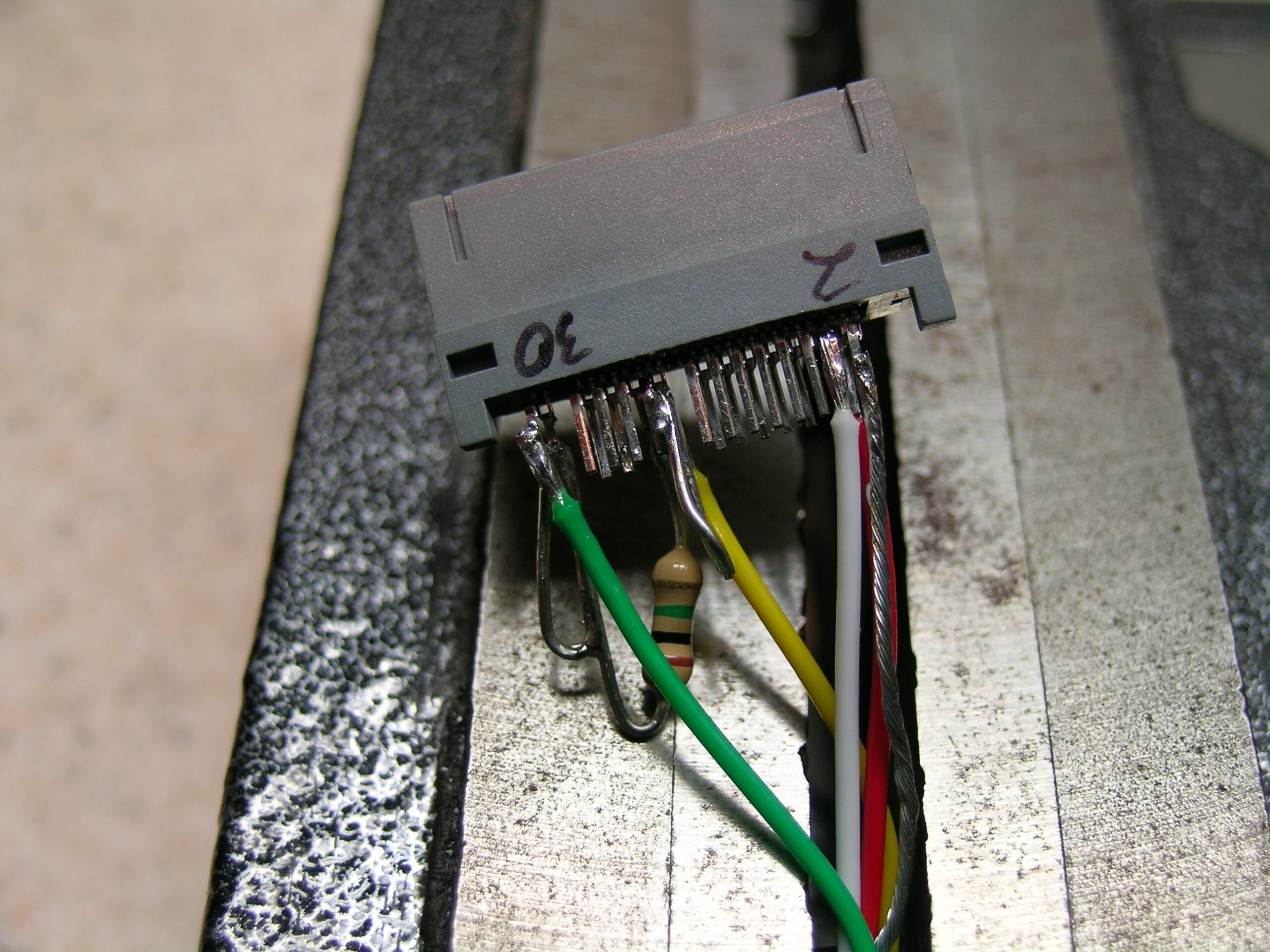
Well, the damn thing works. I got the connector wired properly, closed it up, and tested it with a 12v supply from the car. The iPod charges, and if it is playing and the power is disconnected, the iPod pauses. Tomorrow I’ll go get the stuffs to enclose the power filter and end-of-iPod-cable junction in a box. I’ll also stick a pair of RCA jacks on the outside of the box so that I can get audio out of it all.

I should have left the DIN5 on the far end of the cable for the time being so that it could have simply been plugged into the project box, but that’s okay.

The end result of this should be a temporary single cable iPod hookup which I can use until I get the car’s wiring figured out, connectors ordered, etc.

Earlier while working on this I became pretty frustrated with myself because after screwing up the first connector I made a second. Everything was going absolutely great until I realized that I’d wired it backwards, mixing up pins 1 and 30. And it was going so well, too. Ah well, at least it’s set for the time being. I’ve already got the RCA panel connectors, so I just need a project box. That shouldn’t be too hard to come across, I hope.

Now, I just wish I was tired. I thought the coffee I grabbed on the way home from ‘s place was a bad idea. It was. I’m nicely awake.

UPDATE: I forgot to mention what a pain it is to solder inside of these connectors. They are 0.6mm pins spaced 0.6mm apart. To make it a bit easier I took to removing unneeded pins from the last connector used, the one that was properly done.

See? Top · Bottom

An easier way to think of it is in regards to mechanical pencil lead. Most mechanical pencils that people use are either 0.5mm or 0.7mm. Most rollerball pens that people use make a 0.7mm wide line. That should give you an idea of what I was working with. Soldering one (or sometimes two wires) to something that small is a bit interesting.

automotiveelectronicsmaking thingsmoved from livejournal