nuxx.net
Making, baking, and (un-)breaking things in Southeast Michigan.

Category moved from livejournal

iPod Install


Finalized iPod Installation
(Click for more…)

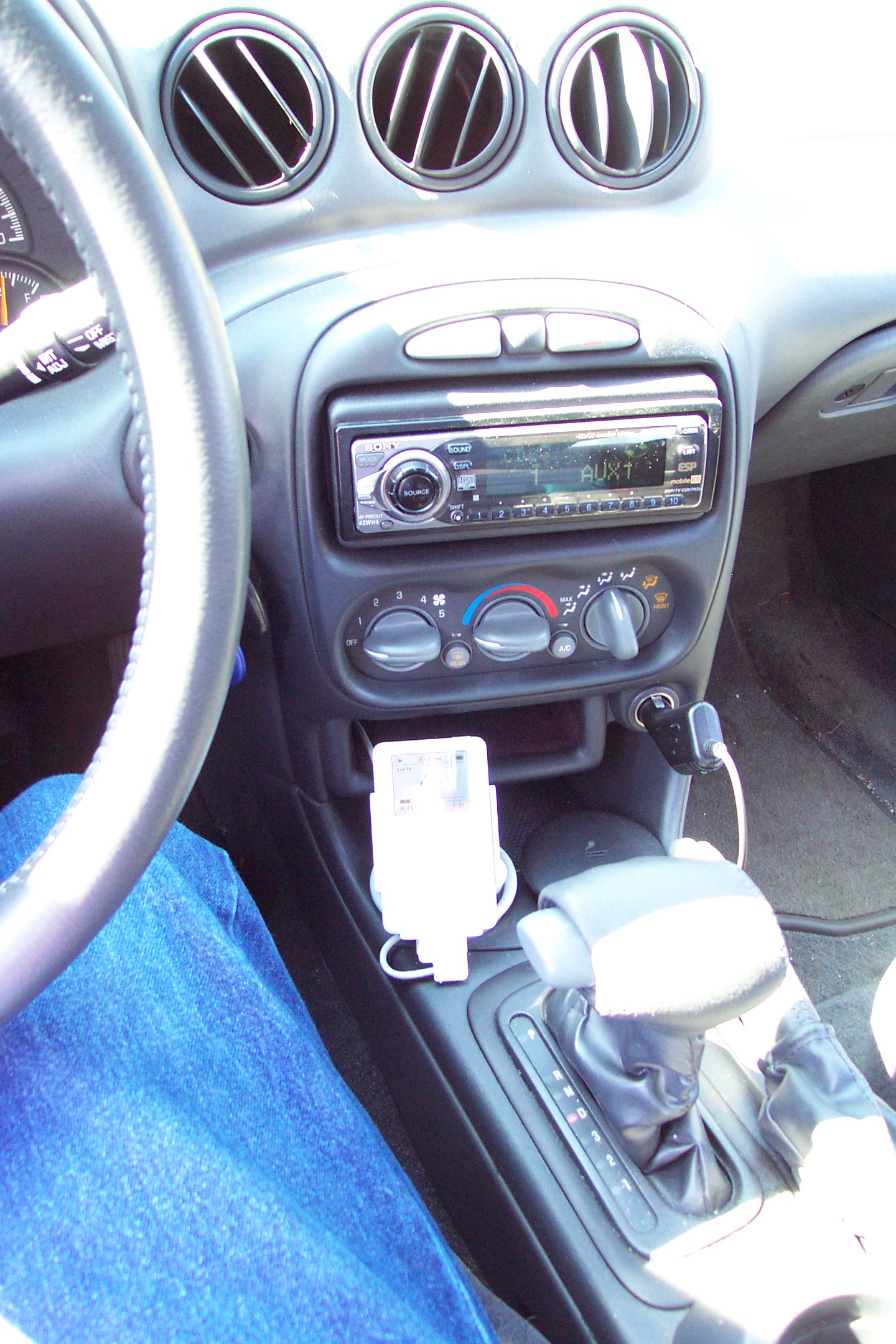
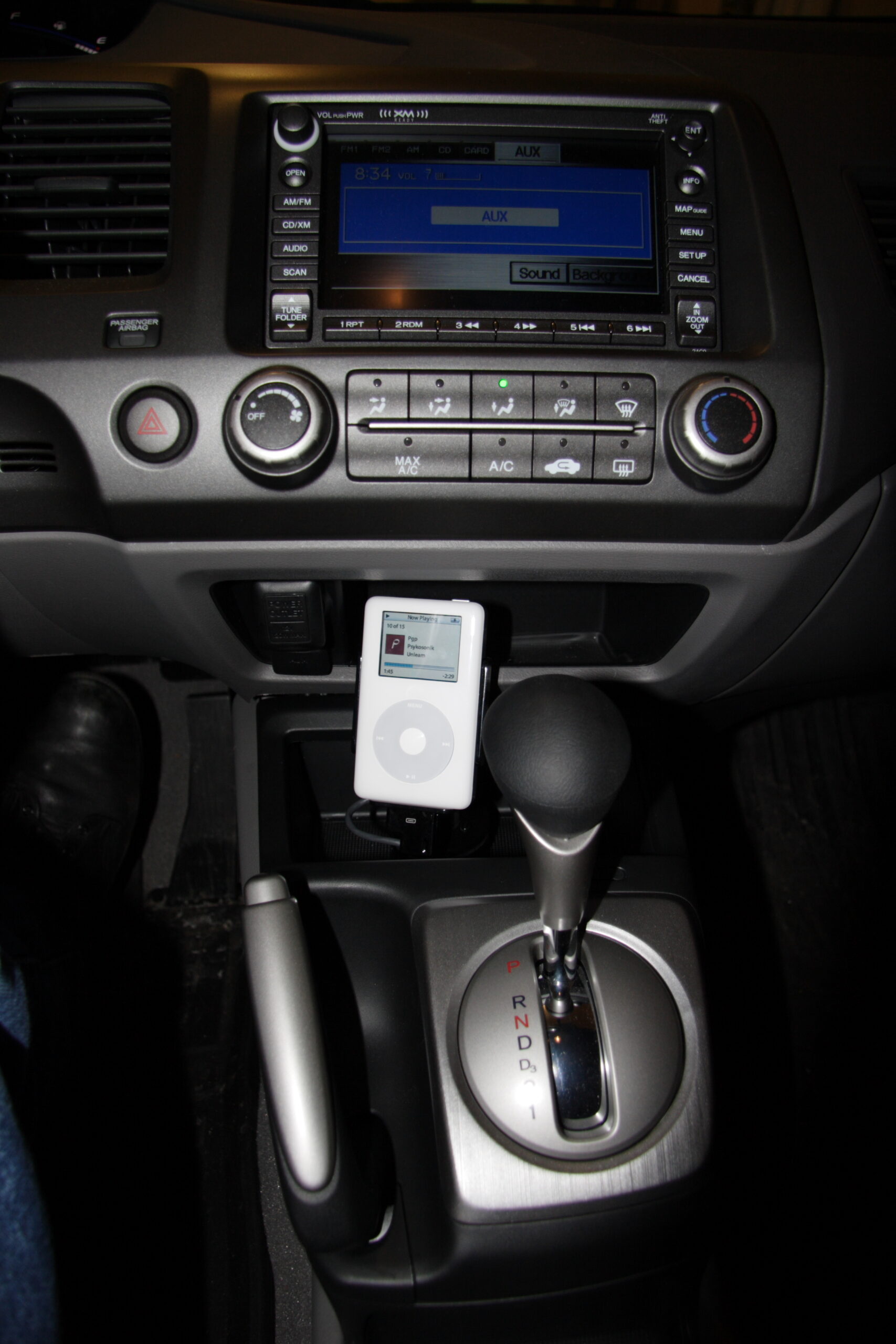
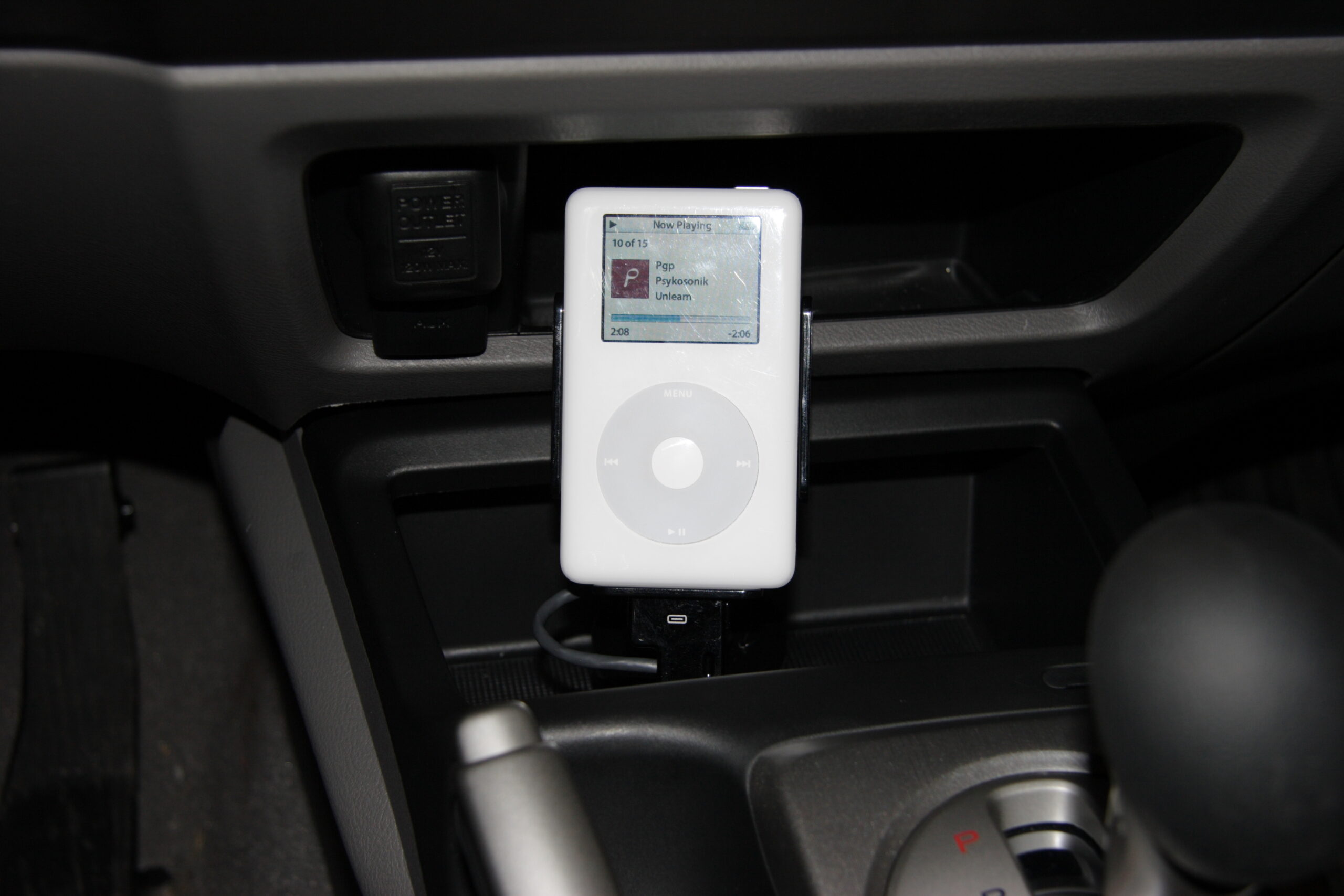
Okay, I just wanted to share this picture to show that my iPod installation all finished, with the new iPod in place. I have to say, I think it looks quite nice. This view here is pretty much what I see while driving…

So, yeah. It’s all set. I’m happy. Now I just need to clean up my work area in the basement. I was going to do that today, but I ran over at Waveform, and then I spent other bits of time straightening up my office and getting a few random things done.

Now it’s time to relax.

automotivemaking thingsmoved from livejournal

rez.nuxx.net


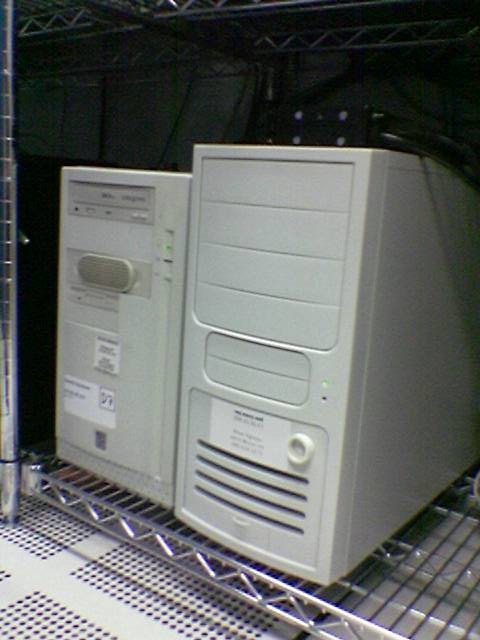
rez.nuxx.net (on the right) in the colo facility.

Just FYI, rez.nuxx.net is back up. Everything was done as of just before noon…

I just had the problem which normally happens when I visit the Waveform offices. That is, I get to talking with Bill there, and next thing I know a few hours have passed.

Well, I’m back home, the server is back up, and everything seems good.

computersmoved from livejournal

rez.nuxx.net Outage

rez.nuxx.net Outage

To everyone who I host things for on my server, rez.nuxx.net. It seems that /dev/ad10 (one of the 120GB disks in the RAID 0+1 array which holds all the web and email data, databases, logs, aggregated backups, etc) actually has gone south. It’s still spinning and all, but when I tried to run a SMART extended offline test, there was a read error:

SMART Self-test log structure revision number 1
Num  Test_Description    Status                  Remaining  LifeTime(hours)  LBA_of_first_error
# 1  Extended offline    Completed: read failure       20%      5330         208317256

So, I’m looking at replacing the drive sometime around 11am tomorrow, which means that the server and such will be unavailable. It’ll be back up ASAP, hopefully by noon.

computersmoved from livejournal

More lightbulb stuff…

Hrm, more thinking about bulbs is leading me to believe that the GE Photofloods which I purchased earlier today just aren’t right for the job. I came across these Sunwave full spectrum compact fluroescent bulbs, which look like they may be just about right. 150W equivilent, CF, 5500K, and a CRI of 93, which should be plenty good for my needs. The bulbs will run about $60-something for four, but the lifetime on them should be great. I’m now thinking this may be the way to go…

At least I can return these bulbs, having not even used them. < shrug >

Additionally, instead of replacing the disk tomorrow I just rebuild the array, including the failing disk. It appears to complete offline SMART tests properly, so it looks like it’s just beginning to have issues. I’ll replace it when I have more time… It seems to be working for the time being, though.

UPDATE: I just got off of the phone with Cindy from Cloud Dome during which time I ordered four of the aforementioned CF bulbs. I’m going to return the three GE BCA lamps to Camera Mart on Thursday, return the non-daylight ‘Daylight Plus’ lamp to Lowes, return the crappy CFs to Home Depot tomorrow, and pick up one more clip-on work light. This should work out well.

computersmaking thingsmoved from livejournal

Lighting Continues…


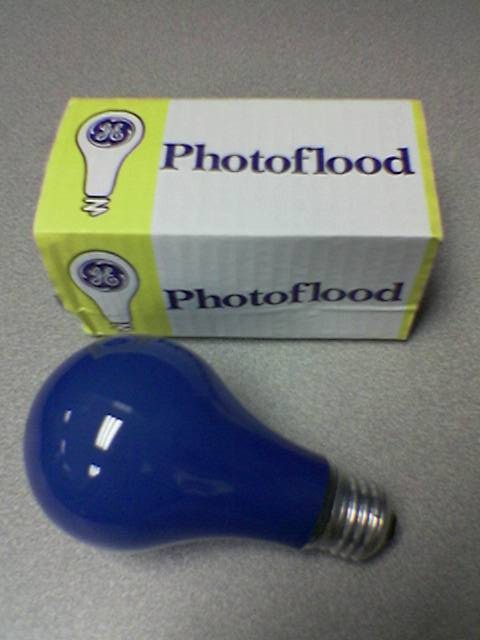
GE BCA, 115V, 250W, 4800K

Well, as was suggested to me, I ended up going to Camera Mart at lunch and buying three of the 250W daylight GE Photofloods, product BCA. My only concern is that they are only listed as having a 3-hour life, but I’m hoping that means 3 hours at the particular temperature. As long as they drift uniformly, that should be fine with me. Price was US$3.99 each, so I figure it’s worth a try. May as well use the proper item.

UPDATE: It seems that one can also get compact fluorescent bulbs with a CRI of 93, and a temp of 5500K. They are probably going to be around US$15/each, so maybe I’ll order some of these for working with in a few weeks. For now I’ll play with these photofloods and hope I don’t burn any out. :)

acquired thingsmaking thingsmoved from livejournal

Good Morning…

Well, this is just what I wanted to see when I read my webserver’s log files this morning.

rez.nuxx.net kernel log messages:
> ad10: TIMEOUT - READ_DMA retrying (2 retries left) LBA=208317255
> ad10: TIMEOUT - READ_DMA retrying (1 retry left) LBA=208317255
> ad10: FAILURE - READ_DMA timed out
> GEOM_MIRROR: Request failed (error=5). stripe/stripe1[READ(offset=213316869632,length=4096)]
> GEOM_MIRROR: Device mirror1: provider stripe/stripe1 disconnected.

And the output from a script I wrote to check the RAID status daily:

GEOM mirror status:
Name Status Components
mirror/mirror0 COMPLETE ad0
ad2
mirror/mirror1 DEGRADED stripe/stripe0

GEOM stripe status:
Name Status Components
stripe/stripe0 UP ad4
ad6
stripe/stripe1 UP ad8
ad10

< sigh > At least I’ve got some spare disks… And I just happened to run a backup last night.

(Just FYI, there’s no data loss. One of the stripes which makes up half of the 0+1 array I use for data has gone offline due to a disk faililng.)

computersmoved from livejournal

Photo Lighting

Here is the first test image from my hackjob photo lighting rig. It has been white balanced, the saturation turned up to +2, and cropped somewhat. Best I can tell, (thanks to Photoshop’s Camera Raw plugin and clicking on a grey card) the lights are putting out ~2850 light, which I’m able to compensate for, even though it’s really, really low. Also, I can’t help but think I’m blowing out the side of the bottle with the way the lights are setup right now. I think they need to be moved or I need to get a soft box or something.

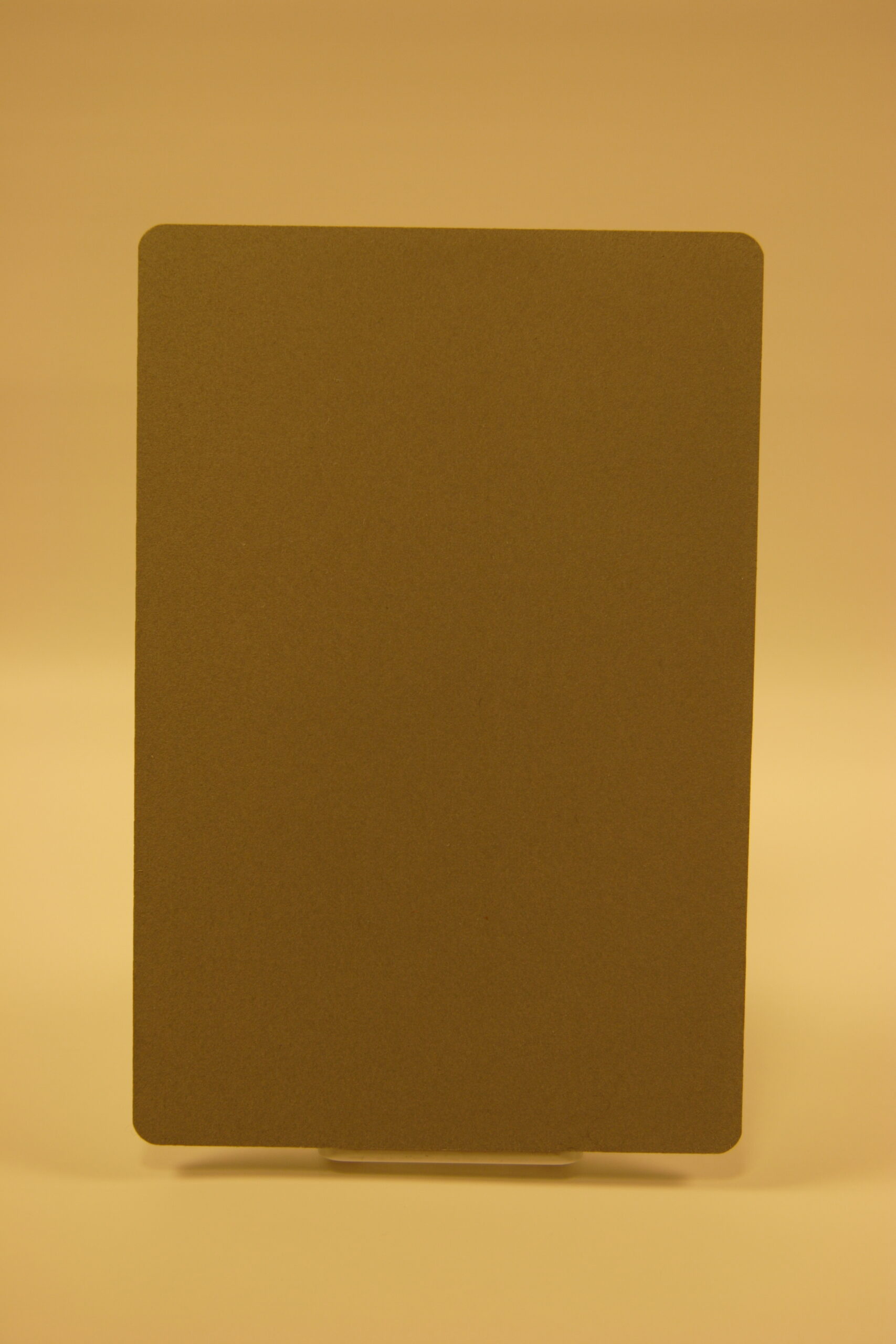
suggested dollar store clothes hampers, so I may try them… I might also take the bulbs back and see if I can find some hotter ones. The light off of these is just too warm by default. If you look at this uncorrected photo of my grey card you can see just how yellow the lighting is. It’s correctable, but it seems to me that with such a drastic correction, some color range is lost. I… think that too much correction for too warm of colors decreases the range available for reds and yellows? (Must read up on this some more…)

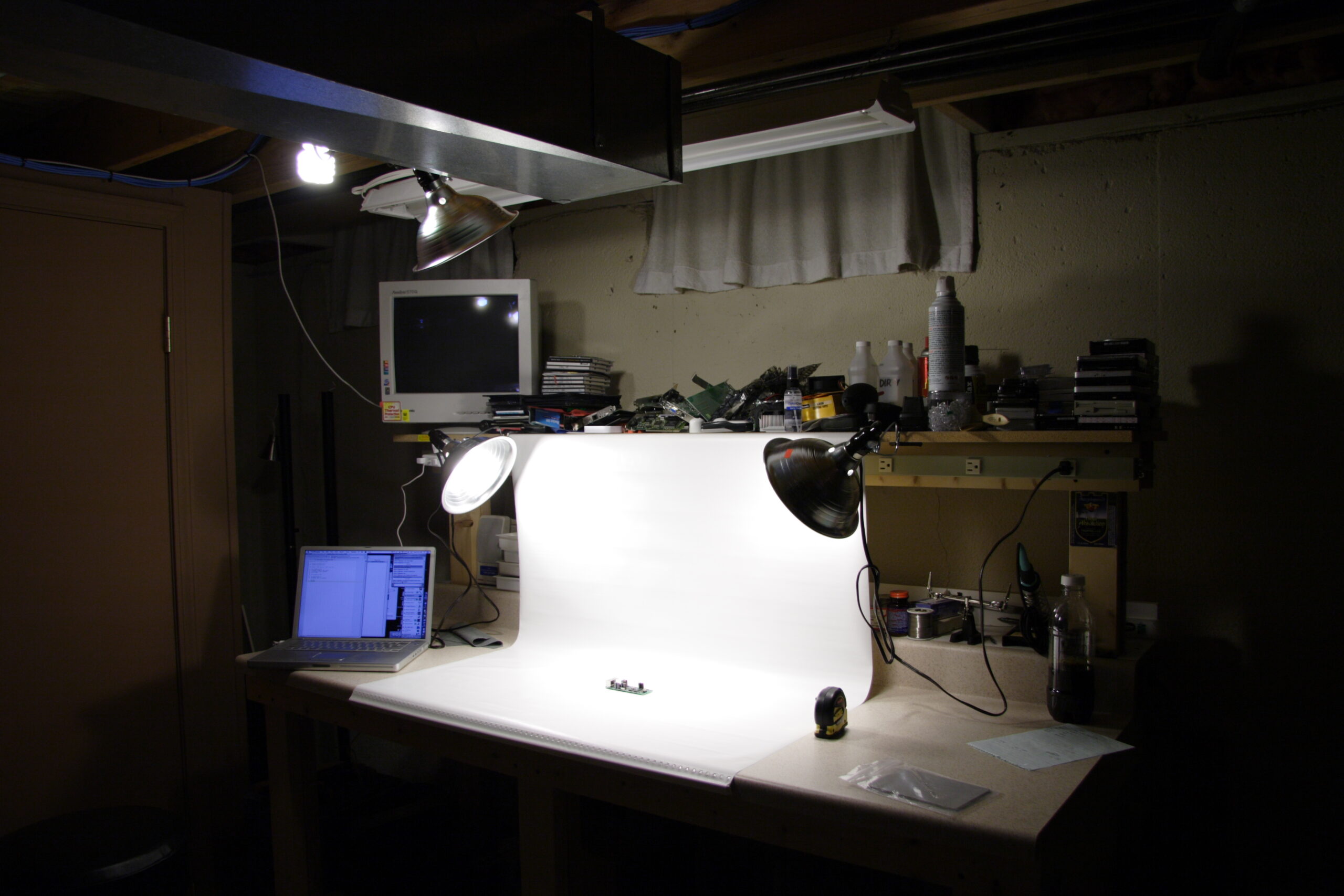
Anyway, if you are curious, this is how I have it set up for now, although I have tried moving the lamps around to the sides of the bench, and changing the angle at which the backdrop hangs. Most importantly, I think I first need to get decent temperature bulbs, then some sort of soft box, either for the lamps or to put the object being photographed in. We’ll see…

making thingsmoved from livejournal

Honda Music Link

So I’m sitting here with a disassembled Honda Music Link interface box (P/N 08A28-1H1-1000-01) on the workbench. It appears that the PCB inside is double layer, so I don’t think I’ll have too much of a problem making a schematic from it.

Now I just need to find some good software for making schematics… I used to poke around with Eagle, but I haven’t used that in quite a while.

electronicsmaking thingsmoved from livejournal

Custom iPod Adapter for 2006 Honda Civic EX


Looks and works good, even with a white iPod…
(Click for more…)

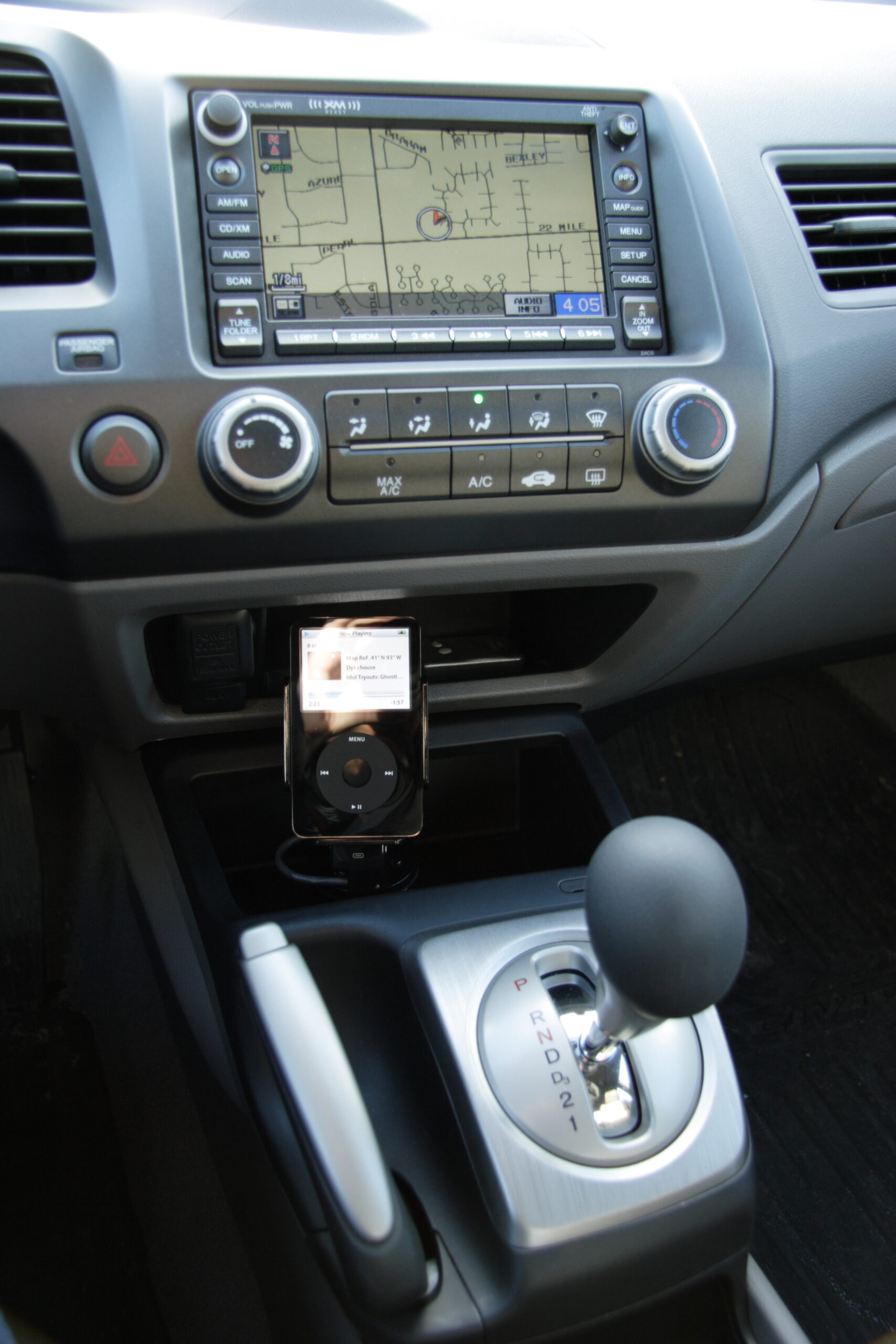
Well the white iPod stands out a bit in the all grey and black center console, that doesn’t stop it from working.

Yes, it’s done. Completely done.

That is, the iPod adapter I’ve been working on for a good part of the last week and a half or so has finally been completed. Designed as a replacement for the Honda Music Link which gave me so much trouble (photos here (photo gallery retired)) it does exactly what I want and works exactly as designed. It firmly holds the iPod in place, plays audio through the factory Aux In, is within arm’s reach of the driver, and keeps the display in sight at all times.

As was proven with the iPod setup in my previous vehicle, such a setup works very well. I had originally intended to make such an adapter right after I originally accepted delivery of my 2006 Honda Civic EX (photo gallery retired), I was convinced to wait for a factory adapter, the Honda Music Link, by the promises made in this press release. Most people who read this journal know how that ended up going, although I guess the events surrounding it made it much easier for me to make the adapter. With one person providing me some nice technical detail about the pinout in 2006 Civics, people to bounce ideas off, and just with it regularly being on my mind, things seemed to work out pretty good.

That all said, here’s a few notable photos from both last night and today’s work:

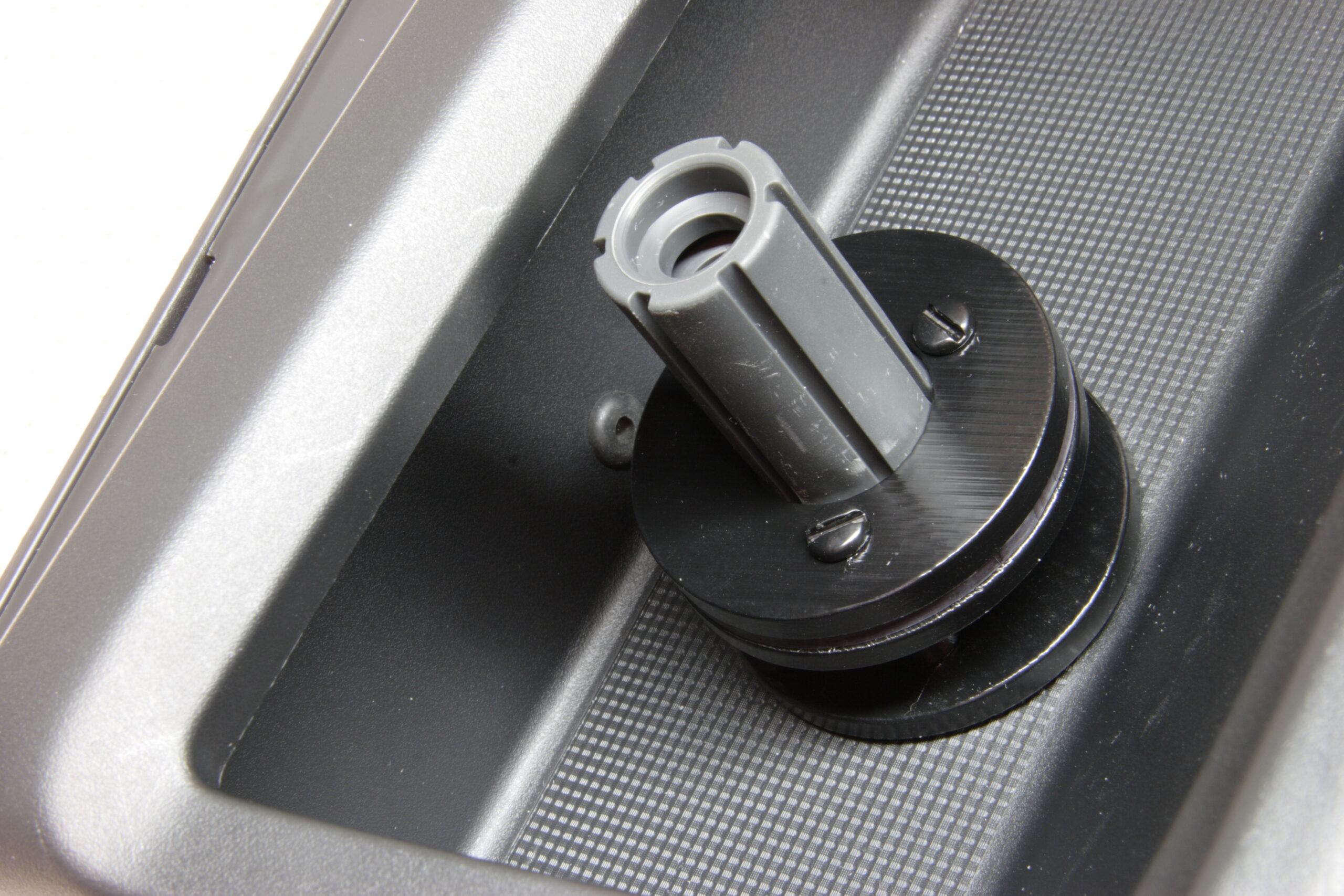
· The base of the iPod holder bolted into the trim piece from the center console.
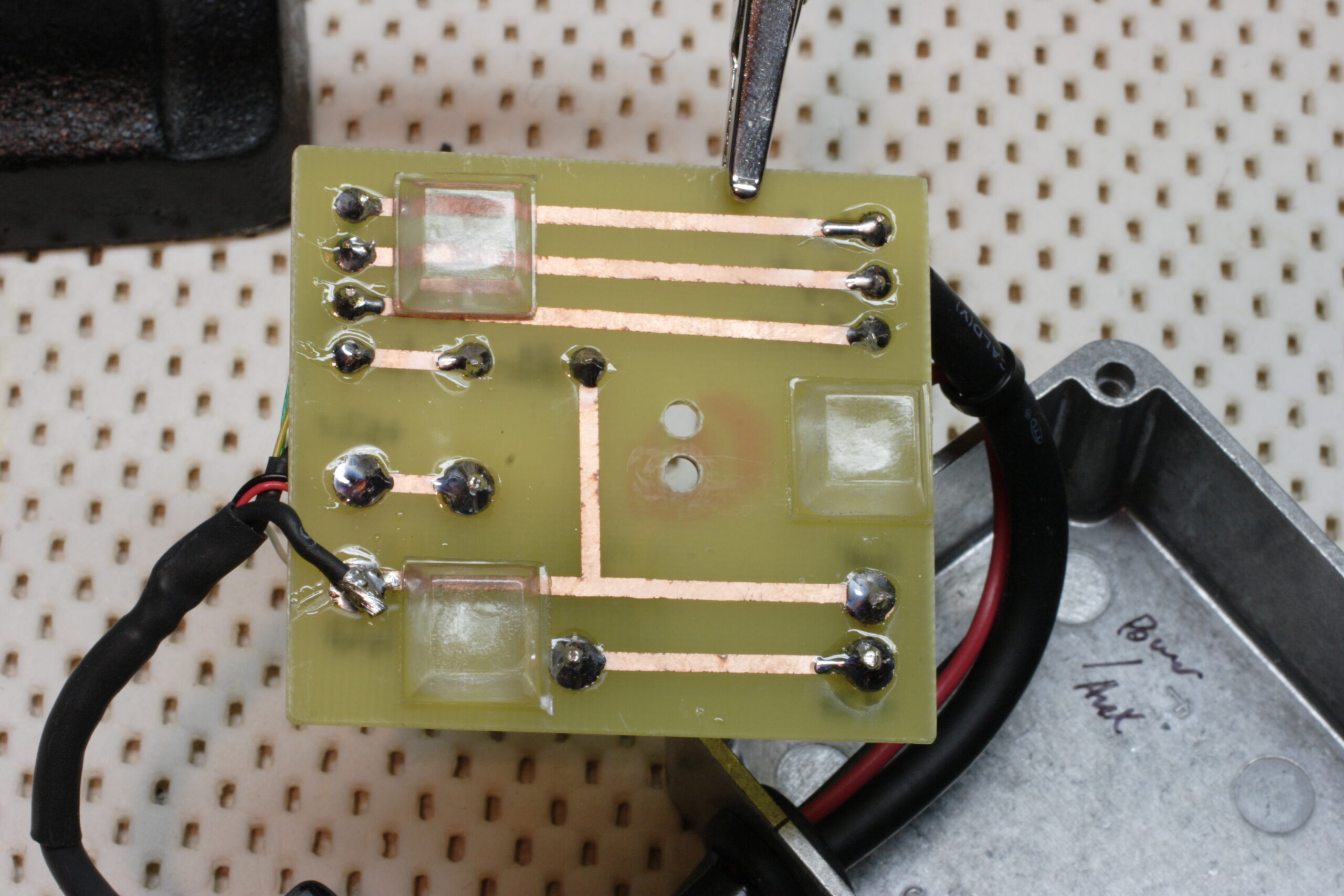
· The underside of the PCB, just before I closed up the box.
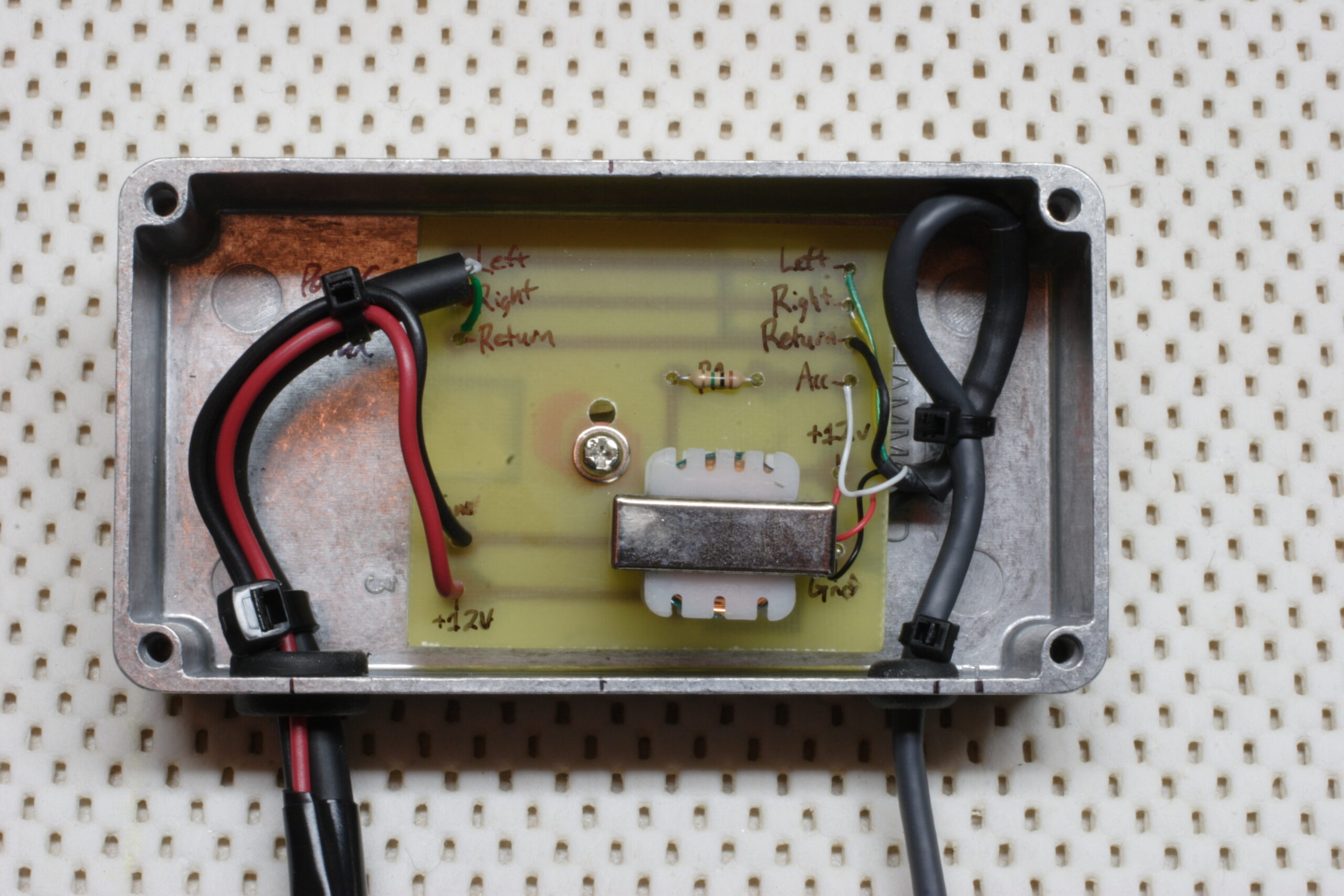
· All the parts in the interface box, just before I screwed it closed.
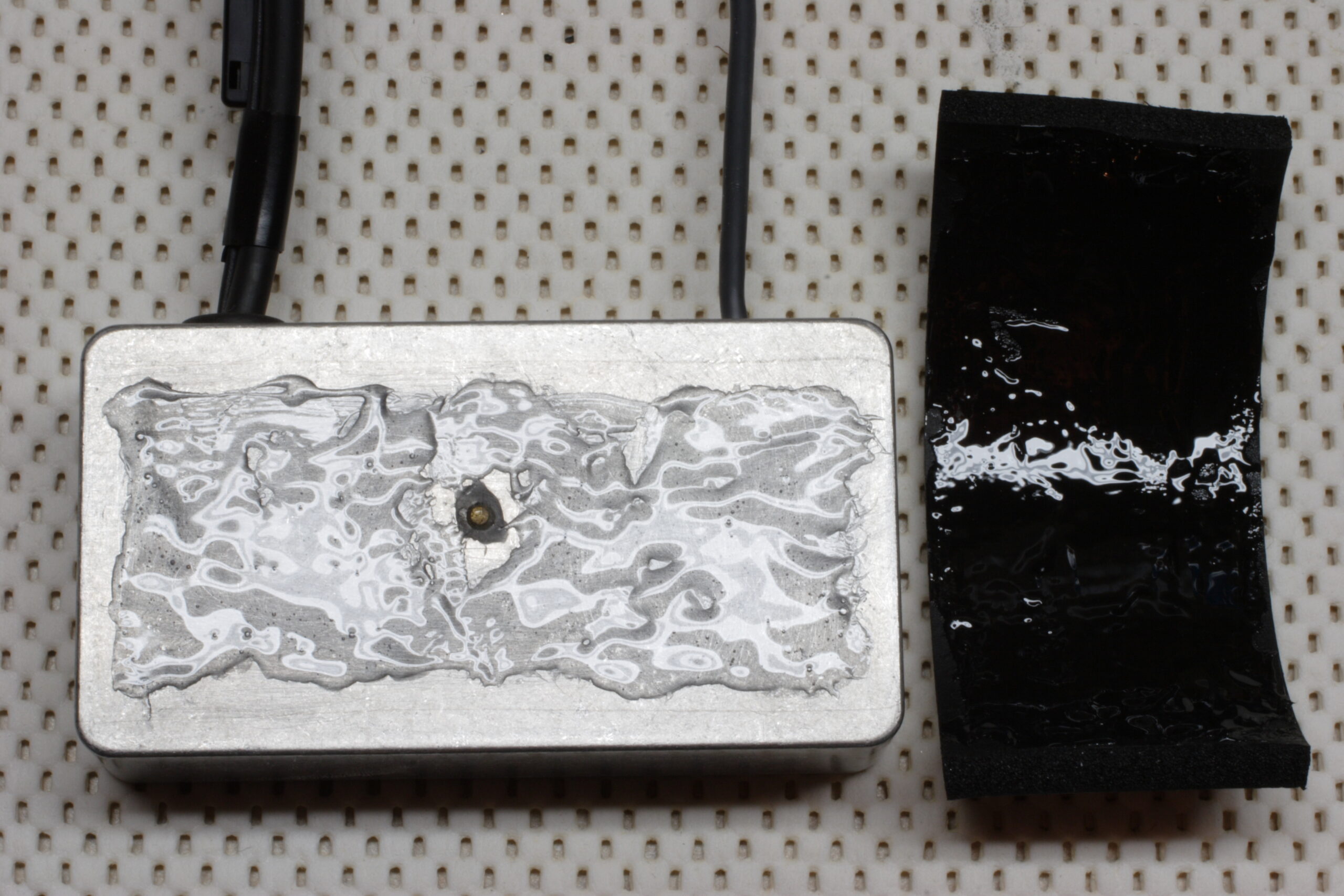
· Goop applied to the interface box and padding foam.
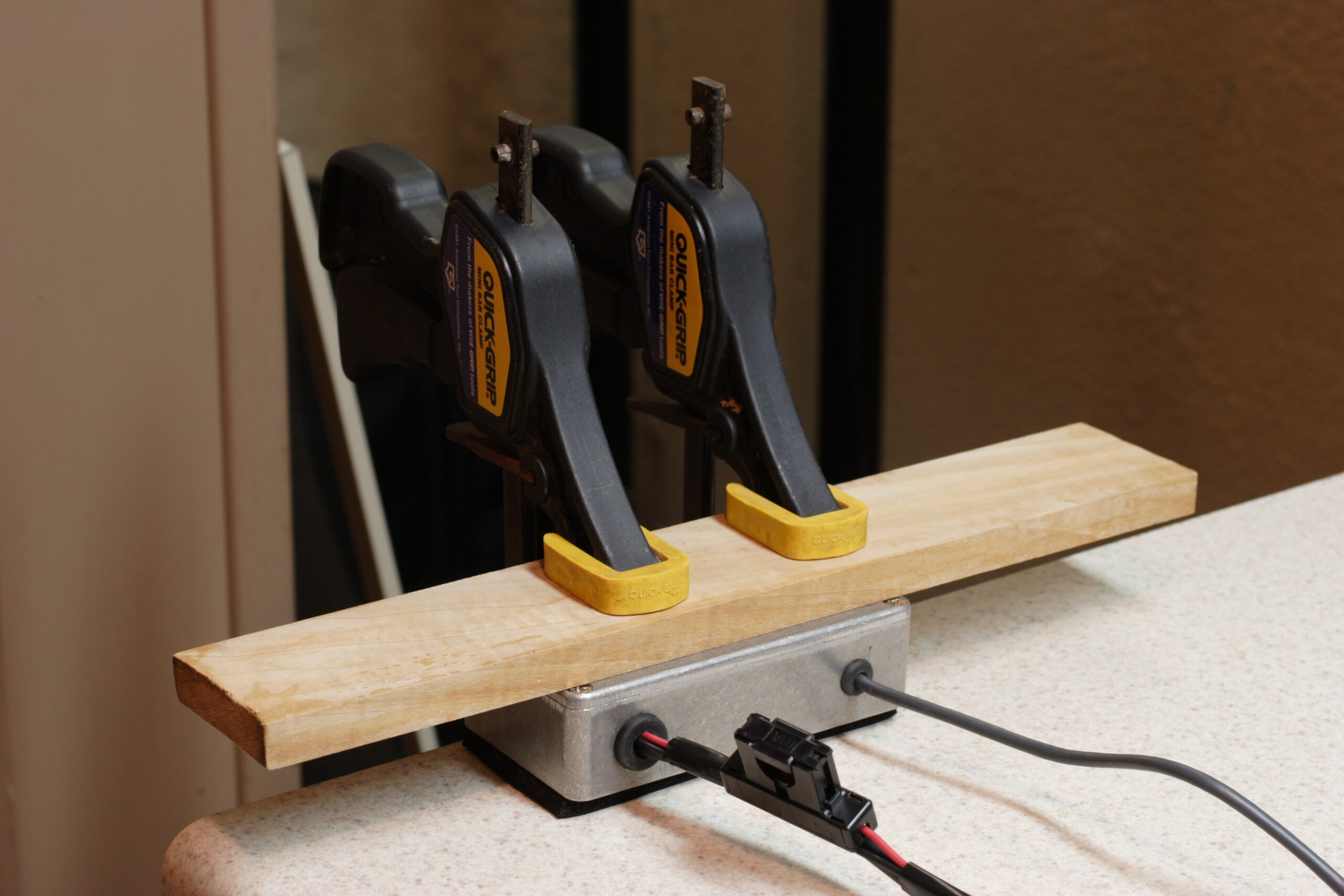
· Clamping down the interface box to the workbench to help the adhesive on the foam set.
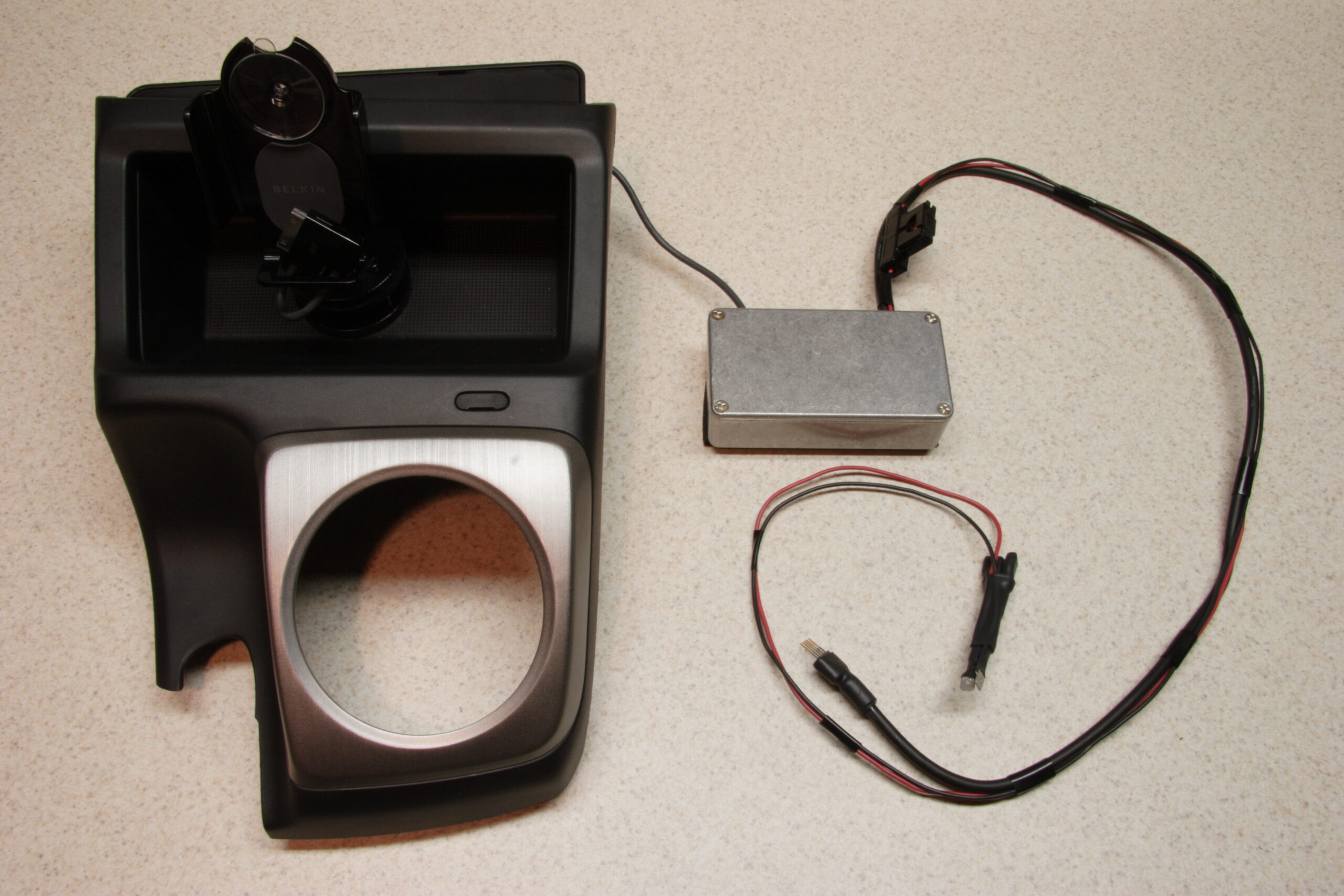
· The finished kit, ready to be fit into the console and dash of the vehicle.
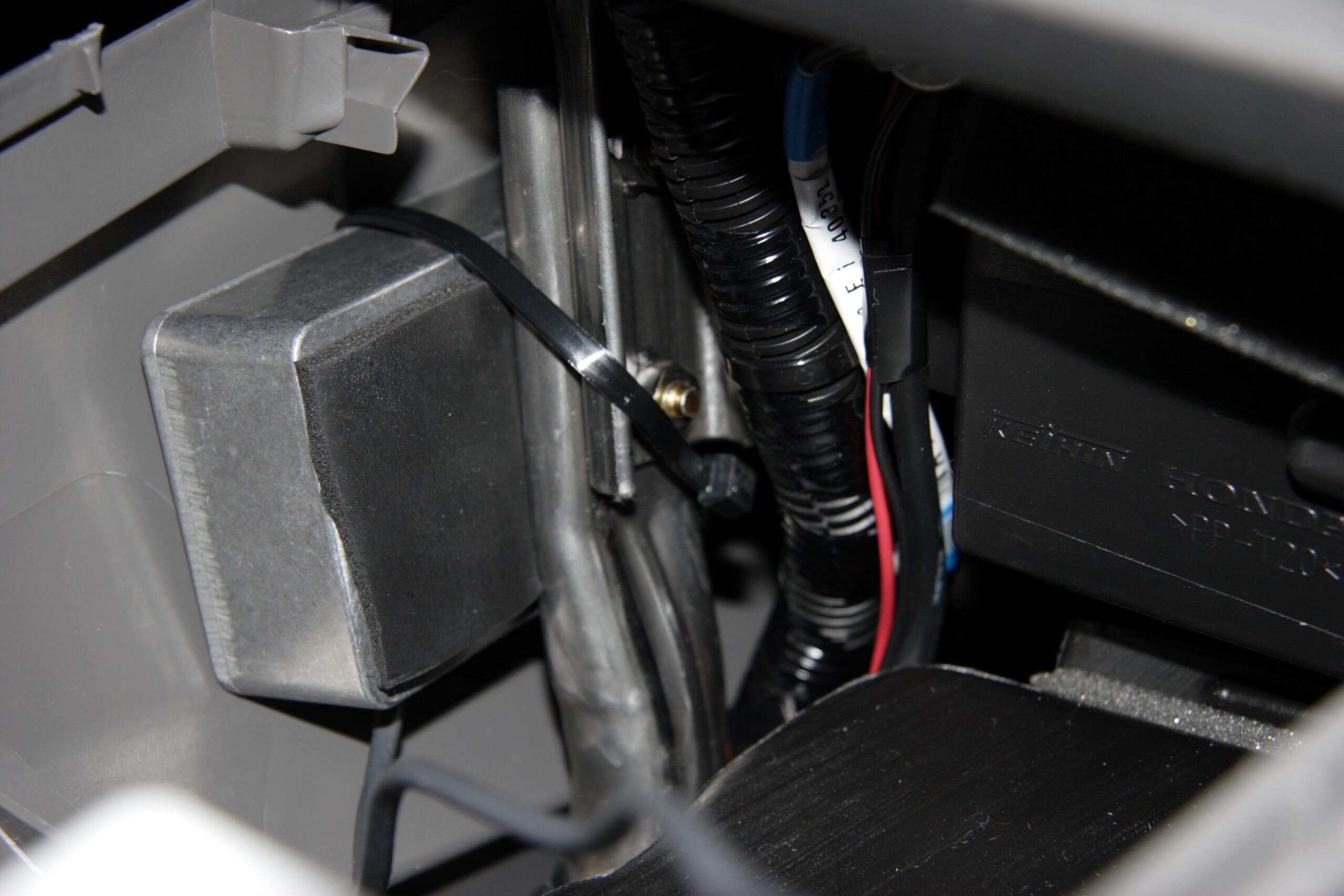
· The interface box strapped to a pipe inside the console.
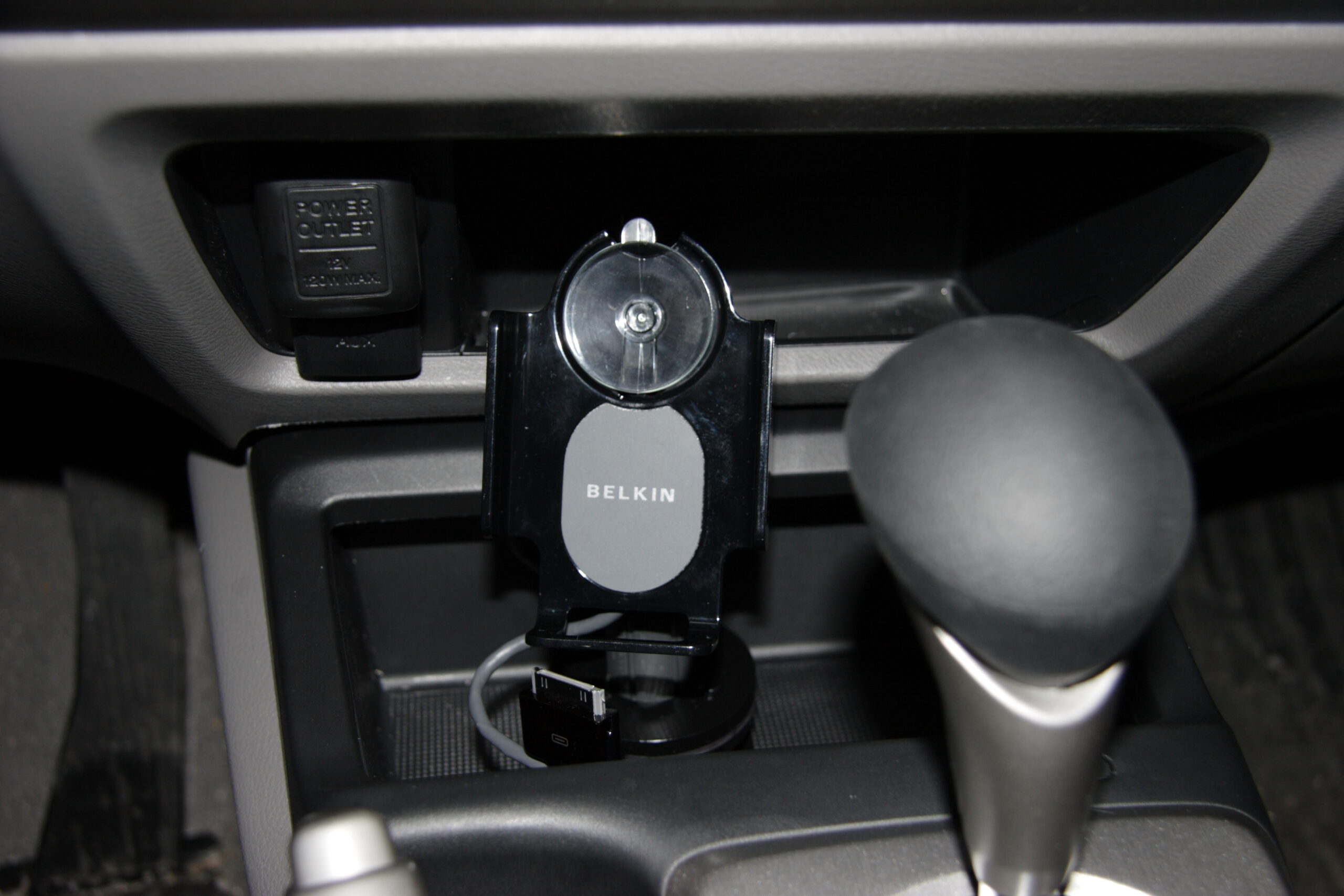
· The holder and stand match the vehicle’s interior quite nicely.
· Larger view of the photo above, showing how the iPod fits amongst other parts in the console.

Of course, all the photos from this project are available here: iPod in 2006 Honda Civic (EX w/Navigation) » Second Version (Built-In) (photo gallery retired)

The only thing left to do is get my current white 40GB iPod Photo replaced under AppleCare (it has the problem detailed in these two H.264 videos: 12) and purchase a 30GB 5th Generation iPod Color in black. Then everything will match nicely… Oh, I’ll be selling the iPod, so you’ll likely see an ad here for it, if someone doesn’t pick it up first.

Now, to clean up my workbench and the table near by. Well, maybe I’ll do that tomorrow… Instead I’ll write another LJ post. Or something.
automotiveelectronicsmaking thingsmoved from livejournal

It fits!

Yay! The physical iPod mount fits with no issues thus far! Now I just need to finish up the wiring… Maybe tonight, maybe tomorrow. We’ll see… Regardless, I’m really happy thus far. Pictures coming soon.

automotivemaking thingsmoved from livejournal