nuxx.net
Making, baking, and (un-)breaking things in Southeast Michigan.

Category acquired things

x0xb0x

It seems that I’m now able to order another x0xb0x kit. So, I shall. This one is more of an investment, though… Something easy / fun to build which I can slap my remaining piece of custom artwork on and sell on eBay. Or something. :)

It’ll be about $360 total, but I think it’ll be worth it…

acquired thingselectronicsmoved from livejournal

OPPO DV-970HD

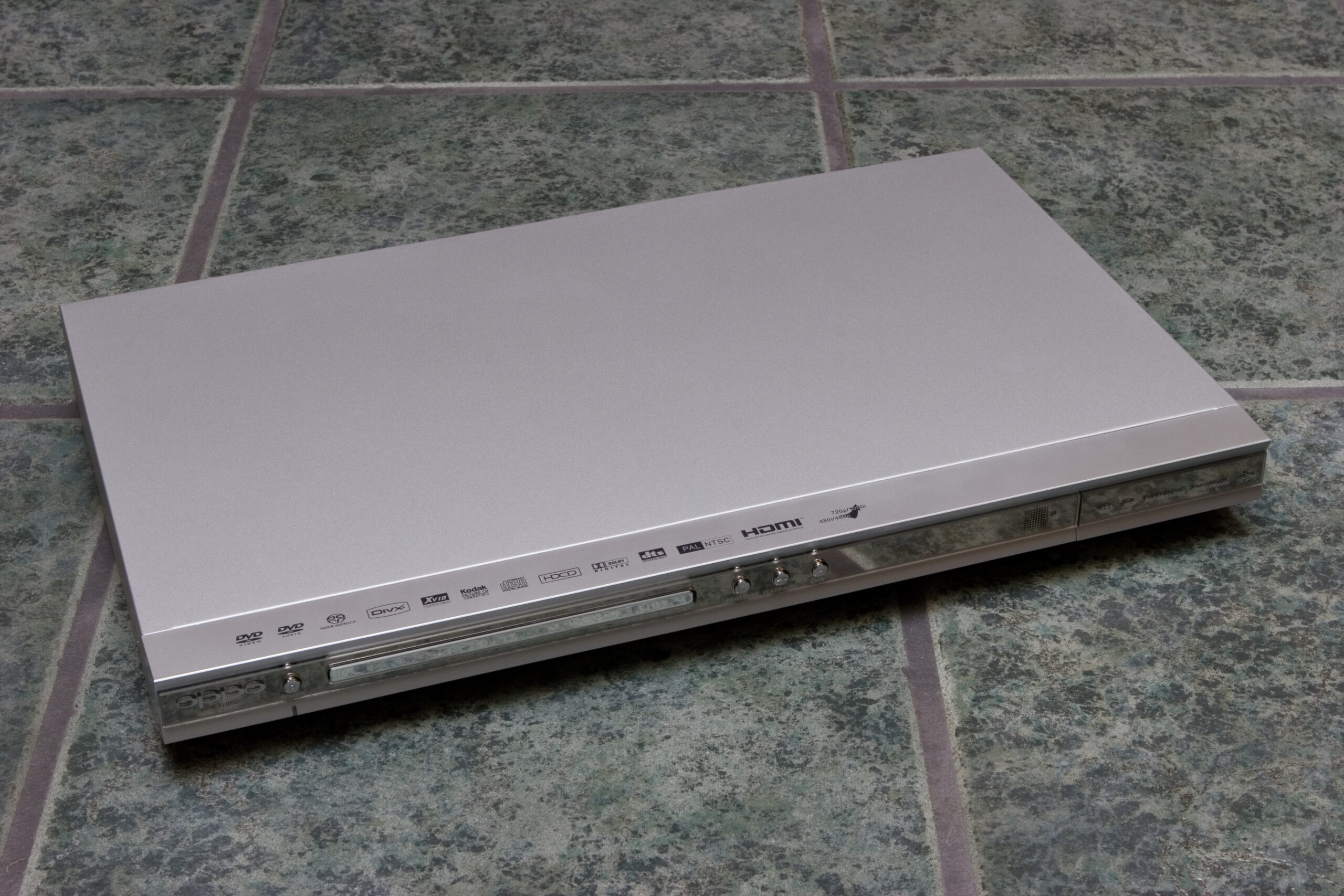
OPPO DV-970HD Upconverting HDMI DVD (and more) Player

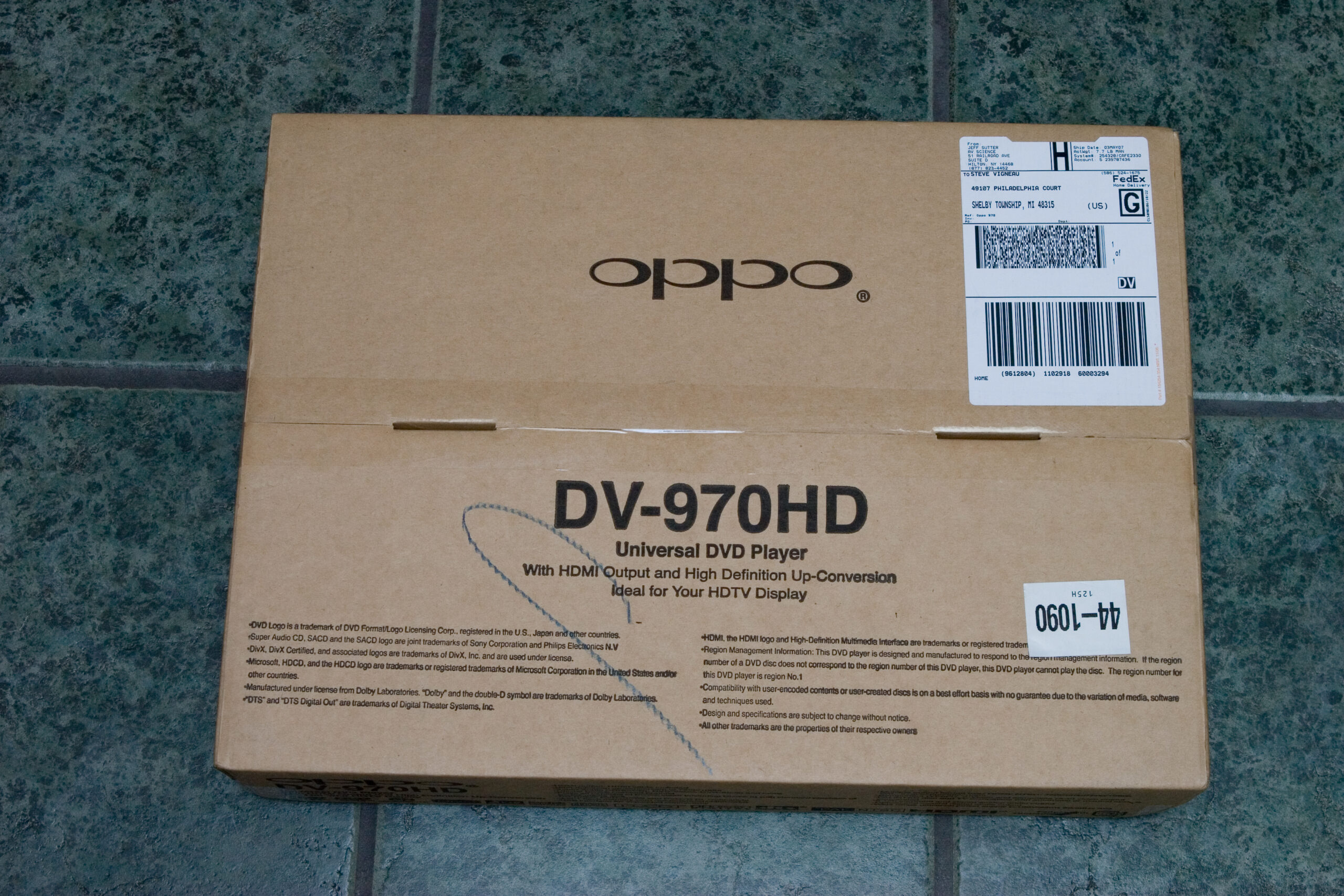
Yesterday while and were over here for birthday things, the FedEx driver left my new DVD player in the garage so quietly I didn’t even hear the truck drive up. Because of yesterday’s activities I put off unboxing and setting up the player until today.

Well, as part of setting it up I took a number of photos of the unboxing of the player, the inside of it, etc. While deciding if I wanted to purchase the player I couldn’t find any good photos of the player, the remote, things like that. Since I normally find photos like this useful, I decided to take some in hope that others would find them useful.

First, I found out that AV Science is selling the players for US$149, plus $10 for FedEx shipping. While the players are available with free shipping via Amazon, I didn’t want to wait the typical two weeks that it takes for free shipping items to arrive.

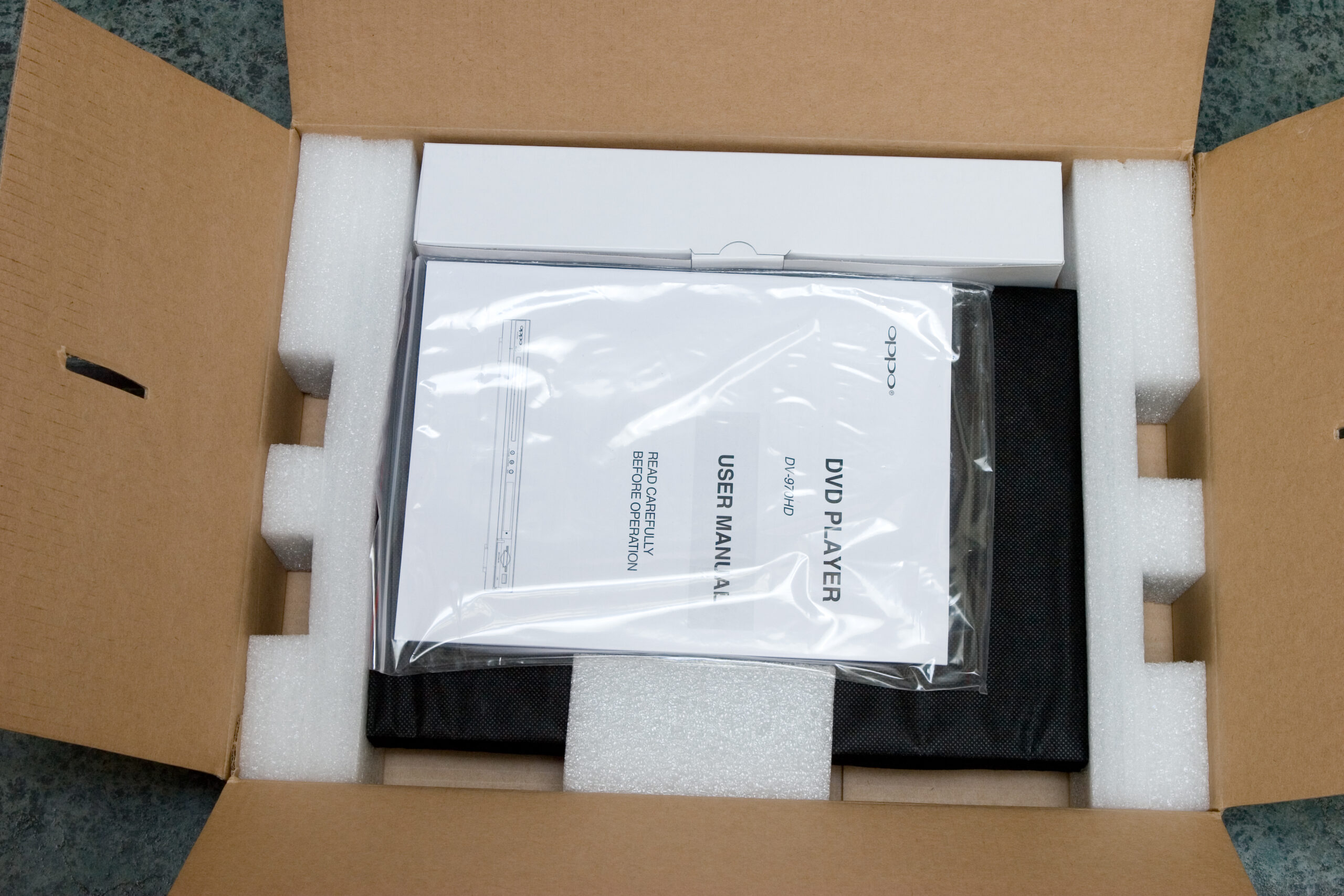
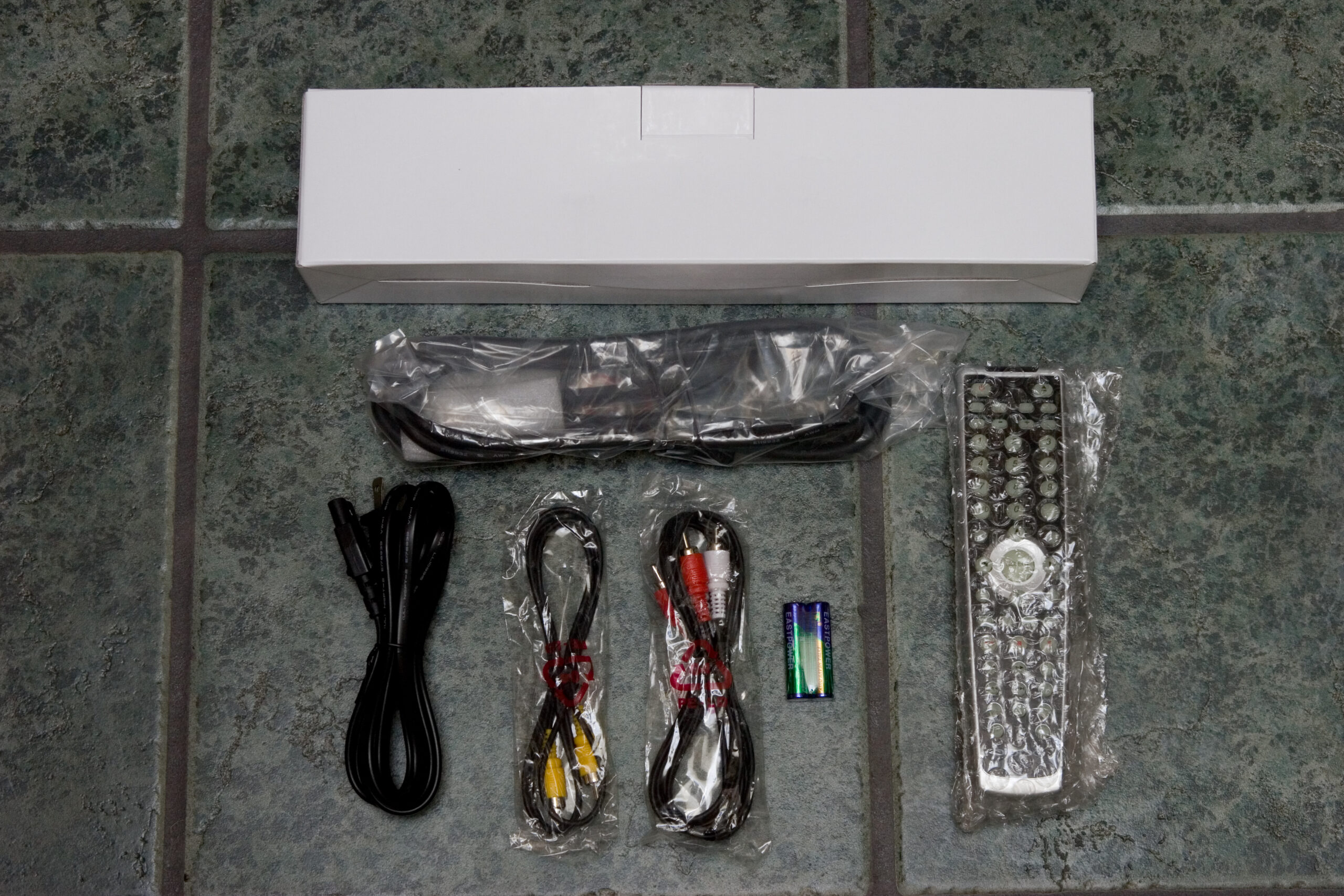
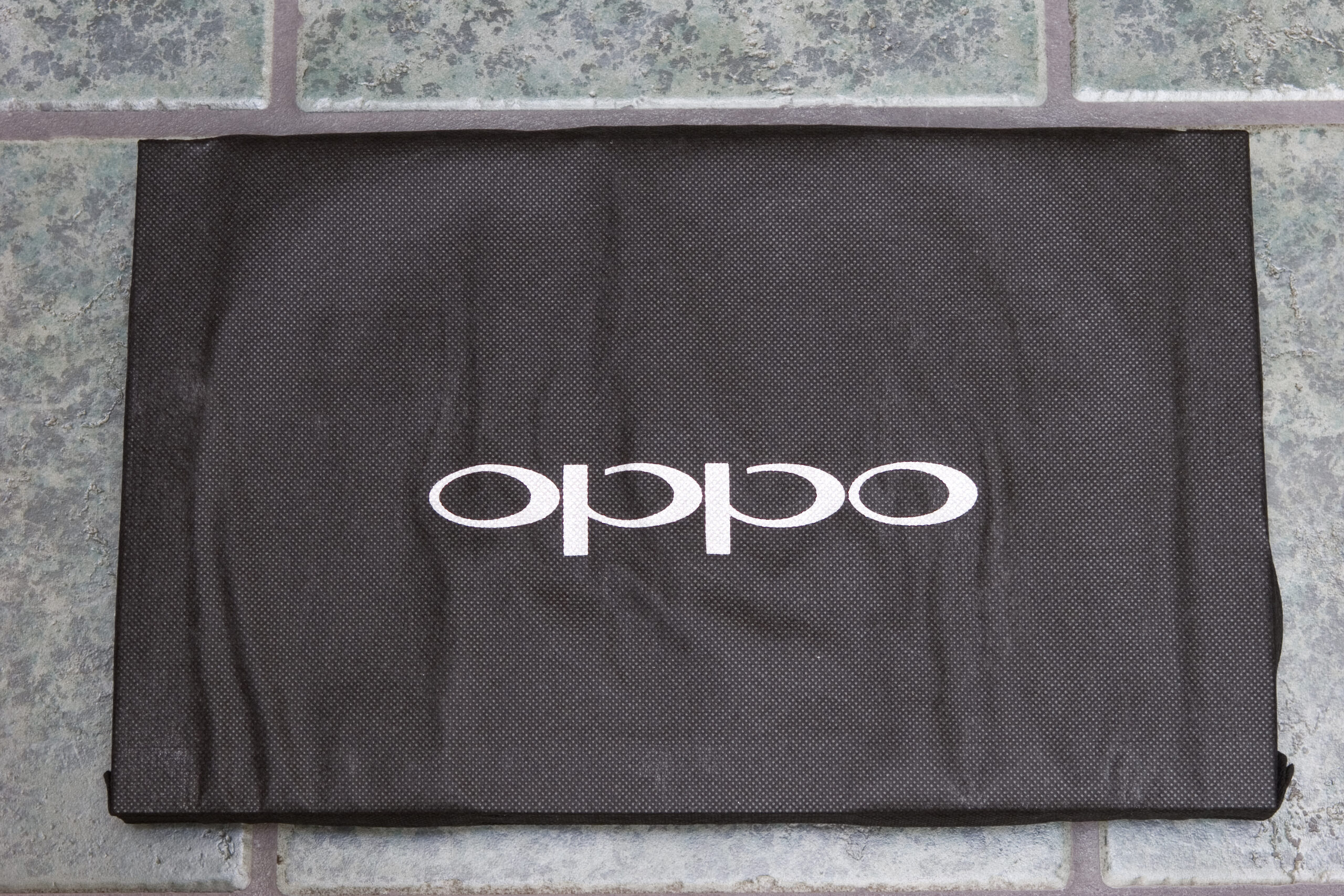
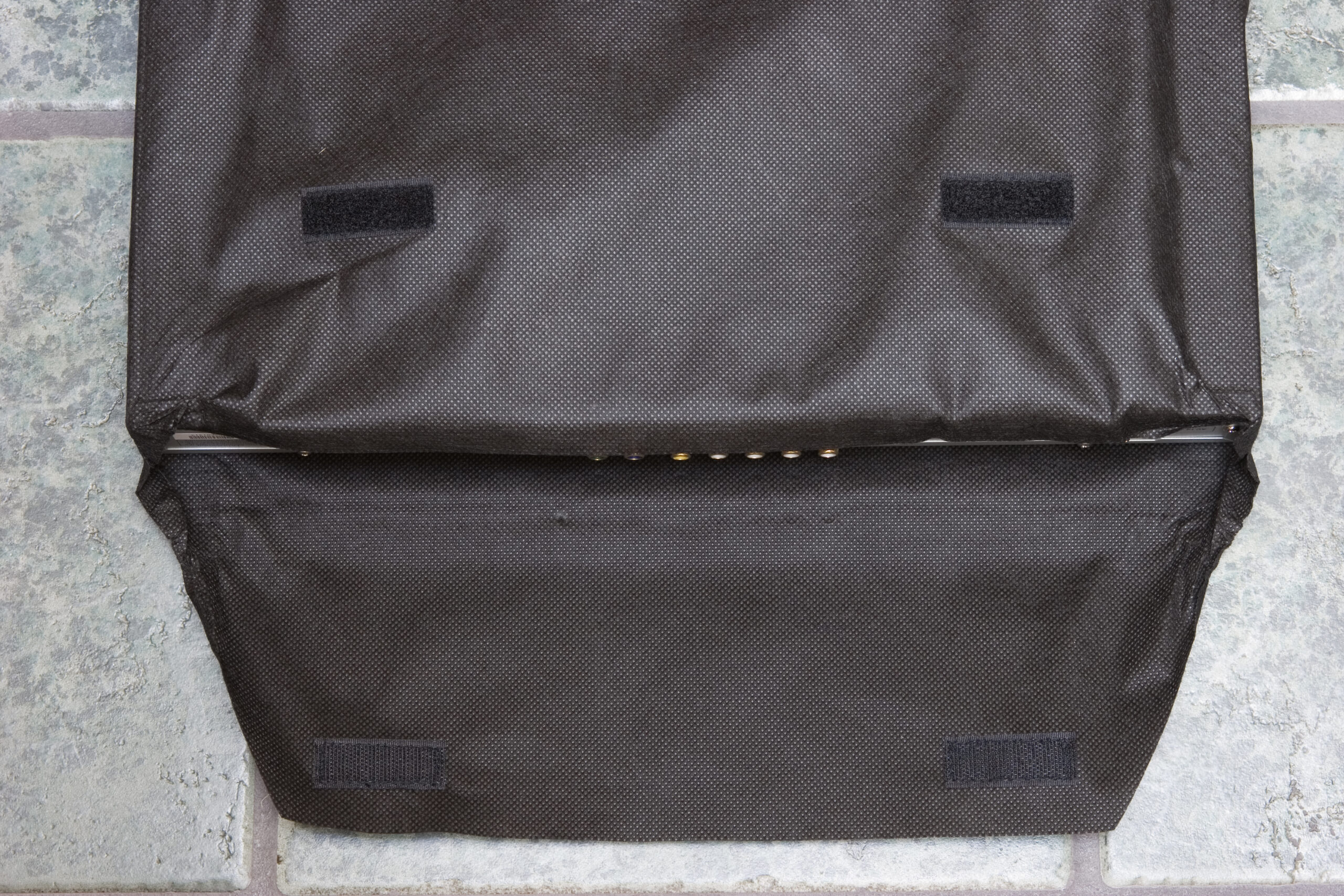
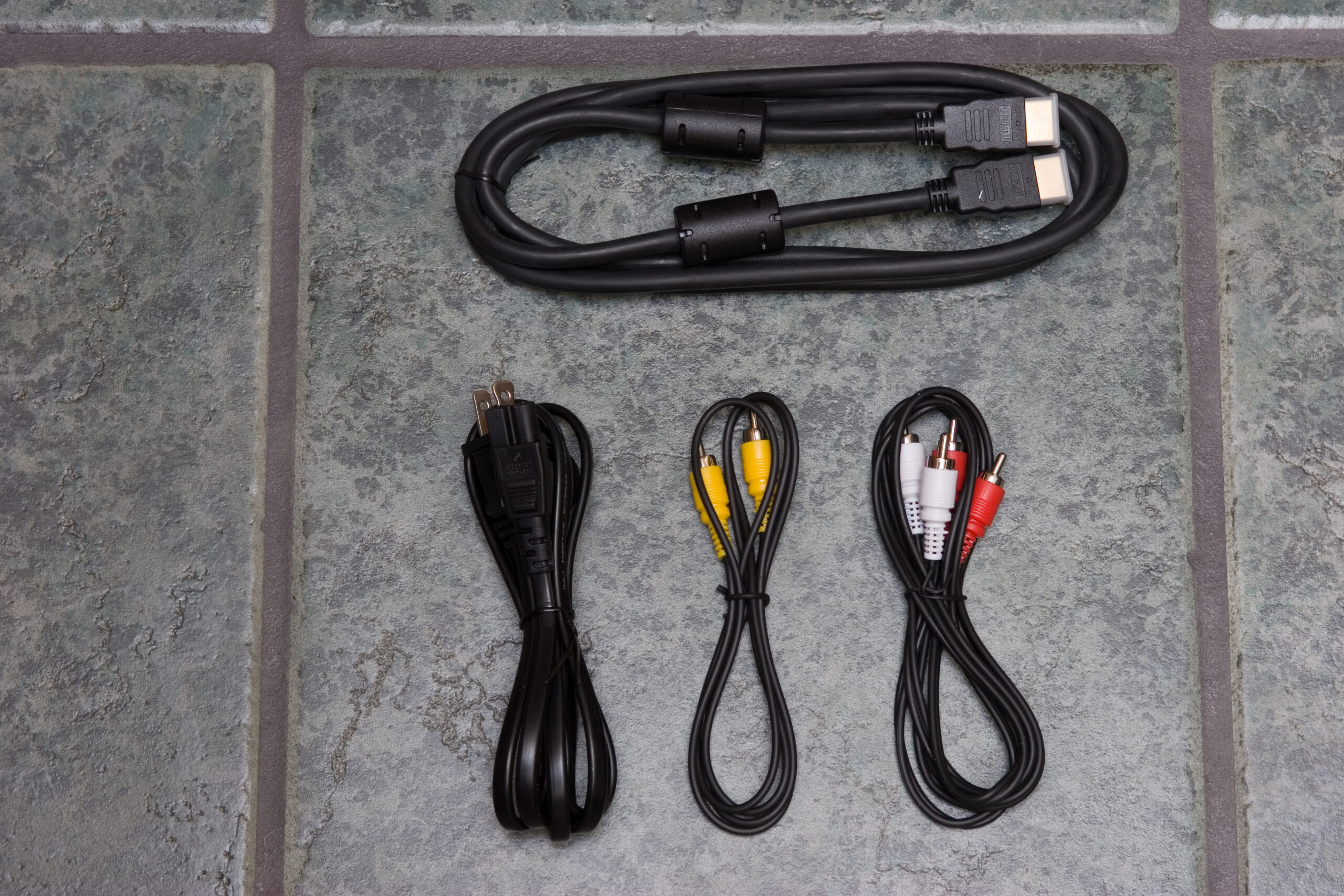
The player arrived in a brown cardboard box. The box looked like it had been dropped on the corner a few times, but opening the box showed enough packing material that this was not a concern at all. Inside the box was the instruction manuals, a box containing the cables and remote, and the OPPO DV-970HD player itself, in a black cloth bag similar to what iPods ship in. (Strangely, this bag has hook and loop fastener closures.)

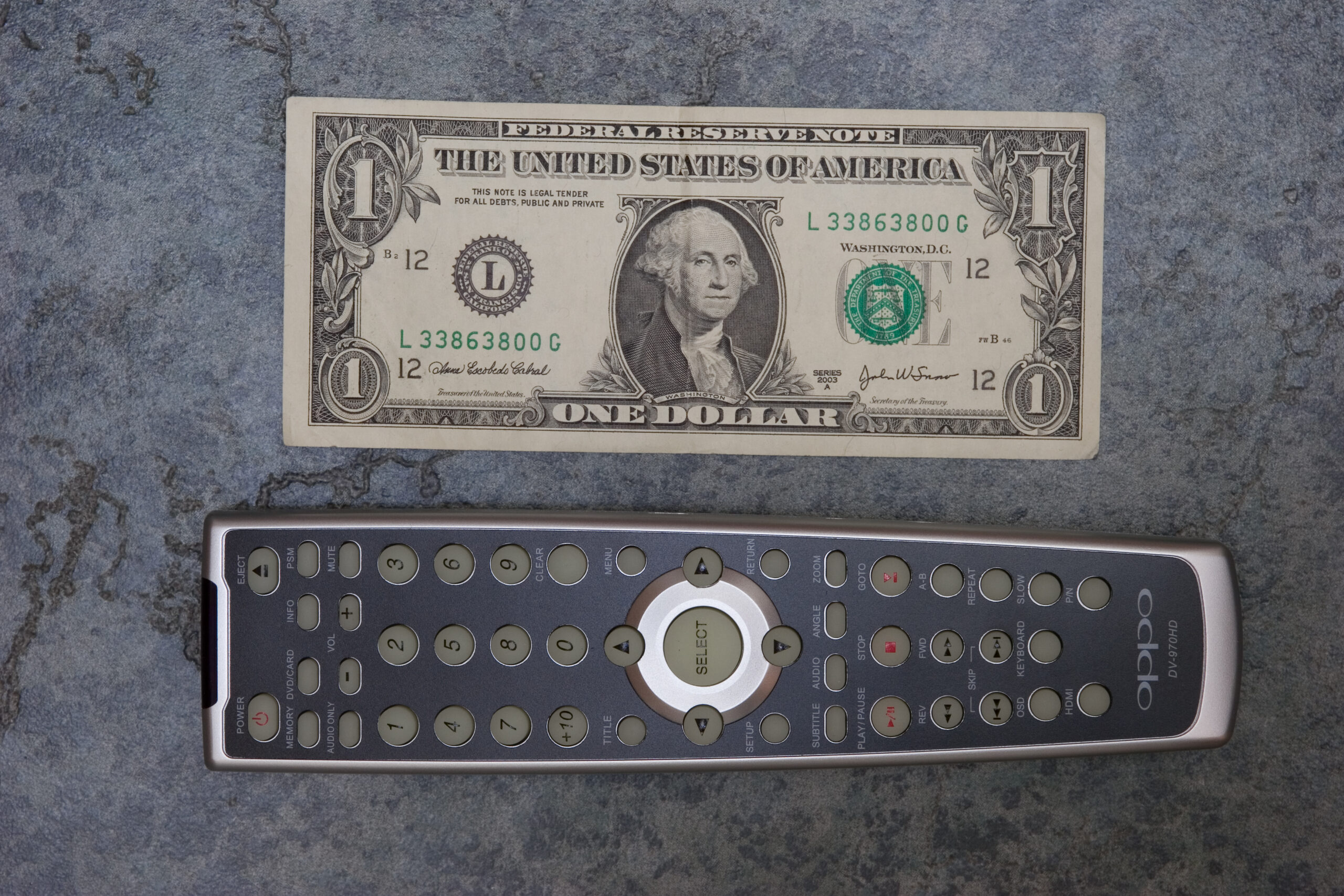
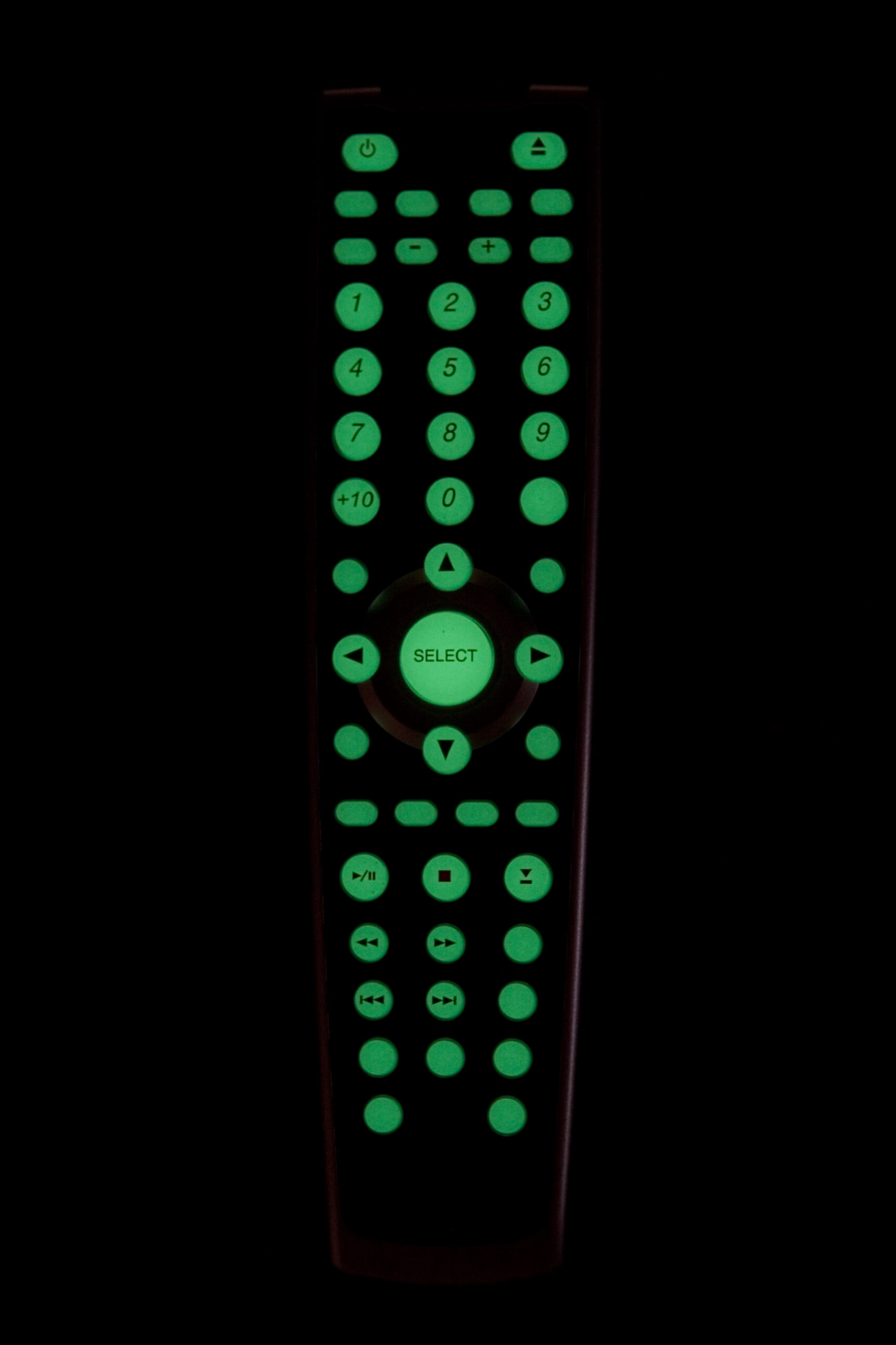
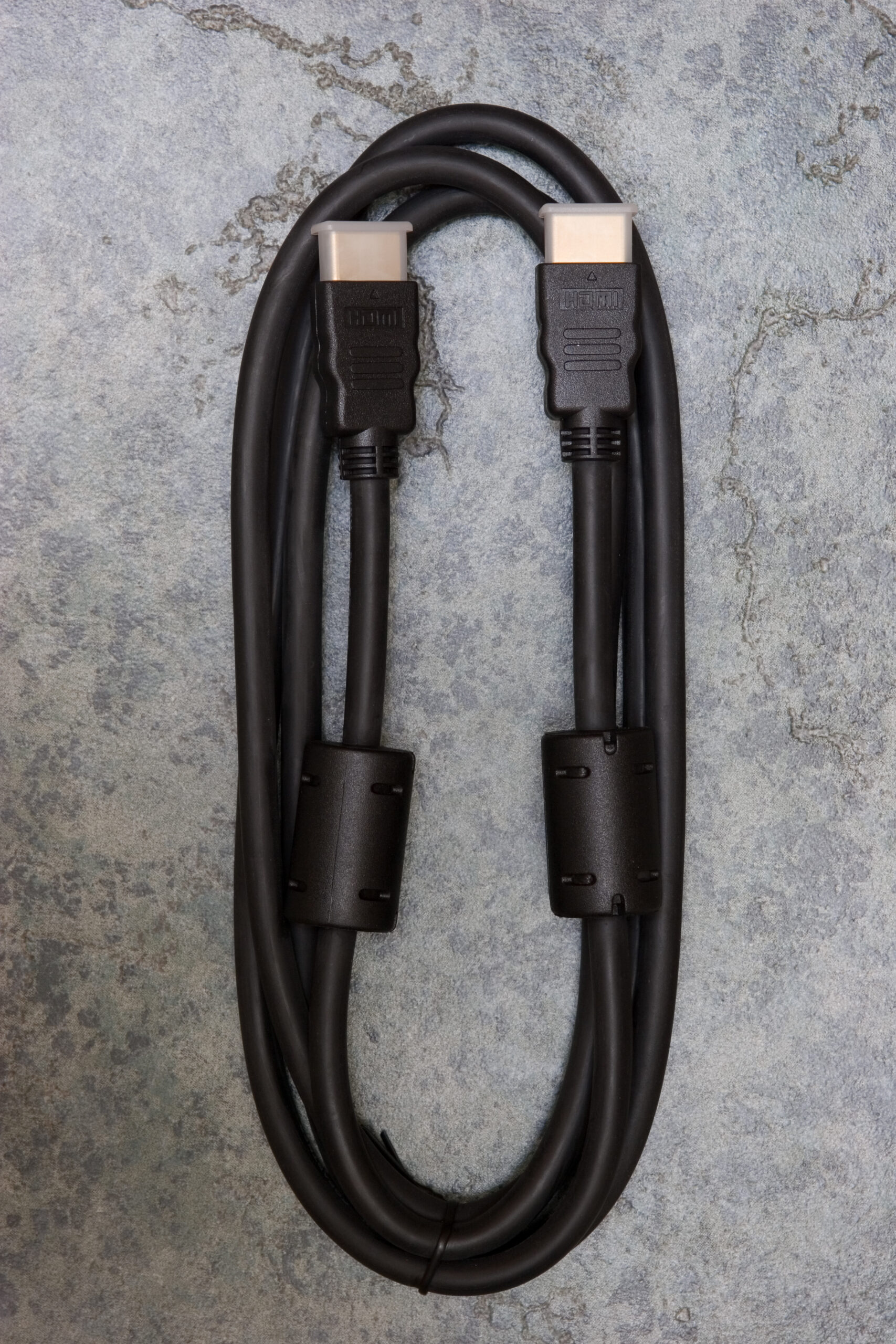
The remote is nicely sized and contains all the needed buttons, and also glows in the dark. Somewhat unlike most other players I’ve come across, the OPPO HD-970HD comes with a rather nice HDMI cable. (I’m using this cable, because initial testing has shown that allowing the player to upscale DVDs to 1080i looks best on my TV.) There are also a couple of audio cables in the package, but I’m not using either of those. Thankfully the player as a TOSLINK connector on the back, so I’m able to use that, just as I was with my old Sony S550D. (Rear view of player.)

This player also plays SACD, and (due to stupid restrictions on SACD) outputs the audio to the on-board 5.1 connectors. I still have to make cables to go between that and my receiver, but it’ll be nifty to give some of the surround sound discs a listen. (The player will also downsample / downmix them to stereo for digital output.) DivX support seems pretty good, although the only files I’ve tried playing are test encodings as part of the DivX TestCD v2.0.

One rather nifty thing about this player is that it’ll play supported media from either flash drives or USB v1.1 mass storage devices via the front panel card reader / USB connector.

I currently only have one complaint about it, and that’s regarding the brightness of the LED display on the front panel of the player. To put it simply, it’s brighter than anything else near my TV. I might look into either changing the resistors to dim it or simply unplugging it, but I’m not sure yet.

That all said, and while I haven’t taken the time to calibrate everything against the TV (the whites seem a bit blown out, as some things were trailing on the screen while watching test discs) the image quality seems to be quite good thus far. DVDs look loads better than they did with either my old player or any of the low-cost ones I’d tried last week. Thus far, I’d definitely recommend getting this player, and with the really prompt shipping from AV Science I’d suggest getting it from them. Being a custom AV shop they don’t do online orders, but if you call them up they’ll do the order that way. (I think they aren’t normally a single-item online retailer, but they are selling these…)

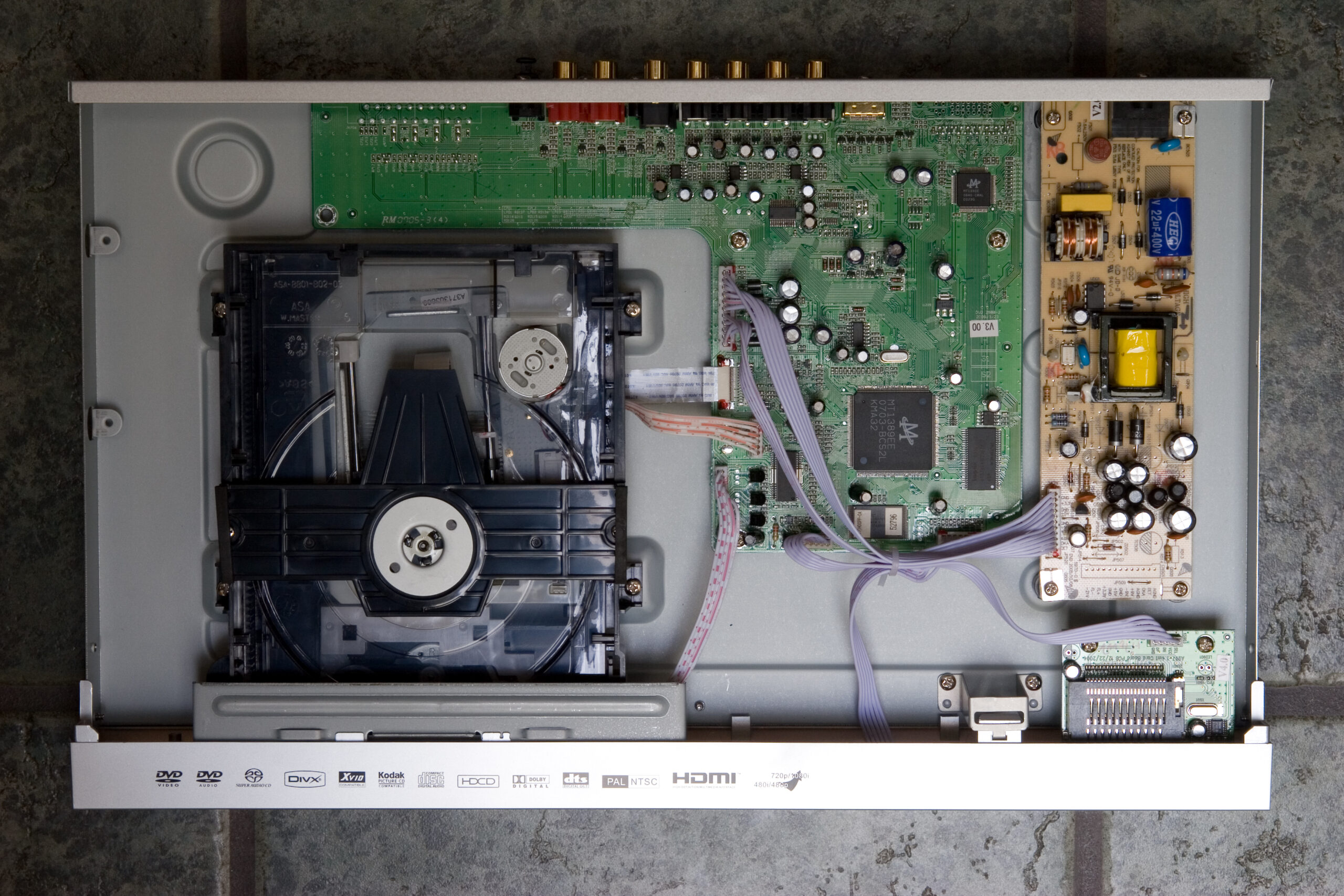
If you’d like to see more pictures of the player and such, including inside of the player, here is my OPPO DV-970HD unpacking gallery (photo gallery retired). OPPO’s site with more info on the player is here, and a huge thread about it at the AVScience Forums is here.

Now, it’s time for Danielle and I to go get some Thai food and just relax.

(By the way, if you enter setup on this player and press 9210 on the remote, a screen indicating the current region is displayed. Pressing a new region code, such as 0 for all, will change the region code.)
acquired thingselectronicsmoved from livejournal

Kensington Expert Mouse

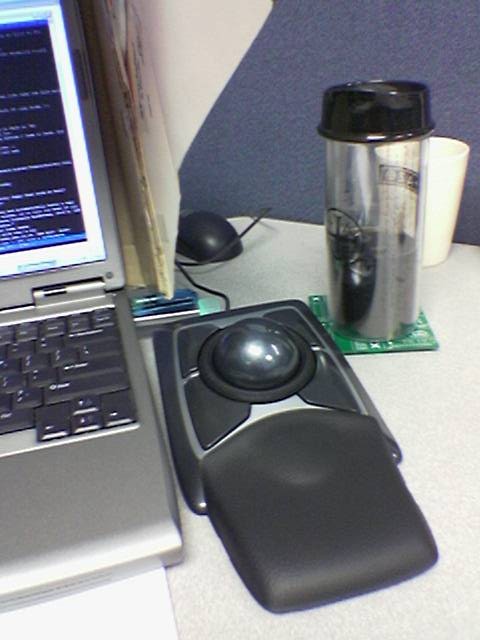
Kensington Expert Mouse at my desk.Kensington Expert Mouse on my desk at work.

Yesterday while at CompUSA to see if there were any interesting / good prices on items I wanted (as part of their 50% – 70% off everything going-out-of-business sale) I came across a Kensington Expert Mouse for US$50. I’ve been wanting to try one of these for a few years now, but it’s high $100 price put me off. Well, at that price I couldn’t pass it up, so I purchased one.

That said, I’m not sure I like it. I think it’s the tilted-back position it naturally rests in, and maybe a combination of the sensitivity I need to set it at in order to feel natural, but after an hour or so of use the back of my hand begins to ache.

Also, installation of its drivers appears to have somehow disabled the Alp touchpad driver for my laptop. Part of this driver compensates for unintended brushes of the touchpad, so they aren’t turned into inadvertent mouse clicks. The software also allows one to assign the buttons to send combinations of keyboard presses, but I can’t seem to make it send things like Windows-D (Show Desktop) on Windows XP, or any of the Dashboard or Expose keys on OS X.

Beyond the thing mentioned above (which may be resolvable with some repositioning, acceleration adjustment, and noodling with drivers / software, I’ve taken to it pretty quickly. It doesn’t seem to work so well when doing PCB CAD.

I think that after a few days of trying it I’ll decide if I’m going to keep it or not. As these regularly sell on eBay for prices around (if not higher than) what I paid for it, selling it will just be a hassle and a financial wash. No money lost, really.

Now, to try and fix the Alps driver problem. That’ll be a real big issue for me if I can’t get it working, as my hands regularly pass right over the touchpad whenever I’m typing.

UPDATE: Reinstalling the Alps driver and rebooting has restored it’s functionality. Judicious playing with the acceleration profiles for both slow and fast movement of the trackball has helped make it easier to position things. Now, to give it a day or so of use.

acquired thingscomputersmoved from livejournal

DVD Players

To go along with the new TV I’ve been wanting to get a new DVD player. See, my old Sony DVP-S550D from the late 90s doesn’t support 480p output, won’t play burned discs reliably, is single-region, and has a nasty problem of occasionally losing sync between audio and video.

On Monday I picked up a Toshiba SD-K770 from Costco for $39.99, and yesterday a Philips DVP5140 for $49.99 from Target. With both players at their default settings, alternately run through the same component input on the TV (set to Pro mode with brightness turned down slightly) here’s what I found:

Toshiba SD-K770

· Remote contains all needed controls, but is small and cramped. Somewhat hard to use without looking.
· Colors appear a bit less saturated than the Philips DVP5140.
· Remote feels very laggy.
· Cannot (currently) be made multi-region.

Philips DVP5140

· Remote is better designed, but is lacking buttons like ANGLE.
· More saturated colors. Not sure if this is correct or not yet.
· Easily made multi-region. (Go to the Preferences page in Setup, enter 138931 on the remote, then pick the new region.)
· Less noisy drive mechanism than the SD-K770.
· Faster remote response than the SD-K770.
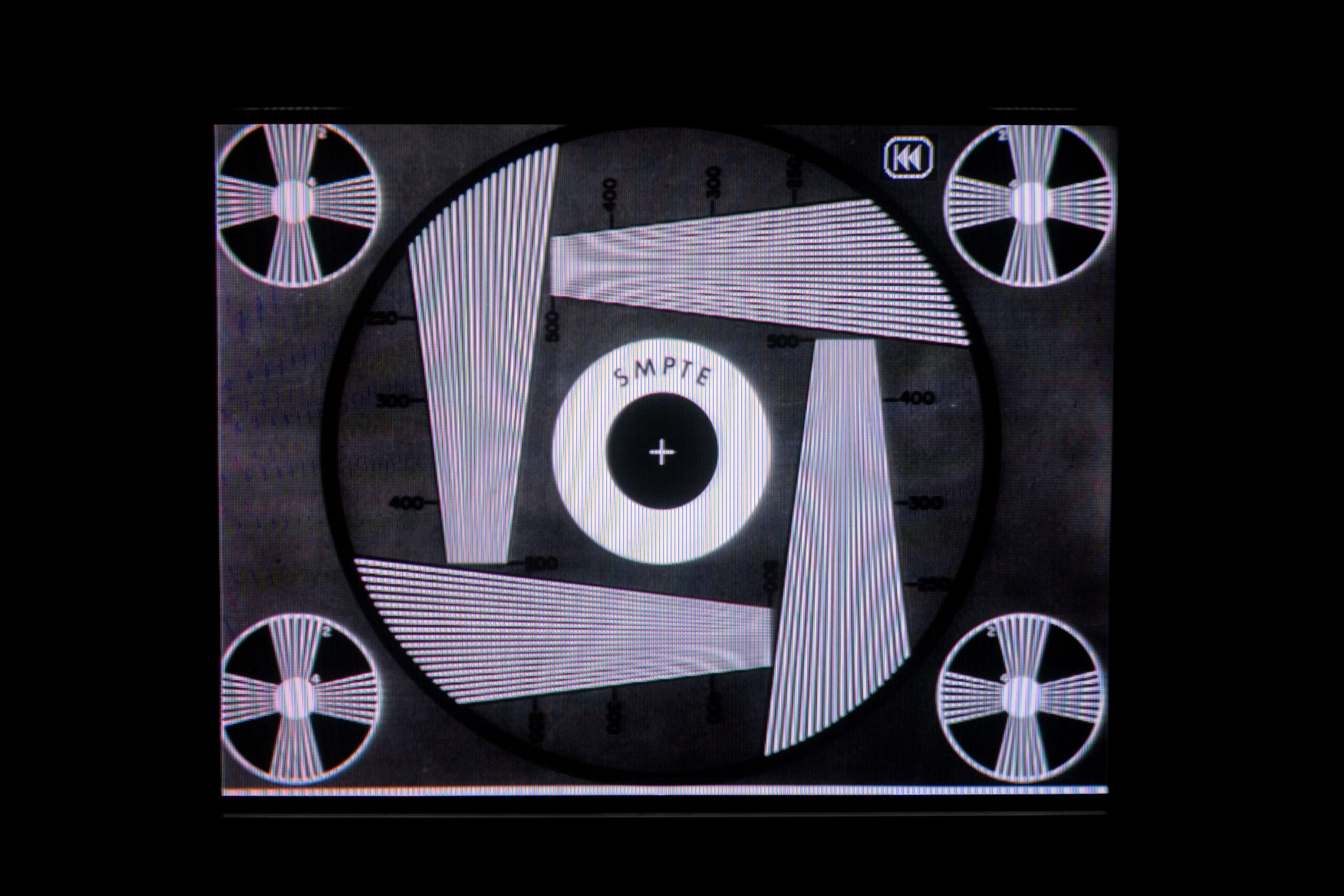
· Image pixelates when paused, making test patterns a bit hard to observe. Patterns appear very smooth when playing.
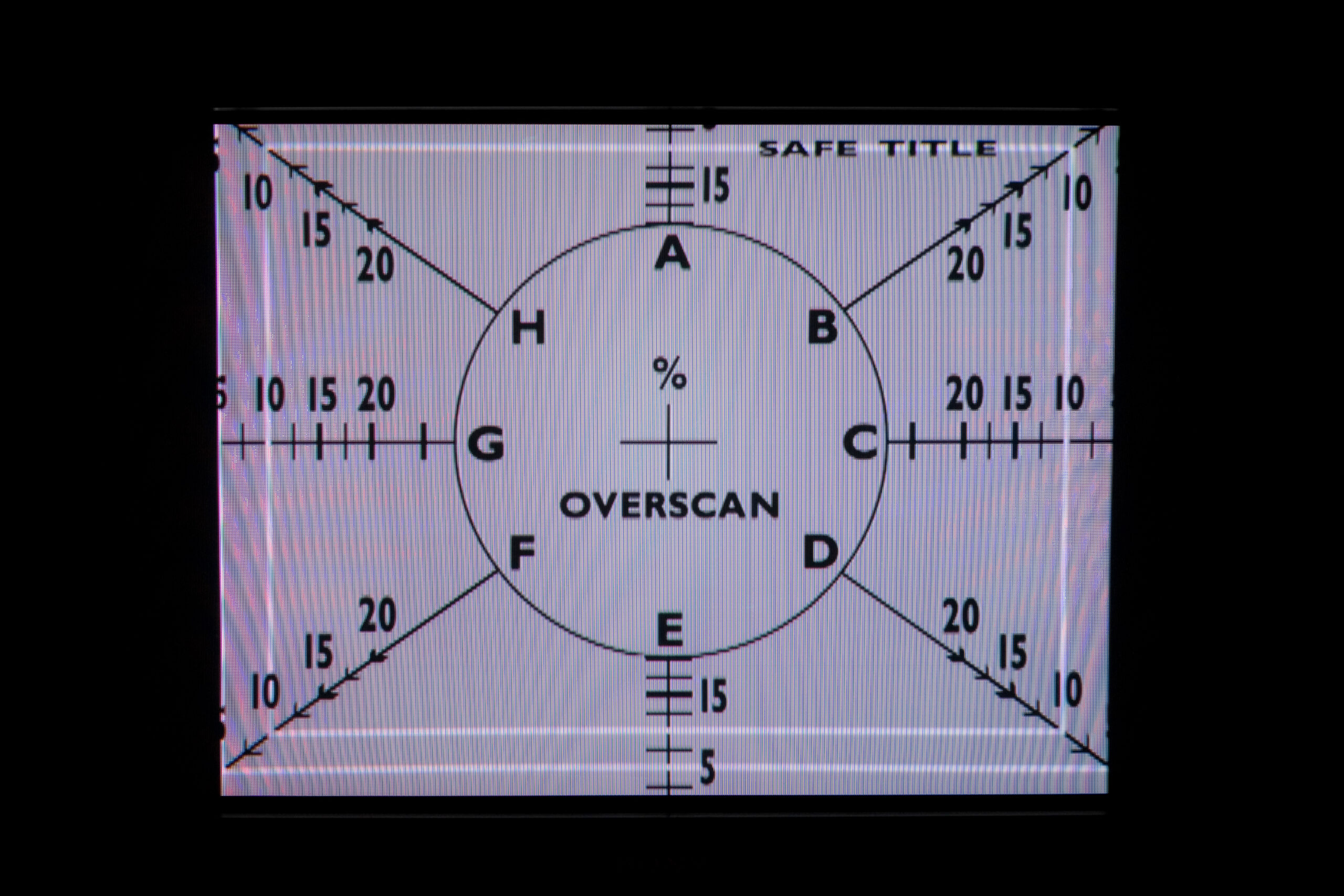
· Display area shifted vertically much more than the Toshiba, almost cropping at the edge of the safe area. (1, 2)

Photographs of the display, showing the same test patterns and some menu stills from a Family Guy Season 3 DVD can be found here (photo gallery retired). These were made by setting up the camera, picking some screens, and photographing them on aperture priority. The players were both using the same input with the same settings on the TV.

At this point I’m almost wondering if I should return both players and just order an OPPO DV-970HD. At $149.99 (shipped) it is 3x the cost of the Philips, but it seems to have a lot of things going for it:

· Like the SD-K770 and DVP5148 it is also a DivX certified player.
· The remote appears to be far better designed and more along the lines of what I’d expect in a DVD player remote.
· The DV-970HD can also play DivX (and such) files from USB 1.1 mass storage devices or flash cards.
· Easily made multi-region. (Enter 9210 on remote while in Setup menu and select region.)
· It gets very good reviews, especially for a player of it’s price.
· Company support appears to be very good, with regular firmware updates posted to their site.
· Plays SACDs, but audio output must come from HDMI or 5-channel out due to stupid DRM.

That all said, I don’t have access to a DV-970HD to look at how things fit on the display, nor how it looks color-wise, but it has been receiving very good reviews from quite a few places. A big part of me is thinking that I should just spend the extra, get the OPPO and go with that.

I don’t have plans to regularly upgrade any home theater stuff, so this would probably be worthwhile. Especially if it lasts as long as my previous player. (The previous player still works, but the lack of 480p and the sync problem is pretty bothersome now.)

This can be resolved by stopping the player and pressing play again. The disc restarts at the stopped point, but audio and video are in sync.

acquired thingsmoved from livejournal

Laserdisc

Does anyone local have any Laserdiscs they could bring by? Danielle dumpster-picked a player for me last year and I’d like to try it out.

I guess I could try an audio CD, but that doesn’t ensure that all the video circuitry is working…

acquired thingsmoved from livejournal

Sony KD-34XBR970

New TV in my basement.Sony KD-34XBR970 in my basement.
(Click for more…)

Earlier this month I purchased and then cancelled the order on a reasonably prices (but still $1k) LCD television, which I was going to purchase so that I could give my grandparents my TV.

Well, fast forward to Friday when Danielle and I were visiting with my grandparents (and my parents, and sister, and brother-in-law, and two doggies) at my parents house, and my grandparents were asking what I’d recommend for them to get as a replacement for their television as theirs is dying. I promised them that I would call on either Saturday or Sunday and let them know what I thought would be a good choice, how to purchase it, etc.

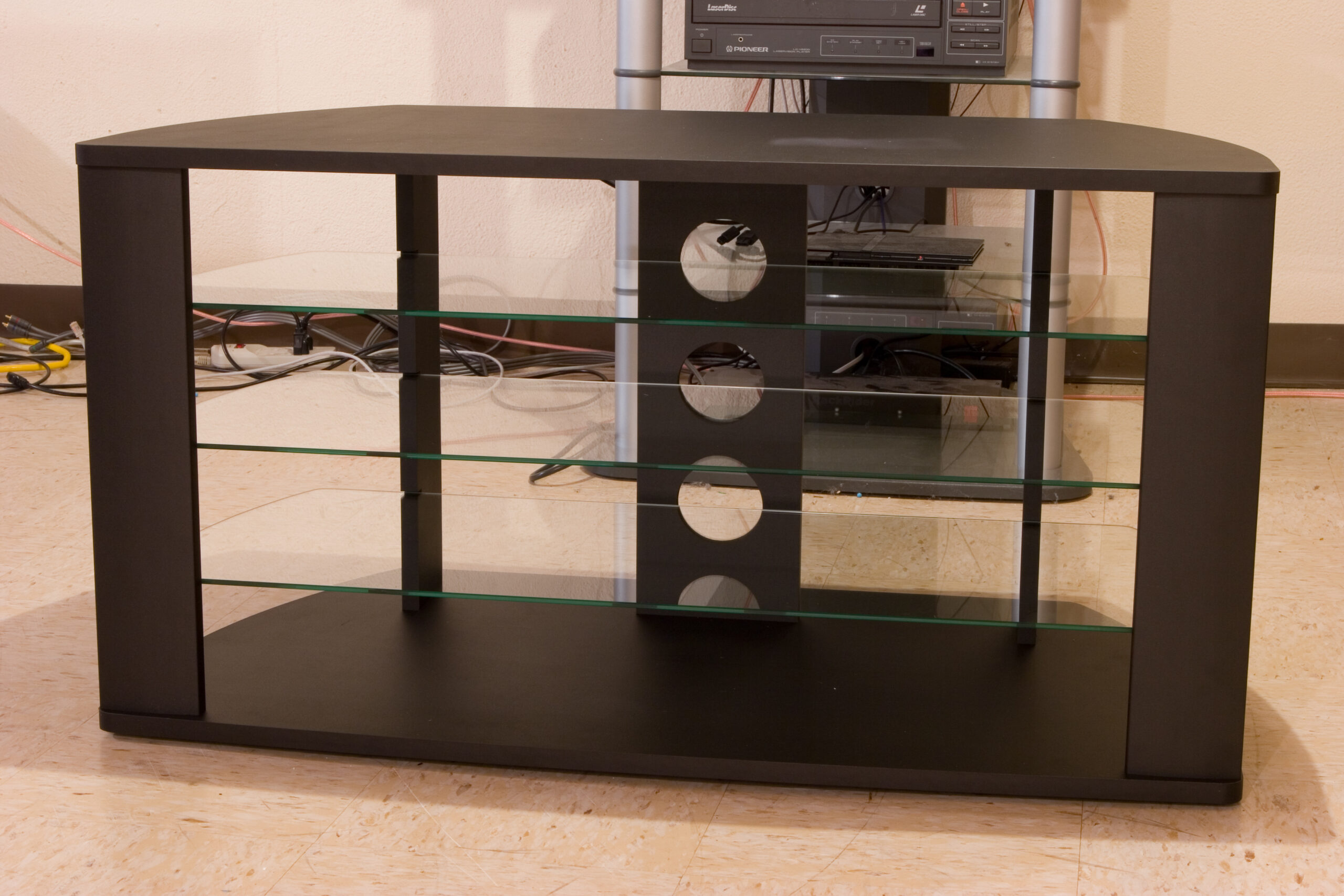
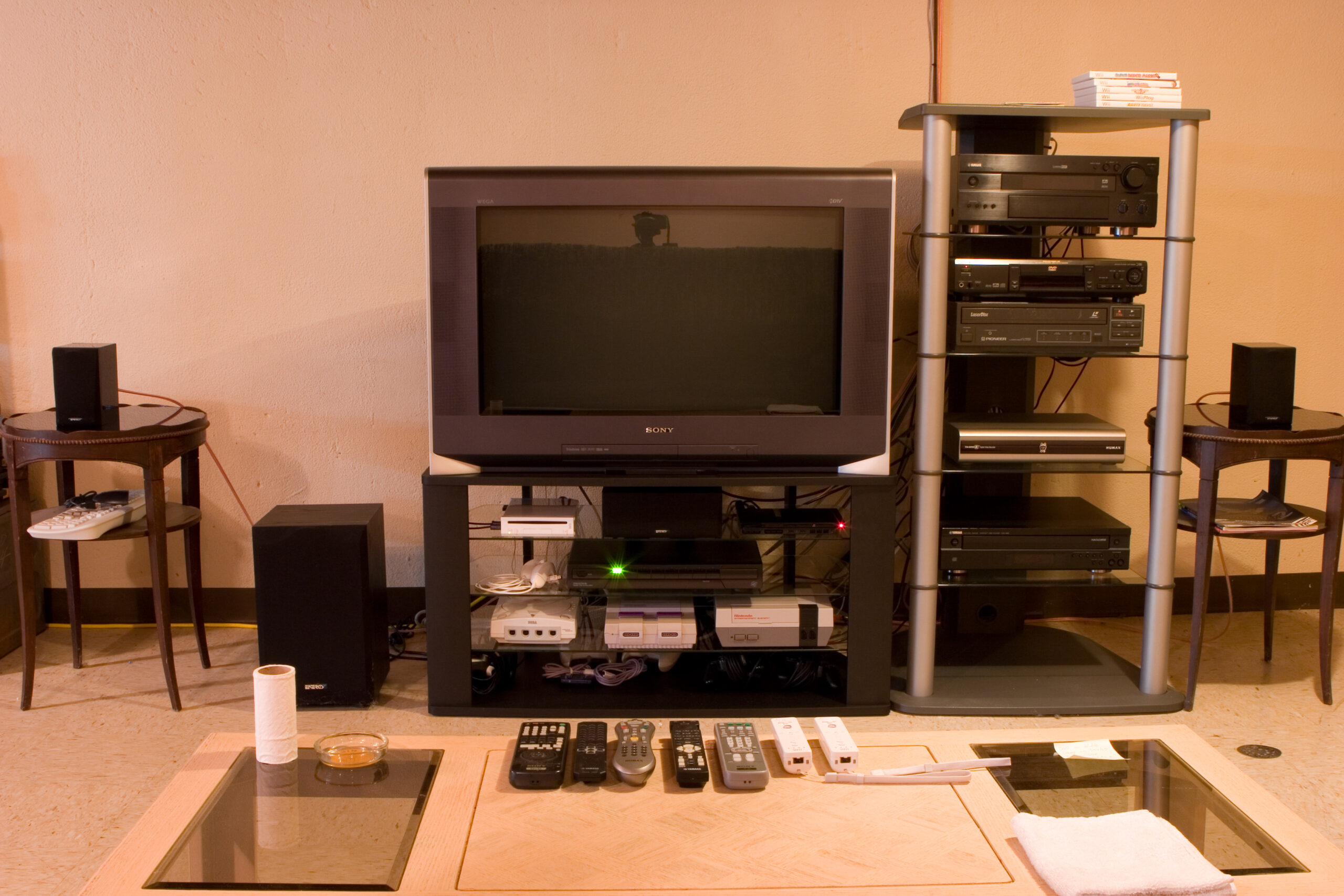
When Danielle and I headed into Circuit City I happened across the Sony KD-34XBR970, a rather nice 34″ CRT HDTV, which Circuit City had at the very discounted price of US$599. After some thinking and figuring things out, I ended up paying for the TV at the Great Lakes Crossing store and having pickup set up for the store near Lakeside. We also went over to Best Buy, where I was able to purchase a rather nice, and perfectly sized stand for it for US$149. Sure, that’s a lot more than I like to spend on a stand, but I actually like how it looks (especially in conjunction with the other stuffs) and it fits the TV very nicely.

I’m also really happy with the image on it. DVDs, even with my eight or nine year old Sony S-550D player, look really great. Hooking it directly to a Comcast cable line picks up a bunch digital channels, including Discovery HD, some HD PBS stuff, HD ‘normal’ TV, and a whole bunch of music stations. The Wii looks great, and I’ll check out some of the other things tomorrow.

Strangely, standard definition TV looks a bit… well… it’s obvious that it’s SDTV. Sort of like watching TV programming expanded to full size on a television monitor. Full 1080i HDTV (yes, this does it) is pretty damn incredible. It’s just really, really nice.

So, I have to say that I’m quite happy with this. I don’t feel iffy about it like I did with the potential LCD purchase, and sitting in my basement it really does look great. The biggest flaws I can find with it are the lack of a CableCARD slot and it’s size, but as I’m no longer planning on moving nor wanting cable beyond the basics, neither really matters to me.

It also still needs to be calibrated, and I need to figure out why there is a faint vertical line running along the left edge of a SD non-zoomed image, but that shouldn’t be a problem. For now I’ll rest. There was already lots of lifting done, with getting the new TV, getting it into the basement, moving the old one out, and all those sorts of things.

(And yes, I know the color on these photos is completely crap. That’s what happens when it’s under GE Reveal off-temperature incandescent bulbs and a bit of correction is added. It’d be really hard to get this all right… Although I should try one day…)

acquired thingsfamilymoved from livejournal

128MB SD Cards

Do any of you have any spare 128MB SD cards? Or maybe 64MB?

See, I’m going to be giving my grandparents an older 2MP digital camera, and I think the importing of photos / printing / taking the images to Costco for printing thing is a bit much for them. So, instead, I want to get them a handful of 128MB (or so) cards which they can think of as digital film. Then they can just drop the cards in the mail once they are full (or after a particular event) and I can just have them printed for them.

But, I need a bunch of 128MB cards for that. eBay is a bit iffy for them, as the only lots found there seem a bit overpriced for some reason.

(I don’t want bigger cards, really, because then it’ll take my grandparents a really long time to fill them up.)

acquired thingsfamilymoved from livejournal

PICkit Serial Analyzer

It appears that Microchip will be making the PICkit Serial Analyzer available after May 8th, at a list cost of US$49.99 (with demo board). It’ll read and write I2C, SMBus, SPI, and USART.

I may have to acquire one of these instead of a much larger scale logic analyzer.

UPDATE: Gur, I’m dumb. I just read the docs and realized that it’s not a analyzer, more a USB tool which will communicate as I2C, SMBus, SPI, and USART. I can’t use it for sniffing / capture.

acquired thingselectronicsmoved from livejournal

TV Stand Ideas

So, I purchased an LCD TV earlier today via Costco’s website. (This one, if you are curious.)

Well, I need a stand for it. I think I’m going to make one, using a spare part from my desk. Due to a somewhat complicated story I have a spare right hand side desk surface from this shelf. I think I’m going to use it to make the LCD TV stand, but I’m not certain how to make the base.

First off, I think I want the base to be around 20″ off of the ground, so there should be room for a shelf in the middle. I’m thinking I’ll make the base out of black iron pipe, with a shelf supported with tees in the center. The shelf will probably be a random piece of melamine-covered stuffs from Home Depot / Lowes, fastened to the black iron pipe with some manner of pipe clamp.

Or, I could use multiple sets of flanges between some large, flat boards.

I was also thinking of large round PVC uprights, notched, with the shelves set into that.

Hmm. Any better ideas?

acquired thingsmaking thingsmoved from livejournal