De-Lighting a Sandisk Cruzer Micro
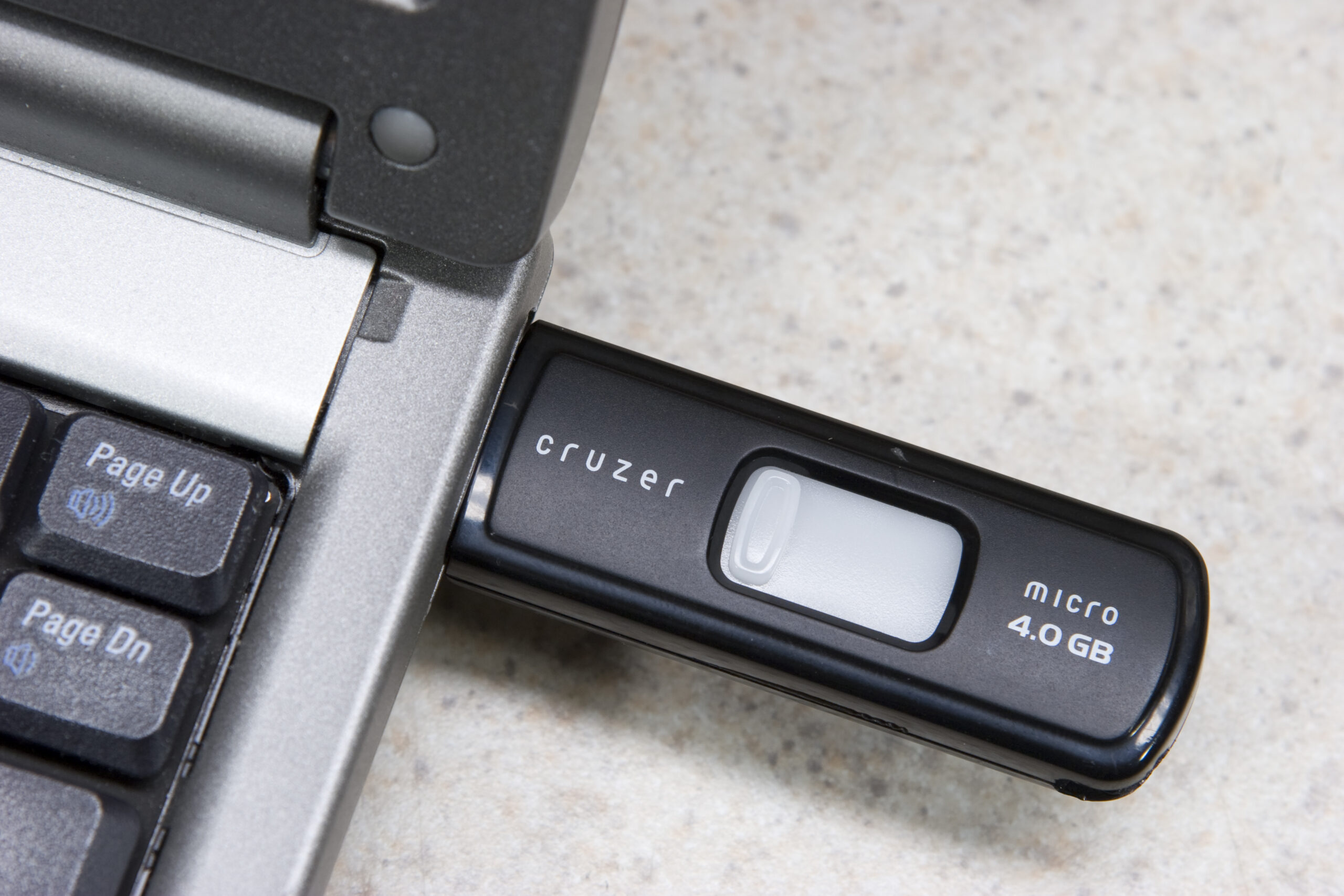
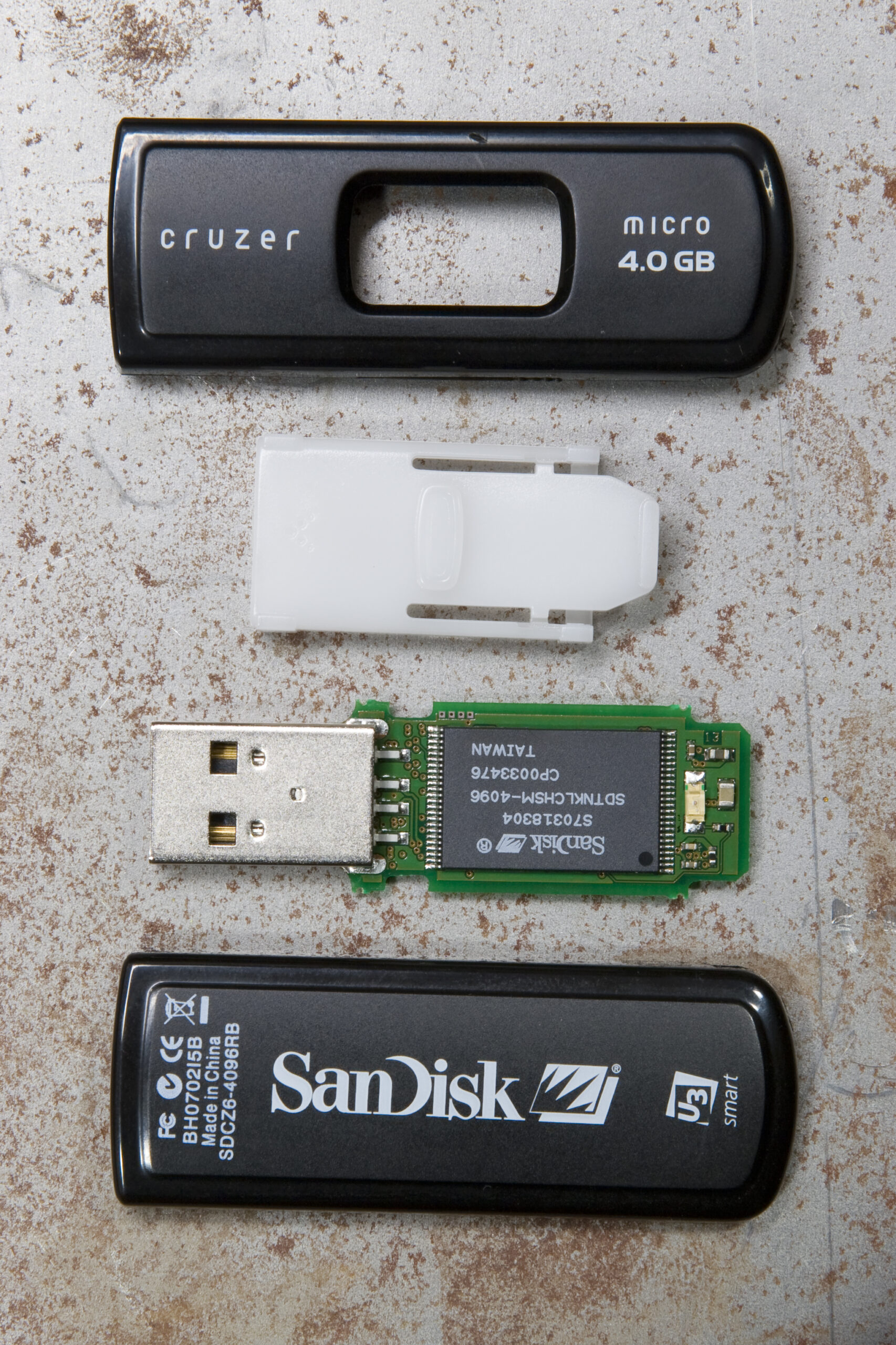 SanDisk Cruzer Micro 4.0 GB from Costco (SDCZ6-4096RB) disassembled into its four major parts.
(Click for more photos…)
A few weeks back I received a coupon in the mail from Costco for $10 off (amongst other things) a 4GB SanDisk Cruzer USB flash drive. Yesterday at lunch my coworker Brian and I went up there and I picked one up for a total of $32.39 after tax.
After getting back to work and running the U3 Uninstall stuffs (I have no need for such portable apps) I started to become annoyed with the light on it. See, where the drive best plugs into my laptop the bright amber LED in it was generally shining up towards me. This LED is illuminated whenever the drive is connected, so there was pretty much a constant amber beacon, brighter than my laptop’s display, fighting for my attention. This had to go.
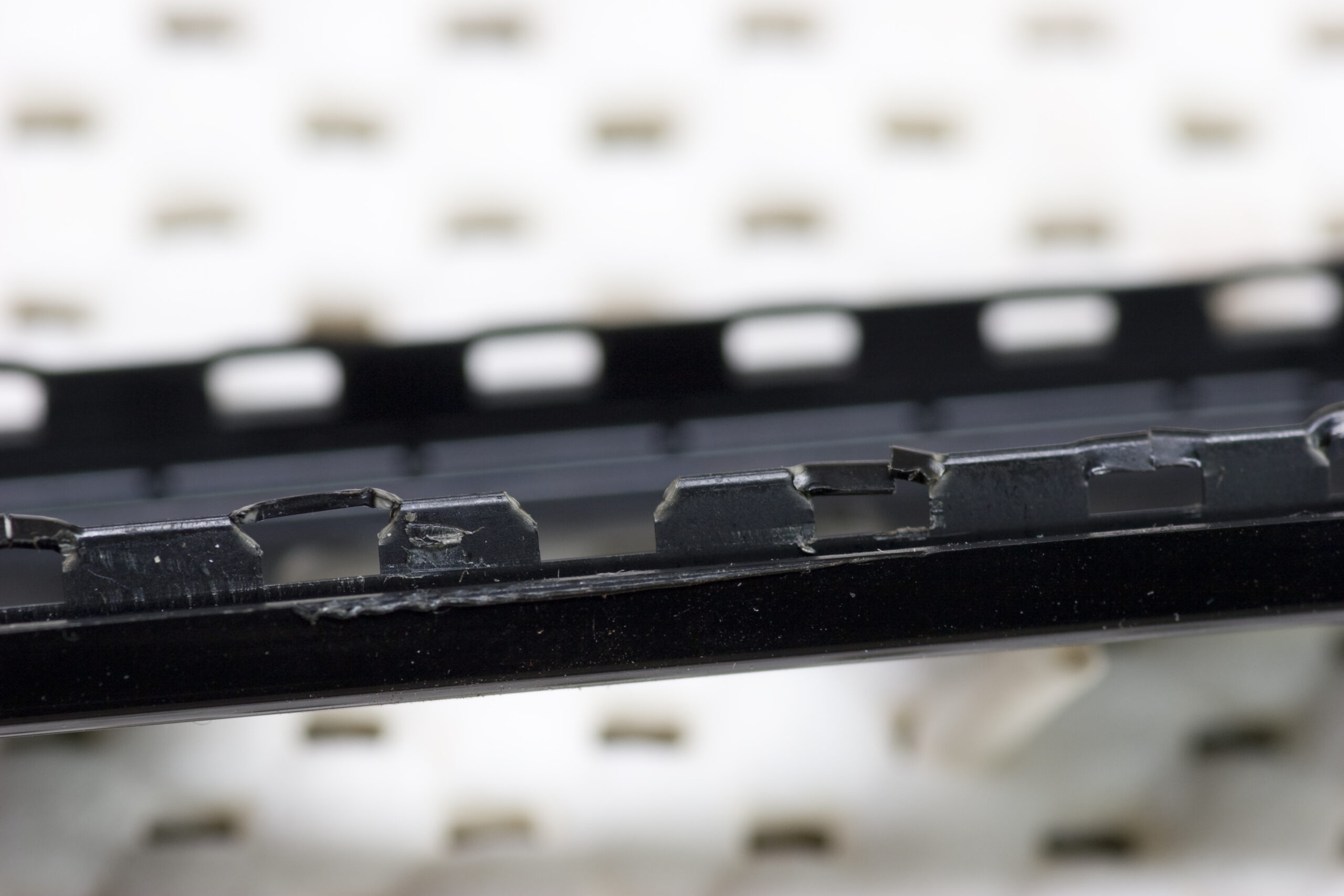
So, I started looking at the drive and grabbed a thin razor blade to use as a pry bar and started figuring out how to release the plastic latches along the edge of the drive. Despite accidently nicking the case once and tearing out out a couple of the retaining holes along the edge of the case I didn’t have much of a problem getting it open.
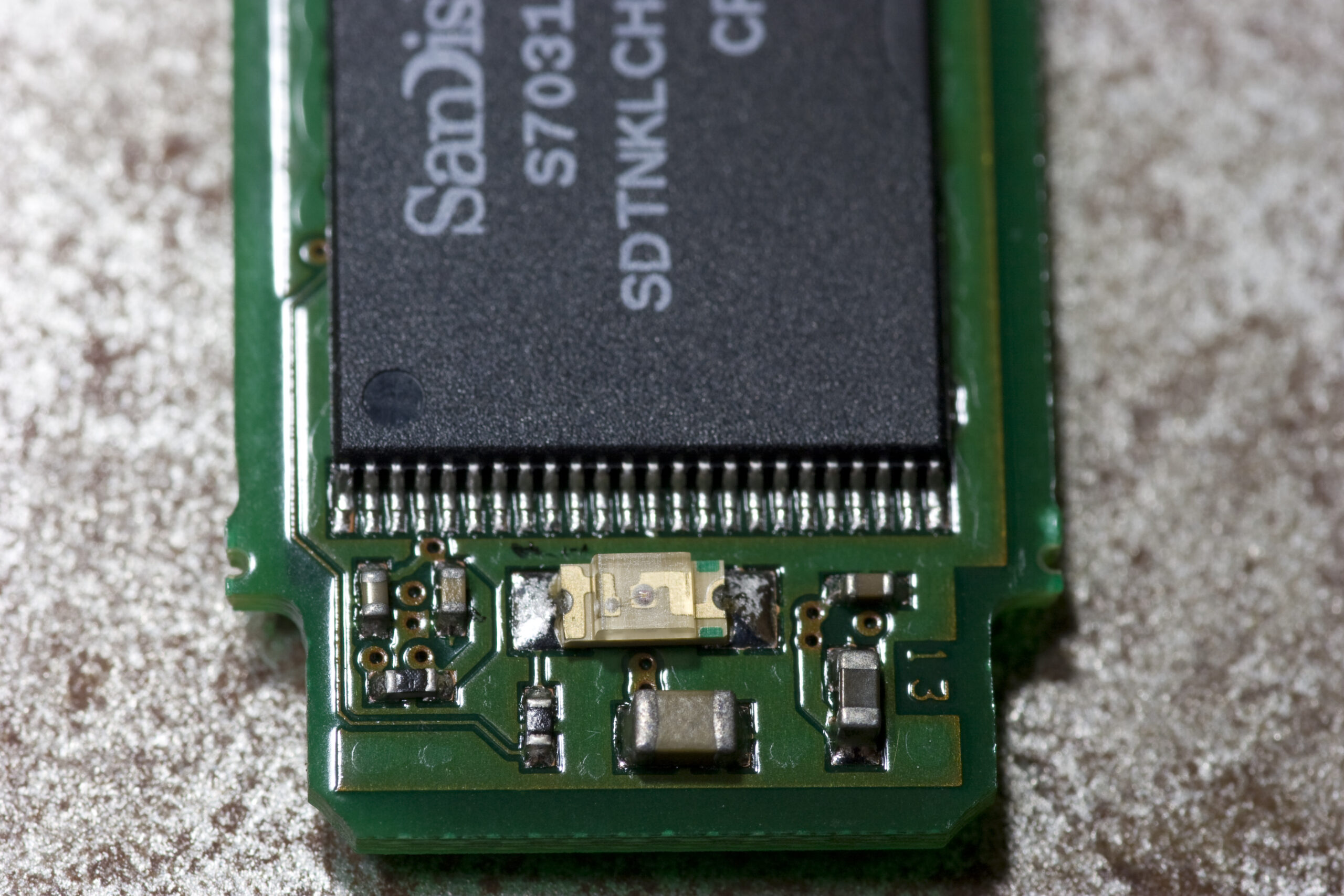
Inside I found exactly what I expected: a fairly large (1206, I believe) surface mount LED. After getting home I simply desoldered the LED and put it back together. The result? no more ugly, bright, distracting amber LED. Yay!
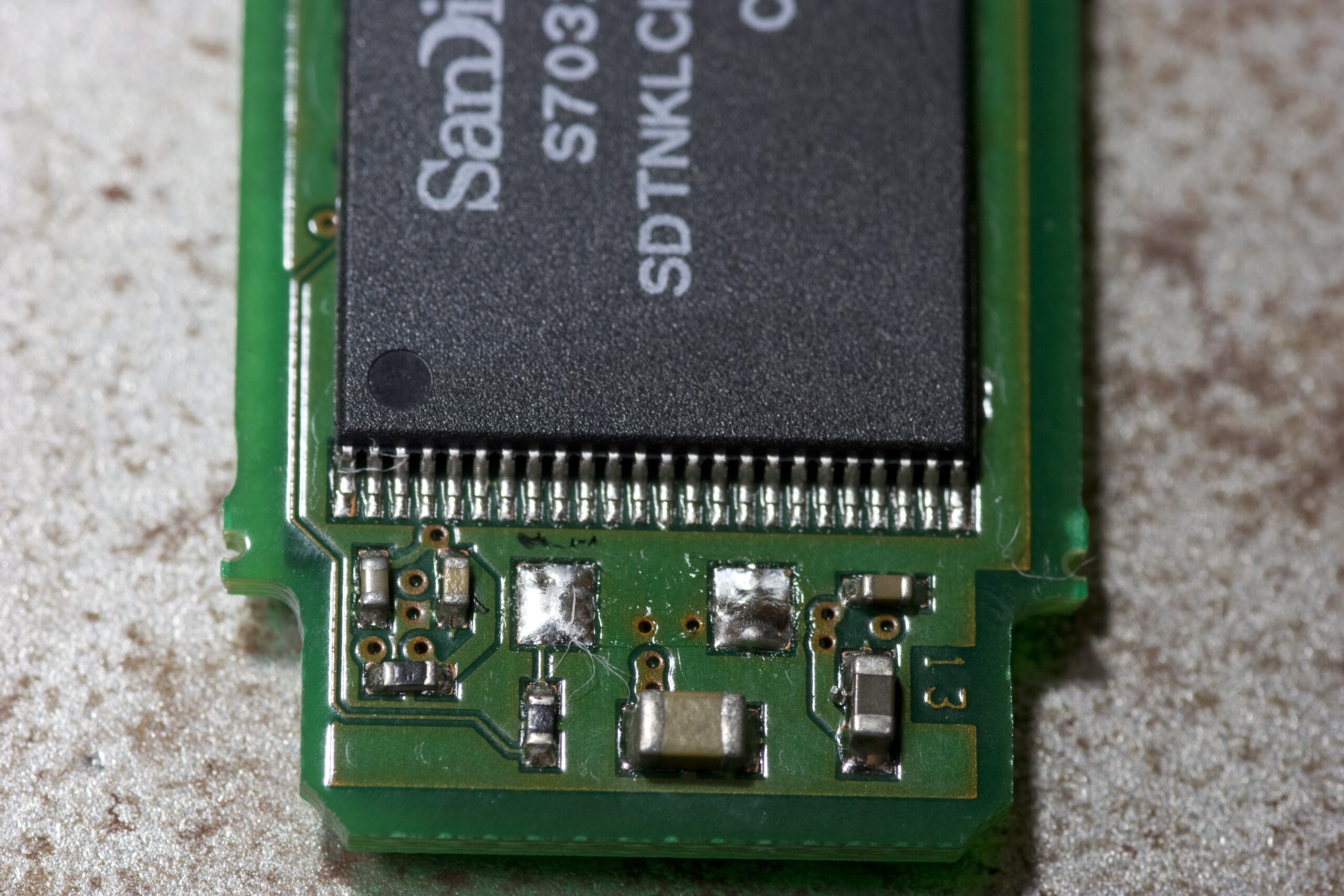
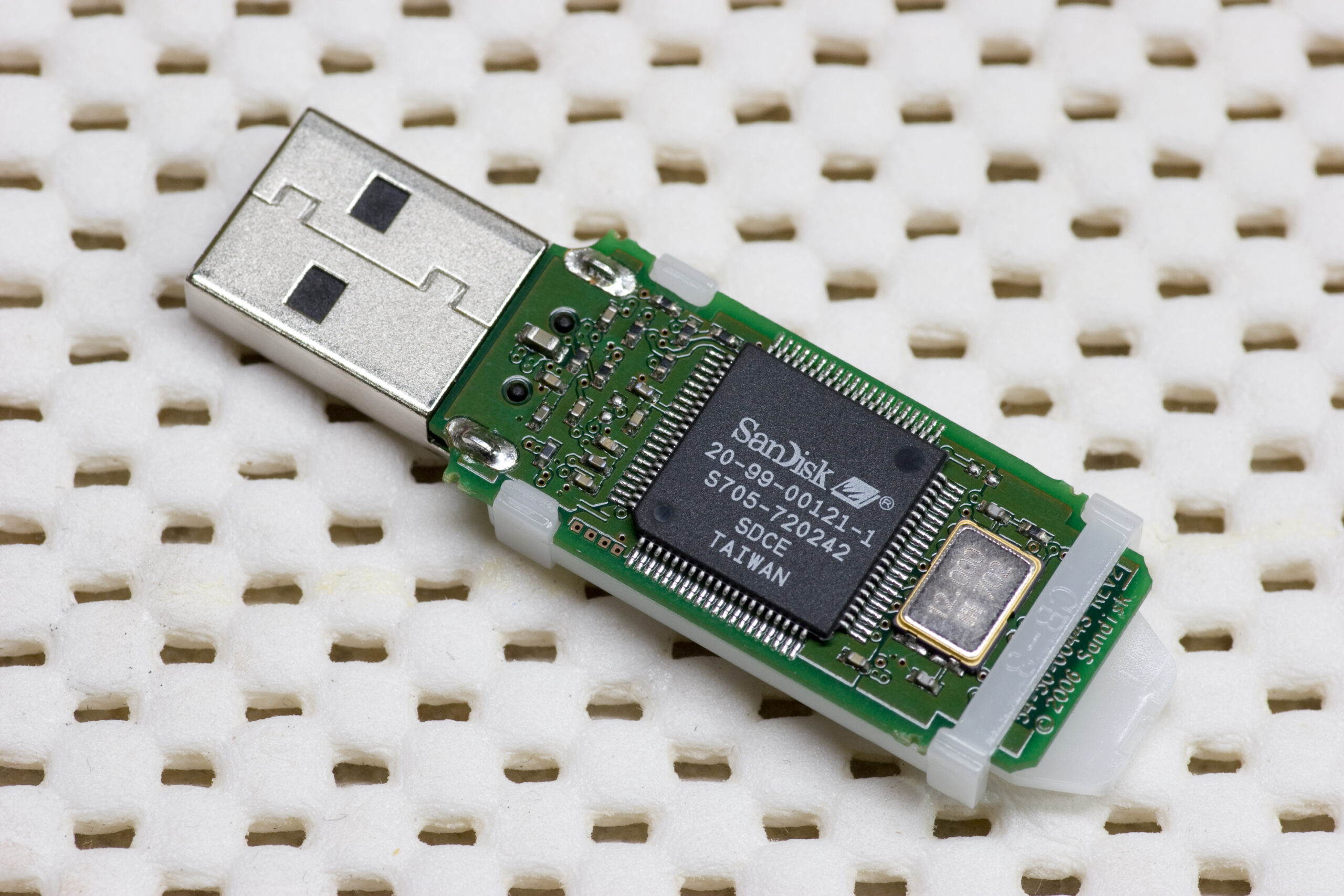
(All of the photos of the LED removal from the SanDisk Cruzer Micro 4.0 GB (photo gallery retired) can be found here (photo gallery retired), including shots of the top and bottom of the PCB.)
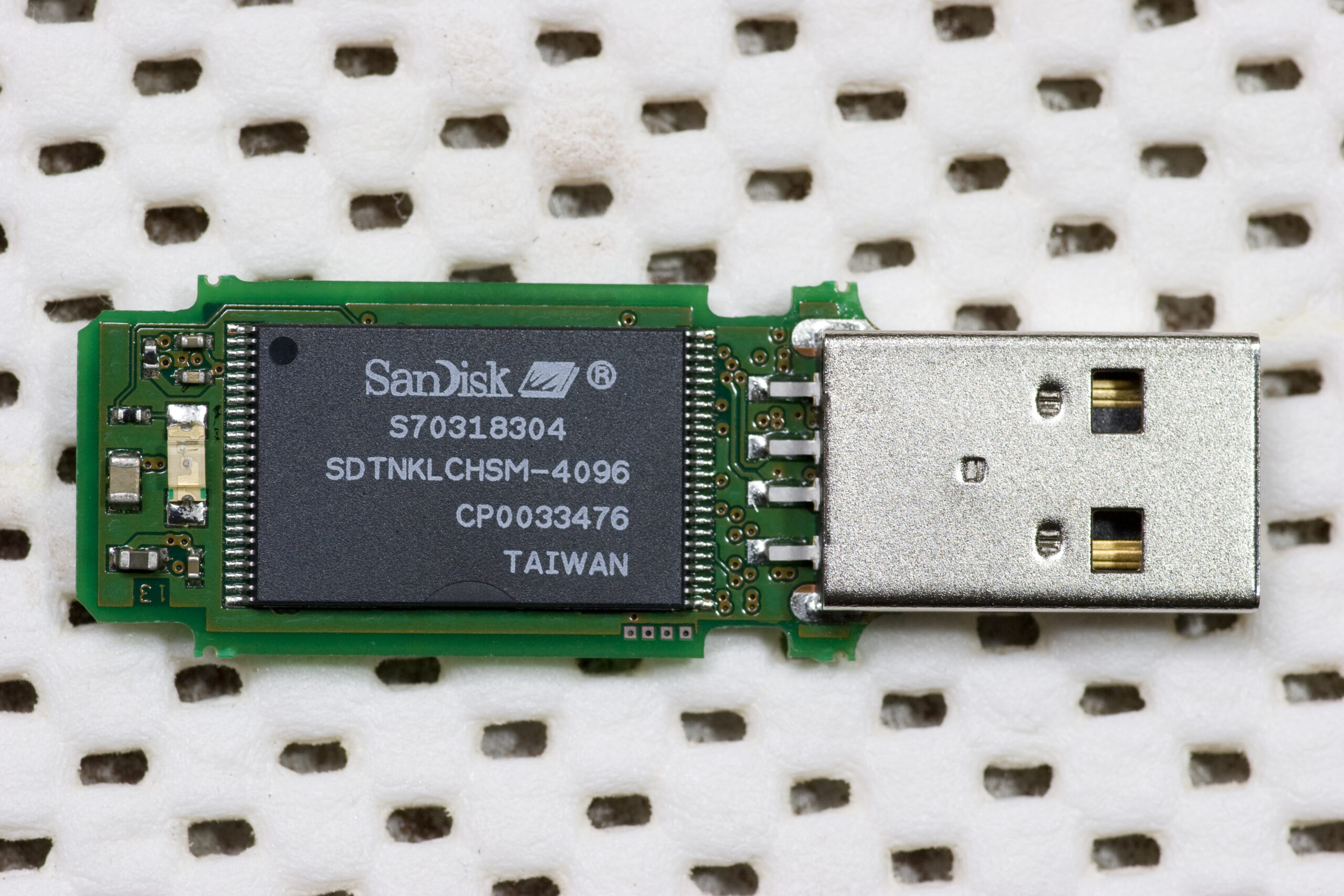
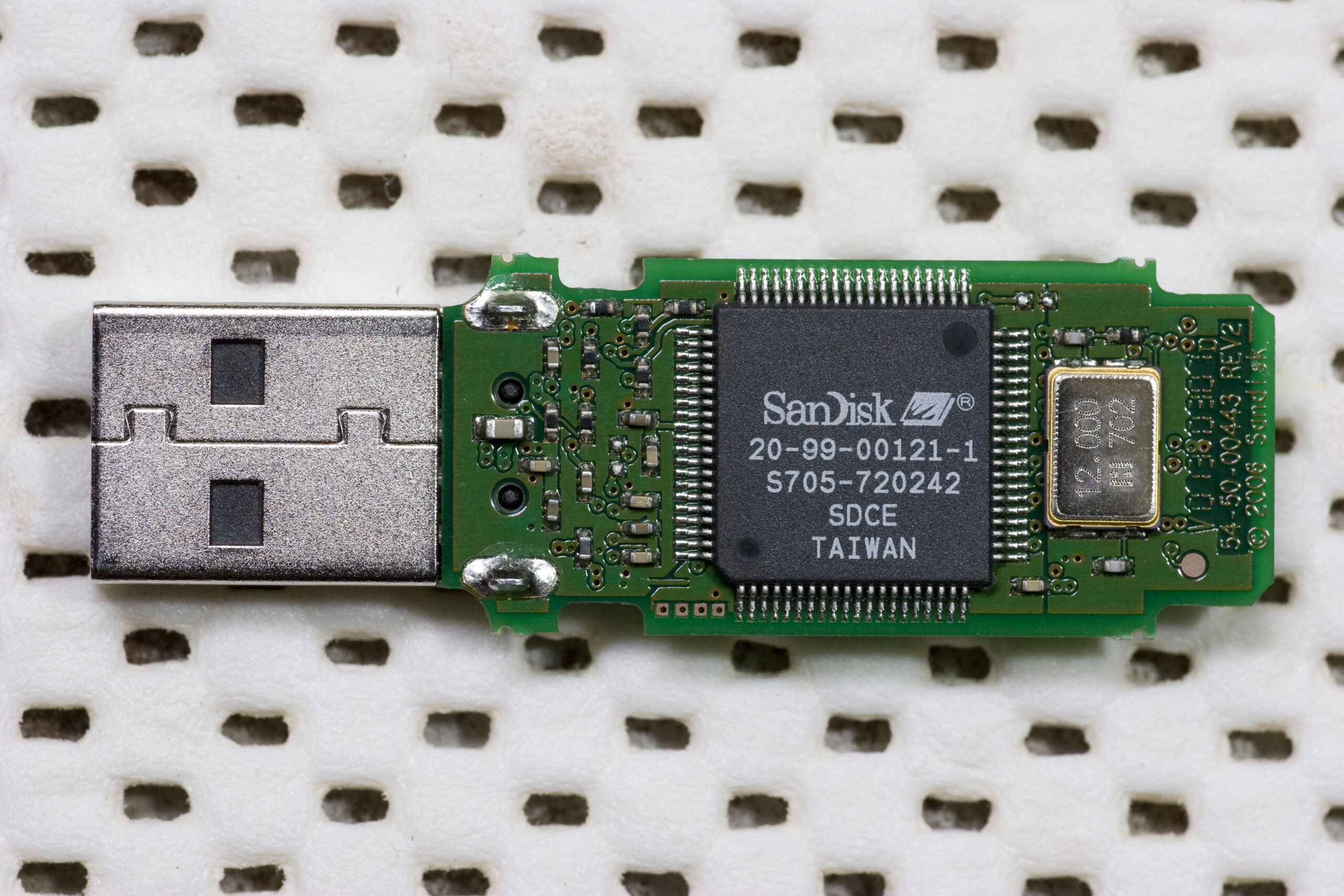
some people would just put some tape over the light…
It’d take just as much effort to get to the light (opening the case), and desoldering will last longer. I was thinking of putting some nail polish over the LED, but that too would also be more effort than just desoldering it. :)
I don’t know… decoldering just sounds complacated…
Besides, what guy would pass up the chance to go and buy princess pink nail polish to put on their flash drive?
This may sound like a silly question, as I have not worked with LEDs in any of my projects but by removing the LED will it have any negative effect on the unit because of change in resistance?
Highly unlikely. Since I can’t get the datasheet for the controller I can’t be certain, but it probably is just tied to a pin on there, then a resistor, than either Vcc or Vdd. When pulled low or high (respectively) by the microcontroller it then lights up. Not having it there would just have that pin floating which should be just fine. If it didn’t work with the LED removed, the design of the device is, in my opinion, pretty crappy.
What do you use (personally) for your de-soldering btw?
That was done with a Weller WES51, ETR tip, and a pair of el-cheapo tweezers.
Nice. I use the WESD51. It’s a great unit.