clanker.home.nuxx.net
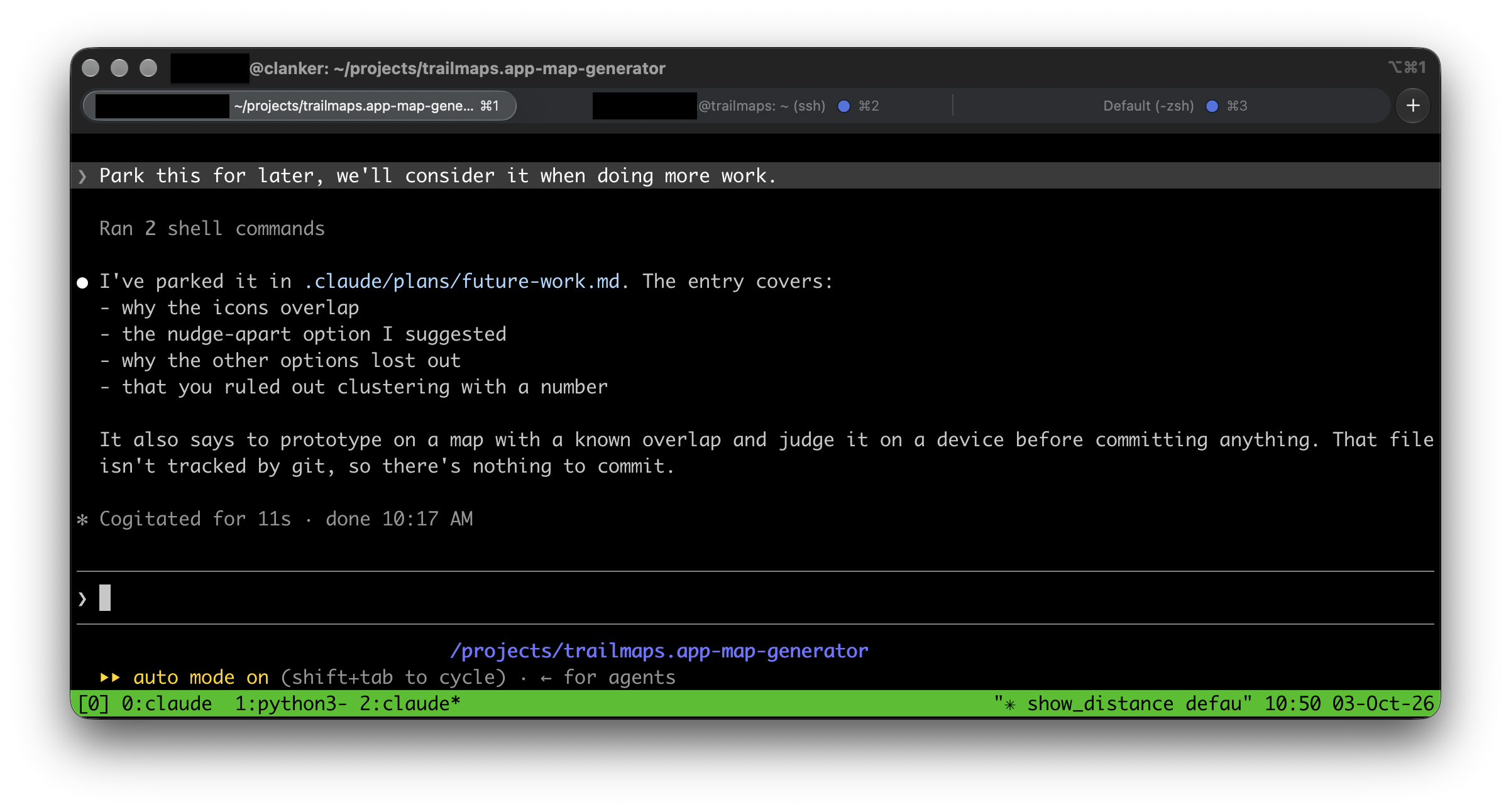
Due to still-unresolved feelings of how-much-of-this-work-is-really-mine when using AI tools, I’m trying to make it as obvious as possible when I use them, and give away as much of the output as possible. I also like what I get out of the tools, but I don’t trust the tools themselves.
As Apple is beginning to allude to (or… perhaps outright states) with their Updates to Full Disk Access in macOS article, AI tools with unbounded access on end user devices are becoming a problem. And no, in-model guardrails (eg: prompts not to touch certain files) are not sufficient; the model can’t really constrain the model. So, other layers below — like in the OS — are needed to restrict access and maintain control and boundaries.
I’ve taken a little bit different approach to this: a separate computer. I took an old computer, dropped a simple Ubuntu install on it, disabled the GUI, and I ssh into it to run Claude Code (or other AI tools) under tmux. While it does have an ssh key for accessing one specific server (as part of the trailmaps.app work I’m using it for), it can’t get anywhere else; access to it is essentially a one-way door.
This is all very intentional, because then it doesn’t have direct/implied access to anything else. Sure, it could “hack” it’s way into other things, but for now this feels like a sufficient guardrail. I can (and do) turn it off when I’m not using it as well. It gets backed up periodically (via borg to my NAS) so I should even be able to wipe it and restore things, should I lose confidence in the installed OS.
Lots and lots of the web development tools I’ve been using can run headless on it, automatically, but every once in a while it’s nice to give it access to something else via an MCP server. This is easy, and can also be controlled, by giving the agent a path to the MCP via a very controlled SSH tunnel.
For example, for the Safari MCP server I have a script that I run on my Mac which uses socat to run safaridriver locally then plumbs it through a specific port via an SSH tunnel to clanker. The result is that Claude Code can then access the MCP via a local TCP port, which in turn can drive a real copy of Safari on a remote machine.
Nice and isolated, while still giving access to useful tools but only as I set up the tunnel. I just have to plumb them through one at a time.
For now, at least, this works well for me.
#!/bin/sh
# safari-mcp-tunnel — serve Safari's MCP server to a remote Claude Code.
#
# Usage:
#   safari-mcp-tunnel            start the listener and open the SSH tunnel
#   safari-mcp-tunnel --serve    (internal) run safaridriver --mcp on stdio
#
# On the remote host, register the client end once with:
#   claude mcp add safari -s user -- socat STDIO TCP:127.0.0.1:7391

set -eu

PORT=7391
REMOTE=username@remoteserver.local
SAFARIDRIVER=/usr/bin/safaridriver

# --- child mode: this is what socat execs for each connection ---------------
if [ "${1:-}" = "--serve" ]; then
    exec "$SAFARIDRIVER" --mcp
fi

# --- parent mode ------------------------------------------------------------
# socat needs an absolute path to re-invoke this script, since $0 may be a
# bare name when we were found on PATH.
SELF=$(cd "$(dirname "$0")" && pwd)/$(basename "$0")

[ -x "$SAFARIDRIVER" ] || { echo "no safaridriver at $SAFARIDRIVER" >&2; exit 1; }
command -v socat >/dev/null || { echo "socat not installed" >&2; exit 1; }

# ,pipes is load-bearing: the default socketpair has an 8K buffer on macOS and
# silently truncates large tool responses like get_page_content.
socat TCP-LISTEN:$PORT,bind=127.0.0.1,reuseaddr,fork "EXEC:$SELF --serve,pipes" &
SOCAT=$!
trap 'kill $SOCAT 2>/dev/null || true' EXIT INT TERM

# Wait for the listener before handing the port to ssh.
while ! nc -z 127.0.0.1 $PORT 2>/dev/null; do
    kill -0 $SOCAT 2>/dev/null || { echo "socat failed to start" >&2; exit 1; }
    sleep 0.2
done

# ExitOnForwardFailure catches a stale binding on the remote end, which would
# otherwise leave the MCP server looking connected but dead.
ssh -o ExitOnForwardFailure=yes -R $PORT:127.0.0.1:$PORT "$REMOTE"