Oops! (Was: Don’t Forget about Bogons…)
So, after a week I had to revise this post substantially. Originally it was talking about how the bogons list contains private addresses and how in OPNSense this caused problems with using a private network ranged router (like the aforementioned GL-MT3000) as a WAN link caused problems. But then on a quiet Saturday morning a week later I went to reproduce the problem, gather data, and fix it, and… I can’t. So I’m just going to chalk that situation up to me being tired/stressed due to the lengthy power failure or maybe something getting weird/munged/misaligned rule-wise and a tidy-up sorting it out.
I don’t like it, but that happens sometimes. (Get something wrong, go to reproduce, doesn’t work…) What annoys me is went back and forth so many times when it happened that thought I had it right.
But, at least it’s working now, with nothing to fix.
Anyway, here’s the revised post without the now-known-false claims:
After a severe round of early September storms here in Southeast Michigan we’re in the midst of a multi-day power-and-internet outage. While mobile hot spots were kinda working, it was also a pain not having the normal network up, especially as I troubleshot why some Home Assistant devices didn’t come back online. So I set out to up our normal network with a tethered mobile phone as its public internet link instead of the cable modem.
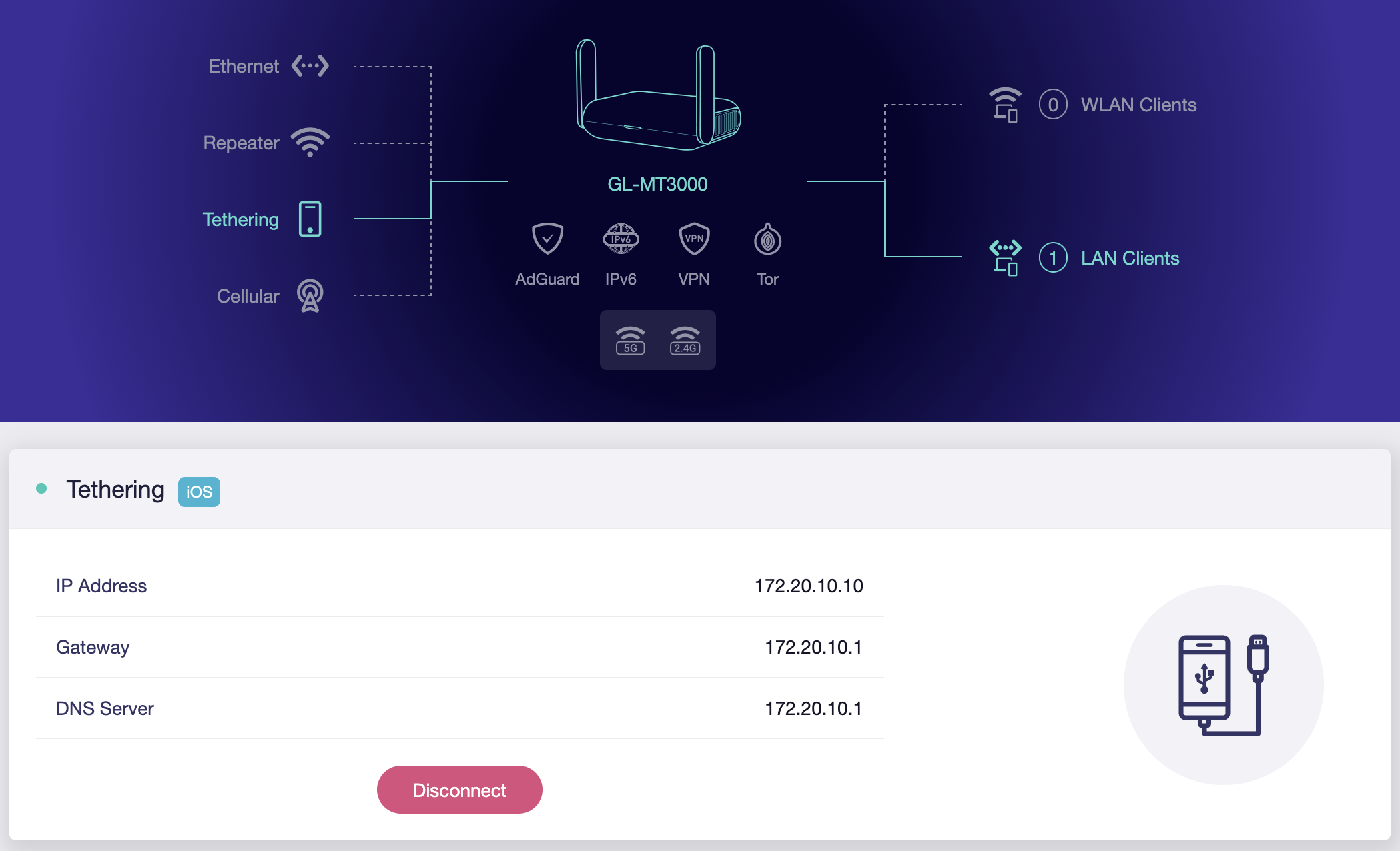
This was super-easy to do, in general, using the aforementioned GL-MT3000 reset to defaults†, connected to an iPhone, in basic router mode, and plugged into the WAN port of my OPNsense router (replacing the cable modem). I did this instead of connecting the iPhone directly because OPNsense doesn’t have all the drivers needed loaded by default — changes I didn’t want to make for a temporary solution — and the router is down in the basement where cell phone signal isn’t quite as good.
While I considered setting up multi-WAN with failover mode, this is a really rare occurrence, and I won’t be keeping the phone connected after Wide Open West comes back online, so replacing the cable modem was much cleaner and simpler.
† Thanks to the lovely brownout, my GL-MT3000 would no longer boot. I had to use the Debrick via Uboot process to get it working again. Fortunately it wasn’t actually-dead. And now I’ll have to put back the IPv6 tunnel stuff… But at least that’s documented.