Full Dual Stack (IPv4 and IPv6) Connection from Anywhere
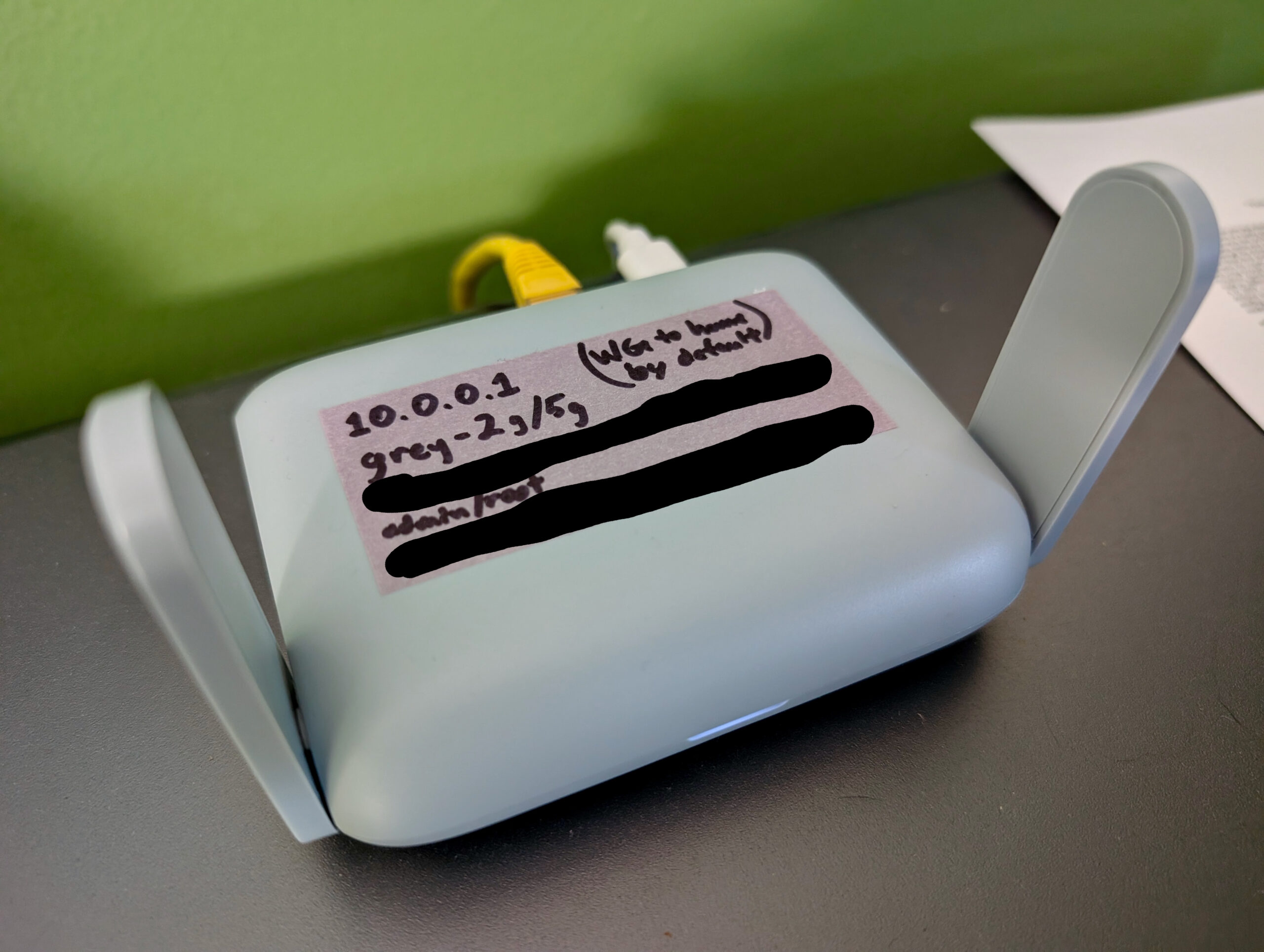
I’ve been doing some day job stuff where I need to test a device from a full dual stack (IPv4 and IPv6) residential network connection, but our house has Wide Open West service which is unfortunately only IPv4. While there are a bunch of ways to tunnel the IPv6 half of a connection out to the internet (eg: tunnelbroker.net and my OPNsense router) I’ve previously had issues with path asymmetry (IPv4 going one route, IPv6 going another) making things… quirky… so I didn’t want to do that. I wanted a real dual stack connection but didn’t want to bring another ISP into the house.
I have a GL.iNet Beryl AX (GL-MT3000) “travel router” that I keep around as a just-in-case piece of hardware. They are super useful for if something happens to the main network, I want a VPN gateway for all devices when traveling, or experimentation and testing.
Well, here we are, testing time, and it’s an (almost) perfect platform for building a custom network with full dual stack support that tunnels out via another host with appropriate connectivity; essentially a VPN.
Along the way I ran into a little wrinkle where, after getting the tunnel and everything up, IPv6 didn’t work. It turns out that the firmware on there (not sure if it’s vendor specific, or standard for OpenWRT) enables NAT (IP masquerading) for IPv6 with no control to turn it off. Troubleshooting this took a bit, and a script was developed to ensure the setting stuck across reboots.
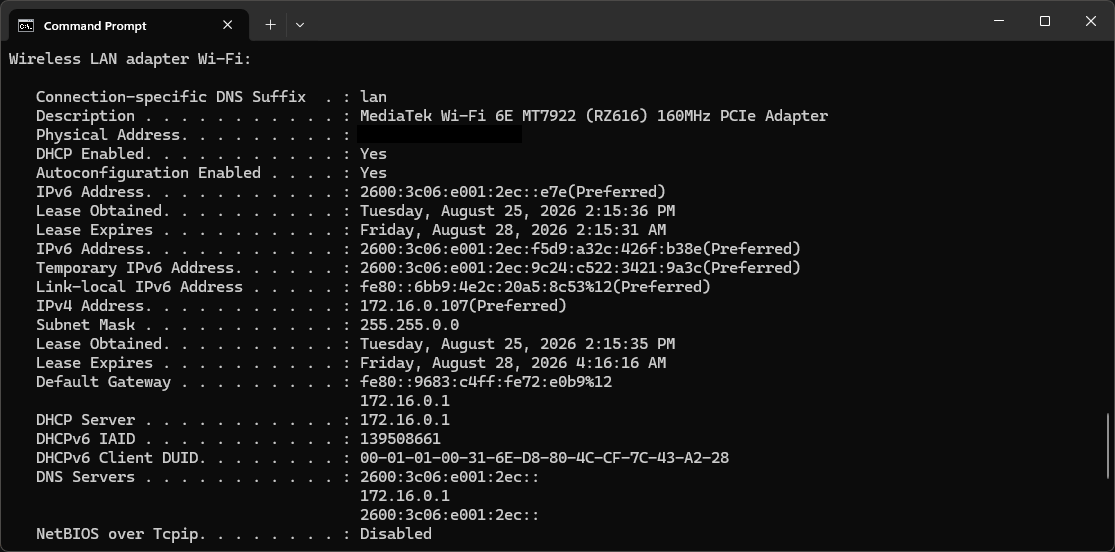
ipconfig /all output showing full dual stack connectivity.After that, it all just worked. I connect to the device’s wireless network and have a full dual stack network, which allowed me to test what was needed. I’ve been working from this connection for a month and it’s fast enough to be indistinguishable from my home connection, yet provides the extra IPv6 stuff I needed to solve a problem. Beyond IPv6, the only real difference between it and my home connection is that it appears to be in Chicago, and I have to pay $5/mo for the VM and am limited to 1000GB of network traffic. That’s both cheap enough to not care about and plenty of traffic.
For some (mostly-AI-generated) step-by-step-ish directions for setting this up, here you go: Linode_and_GL-MT3000_Dual_Stack_VPN_2026-Jul-22.md
These are basically my notes for doing this again in case I have to set such a thing up in the future. The only real important parts are stepping around the IPv6 Masquerade stuff and the script to persist this setting, but I added the other pieces so it’d be more useful in a year or three when I next need to do this but have completely forgotten about it.
And, I guess it also shows off using Caddy to render Markdown to HTML using the same Chroma engine that I’m using for syntax highlighting mentioned in my previous post.
And yes, AI tools were used to troubleshoot the why-didn’t-IPv6-work part of this. (Which was very welcome, because I had the dual stack tunnel working from a Windows box with the official Wireguard client. Figuring out why it wasn’t working on the GL-MT3000 was a bit of a pain.)